Zoom AI video AI Generator

Imagine turning your creative visions into stunning Zoom AI videos that zoom in on details, create dramatic effects, and engage viewers like never before. With PixelDojo, you can effortlessly produce high-quality videos featuring seamless zoom transitions, perfect for virtual meetings, social media content, educational tutorials, or cinematic storytelling. Whether you're a content creator, marketer, or educator, our AI-powered tools help you achieve professional results without expensive equipment or complex software. Save time, boost engagement, and stand out with videos that draw viewers in—literally. Start creating Zoom AI videos that deliver real impact today.

AI Generated
Get Started TodayResults in seconds50+ AI models

Join over 50,000 creators worldwide who have generated millions of AI assets with PixelDojo. Rated 4.9/5 stars on Trustpilot, with users praising our intuitive interface and stunning zoom effects in videos.

Why Choose Pixel Dojo for Zoom AI video

Professional-quality results with cutting-edge AI technology

Effortless Professional Zoom Effects

Achieve cinematic zoom-ins and outs that captivate audiences, making your videos more engaging and dynamic without needing advanced editing skills.

Rapid Video Creation for Any Purpose

Quickly produce Zoom AI videos for meetings, marketing, or entertainment, saving hours of manual work and allowing you to focus on your message.

Customizable High-Quality Outputs

Tailor every aspect of your Zoom AI video to fit your vision, resulting in polished, shareable content that elevates your brand or personal projects.

How It Works

Creating Zoom AI videos with PixelDojo is simple and intuitive. Our platform guides you through selecting tools, crafting prompts, and refining your video to perfection.

1

Step 1: Choose Your Tool

Start by selecting from our powerful video generation tools like Runway Gen-4 Video or Kling v2.5 Turbo Pro, which excel at incorporating zoom effects for dynamic motion.

2

Step 2: Enter Your Prompt

Describe your desired scene, including specific zoom instructions, such as 'zoom in on the character's face during the emotional reveal' to guide the AI in creating precise effects.

3

Step 3: Customize & Download

Use editing tools like Video Reframe or Lip Sync to fine-tune zoom speed, add audio, and perfect your video before downloading in high resolution.
Community Zoom AI video Gallery

Real examples created by our community

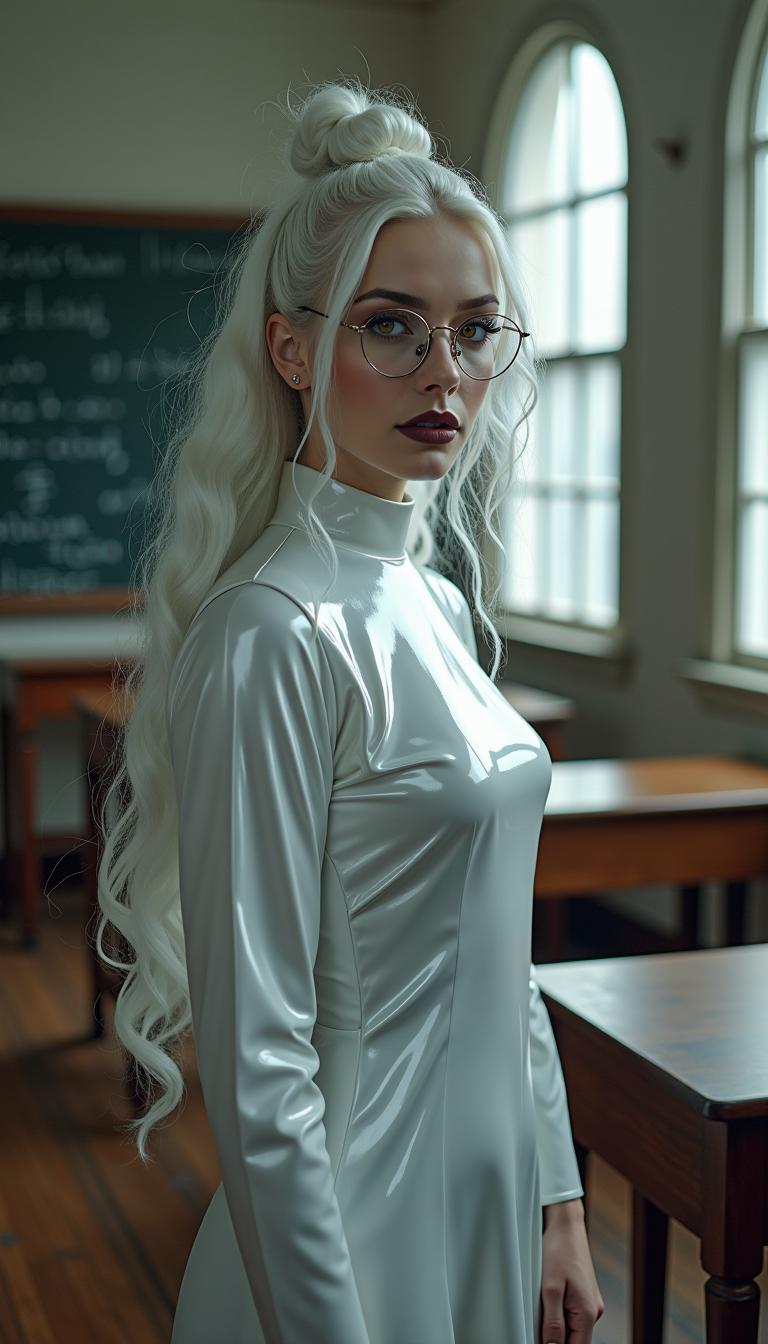
A breathtaking full-body portrait of a 29-year-old woman exuding an ethereal, otherworldly presence, captured in a traditional college classroom. Her stark white hair cascades in delicate, intricate ringlets and curls, flowing from a small, neatly tied bun at the crown of her head, framing her face with an angelic yet haunting elegance, each strand rendered with hyper-detailed texture. Her pale, porcelain skin glows with a soft, luminescent sheen, contrasting vividly with bold gothic makeup: dark, smoky eyeshadow seamlessly blended into thick, dramatic winged eyeliner that sharpens the piercing intensity of her amber eyes, shimmering with supernatural, enigmatic depth. Her glossy, shiny black lips catch subtle highlights, adding a striking, rebellious edge. Slim, round, wire-framed glasses rest delicately on her nose, their thin metal glinting faintly, amplifying the allure of her gaze. She wears a sleek, shiny latex nun's habit, the form-fitting fabric reflecting sharp, mirror-like highlights, with crisp, meticulously pleated details emphasizing its polished, futuristic texture. Surrounding her are aged wooden desks etched with faint scratches and worn edges, and chalkboards bearing ghostly traces of complex equations, grounding the scene in a nostalgic yet eerie setting. Soft, diffused natural light pours through large, arched windows, casting gentle beams and subtle shadows, creating a serene yet haunting atmosphere on a cool, overcast afternoon. The composition is framed from a slight low angle, accentuating her statuesque, powerful presence as she stands centrally, one hand resting lightly on a desk, fingers slightly splayed to convey quiet strength and confidence. The mood blends haunting allure with rebellious mystery, bathed in muted, silvery light that enhances the cinematic tension. The style fuses dark gothic aesthetic with high-fashion editorial photography, showcasing hyper-detailed textures in her cascading hair, intricate makeup, and reflective outfit, rendered in a high-contrast finish with razor-sharp clarity, dramatic chiaroscuro lighting, and a shallow depth of field that isolates her in pristine focus against a softly blurred, atmospheric background.
AI-generated image
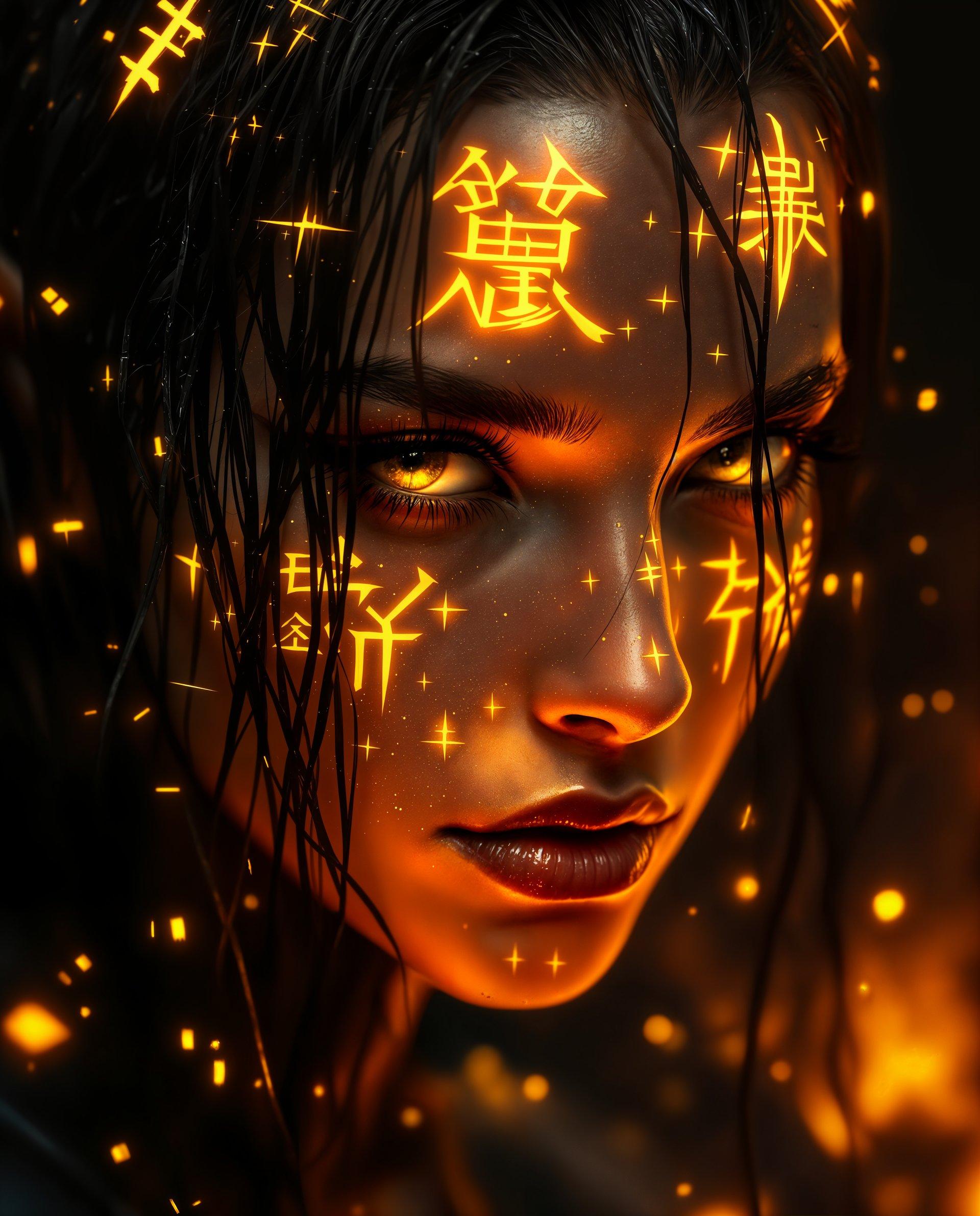
masterpiece, best quality, highres, sharp image, more detail <lora:more_details:0.5> <lora:SDXLrender_v2.0:1>, masterpiece, best quality, highres, sharp image, more detail, This image is a realistic photo (photograph) of a female real person digital artwork that features a closeup of a persons face. The art style is highly detailed and realistic with a touch of realism, as evidenced by the glowing golden symbols and patterns on the skin and hair. The medium appears to be a digital painting, given the smooth blending of colors and the lack of texture that might be present in a traditional painting.The colors in the image are rich and vibrant, with a predominance of oranges, yellows, and blacks. The golden symbols and patterns on the skin and hair are the most striking feature, emitting a fiery glow that stands out against the darker tones of the background. The persons eyes are a deep, intense yellow, which adds to the overall dramatic effect of the image.The objects in the image are primarily the persons hair and skin. The hair is dark and appears to be wet or slicked down, with strands sticking up in places. It has a rough texture, and there are golden symbols and patterns woven into it. The skin is smooth and detailed, with realistic shadows and highlights that give it a threedimensional appearance. The golden symbols and patterns on the skin are intricate and angular, resembling a futuristic or alien language.Overall, the image is a powerful and striking piece of digital art that combines realistic elements with realistic touches, creating a visually compelling and thoughtprovoking piece.
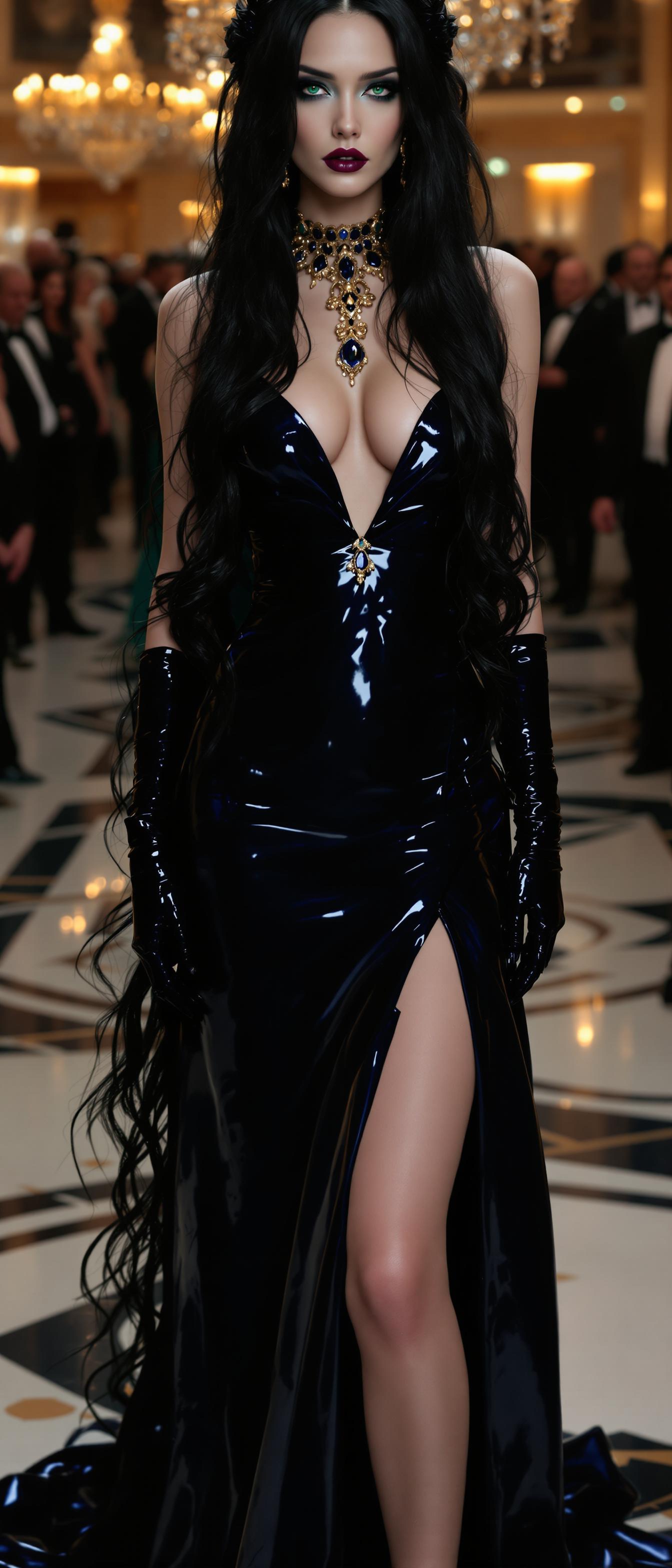
A breathtaking portrait of a goth pale  woman with shiny black hair cascading down her back in long, silky waves, each strand catching the light with a soft, ethereal glow. Her bright emerald eyes are piercing and captivating, framed by subtle, natural makeup that enhances her intense gaze.
Her outfit is a dark blue shiny latex evening gown, with matching satin gloves. She wears expensive and extensive sapphire and gold jewelry. On her feet are 7 inch heels. Standing in an elegant hotel ballroom populated by many other elegantly dressed partygoers.
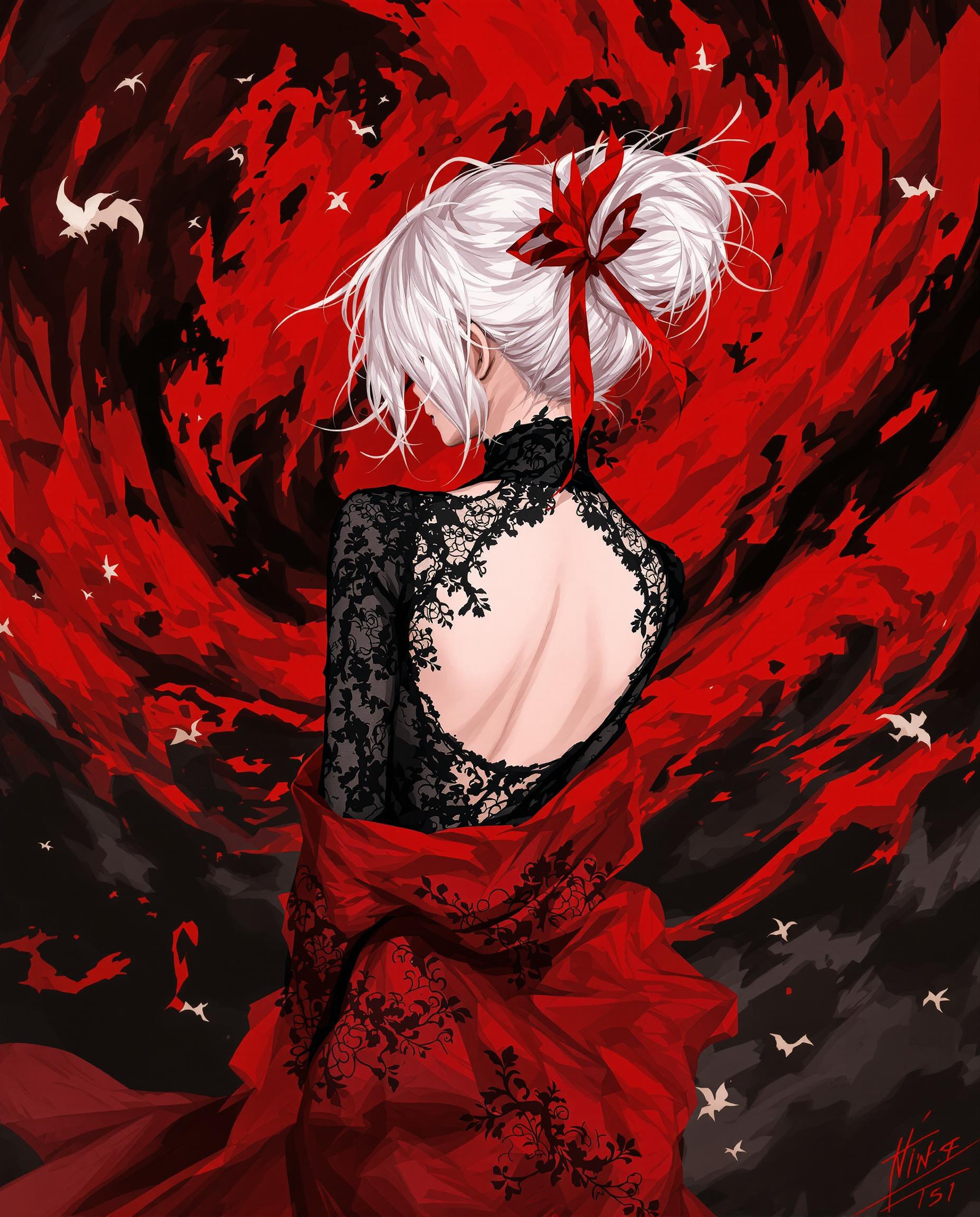
This is a realistic photo (photograph) of a female real person illustration that features a character with a predominantly white hair color, styled in a messy bun with strands flowing loosely around the head. The hair is adorned with a red accessory that seems to be a hair tie or ornament, adding a pop of color to the otherwise monochromatic hair. The character is wearing a black, formfitting top with intricate lace detailing on the back and shoulders, giving a gothic or Victorian vibe. The top is lowcut, revealing the collarbones and upper chest, and is paired with a red garment that drapes elegantly around the waist and falls to midthigh, with a similar lace detailing and floral patterns. The red garment has a translucent quality, allowing the skin tone to show through in certain areas.The art style is digital, with a high level of detail and shading that gives the image a threedimensional effect. The medium appears to be a combination of digital painting and illustration techniques, with a focus on smooth color gradients and precise line work. The use of lighting and shadow in the image creates a dramatic and moody atmosphere.The colors in the image are quite striking, with a dominant red and black palette. The reds range from a deep crimson to a bright scarlet, creating a sense of passion and intensity. The blacks are deep and rich, providing a stark contrast to the reds and highlighting the details of the lace and patterns. The white hair and skin tones act as a neutral balance to the vibrant colors, drawing the eye and adding to the overall dramatic effect.In the background, there is a chaotic swirl of red and black, reminiscent of a stormy sky or a tumultuous sea. This adds to the overall sense of drama and intensity in the image. The red and black shapes are fluid and organic, with jagged edges and a sense of movement, as if they are swirling around the character. The red and black shapes are also reminiscent of a dragon or a monstrous creature, which could be interpreted as a metaphor for power or chaos.Overall, the image is a powerful and dramatic piece of digital art that combines gothic elements with a sense of otherworldly chaos. The use of color, lighting, and composition creates a compelling visual narrative that is both beautiful and intense.
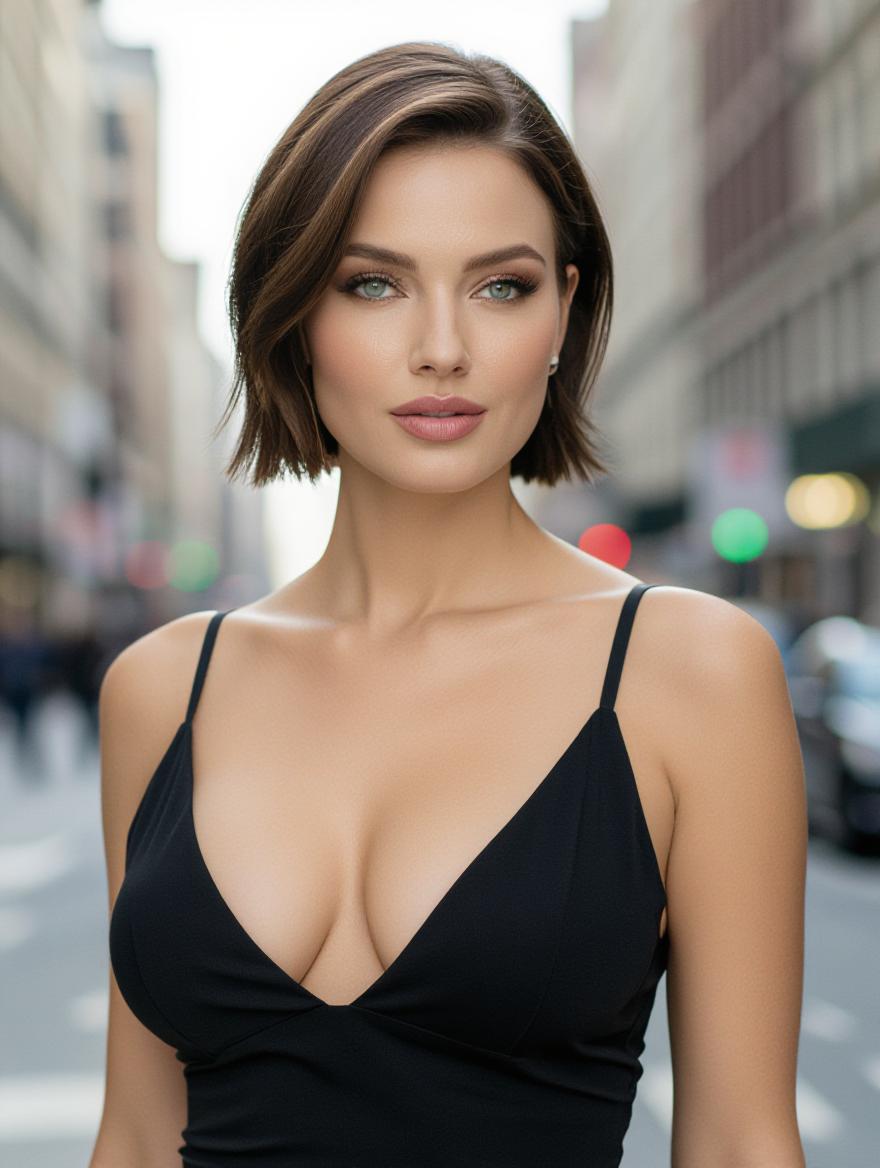
ELEGANT WOMAN WITH VERY LARGE, NATURAL BREASTS, GREEN EYES AND SHORT BROWN HAIR
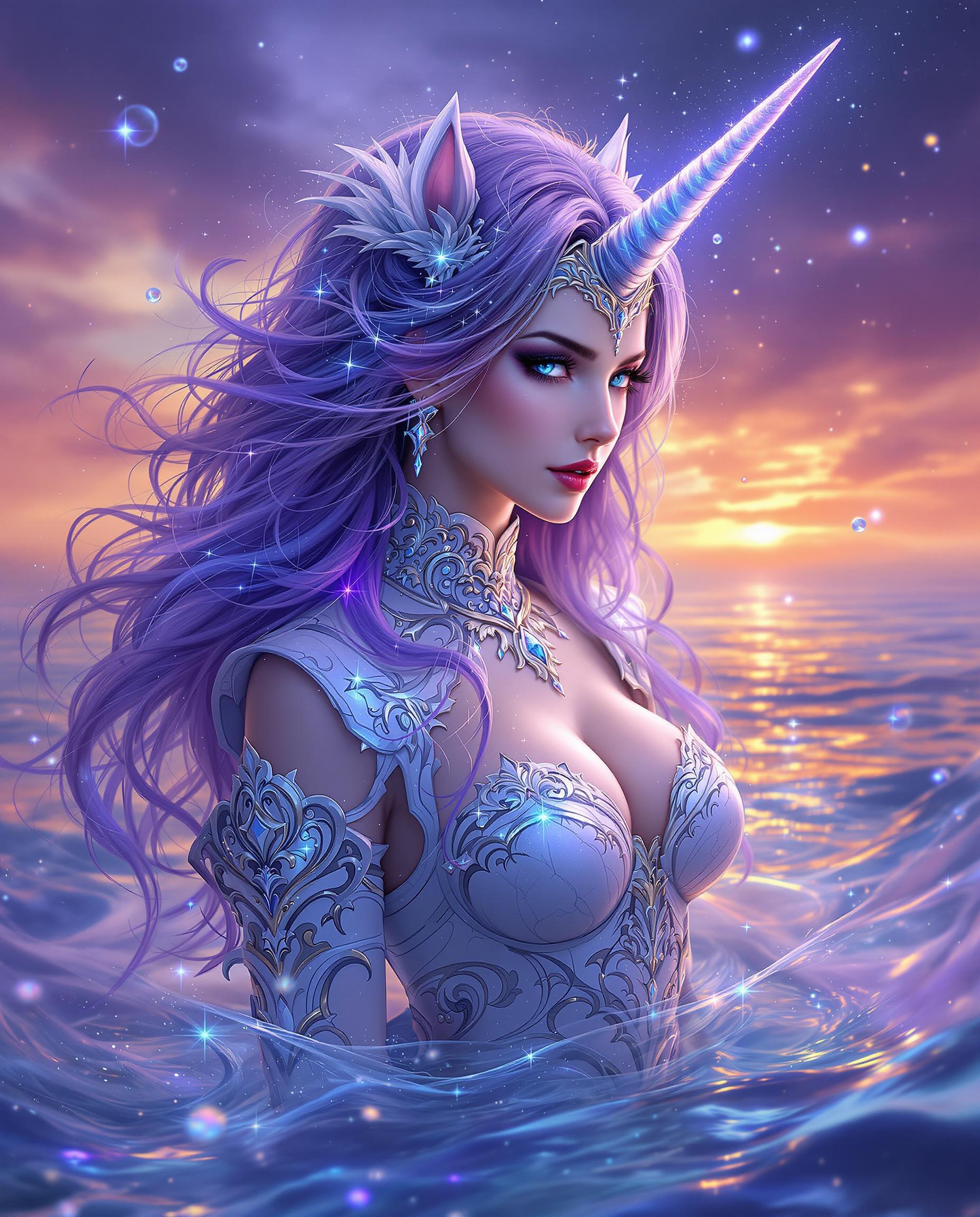
A breathtaking digital painting of a mystical female figure with a unicorn horn, exuding a magical and ethereal aura, captured in a highly stylized fantasy art style with intricate details and vibrant colors. Her cascading hair glows with sparkling energy, blending deep violets to icy blues, while her ornate white costume with silver filigree and crystal-like sparkles resembles regal armor. The twilight background merges sunset oranges into cool purples, with rippling water and scattered bubbles enhancing the otherworldly, dynamic atmosphere.

Start Creating Zoom AI Videos Today

40+ cutting edge AI tools, loved by thousands of creators worldwide, cancel anytime, try it today

The Pixel Dojo Advantage

Why PixelDojo outperforms other options for Zoom AI video generation

OthersPixel Dojo
Traditional video creationSkip hours of manual filming and editing; generate pro zoom effects instantly with AI, saving time and costs.
Generic AI toolsAccess specialized zoom controls in tools like Sora 2 and VEO 3.1, delivering more precise and customizable results than basic generators.
Manual photo editingTransform static ideas into fluid Zoom AI videos effortlessly, avoiding the limitations of frame-by-frame adjustments.

Loved by Creators

See what our community says about Zoom AI video

"PixelDojo made it easy to create Zoom AI videos with perfect zoom effects for my online courses—my students are more engaged than ever!"

Sarah Jenkins

Educator

"The zoom features in PixelDojo's tools took my marketing videos to the next level. Professional results without the hassle—highly recommend!"

Mike Rodriguez

Digital Marketer

Common Questions

Everything you need to know about Zoom AI video AI generation

How can I generate Zoom AI video with custom effects using AI?

With PixelDojo, you can generate Zoom AI videos by selecting tools like Kling v2.5 Turbo Pro or Runway Gen-4 Video. Enter a detailed prompt specifying zoom directions, such as 'smooth zoom-in on product details,' and customize with Video Reframe for perfect framing. This allows you to create engaging videos for any scenario, from tutorials to ads, in just minutes.

What are the latest trends in Zoom AI video generation techniques?

Latest trends include AI-driven dolly zooms and adaptive zoom speeds for immersive storytelling. PixelDojo incorporates these with tools like Sora 2 and VEO 3.1, enabling you to stay ahead by generating videos with realistic camera movements that enhance viewer immersion, perfect for content creators seeking trending effects.

Can I create free Zoom AI videos online with PixelDojo?

Yes, PixelDojo offers a free tier to start creating Zoom AI videos. Upgrade for unlimited access to premium tools like Pixverse and WAN 2.5 Video, ensuring you can experiment with zoom effects without commitment. Loved by thousands, our platform makes professional video creation accessible.

How to add zoom effects to AI-generated videos easily?

PixelDojo simplifies adding zoom effects using Video Autocaption and WAN 2.2 Animate. After generating your base video with LTX-2 Video, apply zoom customizations in the editor. This results in polished outputs that boost engagement, with options to cancel anytime for risk-free creativity.

What tools does PixelDojo offer for Zoom AI video editing?

PixelDojo provides editing tools like Video Upscaler, Lip Sync, and Extract Frame tailored for Zoom AI videos. Enhance your creations from tools such as Hailuo 2.3 by upscaling resolution or syncing audio, helping you achieve broadcast-quality videos that captivate audiences worldwide.

Are there examples of Zoom AI video created with PixelDojo?

Yes, users have created stunning examples like product demo videos with dramatic zooms using Runway Gen-4 Video, or virtual tours with smooth pans via Kling v2.1. Explore our gallery to see how PixelDojo's 40+ tools turn ideas into reality, inspiring your own projects with easy customization.

Ready to create amazing Zoom AI videos?

Ready to Create Amazing Zoom AI video Images?

Join thousands of creators using AI to bring their ideas to life