Flux LoRA Generator AI Generator
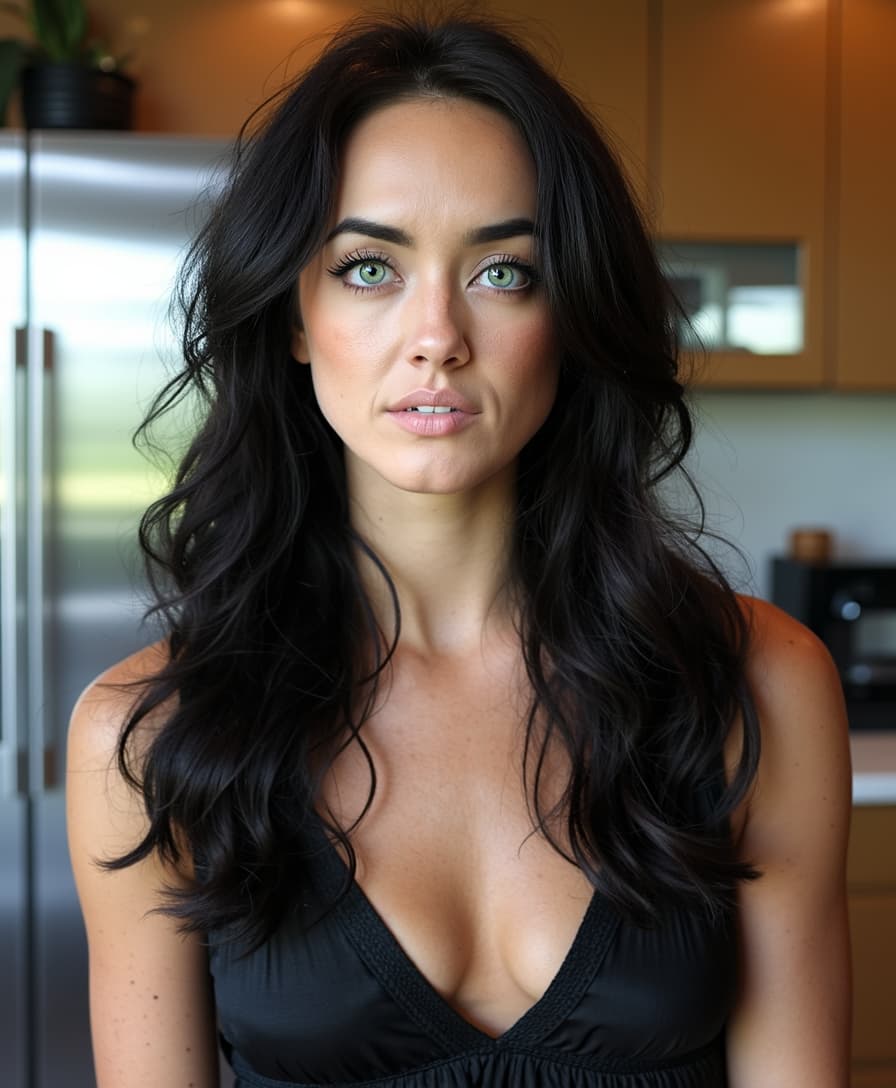
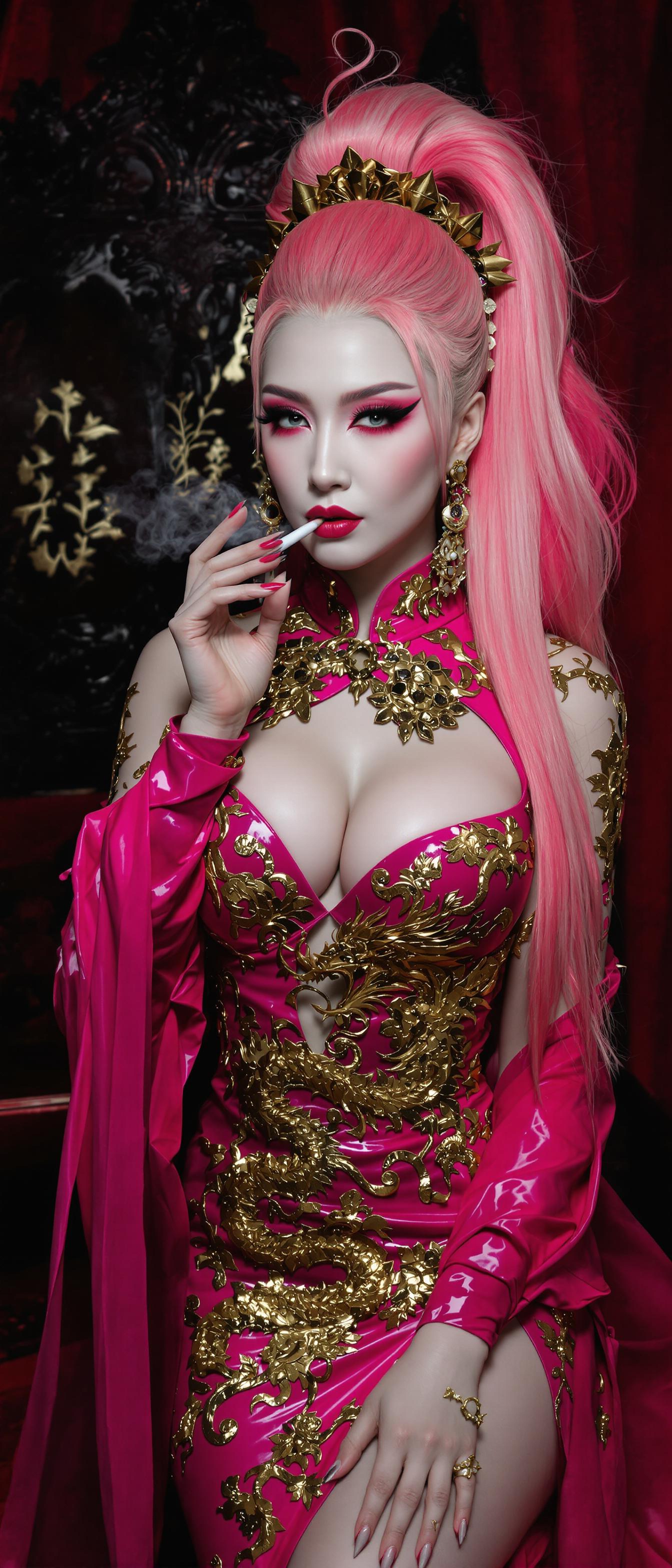
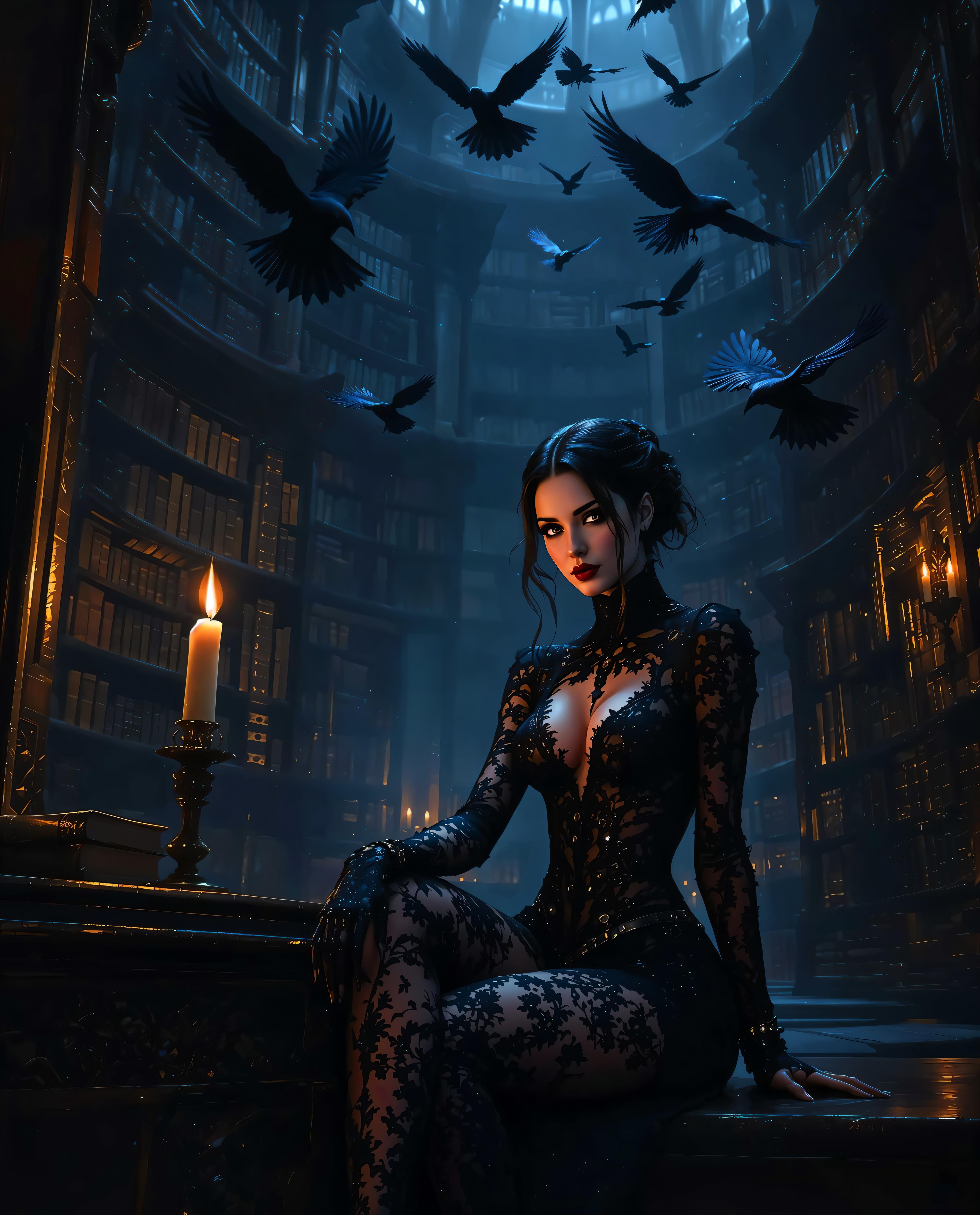
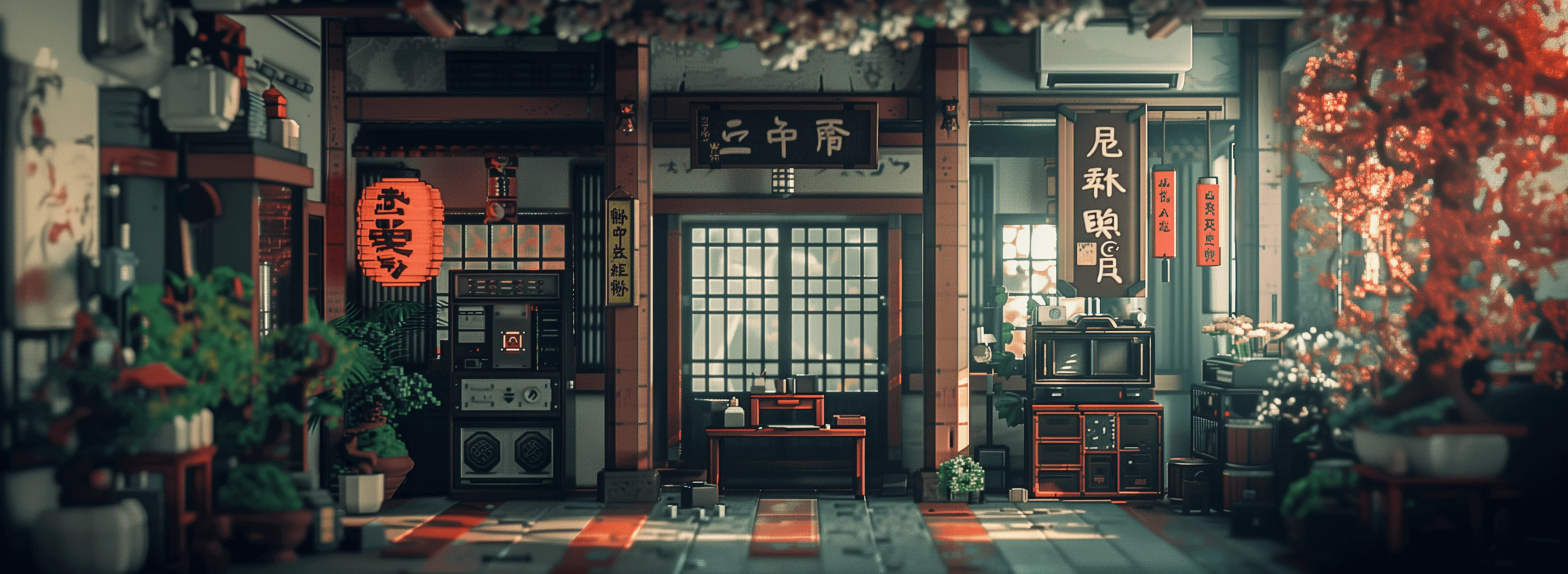
Unlock the power of personalized AI image generation with PixelDojo's Flux LoRA Generator. This innovative tool allows you to fine-tune AI models using your own images, enabling the creation of visuals that perfectly align with your unique style, characters, or objects. Whether you're an artist, designer, or content creator, Flux LoRA Generator empowers you to produce high-quality, customized images effortlessly.
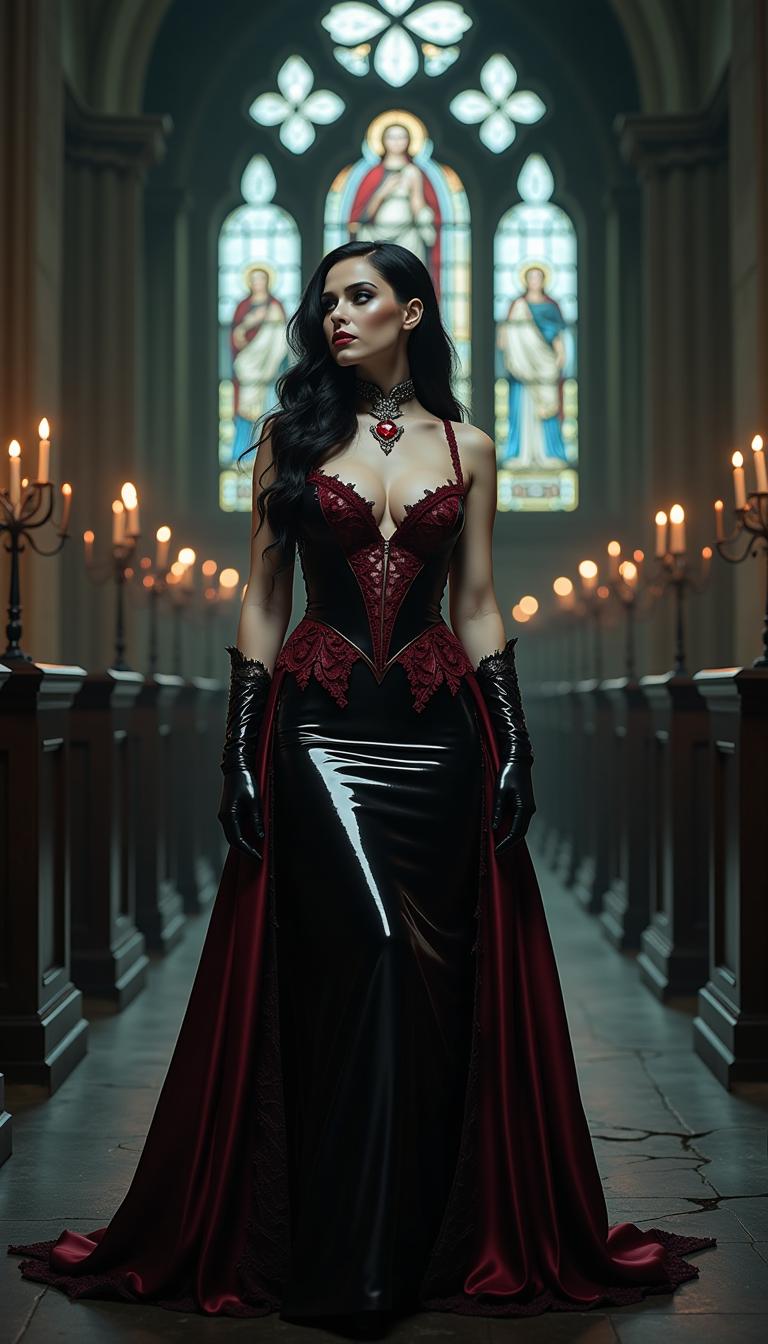
Join thousands of creators who have transformed their projects with PixelDojo's cutting-edge AI tools. Experience the future of image generation today.
Why Choose Pixel Dojo for Flux LoRA Generator
Professional-quality results with cutting-edge AI technology
Personalized Image Generation
Create AI-generated images that reflect your unique style and vision, ensuring your content stands out.
Efficient Fine-Tuning
Utilize the LoRA technique for fast, lightweight training, allowing you to customize models without extensive resources.
Versatile Applications
Apply your custom models to various projects, from personalized avatars to branded marketing materials.
How It Works
Creating custom AI images with Flux LoRA Generator is a straightforward process. Follow these steps to bring your unique vision to life:
Step 1: Prepare Your Images
Select a set of high-quality images that represent the style, character, or object you wish to generate. Ensure these images are diverse in terms of lighting, angles, and expressions to provide comprehensive learning data.
Step 2: Upload and Train
Upload your selected images to PixelDojo's Flux LoRA training wizard. Choose a unique trigger word associated with your images. The training wizard will fine-tune the FLUX.1 model using your data, a process that typically takes a few minutes.
Step 3: Generate Custom Images
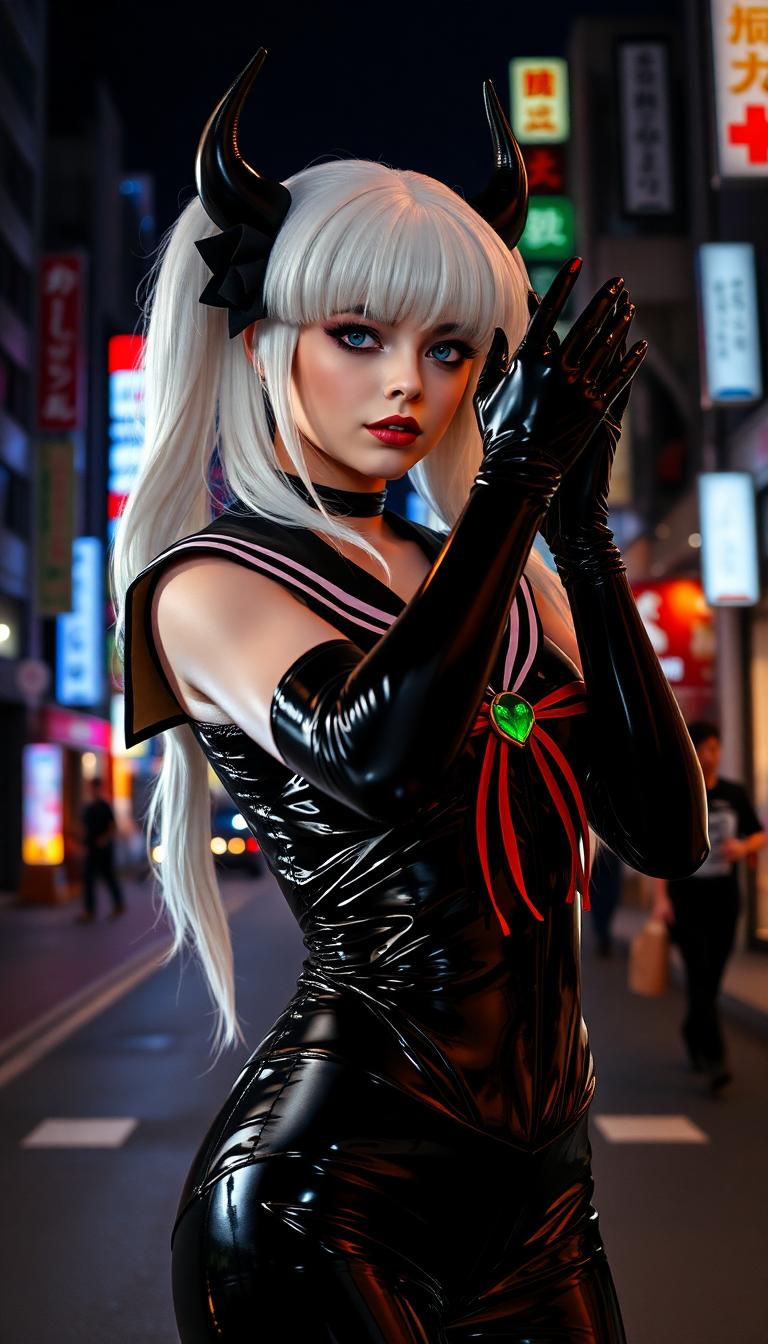
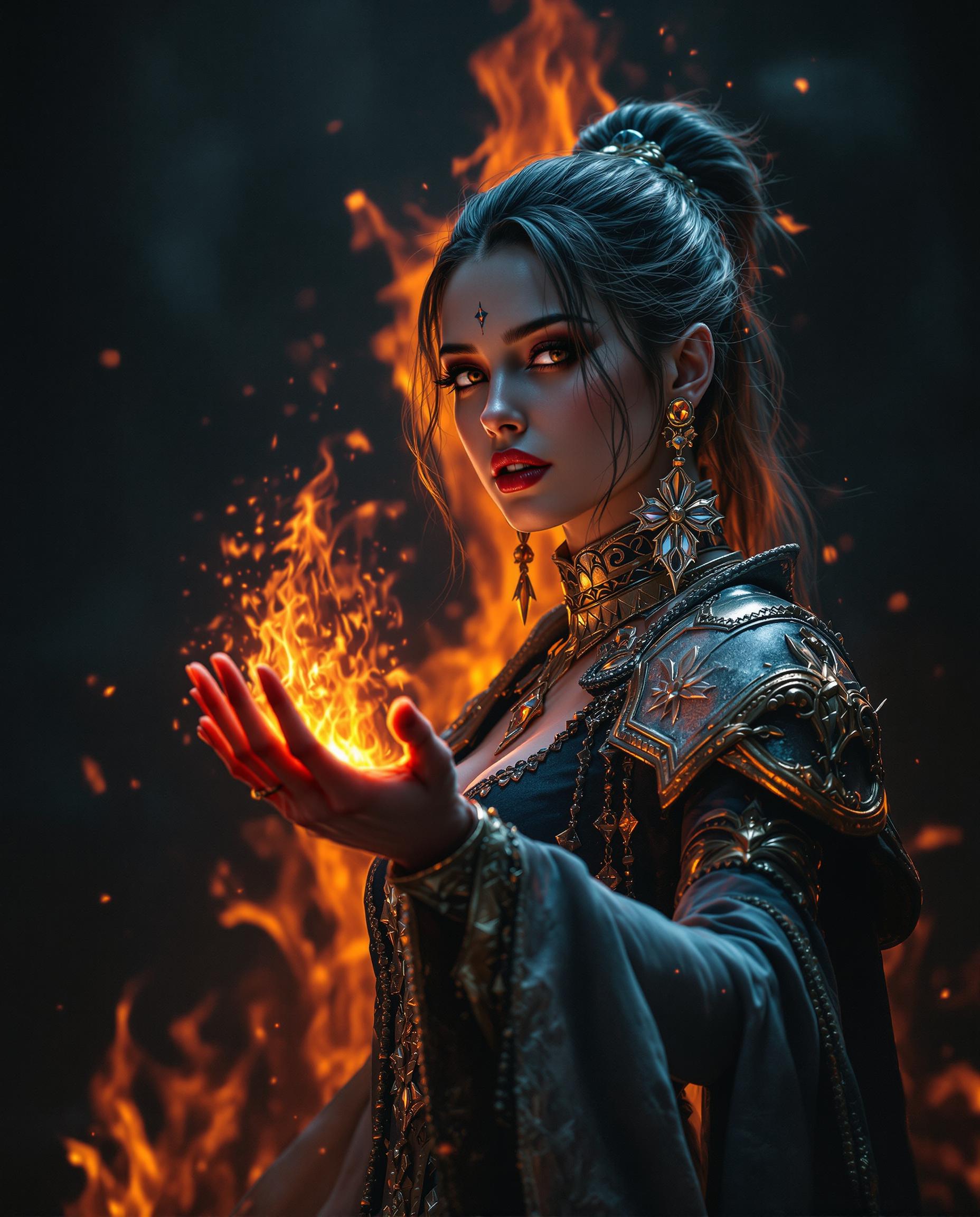
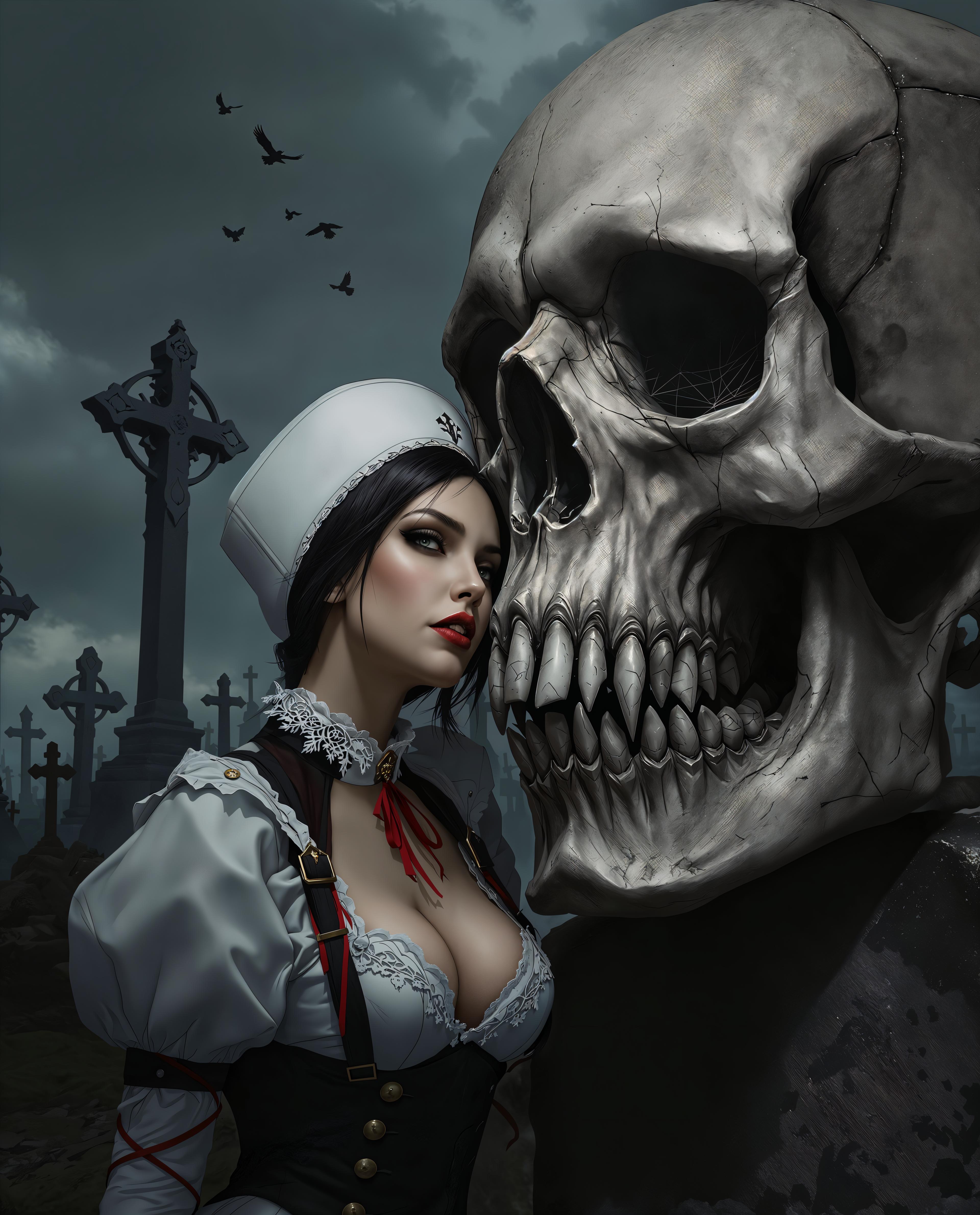
Once training is complete, use your trigger word in text prompts to generate images that reflect your custom style. Experiment with different prompts to explore the full potential of your personalized model.
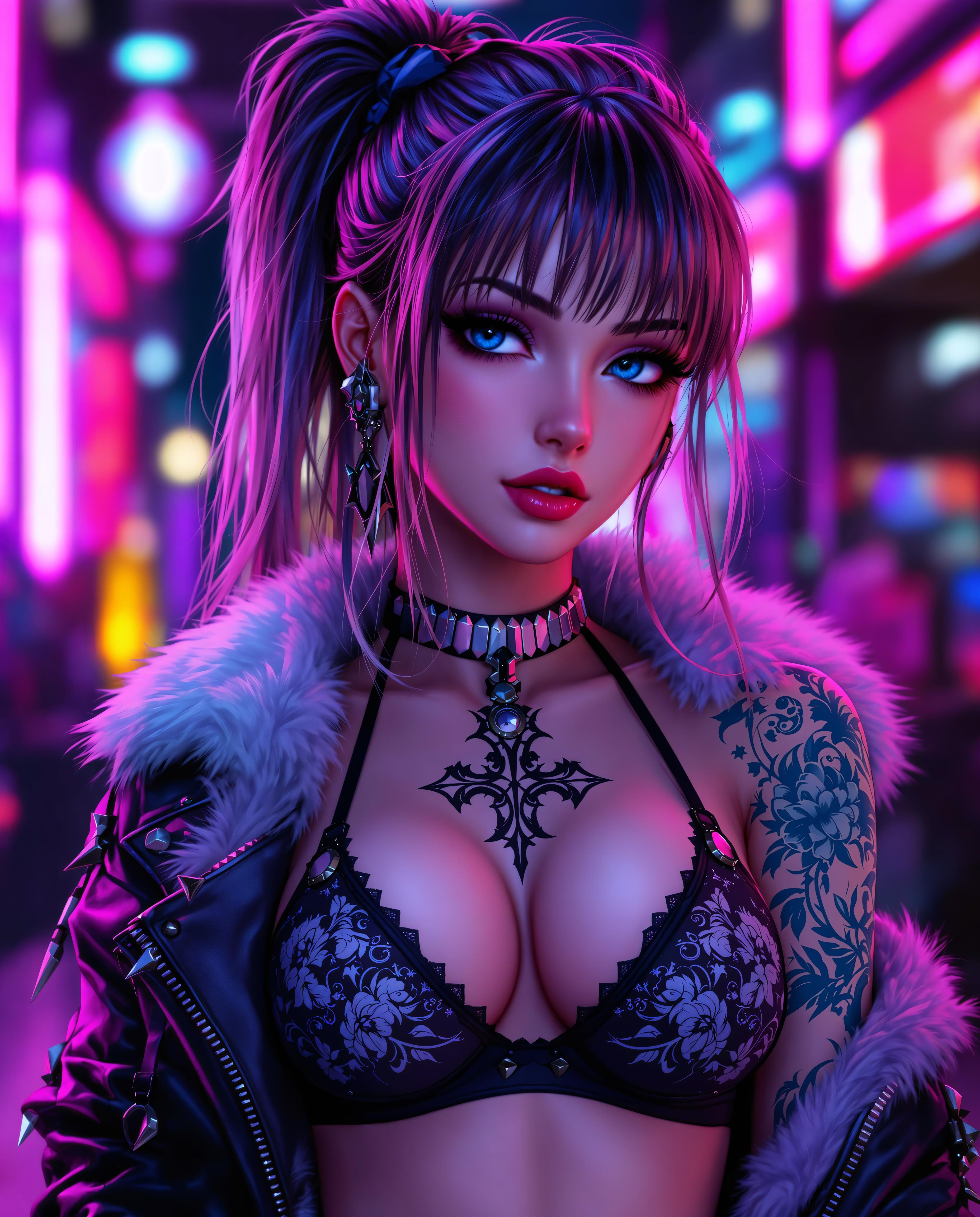
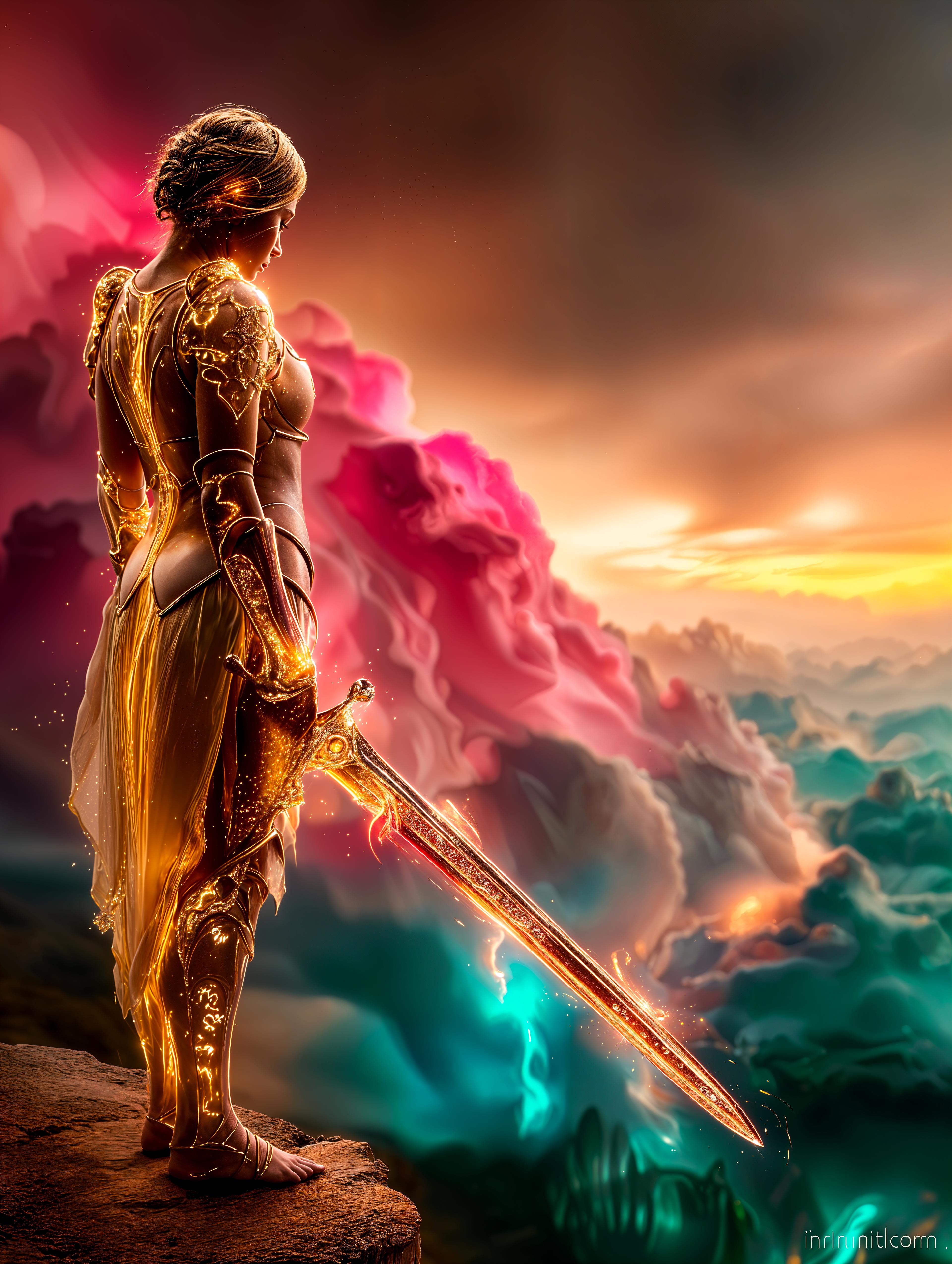
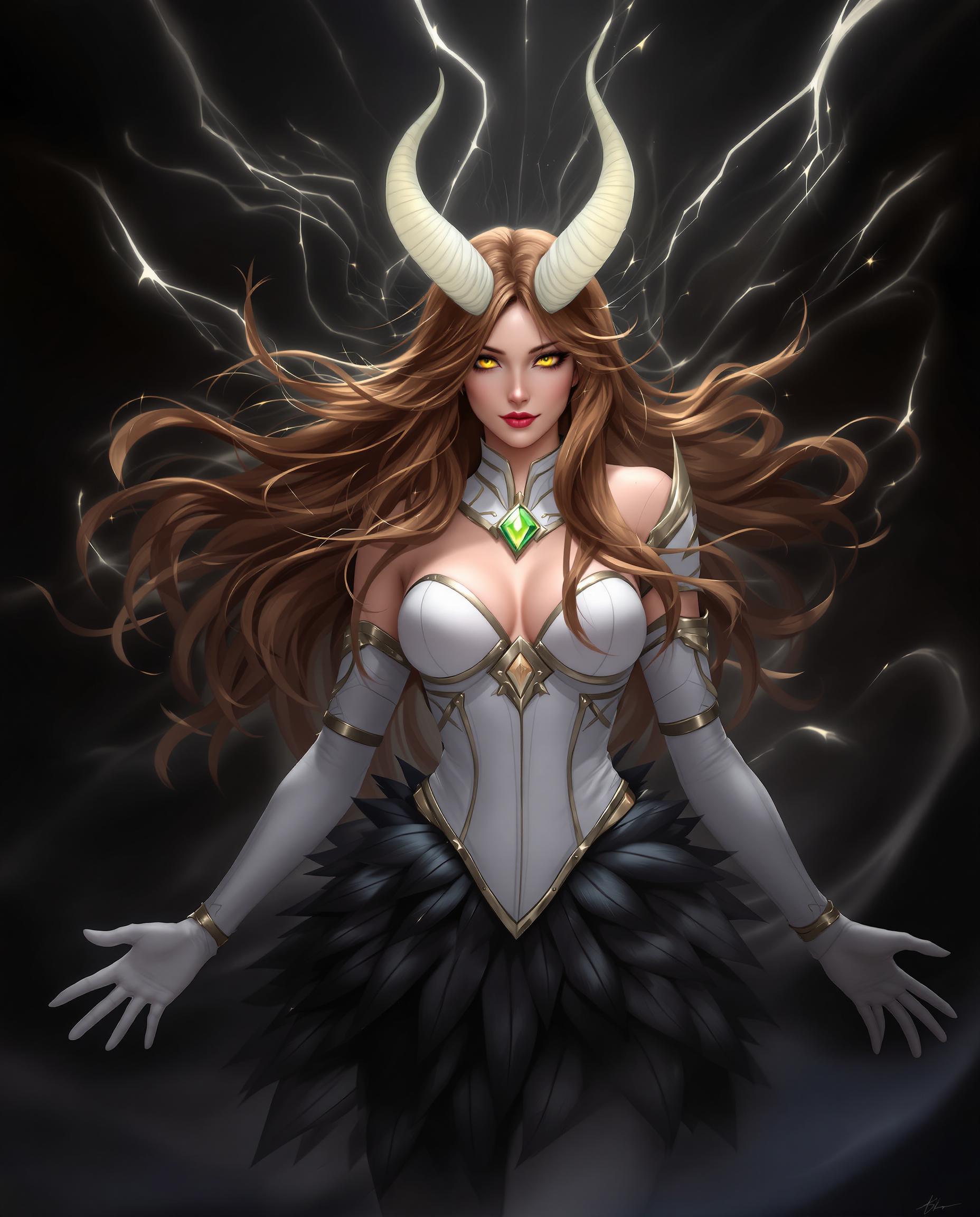
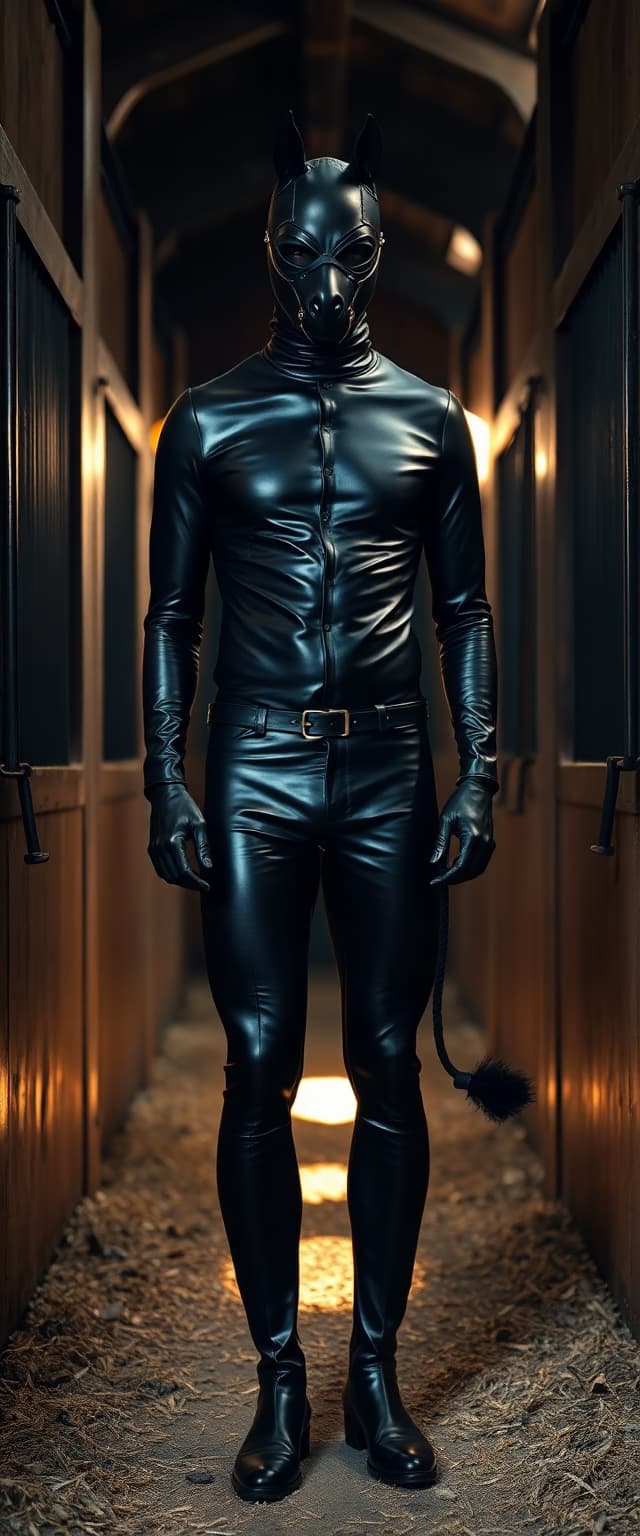
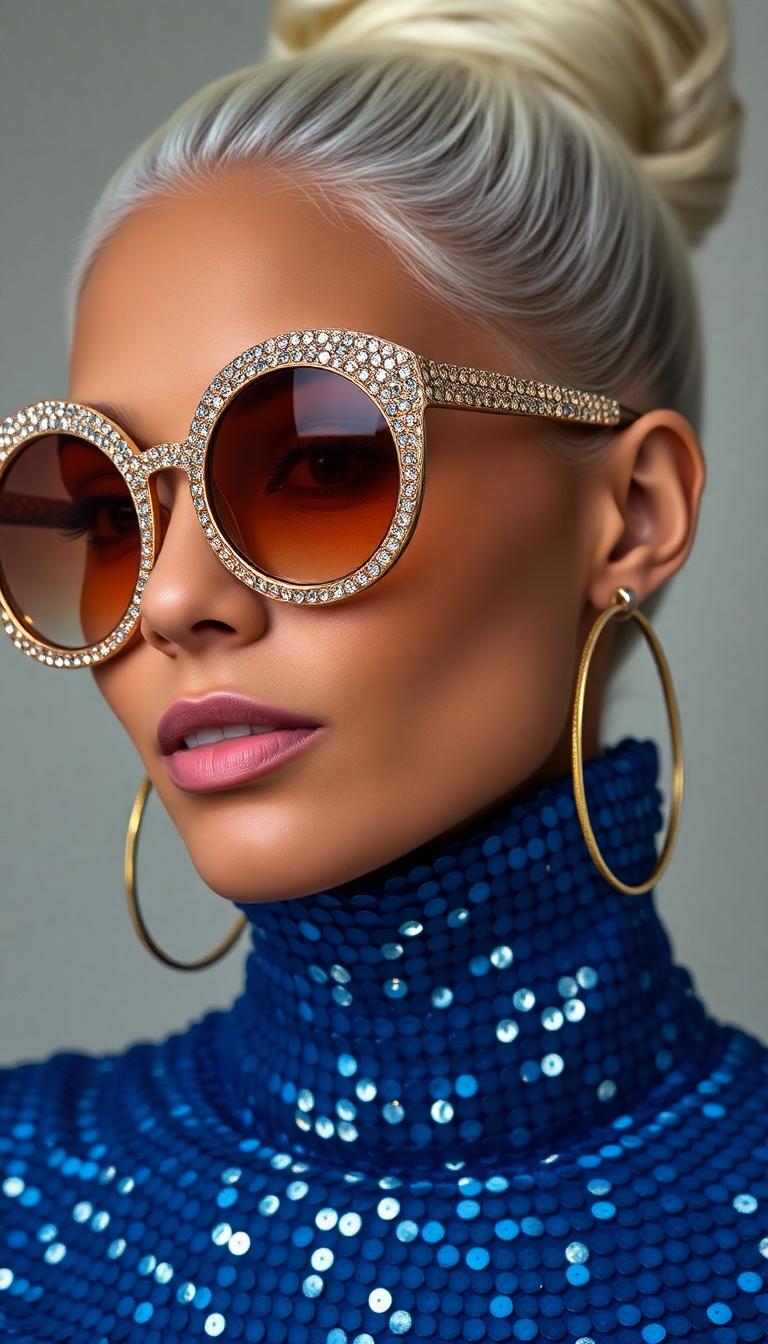
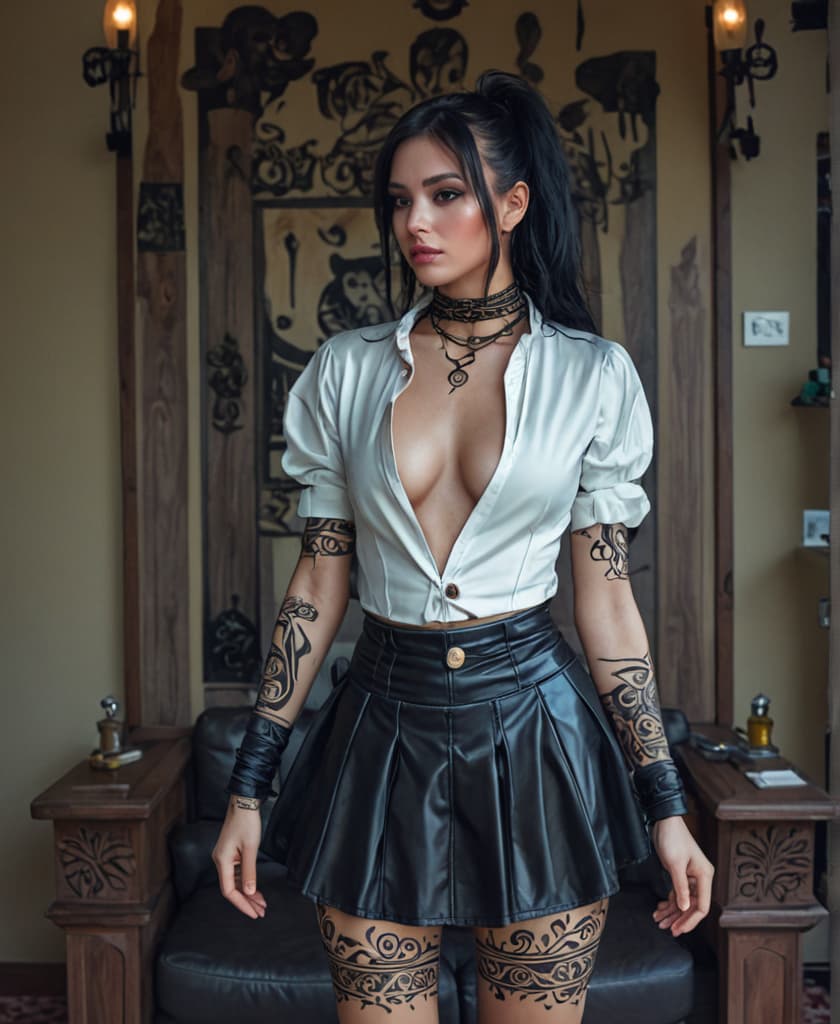
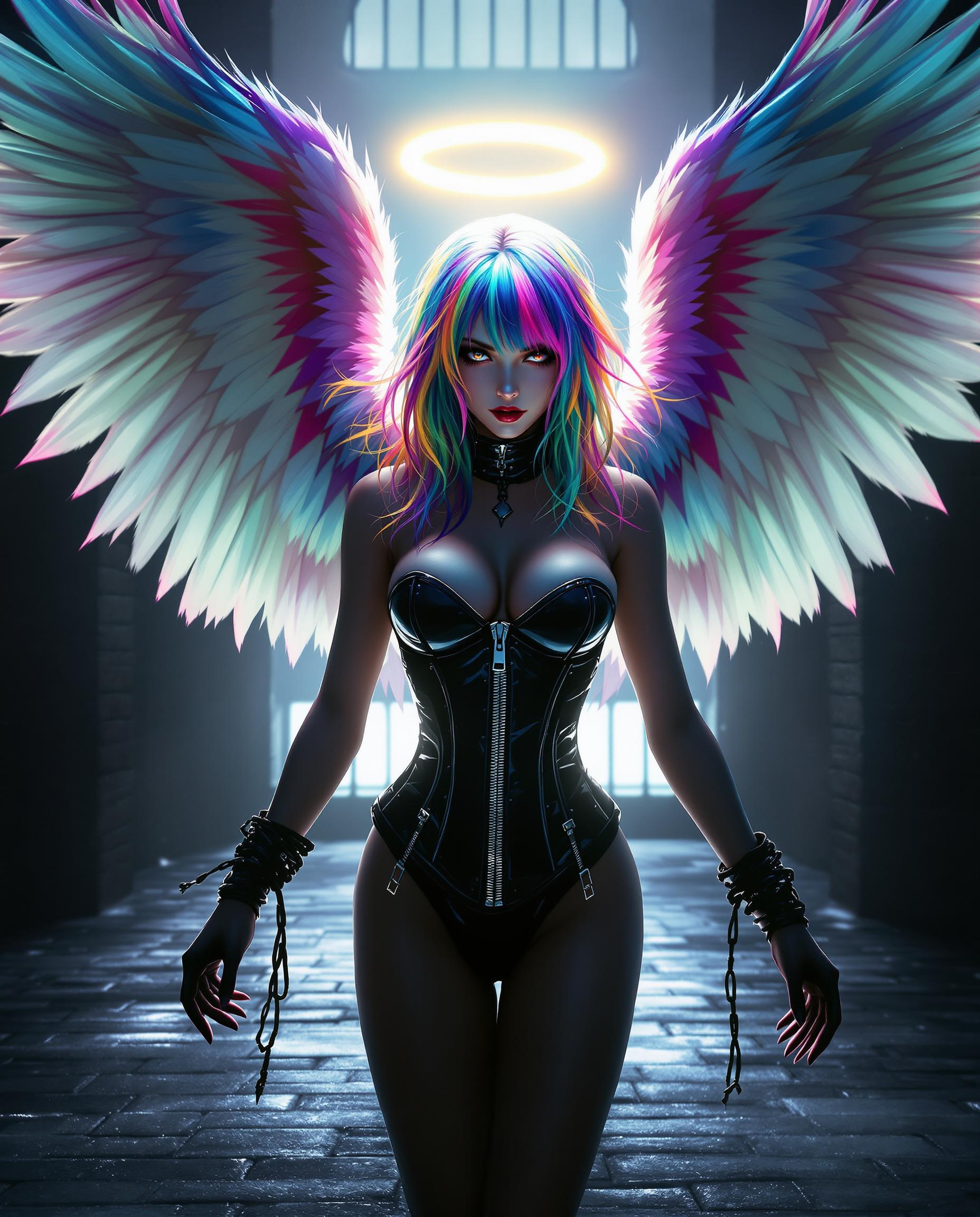
The Pixel Dojo Advantage
Why PixelDojo's Flux LoRA Generator is the superior choice for custom AI image generation:
| Others | Pixel Dojo |
|---|---|
| Traditional Image Editing | Achieve personalized images without the time-consuming process of manual editing. |
| Generic AI Models | Customize AI models to reflect your unique style, unlike generic models that lack personalization. |
| Other AI Platforms | Experience a user-friendly interface with efficient training processes, making customization accessible to all. |
Loved by Creators
See what our community says about Flux LoRA Generator
"PixelDojo's Flux LoRA Generator allowed me to create AI images that perfectly match my brand's aesthetic. The process was seamless and the results were outstanding."
Alex Johnson
Graphic Designer
"As an artist, having the ability to fine-tune AI models with my own work has been a game-changer. PixelDojo made it easy and efficient."
Maria Lopez
Digital Artist
Common Questions
Everything you need to know about Flux LoRA Generator AI generation
How does PixelDojo's Flux LoRA Generator customize AI image generation?
By uploading your own images and selecting a trigger word, the Flux LoRA Generator fine-tunes the FLUX.1 model to generate images that reflect your unique style or subject matter.
What types of projects can benefit from using the Flux LoRA Generator?
The tool is ideal for creating personalized avatars, custom character designs, branded marketing materials, and any project requiring a consistent visual style.
How long does the training process take with Flux LoRA Generator?
Training typically takes a few minutes, depending on the number and complexity of the images uploaded.
Do I need advanced technical skills to use the Flux LoRA Generator?
No, PixelDojo's user-friendly interface makes it accessible to users of all skill levels, with no advanced technical knowledge required.
Can I use the Flux LoRA Generator for commercial projects?
Yes, images generated using the Flux LoRA Generator can be used for commercial purposes, aligning with PixelDojo's terms of service.
Is there a limit to the number of images I can upload for training?
While there's no strict limit, it's recommended to upload a diverse set of 5-20 high-quality images to achieve optimal training results.