Watermark AI images Wan AI Generator
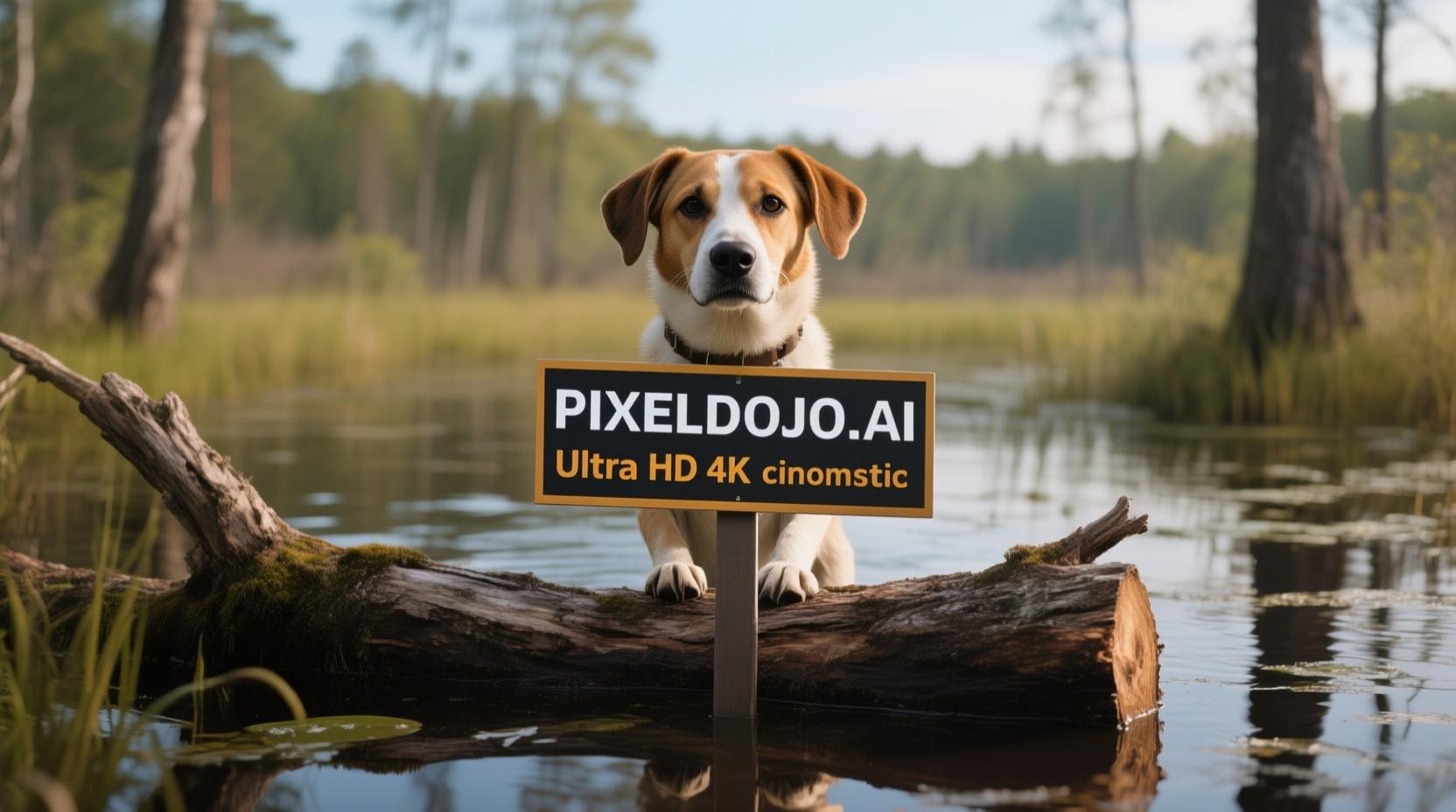
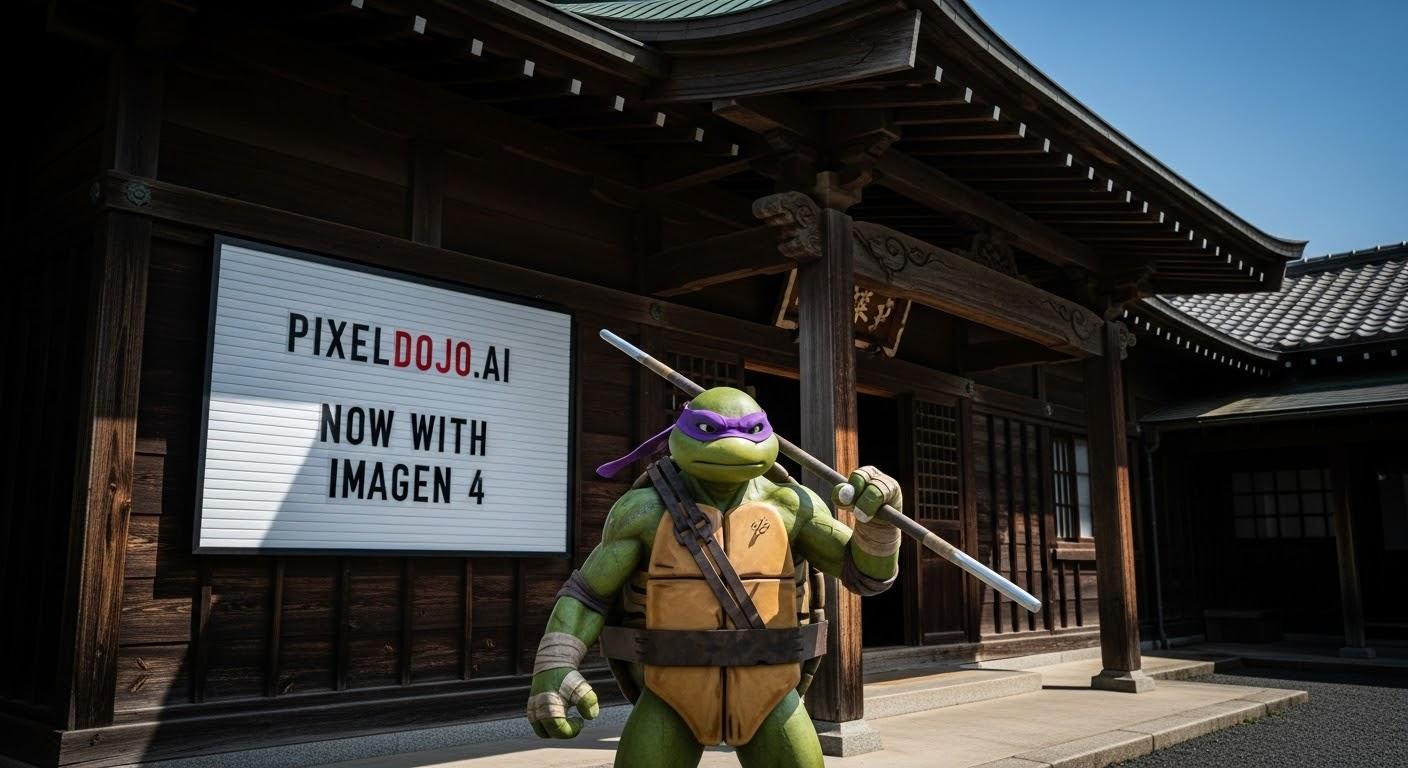
In the digital age, protecting your creative assets is paramount. With PixelDojo's advanced watermarking tools, you can effortlessly safeguard your AI-generated images, ensuring they remain secure and properly attributed. Whether you're an artist, marketer, or content creator, our platform empowers you to add visible or invisible watermarks to your images, providing peace of mind and professional credibility.
Join over 10,000 creators who have secured more than 1 million images using PixelDojo's AI tools. Rated 4.8/5 by our satisfied users.
Why Choose Pixel Dojo for Watermark AI images Wan
Professional-quality results with cutting-edge AI technology
Effortless Image Protection
Easily add watermarks to your AI-generated images, ensuring your work is protected against unauthorized use.
Customizable Watermarking Options
Choose between visible and invisible watermarks to suit your specific needs and maintain image aesthetics.
Enhanced Professional Credibility
Demonstrate ownership and professionalism by consistently branding your images with personalized watermarks.
How It Works
Protecting your AI-generated images with PixelDojo is a straightforward process. Follow these steps to add watermarks to your creations:
Step 1: Generate Your Image
Use PixelDojo's AI image generation tools like WAN 2.6 Image or SDXL to create your desired image.
Step 2: Apply Watermark
Utilize the 'Watermark' feature to add a visible or invisible watermark to your image. Customize the text, position, and opacity to your preference.
Step 3: Download and Share
Once satisfied with your watermarked image, download it in high resolution and share it confidently, knowing your work is protected.







The Pixel Dojo Advantage
Why PixelDojo's watermarking tools stand out in protecting your AI-generated images:
| Others | Pixel Dojo |
|---|---|
| Manual Watermarking Methods | Automate the watermarking process, saving time and ensuring consistency across all images. |
| Generic Watermarking Software | Integrated directly into the AI image generation workflow, providing a seamless experience without the need for additional software. |
| No Watermarking | Protect your intellectual property and maintain professional credibility by clearly marking your creations. |
Loved by Creators
See what our community says about Watermark AI images Wan
"PixelDojo's watermarking feature has given me peace of mind, knowing my AI-generated images are protected and properly attributed."
Alex Johnson
Digital Artist
"The seamless integration of watermarking into the image generation process makes PixelDojo an invaluable tool for content creators."
Samantha Lee
Content Creator
Common Questions
Everything you need to know about Watermark AI images Wan AI generation
How can I add a watermark to my AI-generated images using PixelDojo?
After generating your image with PixelDojo, use the 'Watermark' feature to add a visible or invisible watermark. Customize the text, position, and opacity to your liking, then download the protected image.
Can I customize the appearance of the watermark?
Yes, PixelDojo allows you to customize the text, position, and opacity of your watermark to ensure it aligns with your branding and aesthetic preferences.
Does adding a watermark affect the quality of my image?
No, PixelDojo's watermarking feature is designed to maintain the high quality of your images while adding the necessary protection.
Is the watermarking feature available for all AI-generated images on PixelDojo?
Yes, the watermarking feature can be applied to any image generated using PixelDojo's AI tools.
Can I remove or edit the watermark after applying it?
Once a watermark is applied and the image is downloaded, it cannot be removed or edited. Ensure you are satisfied with the watermark before finalizing your image.
Is there an additional cost for using the watermarking feature?
No, the watermarking feature is included as part of PixelDojo's suite of tools at no additional cost.