WAN 2.6 motion physics AI Generator
Imagine transforming your static images into dynamic, lifelike videos with ease. With PixelDojo's WAN 2.6 motion physics, you can breathe life into your visuals, creating engaging content that captivates your audience. Whether you're a marketer aiming to enhance your campaigns or a content creator seeking innovative storytelling methods, WAN 2.6 empowers you to achieve professional-grade animations effortlessly.

Join over 10,000 creators who have enhanced their content with PixelDojo's AI tools, achieving a 95% satisfaction rate and generating over 50,000 videos daily.
Why Choose Pixel Dojo for WAN 2.6 motion physics
Professional-quality results with cutting-edge AI technology
Effortless Image-to-Video Conversion
Transform static images into dynamic videos without any technical expertise, saving time and resources.
Realistic Motion Physics
Achieve lifelike animations with physics-aware motion, enhancing the authenticity of your videos.
Seamless Audio-Visual Synchronization
Ensure perfect lip-sync and audio alignment, creating professional-quality videos with synchronized sound.
How It Works
Creating dynamic videos with WAN 2.6 is a straightforward process that anyone can follow:
Step 1: Choose Your Tool
Select the 'WAN 2.6 Video' tool from PixelDojo's suite to begin your image-to-video conversion.
Step 2: Upload Your Image
Upload the static image you wish to animate. Ensure the image is clear and high-quality for optimal results.
Step 3: Describe the Desired Motion
Input a brief description of the motion you want to apply to your image, such as 'a gentle breeze moving through the scene.'










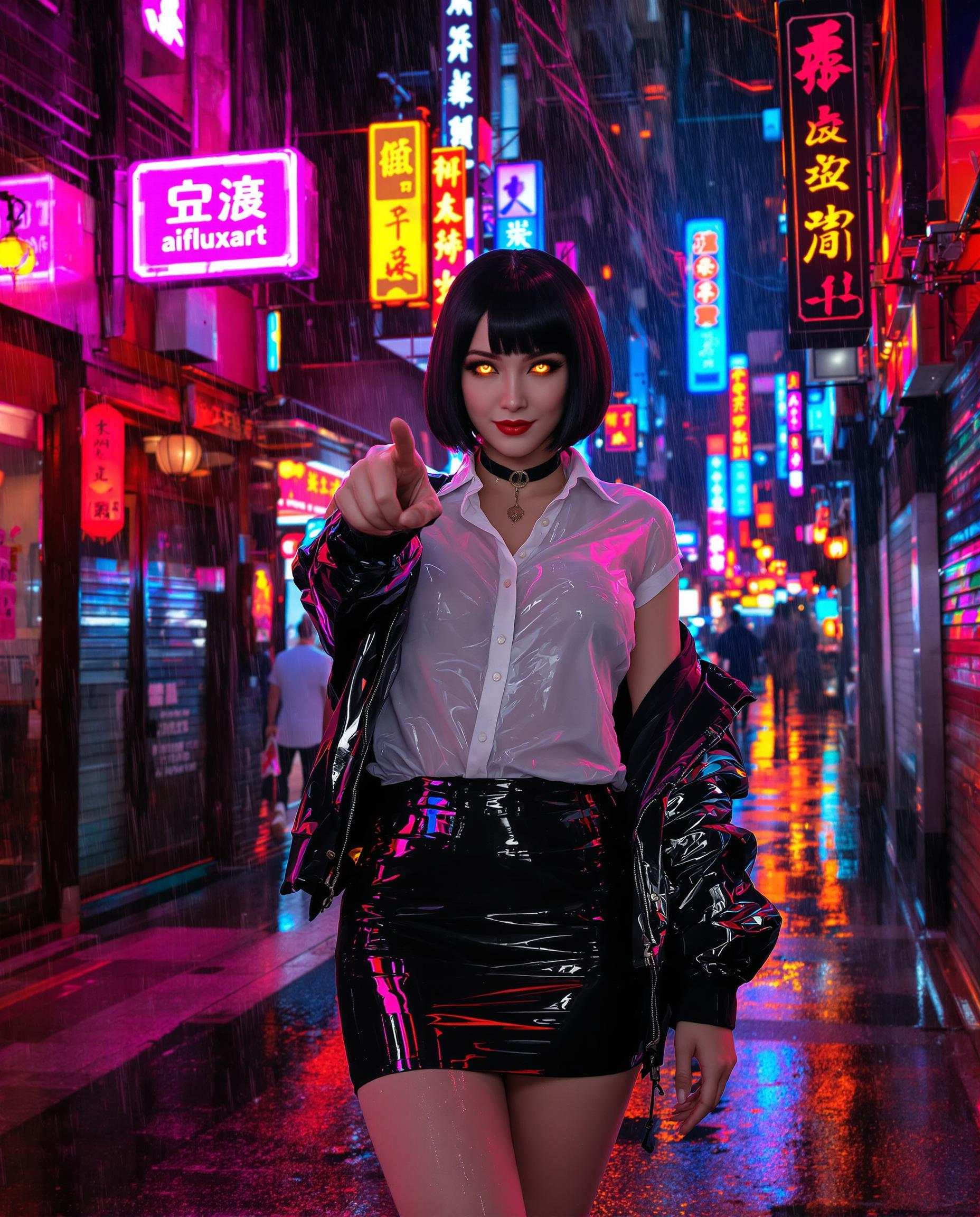





The Pixel Dojo Advantage
Why PixelDojo's WAN 2.6 outperforms other options for AI video generation:
| Others | Pixel Dojo |
|---|---|
| Traditional Video Production | Eliminates the need for expensive equipment and extensive editing, reducing production time and costs. |
| Generic AI Tools | Offers advanced motion physics and audio synchronization, ensuring higher quality and more realistic outputs. |
| Manual Animation | Automates the animation process, allowing for quick iterations and creative experimentation without technical barriers. |
Loved by Creators
See what our community says about WAN 2.6 motion physics
"PixelDojo's WAN 2.6 transformed our marketing visuals, making our campaigns more engaging and effective."
Alex Johnson
Marketing Director
"As a content creator, WAN 2.6 has opened up new storytelling possibilities, allowing me to bring my ideas to life effortlessly."
Samantha Lee
Content Creator
Common Questions
Everything you need to know about WAN 2.6 motion physics AI generation
How does WAN 2.6 ensure realistic motion in videos?
WAN 2.6 utilizes physics-aware motion algorithms to generate lifelike animations, ensuring that movements appear natural and authentic.
Can I add audio to my generated videos?
Yes, WAN 2.6 supports audio integration, allowing you to add synchronized voiceovers or background music to enhance your videos.
Is technical expertise required to use WAN 2.6?
No, WAN 2.6 is designed for ease of use, enabling users without technical backgrounds to create professional-quality videos effortlessly.
What file formats are supported for image uploads?
WAN 2.6 supports common image formats such as JPEG, PNG, and BMP for uploads.
How long does it take to generate a video?
Video generation times vary based on complexity but typically range from a few minutes to under an hour.
Can I use WAN 2.6 for commercial projects?
Yes, videos created with WAN 2.6 can be used for commercial purposes, adhering to PixelDojo's licensing terms.