WAN 2.6 lens effects AI Generator
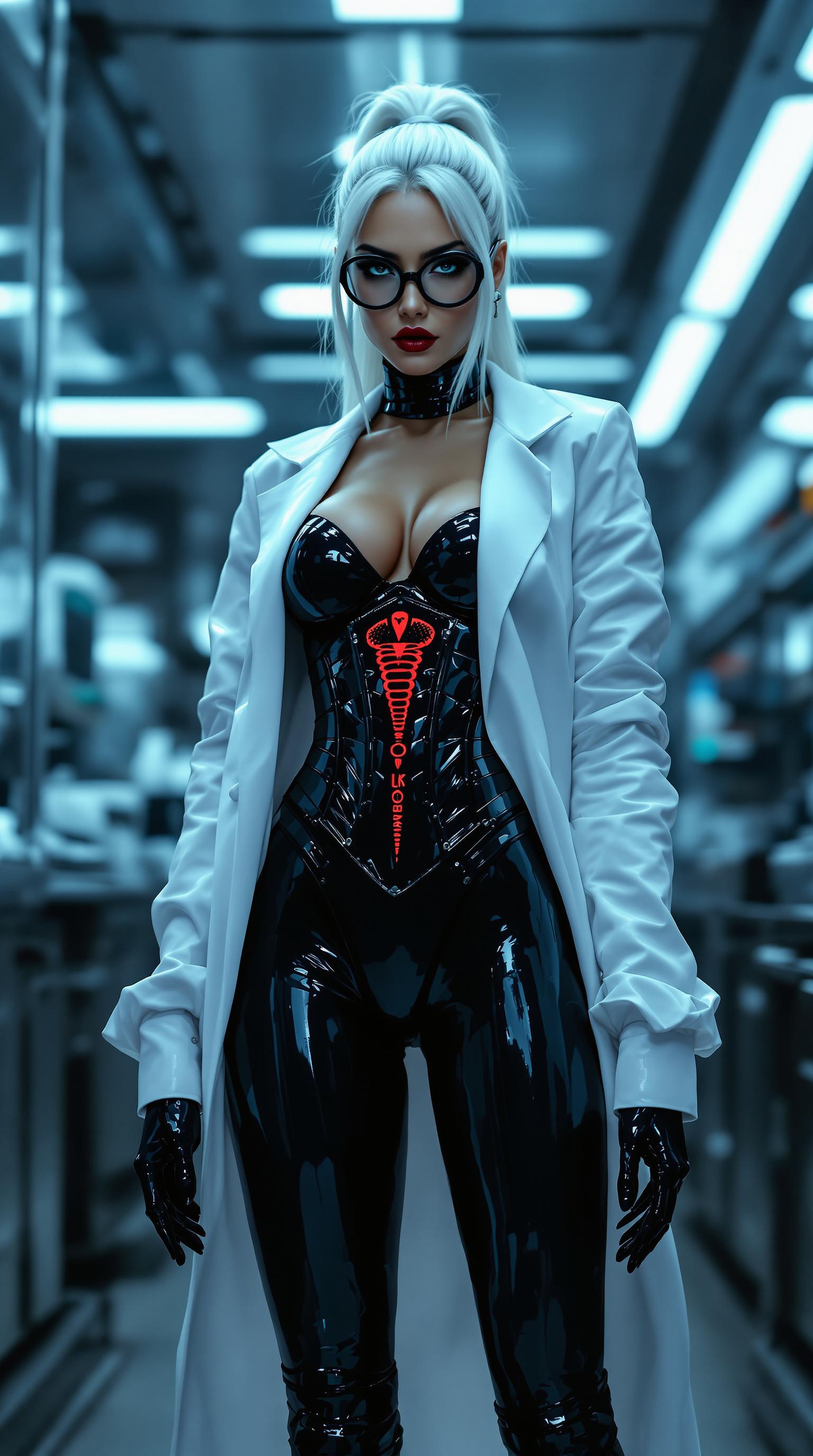
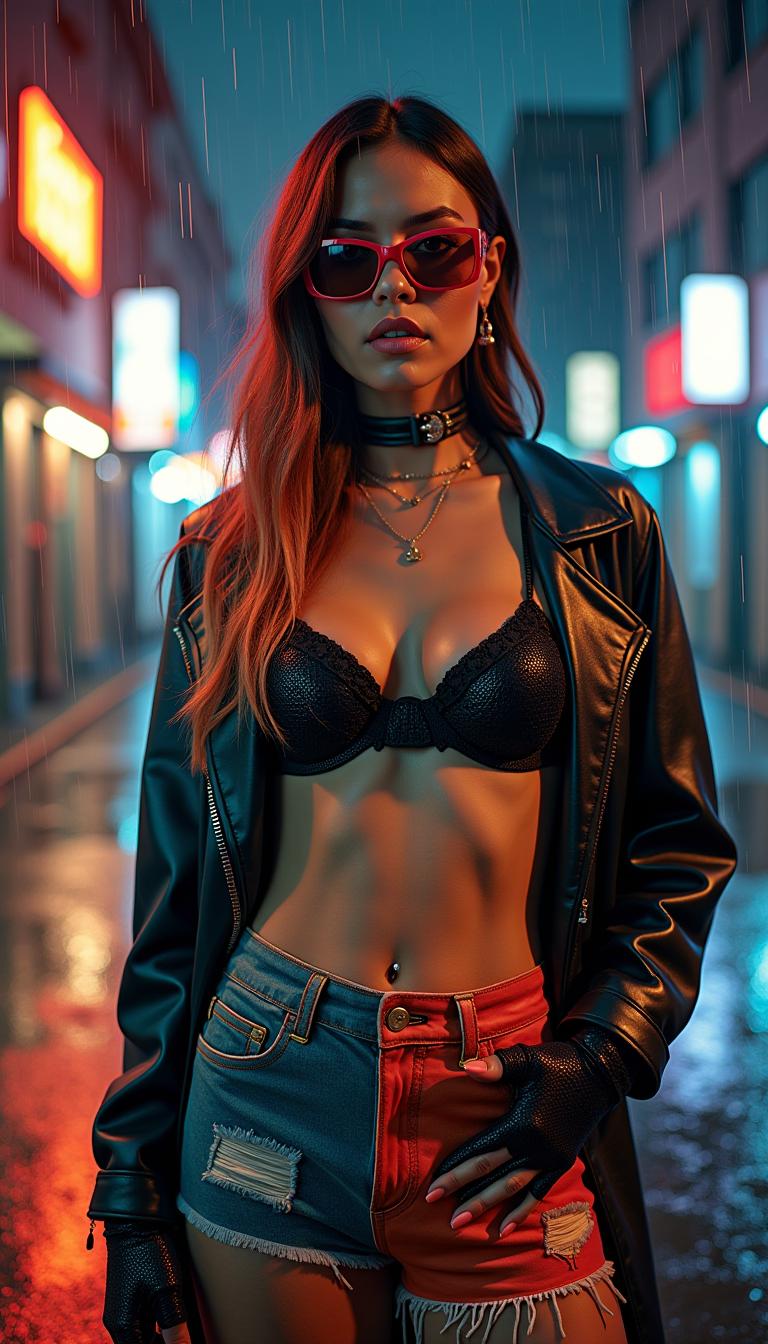
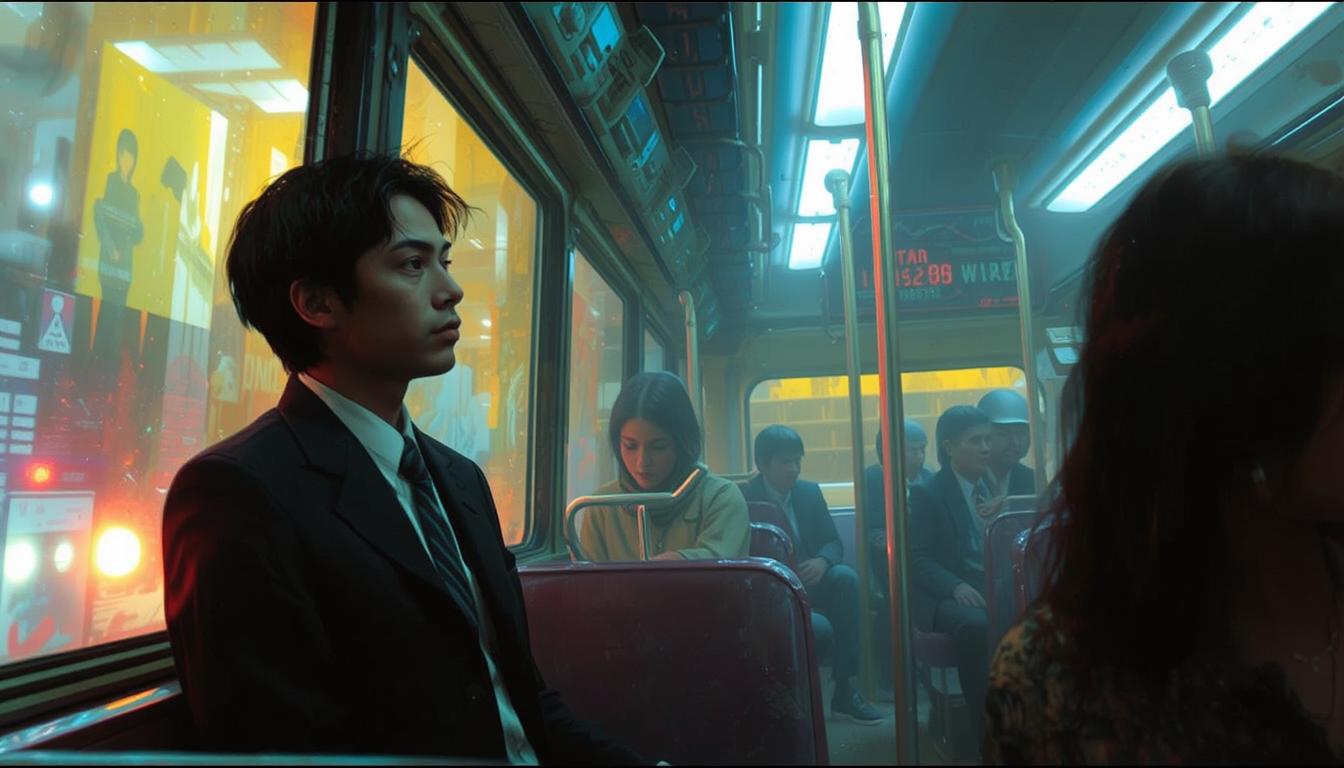
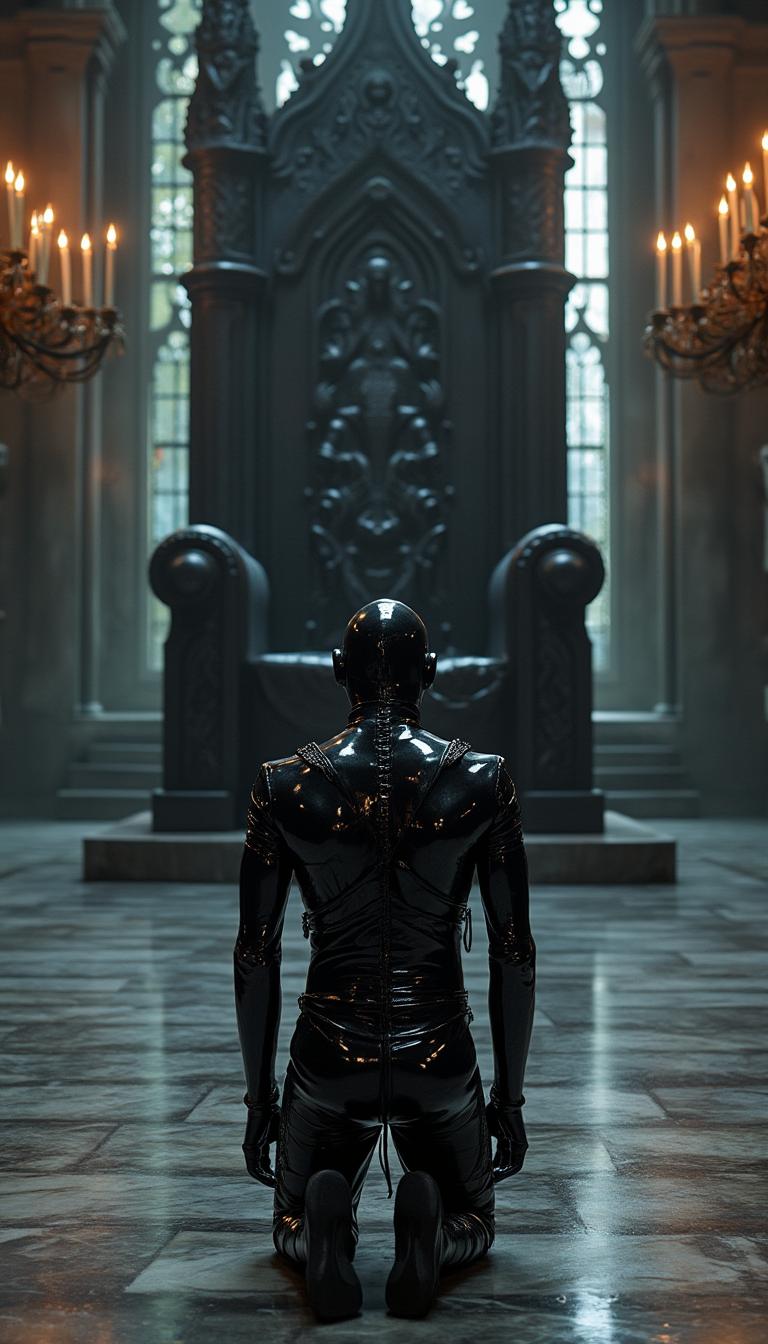
Elevate your visual storytelling with WAN 2.6 lens effects. Whether you're aiming for the immersive curvature of a fisheye lens or the expansive view of a wide-angle shot, these effects bring cinematic depth and realism to your AI-generated images. With PixelDojo's suite of AI tools, you can effortlessly apply these lens effects to create compelling visuals that captivate your audience.

Join over 10,000 creators who have enhanced their visuals using PixelDojo's AI tools, achieving a 95% satisfaction rate.
Why Choose Pixel Dojo for WAN 2.6 lens effects
Professional-quality results with cutting-edge AI technology
Achieve Cinematic Depth
Apply fisheye and wide-angle lens effects to add immersive depth and perspective to your images.
Enhance Visual Storytelling
Utilize lens effects to guide viewer focus and convey mood, enriching your narrative.
Effortless Application
Seamlessly integrate lens effects into your images with PixelDojo's intuitive AI tools.
How It Works
Creating images with WAN 2.6 lens effects is straightforward with PixelDojo's AI tools. Follow these steps to transform your visuals:
Step 1: Select Your Image
Choose the image you wish to enhance with a lens effect. This could be an existing photo or an AI-generated image.
Step 2: Choose the Lens Effect
Within PixelDojo's 'Edit Images' section, select the 'Change Camera Angle' tool. Choose between fisheye or wide-angle lens effects to apply to your image.
Step 3: Apply and Adjust
Apply the selected lens effect to your image. Use the adjustment sliders to fine-tune the intensity and focus of the effect to achieve your desired look.











The Pixel Dojo Advantage
Why PixelDojo outperforms other options for applying lens effects to images:
| Others | Pixel Dojo |
|---|---|
| Traditional Photo Editing Software | PixelDojo's AI tools automate the application of lens effects, reducing the time and skill required compared to manual editing. |
| Generic AI Image Generators | Unlike generic tools, PixelDojo offers specific lens effect applications, providing greater control and precision in your image enhancements. |
| Manual Photography Techniques | Achieve professional lens effects without the need for specialized equipment or complex setups, saving both time and resources. |
Loved by Creators
See what our community says about WAN 2.6 lens effects
"PixelDojo's lens effects have transformed my photography projects, adding a cinematic quality that was previously hard to achieve."
Alex Johnson
Professional Photographer
"As a content creator, the ability to apply fisheye and wide-angle effects effortlessly has elevated my visuals and engaged my audience more effectively."
Jamie Lee
Content Creator
Common Questions
Everything you need to know about WAN 2.6 lens effects AI generation
How can I apply fisheye lens effects to my images using PixelDojo?
Within PixelDojo's 'Edit Images' section, use the 'Change Camera Angle' tool to select and apply the fisheye lens effect to your chosen image.
Is it possible to adjust the intensity of the lens effects?
Yes, after applying a lens effect, you can use the adjustment sliders to fine-tune the intensity and focus to achieve your desired outcome.
Do I need prior experience in photo editing to use these tools?
No, PixelDojo's AI tools are designed to be user-friendly, allowing both beginners and professionals to apply lens effects effortlessly.
Can I apply lens effects to AI-generated images?
Absolutely, you can apply lens effects to both existing photos and images generated using PixelDojo's AI tools.
Are there any additional costs for using the lens effect tools?
Access to the lens effect tools is included in your PixelDojo subscription, with no additional costs.
What formats can I download my enhanced images in?
You can download your enhanced images in various formats, including JPEG and PNG, to suit your needs.