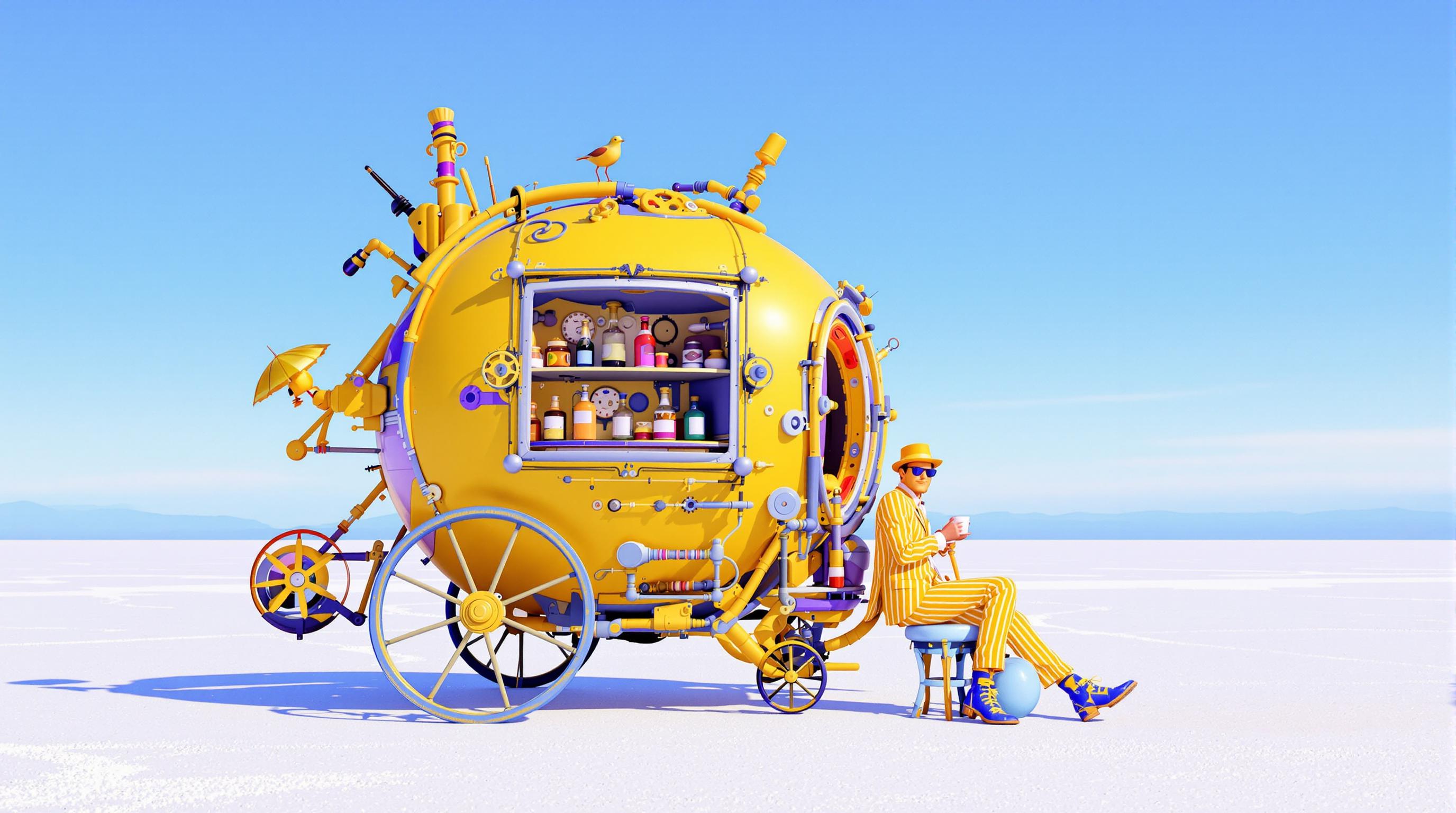
Join thousands of creators who have enhanced their storytelling with WAN 2.6's advanced AI tools, achieving over 95% satisfaction rates and producing more than 50,000 videos daily.
Why Choose Pixel Dojo for WAN 2.6 crane shots
Professional-quality results with cutting-edge AI technology
Achieve Professional Cinematic Quality
Create smooth, dynamic crane shots that add depth and professionalism to your videos, enhancing viewer engagement.
Simplify Complex Camera Movements
Generate intricate crane shots effortlessly, eliminating the need for physical cranes or extensive crew setups.
Enhance Storytelling with Dynamic Perspectives
Utilize AI-powered crane shots to introduce new angles and perspectives, enriching your narrative and visual appeal.
How It Works
Creating stunning crane shots with WAN 2.6 is straightforward. Follow these steps to bring cinematic quality to your videos:
Step 1: Select the 'Image to Video' Tool
Navigate to the 'Image to Video' feature within WAN 2.6 to begin your video creation process.
Step 2: Upload Your Image and Define Motion
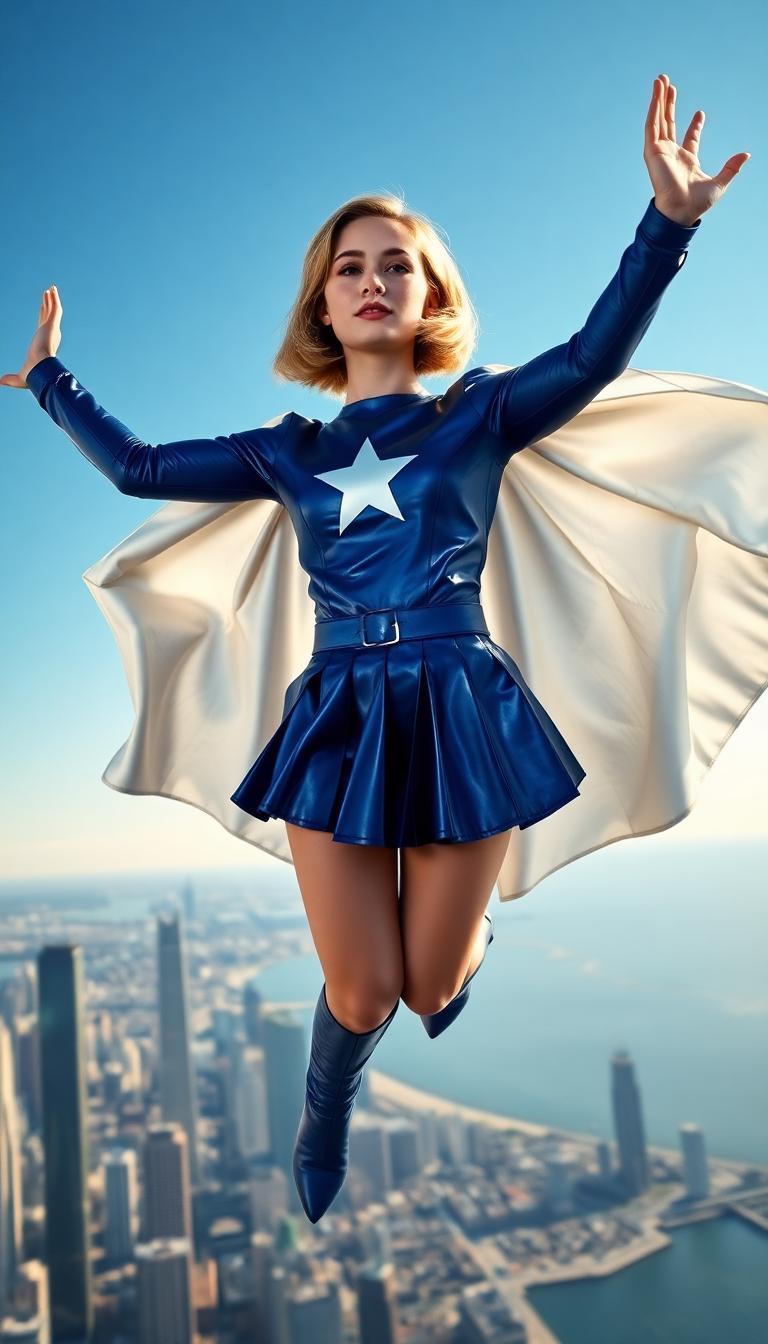
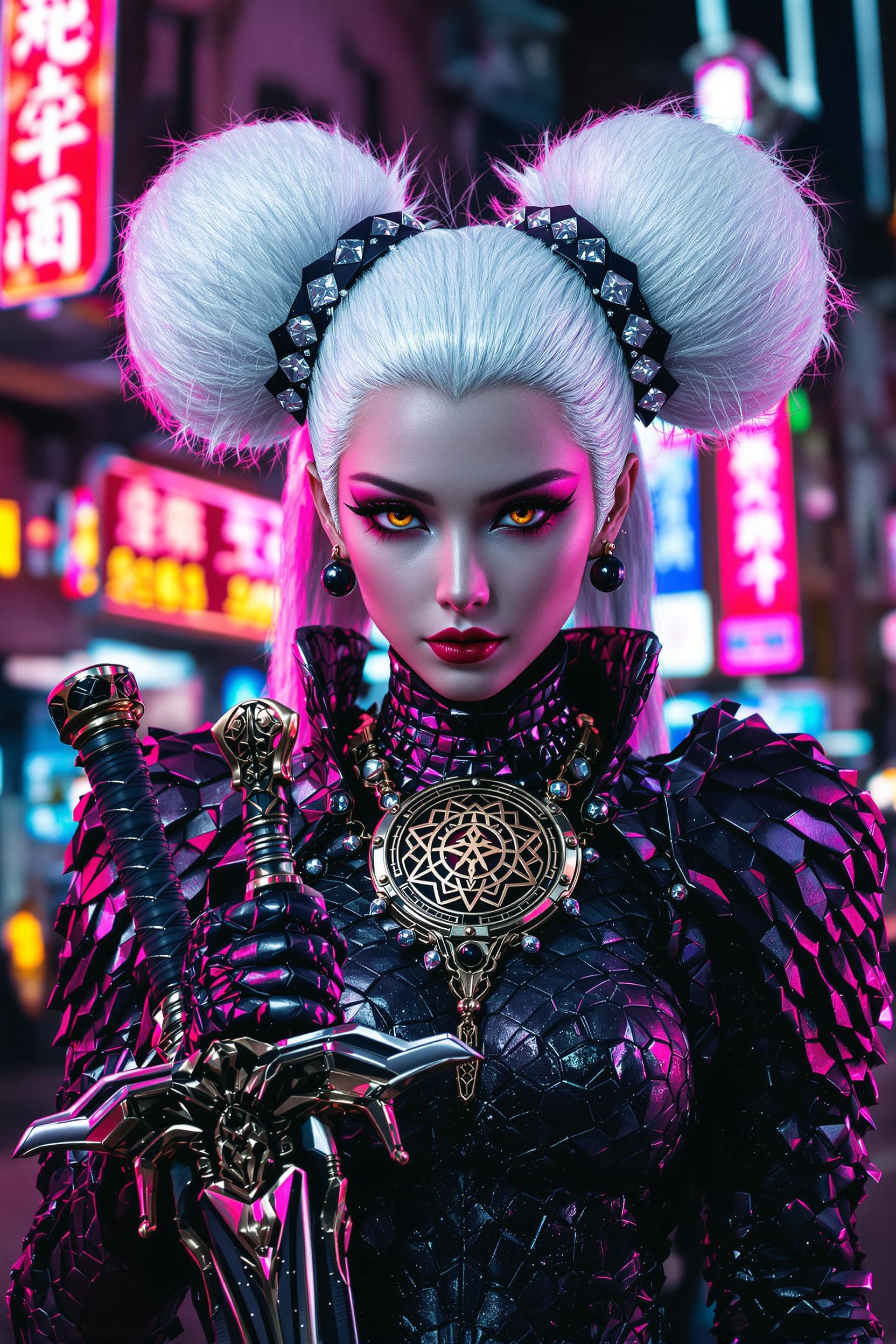
Upload your desired image and specify the crane shot effect you want to apply, such as 'crane up' or 'crane down'.
Step 3: Generate and Download Your Video
Click 'Generate' to process your video. Once completed, download your high-quality, AI-generated crane shot video.











The Pixel Dojo Advantage
Why WAN 2.6 Outperforms Traditional Methods for Crane Shot Creation
| Others | Pixel Dojo |
|---|---|
| Traditional Crane Equipment | Eliminates the need for costly equipment and large crews, making cinematic shots accessible to all. |
| Manual Video Editing | Reduces time-consuming post-production work by generating crane shots directly through AI. |
| Generic AI Tools | Offers specialized features tailored for crane shots, ensuring higher quality and more realistic results. |
Loved by Creators
See what our community says about WAN 2.6 crane shots
"WAN 2.6 transformed my video projects. The AI-generated crane shots added a professional touch that was previously out of reach."
Alex Johnson
Independent Filmmaker
"Incorporating WAN 2.6's crane shots into our marketing videos significantly boosted viewer engagement and brand perception."
Samantha Lee
Marketing Director
Common Questions
Everything you need to know about WAN 2.6 crane shots AI generation
How does WAN 2.6 create realistic crane shots?
WAN 2.6 utilizes advanced AI algorithms to simulate crane movements, generating smooth and dynamic shots without physical equipment.
Can I customize the crane shot effects in WAN 2.6?
Yes, WAN 2.6 allows you to specify various crane shot effects, such as 'crane up' or 'crane down', to match your creative vision.
Is WAN 2.6 suitable for beginners?
Absolutely. WAN 2.6's user-friendly interface makes it accessible for creators of all skill levels to produce professional-quality videos.
What file formats does WAN 2.6 support for image uploads?
WAN 2.6 supports common image formats like JPEG and PNG for uploads in the 'Image to Video' feature.
How long does it take to generate a crane shot video with WAN 2.6?
Generation times vary but typically range from a few minutes to several minutes, depending on the complexity of the shot.
Can I use WAN 2.6-generated videos for commercial purposes?
Yes, videos created with WAN 2.6 come with full commercial rights, allowing you to use them in your projects without restrictions.