Wan 2.2 Animate facial expressions AI Generator
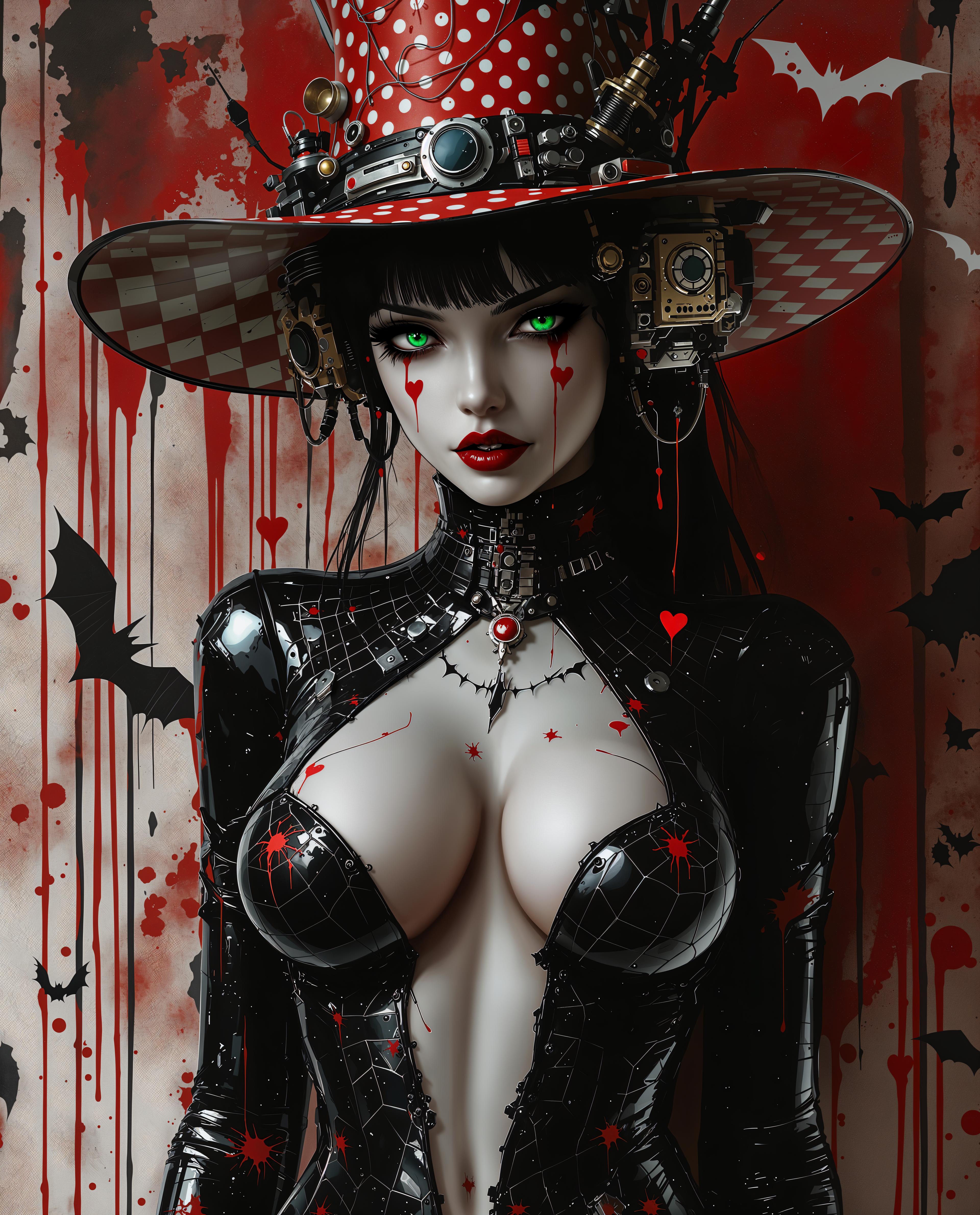
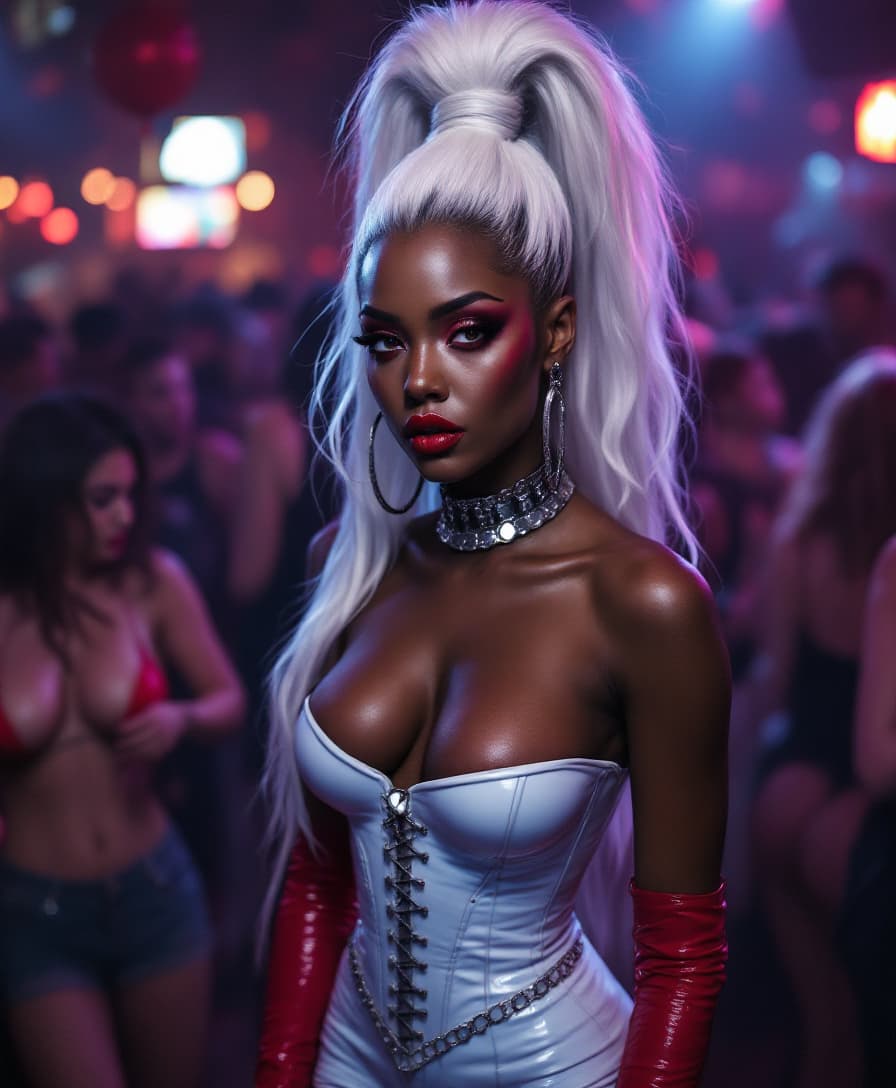
Imagine transforming a static character image into a dynamic animation that captures every nuance of facial expression and movement. With PixelDojo's integration of Wan 2.2, you can effortlessly bring your characters to life, creating engaging and expressive animations that resonate with your audience.
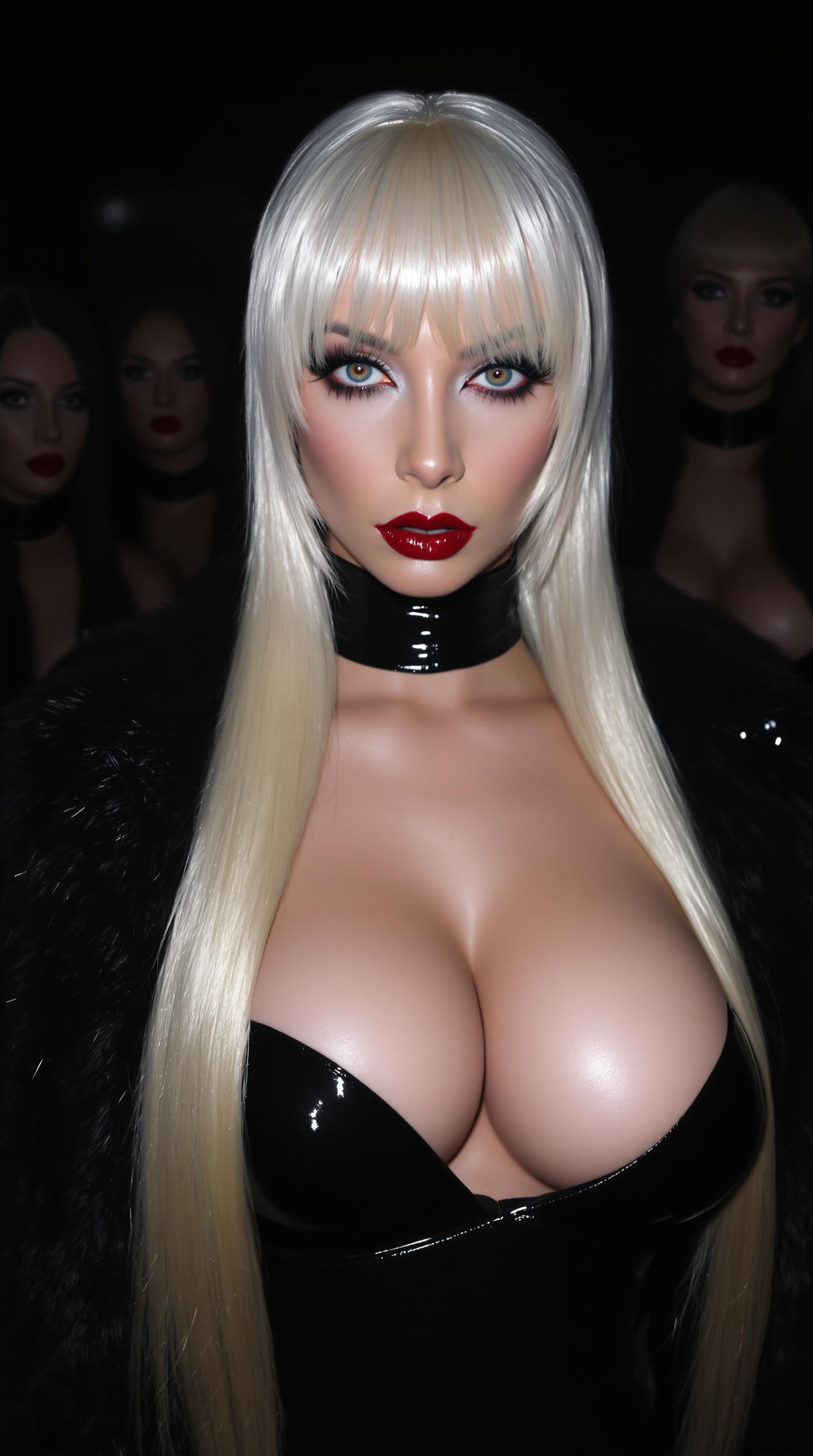
Join thousands of creators who have enhanced their storytelling with PixelDojo's AI tools. Rated 4.9/5 by our community, our platform empowers you to animate with precision and ease.
Why Choose Pixel Dojo for Wan 2.2 Animate facial expressions
Professional-quality results with cutting-edge AI technology
Effortless Character Animation
Transform static images into dynamic animations with precise facial expressions and body movements.
Seamless Integration
Easily incorporate animated characters into existing videos, maintaining consistent lighting and color tones.
High-Quality Output
Generate professional-grade animations at 720p resolution with smooth 24fps motion.
How It Works
Creating expressive character animations with Wan 2.2 on PixelDojo is straightforward. Follow these steps to bring your characters to life:
Step 1: Upload Your Character Image
Select and upload a clear image of the character you wish to animate.
Step 2: Provide a Reference Video
Upload a video that demonstrates the desired facial expressions and movements for your character.
Step 3: Generate and Download Animation
Click 'Generate' to create the animation. Once processed, download your high-quality animated video.

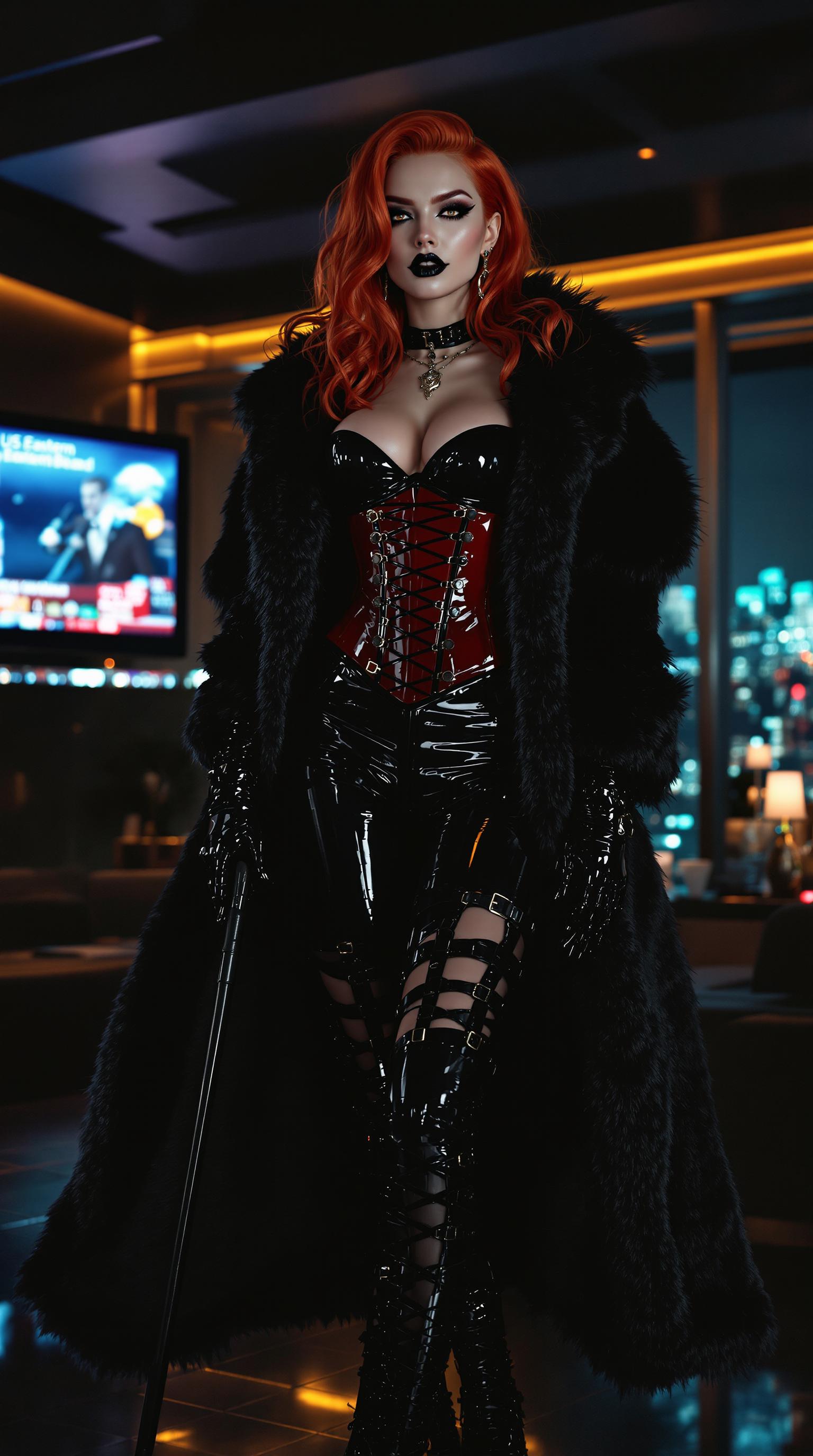
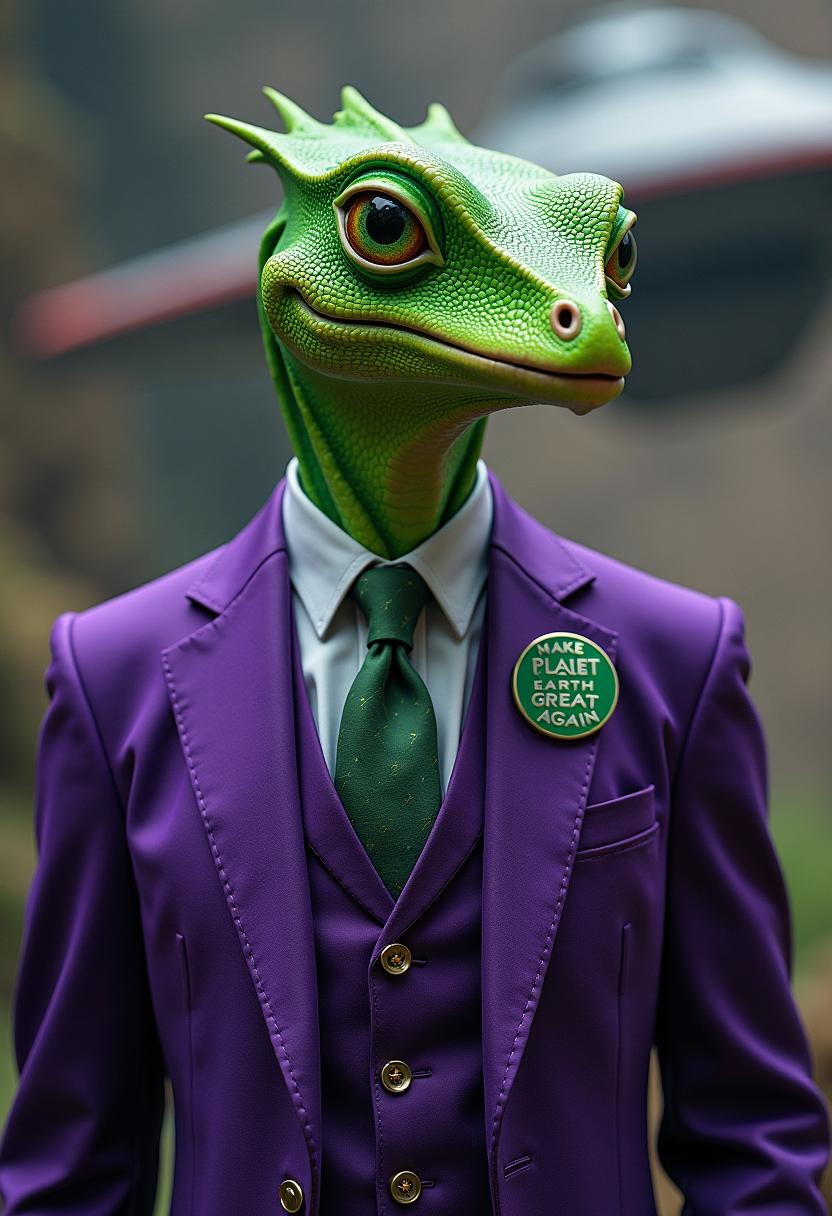


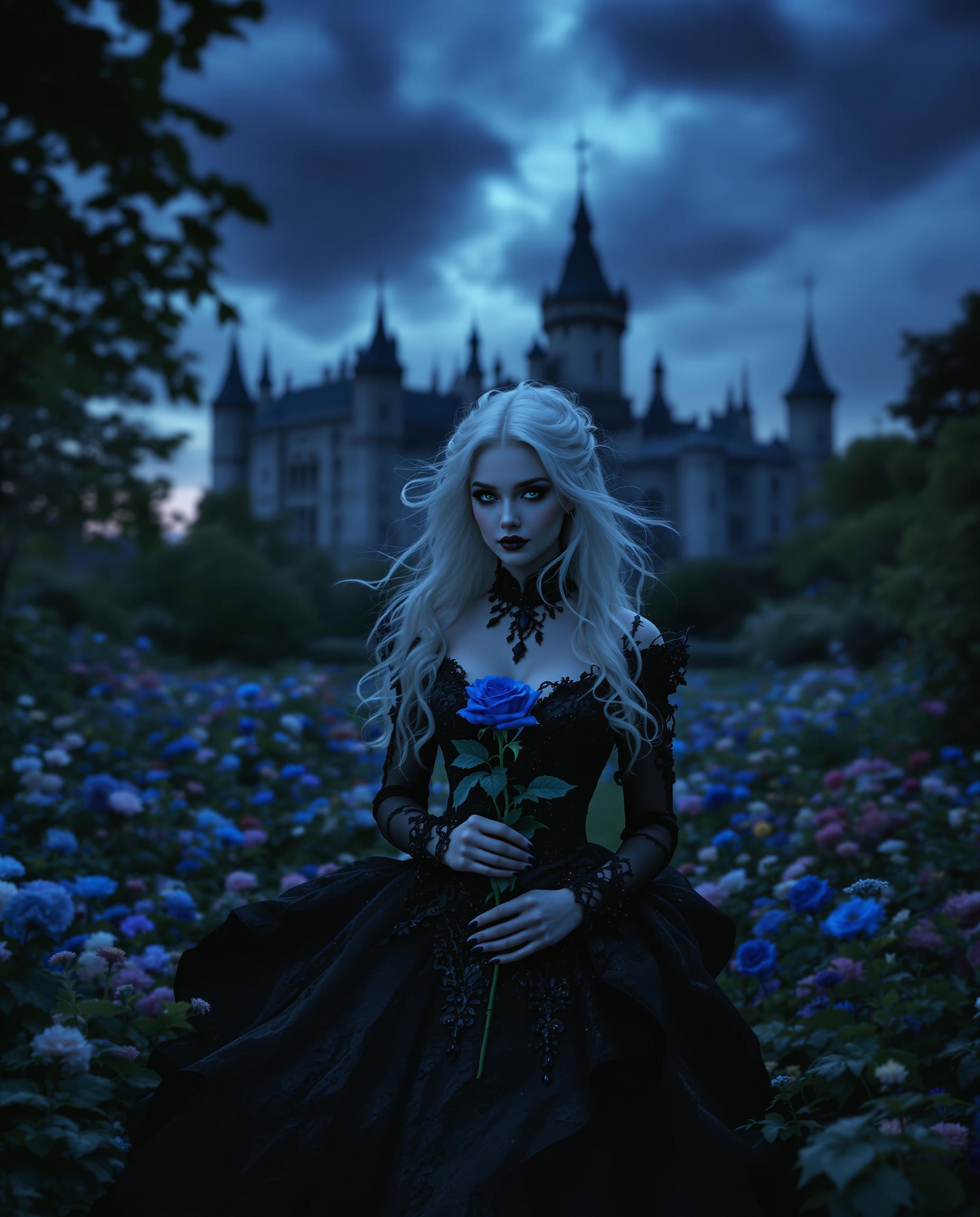

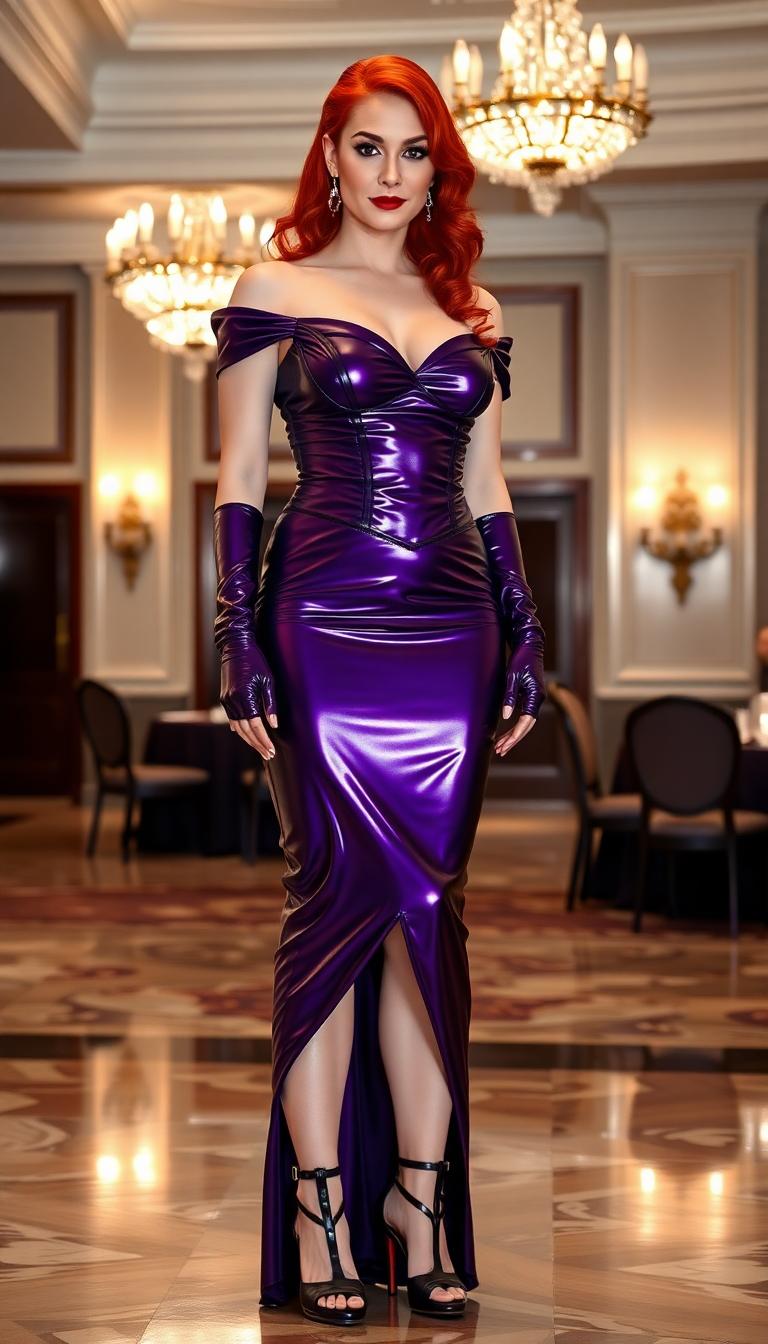

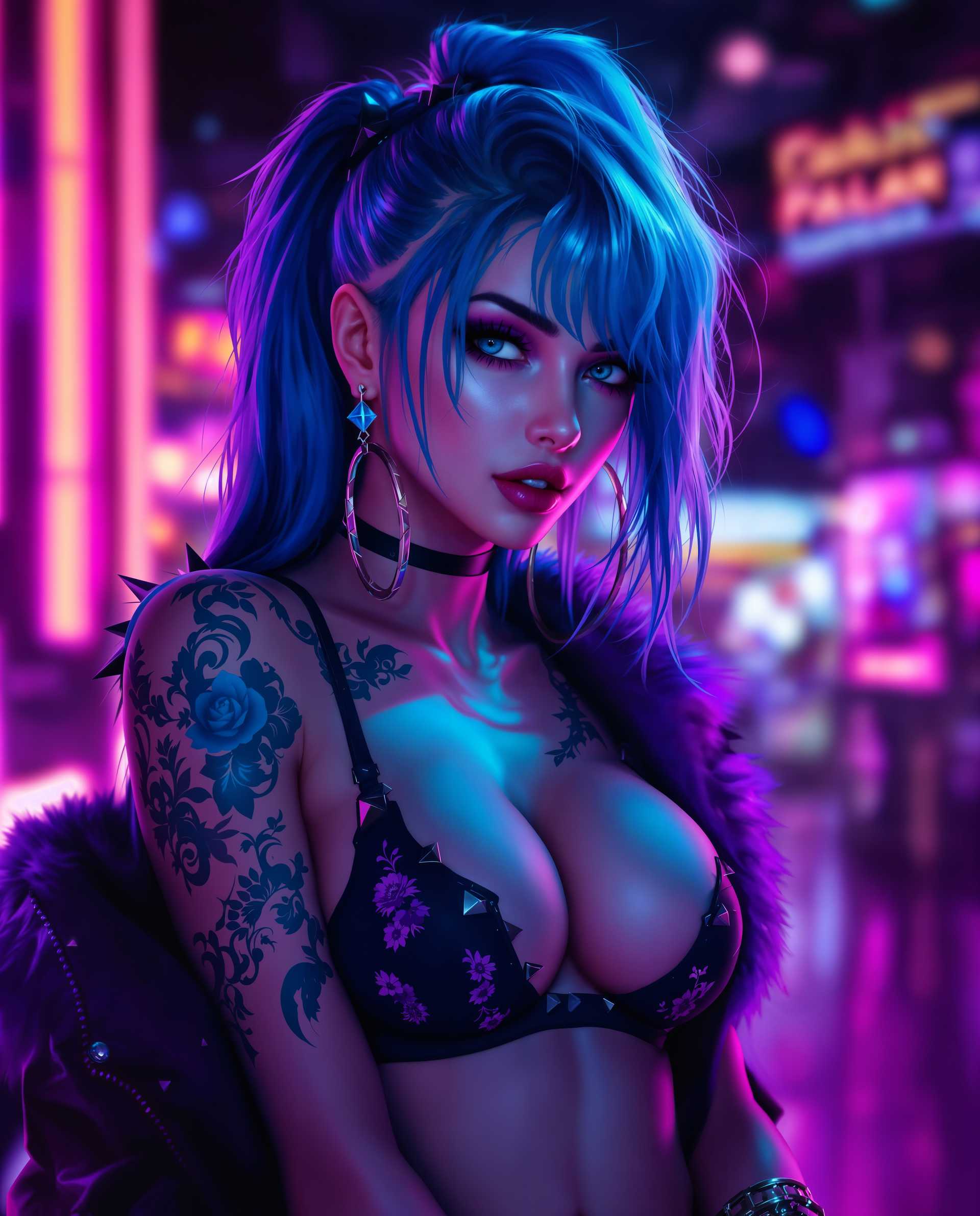
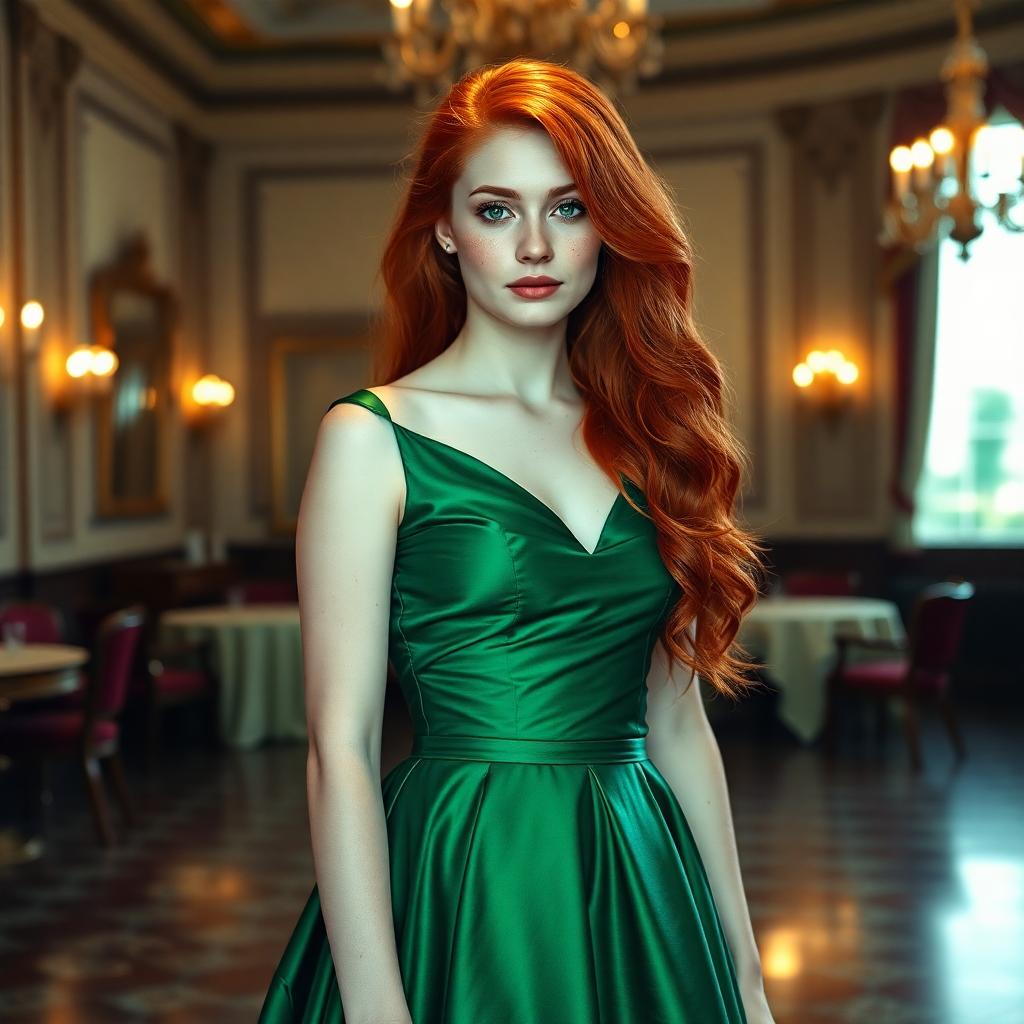
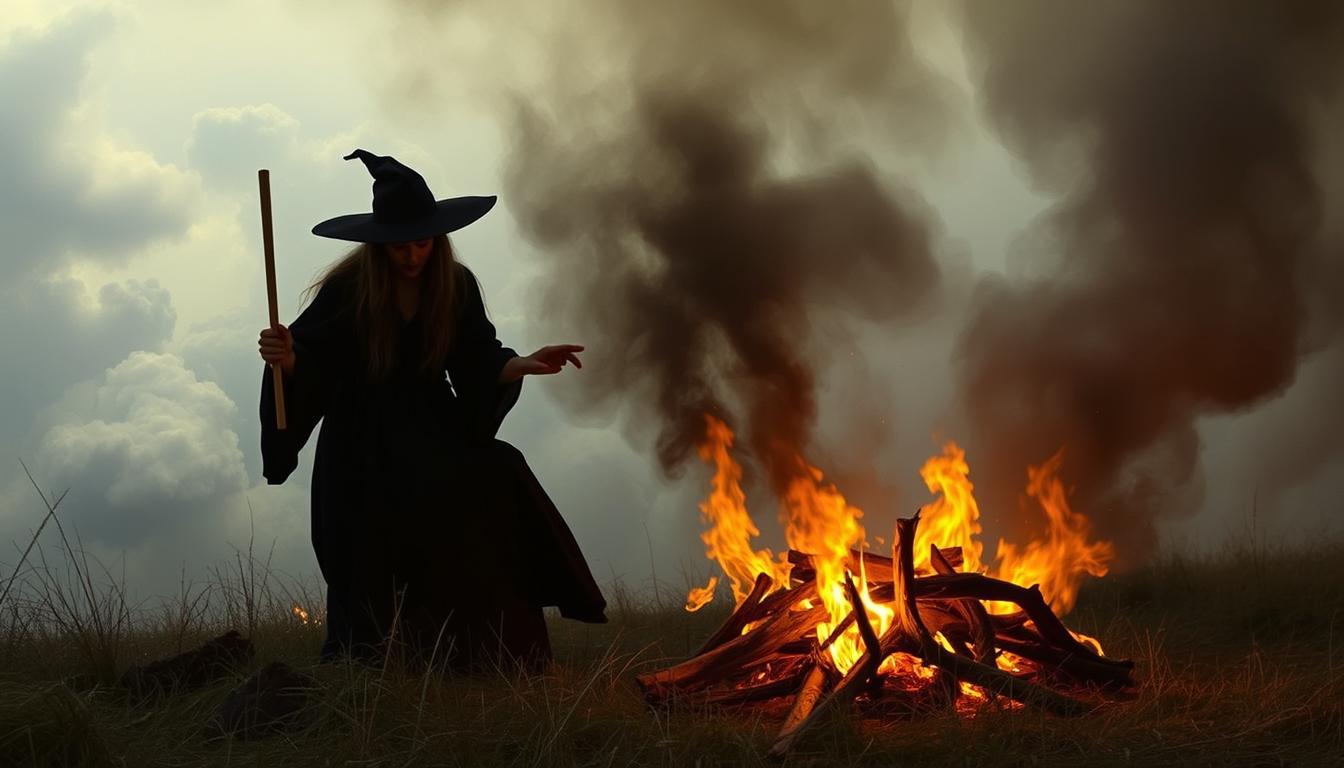
The Pixel Dojo Advantage
Why PixelDojo outperforms other options for animating facial expressions:
| Others | Pixel Dojo |
|---|---|
| Traditional Animation Methods | Eliminate the need for manual frame-by-frame animation, saving time and effort. |
| Generic AI Tools | Achieve higher accuracy in facial expression replication with specialized AI models. |
| Manual Photo Editing | Create dynamic animations without extensive photo editing skills or software. |
Loved by Creators
See what our community says about Wan 2.2 Animate facial expressions
"PixelDojo's Wan 2.2 integration has revolutionized my animation workflow. The precision in facial expressions is unparalleled."
Alex Johnson
Digital Artist
"Animating characters has never been this easy. PixelDojo provides the tools I need to bring my stories to life."
Maria Lopez
Content Creator
Common Questions
Everything you need to know about Wan 2.2 Animate facial expressions AI generation
How does Wan 2.2 animate facial expressions?
Wan 2.2 uses advanced AI to analyze a reference video and apply the captured facial expressions and movements to your static character image, creating a dynamic animation.
Can I use any image for animation?
For optimal results, use high-resolution images with clear facial features. This ensures accurate and realistic animations.
What formats are supported for the reference video?
PixelDojo supports common video formats such as MP4, AVI, and MOV for reference videos.
Is there a limit to the animation length?
The length of the animation depends on the duration of the reference video. Longer videos may require more processing time.
Can I edit the animation after generation?
Yes, PixelDojo offers editing tools to refine your animation, including adjusting timing and expressions.
Is PixelDojo suitable for beginners?
Absolutely! PixelDojo's intuitive interface and comprehensive guides make it accessible for users of all skill levels.