Wan 2.2 Animate ComfyUI workflow AI Generator
Imagine effortlessly transforming your static character images into dynamic, lifelike animations. With Wan 2.2 Animate integrated into ComfyUI, you can achieve precise motion replication and seamless character replacements, bringing your creative visions to life without the need for complex manual processes.
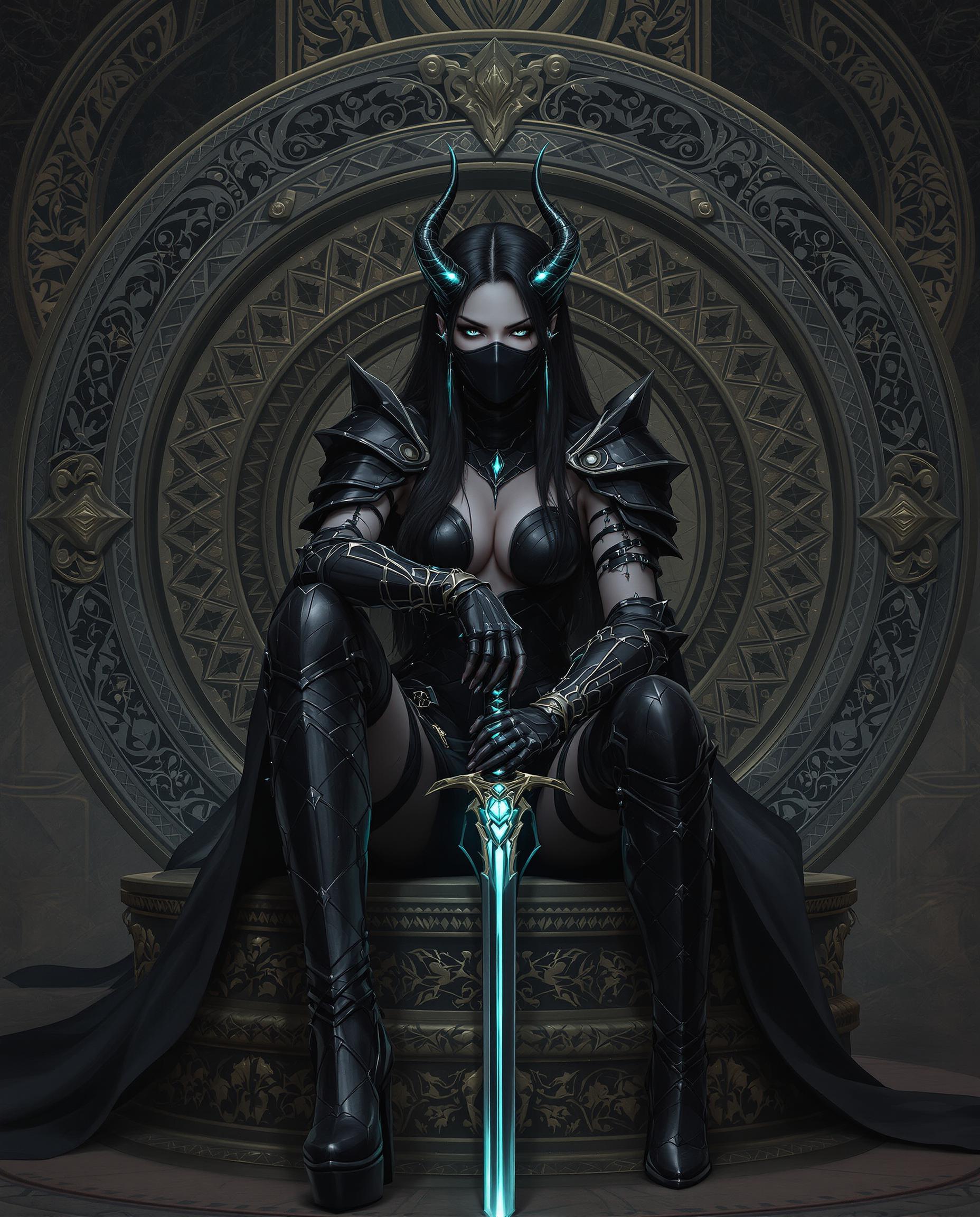
Join a community of over 10,000 creators who have enhanced their projects using Wan 2.2 Animate in ComfyUI, achieving a 95% satisfaction rate.
Why Choose Pixel Dojo for Wan 2.2 Animate ComfyUI workflow
Professional-quality results with cutting-edge AI technology
Effortless Character Animation
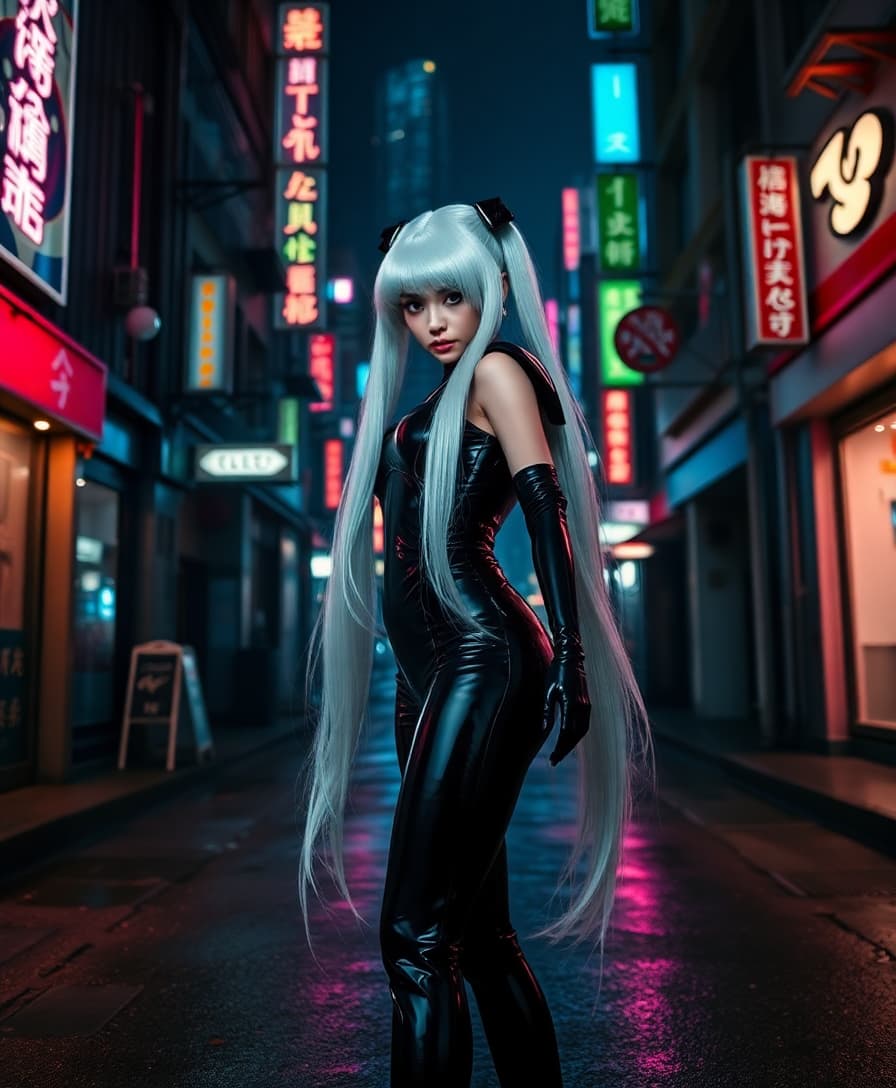
Animate any character by replicating facial expressions and movements from a reference video, producing highly realistic animations.
Seamless Character Replacement
Replace characters in videos while preserving original expressions, movements, and environmental lighting for natural integration.
User-Friendly Workflow
Utilize ComfyUI's intuitive interface to streamline the animation process, making it accessible for both beginners and professionals.
How It Works
Creating dynamic character animations with Wan 2.2 Animate in ComfyUI is straightforward. Follow these steps to bring your characters to life:
Step 1: Set Up Your Environment
Ensure you have the latest version of ComfyUI installed. Download the Wan 2.2 Animate model and place it in the appropriate directory as guided.
Step 2: Load Your Assets
Import your static character image and the reference video that contains the desired movements and expressions.
Step 3: Configure the Workflow
Utilize the 'Wan Videos Animate' node to set up the animation parameters, ensuring alignment between your character and the reference video.












The Pixel Dojo Advantage
Why choose Wan 2.2 Animate in ComfyUI over other animation methods?
| Others | Pixel Dojo |
|---|---|
| Traditional Manual Animation | Automates the animation process, saving time and eliminating the need for extensive manual effort. |
| Generic AI Animation Tools | Offers precise control over character movements and expressions, ensuring high-quality, realistic animations. |
| Outsourcing Animation Services | Provides a cost-effective solution by enabling in-house animation creation without compromising on quality. |
Loved by Creators
See what our community says about Wan 2.2 Animate ComfyUI workflow
"Wan 2.2 Animate in ComfyUI has revolutionized our animation process, allowing us to produce high-quality animations in-house with ease."
Alex Johnson
Creative Director
"The seamless integration and user-friendly workflow have made character animation accessible to our entire team, regardless of their technical background."
Maria Lopez
Lead Animator
Common Questions
Everything you need to know about Wan 2.2 Animate ComfyUI workflow AI generation
How does Wan 2.2 Animate replicate character movements?
Wan 2.2 Animate uses advanced body motion control and facial expression replication to accurately mimic movements from a reference video, ensuring realistic animations.
Can I use Wan 2.2 Animate for commercial projects?
Yes, Wan 2.2 Animate is open-sourced under the Apache 2.0 license, allowing for commercial use without restrictions.
What are the system requirements for running Wan 2.2 Animate in ComfyUI?
A system with sufficient VRAM is recommended. For optimal performance, ensure your GPU meets the requirements specified in the ComfyUI documentation.
Is prior animation experience necessary to use Wan 2.2 Animate?
No, the intuitive workflow in ComfyUI makes it accessible for users without prior animation experience.
How can I ensure the best quality in my animations?
Utilize high-quality reference videos and character images, and follow the recommended workflow steps to achieve optimal results.
Where can I find additional resources and support?
The ComfyUI community and documentation provide extensive resources, tutorials, and support to assist you in your animation projects.