Video to character animation Wan 2.2 AI Generator
Imagine transforming your static character images into dynamic, lifelike animations effortlessly. With PixelDojo's integration of Wan 2.2, you can breathe life into your characters by converting videos into seamless animations. Whether you're an animator, game developer, or content creator, this powerful tool enables you to produce high-quality character animations without the need for complex software or extensive experience.
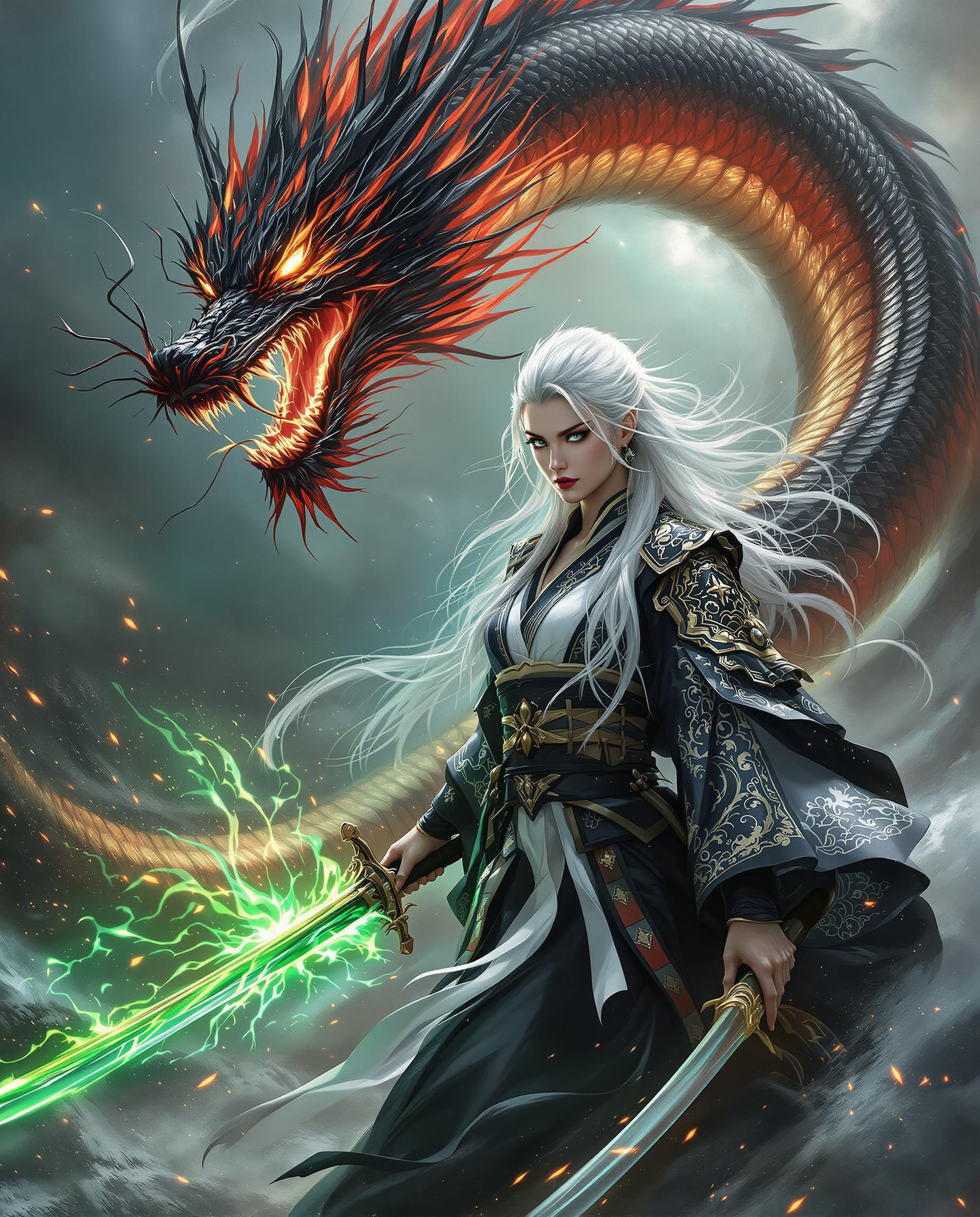
Join over 10,000 creators who have enhanced their projects using PixelDojo's AI tools, achieving a 95% satisfaction rate.
Why Choose Pixel Dojo for Video to character animation Wan 2.2
Professional-quality results with cutting-edge AI technology
Effortless Character Animation
Transform static images into dynamic animations by leveraging video references, eliminating the need for manual frame-by-frame animation.
Seamless Integration
Replace characters in existing videos while maintaining original lighting and environmental context for a natural look.
High-Quality Output
Generate professional-grade animations with consistent character identity and smooth motion replication.
How It Works
Creating character animations with Wan 2.2 on PixelDojo is a straightforward process. Follow these steps to bring your characters to life:
Step 1: Upload Your Character Image
Select and upload a clear, high-resolution image of the character you wish to animate. Ensure the character's face and body are fully visible for optimal results.
Step 2: Provide a Reference Video
Choose a video that demonstrates the desired movements and expressions. This video will guide the animation process, so select one that closely matches your vision.
Step 3: Generate and Download Your Animation
Initiate the animation process. Wan 2.2 will analyze the reference video and apply the movements to your character image. Once complete, download your high-quality animated video.


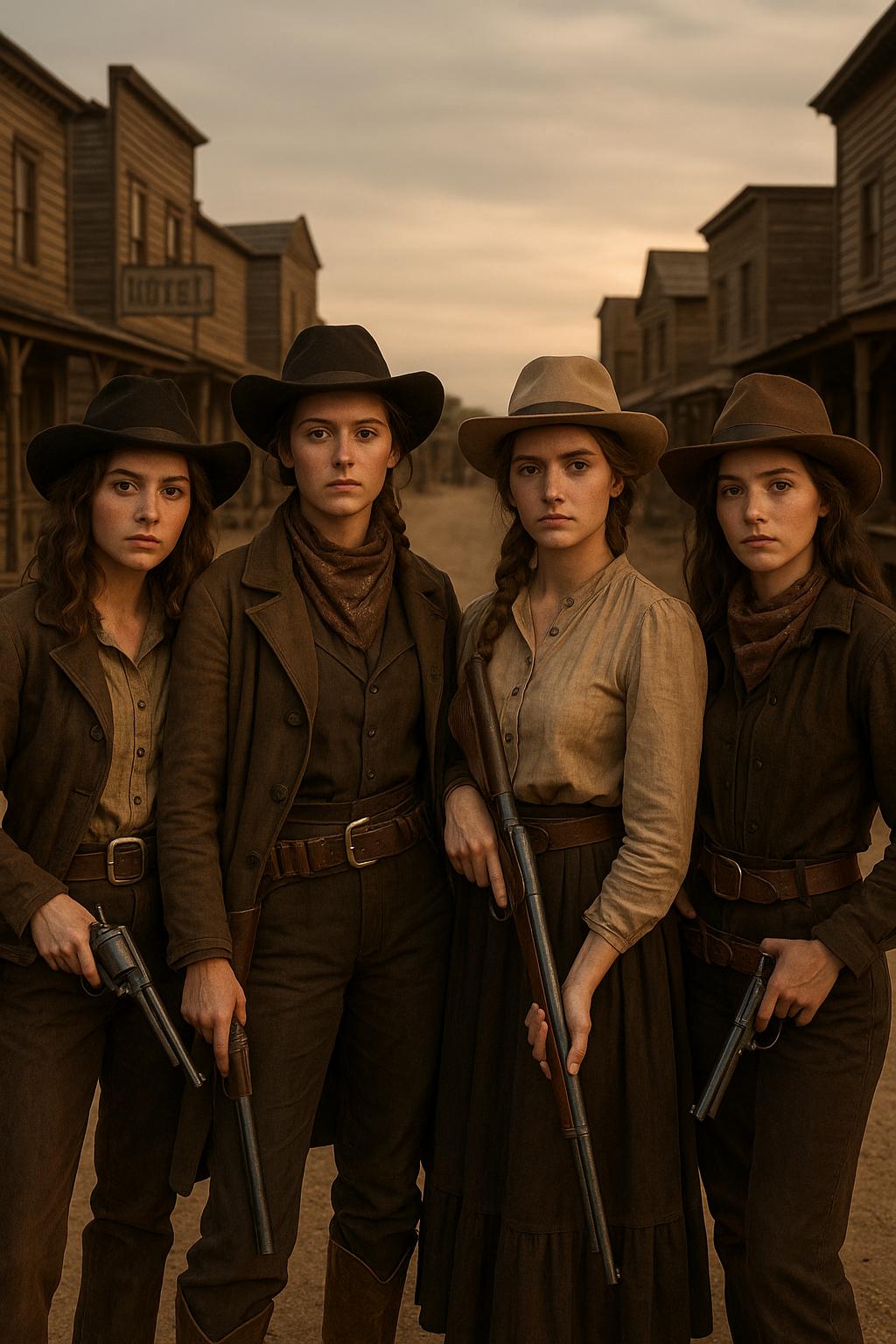
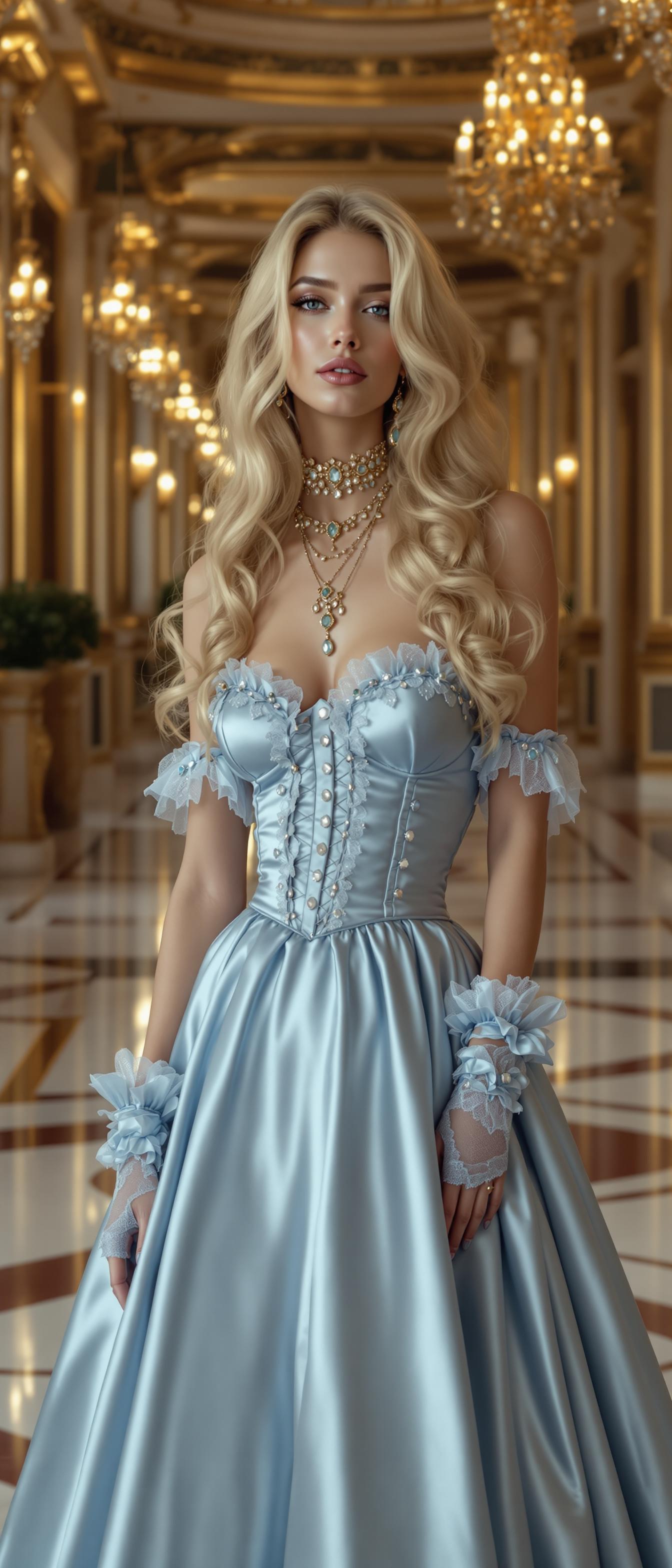
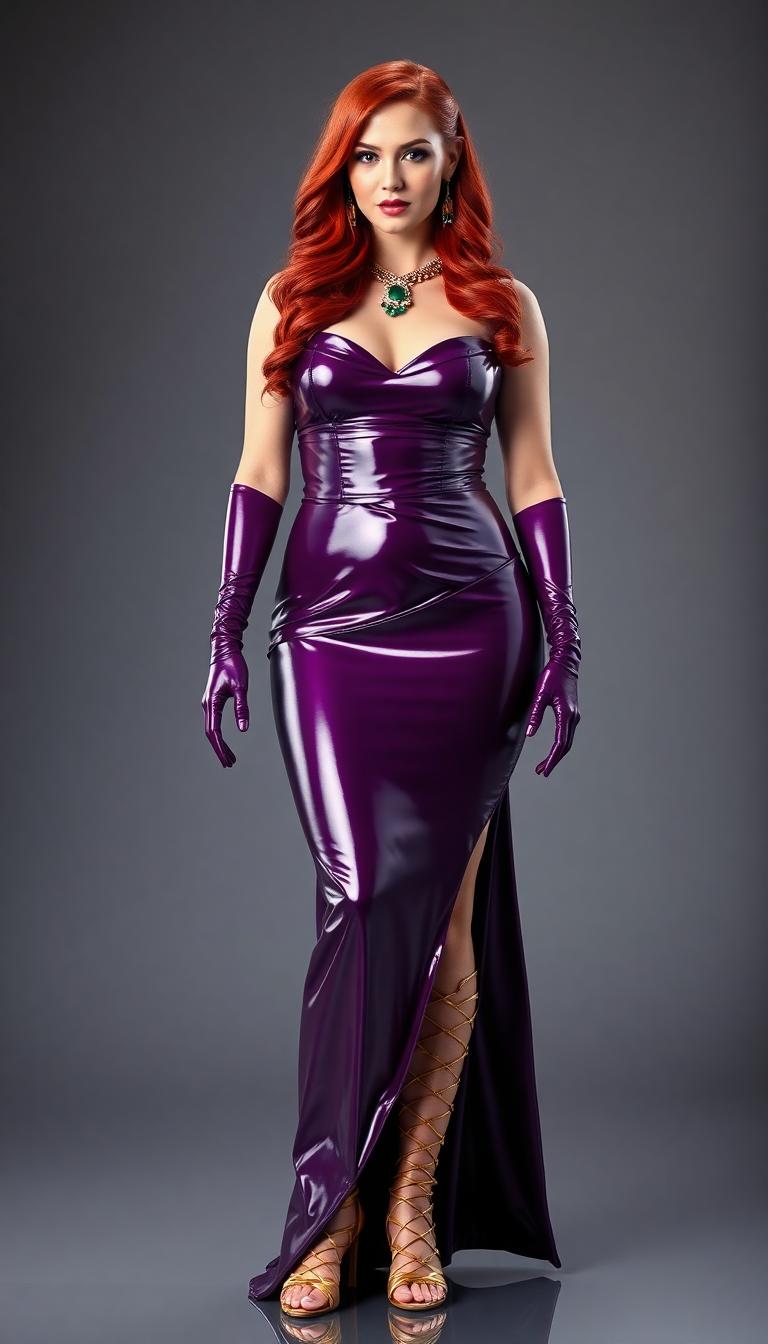
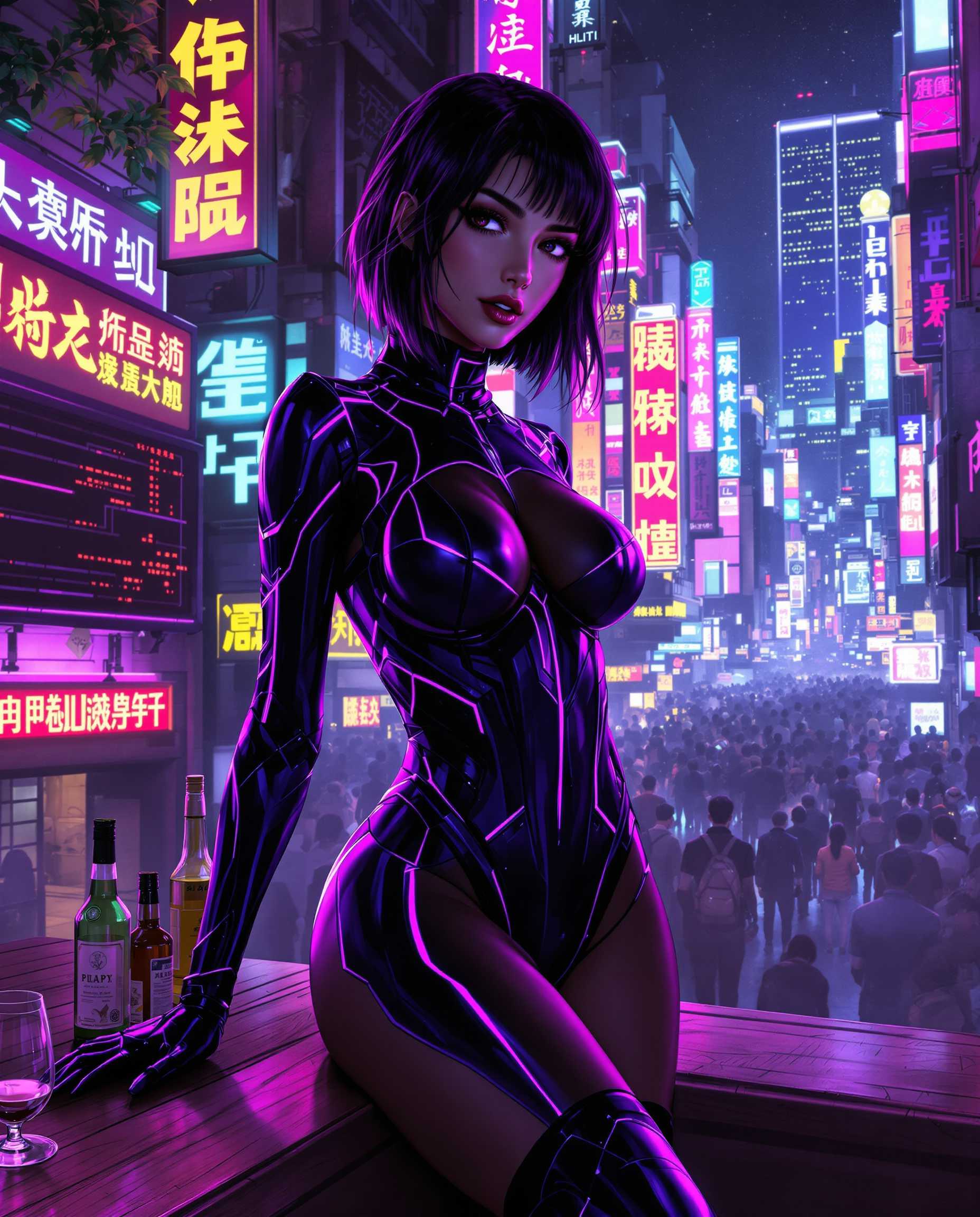


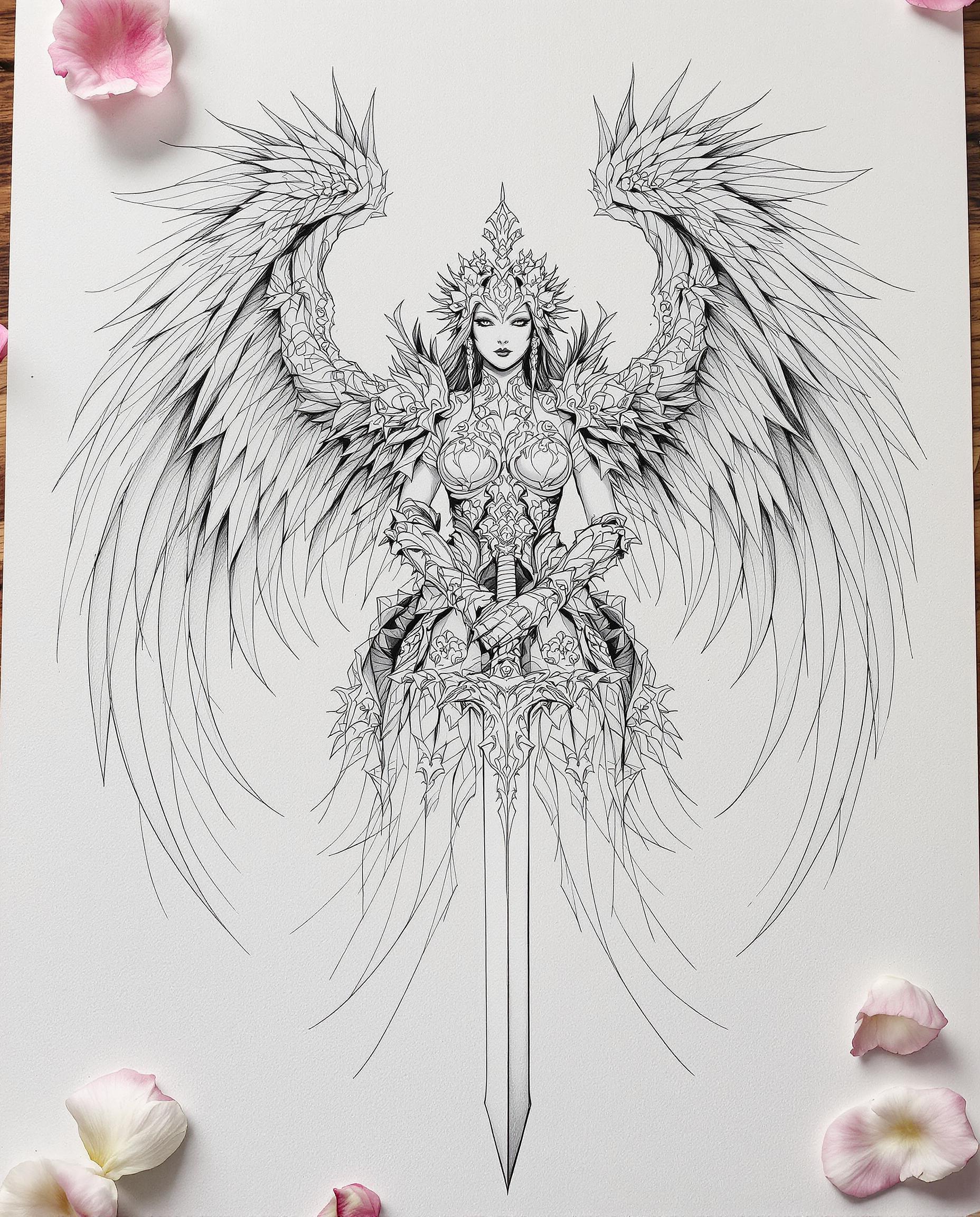
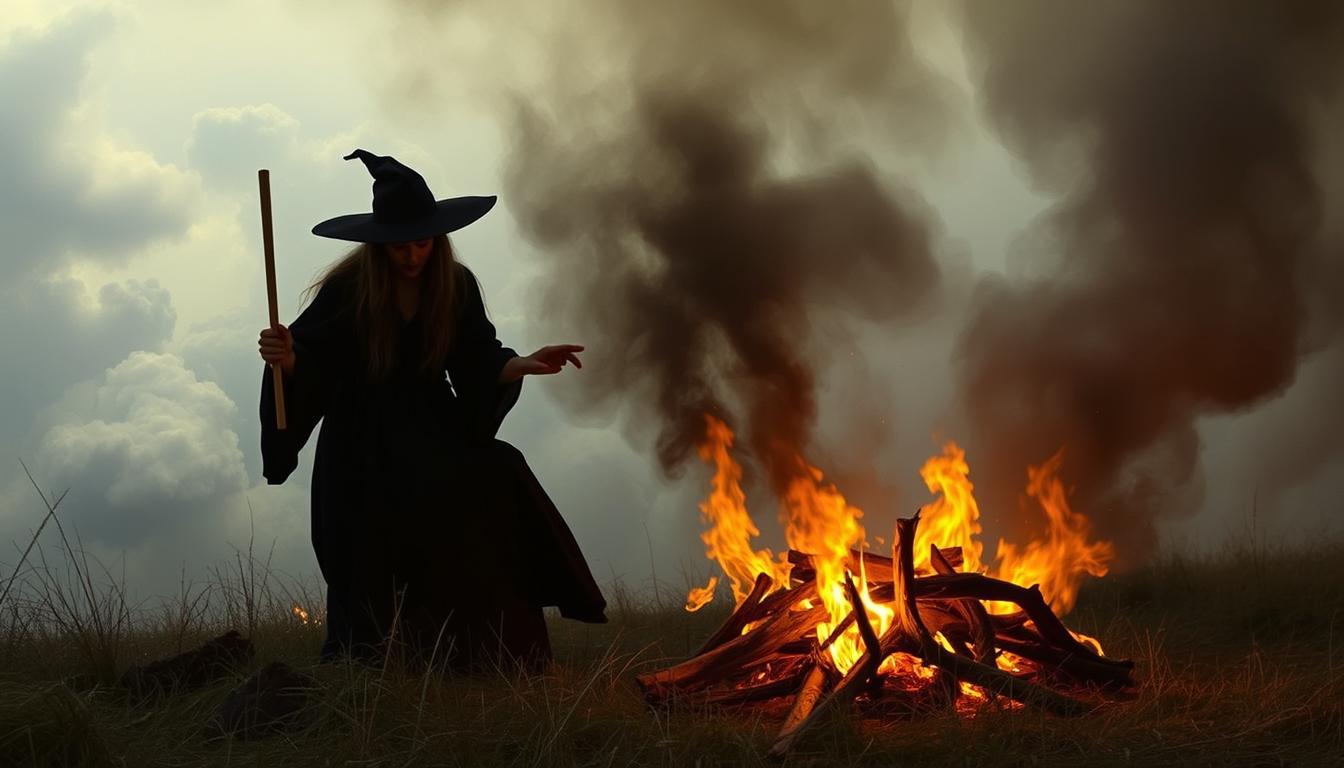
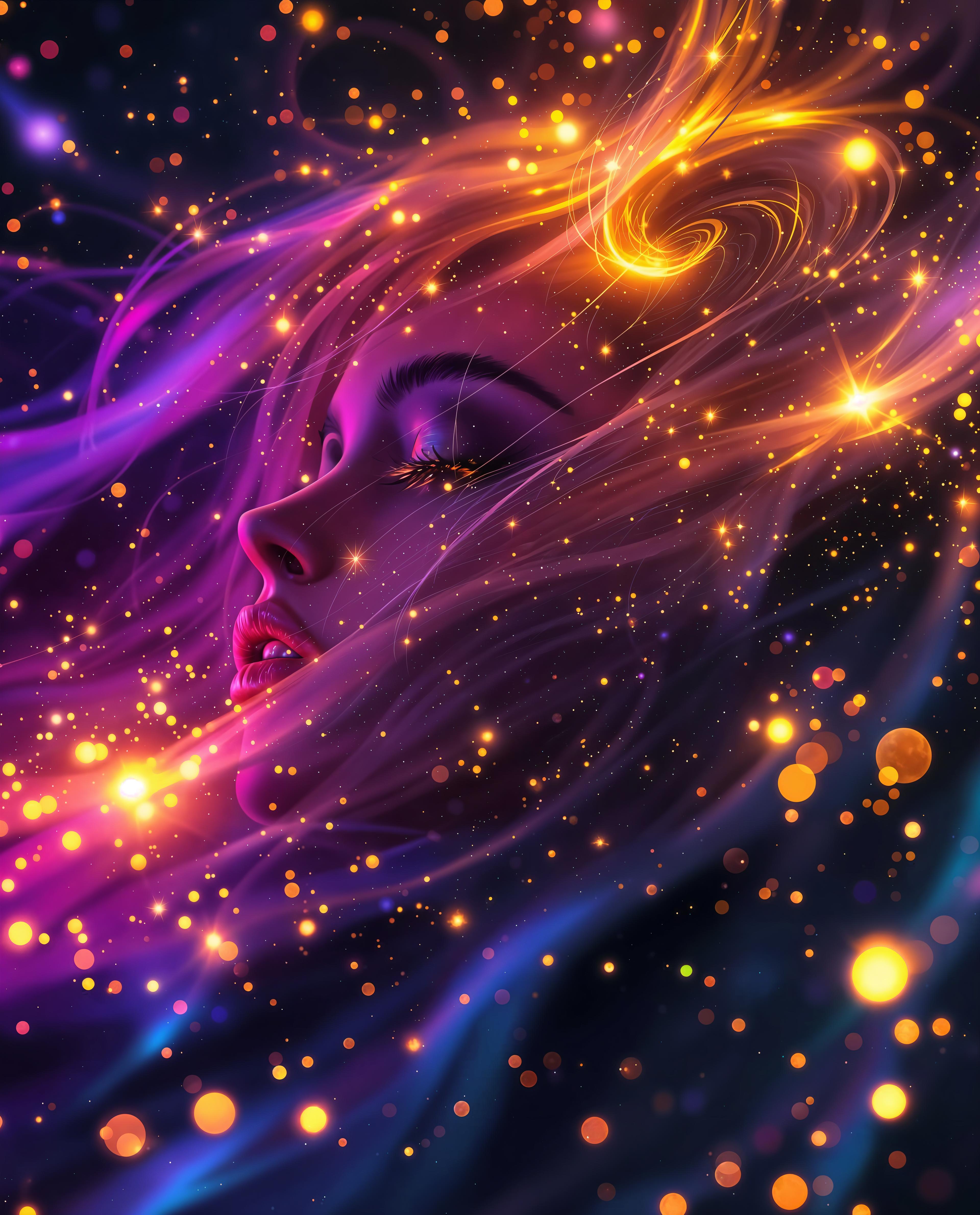
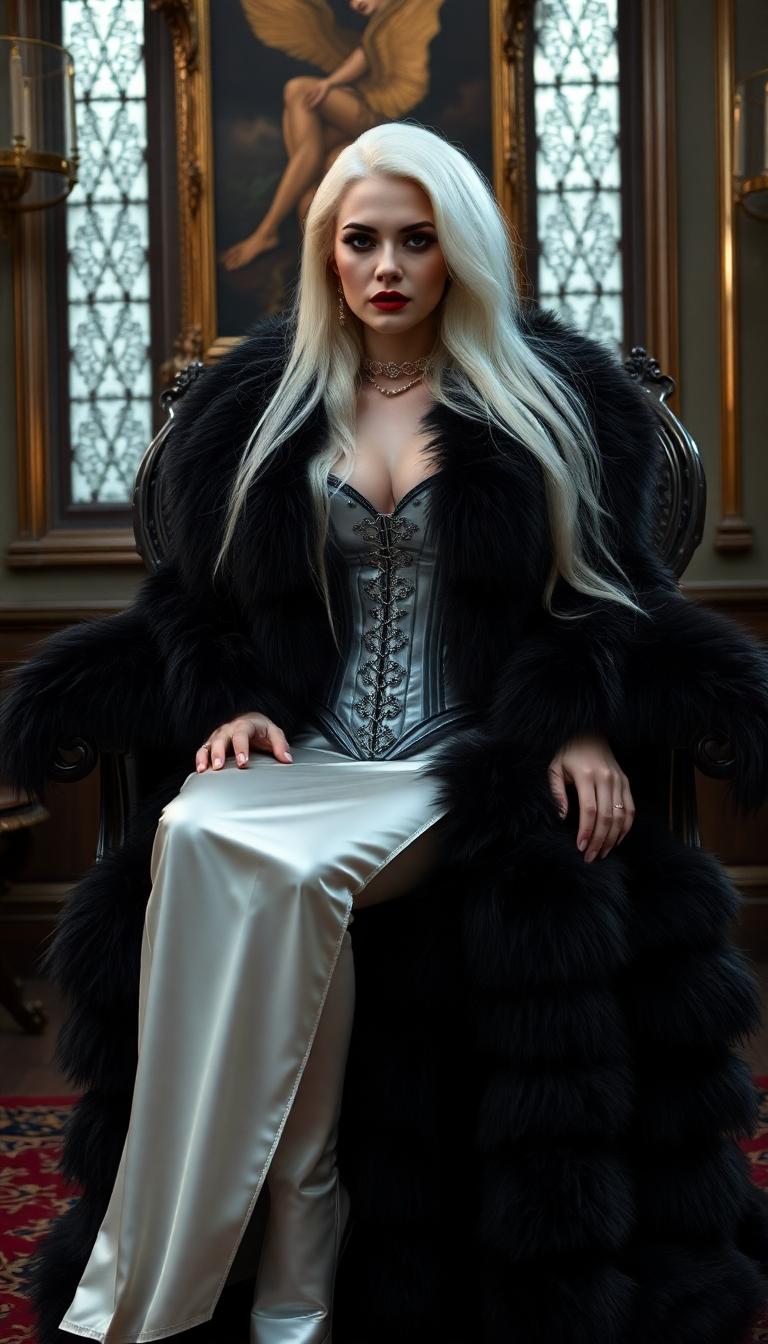
The Pixel Dojo Advantage
Why PixelDojo's Wan 2.2 stands out for character animation:
| Others | Pixel Dojo |
|---|---|
| Traditional Frame-by-Frame Animation | Automates the animation process, saving countless hours and reducing manual effort. |
| Generic AI Animation Tools | Offers precise control over character movements and expressions by utilizing specific reference videos. |
| Manual Video Editing | Ensures consistent character identity and seamless integration without the need for extensive editing skills. |
Loved by Creators
See what our community says about Video to character animation Wan 2.2
"PixelDojo's Wan 2.2 transformed my static character designs into dynamic animations effortlessly. It's a game-changer for my projects."
Alex Johnson
Independent Animator
"The ability to replace characters in existing videos while maintaining scene integrity is phenomenal. PixelDojo has streamlined our content creation process."
Samantha Lee
Content Creator
Common Questions
Everything you need to know about Video to character animation Wan 2.2 AI generation
How does Wan 2.2 convert videos into character animations?
Wan 2.2 analyzes the movements and expressions in your reference video and applies them to your static character image, creating a dynamic animation that mirrors the video's actions.
Can I replace a character in an existing video using Wan 2.2?
Yes, Wan 2.2 allows you to replace characters in existing videos while preserving the original scene's lighting and environmental context, ensuring a natural integration.
What types of videos work best as reference material?
Videos with clear, well-lit footage of the desired movements and expressions work best. Ensure the subject is fully visible and the actions are distinct for optimal animation results.
Is any prior animation experience required to use Wan 2.2?
No prior animation experience is necessary. Wan 2.2 is designed to be user-friendly, allowing creators of all skill levels to produce high-quality animations.
What output quality can I expect from Wan 2.2 animations?
Wan 2.2 generates professional-grade animations with consistent character identity, smooth motion replication, and high-resolution output suitable for various applications.
How long does it take to generate an animation with Wan 2.2?
The processing time depends on the length and complexity of the reference video, but Wan 2.2 is optimized for efficiency, typically delivering animations within minutes.