veo 3.1 image to video pixel dojo AI Generator

Imagine turning your favorite photos into captivating videos that tell a story, engage audiences, and elevate your content creation game. With PixelDojo's Veo 3.1 Image to Video tool, you can effortlessly animate static images into dynamic, high-quality videos. Whether you're a marketer crafting promotional clips, a storyteller bringing narratives to life, or a creator experimenting with visuals, Veo 3.1 empowers you to produce professional-grade videos without expensive software or technical skills. Achieve stunning results that captivate viewers, save hours of editing time, and unlock new creative possibilities – all from a single image.

AI Generated
Get Started TodayResults in seconds50+ AI models

Join over 50,000 creators who have generated millions of videos on PixelDojo. Rated 4.9/5 stars on Trustpilot, with users praising our Veo 3.1 for its speed and realism. 'PixelDojo transformed my workflow!' – Featured in top AI tech blogs.

Why Choose Pixel Dojo for veo 3.1 image to video pixel dojo

Professional-quality results with cutting-edge AI technology

Animate Ideas Instantly

Turn any static image into a lively video in seconds, helping you create content that grabs attention and drives engagement for your social media or marketing campaigns.

Boost Creative Output

Produce high-quality, realistic animations without learning complex software, allowing you to focus on your vision and generate more content faster than ever.

Enhance Storytelling

Bring narratives to life with smooth transitions and dynamic effects, making your videos more immersive and helping you connect deeply with your audience.

How It Works

Creating stunning videos from images with Veo 3.1 on PixelDojo is simple and intuitive. Follow these steps to animate your visuals and achieve professional results quickly.

1

Step 1: Choose Your Tool

Log in to PixelDojo and select the Veo 3.1 tool from the Video Generation section. Upload your starting image – it could be anything from a landscape photo to a product shot – and let the AI prepare for animation.

2

Step 2: Enter Your Prompt

Describe the desired motion and style in the prompt field. For example, specify 'animate the waves crashing on the beach with gentle wind effects' to guide Veo 3.1 in generating realistic movements and transitions.

3

Step 3: Customize & Download

Preview the generated video, tweak settings like duration or effects using PixelDojo's editing tools, and download your final high-resolution video ready for sharing or integration into projects.

Community veo 3.1 image to video pixel dojo Gallery

Real examples created by our community

a photo of a man flying through the air on a drone. the clouds say "PixelDojo.ai Now With Imagen 4"
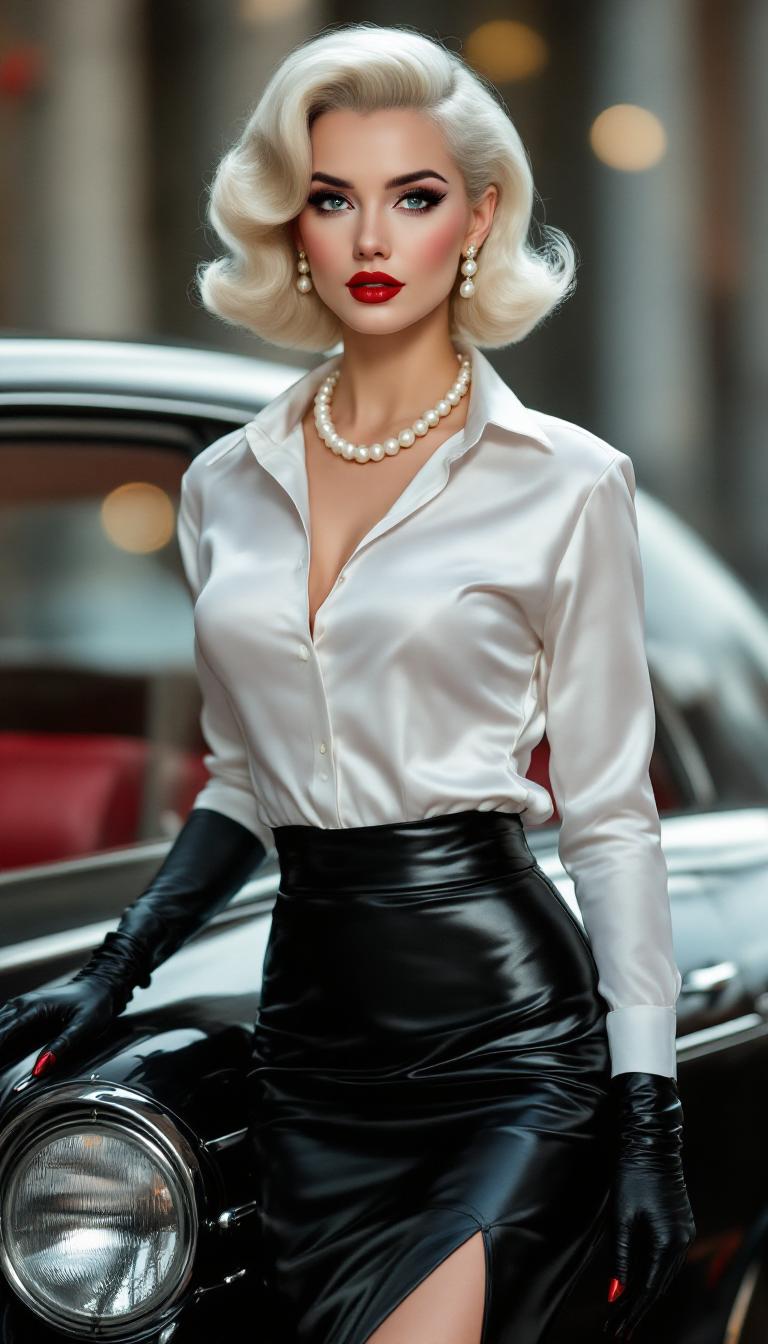
Pale, shoulder length white hair set in a 1950s pinup girl style. Dressed in a shiny white silk long sleeve dress shirt unbuttoned slightly to reveal her Ample 55DD breasts. Black Leather knee length pencil skirt.  Black patent leather mary jane heels. Bold makeup, shiny blood red lips. An elegant single string of pearls circles her throat. Standing by the side of her expensive luxury car. Blood red fingernails. Pearl drop style earring. Sleek skintight black riding gloves
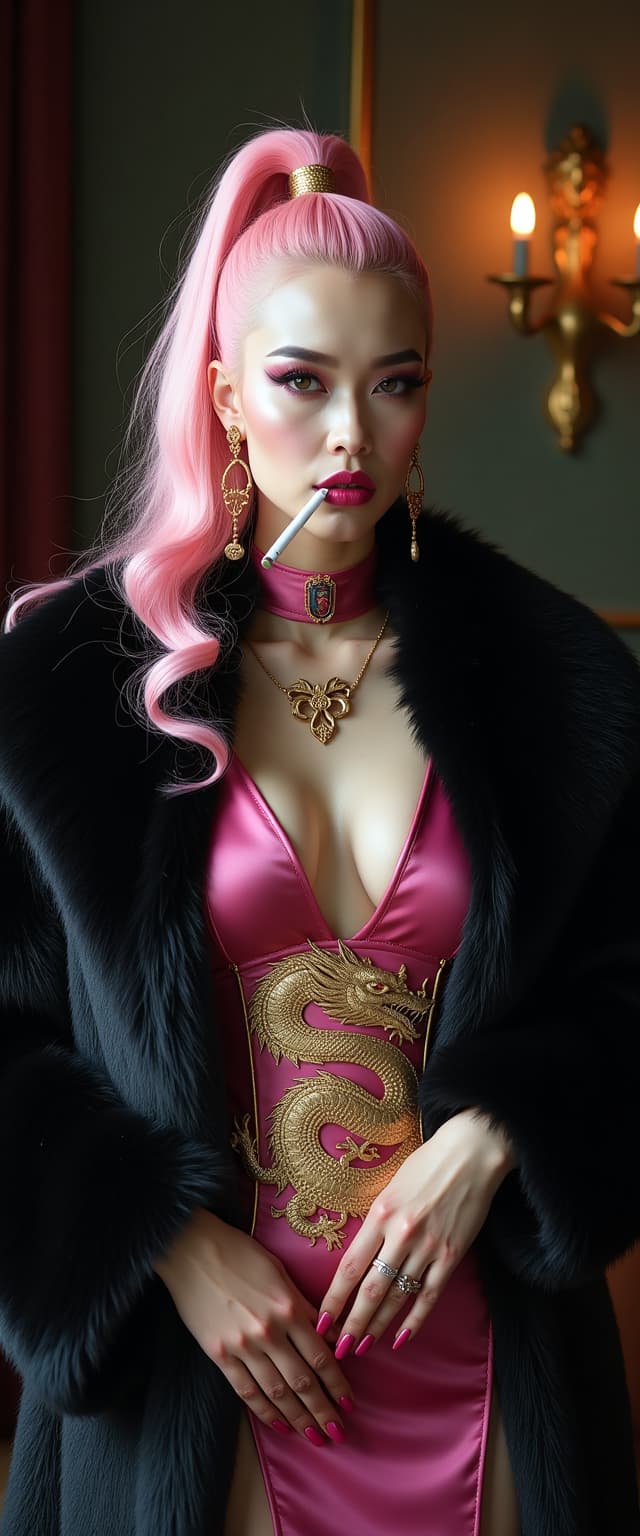
A striking mid-30s Asian vampire queen with pale, porcelain skin and thick, voluminous cotton candy pink hair cascading down her shoulders in a high ponytail commands attention with dark elegance. She wears a luxurious black fur coat over a shiny pink latex slit qipao adorned with a golden Asian dragon, her heavy gothic makeup, shiny pink lips, and nails amplifying her menacing allure as she smokes a slim cigarette. Captured in photorealistic detail with cinematic lighting, soft shadows, and the precision of an 8K DSLR shot using a 50mm lens, this full-body portrait radiates haunting sophistication against a dimly lit, opulent gothic backdrop.
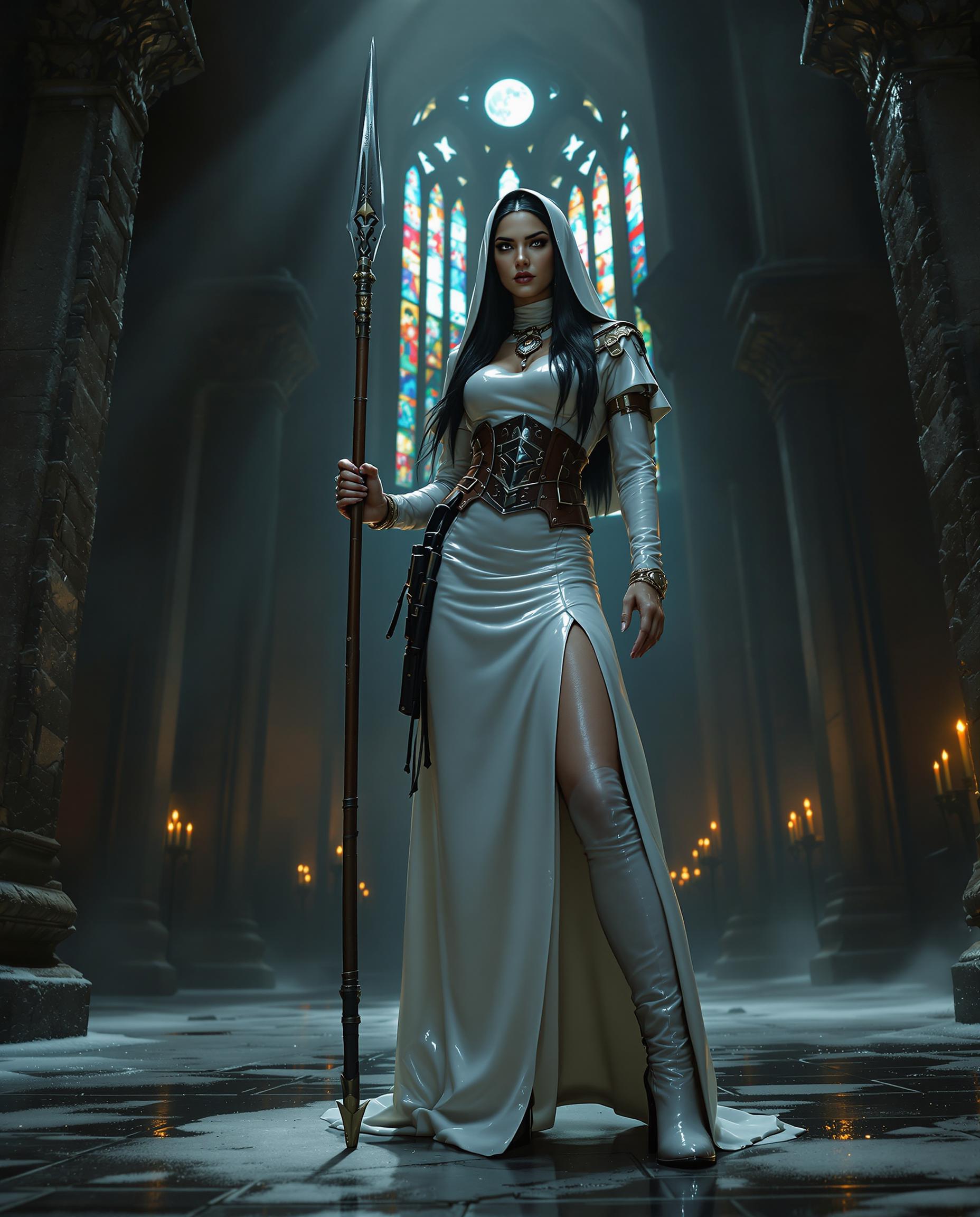
A striking and unconventional scene set in the shadowy depths of a gothic cathedral, its ancient stone walls looming with intricate carvings and weathered textures, illuminated by faint beams of moonlight piercing through towering stained-glass windows, casting fragmented hues of deep blues, crimson, and amber across the scene. At the center stands a fierce Native American nun, her striking black hair framing an intense, piercing expression, exuding raw power and defiance. She is clad in a floor-length, shiny white latex nun's habit that clings to her form, with a daring slit up one long leg, the material reflecting the dim light with a sleek, polished sheen, every fold and curve meticulously detailed. Her torso is tightly bound by a matching shiny white latex corset, adorned with thick straps and bold, industrial buckles, accentuating a commanding, sculpted silhouette. On her feet, she wears imposing 6-inch high-heeled boots, their glossy surface mirroring the latex of her attire, each scuff and shine adding to her formidable presence. Around her waist, a rugged leather gun belt holds a large, intricately detailed holster, its worn texture contrasting with the pristine latex, injecting a rebellious, outlaw edge. In one hand, she grips a tall, ornately designed spear, its metallic tip glinting ominously in the low light, etched with subtle tribal patterns that catch the eye. Her powerful stance dominates the composition, positioned slightly off-center, framed by the cathedral's ancient stone arches and the flickering glow of distant candlelight, their warm amber flames casting soft, dancing shadows on the cold, damp floor. The camera angle is low, looking up to enhance her towering dominance and enigmatic mystique, her figure silhouetted against the ethereal glow of the stained glass. The mood is dark and enigmatic, a haunting blend of sacred reverence and subversive rebellion, steeped in a cold, ethereal atmosphere with subtle wisps of mist curling around the stone pillars, and the deep, oppressive shadows of midnight enveloping the space. Rendered in a hyper-realistic style with cinematic precision, emphasizing dramatic chiaroscuro lighting that carves out stark contrasts between light and shadow, intricate textures of glossy latex, rough leather, and ancient stone, and a gritty, film-noir-inspired aesthetic with a moody, desaturated color palette punctuated by the stark white of her attire and the eerie glow of moonlight.
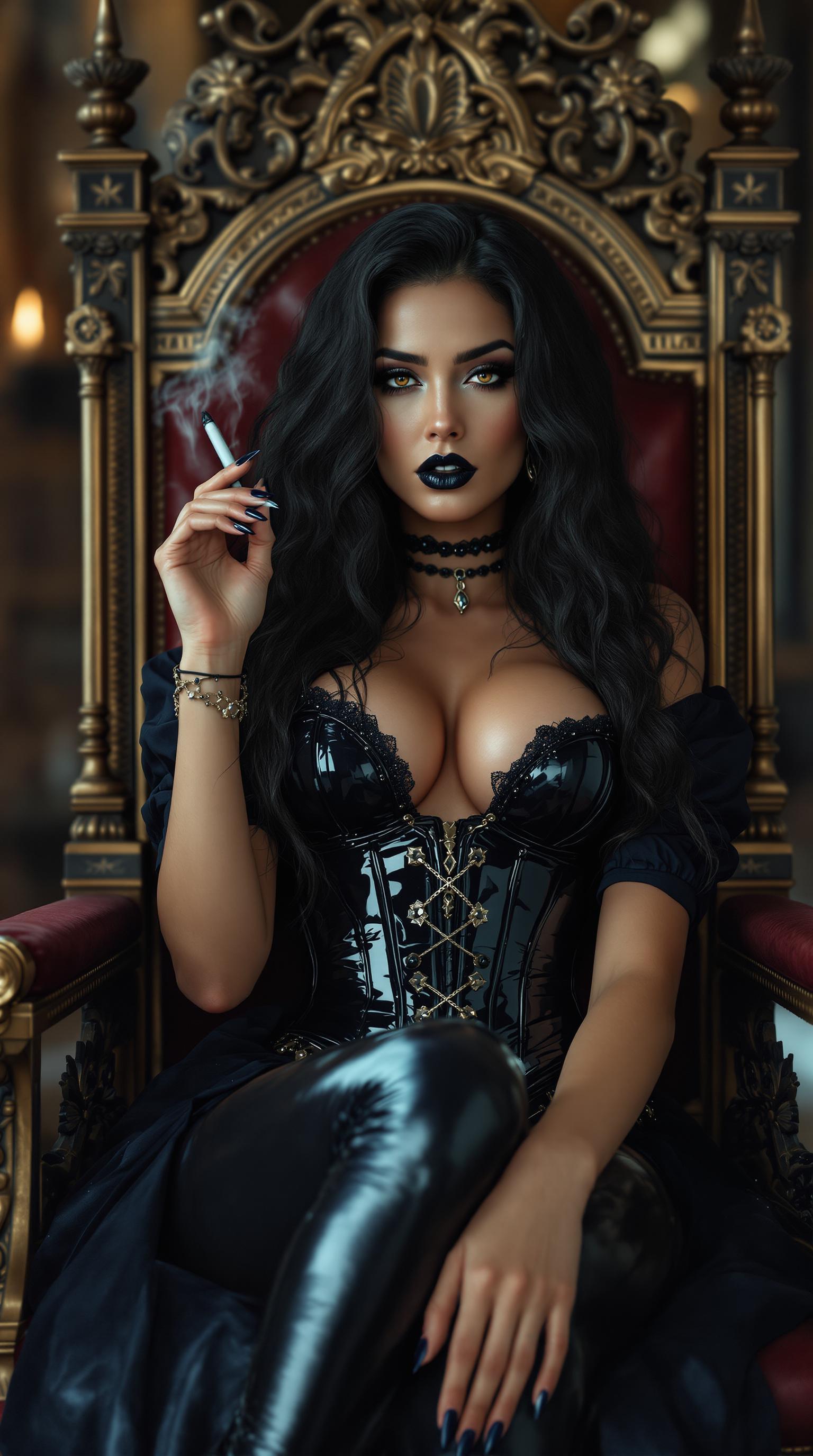
A mid-20s Italian-American woman with a soft tan and striking dark holden eyes reclines confidently on an ornate throne in a grand medieval-style throne room, exuding gothic elegance. Smoking a long dark cigarette. Her shiny black lipstick, thick goth makeup, and claw-length shiny black nails complement her wavy, thick, curly black hair cascading to her waist, while a shiny black latex corset, dark blue latex blouse, pants, and knee-high boots gleam under soft, dramatic lighting, captured in stunning 8K cinematic detail with shallow depth of field.
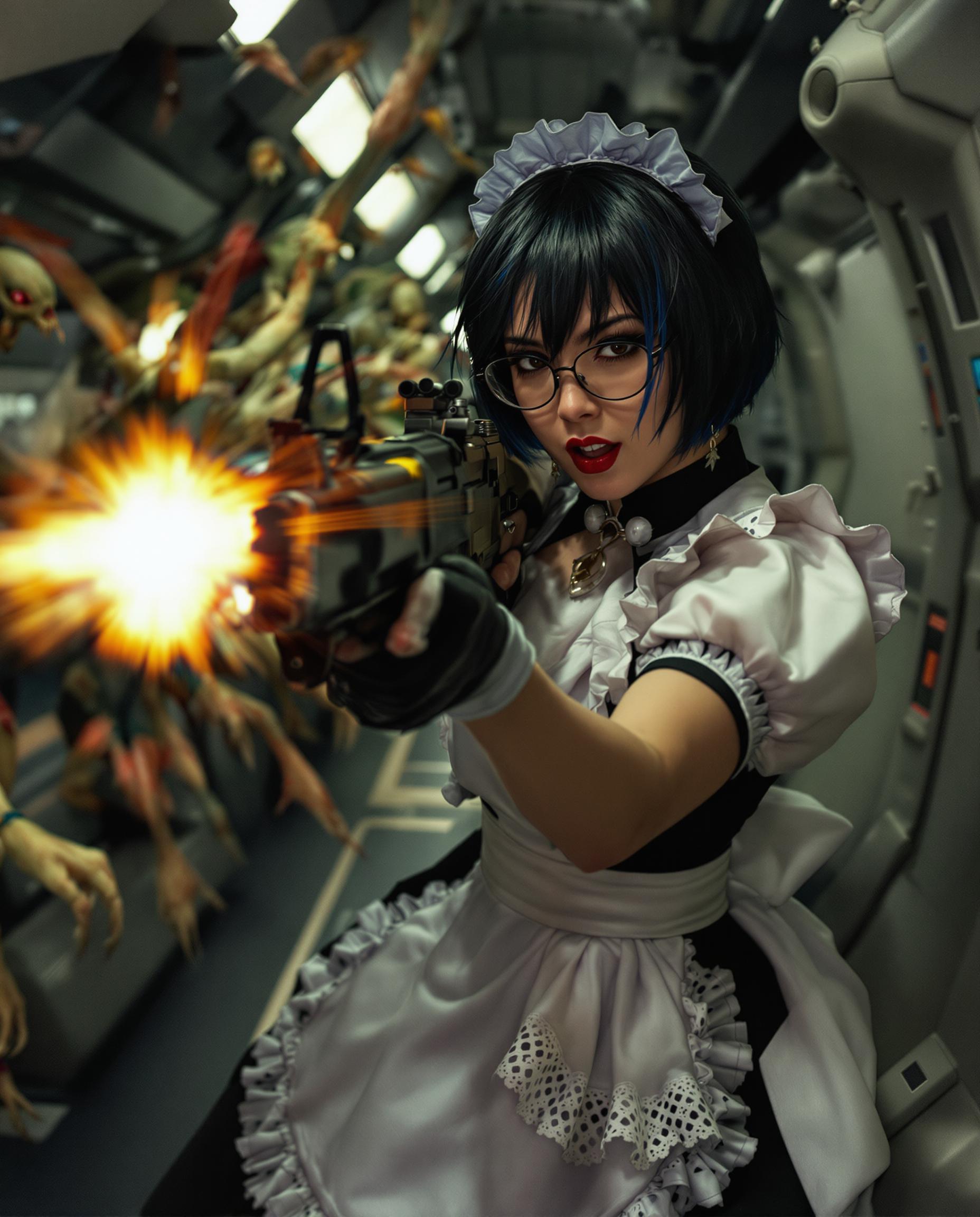
A highly detailed, photorealistic DSLR photograph of a fierce young woman with realistic features with short black hair and dark blue highlights wearing glasses, dressed in a classic black-and-white French maid costume with lace accents, dynamically wielding an MP5 submachine gun as she battles grotesque alien invaders in a dimly lit spaceship corridor, captured with a 50mm lens, shallow depth of field, cinematic volumetric lighting, and ultra-sharp 8K resolution.
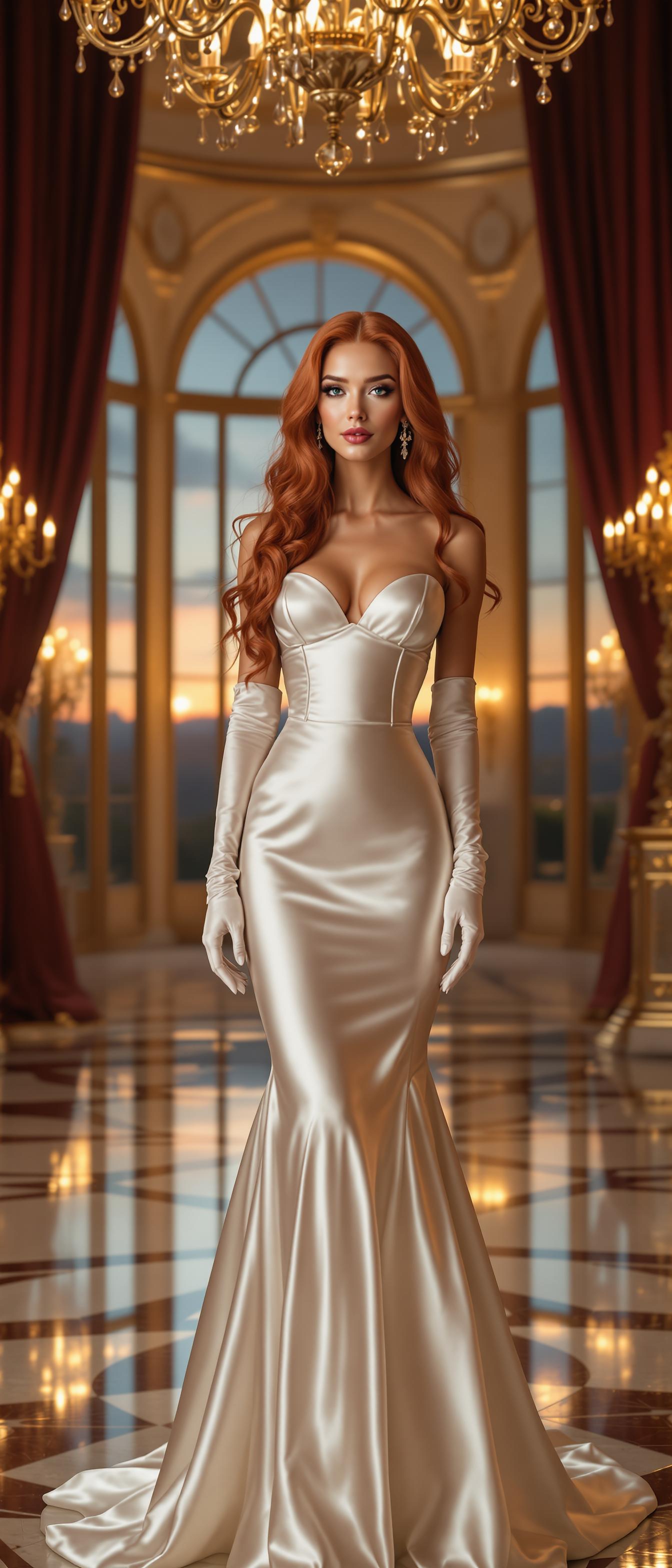
A stunning mid-30s woman with long, vibrant red hair styled in elegant waves and cascading ringlets, exuding sophistication. She is dressed in a luxurious, floor-length white satin evening gown that shimmers with a glossy sheen, paired with a fitted corset that accentuates her graceful silhouette. Her arms are adorned with elbow-length white satin opera gloves, adding a touch of timeless glamour. She stands confidently in the center of an opulent hotel ballroom, surrounded by intricate golden chandeliers casting a warm, soft glow, and tall arched windows revealing a twilight sky outside. The ballroom features polished marble floors reflecting the light, ornate gilded moldings, and deep burgundy velvet drapes framing the scene. The composition focuses on the woman as the central subject, captured from a slight low angle to emphasize her commanding presence, with the grandeur of the ballroom extending into the background. The mood is elegant and regal, with a serene yet powerful atmosphere, evoking a sense of a grand evening event. The lighting is cinematic, with a balance of warm chandelier light and cool natural tones from the windows, creating a harmonious and luxurious ambiance. Rendered in the style of a high-fashion editorial photograph, with meticulous attention to the texture of the satin fabric, the intricate details of the ballroom decor, and a photorealistic finish, emphasizing depth of field and sharp focus on the subject.
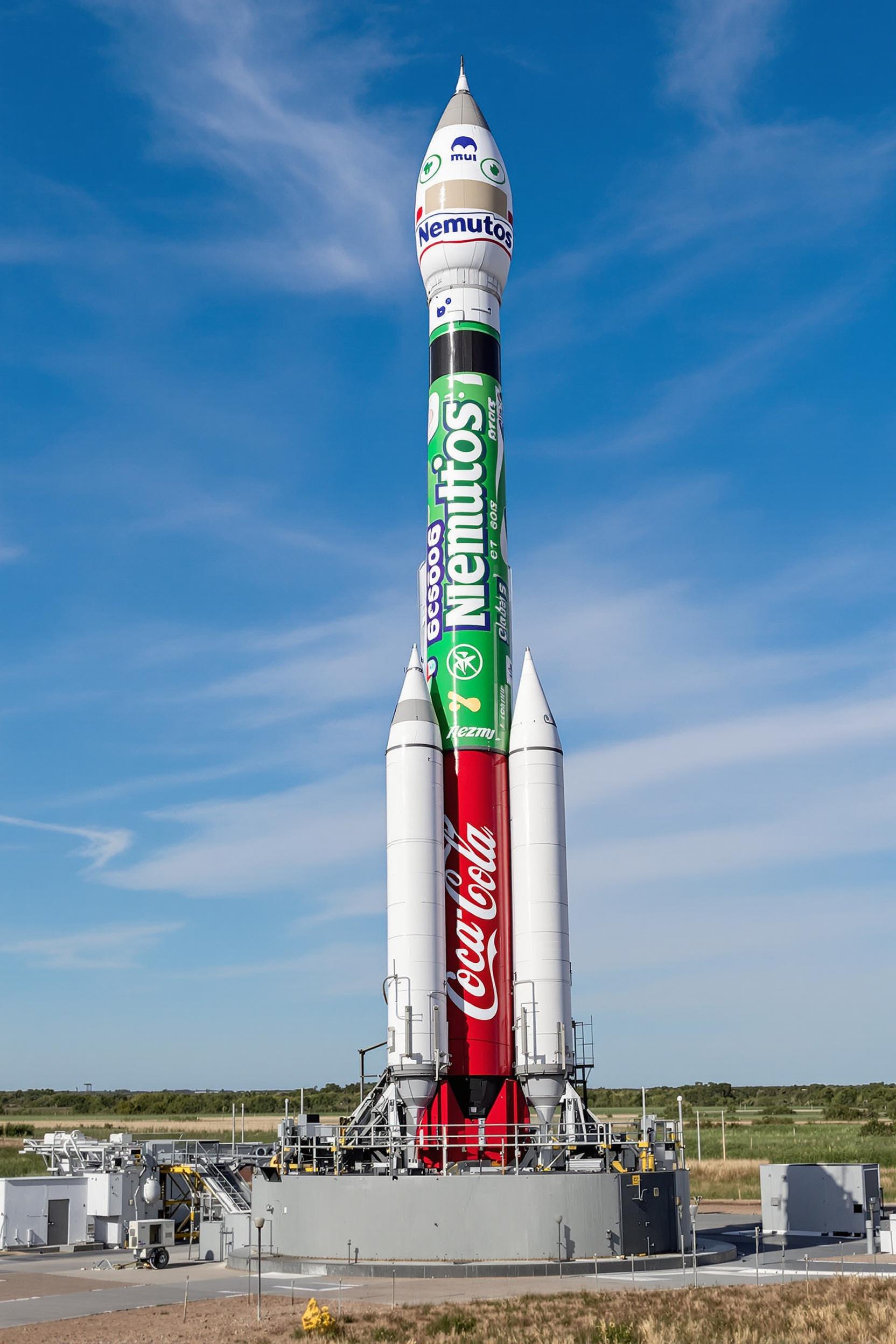
This image depicts a rocket launch site with a rocket that has been humorously modified to resemble a commercial product. The rockets body is wrapped in a green and white wrapper that features the Nemutos brand, which is a fictional and humorous take on the reallife Mentos candy. The wrapper has a playful design with bubbles and a whimsical font that mimics the packaging of real candies.At the base of the rocket, instead of the usual rocket engine or payload fairing, there is a large red cylindrical object that has been cleverly fashioned to look like a CocaCola bottle. The bottle is complete with the iconic CocaCola script logo and the classic bottle design. The rocket and bottle are situated on a launch pad with a gantry structure and other support equipment in the background, suggesting that the rocket is ready for launch.The art style of the image is realistic with a touch of surrealism due to the unexpected and humorous modifications of the rocket. The medium appears to be a digital photograph, given the clarity and sharpness of the details. The colors are bright and vivid, with the green and white of the Nemutos wrapper standing out against the red of the CocaCola bottle and the muted tones of the launch pad and the surrounding landscape. The sky is a clear blue with a few wispy clouds, and the overall atmosphere of the image is one of whimsy and creativity.

Start Creating Veo 3.1 Image to Video Today

40+ cutting edge AI tools, loved by thousands of creators worldwide, cancel anytime, try it today

The Pixel Dojo Advantage

Why PixelDojo outperforms other options for Veo 3.1 image to video generation

OthersPixel Dojo
Traditional video creationSkip hours of manual filming and editing; generate polished videos from images in minutes with AI precision.
Generic AI toolsAccess specialized Veo 3.1 integration for superior realism and customization, plus a suite of complementary tools for seamless workflows.
Manual photo editingAutomate animation to create dynamic content effortlessly, saving time and resources while achieving professional-quality results.

Loved by Creators

See what our community says about veo 3.1 image to video pixel dojo

"Veo 3.1 on PixelDojo turned my product photos into engaging demo videos overnight – it's a game-changer for my e-commerce business!"

Sarah Thompson

E-commerce Entrepreneur

"As a content creator, I love how easy it is to animate stories with Veo 3.1. PixelDojo helps me produce viral videos without the hassle."

Mike Rivera

Social Media Influencer

Common Questions

Everything you need to know about veo 3.1 image to video pixel dojo AI generation

How does Veo 3.1 image to video work on PixelDojo?

PixelDojo's Veo 3.1 tool analyzes your uploaded image and uses advanced AI to generate smooth, realistic video animations based on your prompt. You can create everything from subtle movements to complex scenes, achieving outcomes like boosted engagement for marketing or enhanced visual storytelling, all with high-quality output ready for immediate use.

What are the best prompts for Veo 3.1 image to video in PixelDojo?

Effective prompts for Veo 3.1 on PixelDojo include specific details like 'animate a cityscape at dusk with moving cars and lights' or 'turn this portrait into a walking animation in a forest.' This helps you achieve precise, dynamic videos that captivate audiences and streamline your creative process.

Can I customize videos generated with Veo 3.1 on PixelDojo?

Yes, after generation, use PixelDojo's Video Editing tools like Video Upscaler or Lip Sync to refine your Veo 3.1 videos. This customization lets you perfect the output, ensuring it matches your vision and helps you deliver professional content that stands out.

Is Veo 3.1 image to video free on PixelDojo?

PixelDojo offers a free tier for trying Veo 3.1, with premium subscriptions unlocking unlimited generations and advanced features. Start for free and upgrade to access 40+ tools, helping you create without limits and cancel anytime.

What makes PixelDojo's Veo 3.1 better for image to video than other platforms?

PixelDojo integrates Veo 3.1 with tools like Image to Image and Consistent Characters, allowing seamless workflows. You get faster generations, higher realism, and the ability to produce content that drives results like increased viewer retention or sales conversions.

How to integrate Veo 3.1 image to video with other PixelDojo tools?

Combine Veo 3.1 with tools like Background Remover for clean inputs or Merge Videos for extended clips. This integration helps you build comprehensive projects, saving time and enabling outcomes like polished marketing videos or immersive stories.

Ready to create amazing Veo 3.1 image to video content?

Ready to Create Amazing veo 3.1 image to video pixel dojo Images?

Join thousands of creators using AI to bring their ideas to life