veo 2 ai AI Generator

Imagine bringing your creative visions to life with videos that exhibit cinematic quality and realism, all without the need for expensive equipment or extensive editing skills. With Veo 2 AI on PixelDojo, you can transform simple ideas into stunning videos, empowering you to tell your story exactly as you envision it.

AI Generated
Get Started TodayResults in seconds50+ AI models

Join over 10,000 creators who have enhanced their storytelling with PixelDojo's Veo 2 AI, achieving a 95% satisfaction rate and countless successful projects.

Why Choose Pixel Dojo for veo 2 ai

Professional-quality results with cutting-edge AI technology

Effortless High-Quality Video Creation

Generate 4K resolution videos with realistic motion and physics, making your content stand out.

Intuitive Cinematic Controls

Utilize advanced camera movements and shot types to achieve professional cinematography without prior experience.

Time and Cost Efficiency

Save hours of editing and reduce production costs by leveraging AI-driven video generation.

How It Works

Creating captivating videos with Veo 2 AI on PixelDojo is a straightforward process that puts you in control of your creative output.

1

Step 1: Select Veo 2 AI Tool

Navigate to the 'Create Videos' section on PixelDojo and choose 'Veo 2 AI' to begin your project.

2

Step 2: Input Your Creative Prompt

Describe your desired scene in detail, specifying elements like setting, characters, and actions to guide the AI.

3

Step 3: Customize Cinematic Elements

Adjust camera angles, movements, and lighting to match your vision, utilizing Veo 2's intuitive controls.

Community veo 2 ai Gallery

Real examples created by our community

a photo of a man flying through the air on a drone. the clouds say "PixelDojo.ai Now With Imagen 4"
{
  "SHOT COMPOSITION": "Full body shot captured with a Canon 5D camera using a 50mm lens for balanced perspective, deep depth of field to showcase the entire figure and surroundings sharply, framing the subject centrally in a wide composition to emphasize her stature and outfit from head to toe.",
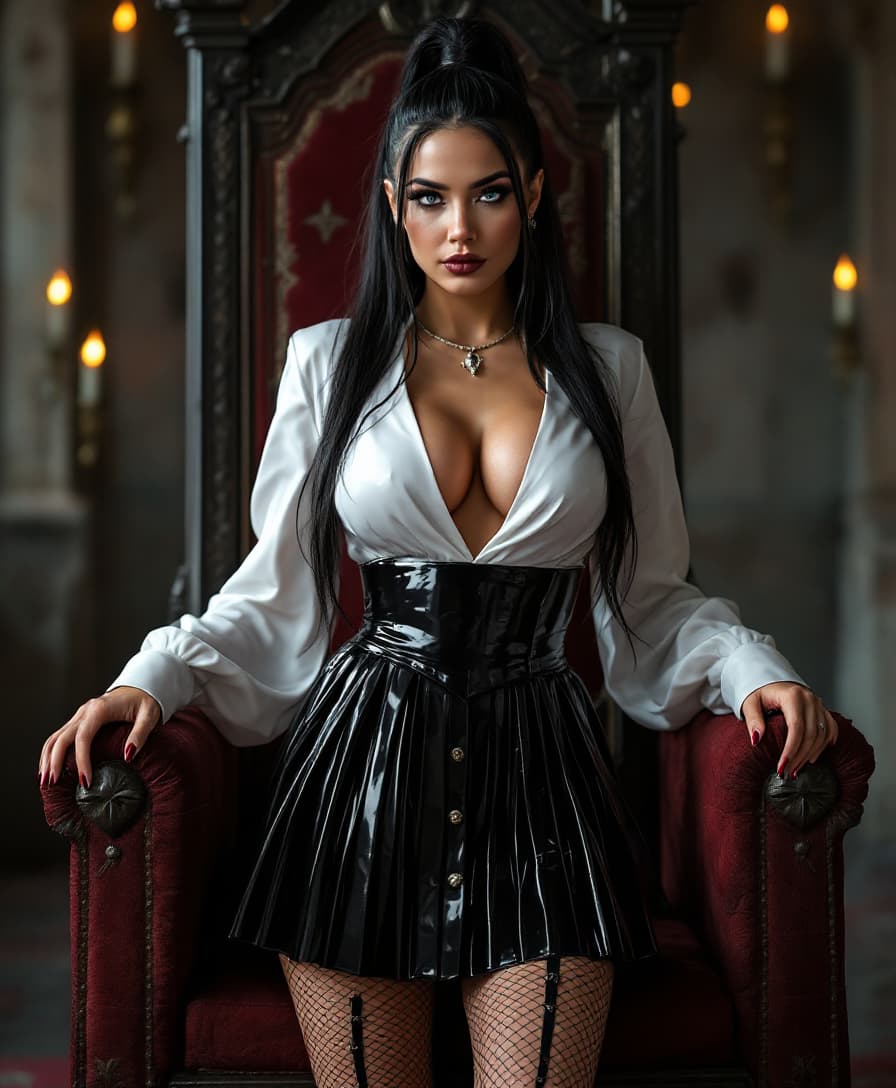
  "SUBJECT & WARDROBE": "A striking mid-20s woman with big blue eyes, shiny black hair that's ample and silky, haning from a high ponytail. 54EE breasts; she wears a sleek and shiny white latex blouse with a plunging neckline revealing her ample cleavage, paired with a shiny black latex pleated plaid miniskirt. She stands in a medieval style throne room. Legs clad in fishnet and garters. Tribal style tattoos on her neck and arms
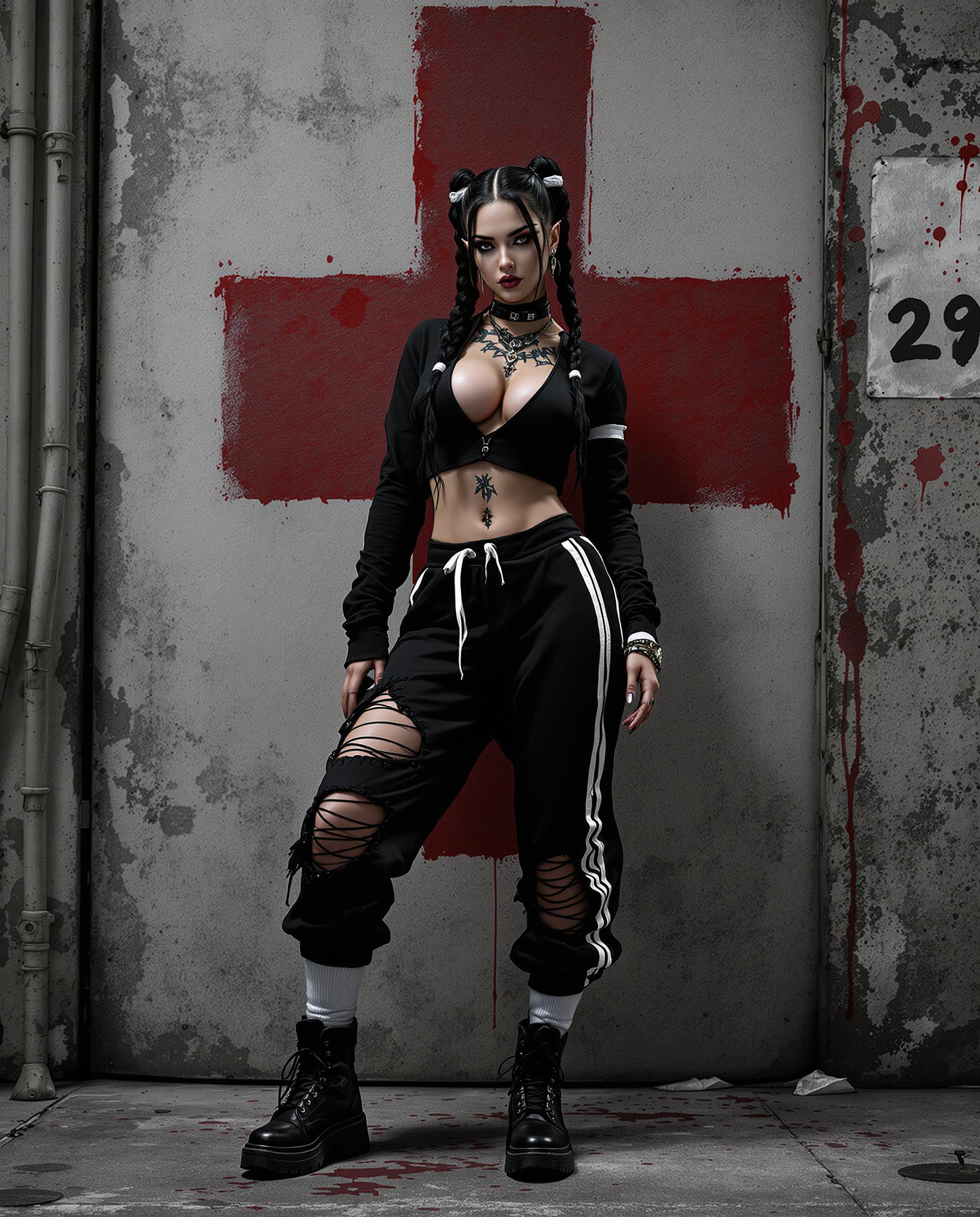
A hyper-realistic DSLR photo of a striking female character with exaggerated, detailed features, captured in a dynamic pose that conveys movement, shot with a 50mm lens for a shallow depth of field. She wears a bold black ensemble—a long-sleeved top with a plunging neckline and torn midriff, distressed sweatpants with a white stripe and torn knee, white mid-calf socks, and black boots—complemented by long dark hair in twin braids with white bands, and edgy tattoos on her neck and arms. The gritty urban background features a textured, weathered wall with a faded red cross symbol and splattered red accents, illuminated by cinematic lighting with deep shadows and vivid highlights in a stark black, white, and red palette, rendered in stunning 8K detail.
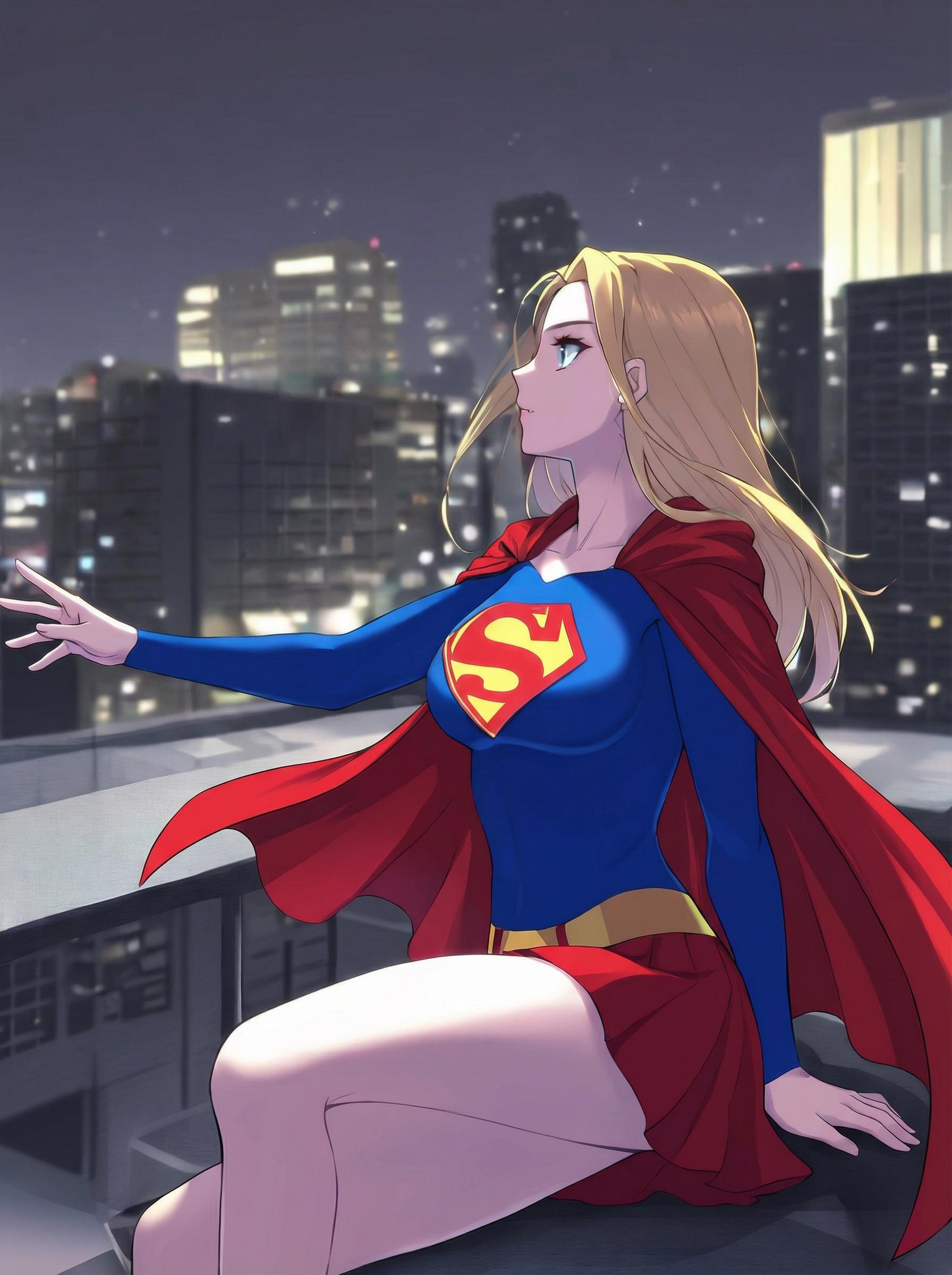
High-quality anime illustration. Keep exact same subject, pose, composition. Render a distinct, anatomically correct right hand with five fingers resting naturally on the ledge. Correct the 'S' chest emblem to follow the curvature of the torso with clean, symmetrical lines. Sharpen background city details with consistent window geometry. Ensure the right arm has a defined wrist and does not merge with the cape.
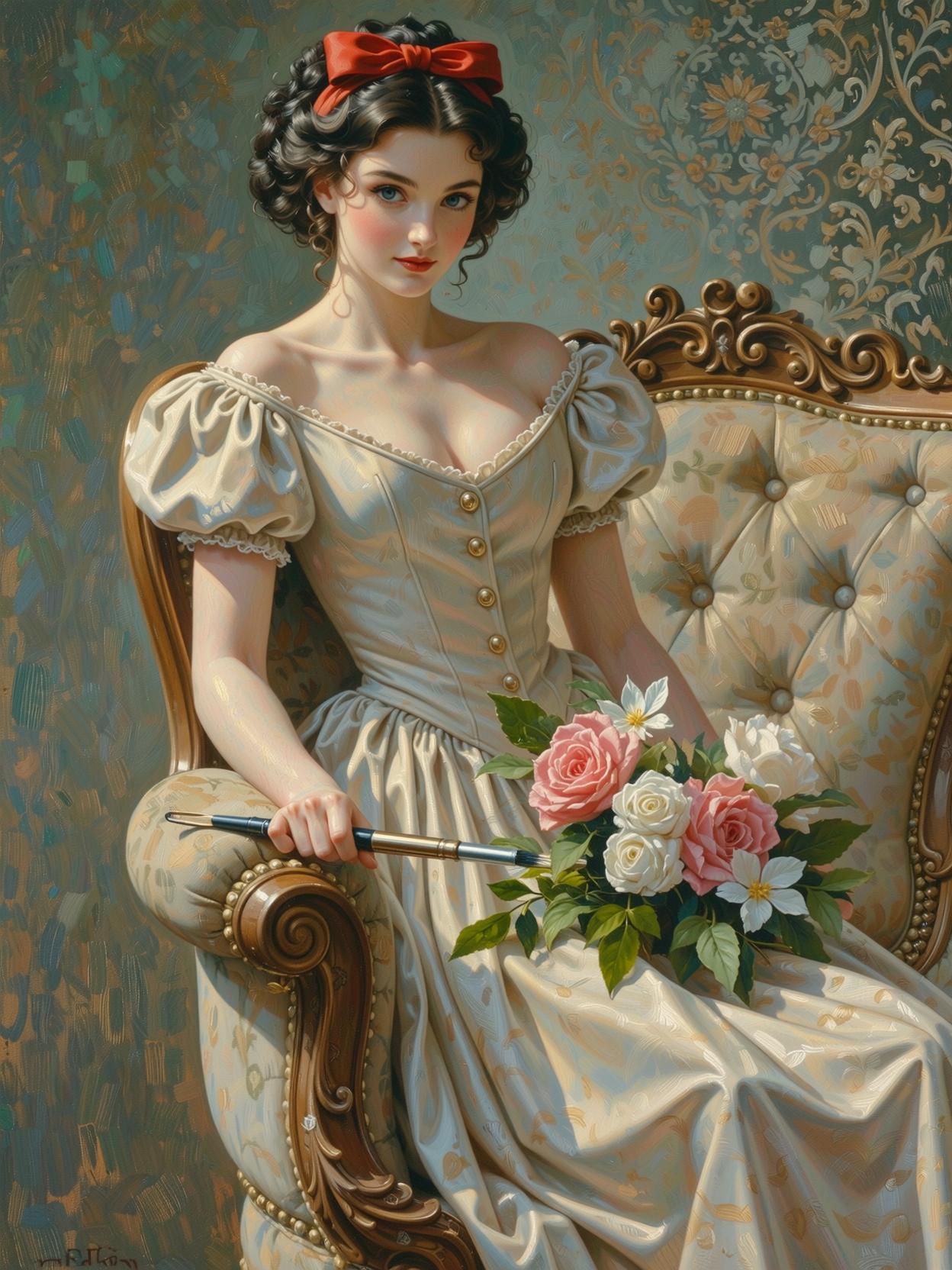
A vintage pin-up illustration in the style of Gil Elvgren, rendered in smooth oil painting medium with glossy highlights and soft brushstrokes, featuring a slender, beautiful Snow White character
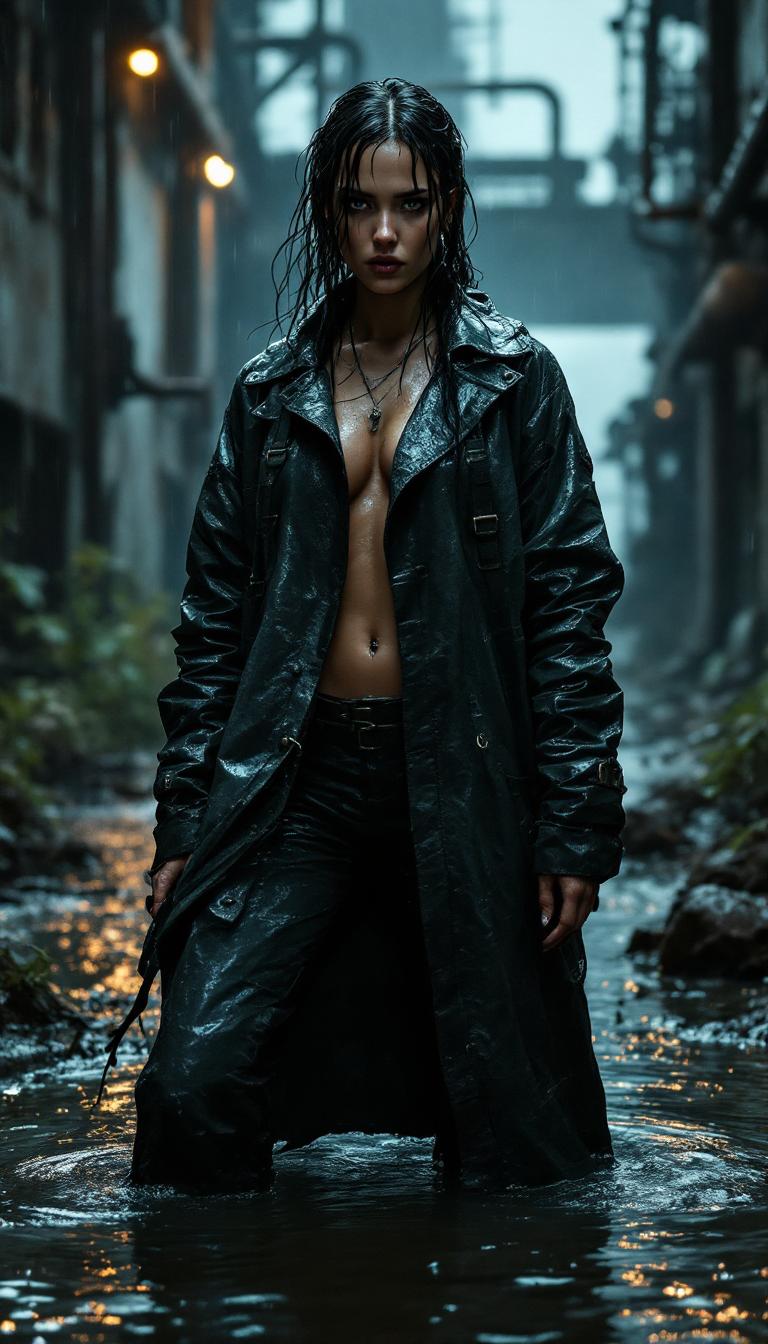
A powerful cinematic still of a striking female survivor in a post-apocalyptic industrial complex, standing defiantly in waist-high, murky water under a relentless downpour. Her open plastic raincoat, weathered and worn with a glistening, wet texture, clings to her soaked body, the surface catching raindrops that shimmer in the dim, ambient light of a stormy night sky. The coat is detailed with intricate patched repairs and buckled straps, showcasing her resilience and resourcefulness. Surrounding her are the haunting remnants of a decayed industrial world—rusted machinery, crumbling concrete structures, and overgrown weeds intertwined with debris, all hinting at a once-thriving environment now abandoned. The composition is framed as a street-style portrait with a low camera angle, emphasizing her commanding presence and determined expression, her silhouette sharply contrasted against the blurred industrial backdrop to enhance depth of field. Shadows and light interplay dramatically across the scene, with faint, eerie illumination filtering through the rain, casting moody reflections on the water's rippling surface and highlighting every droplet on her skin. The atmosphere is heavy with emotional intensity, evoking survival and strength, rendered in a hyperrealistic, photorealistic style that captures every intricate detail—from the rugged texture of the raincoat to the subtle reflections in the water. The night scene is steeped in a cinematic mood, with dramatic contrast, detailed textures, and a palpable sense of desolation and defiance.
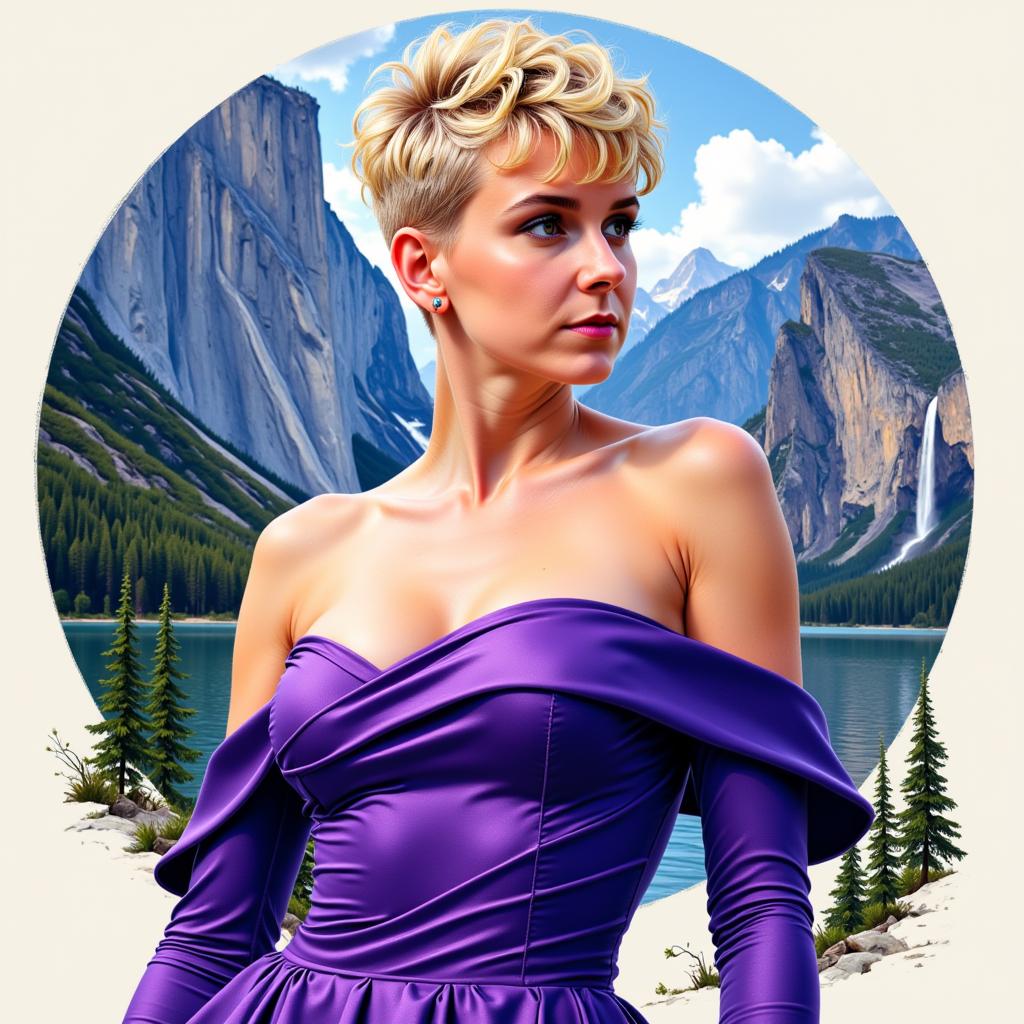
VS-LoRA-Zip2 This image is a Artgerm color ink art portrait of a female person with a blonde super short tapper fade curly pixie haircut. razor short and tapper fade cutted hair over ears and on nape. Blunt bangs. The person is wearing a purpleblue, offtheshoulder dress with long sleeves. The dress has a satin or silk texture, which is evident from the way the light reflects off the fabric. The neckline is plunging, and the dress wraps around the torso, creating a flattering silhouette. The sleeves are fitted at the wrists, tapering slightly towards the ends, and the dress has a subtle flare at the hem, giving it a gentle flow. The background is a amazing landscape with some cliffs and waterfalls and trees. VS-LoRA-Zip2

Start Creating Stunning AI Videos Today

Access 40+ cutting-edge AI tools, loved by thousands of creators worldwide. Cancel anytime. Try it today.

The Pixel Dojo Advantage

Discover how PixelDojo's Veo 2 AI surpasses traditional and generic video creation methods.

OthersPixel Dojo
Traditional Video ProductionEliminates the need for costly equipment and extensive editing, making high-quality video creation accessible to all.
Generic AI Video ToolsOffers advanced cinematic controls and higher resolution outputs, providing a more professional and customizable experience.
Manual AnimationSignificantly reduces the time and effort required to produce animations, allowing for rapid content creation.

Loved by Creators

See what our community says about veo 2 ai

"PixelDojo's Veo 2 AI transformed my content creation process. The quality and ease of use are unparalleled."

Alex Johnson

Content Creator

"As a filmmaker, Veo 2 AI has been a game-changer, allowing me to experiment with ideas quickly and cost-effectively."

Maria Lopez

Independent Filmmaker

Common Questions

Everything you need to know about veo 2 ai AI generation

How does Veo 2 AI enhance video creation on PixelDojo?

Veo 2 AI enables users to generate high-resolution videos with realistic motion and cinematic quality by simply inputting descriptive prompts and customizing settings, streamlining the video creation process.

Can I control specific cinematic elements using Veo 2 AI?

Yes, Veo 2 AI provides intuitive controls for camera movements, shot types, and lighting, allowing you to achieve professional cinematography tailored to your vision.

Is Veo 2 AI suitable for beginners without video editing experience?

Absolutely. Veo 2 AI is designed with user-friendly interfaces and guided steps, making high-quality video creation accessible to users of all skill levels.

What types of videos can I create with Veo 2 AI?

You can create a wide range of videos, including product showcases, storytelling narratives, educational content, and more, all with cinematic quality and realism.

How long does it take to generate a video using Veo 2 AI?

The generation time depends on the complexity and length of the video, but Veo 2 AI is optimized for efficiency, allowing for rapid creation compared to traditional methods.

Can I use Veo 2 AI for commercial projects?

Yes, videos created with Veo 2 AI on PixelDojo can be used for commercial purposes, providing a cost-effective solution for professional video production.

Ready to Create Amazing AI Videos?

Ready to Create Amazing veo 2 ai Images?

Join thousands of creators using AI to bring their ideas to life