train lora AI Generator
Unlock the power of personalized AI image generation with PixelDojo's LoRA training tools. Whether you're an artist, designer, or content creator, our platform empowers you to train custom AI models, enabling you to produce unique, high-quality images that align perfectly with your creative vision.

Join over 10,000 creators who have transformed their projects using PixelDojo's AI tools. Rated 4.8/5 based on 2,000+ reviews.
Why Choose Pixel Dojo for train lora
Professional-quality results with cutting-edge AI technology
Personalized Image Generation
Craft images that align perfectly with your unique style and vision using LoRA models.
Efficient and Fast Training
Train LoRA models quickly with minimal resources, allowing for rapid iteration and creativity.
High-Quality Outputs
Generate detailed and impressive images that meet professional standards.
How It Works
Creating custom AI images with LoRA training is straightforward with PixelDojo. Follow these steps to bring your creative ideas to life:
Step 1: Choose Your Base Model
Select a base model that closely aligns with your desired image style to ensure compatibility and optimal results.
Step 2: Upload Reference Images
Provide a set of high-quality images that represent the style or subject you want the AI to learn. Ensure these images are clear and diverse to enhance training effectiveness.
Step 3: Train and Generate
Initiate the training process. Once completed, use your custom LoRA model to generate unique images that reflect your specified style or subject.




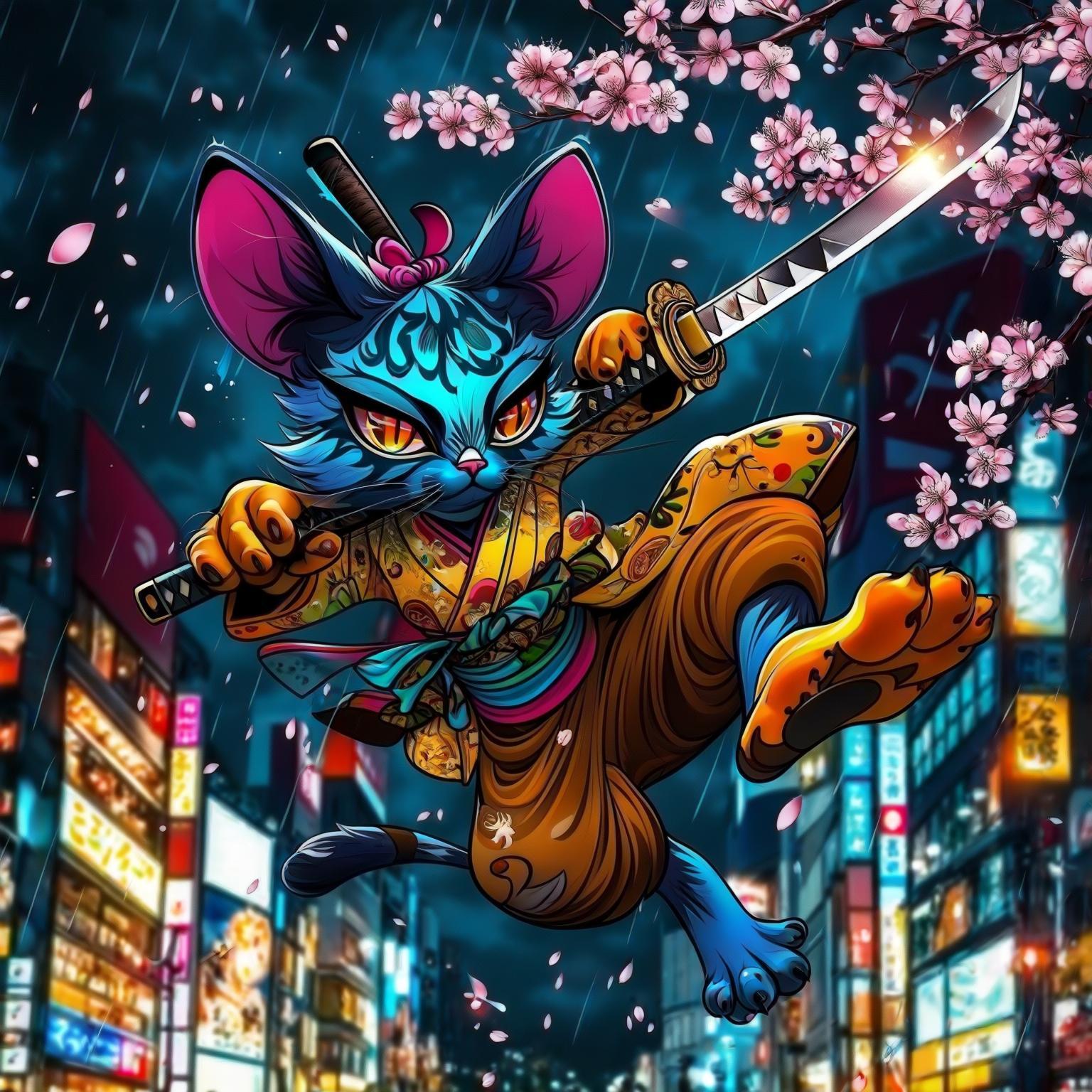
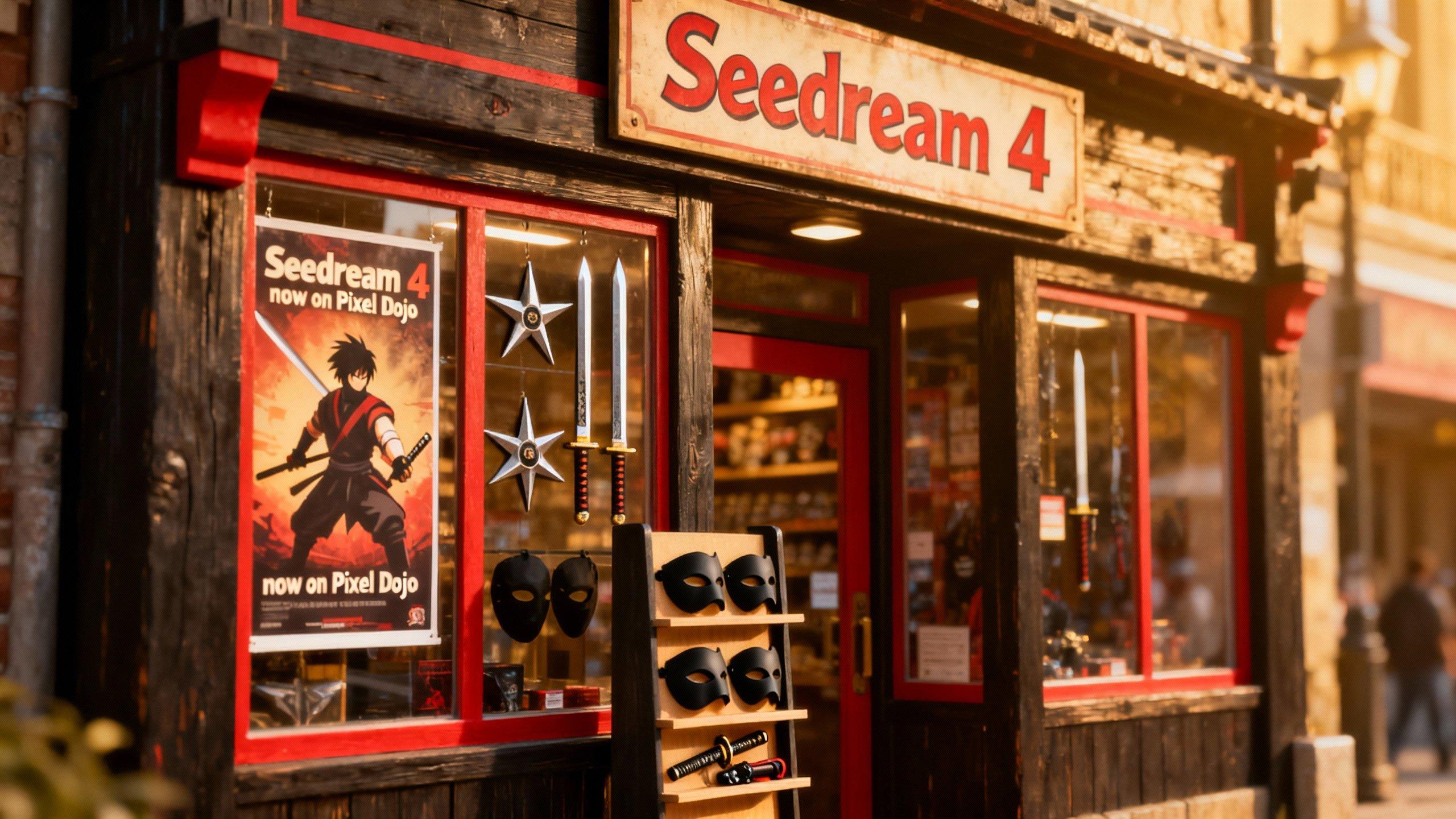


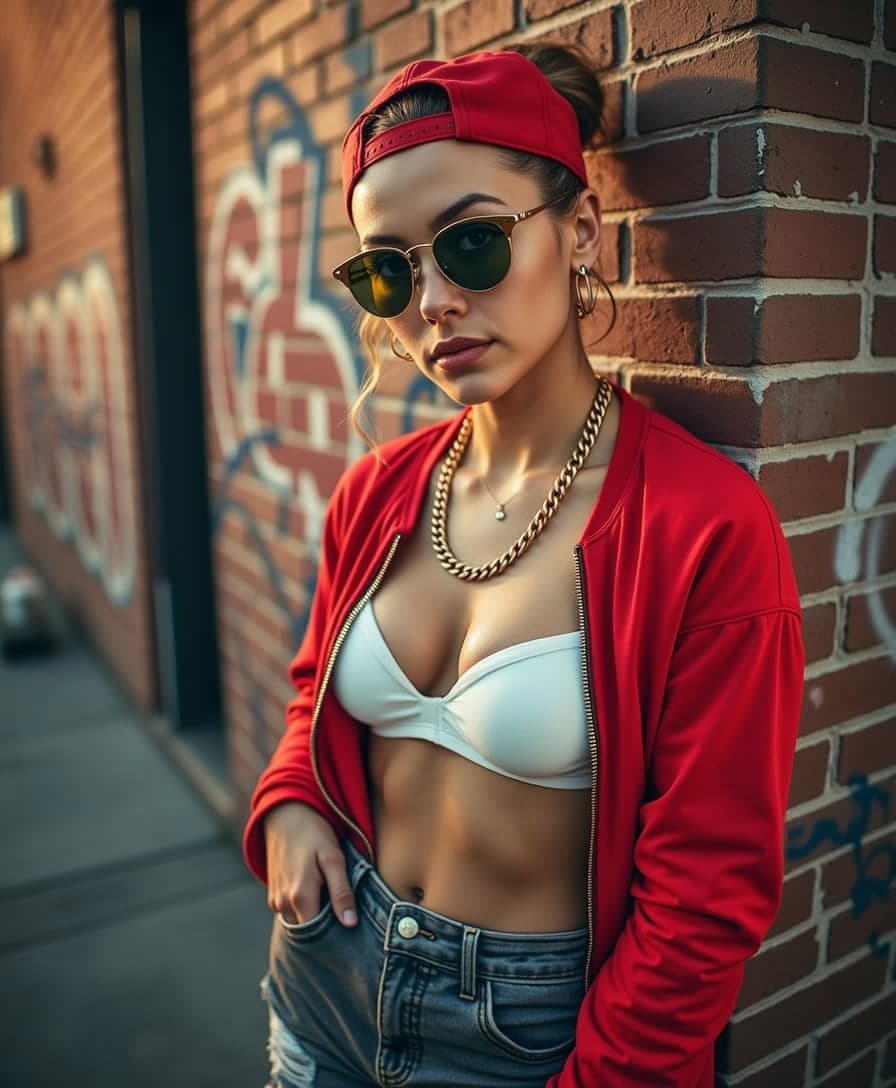


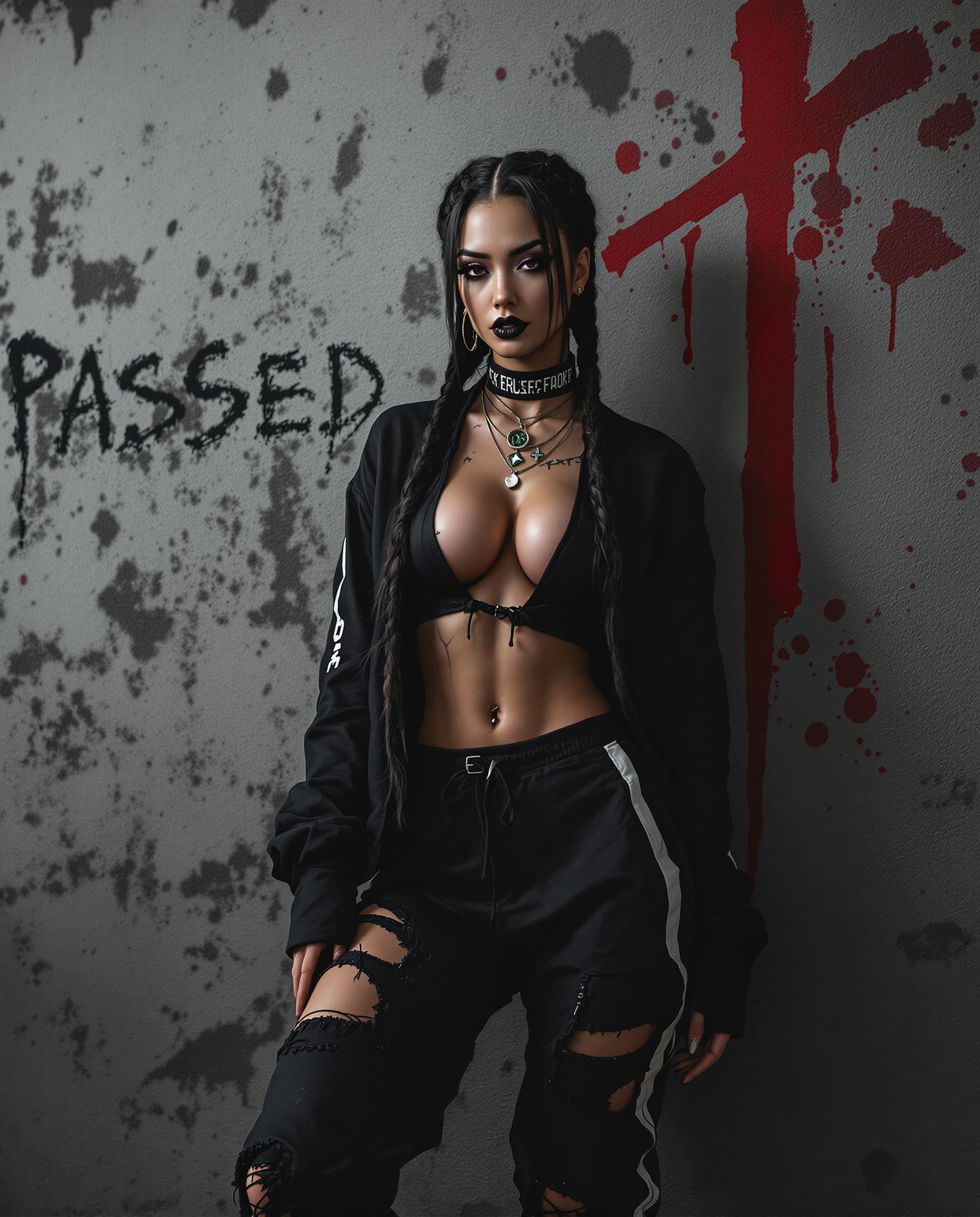


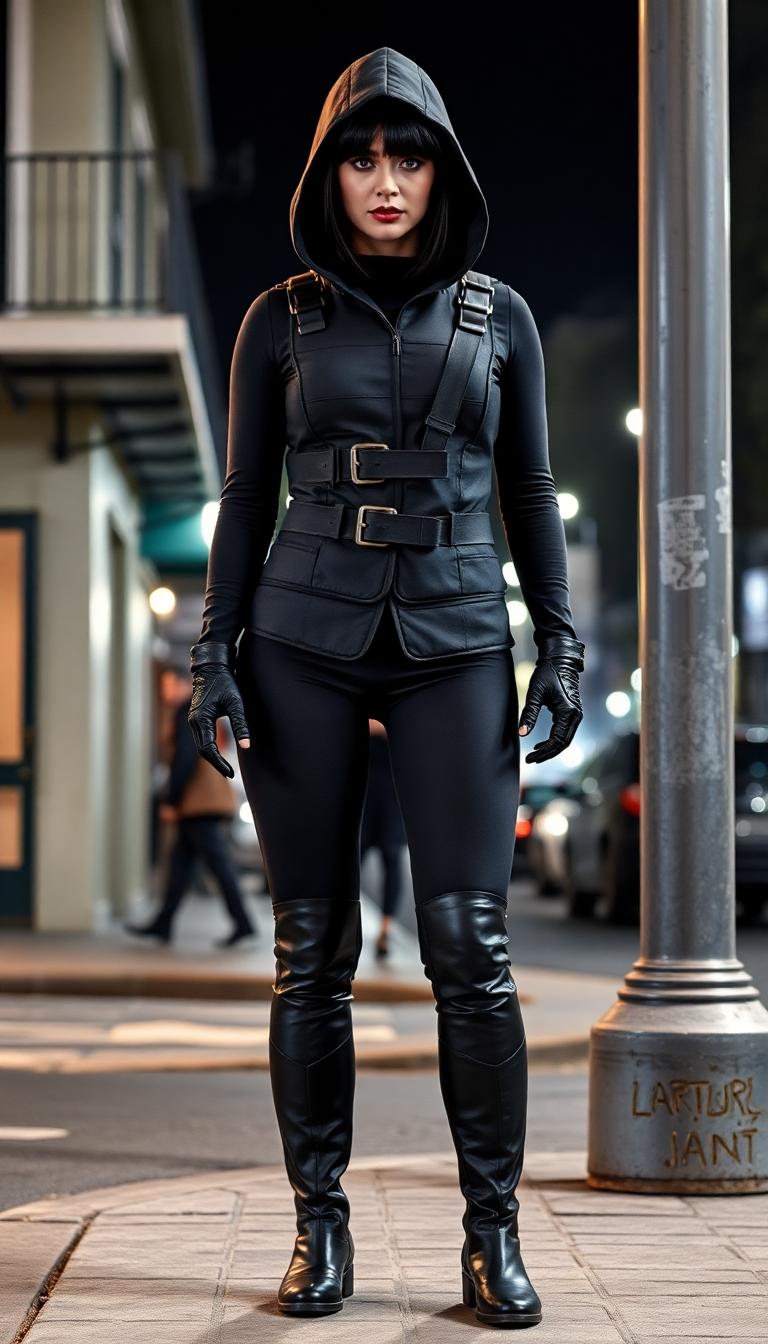

The Pixel Dojo Advantage
Why PixelDojo outperforms other options for custom AI image generation
| Others | Pixel Dojo |
|---|---|
| Traditional Image Editing | Automates the creation process, saving time and effort compared to manual editing. |
| Generic AI Tools | Offers personalized training capabilities, allowing for unique and tailored image outputs. |
| Stock Images | Enables the creation of original content, eliminating reliance on generic stock photos. |
Loved by Creators
See what our community says about train lora
"PixelDojo's LoRA training allowed me to create images that perfectly match my brand's aesthetic. The process was intuitive and the results were outstanding."
Alex Johnson
Graphic Designer
"As an artist, being able to train AI models to generate images in my unique style has been a game-changer. PixelDojo made it possible with ease."
Maria Lopez
Digital Artist
Common Questions
Everything you need to know about train lora AI generation
What is LoRA training in AI image generation?
LoRA (Low-Rank Adaptation) training is a technique that allows users to fine-tune AI models on specific subjects or styles by introducing targeted modifications without the need for full retraining. This enables the creation of personalized and high-quality images efficiently.
How many reference images are needed for effective LoRA training?
It's recommended to upload at least 10 high-quality images that clearly represent the style or subject you want the AI to learn. Diverse and clear images enhance the training effectiveness and result in better outputs.
Can I use LoRA training for commercial projects?
Yes, PixelDojo's LoRA training tools are designed for both personal and commercial use, allowing you to create custom AI-generated images that align with your brand or project requirements.
How long does it take to train a LoRA model?
Training times can vary based on the complexity of the style and the number of reference images provided. However, PixelDojo's efficient training process ensures that you can have your custom model ready in a relatively short time.
Do I need advanced technical skills to train a LoRA model?
No, PixelDojo's platform is user-friendly and designed for creators of all skill levels. The intuitive interface guides you through the training process step by step.
Is there a cost associated with LoRA training on PixelDojo?
PixelDojo offers various subscription plans that include access to LoRA training tools. You can choose a plan that best fits your needs, with the flexibility to cancel anytime.