Stable Diffusion inpainting AI Generator
Imagine effortlessly restoring old photographs, removing unwanted objects, or enhancing image details with just a few clicks. With PixelDojo's Stable Diffusion inpainting tools, you can achieve professional-grade image restoration and enhancement without the need for complex software or technical expertise. Our AI-powered solutions empower you to bring your creative visions to life, whether you're a photographer, designer, or hobbyist.
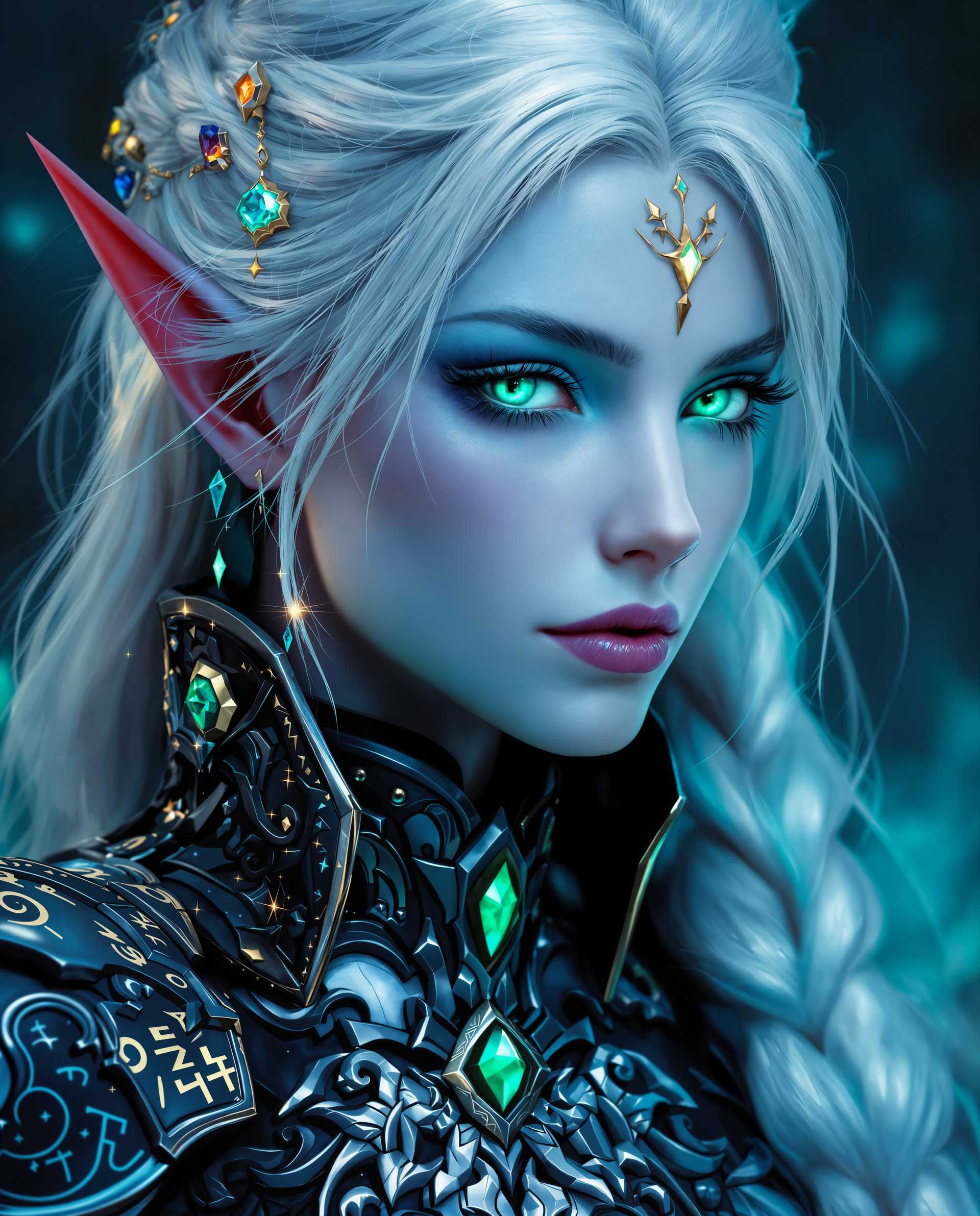
Join over 10,000 satisfied users who have transformed their images using PixelDojo's cutting-edge AI tools. Rated 4.8/5 based on 2,000+ reviews.
Why Choose Pixel Dojo for Stable Diffusion inpainting
Professional-quality results with cutting-edge AI technology
Effortless Image Restoration
Revive old or damaged photos by seamlessly filling in missing or deteriorated areas, preserving cherished memories.
Remove Unwanted Elements
Easily eliminate unwanted objects or imperfections from your images, enhancing their overall composition and appeal.
Enhance Image Details
Refine and improve specific areas of your images, such as facial features or backgrounds, to achieve a polished and professional look.
How It Works
Creating stunning image restorations and enhancements with PixelDojo is simple and intuitive. Follow these steps to get started:
Step 1: Select the Inpainting Tool
Navigate to PixelDojo's 'Transform' section and choose the 'Inpainting' tool to begin your image editing journey.
Step 2: Upload Your Image
Click on the 'Upload' button to select the image you wish to restore or enhance. Ensure the image is clear and of good quality for optimal results.
Step 3: Mask the Area to Edit
Use the intuitive brush tool to highlight the specific area of the image you want to modify. This could be an object to remove, a damaged section to restore, or a feature to enhance.


The Pixel Dojo Advantage
Why PixelDojo's Stable Diffusion inpainting stands out from other image restoration methods:
| Others | Pixel Dojo |
|---|---|
| Traditional Manual Editing | Eliminates the need for extensive manual work, saving time and effort while delivering high-quality results. |
| Generic AI Tools | Offers specialized inpainting capabilities tailored for precise image restoration and enhancement tasks. |
| Complex Software Suites | Provides an intuitive, user-friendly interface without the steep learning curve associated with professional editing software. |
Loved by Creators
See what our community says about Stable Diffusion inpainting
"PixelDojo's inpainting tool helped me restore my grandparents' wedding photo flawlessly. The results were beyond my expectations!"
Emily R.
Photographer
"As a designer, removing unwanted elements from images used to be tedious. PixelDojo made it quick and easy, enhancing my workflow significantly."
Michael T.
Graphic Designer
Common Questions
Everything you need to know about Stable Diffusion inpainting AI generation
How does PixelDojo's Stable Diffusion inpainting improve image restoration?
PixelDojo's inpainting tool utilizes advanced AI algorithms to intelligently fill in missing or damaged areas of an image, ensuring seamless integration with the surrounding content. This results in high-quality restorations that preserve the original image's integrity.
Can I use PixelDojo's inpainting tool to remove objects from photos?
Absolutely! By masking the unwanted object and applying inpainting, PixelDojo's AI will replace the object with content that blends naturally with the rest of the image, effectively removing it.
Is PixelDojo's inpainting tool suitable for beginners?
Yes, PixelDojo is designed with user-friendliness in mind. The intuitive interface and guided steps make it accessible for users of all skill levels, from beginners to professionals.
What file formats are supported for uploading images?
PixelDojo supports a variety of image formats, including JPEG, PNG, and BMP. Ensure your image is of good quality to achieve the best results.
Can I edit multiple areas of an image simultaneously?
Yes, you can mask multiple areas within the same image and apply inpainting to all selected regions in one go, streamlining your editing process.
Is there a limit to the number of images I can edit?
PixelDojo offers various subscription plans to suit different needs. Depending on your plan, you can edit multiple images. Check our pricing page for more details.