Seedream 5 cinematic lighting prompts AI Generator
Transform your creative vision into cinematic masterpieces with Seedream 5's advanced lighting prompts. Whether you're an artist, designer, or content creator, achieve professional-quality visuals effortlessly.

Join over 10,000 creators who have enhanced their projects with Seedream 5's cinematic lighting features.
Why Choose Pixel Dojo for Seedream 5 cinematic lighting prompts
Professional-quality results with cutting-edge AI technology
Achieve Professional-Quality Visuals
Utilize Seedream 5's cinematic lighting prompts to create images with depth, mood, and realism that rival professional photography.
Save Time with AI-Powered Efficiency
Generate stunning cinematic images in minutes, reducing the need for complex lighting setups and post-processing.
Customize Lighting to Fit Your Vision
Tailor lighting conditions to match your creative intent, from dramatic shadows to soft, diffused light.
How It Works
Creating cinematic images with Seedream 5 is straightforward. Follow these steps to bring your vision to life:
Step 1: Select Your Tool
Log in to PixelDojo and choose the Seedream 5 tool from the 'Generate Images' section.
Step 2: Input Your Prompt
Describe your desired scene, specifying elements like subject, setting, and lighting conditions. For example: 'A dramatic portrait of a woman in a dimly lit room, illuminated by a single overhead light, creating deep shadows.'
Step 3: Generate and Refine
Click 'Generate' to create your image. Use editing tools like 'Magic Lighting' or 'Reality Polisher' to fine-tune the lighting and details to your satisfaction.








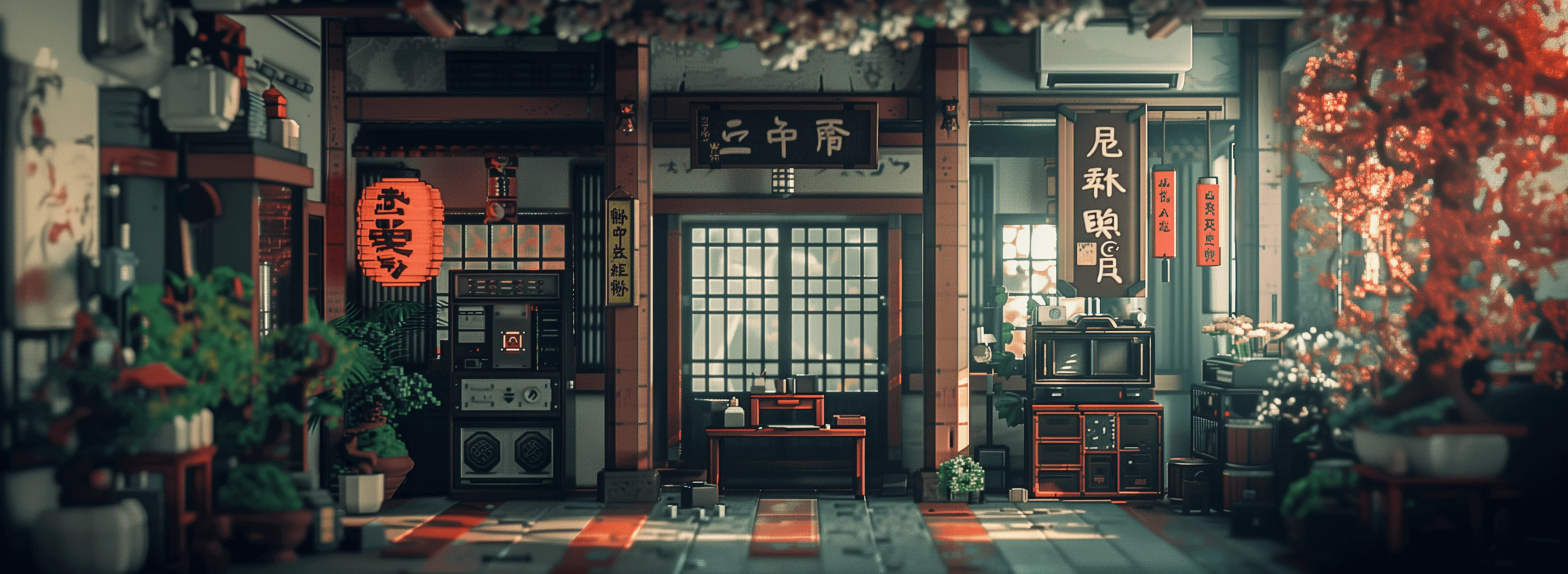





![Quickly change someone's hair style and hair color, powered by FLUX.1 Kontext [pro] - change_haircut](https://cdn.pixeldojo.ai/cdn-cgi/image/f=auto,q=75,w=3840/pixeldojo/generated-images/1752259642547-vwgtpj086.png)
The Pixel Dojo Advantage
Why PixelDojo outperforms other options for cinematic image generation
| Others | Pixel Dojo |
|---|---|
| Traditional Photography | Achieve cinematic lighting effects without the need for expensive equipment or studio setups. |
| Generic AI Tools | Seedream 5 offers specialized prompts and editing tools tailored for cinematic lighting, providing more precise and high-quality results. |
| Manual Photo Editing | Save hours of post-processing by generating images with desired lighting conditions directly, reducing the need for extensive manual adjustments. |
Loved by Creators
See what our community says about Seedream 5 cinematic lighting prompts
"Seedream 5 has revolutionized my creative process. The cinematic lighting prompts allow me to produce stunning visuals effortlessly."
Alex Johnson
Digital Artist
"As a content creator, time is crucial. PixelDojo's tools have enabled me to generate high-quality images quickly, enhancing my projects significantly."
Maria Lopez
Content Creator
Common Questions
Everything you need to know about Seedream 5 cinematic lighting prompts AI generation
How do I create cinematic lighting effects with Seedream 5?
Use specific prompts that describe the desired lighting conditions, such as 'soft diffused light' or 'dramatic shadows.' Seedream 5 interprets these prompts to generate images with the specified lighting effects.
Can I customize the lighting after generating an image?
Yes, PixelDojo offers editing tools like 'Magic Lighting' and 'Reality Polisher' that allow you to adjust lighting and other elements post-generation.
Is Seedream 5 suitable for beginners?
Absolutely. Seedream 5 is designed with an intuitive interface, making it accessible for users of all skill levels to create professional-quality images.
What types of projects can benefit from cinematic lighting prompts?
Cinematic lighting prompts are ideal for a wide range of projects, including digital art, marketing materials, social media content, and more, adding depth and mood to your visuals.
How does PixelDojo's Seedream 5 compare to other AI image generators?
Seedream 5 offers specialized cinematic lighting prompts and advanced editing tools, providing more control and higher-quality results compared to generic AI image generators.
Is there a trial period for PixelDojo's tools?
Yes, PixelDojo offers a trial period, allowing you to explore and experience the full range of tools before committing to a subscription.