seedream 4 max images parameter AI Generator
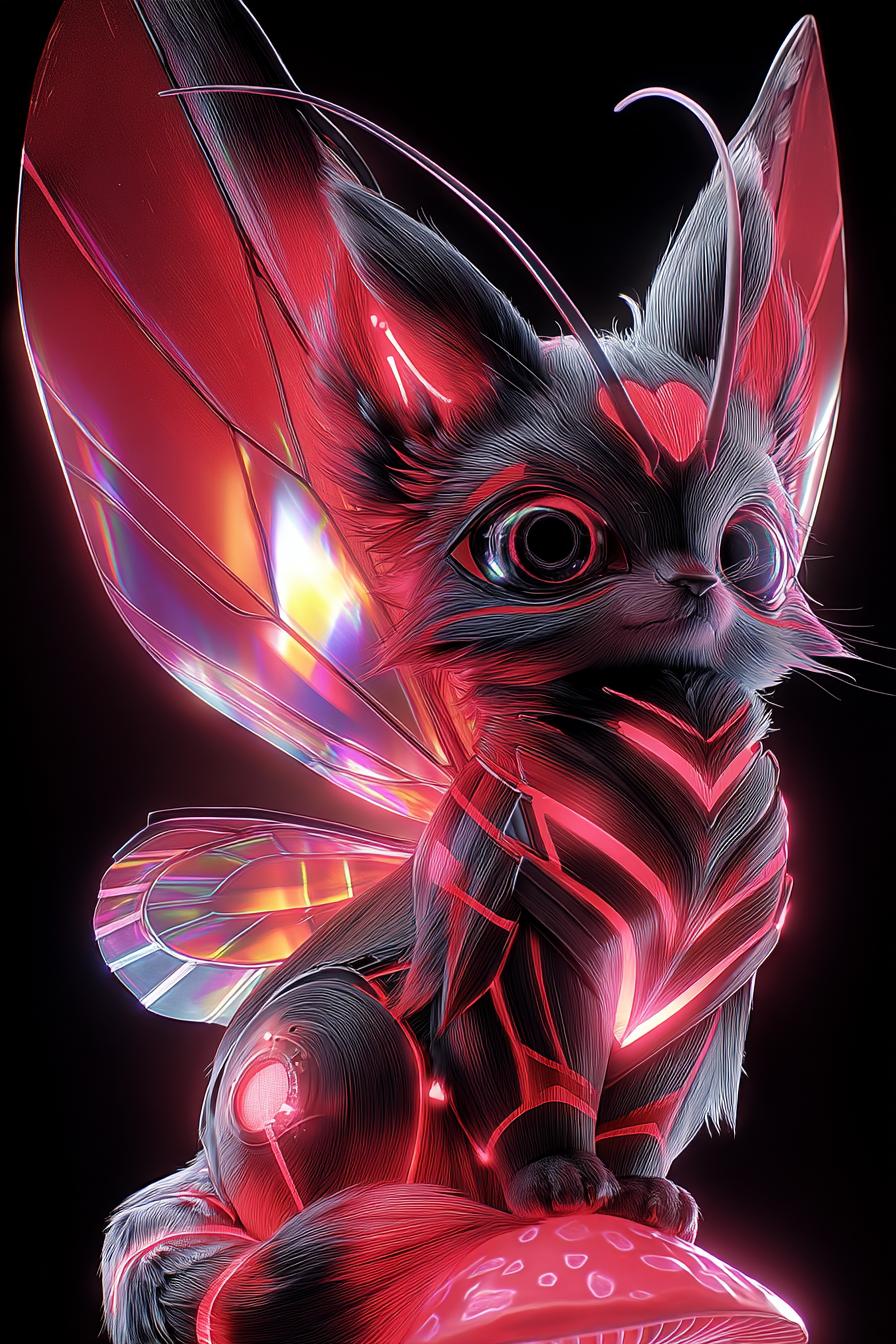
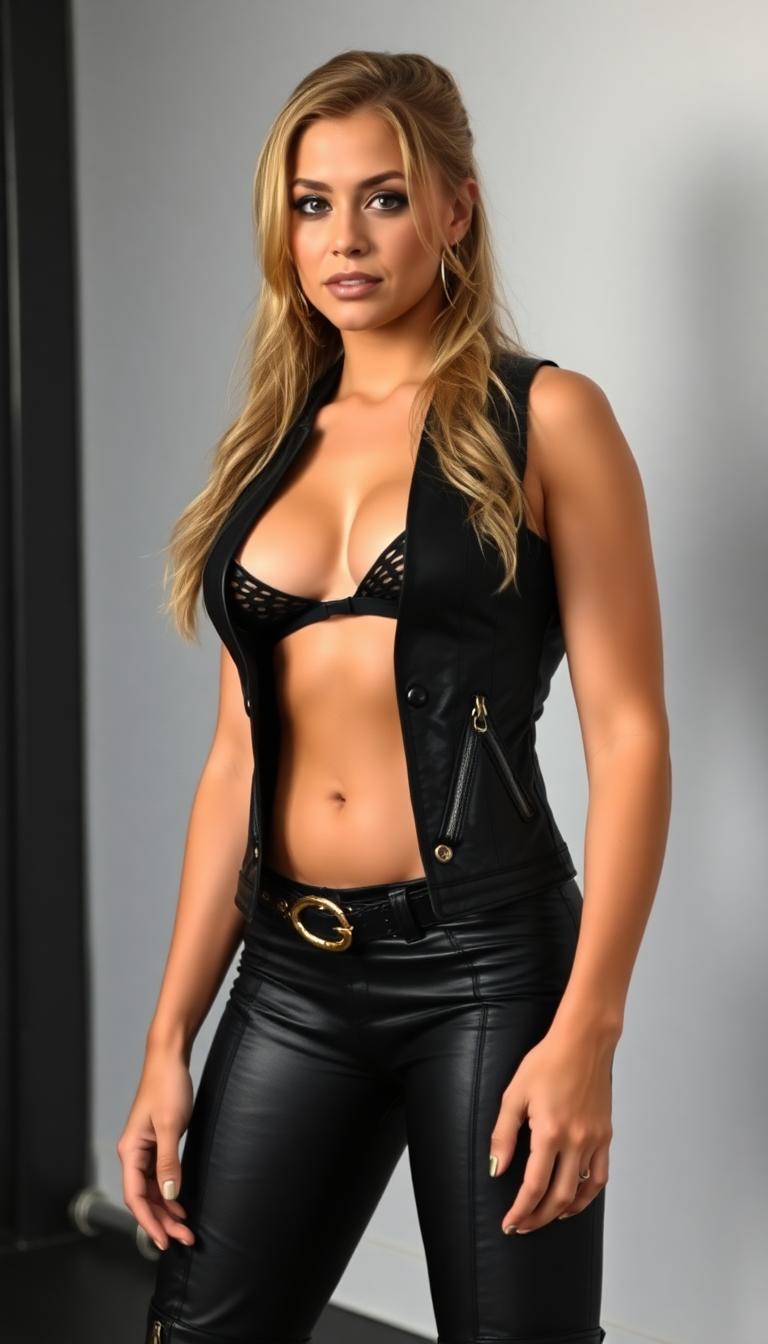
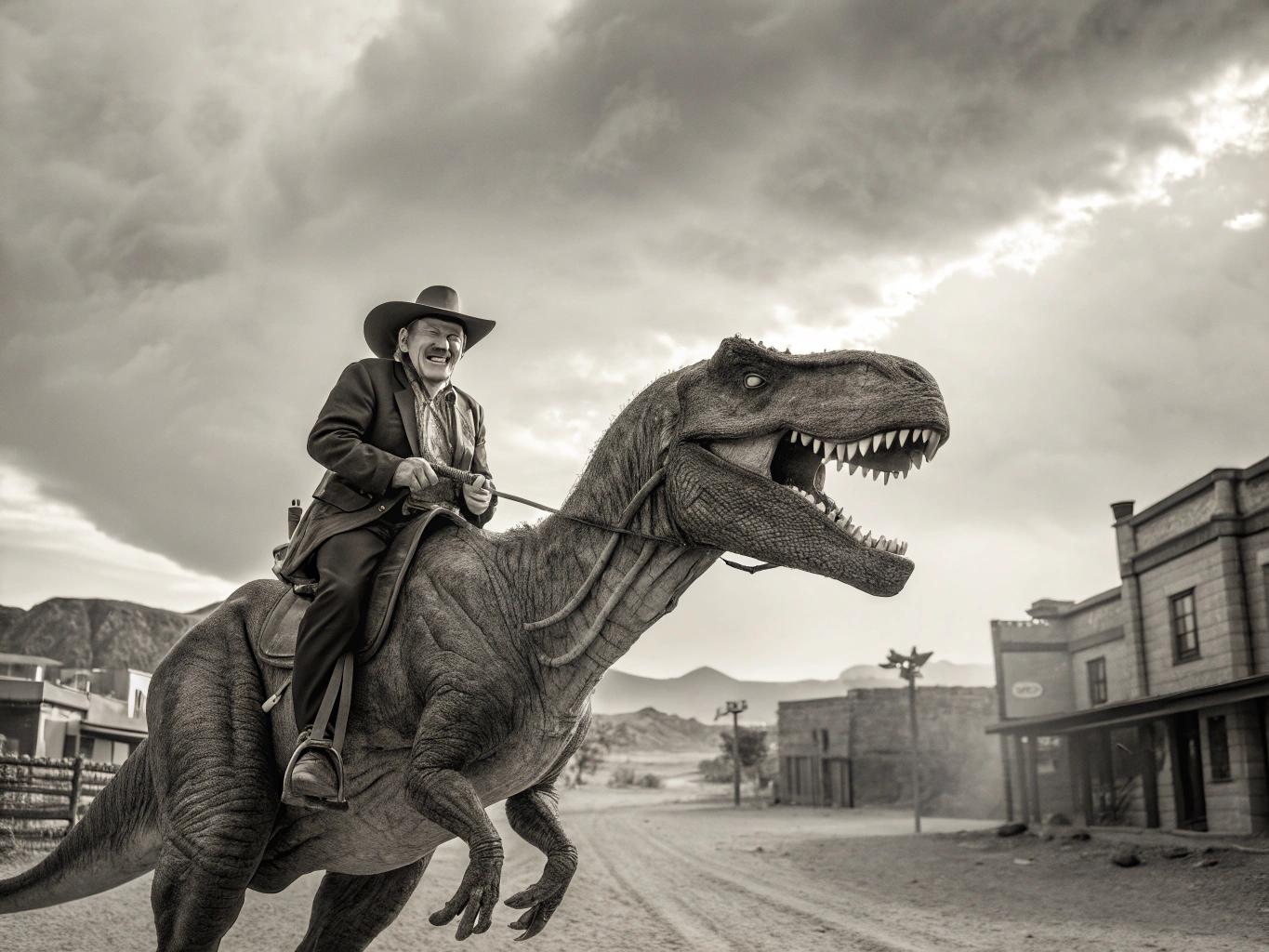
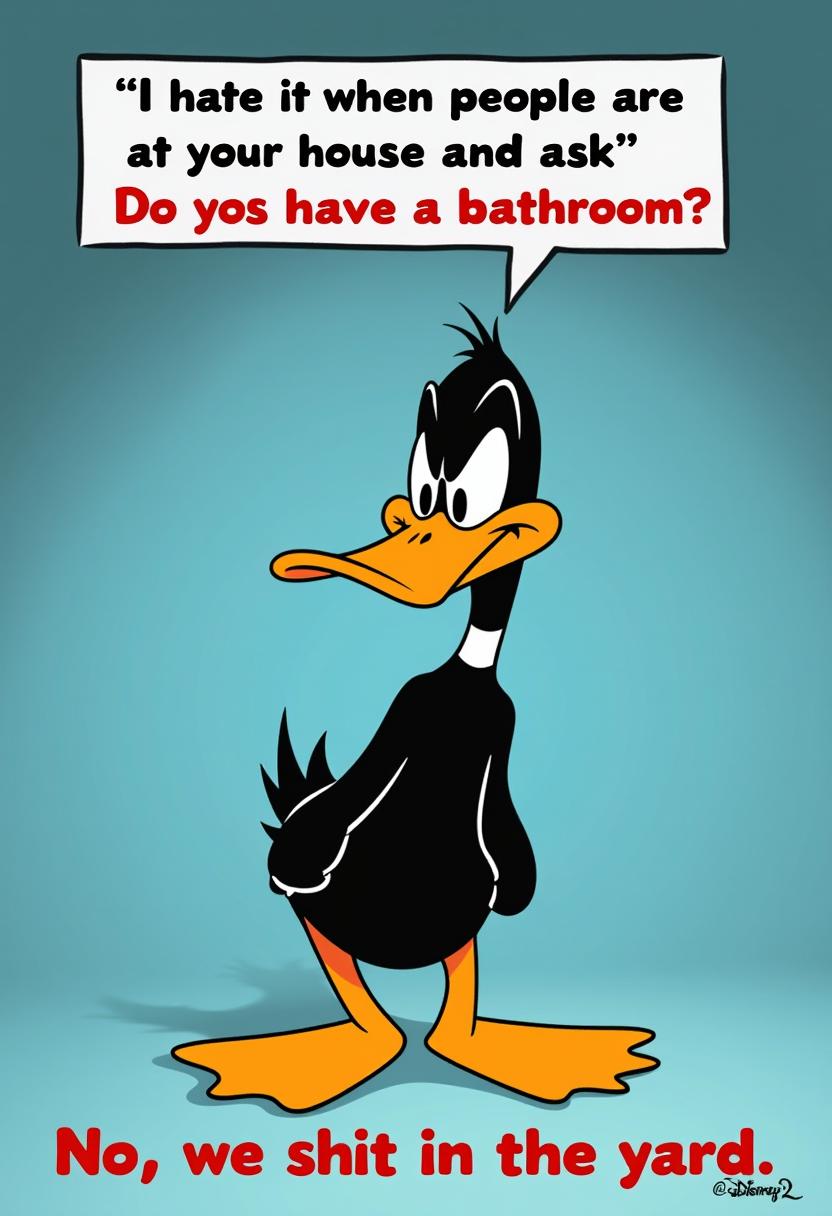
Harness the power of Seedream 4's max images parameter to generate multiple AI-crafted images in a single operation. This feature streamlines your creative process, allowing you to produce a series of coherent visuals efficiently.
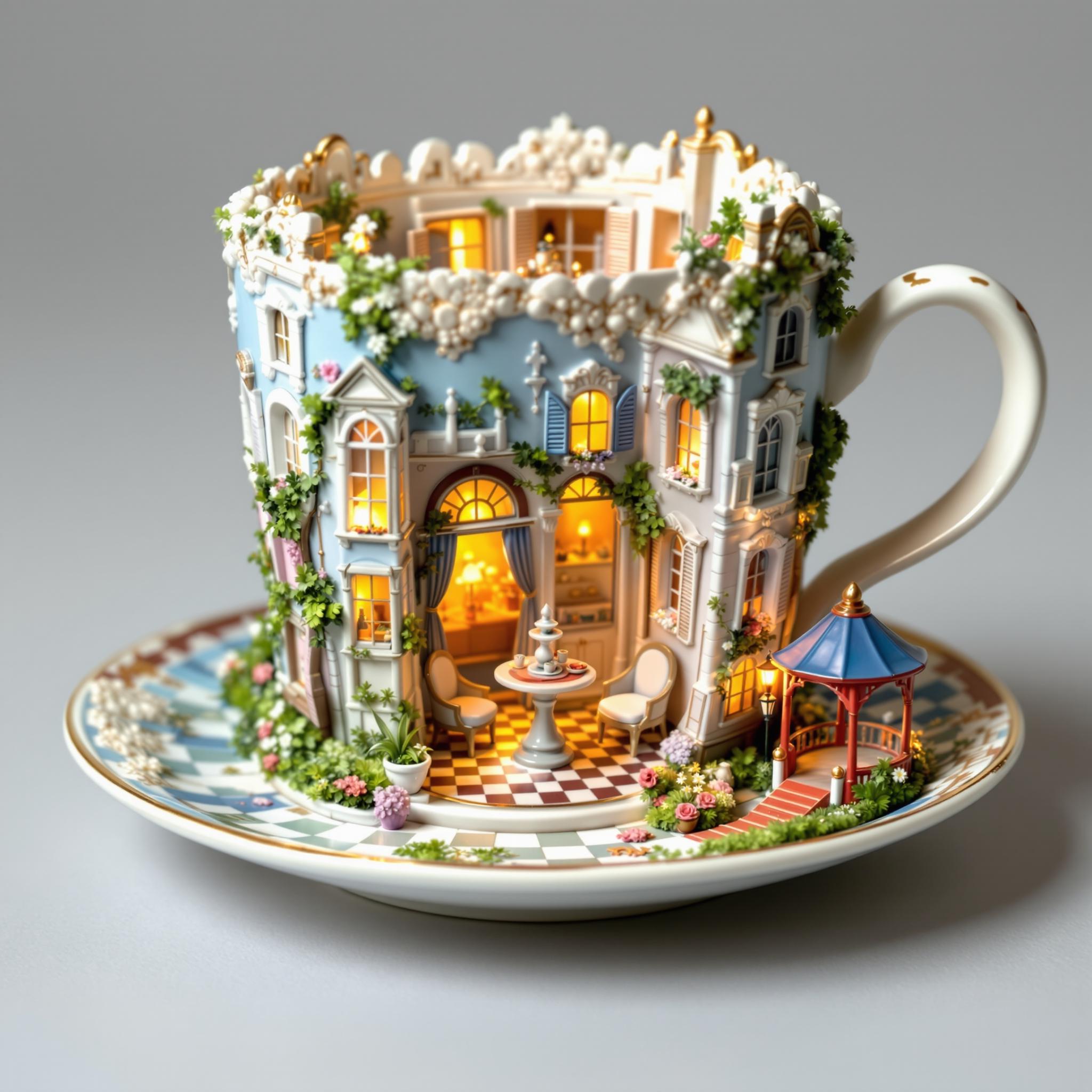
Join thousands of creators who have enhanced their workflows with Seedream 4's advanced image generation capabilities.
Why Choose Pixel Dojo for seedream 4 max images parameter
Professional-quality results with cutting-edge AI technology
Efficient Batch Creation
Generate up to 15 images simultaneously, saving time and effort in your creative projects.
Consistent Visuals
Ensure uniformity across multiple images, ideal for storyboards, marketing materials, and more.
Enhanced Creativity
Explore various concepts and iterations quickly, fostering innovation and experimentation.
How It Works
Creating multiple images with Seedream 4's max images parameter is straightforward. Follow these steps to get started:
Step 1: Access the Image Generation Tool
Navigate to PixelDojo's Flux Studio, which integrates Seedream 4's capabilities.
Step 2: Input Your Prompt
Enter a detailed description of the image you wish to generate, specifying elements like style, composition, and subject matter.
Step 3: Set the Max Images Parameter
Adjust the 'max images' setting to your desired number (up to 15) to generate multiple images in one go.
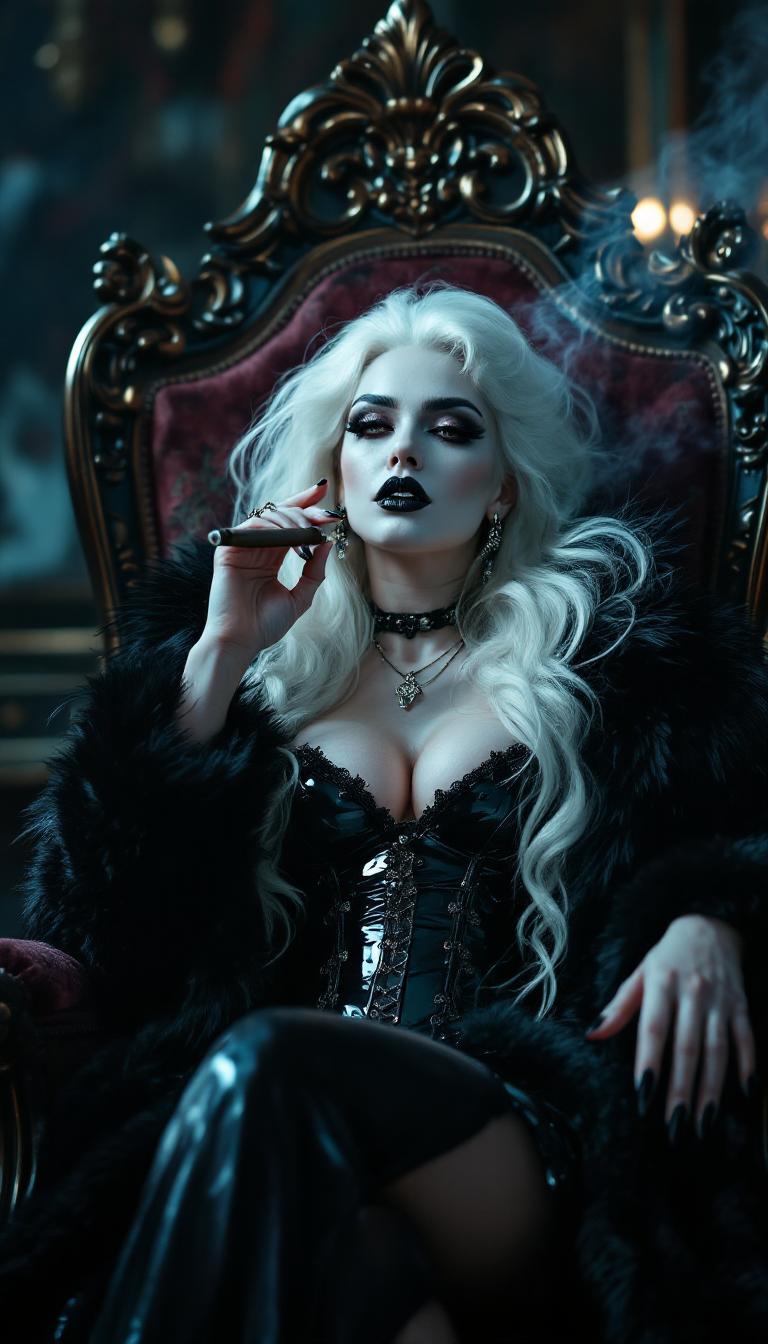
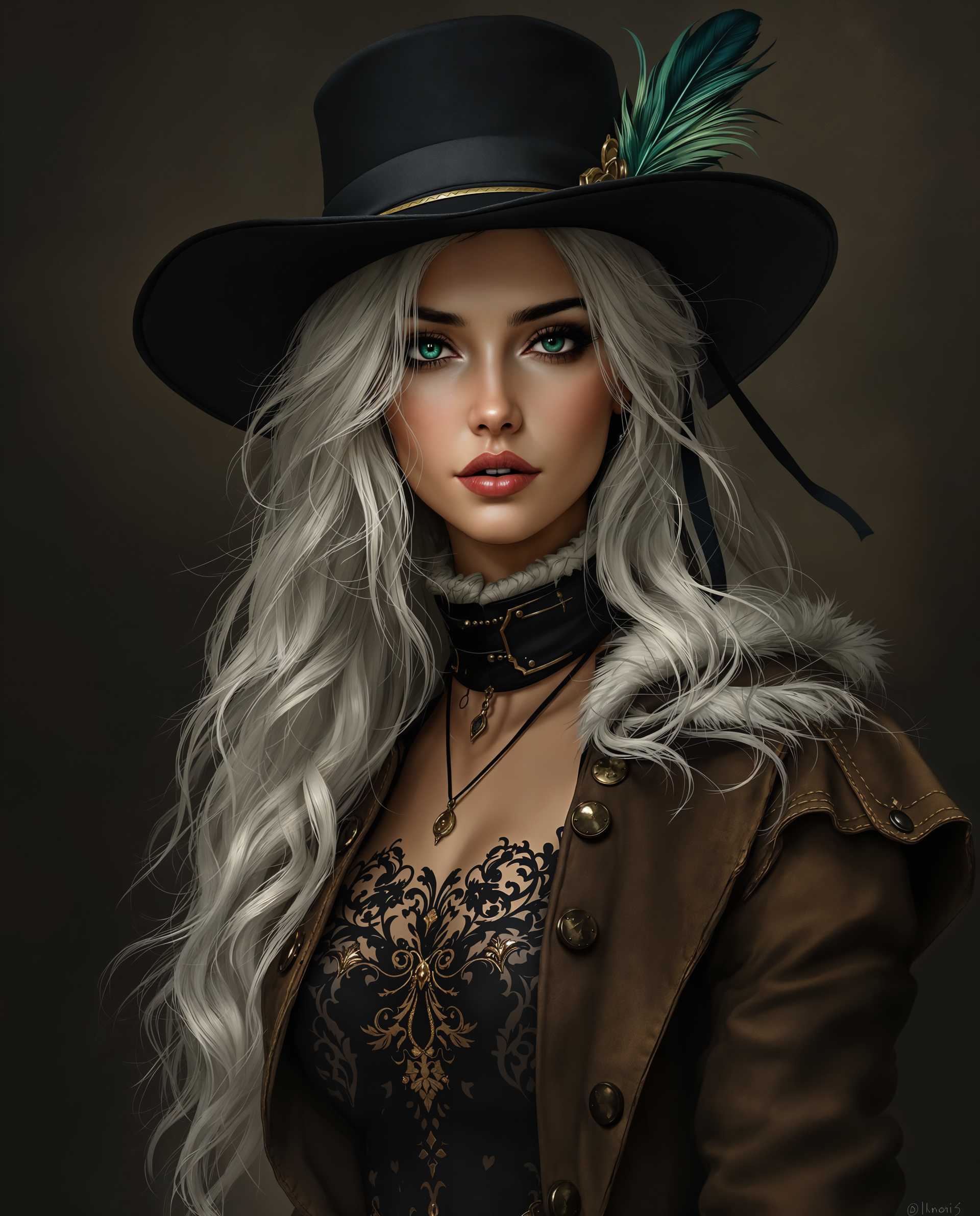
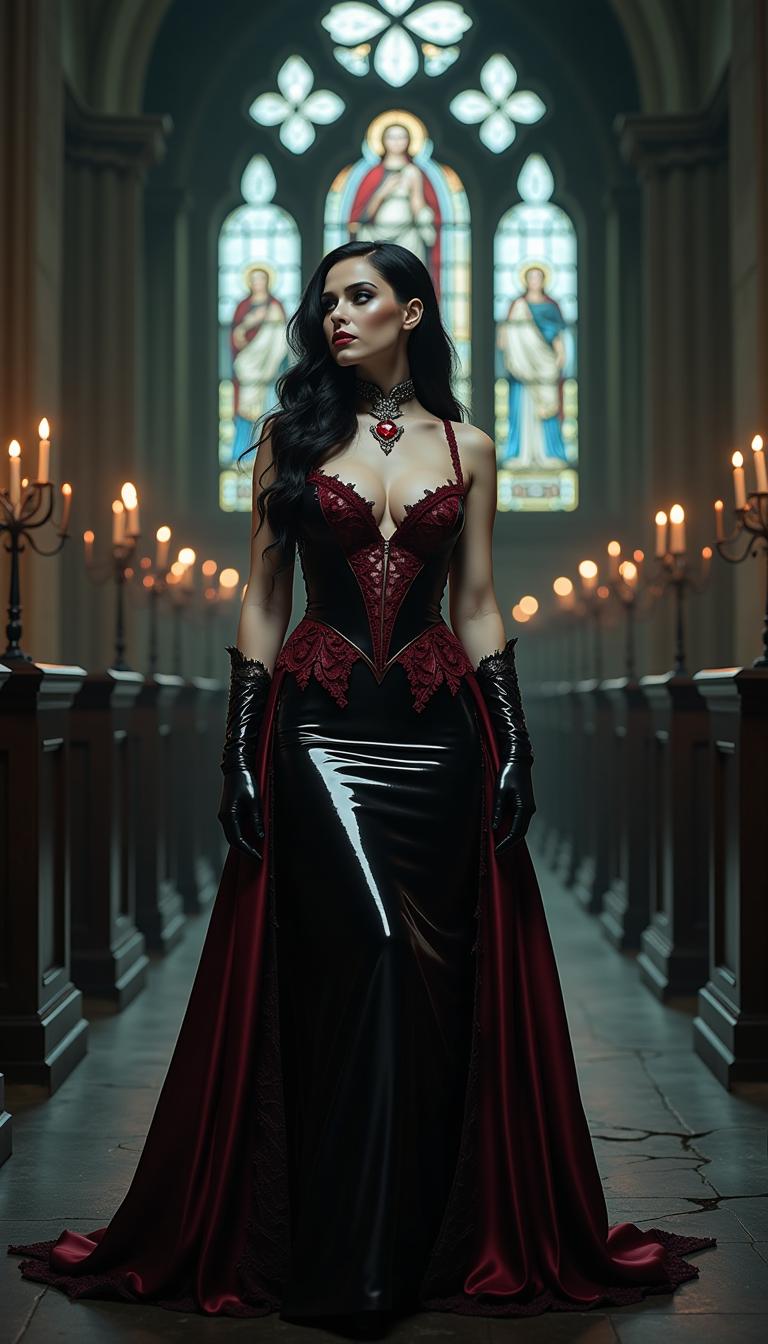
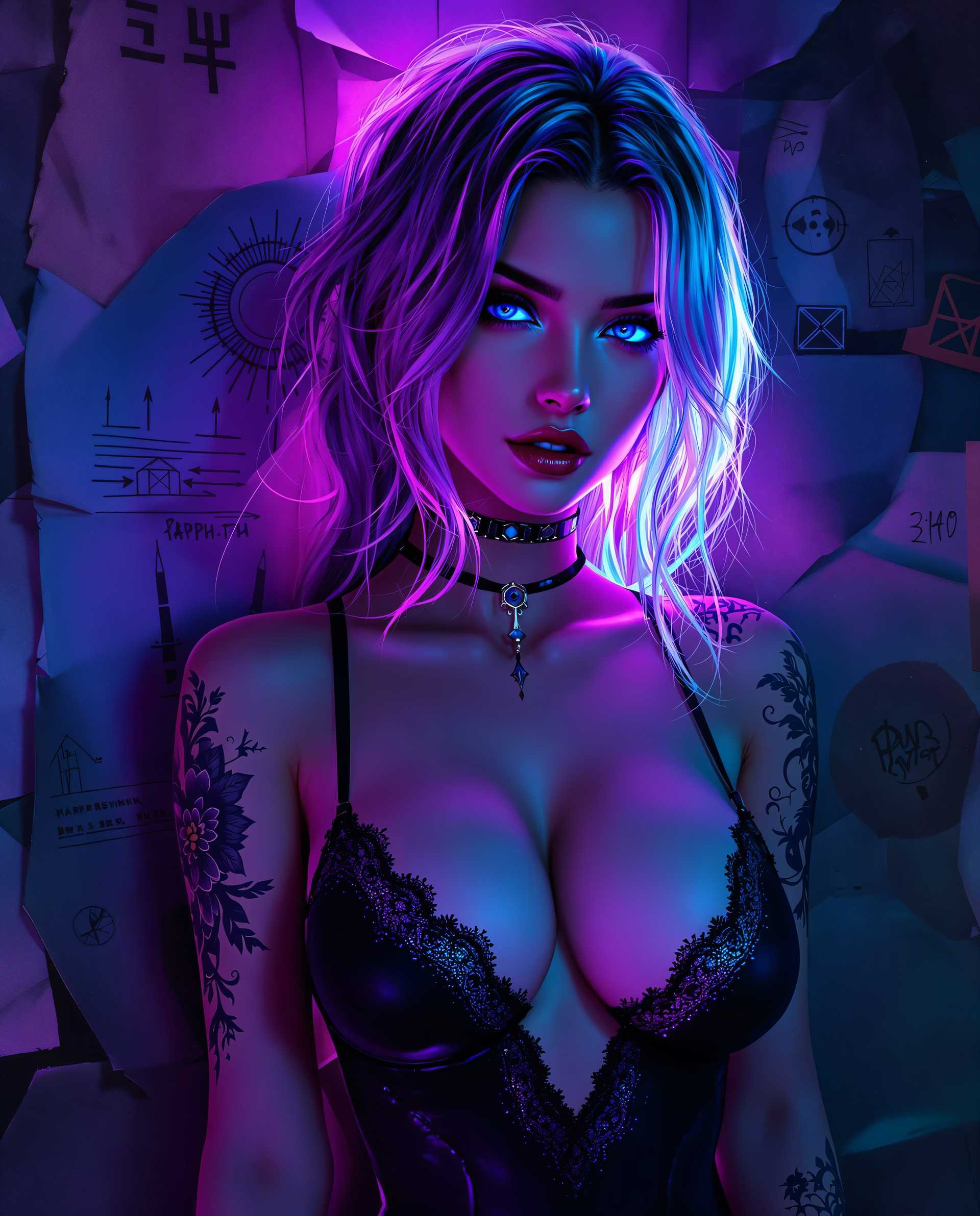

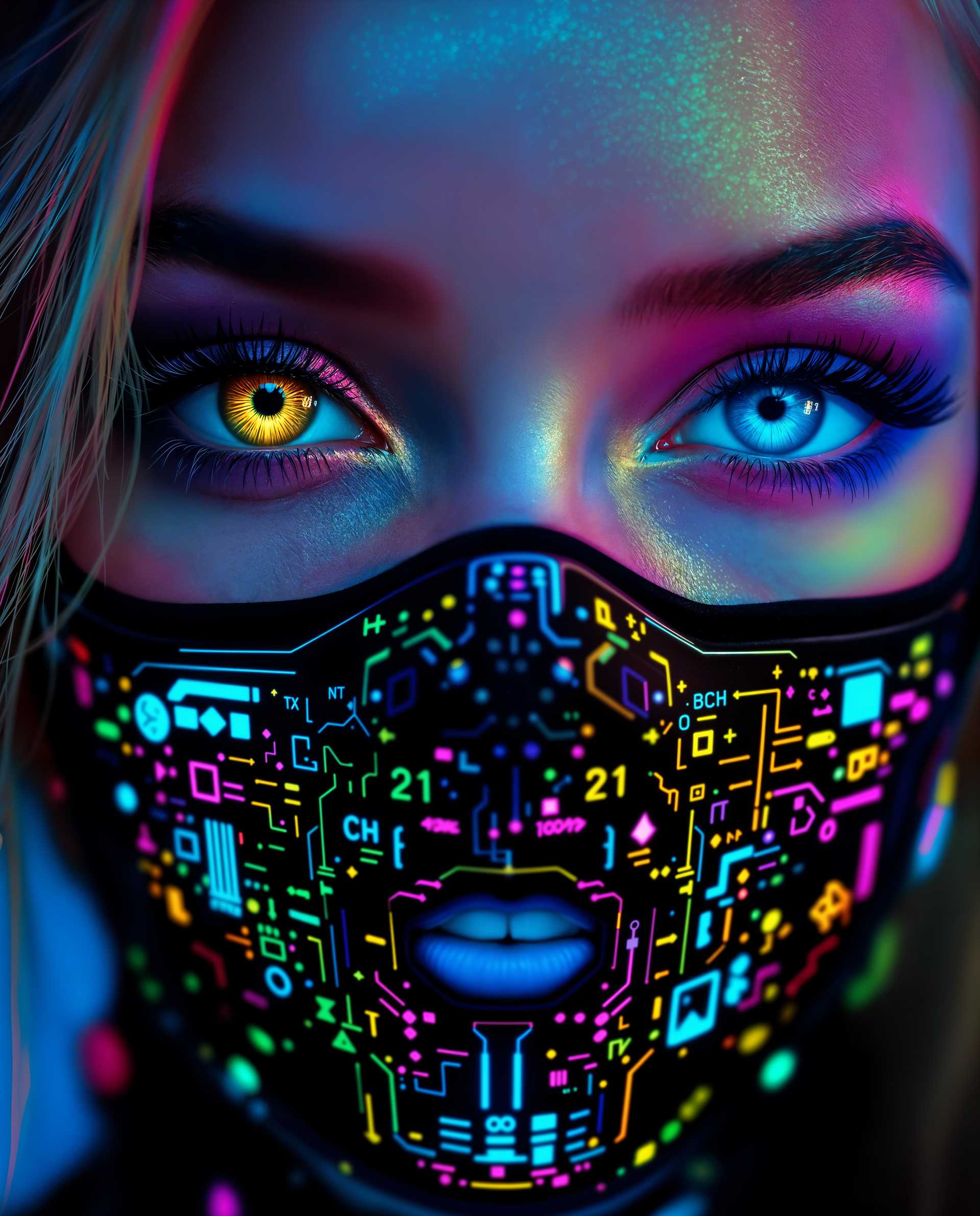
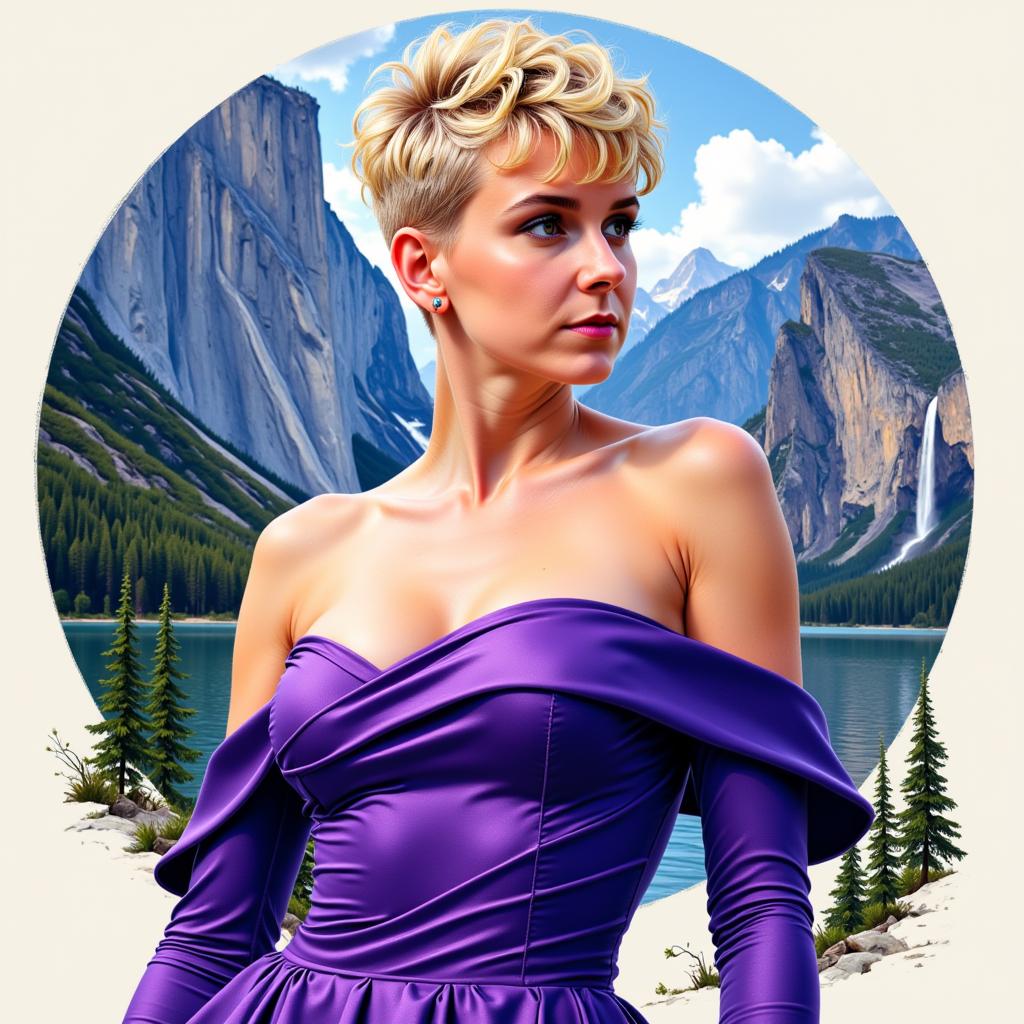
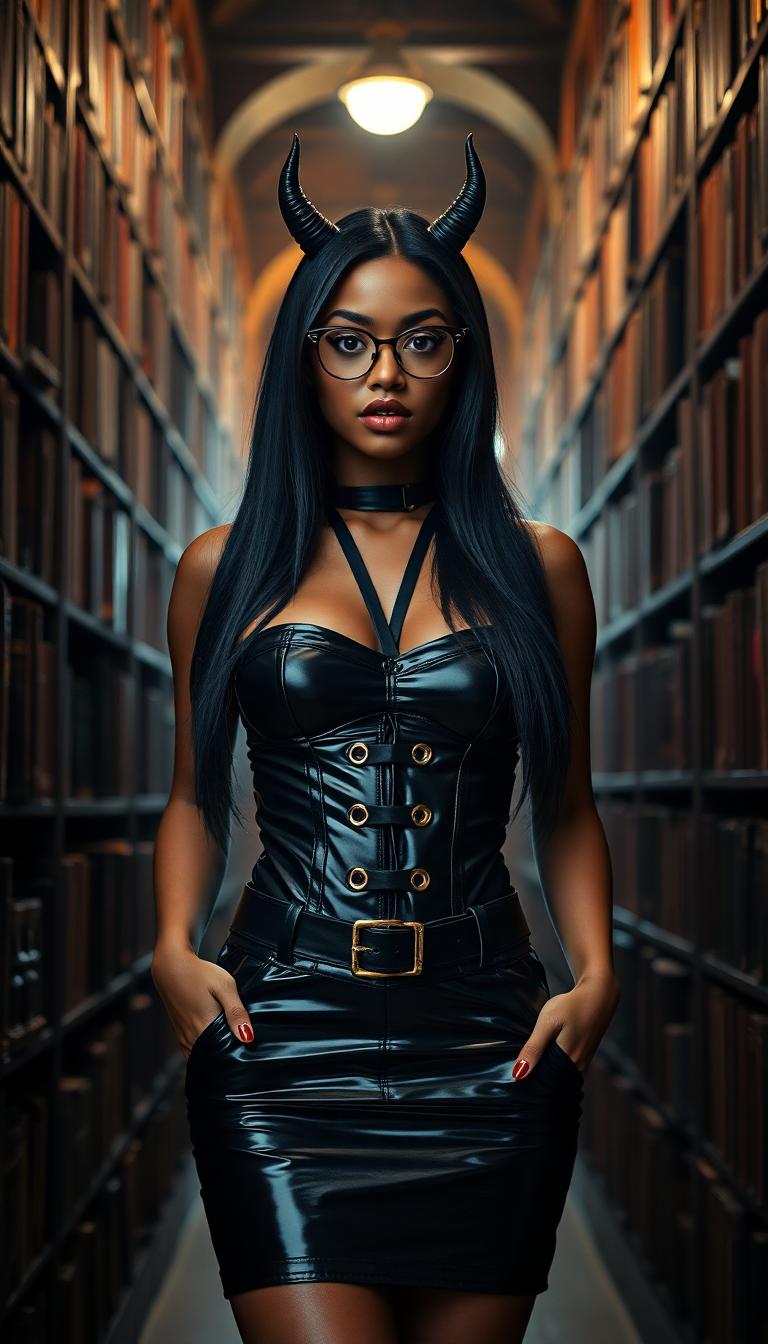

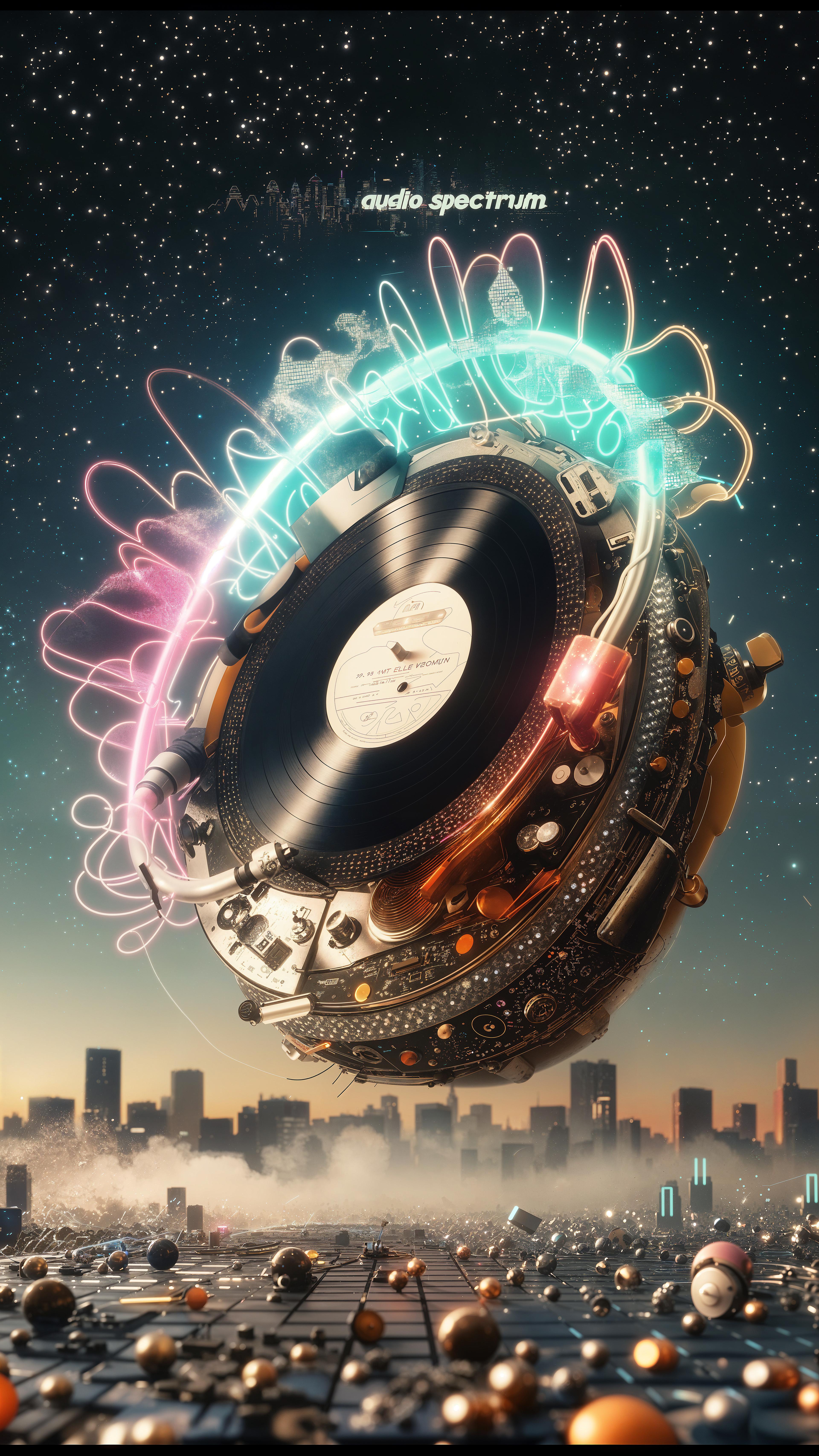
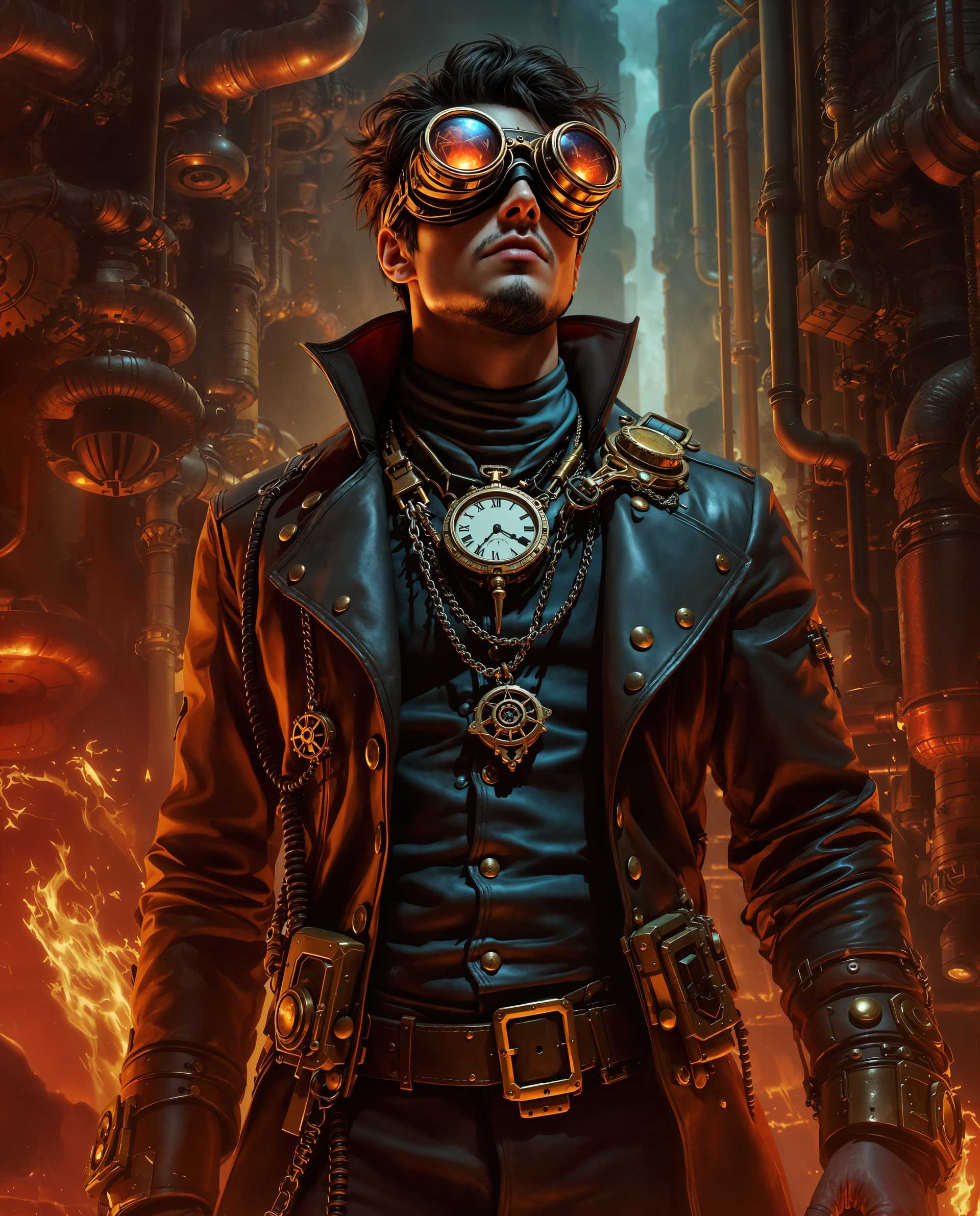
The Pixel Dojo Advantage
Why PixelDojo's integration of Seedream 4 stands out for multi-image generation:
| Others | Pixel Dojo |
|---|---|
| Traditional Single-Image Generation | Generate multiple images simultaneously, reducing time and effort compared to creating images one by one. |
| Other AI Image Tools | PixelDojo offers seamless integration with Seedream 4, providing advanced features like the max images parameter for efficient batch creation. |
| Manual Design Processes | Automate the creation of multiple design variations, allowing for rapid prototyping and iteration without manual effort. |
Loved by Creators
See what our community says about seedream 4 max images parameter
"Using Seedream 4's max images feature through PixelDojo has revolutionized our content creation process. We can now produce entire image series in minutes."
Alex Johnson
Creative Director
"The ability to generate multiple images at once has significantly boosted our marketing campaigns. PixelDojo's tools are a game-changer."
Samantha Lee
Marketing Manager
Common Questions
Everything you need to know about seedream 4 max images parameter AI generation
How many images can I generate at once using Seedream 4's max images parameter?
You can generate up to 15 images simultaneously by setting the max images parameter accordingly.
Is there a limit to the complexity of prompts when generating multiple images?
While complex prompts are supported, it's recommended to keep them clear and concise to ensure optimal results across all generated images.
Can I customize each image individually when using the max images feature?
The max images parameter generates multiple images based on a single prompt. For individual customization, generate images separately or edit them post-generation.
Does using the max images parameter consume more credits?
Yes, generating multiple images will consume credits proportionally. For example, generating 5 images will use 5 times the credits of a single image generation.
Are the generated images suitable for commercial use?
Yes, images generated through PixelDojo's tools, including those using Seedream 4, are suitable for commercial use, adhering to the platform's licensing terms.
How can I ensure consistency across the generated images?
To achieve consistency, use detailed and specific prompts, and consider using reference images to guide the AI in maintaining uniformity across outputs.