sdxl inpainting model AI Generator
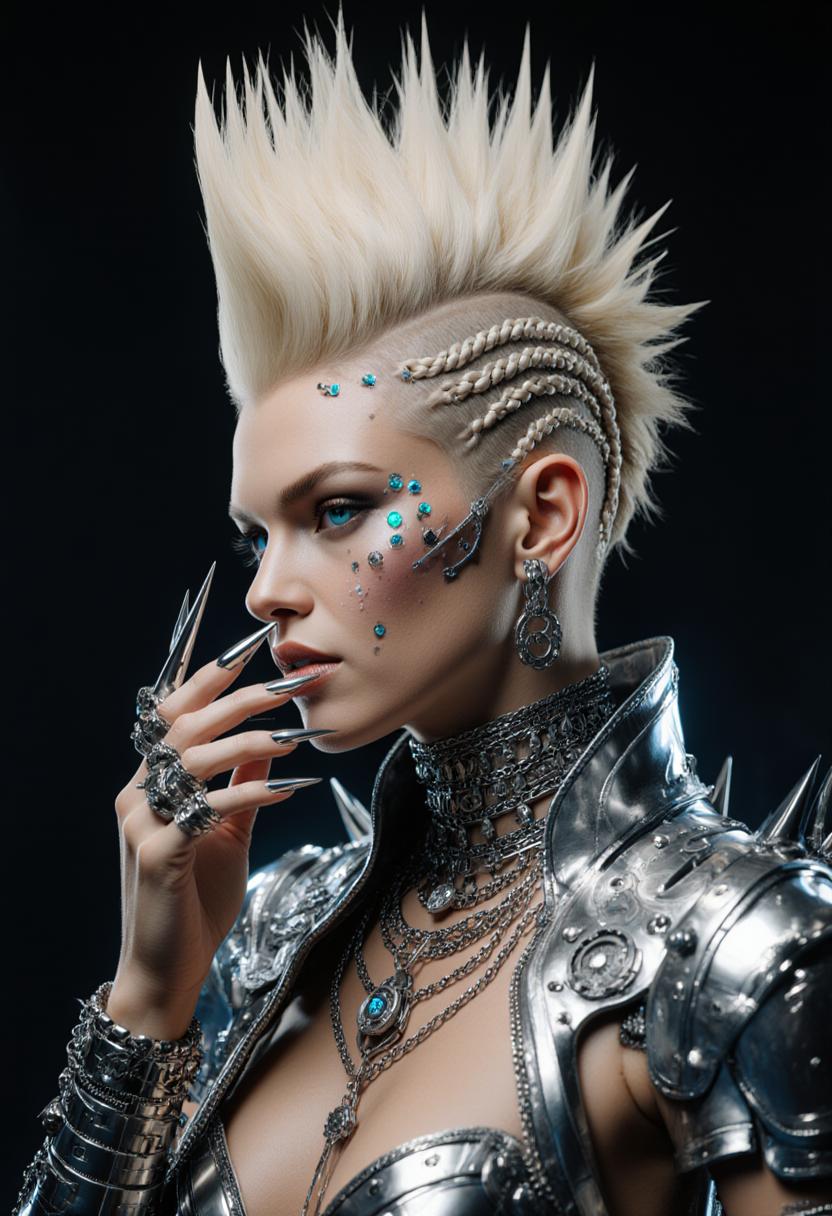
Unlock the full potential of your images with PixelDojo's SDXL Inpainting tools. Whether you're looking to remove unwanted elements, restore old photos, or creatively modify your visuals, our AI-powered solutions make it simple and efficient. Experience the future of image editing today.
Join over 10,000 satisfied creators who have transformed their images using PixelDojo's cutting-edge AI tools.
Why Choose Pixel Dojo for sdxl inpainting model
Professional-quality results with cutting-edge AI technology
Seamless Object Removal
Effortlessly eliminate unwanted objects or imperfections from your photos, leaving no trace behind.
Creative Image Enhancement
Add new elements or modify existing ones to bring your creative visions to life.
Time-Saving Automation
Achieve professional-quality edits in a fraction of the time compared to manual methods.
How It Works
Transforming your images with SDXL Inpainting is straightforward with PixelDojo. Follow these simple steps:
Step 1: Select Your Image
Upload the image you wish to edit to the PixelDojo platform.
Step 2: Define the Area to Edit
Use the intuitive masking tool to highlight the specific area you want to modify.
Step 3: Apply Inpainting
Enter a descriptive prompt for the desired change and let the AI work its magic.







The Pixel Dojo Advantage
Why choose PixelDojo for your image editing needs?
| Others | Pixel Dojo |
|---|---|
| Traditional Photo Editing Software | Automates complex edits, saving you time and effort. |
| Generic AI Tools | Offers specialized inpainting capabilities for precise and seamless edits. |
| Manual Retouching | Delivers consistent, high-quality results without the need for advanced skills. |
Loved by Creators
See what our community says about sdxl inpainting model
"PixelDojo's inpainting tools have revolutionized my workflow. I can now make complex edits in minutes!"
Alex Johnson
Professional Photographer
"The AI seamlessly removes unwanted objects from my images, making my editing process so much easier."
Maria Lopez
Graphic Designer
Common Questions
Everything you need to know about sdxl inpainting model AI generation
How does SDXL Inpainting improve my image editing process?
SDXL Inpainting uses advanced AI to intelligently fill in or modify selected areas of your images, allowing for seamless edits without manual effort.
Can I use PixelDojo's inpainting tools without prior editing experience?
Absolutely! Our user-friendly interface is designed for both beginners and professionals, making advanced edits accessible to everyone.
Is there a limit to the number of images I can edit?
PixelDojo offers various subscription plans to suit your needs, including options with unlimited edits. Choose the plan that's right for you.
How does PixelDojo ensure the quality of inpainted images?
Our AI models are trained on vast datasets to understand context and texture, ensuring high-quality, realistic results in your edits.
Can I revert changes if I'm not satisfied with the inpainting result?
Yes, PixelDojo allows you to preview and adjust edits before finalizing, ensuring you achieve the desired outcome.
Is my data secure when using PixelDojo's tools?
We prioritize your privacy and data security, implementing robust measures to protect your information at all times.