reimagine image ai AI Generator
Unlock the power to reimagine image AI like never before with PixelDojo. Imagine taking your everyday photo – a family snapshot, a landscape, or a product shot – and transforming it into a breathtaking masterpiece, a futuristic vision, or a classical painting. You achieve stunning visual makeovers in seconds, without needing design skills or expensive software. Whether you're revitalizing old memories, prototyping product visuals, or sparking creative ideas, PixelDojo's reimagine image AI tools let you explore endless possibilities. Turn one image into hundreds of variations, experiment with styles from photorealistic to surreal, and download print-ready results instantly. Creators worldwide use this to boost social media engagement, enhance marketing materials, and fuel artistic projects – all while saving hours of manual work. Start reimagining your world today and see your visions come alive.
Trusted by 50,000+ creators | 4.9/5 stars from 10K+ reviews | Over 2M reimagined images generated | Featured in top design communities
Why Choose Pixel Dojo for reimagine image ai
Professional-quality results with cutting-edge AI technology
Breathe New Life into Old Photos
You can take faded family pictures or outdated portraits and reimagine them as vibrant, modern artworks or historical recreations. Tools like Image to Image and Style Transfer let you preserve cherished memories while giving them a fresh, professional glow that captivates viewers and evokes emotions.
Experiment with Infinite Styles Effortlessly
Unlock endless creativity by shifting your image's camera angle, applying magic lighting, or transferring styles from cyberpunk to watercolor. With Flux.1 Studio and PonyXL, you generate diverse variations that match your brand or mood, helping you find the perfect visual for any project without starting from scratch.
Achieve Pro Results in Minutes, Not Hours
Skip the steep learning curve of editing software – upload, prompt, and download high-res upscaled images ready for print or web. Magnific Upscaler and Inpainting ensure flawless details, so you produce marketing assets, social posts, or NFTs that look studio-quality and drive real engagement.
How It Works
Reimagining images with AI on PixelDojo is as simple as 1-2-3. You upload your photo, describe your vision, and let our advanced tools like Image to Image, Style Transfer, and Change Camera Angle handle the magic. No technical expertise required – just creative freedom.
Step 1: Upload & Select Reimagine Tool
Head to PixelDojo's Edit Images section, upload your photo, and pick a tool like Image to Image for full transformations, Style Transfer for artistic shifts, or Magic Lighting for mood changes. Choose models such as SDXL or Flux.1 Studio for the best results tailored to your style.
Step 2: Craft Your Reimagination Prompt
Enter a detailed prompt like 'reimagine this portrait as a cyberpunk neon city scene at night' or 'transform this landscape into a Van Gogh starry night style.' Adjust strength sliders for how much change you want, and add references using Background Remover if needed for precise control.
Step 3: Customize, Generate & Download
Fine-tune with Inpainting for specific areas, upscale via Magnific Upscaler for 4K quality, or tweak angles with Change Camera Angle. Hit generate to see results in seconds, then download unlimited variations. Your reimagined images are ready for use anywhere.

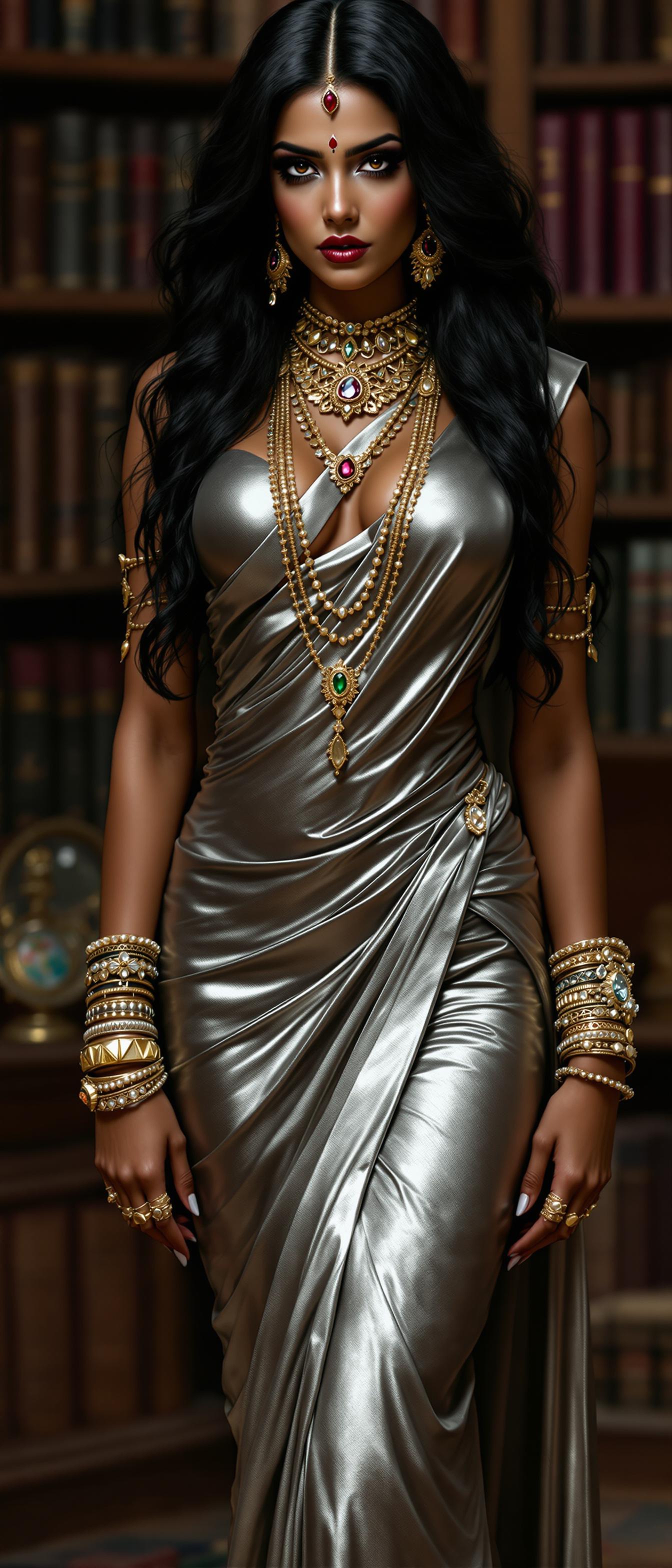
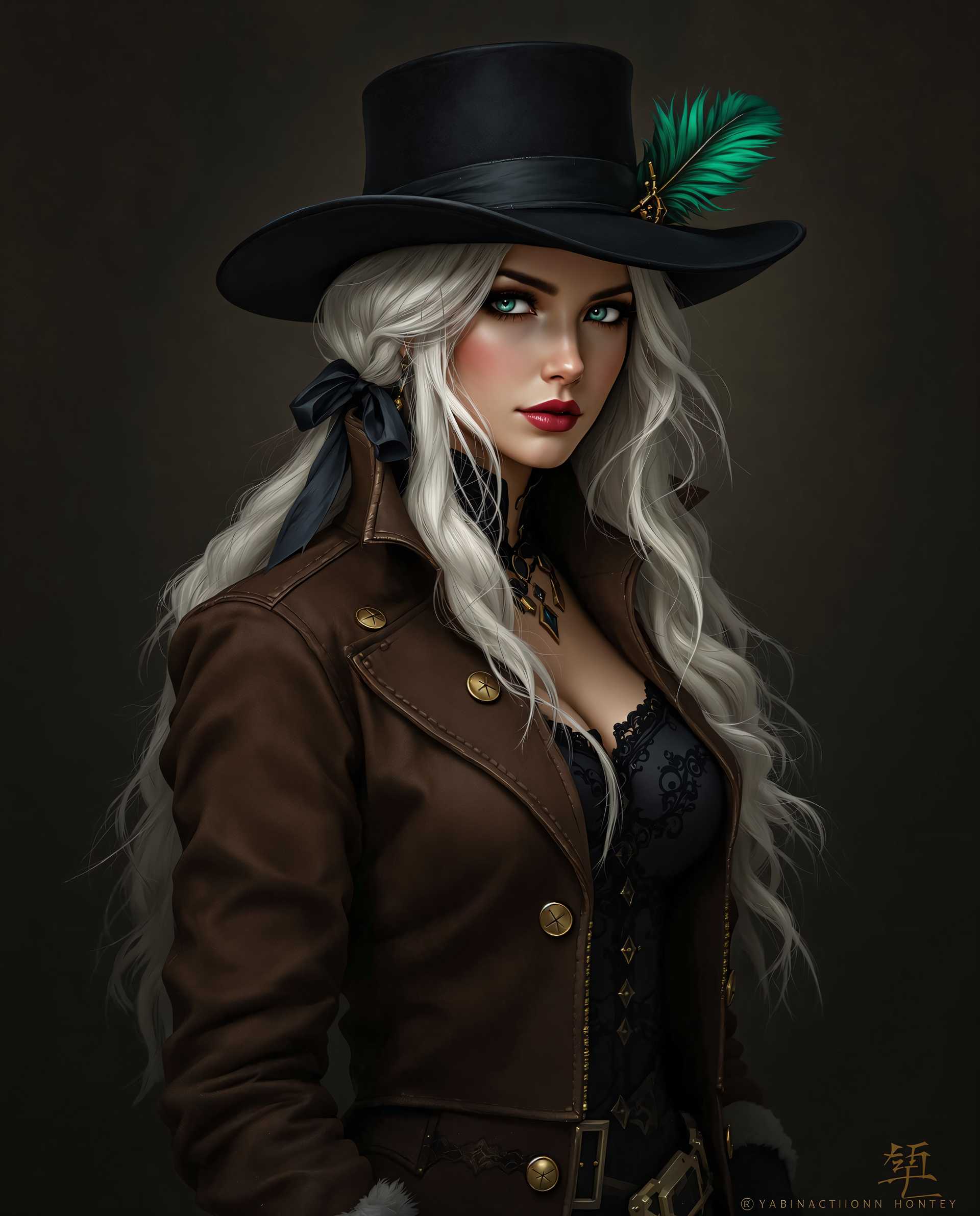
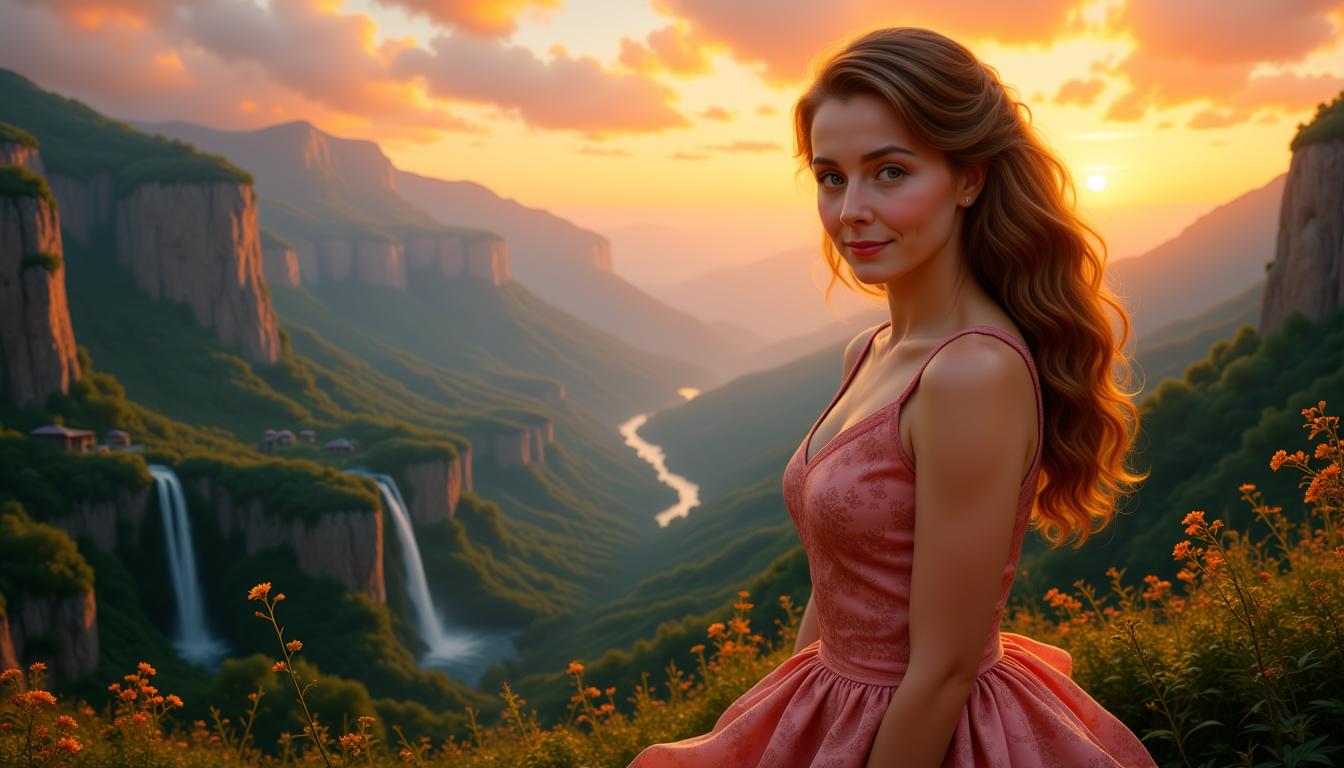
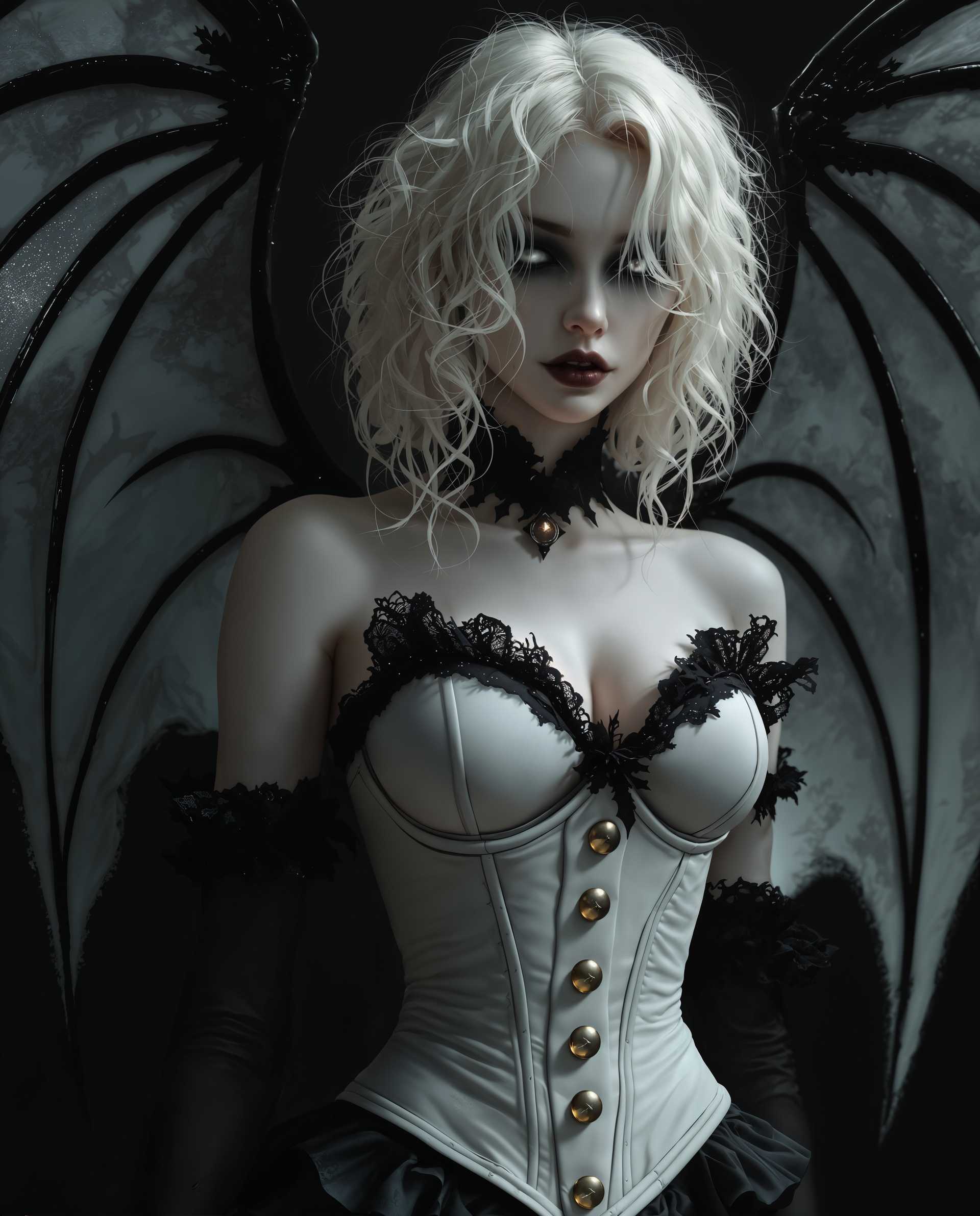
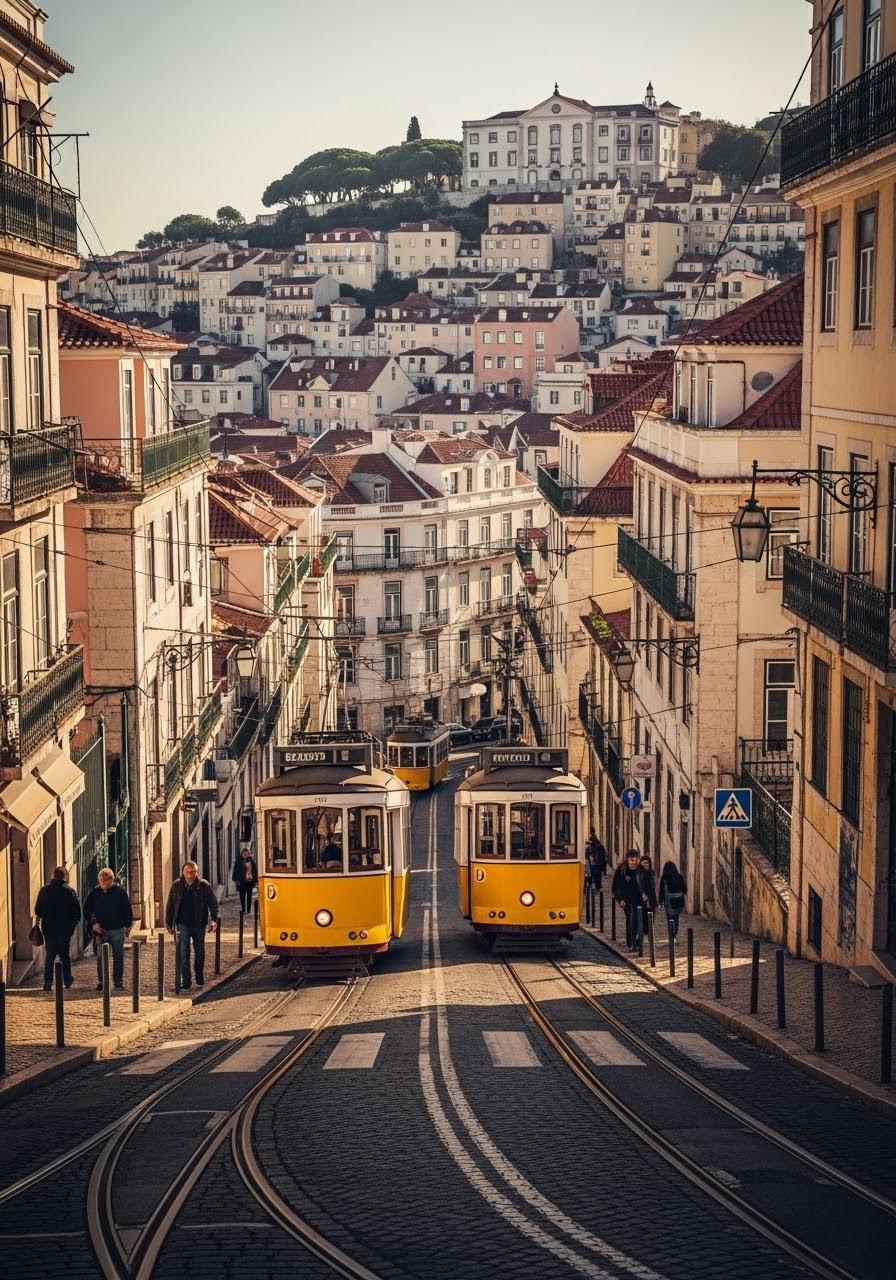
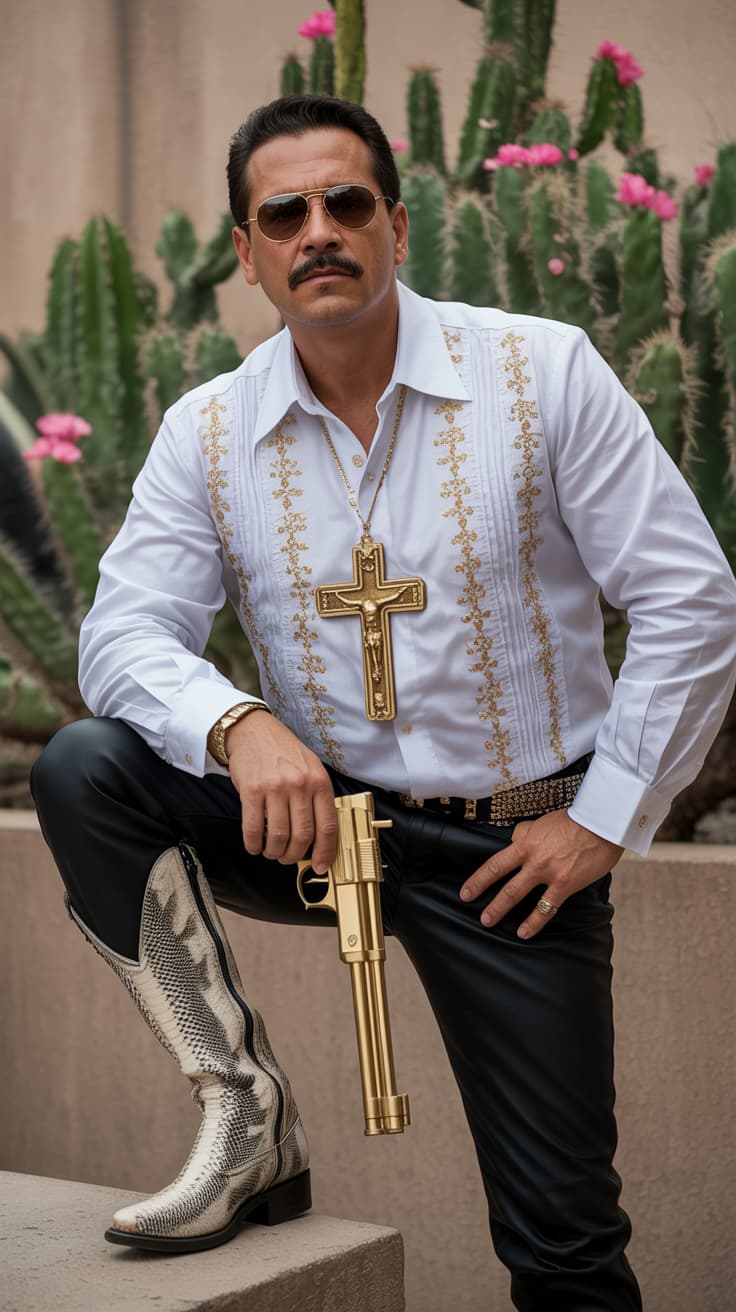
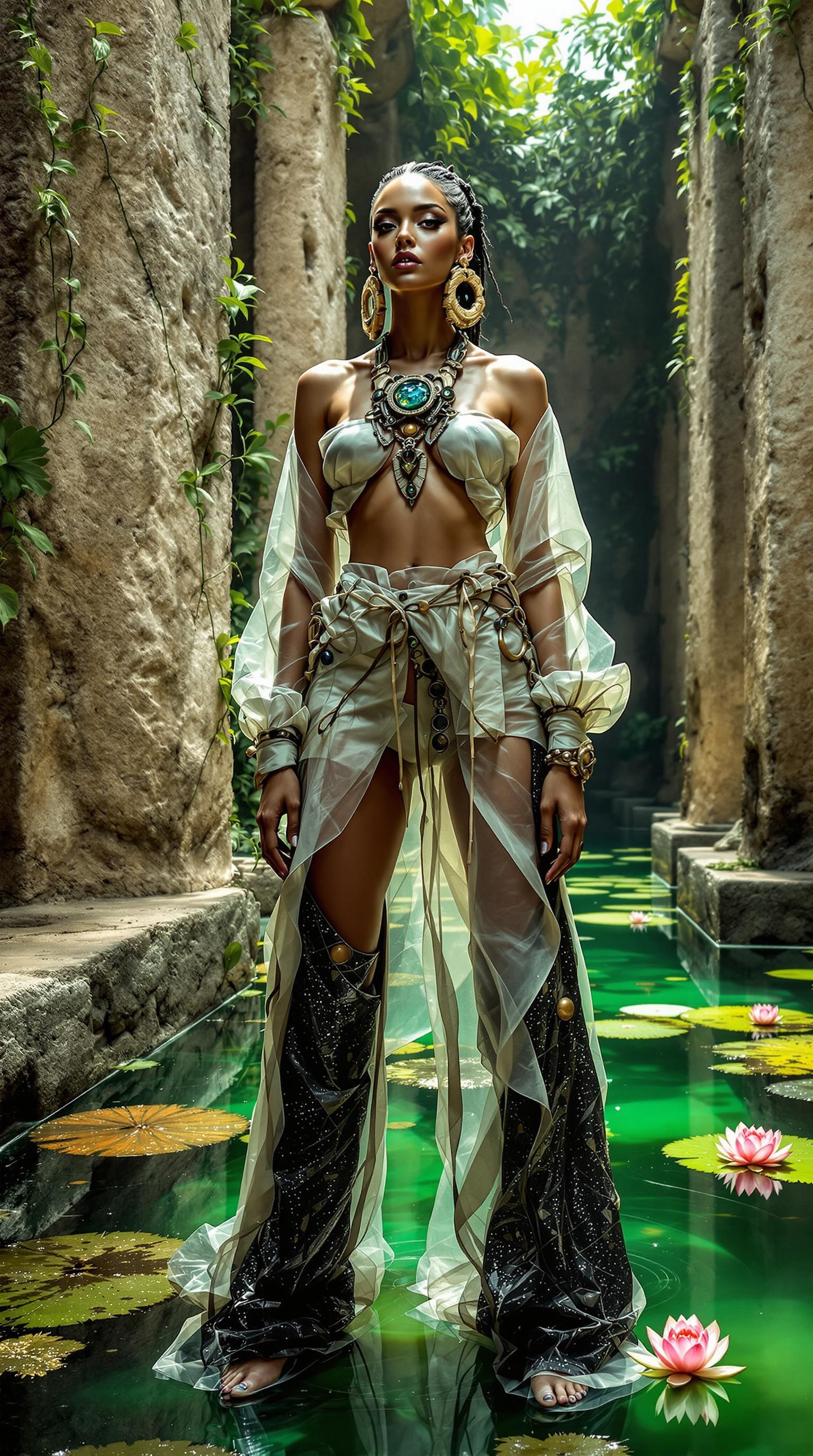
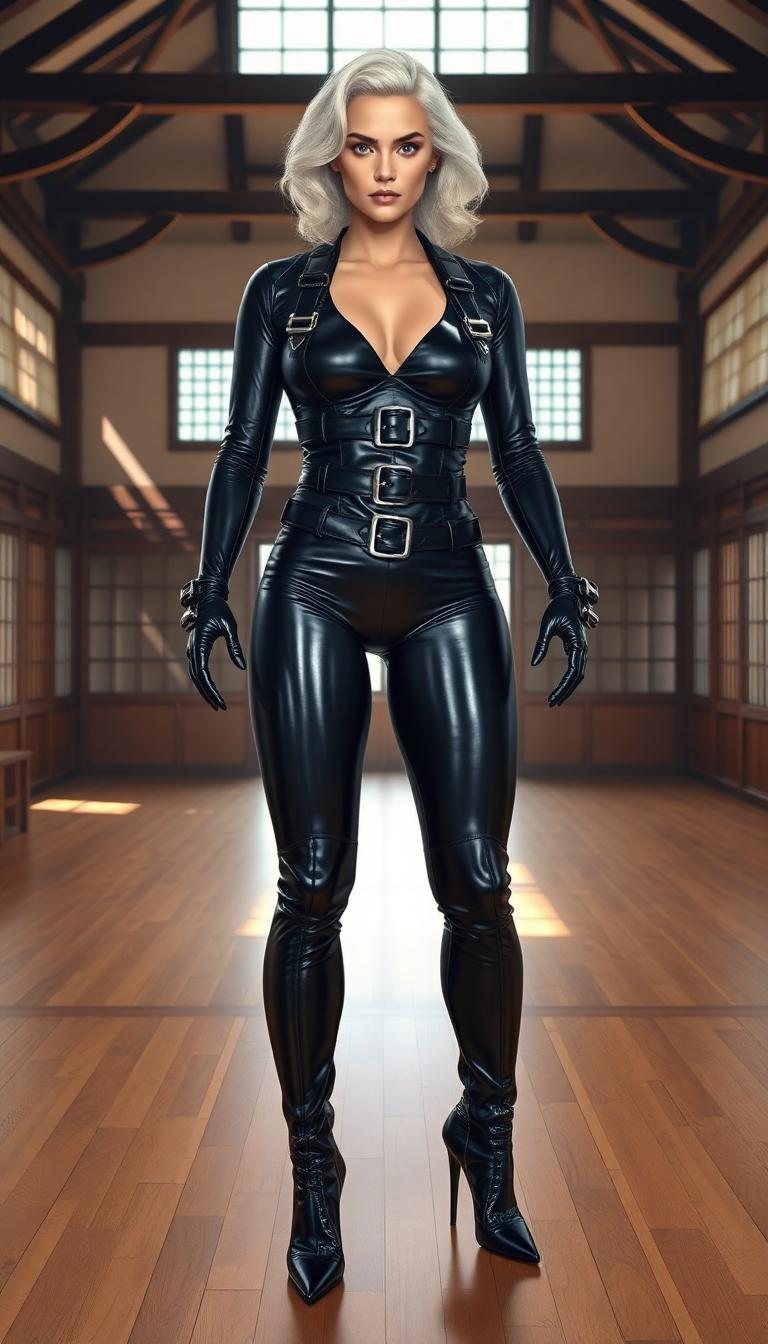
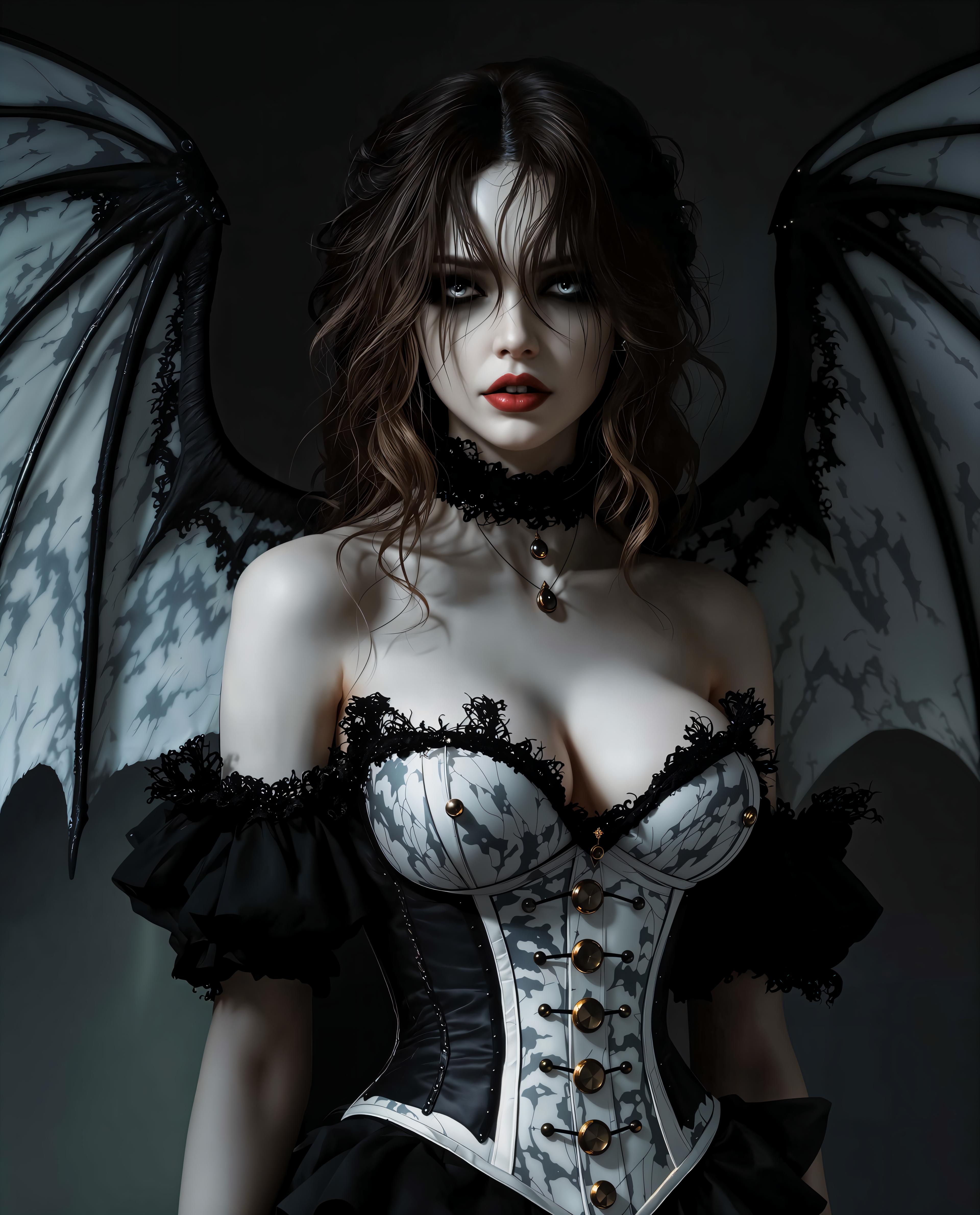
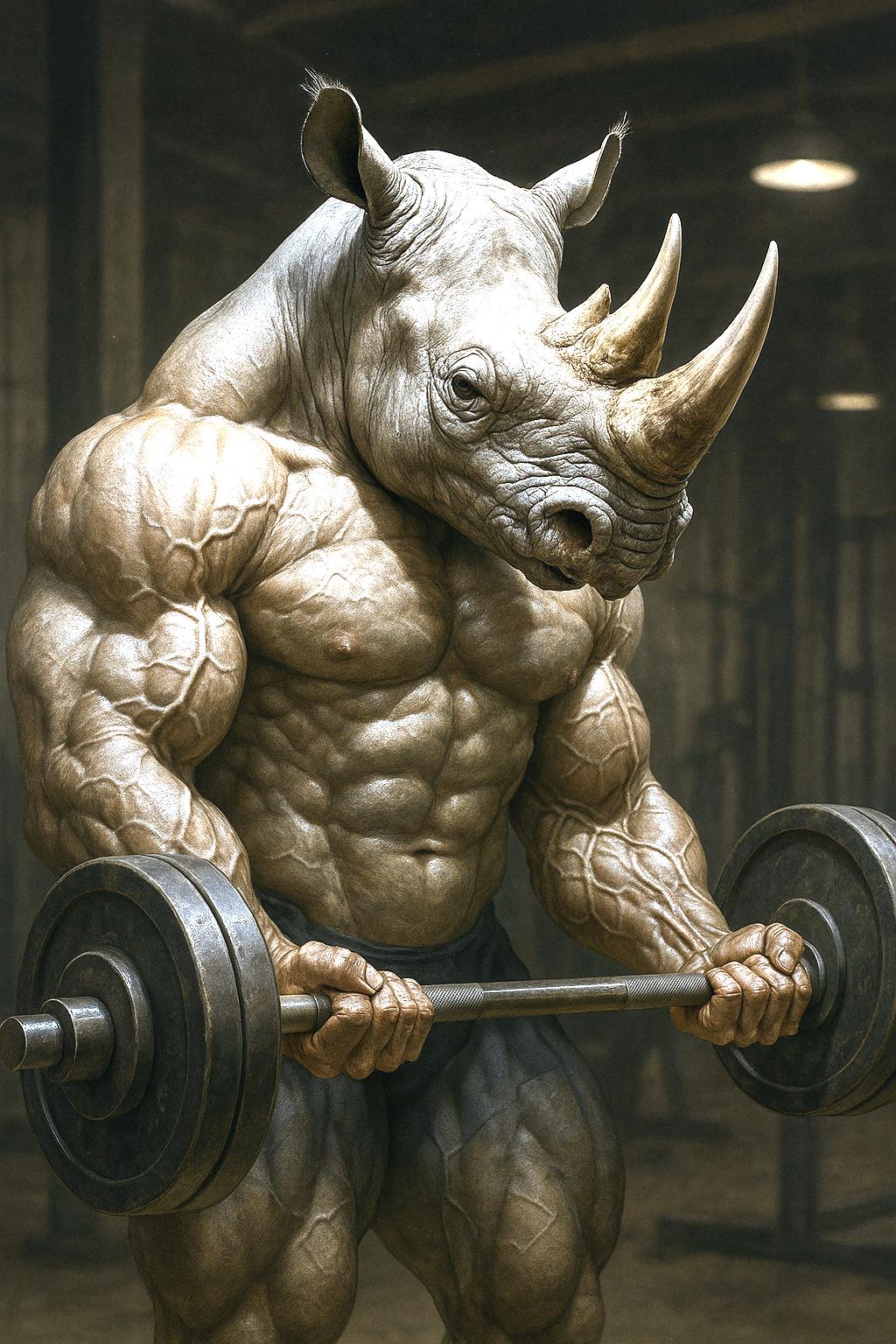
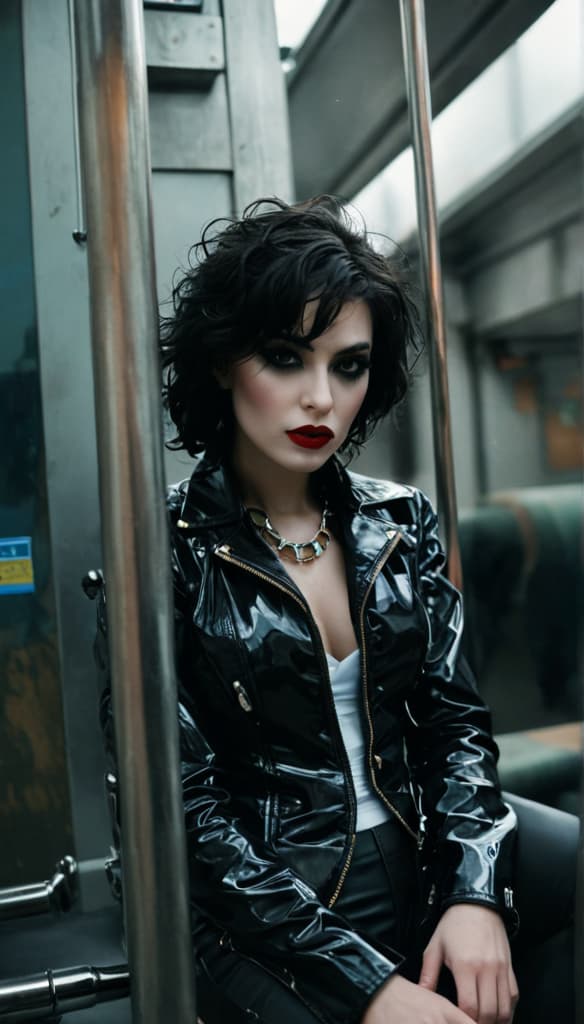
The Pixel Dojo Advantage
Why PixelDojo outperforms other options for reimagine image AI generation
| Others | Pixel Dojo |
|---|---|
| Traditional photo editing software | You get instant, one-click transformations versus hours of layer-by-layer manual tweaks, saving you time and frustration while delivering superior creative results. |
| Generic AI image tools | Access 20+ specialized reimagine models like Flux.2 Studio and REVE Image in one place, versus limited options, so you experiment freely without tool-hopping. |
| Manual Photoshop-style editing | No skills or tutorials needed – our Image Analyzer and Pose Control guide perfect reimaginings, empowering beginners to match pro designers effortlessly. |
Loved by Creators
See what our community says about reimagine image ai
"PixelDojo's reimagine image AI turned my blurry wedding photos into cinematic masterpieces. Saved my album and wowed my clients!"
Sarah M.
Wedding Photographer
"Style Transfer and Image to Image let me reimagine product shots into viral ads overnight. Engagement tripled – game-changer for my ecom store."
Mike R.
E-commerce Entrepreneur
Common Questions
Everything you need to know about reimagine image ai AI generation
How does reimagine image AI work on PixelDojo?
PixelDojo's reimagine image AI uses your uploaded photo as a base and applies advanced techniques via tools like Image to Image and Style Transfer. You describe changes in a prompt, and models such as SDXL or Hunyuan Image 3 generate new versions. Customize strength, lighting with Magic Lighting, or angles with Change Camera Angle for precise control. Results download in HD, perfect for personal or commercial use.
What are the best PixelDojo tools to reimagine old photos with AI?
For reimagining old photos, start with Image to Image for overall makeovers, PonyXL for character consistency, and Magnific Upscaler for sharpening faded details. Combine with Background Remover to isolate subjects and Inpainting to fix imperfections. These tools restore colors, enhance clarity, and apply modern styles, turning nostalgic shots into shareable gems.
Can I use reimagine image AI for free on PixelDojo?
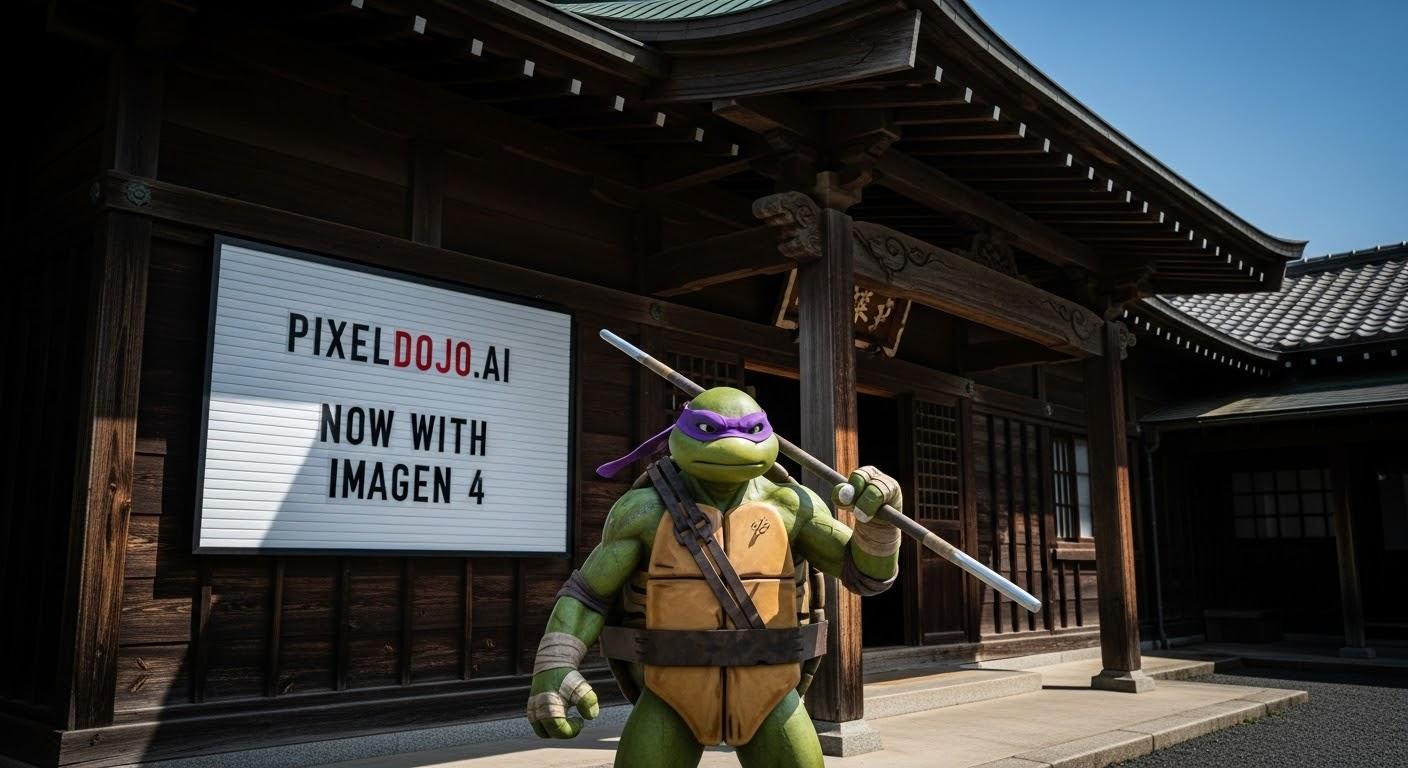
Yes, PixelDojo offers free trials with generous credits to test reimagine image AI. Generate multiple variations using Flux.1 Studio or Imagen 4 without cost upfront. Upgrade to subscriptions for unlimited access to all 40+ tools, including pro features like Creative Upscaler, with cancel-anytime flexibility.
How to transform photo styles using AI reimagining?
Upload to Style Transfer, select a model like ImagineArt 1.5, and prompt 'reimagine in oil painting style.' Add Magic Lighting for drama or Video Reframe for dynamic views. PixelDojo's QWEN Image and WAN Image excel here, letting you shift from realistic to abstract effortlessly, with real-time previews.
Is PixelDojo's AI safe for commercial reimagine image projects?
Absolutely – all reimagined outputs from tools like Z Image Turbo and Dreamina 3.1 are yours to use commercially. High-res exports via Portrait Upscaler ensure print quality. Thousands of marketers and brands rely on us for campaigns, with Usage Reports tracking your generations.
What latest trends in reimagine image AI can I try on PixelDojo?
Current trends include hyper-realistic scene swaps with Kling v2.5 integration, LoRA-enhanced inpainting for custom characters, and AI-driven upscaling to 8K. Tools like HiDream and Seedream 4.5 lead in surreal reimaginings, while Flux.2 Studio handles photoreal edits. Experiment with prompts for trending styles like vaporwave or minimalist art.