Qwen Plus multi-image fusion AI Generator
Unlock the power of Qwen Plus Multi-Image Fusion to seamlessly combine multiple images into a single, cohesive masterpiece. Whether you're looking to create artistic collages, blend different elements, or craft unique visual narratives, our advanced AI tools make the process intuitive and efficient. Say goodbye to complex manual editing and hello to effortless creativity.
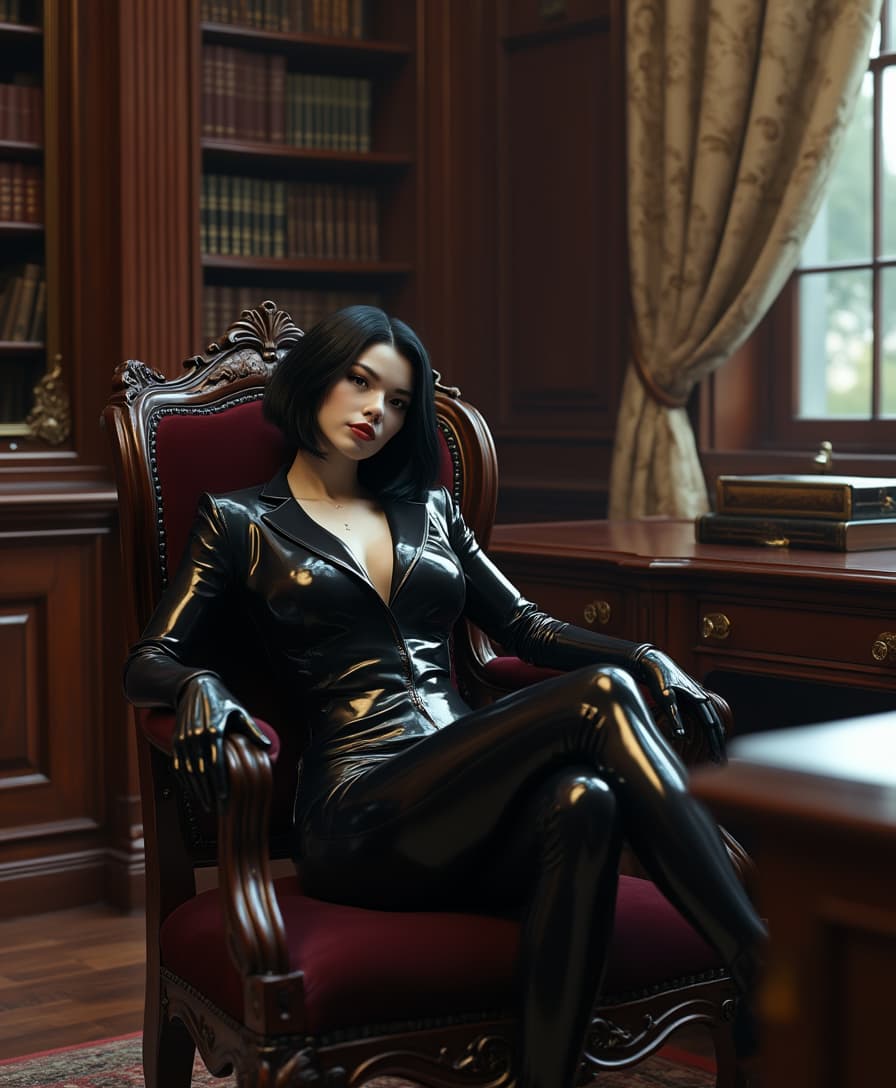
Join over 100,000 creators who trust PixelDojo's AI tools for their image editing needs. Rated 4.8/5 by professionals worldwide.
Why Choose Pixel Dojo for Qwen Plus multi-image fusion
Professional-quality results with cutting-edge AI technology
Effortless Image Blending
Combine multiple images seamlessly to create stunning composites without the need for manual editing.
Consistent Character Integration
Maintain character consistency across different images, ensuring a cohesive final product.
Versatile Style Transfer
Apply various artistic styles to your fused images, enhancing their visual appeal.
How It Works
Creating stunning multi-image composites with Qwen Plus is a straightforward process. Follow these steps to bring your vision to life:
Step 1: Select Your Images
Choose the images you wish to combine. Ensure they are in JPEG, PNG, or WebP formats and do not exceed 10MB each.
Step 2: Define Fusion Parameters
Specify how you want the images to be fused. Options include blending, face fusion, style transfer, and more.
Step 3: Generate and Download
Click 'Process' to let the AI work its magic. Once complete, download your high-resolution composite image.
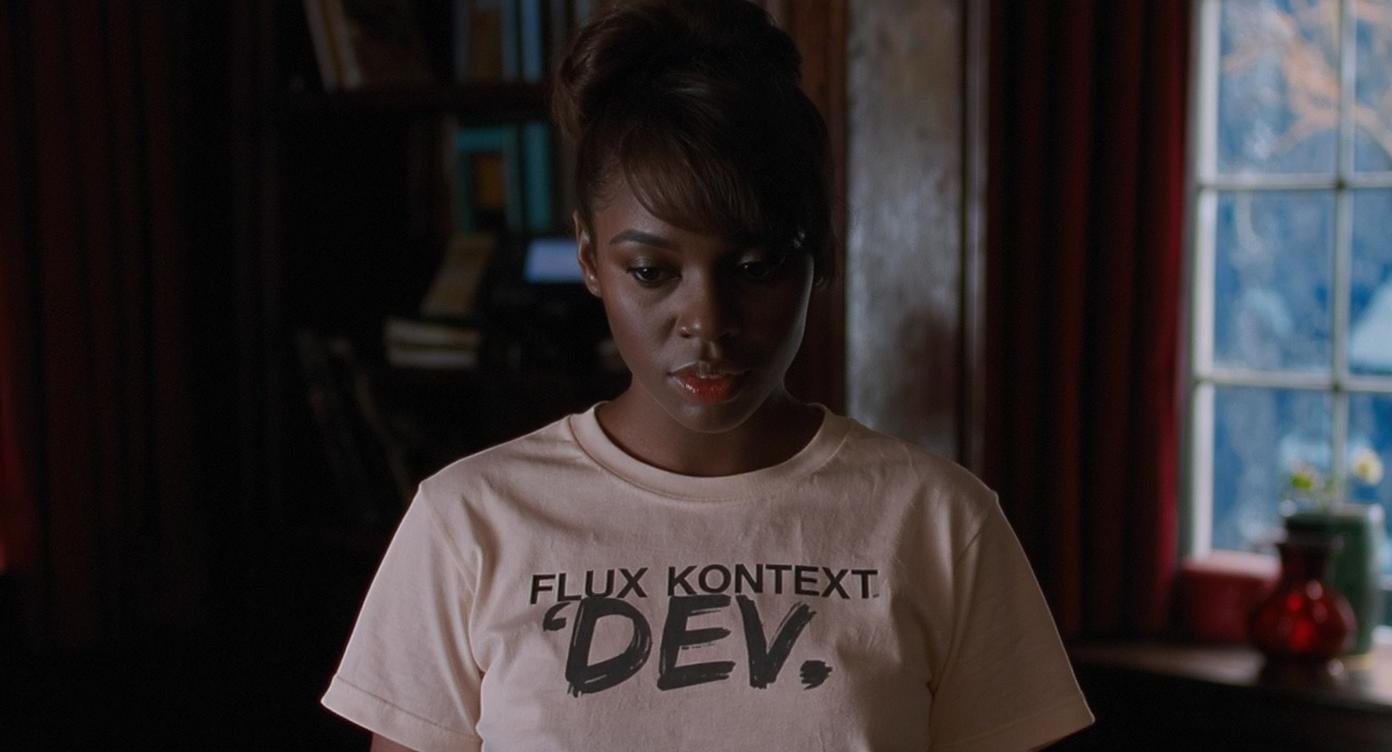
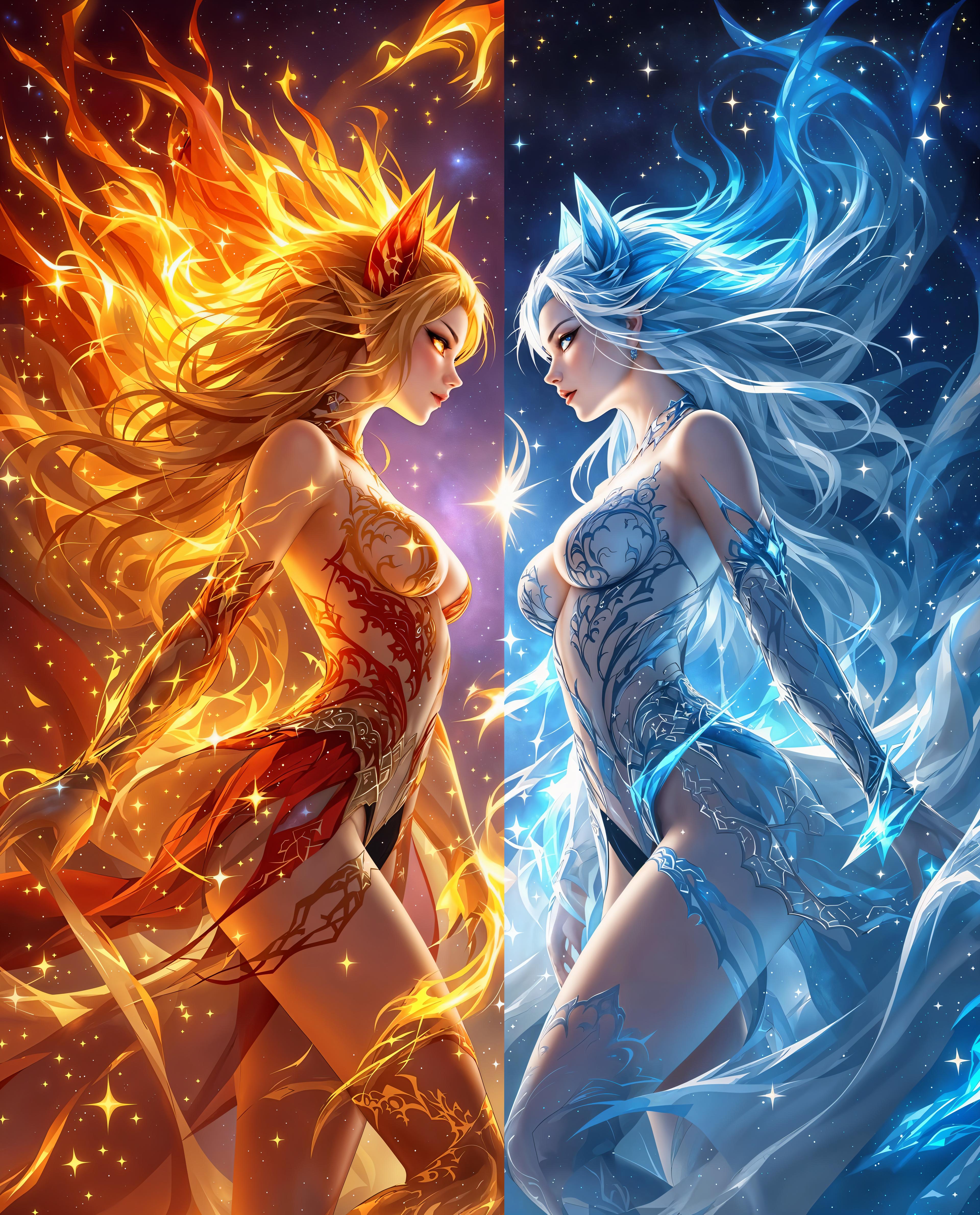
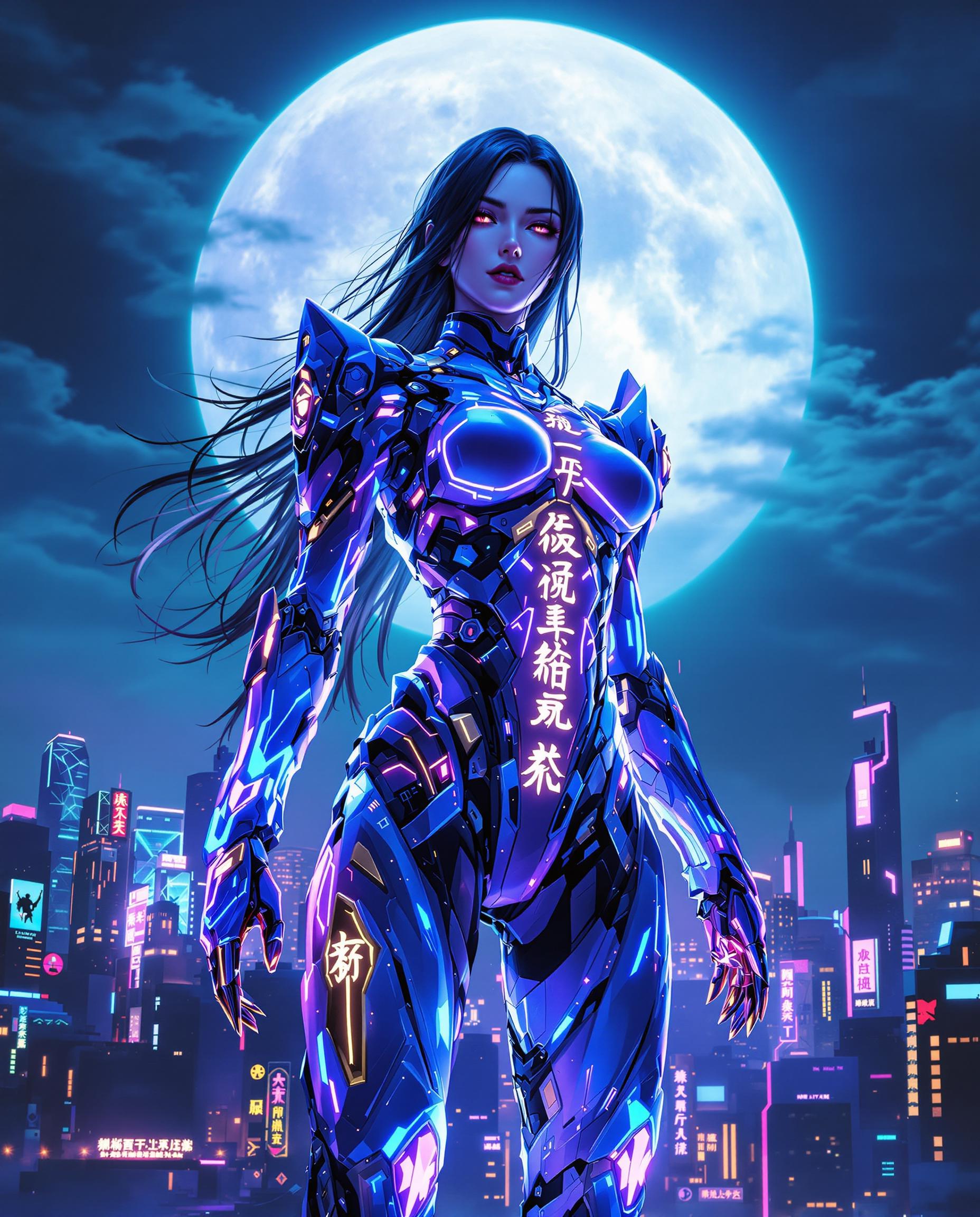
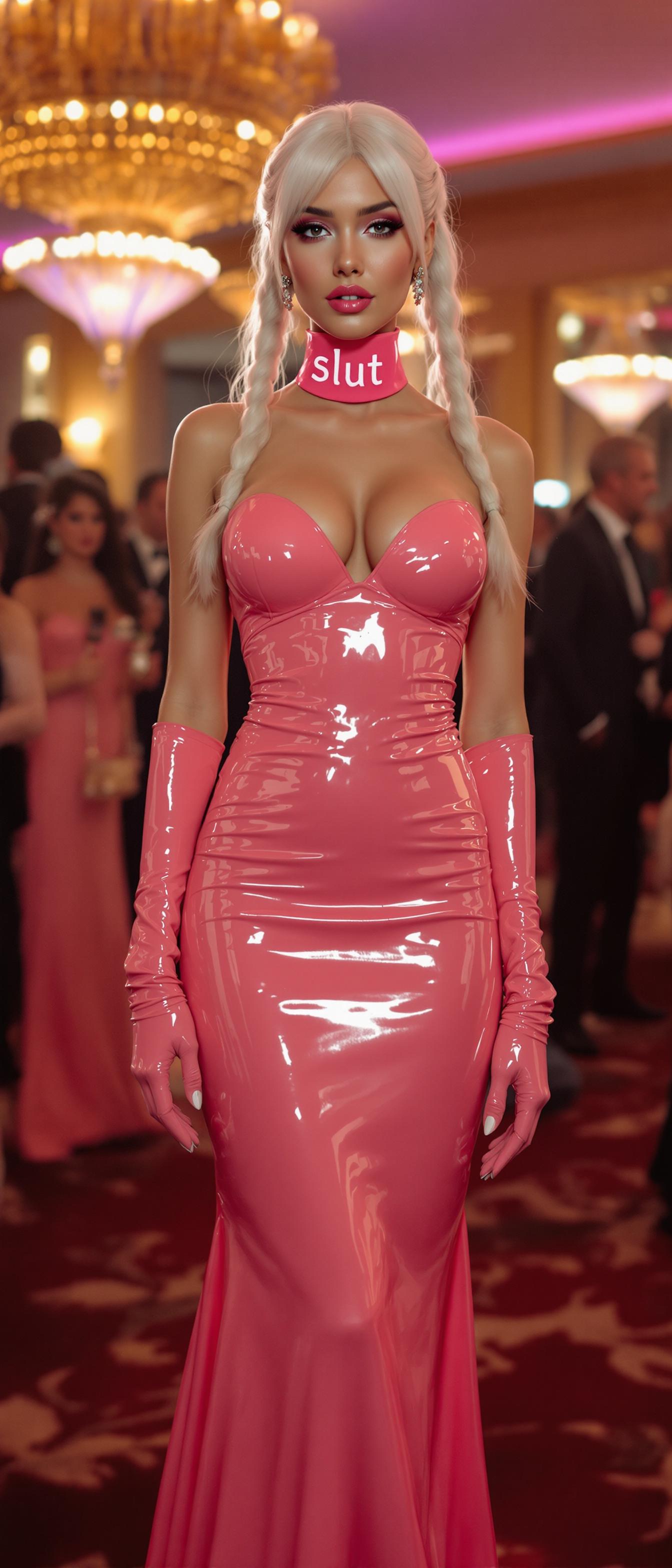
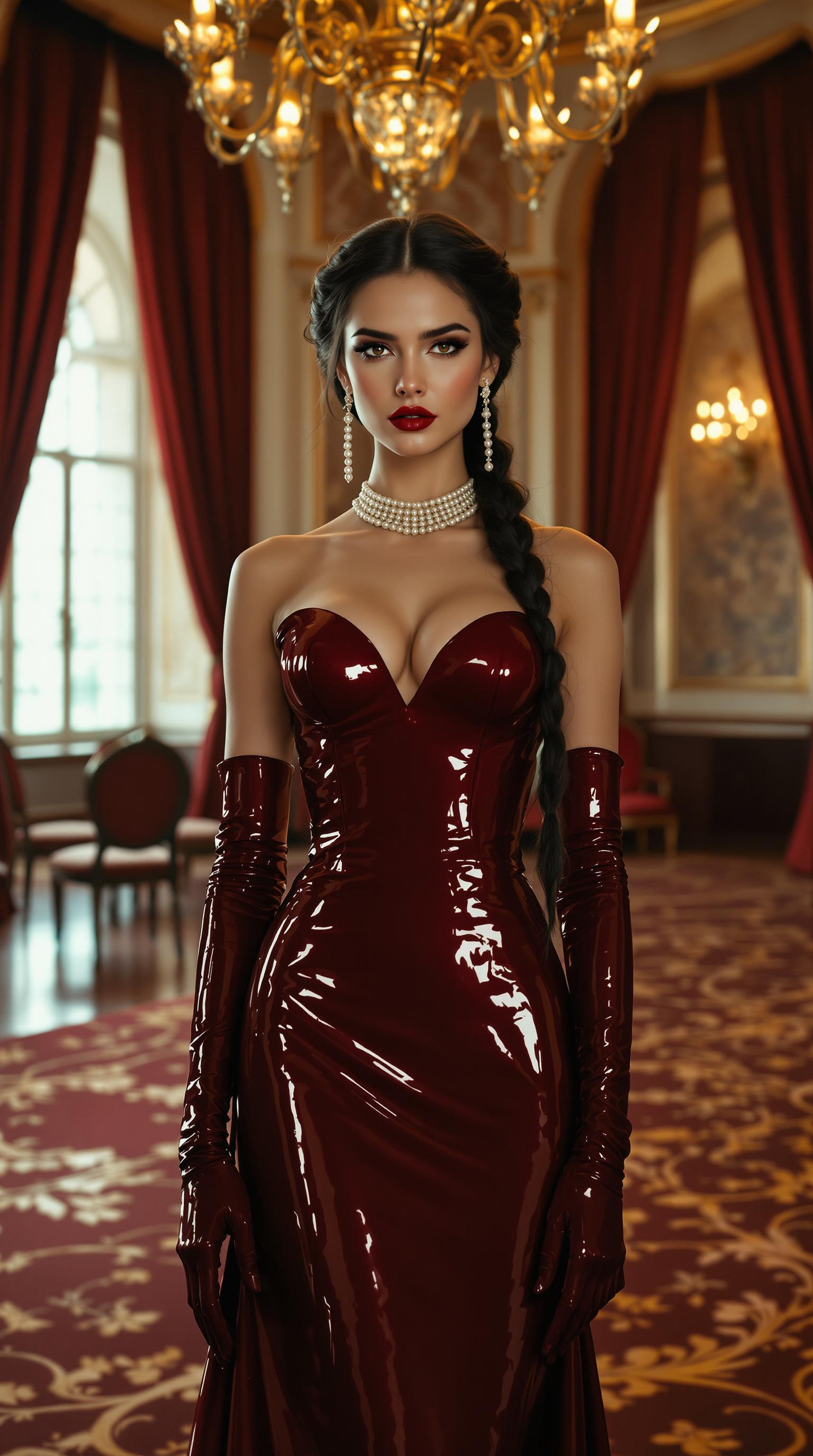
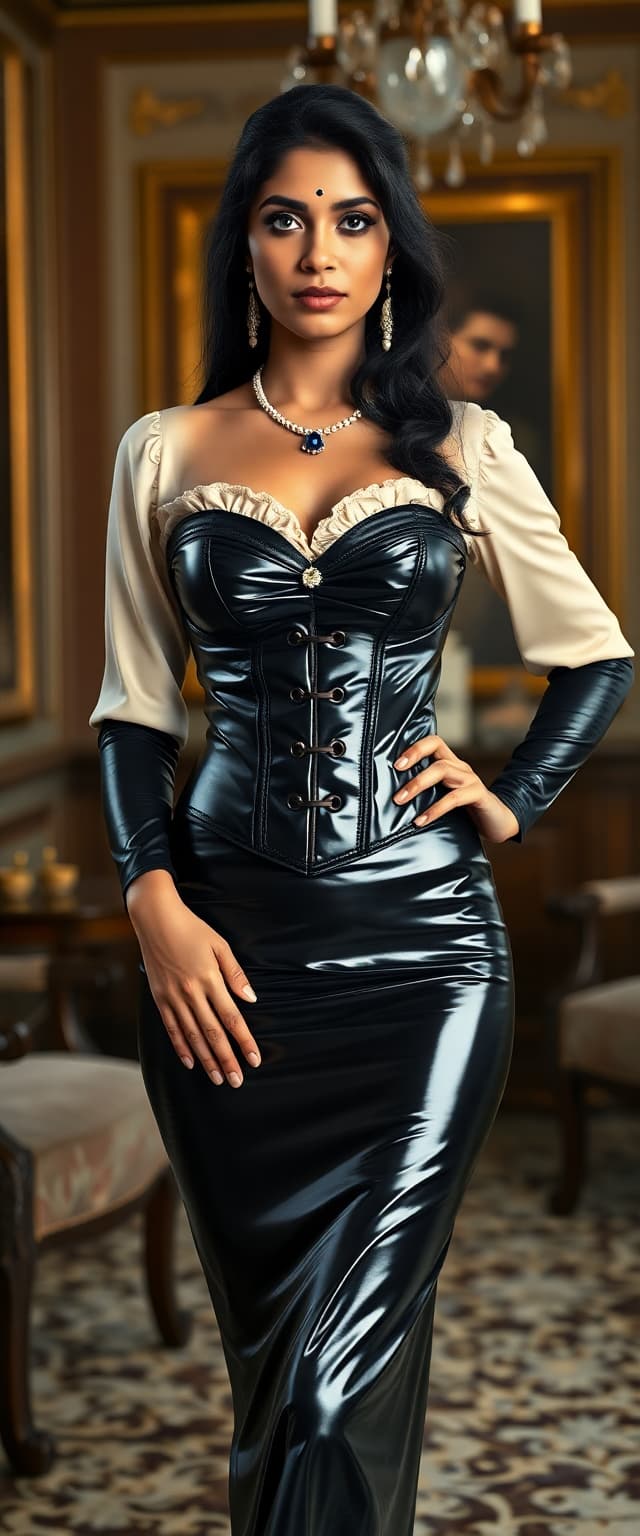
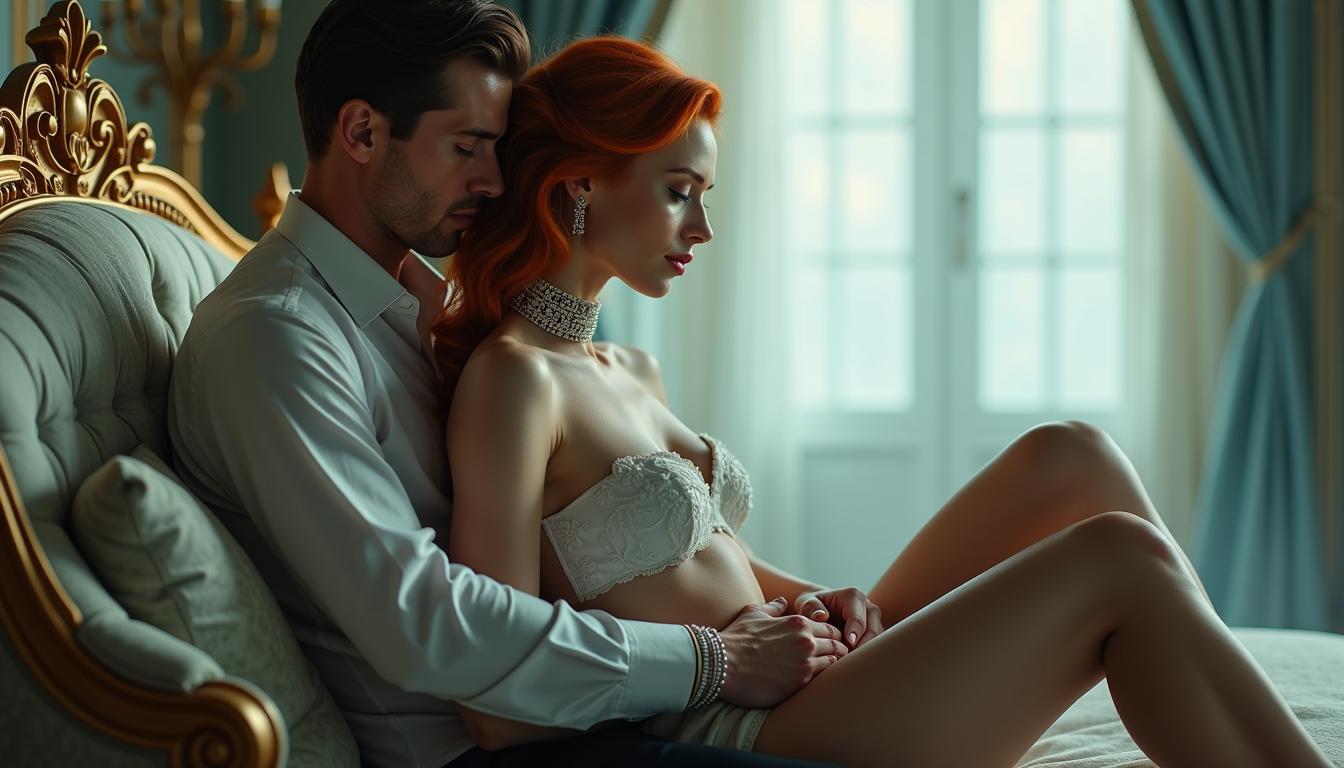
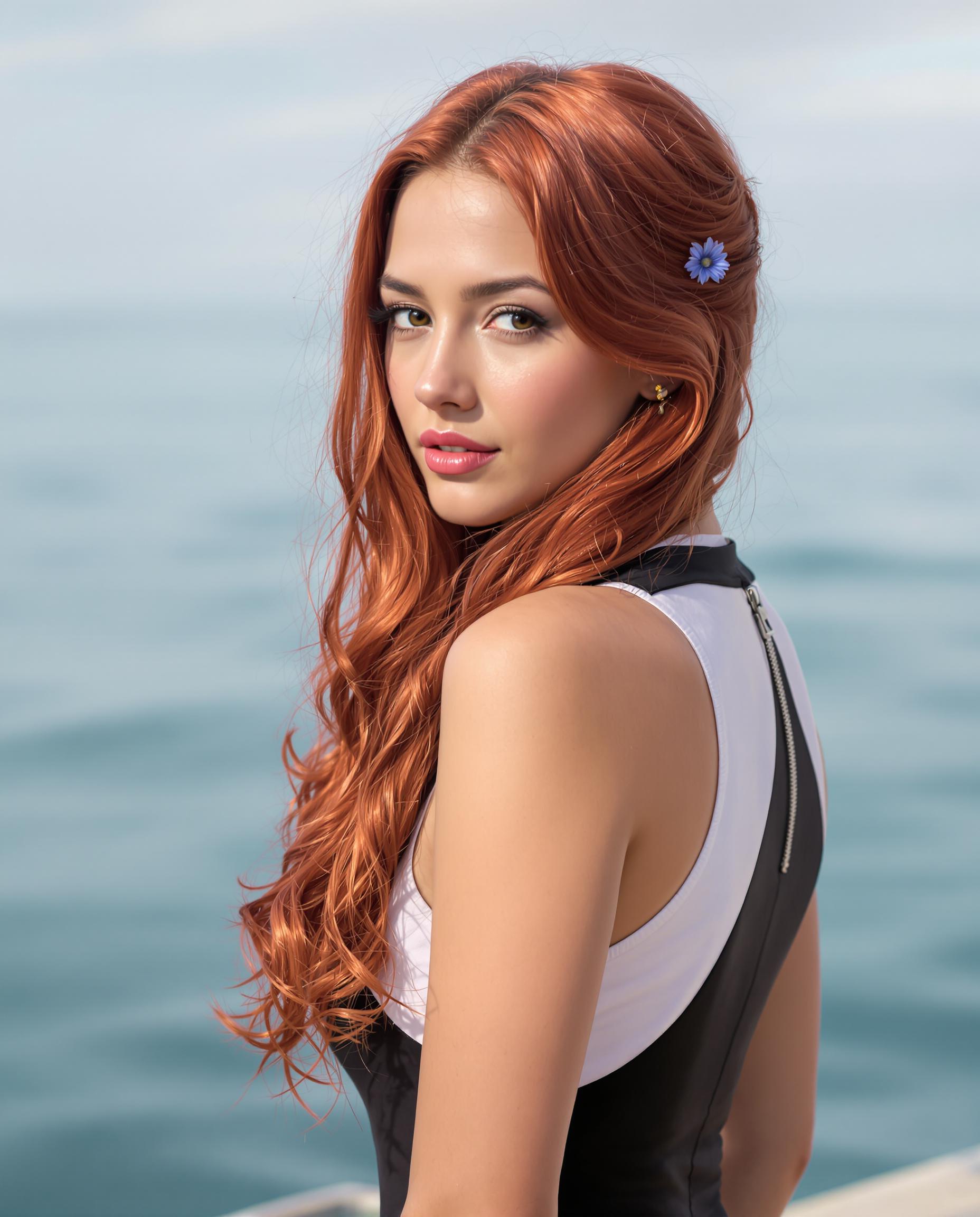
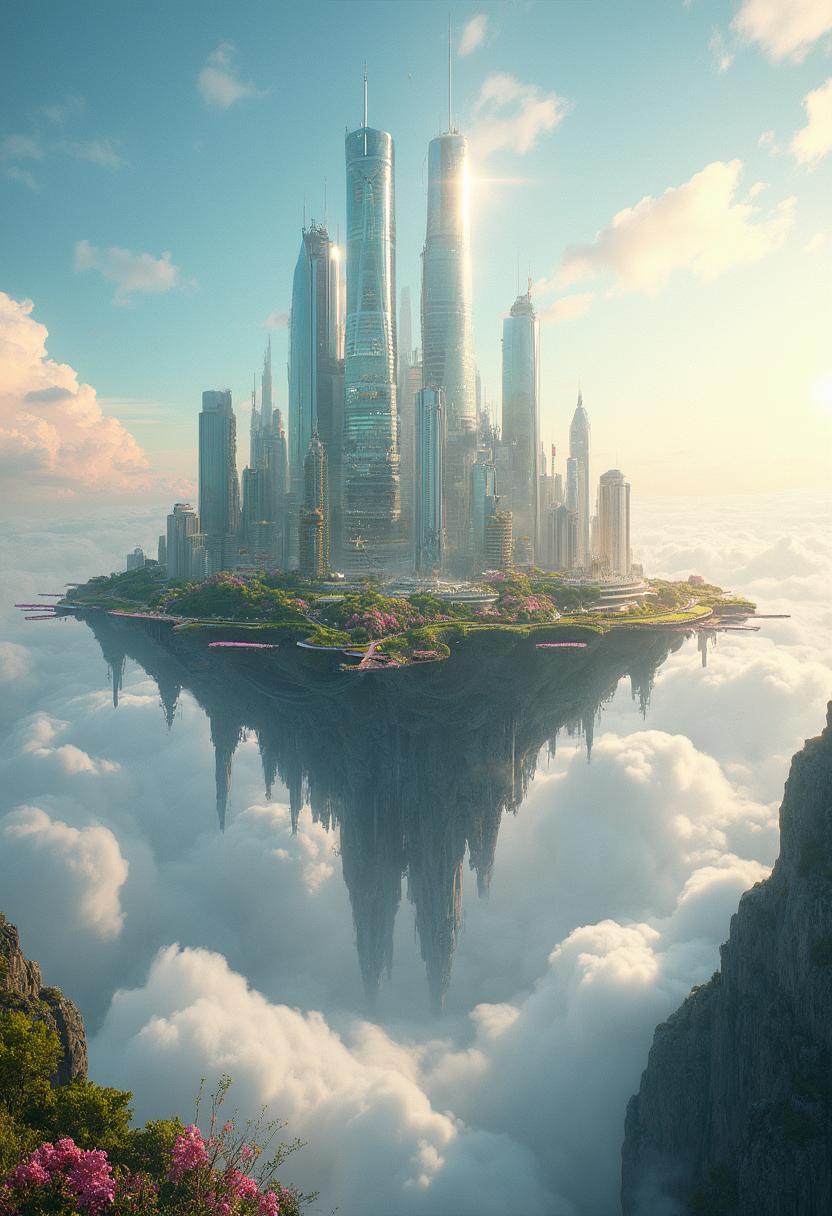
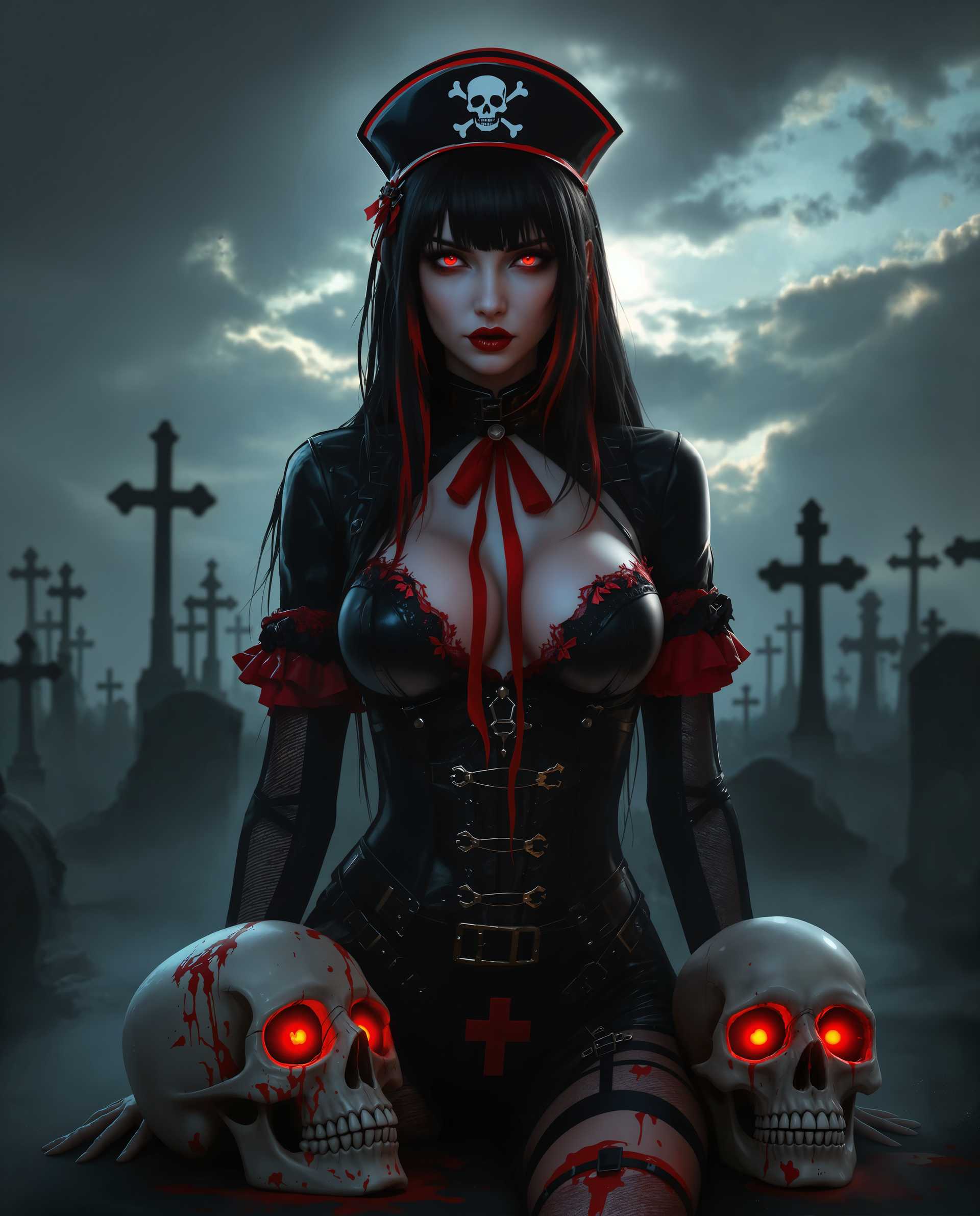
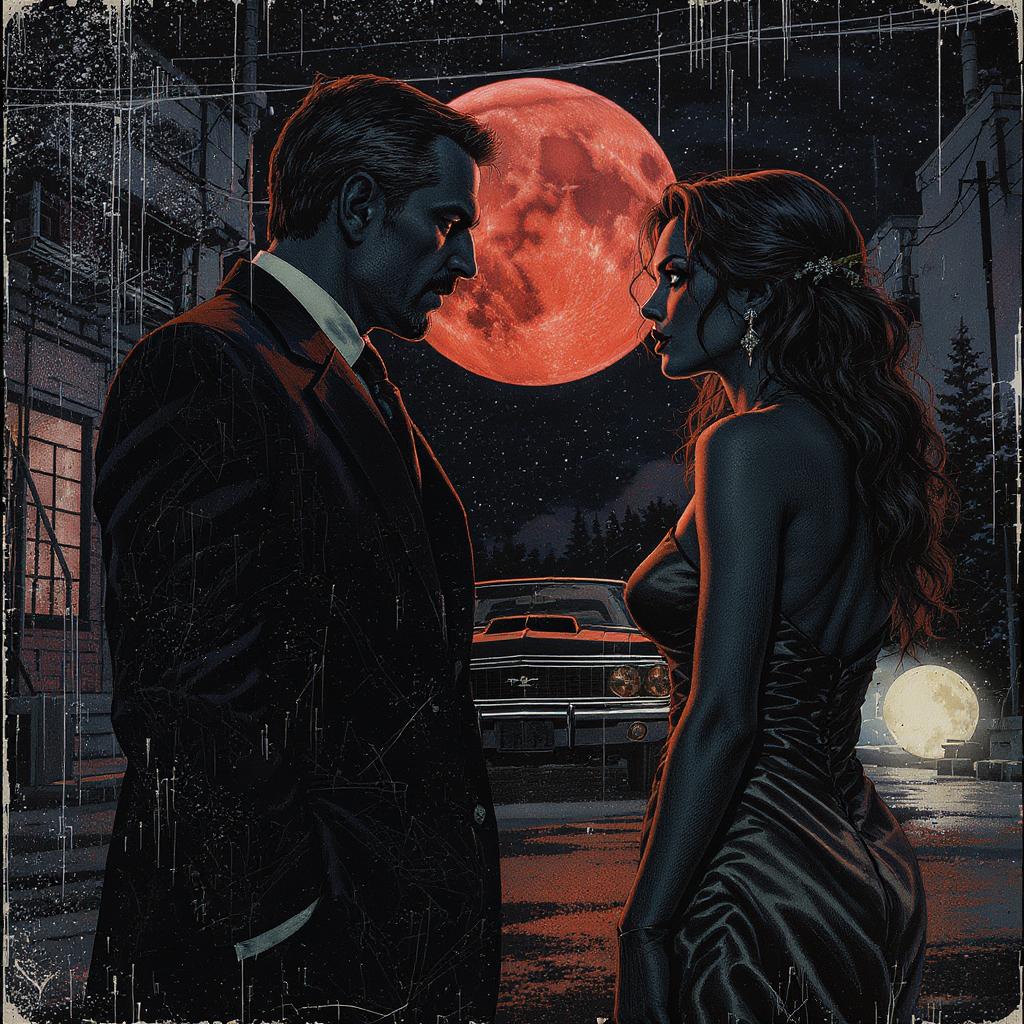
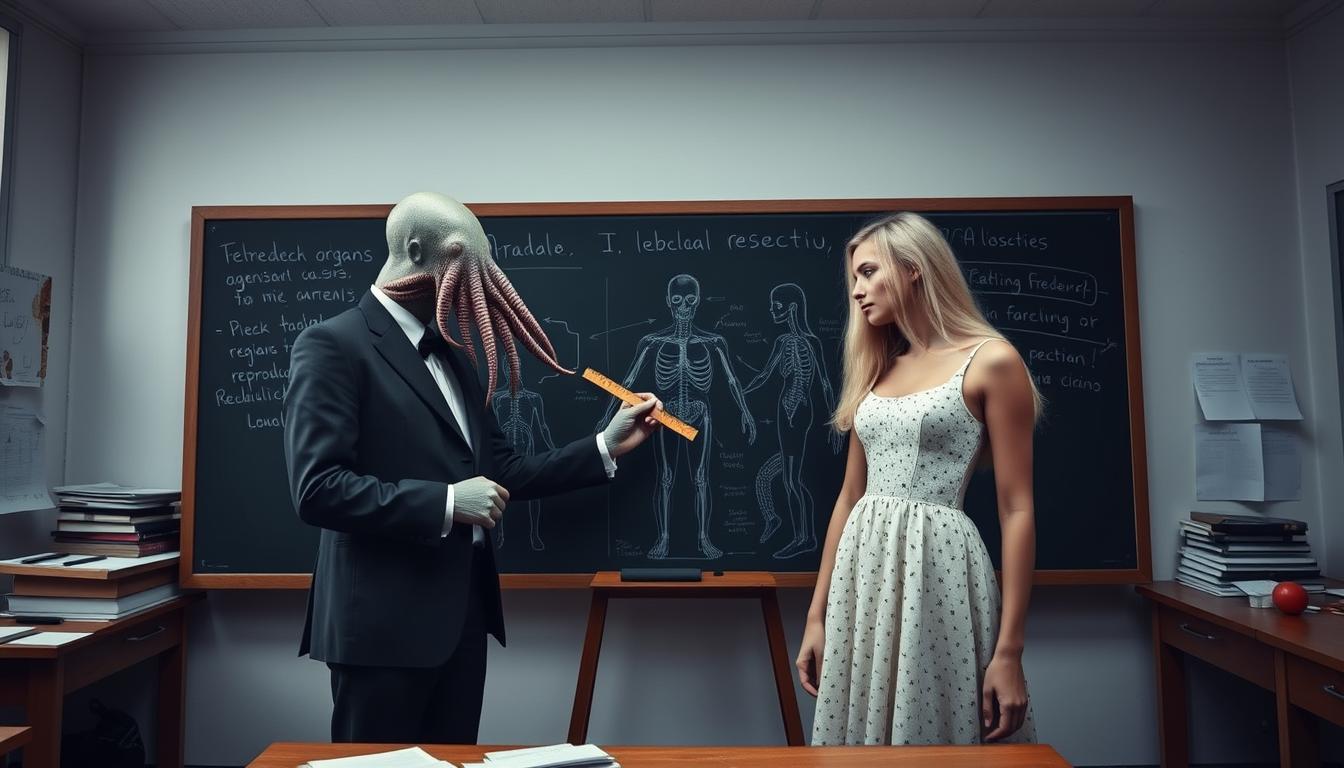
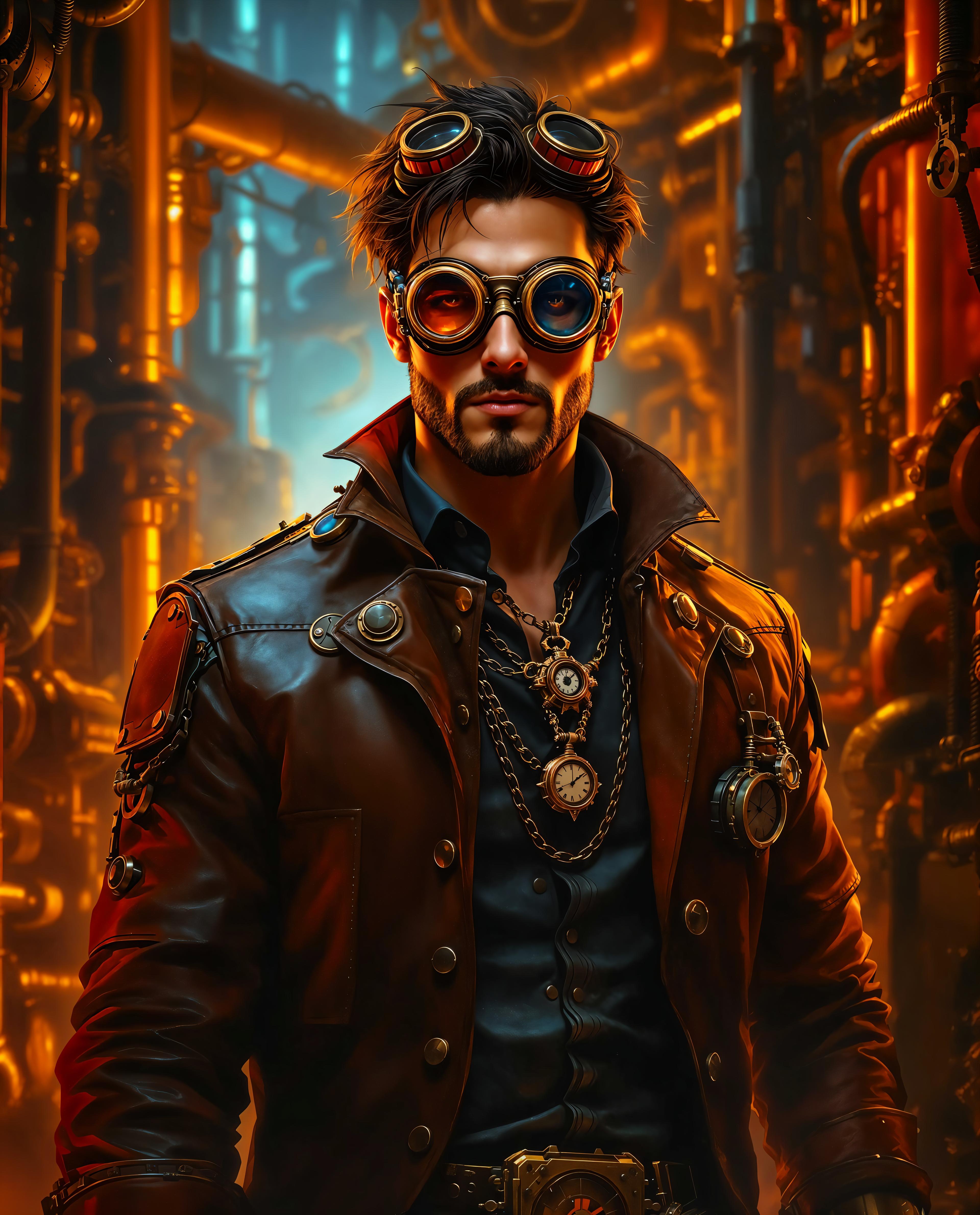
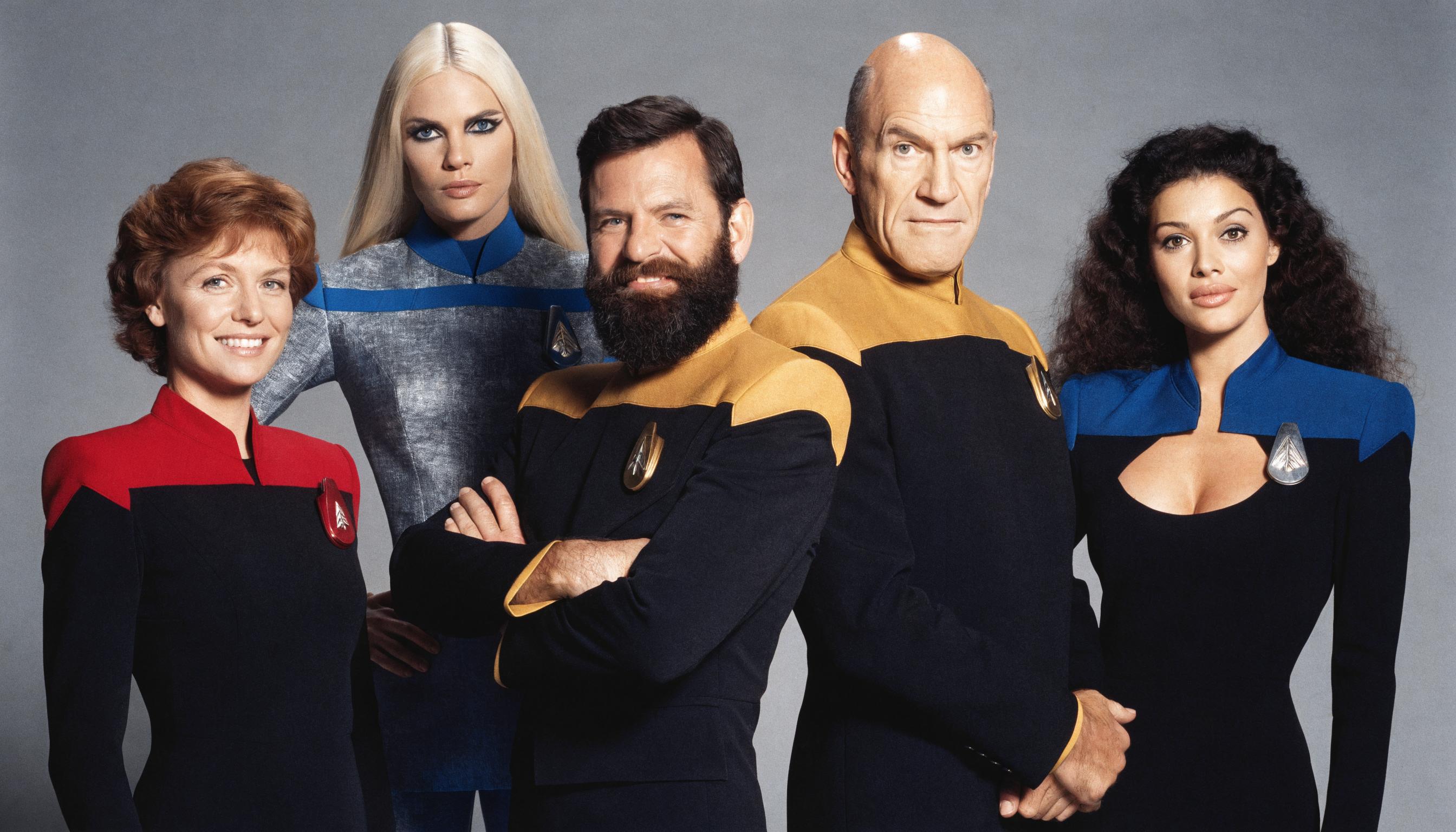
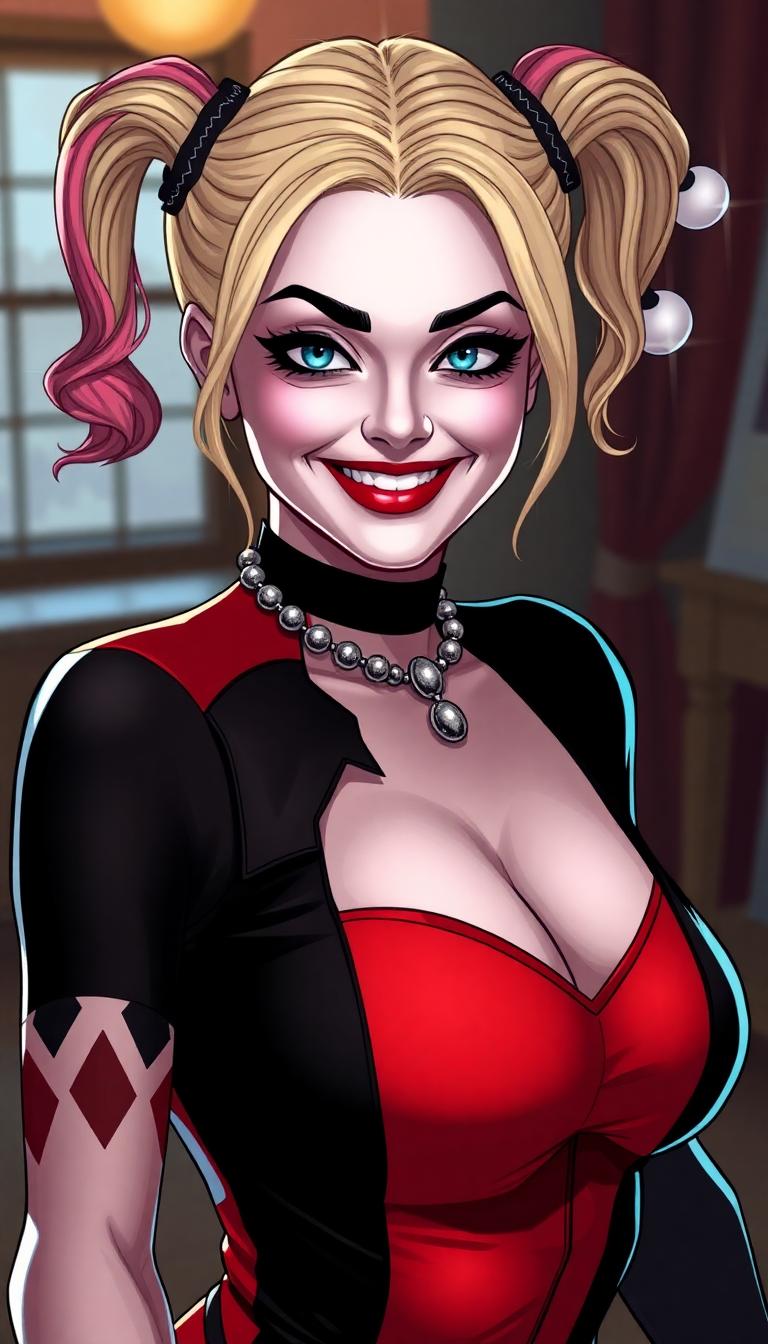
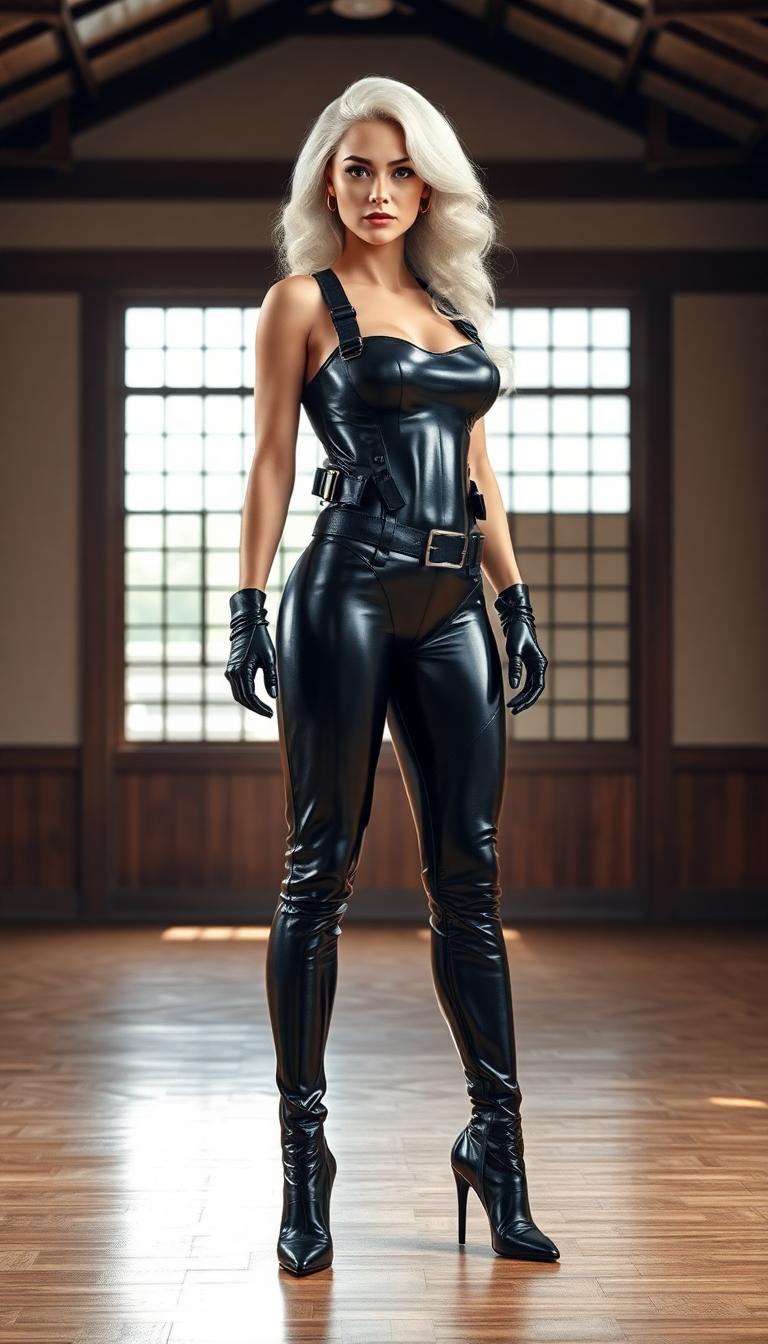
The Pixel Dojo Advantage
Why PixelDojo outperforms other options for multi-image fusion:
| Others | Pixel Dojo |
|---|---|
| Traditional Manual Editing | Eliminate hours of manual work with our AI-driven fusion, delivering faster and more precise results. |
| Generic AI Tools | Our specialized multi-image fusion ensures higher quality and more customizable outputs tailored to your needs. |
| Limited Feature Platforms | Access a comprehensive suite of tools beyond fusion, including style transfer, upscaling, and more. |
Loved by Creators
See what our community says about Qwen Plus multi-image fusion
"PixelDojo's Qwen Plus transformed my workflow. I can now create complex composites in minutes!"
Alex Johnson
Graphic Designer
"The multi-image fusion feature is a game-changer. It saves me so much time and delivers stunning results."
Maria Lopez
Photographer
Common Questions
Everything you need to know about Qwen Plus multi-image fusion AI generation
How many images can I upload for fusion?
You can upload between 2 to 10 images per fusion process. More images provide richer results but may take slightly longer to process.
What fusion operations are available?
Choose from blend, face fusion, style transfer, smart collage, before/after comparison, and morphing operations for diverse creative results.
Do images need to be related for fusion?
Not necessarily! Our AI can intelligently fuse unrelated images, though similar subjects or themes often produce more cohesive results.
What image formats are supported?
You can upload images in JPEG, PNG, or WebP formats, with each file up to 10MB in size.
How long does the fusion process take?
Due to high-quality AI model inference, multi-image fusion typically takes 1-2 minutes depending on the number of images and complexity.
Can I customize the fusion style?
Yes! Add custom instructions to guide how images are combined, from artistic blending to technical collage arrangements.