qwen image multilingual text AI Generator
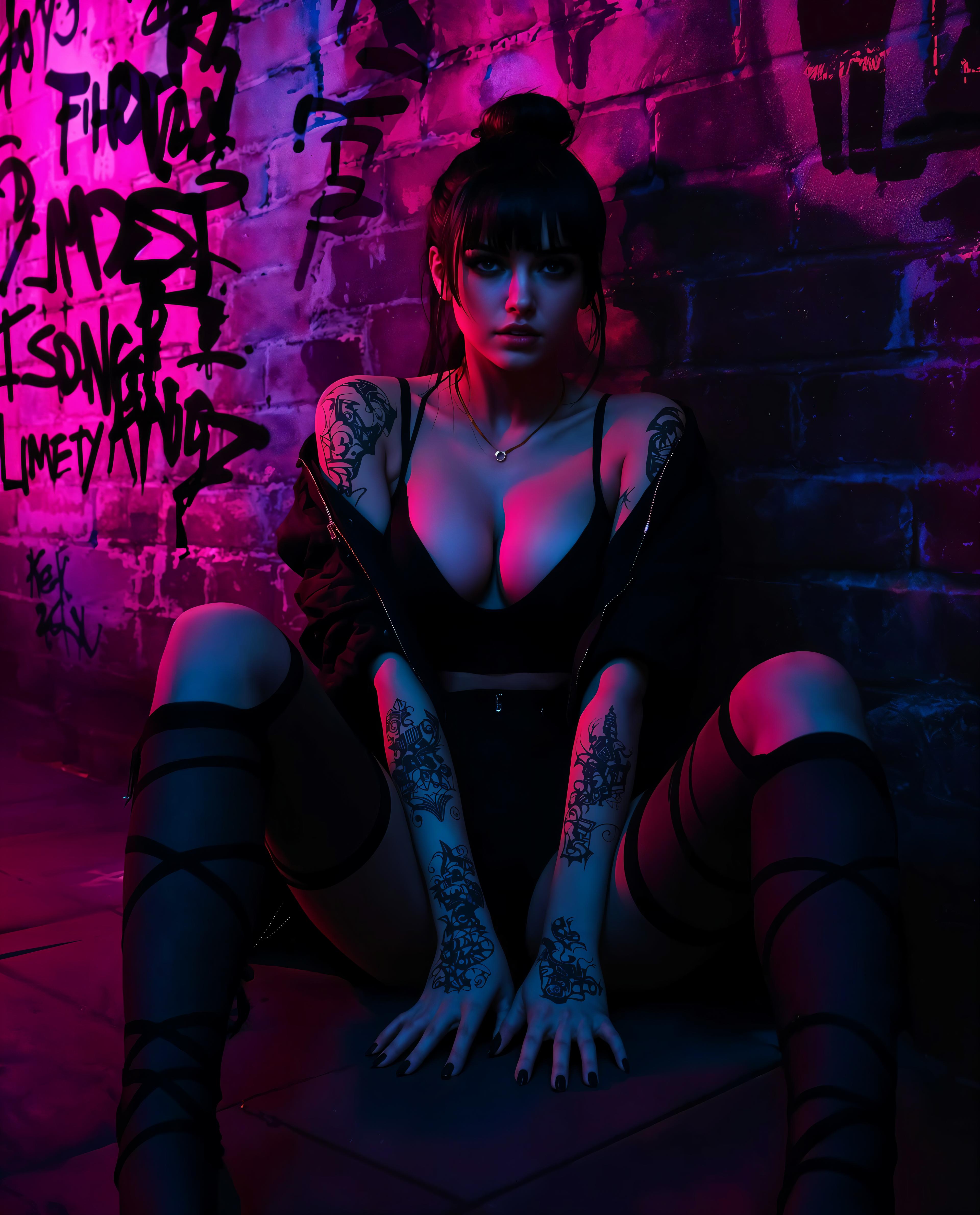
In today's globalized world, creating visuals that resonate across different languages is crucial. With PixelDojo's QWEN Image tool, you can effortlessly generate images featuring precise multilingual text, ensuring your content appeals to diverse audiences worldwide.
Join over 100,000 creators who trust PixelDojo for their AI-driven image generation needs. Our tools have been used to create over 1 million images, with a 98% satisfaction rate among users.
Why Choose Pixel Dojo for qwen image multilingual text
Professional-quality results with cutting-edge AI technology
Seamless Multilingual Text Integration
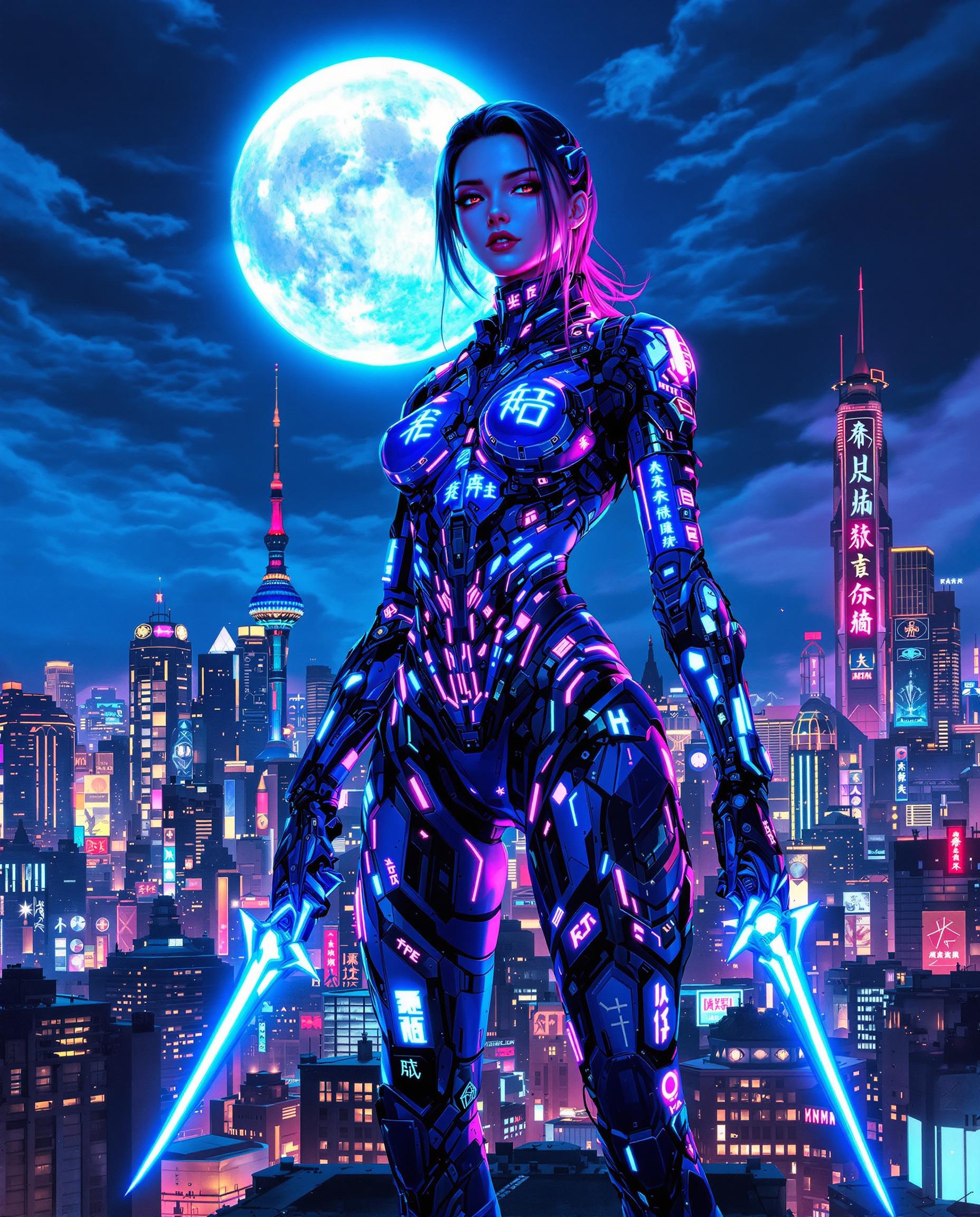
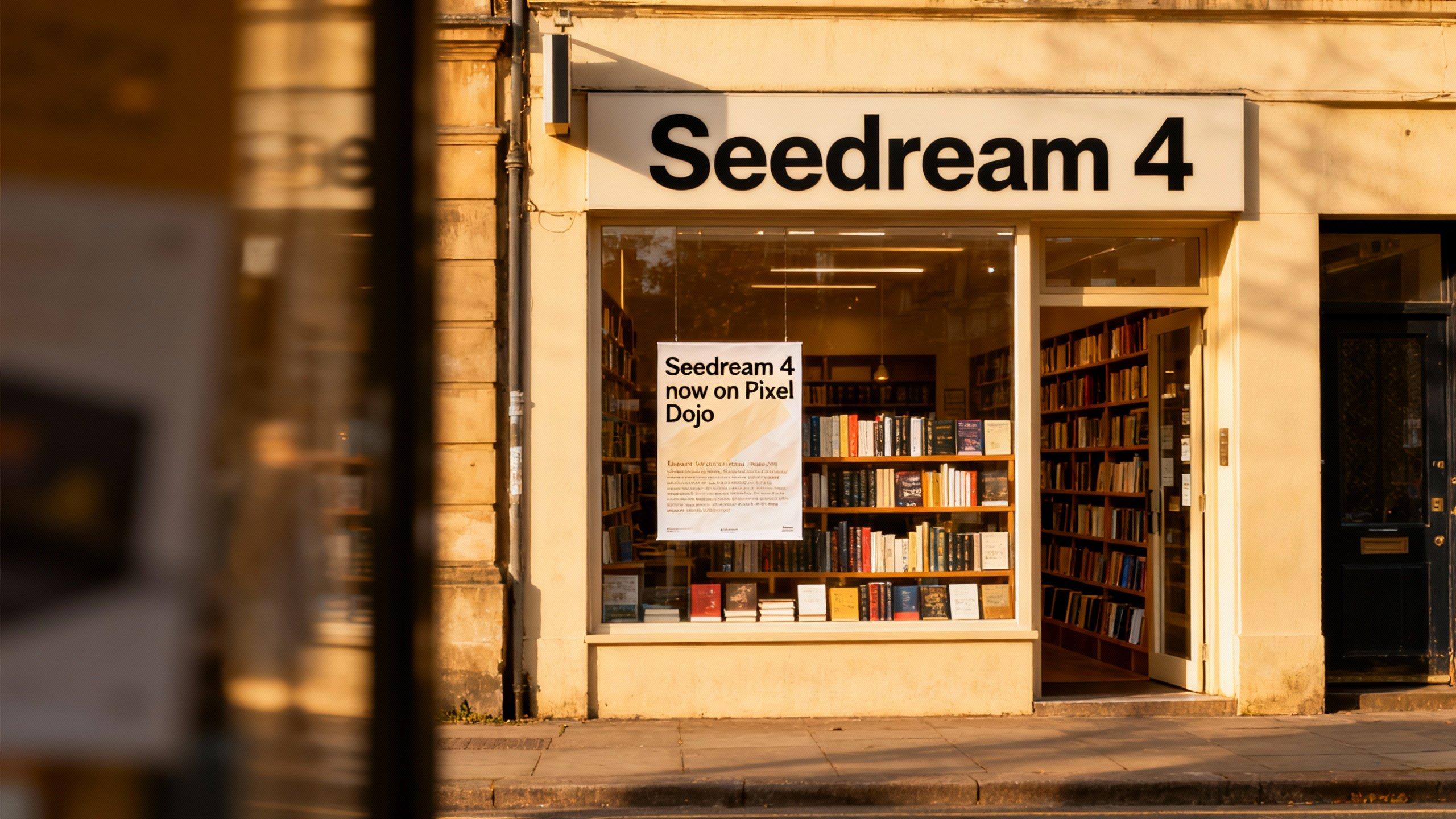
Generate images with accurately rendered text in multiple languages, including English and Chinese, ensuring clear communication across diverse audiences.
Enhanced Creative Efficiency
Save time and resources by automating the creation of multilingual visuals, allowing you to focus on strategy and design.
Versatile Design Applications
From marketing materials to social media graphics, create a wide range of visuals that cater to a global audience.
How It Works
Creating multilingual text images with QWEN Image is straightforward. Follow these steps to bring your ideas to life:
Step 1: Access QWEN Image
Log in to your PixelDojo account and navigate to the QWEN Image tool under the Image Generation section.
Step 2: Input Your Prompt
Describe the image you want to create, specifying the text content and desired languages. For example, 'A promotional poster with the text 'Welcome' in English and Chinese.'
Step 3: Generate and Download
Click 'Generate' to create your image. Once satisfied with the result, download the high-resolution image for your use.





The Pixel Dojo Advantage
Why PixelDojo outperforms other options for multilingual text image generation:
| Others | Pixel Dojo |
|---|---|
| Traditional Design Software | Automates the process, reducing manual effort and time spent on multilingual text integration. |
| Generic AI Tools | Specifically designed for accurate multilingual text rendering, ensuring high-quality results. |
| Manual Translation and Design | Combines translation and design in one step, streamlining the creation of multilingual visuals. |
Loved by Creators
See what our community says about qwen image multilingual text
"PixelDojo's QWEN Image has revolutionized our marketing materials, allowing us to create multilingual content effortlessly."
Alex Johnson
Marketing Director
"The accuracy of text rendering in multiple languages is impressive. It's a game-changer for our global campaigns."
Li Wei
Creative Lead
Common Questions
Everything you need to know about qwen image multilingual text AI generation
How does QWEN Image handle different languages in a single image?
QWEN Image is designed to accurately render text in multiple languages within a single image, ensuring proper alignment and font consistency.
Can I customize the font and style of the text in my images?
Yes, QWEN Image allows you to specify font styles and other design elements to match your brand's aesthetic.
Is there a limit to the number of languages I can include in one image?
No, you can include multiple languages in a single image, making it ideal for diverse and global content creation.
Do I need design experience to use QWEN Image?
Not at all. QWEN Image is user-friendly and requires no prior design experience to create professional-quality images.
Can I use the images created with QWEN Image for commercial purposes?
Yes, images generated with QWEN Image can be used for both personal and commercial projects.
How long does it take to generate an image with QWEN Image?
Image generation is typically completed within seconds, allowing for quick iterations and adjustments.