qwen image 2.0 realistic scenes AI Generator
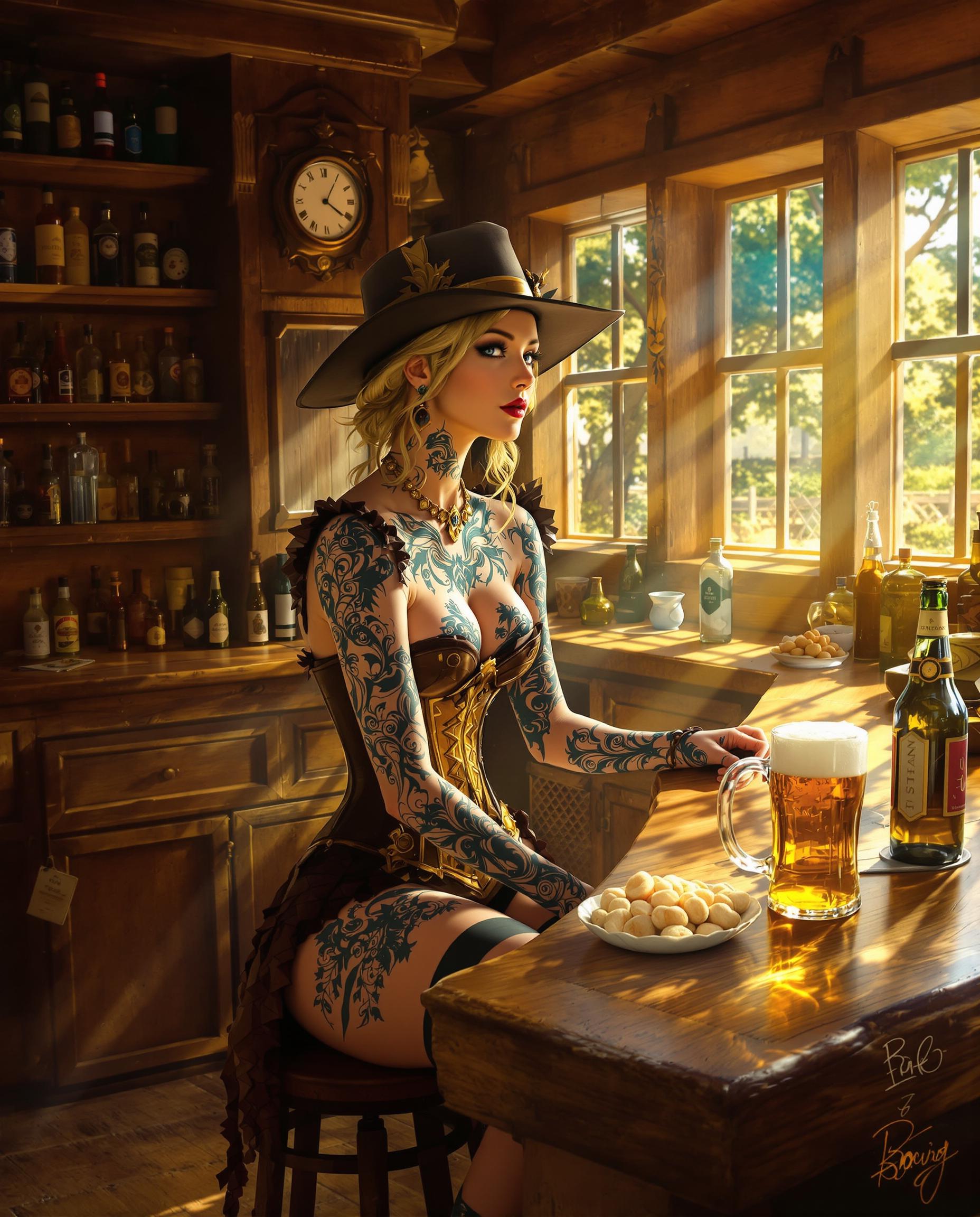
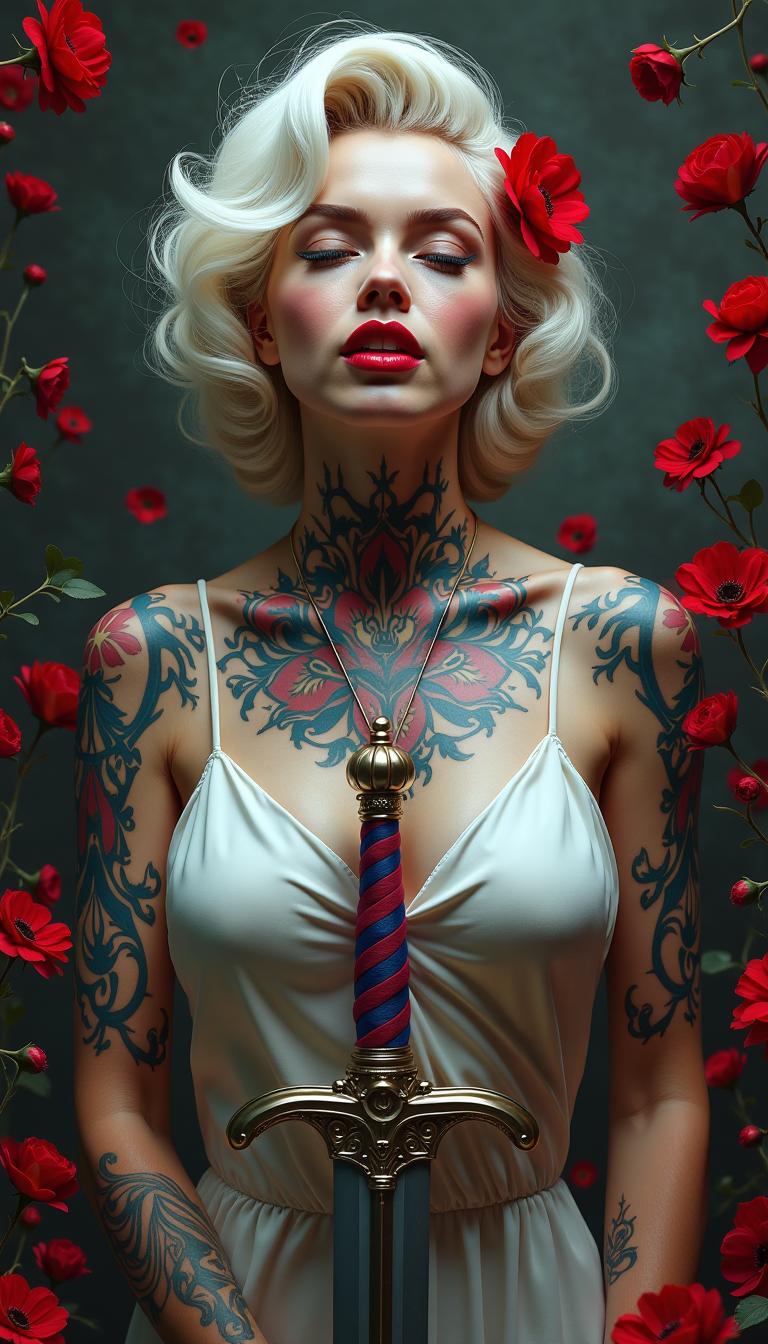
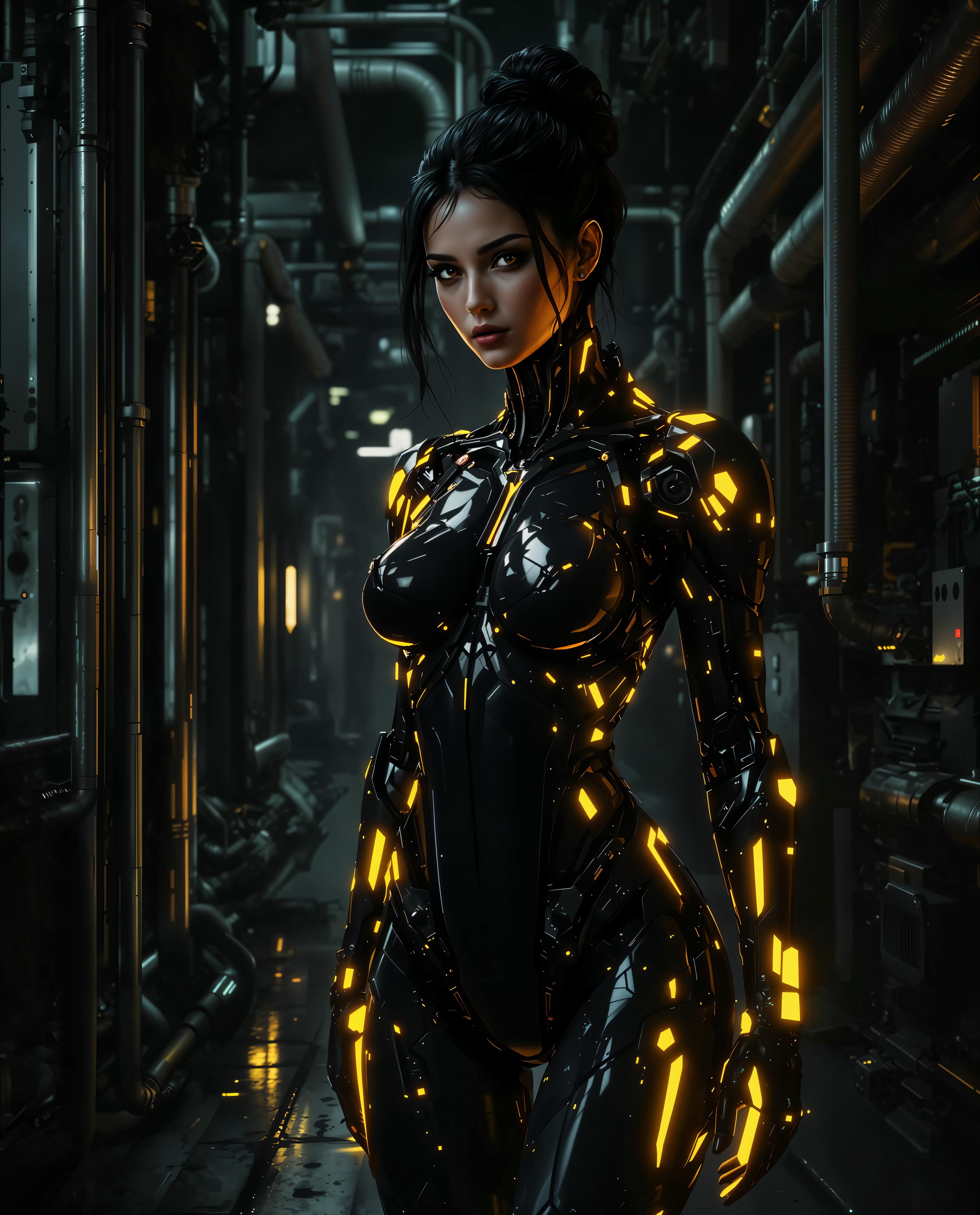
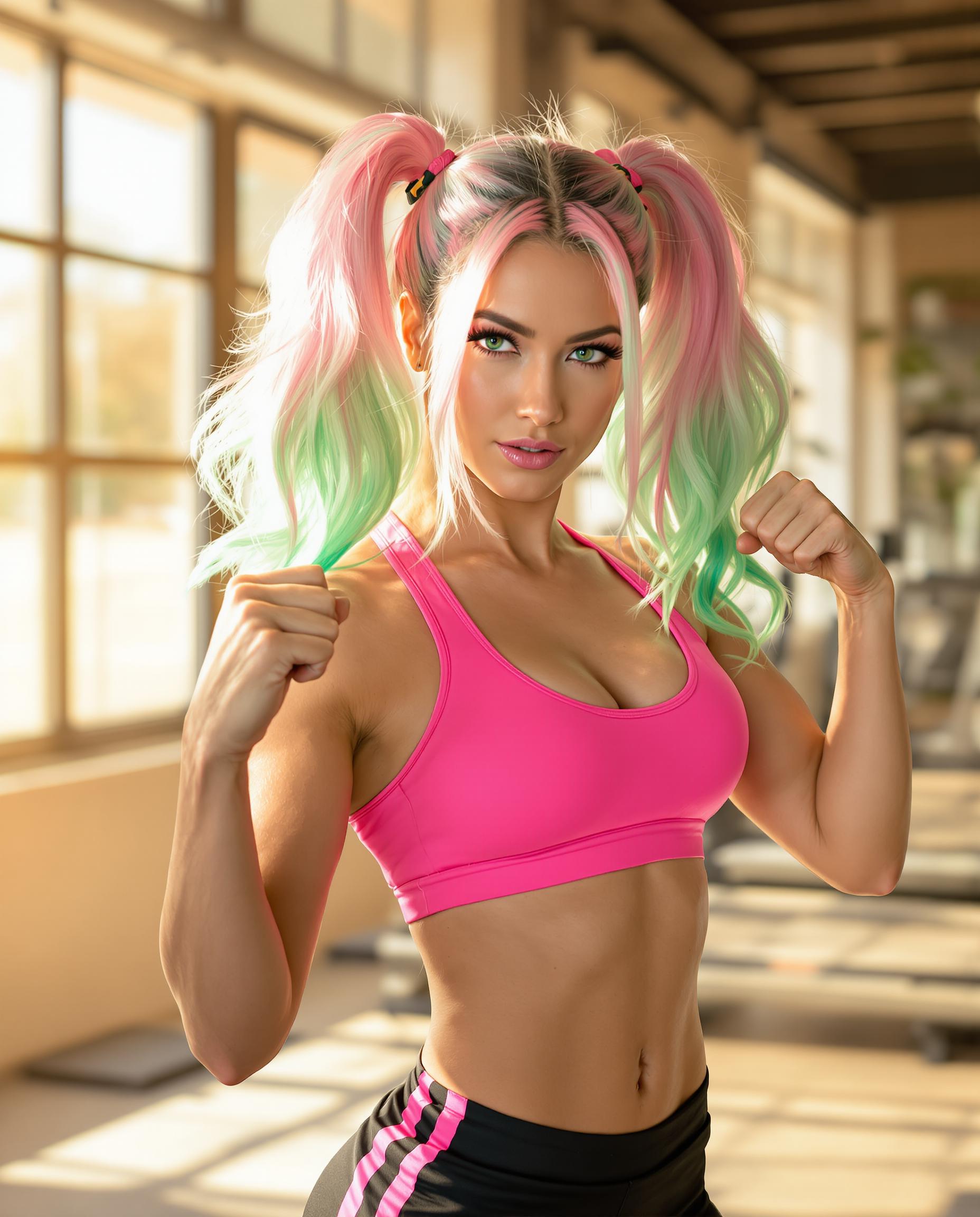
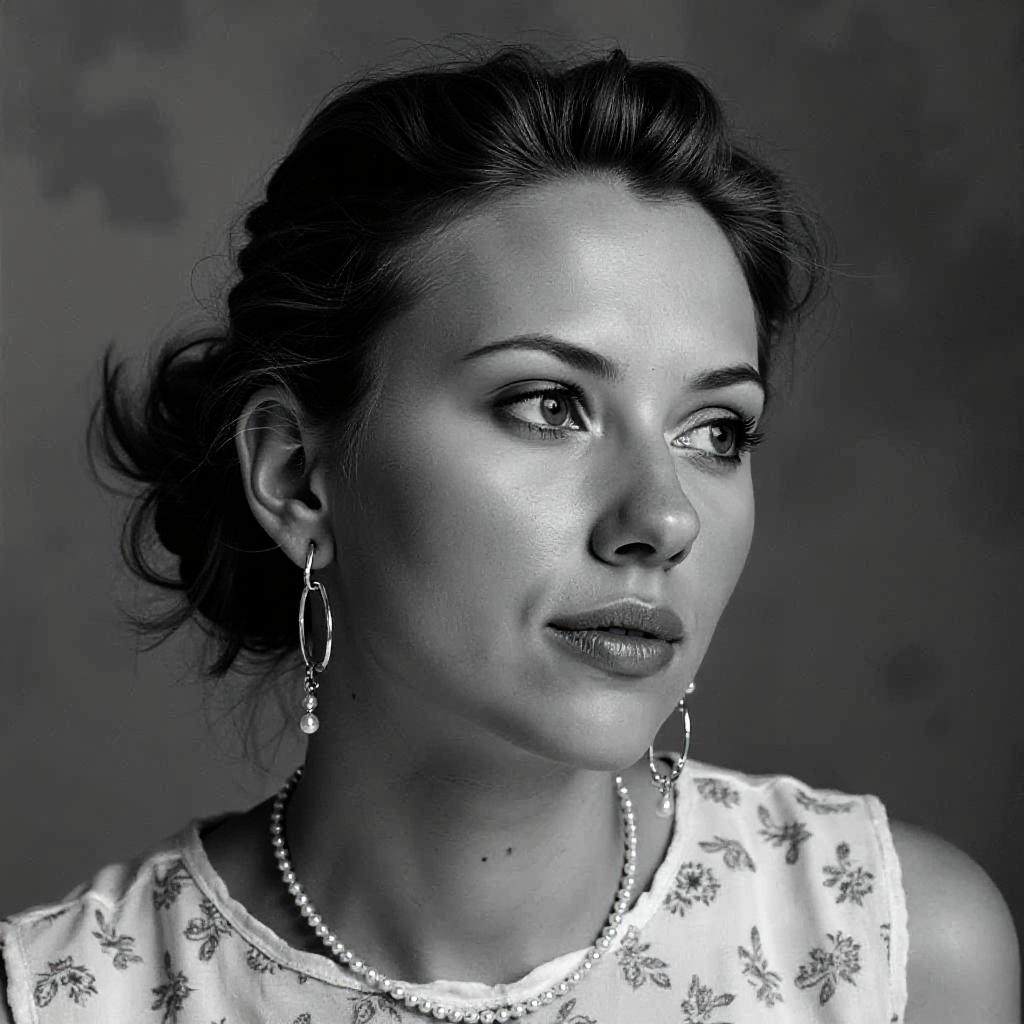
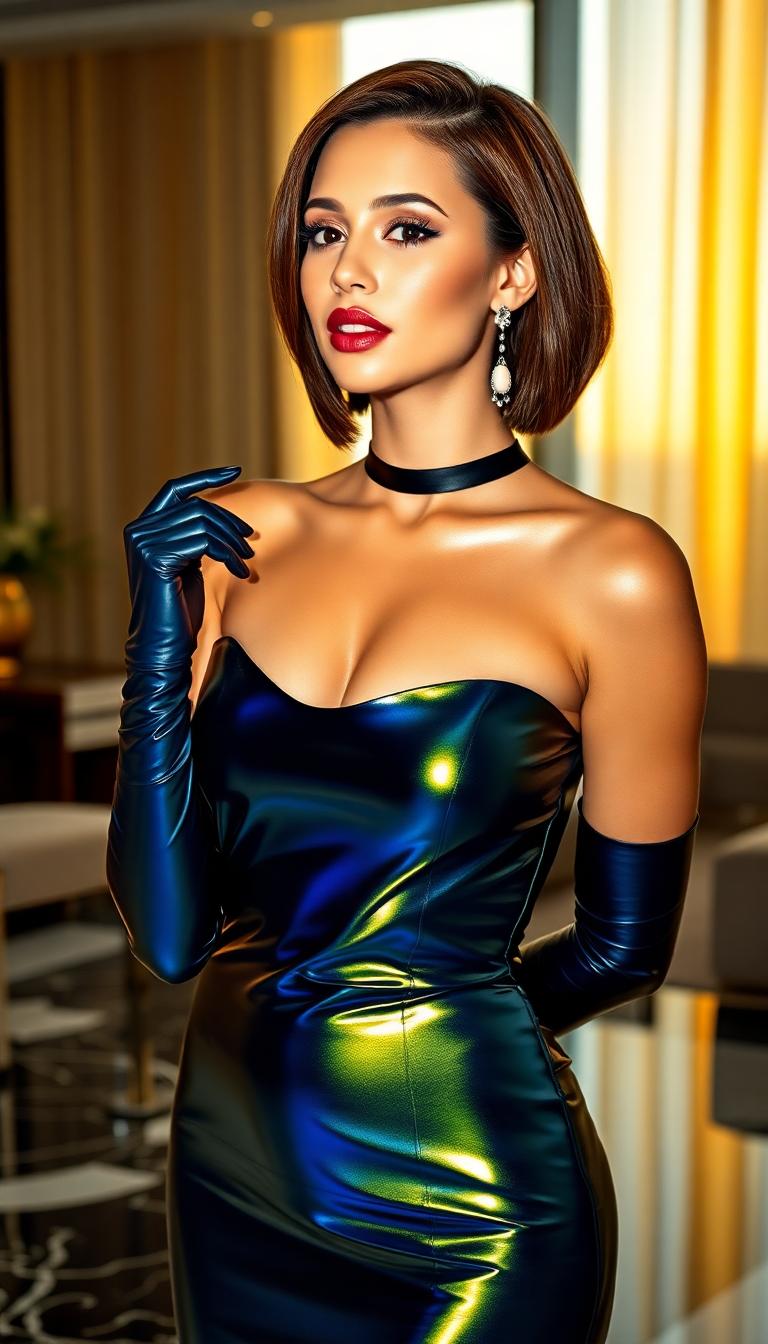
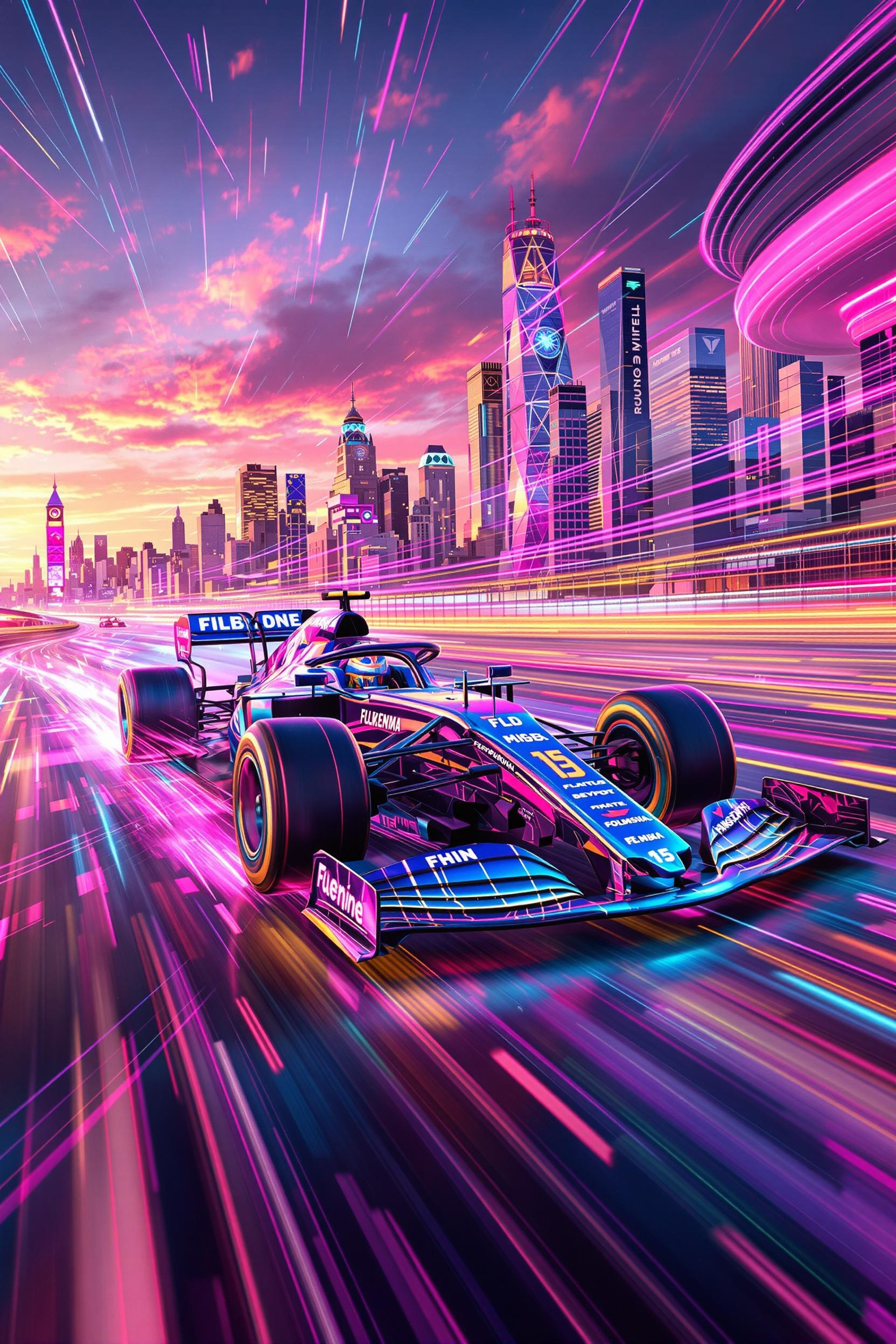
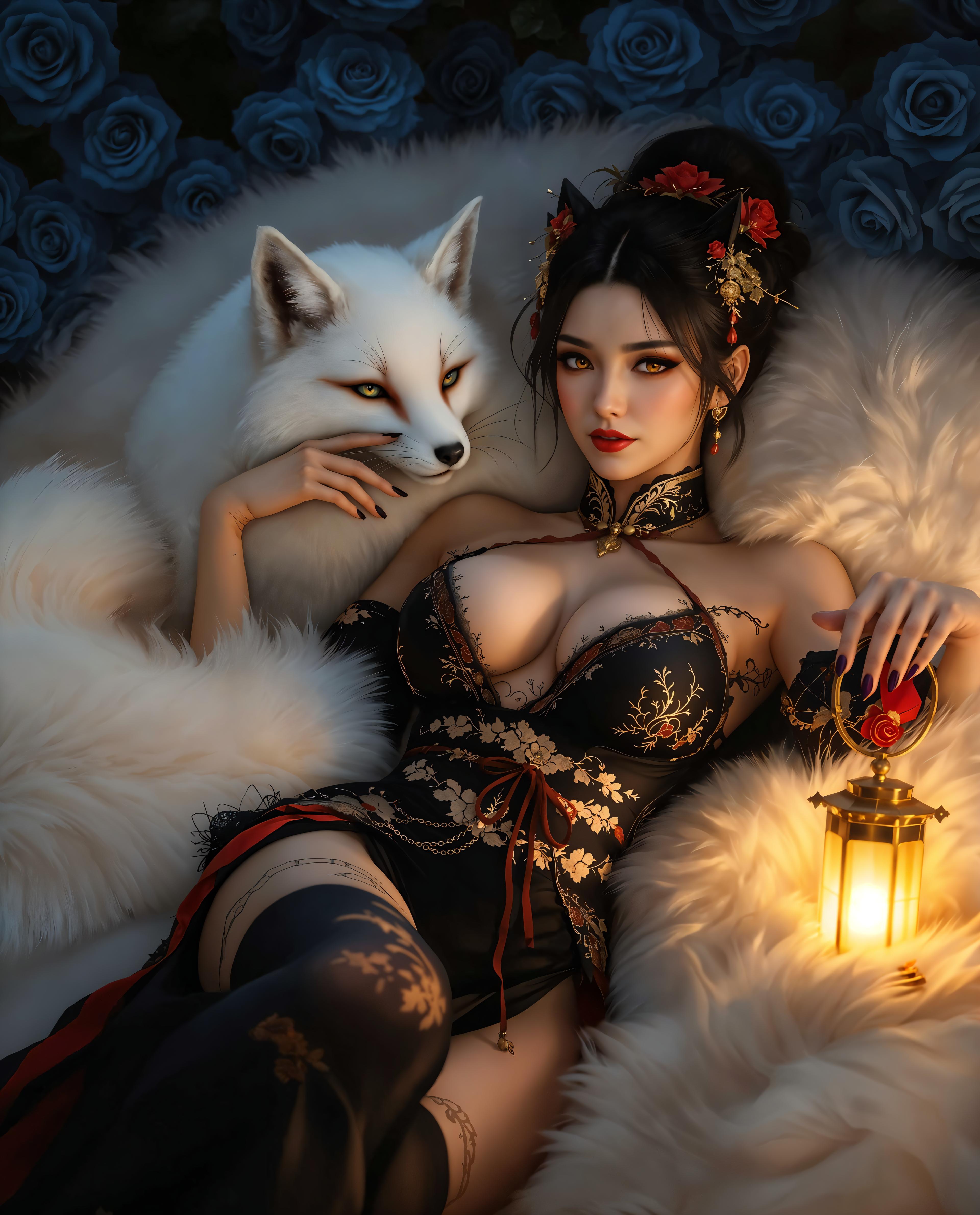
Imagine bringing your creative visions to life with stunning realism, all without the need for complex software or extensive design skills. With QWEN Image 2.0 on PixelDojo, you can effortlessly generate photorealistic images that capture every detail, texture, and nuance of your imagination. Whether you're a marketer crafting compelling visuals, a designer seeking inspiration, or a content creator aiming to enhance your projects, QWEN Image 2.0 empowers you to produce professional-quality images with ease.
Join over 10,000 creators who have transformed their ideas into reality using PixelDojo's cutting-edge AI tools. Rated 4.8/5 by our satisfied users.
Why Choose Pixel Dojo for qwen image 2.0 realistic scenes
Professional-quality results with cutting-edge AI technology
Effortless Photorealism
Generate lifelike images that capture intricate details and textures, bringing your concepts to vivid reality.
Time-Saving Creativity
Quickly produce high-quality visuals without the need for complex design software or technical expertise.
Versatile Applications
Create images suitable for marketing materials, product mockups, social media content, and more, tailored to your specific needs.
How It Works
Creating realistic scenes with QWEN Image 2.0 is a straightforward process that unleashes your creativity in just a few steps.
Step 1: Select QWEN Image 2.0
Log in to your PixelDojo account and choose the QWEN Image 2.0 tool from the 'Generate Images' section to begin your creation.
Step 2: Input Your Description
Enter a detailed text prompt describing the scene you envision. The more specific your description, the more accurate and tailored your generated image will be.
Step 3: Generate and Refine
Click 'Generate' to produce your image. If needed, use the editing features to adjust elements, ensuring the final image aligns perfectly with your vision.





The Pixel Dojo Advantage
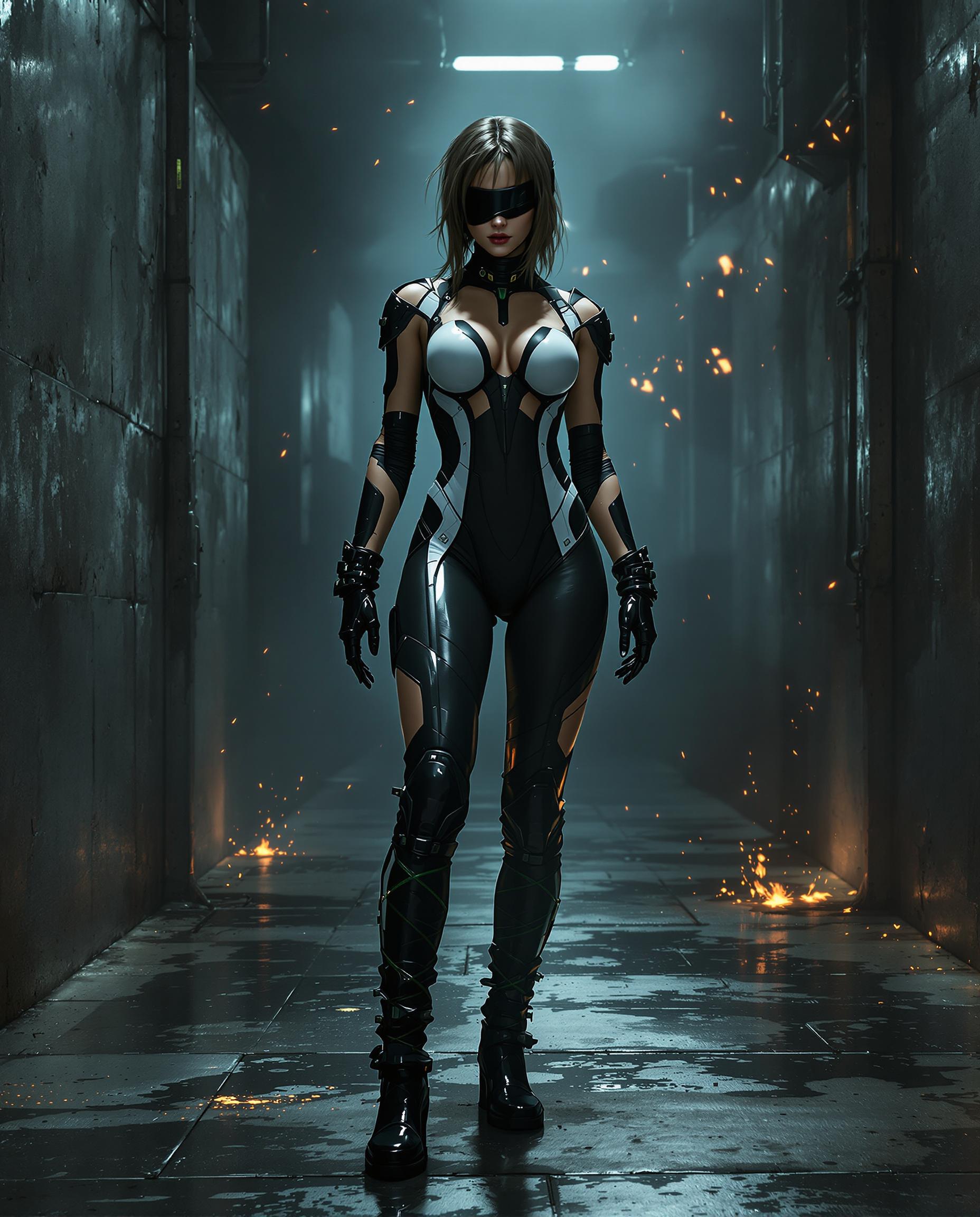
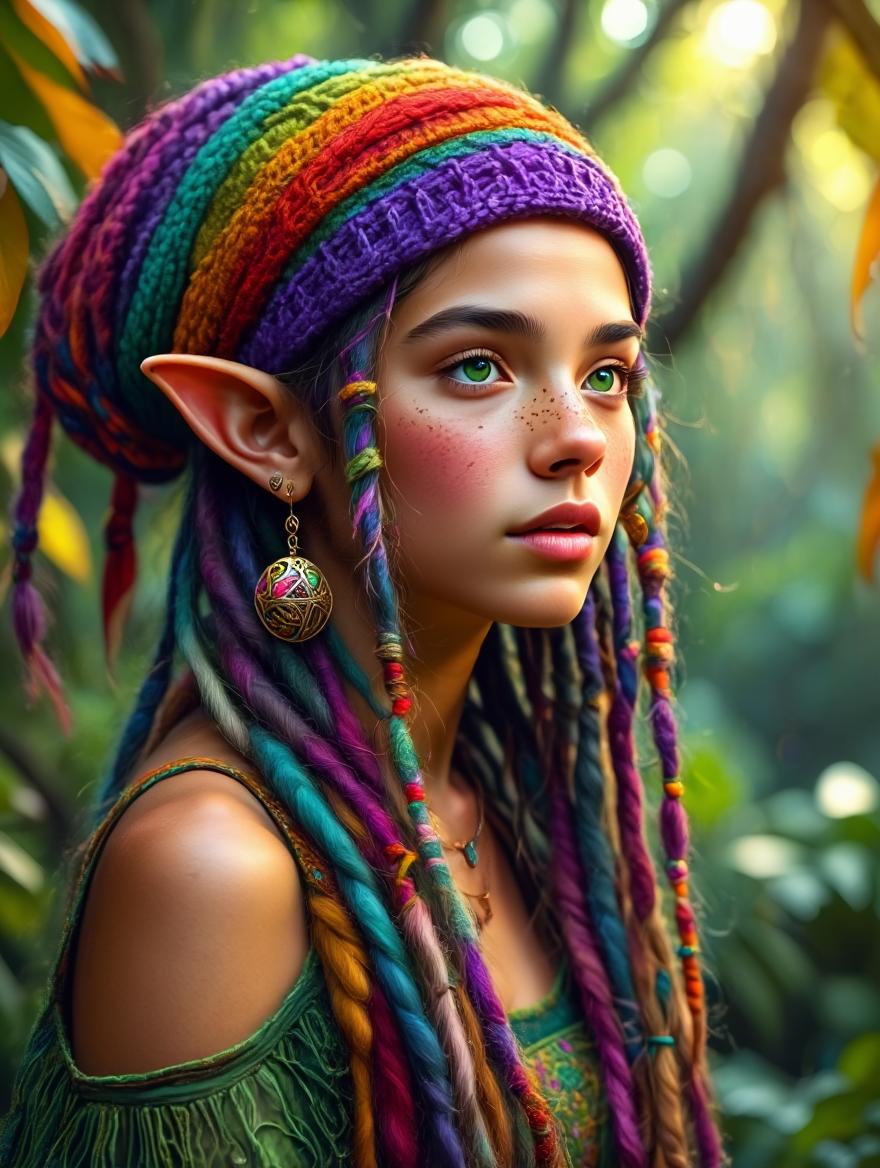
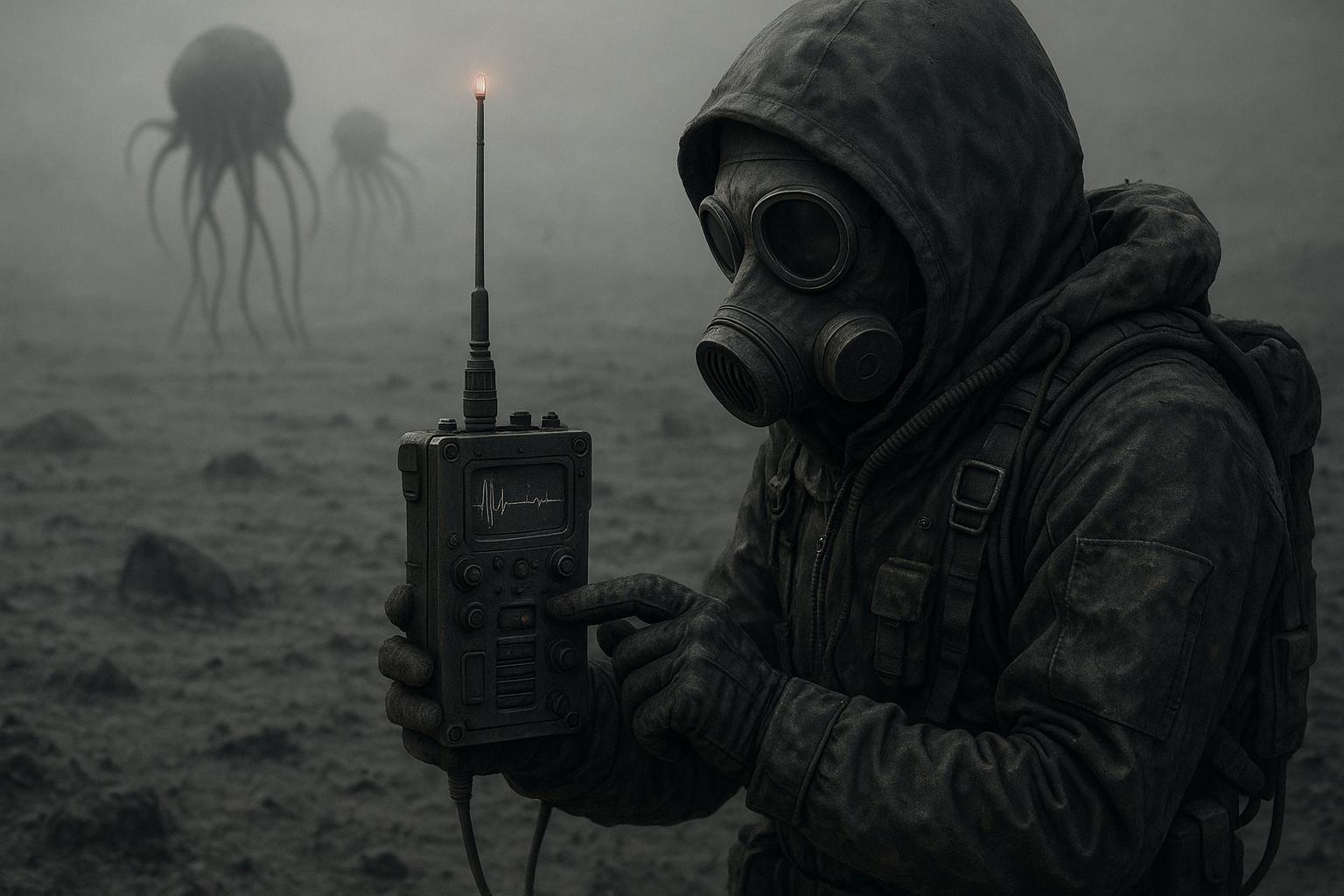
Discover how PixelDojo's QWEN Image 2.0 stands out in realistic image generation.
| Others | Pixel Dojo |
|---|---|
| Traditional Photography | Eliminate the need for costly equipment and time-consuming shoots by generating high-quality images instantly. |
| Stock Photos | Create unique, tailor-made visuals that perfectly match your project's requirements, avoiding generic stock images. |
| Manual Digital Art | Save hours of manual work by generating detailed images through simple text prompts, without compromising on quality. |
Loved by Creators
See what our community says about qwen image 2.0 realistic scenes
"PixelDojo's QWEN Image 2.0 has revolutionized my design process. I can now create stunning visuals in minutes, which would have taken hours before."
Alex Johnson
Graphic Designer
"As a marketer, having the ability to generate custom, high-quality images on demand has significantly boosted our campaign performance."
Samantha Lee
Marketing Manager
Common Questions
Everything you need to know about qwen image 2.0 realistic scenes AI generation
How does QWEN Image 2.0 generate realistic images?
QWEN Image 2.0 utilizes advanced AI algorithms trained on vast datasets to interpret your text prompts and generate images with lifelike details and textures.
Do I need any design experience to use QWEN Image 2.0?
No, QWEN Image 2.0 is designed for users of all skill levels. Its intuitive interface allows you to create professional-quality images without any prior design experience.
Can I edit the images after they are generated?
Yes, PixelDojo provides editing tools that allow you to refine and adjust your generated images to better fit your vision.
What types of projects can benefit from QWEN Image 2.0?
QWEN Image 2.0 is versatile and can be used for various projects, including marketing materials, product mockups, social media content, and more.
Is there a limit to the number of images I can generate?
PixelDojo offers various subscription plans to suit different needs, with options that allow for unlimited image generation.
How do I get started with QWEN Image 2.0?
Simply sign up for a PixelDojo account, select the QWEN Image 2.0 tool, and start creating by entering your text prompts.