qwen image 2.0 pro typography master AI Generator
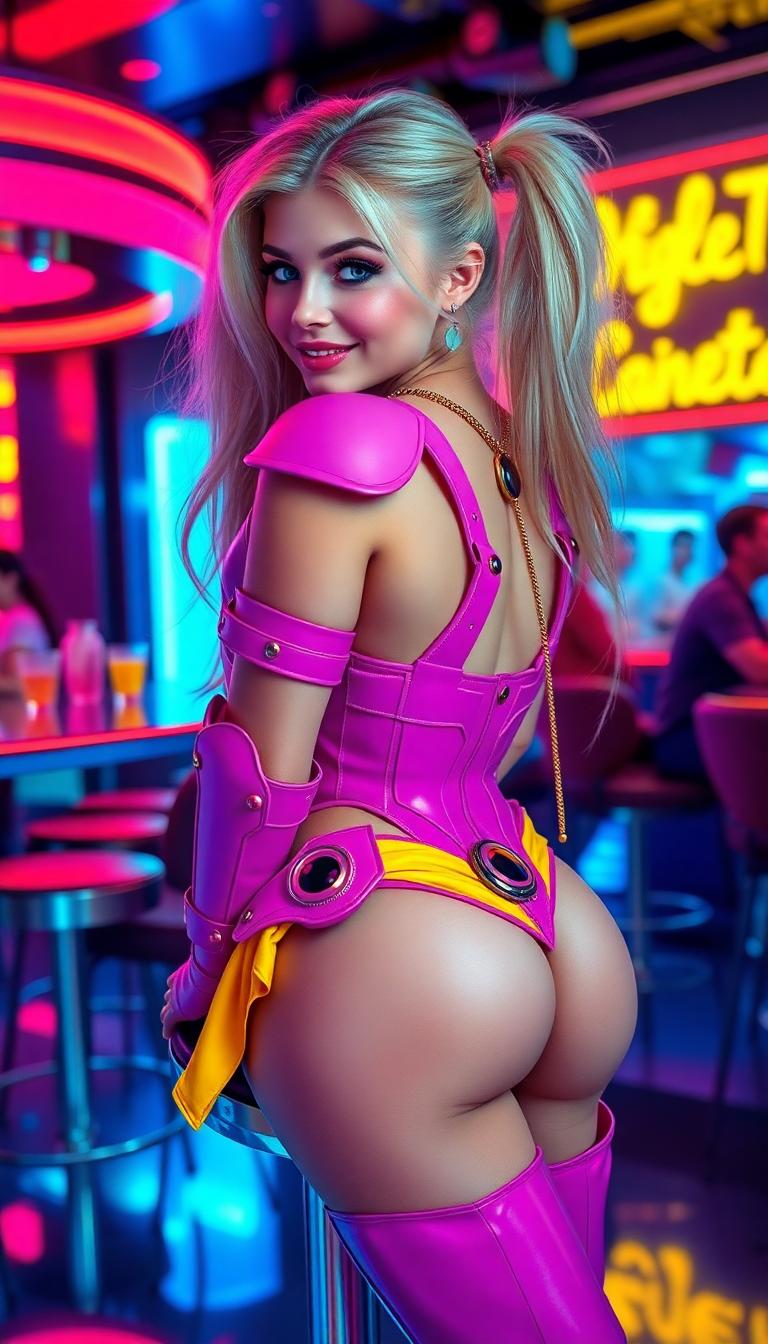
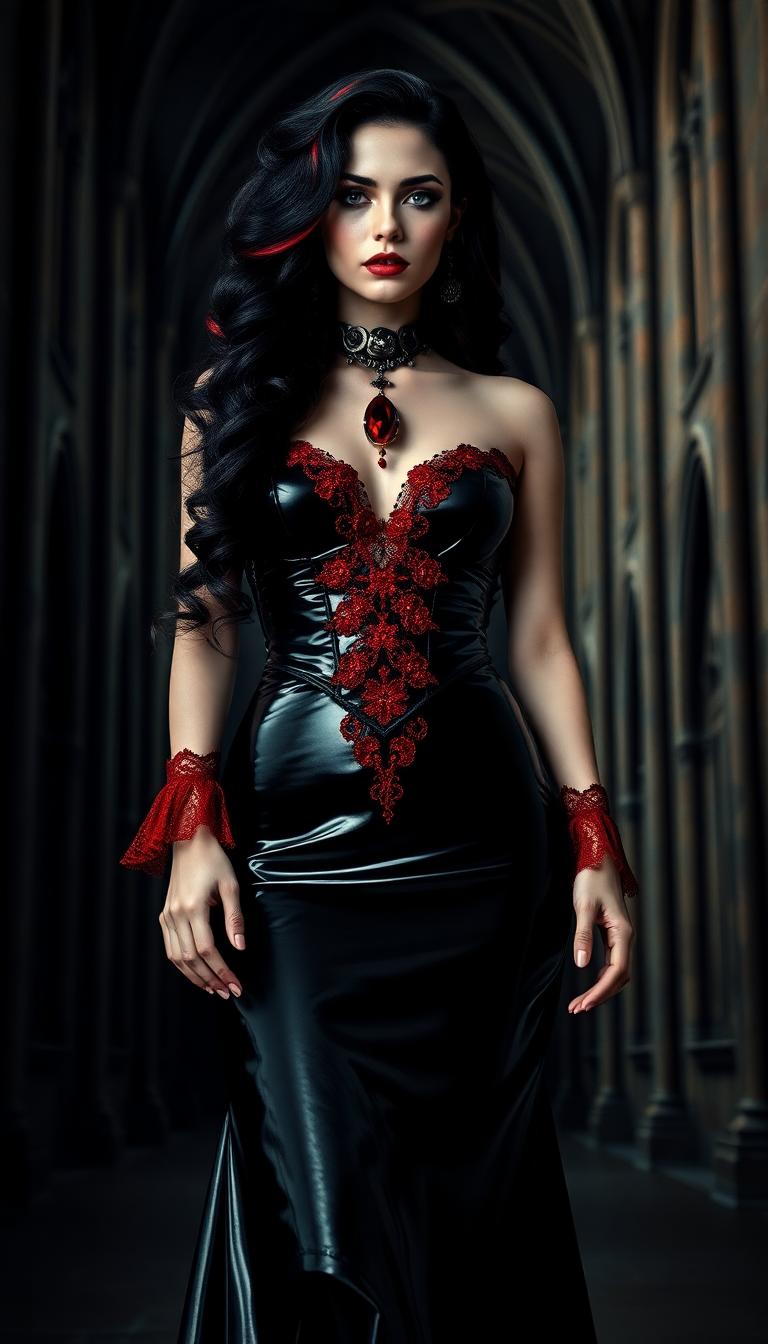
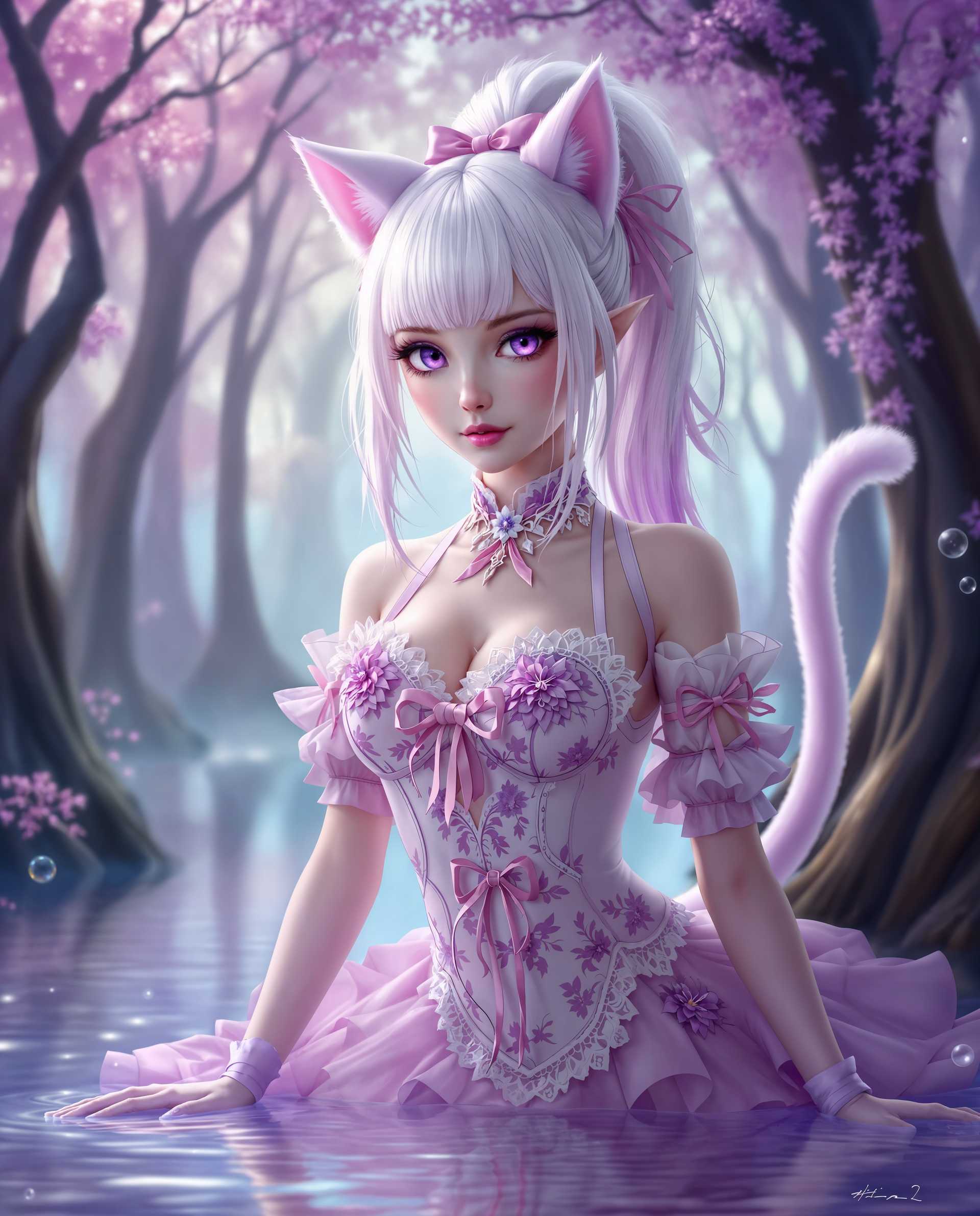
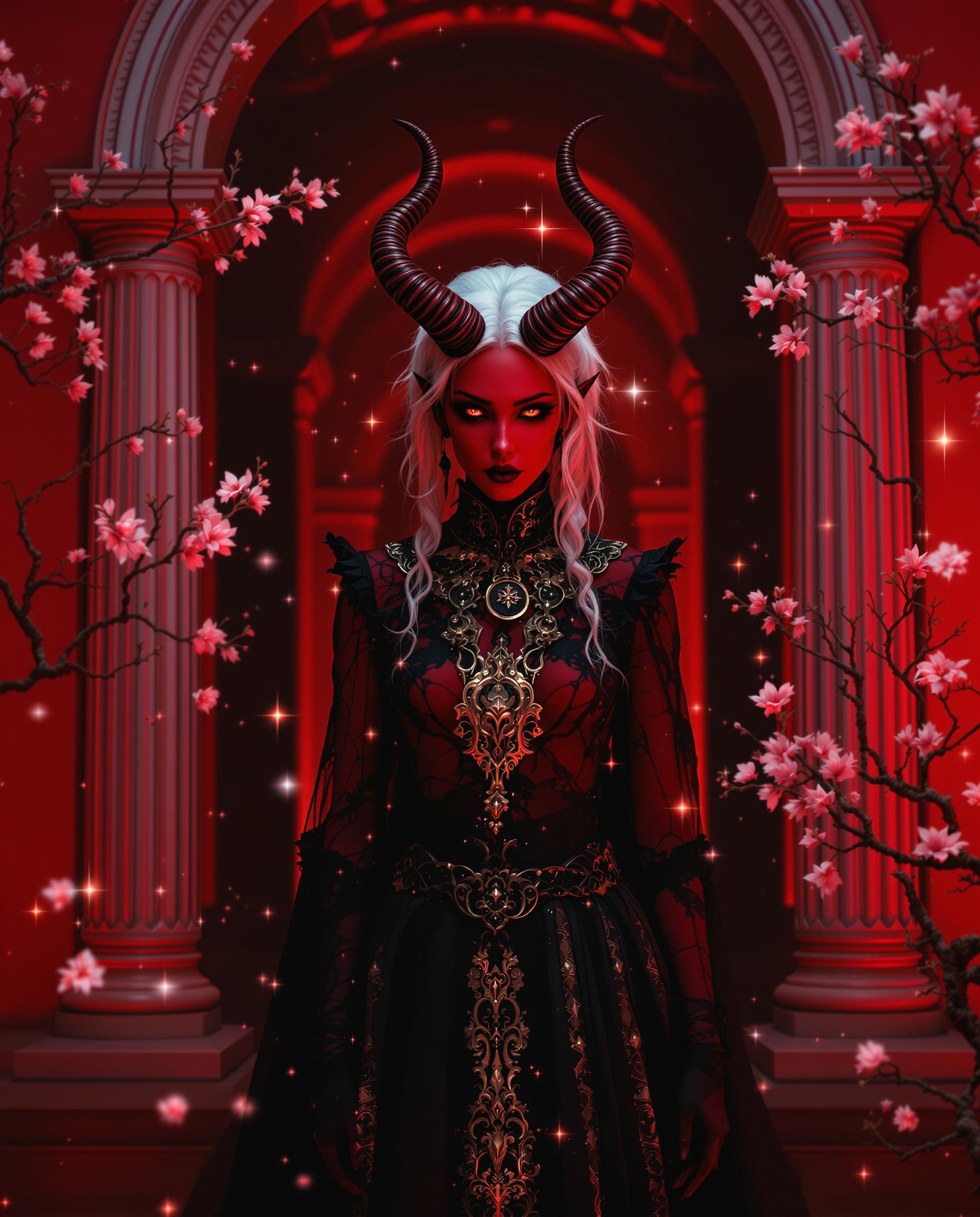
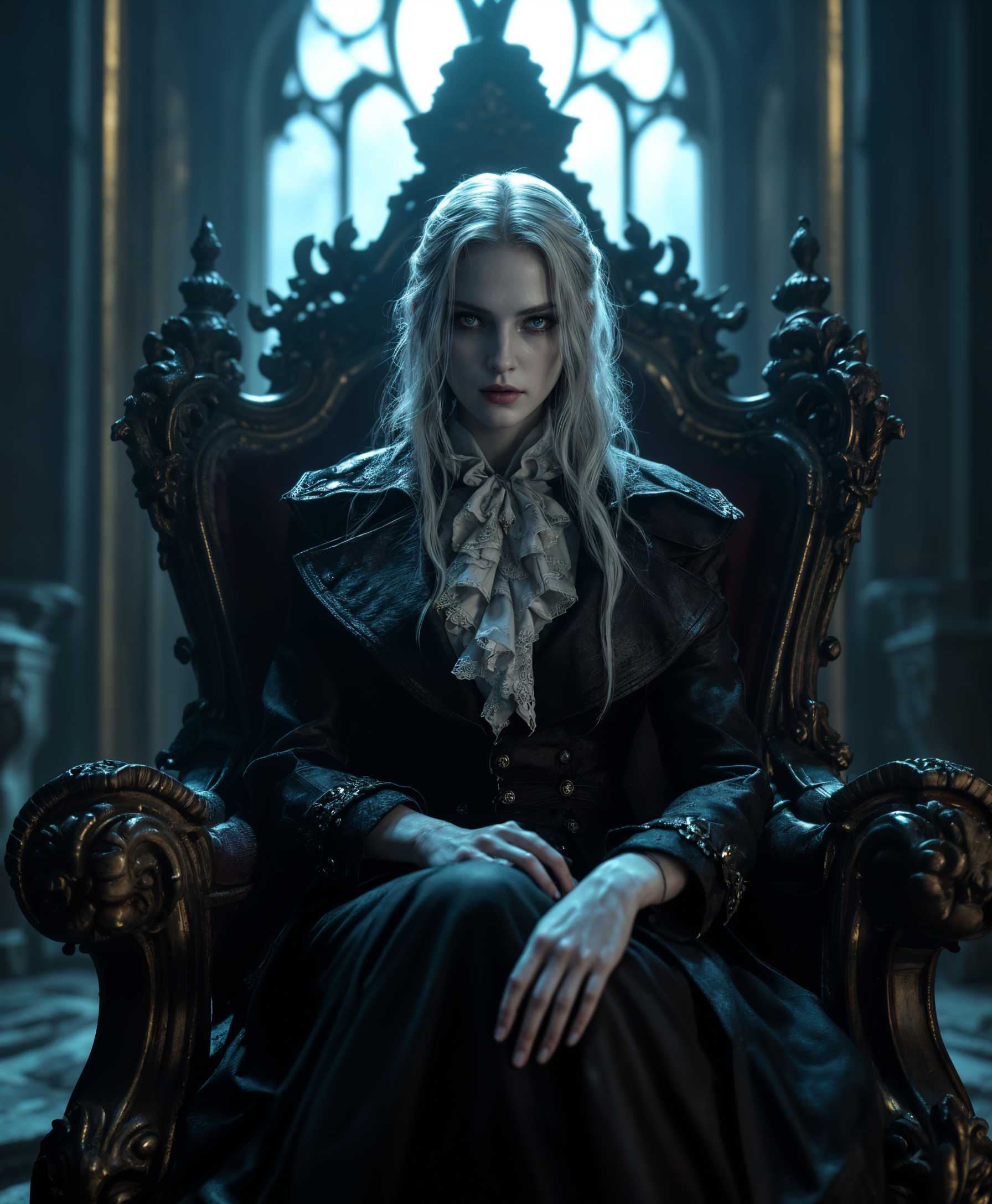
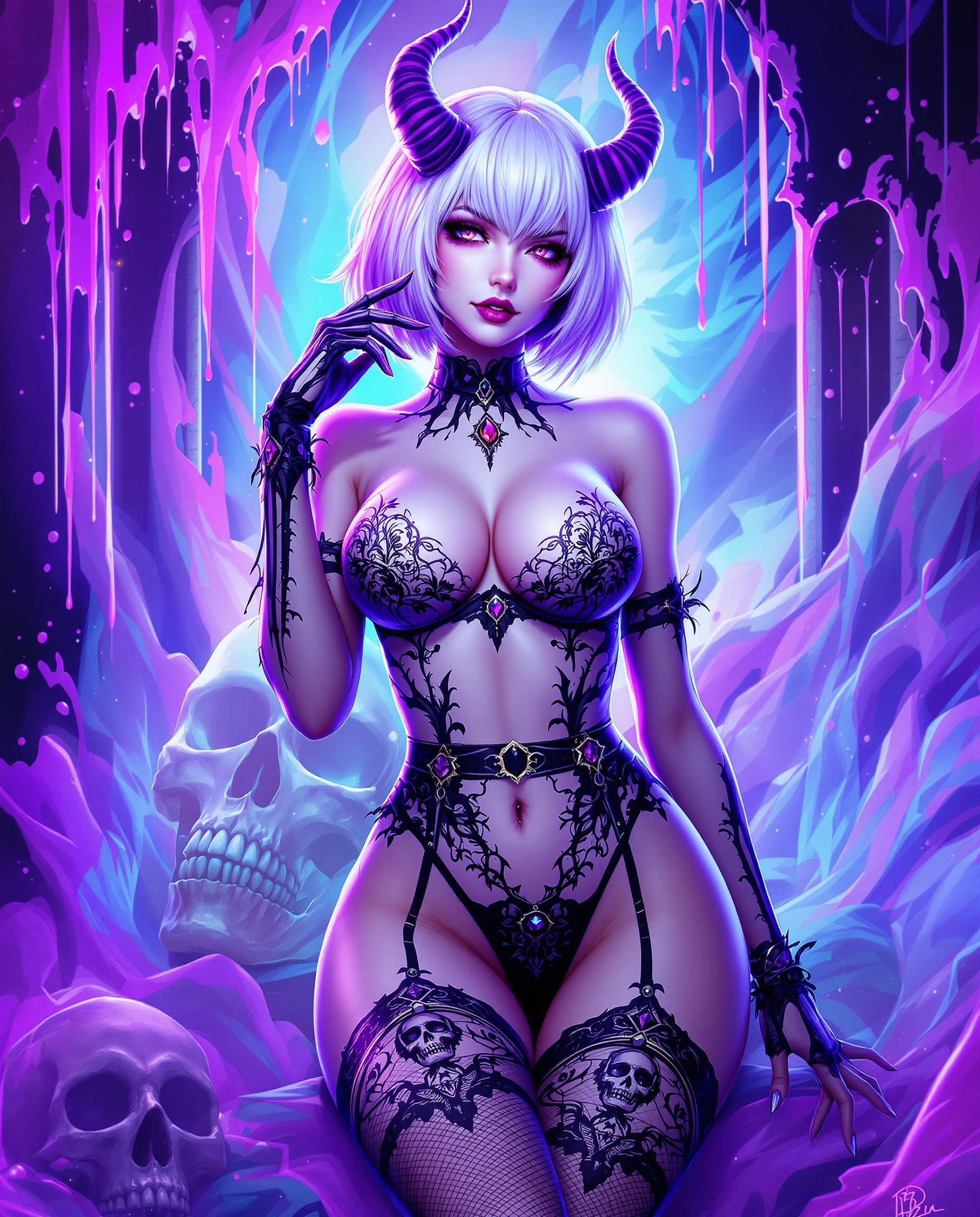
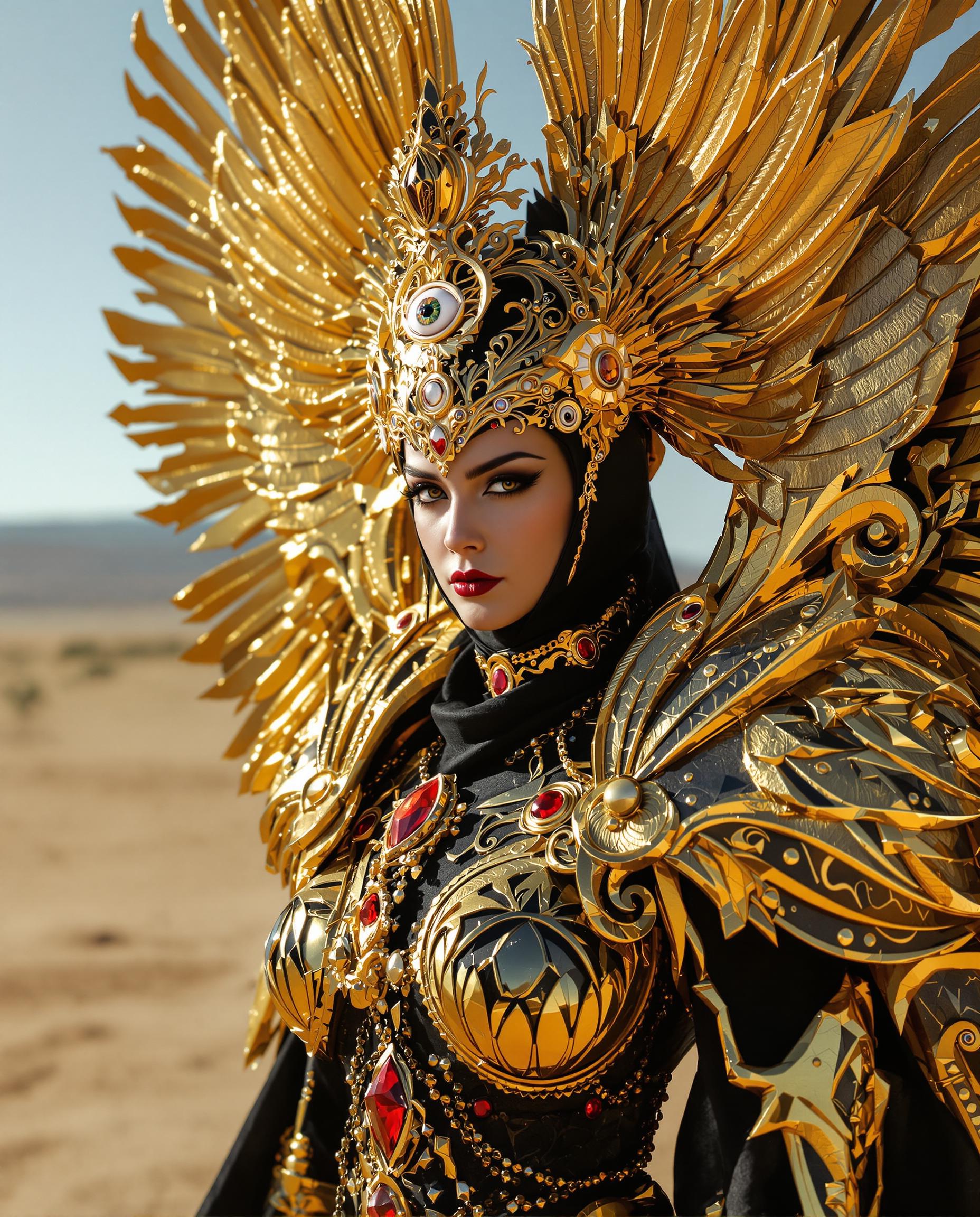
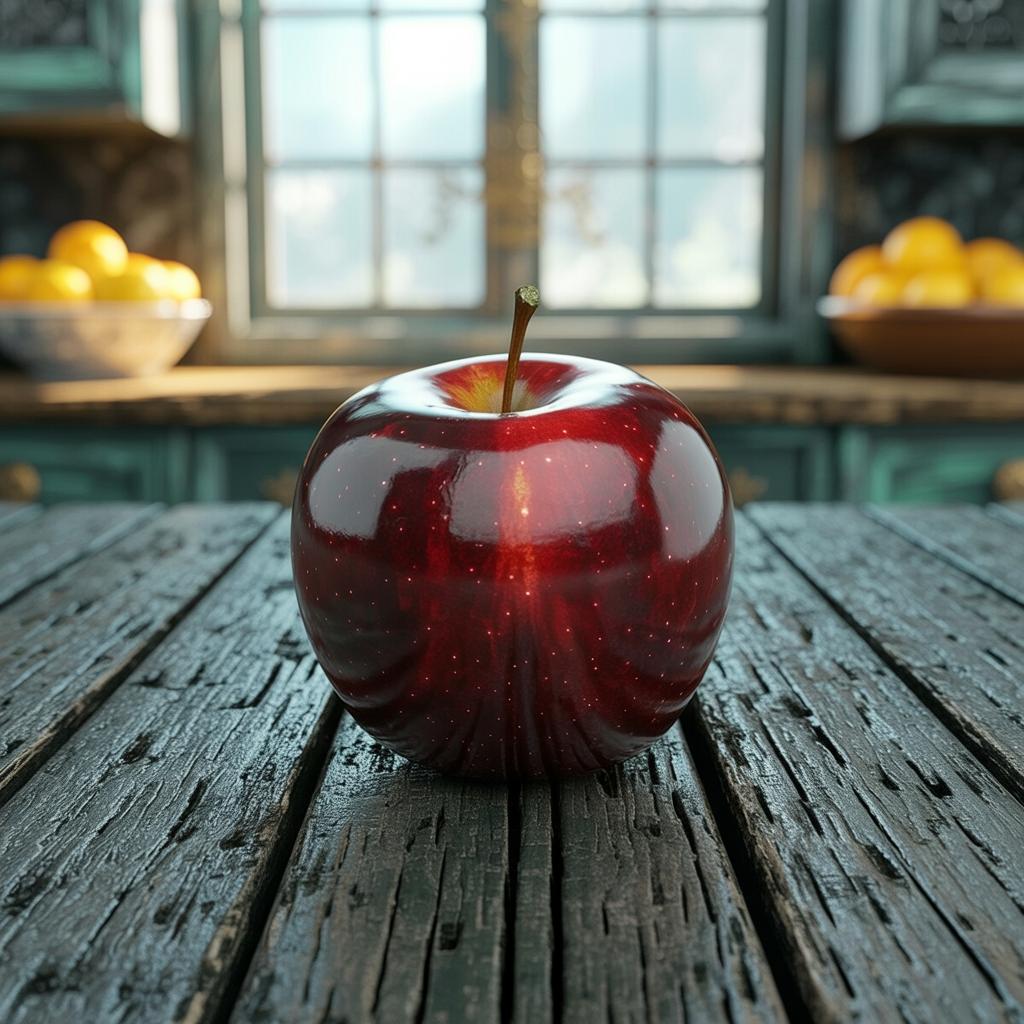
In the fast-paced world of design, creating compelling visuals with precise typography can be time-consuming and challenging. Qwen Image 2.0 Pro simplifies this process, enabling you to generate photorealistic 2K images with accurate text rendering effortlessly. Whether you're crafting marketing materials, educational content, or social media graphics, Qwen Image 2.0 Pro empowers you to bring your creative visions to life with unparalleled ease and quality.
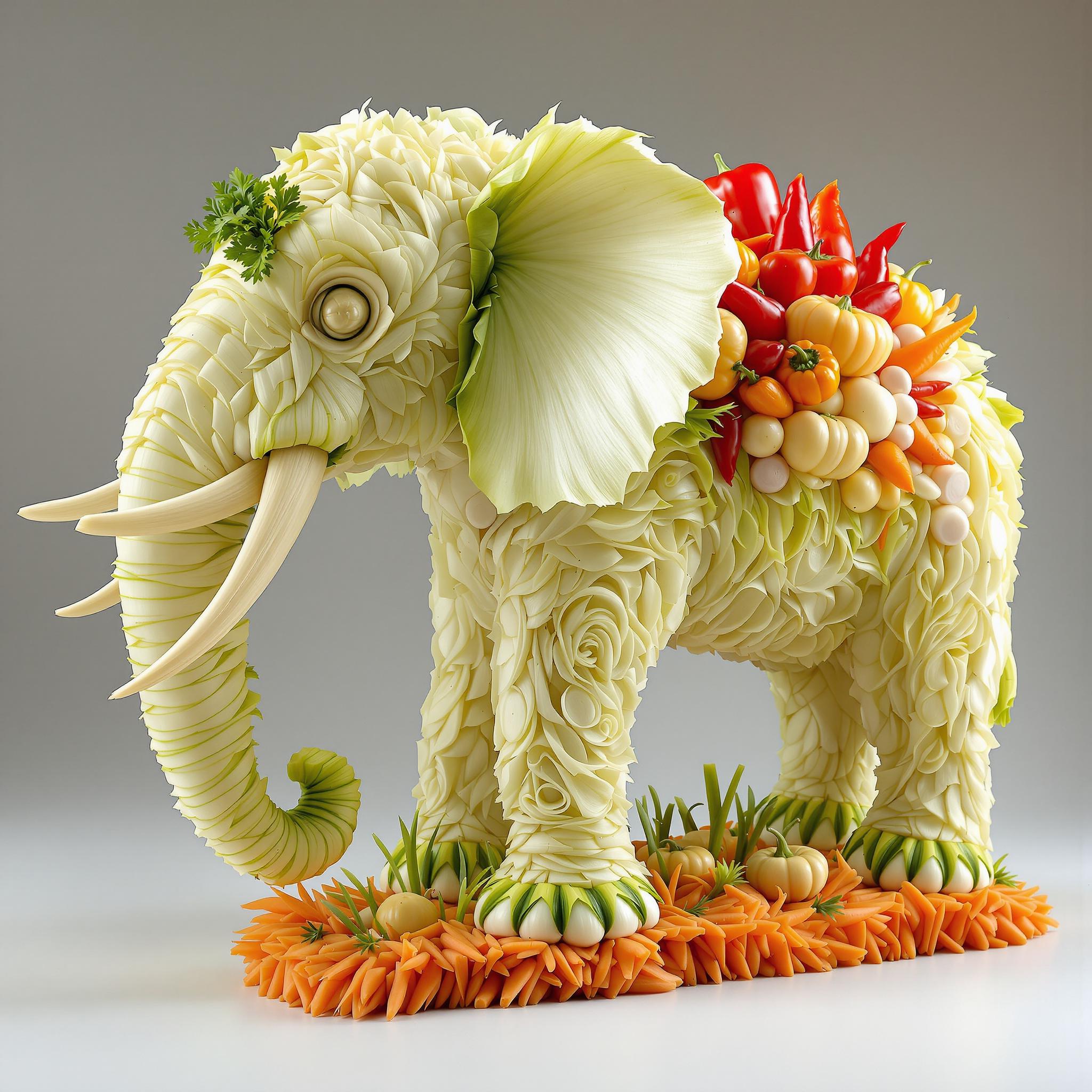
Join thousands of designers and marketers who have transformed their projects using Qwen Image 2.0 Pro. Rated 4.8/5 by professionals worldwide for its exceptional performance and reliability.
Why Choose Pixel Dojo for qwen image 2.0 pro typography master
Professional-quality results with cutting-edge AI technology
Effortless High-Quality Typography
Generate professional-grade typography without any prior design experience, saving time and resources.
Photorealistic 2K Image Generation
Produce stunning, high-resolution images that captivate your audience and enhance your brand's visual appeal.
Seamless Integration and Editing
Easily edit and refine your images within the same platform, ensuring a smooth and efficient workflow.
How It Works
Creating stunning typography with Qwen Image 2.0 Pro is a straightforward process. Follow these simple steps to bring your ideas to life:
Step 1: Choose Your Tool
Select Qwen Image 2.0 Pro from PixelDojo's suite of AI tools to begin your typography creation journey.
Step 2: Enter Your Prompt
Input your desired text and specify any stylistic preferences or themes to guide the AI in generating your image.
Step 3: Customize & Download
Review the generated image, make any necessary adjustments using the editing features, and download the final high-resolution image.
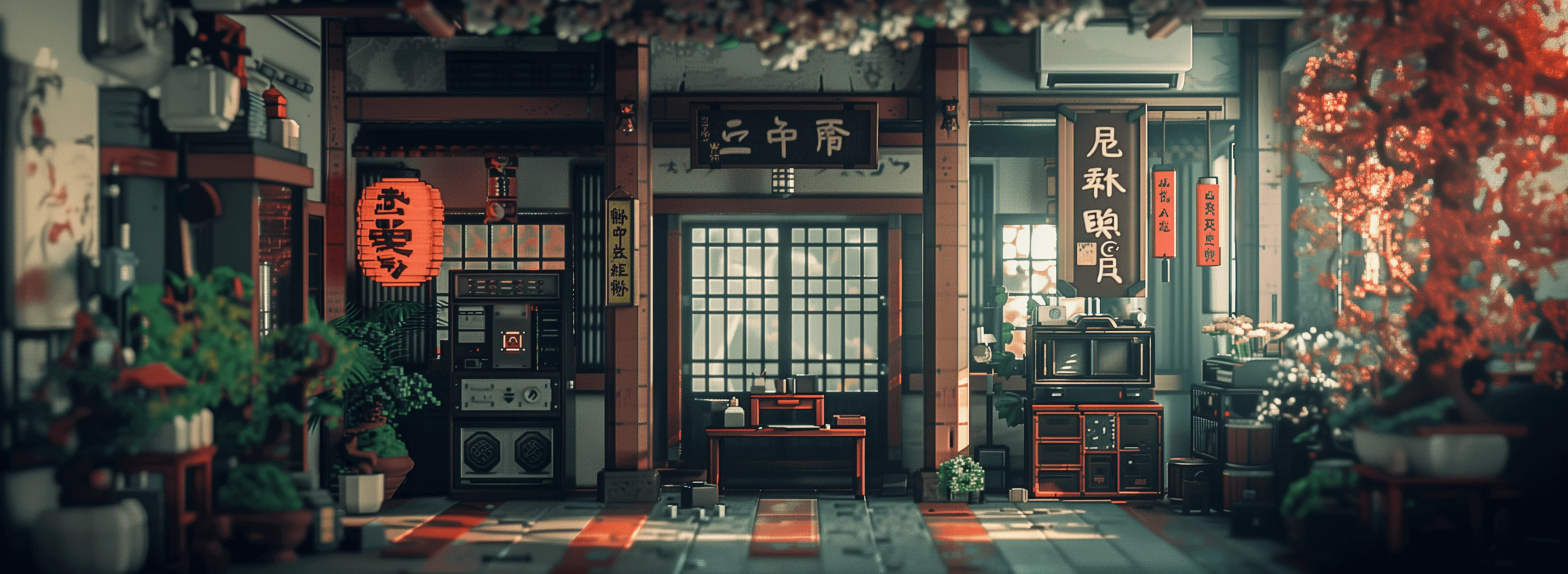
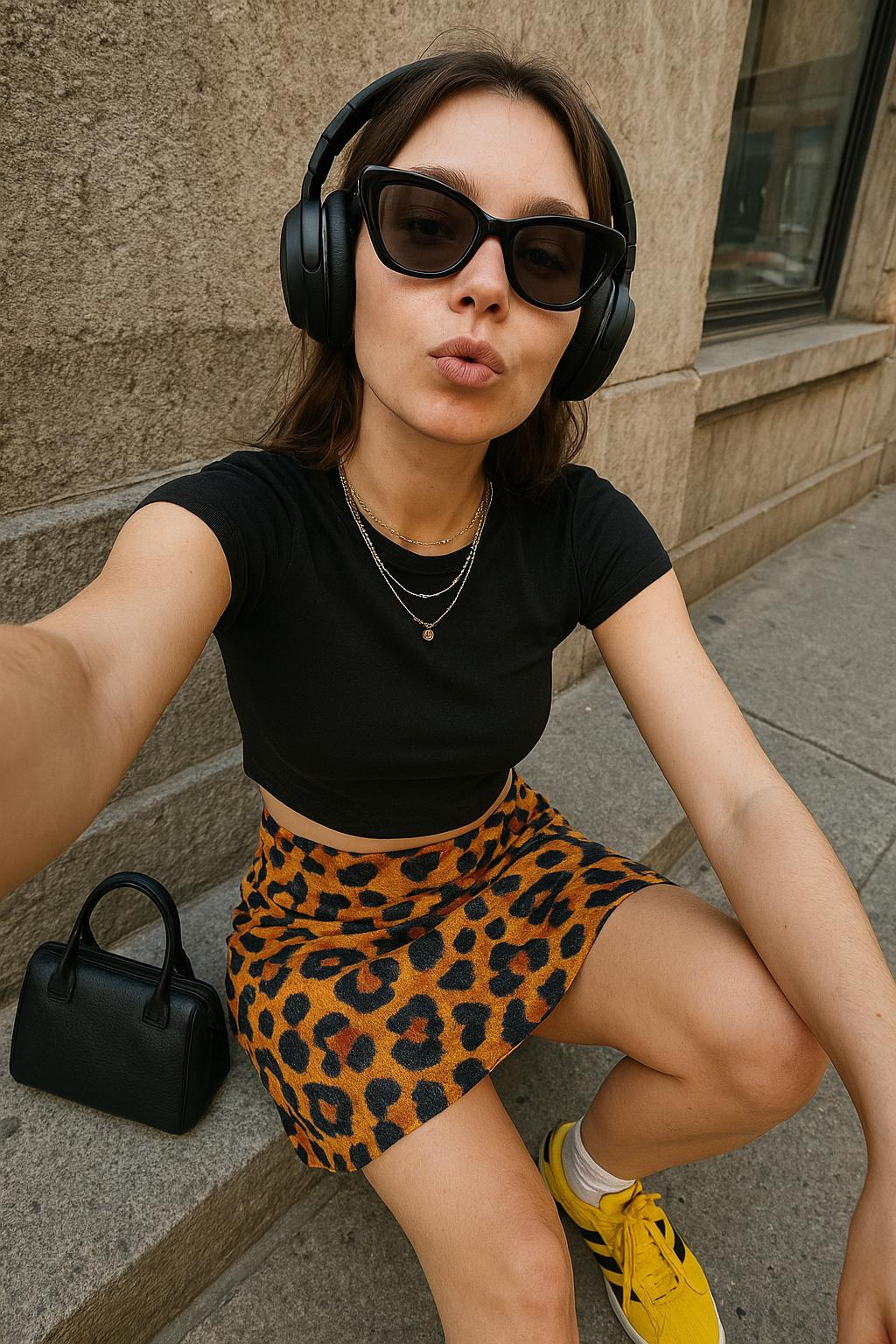
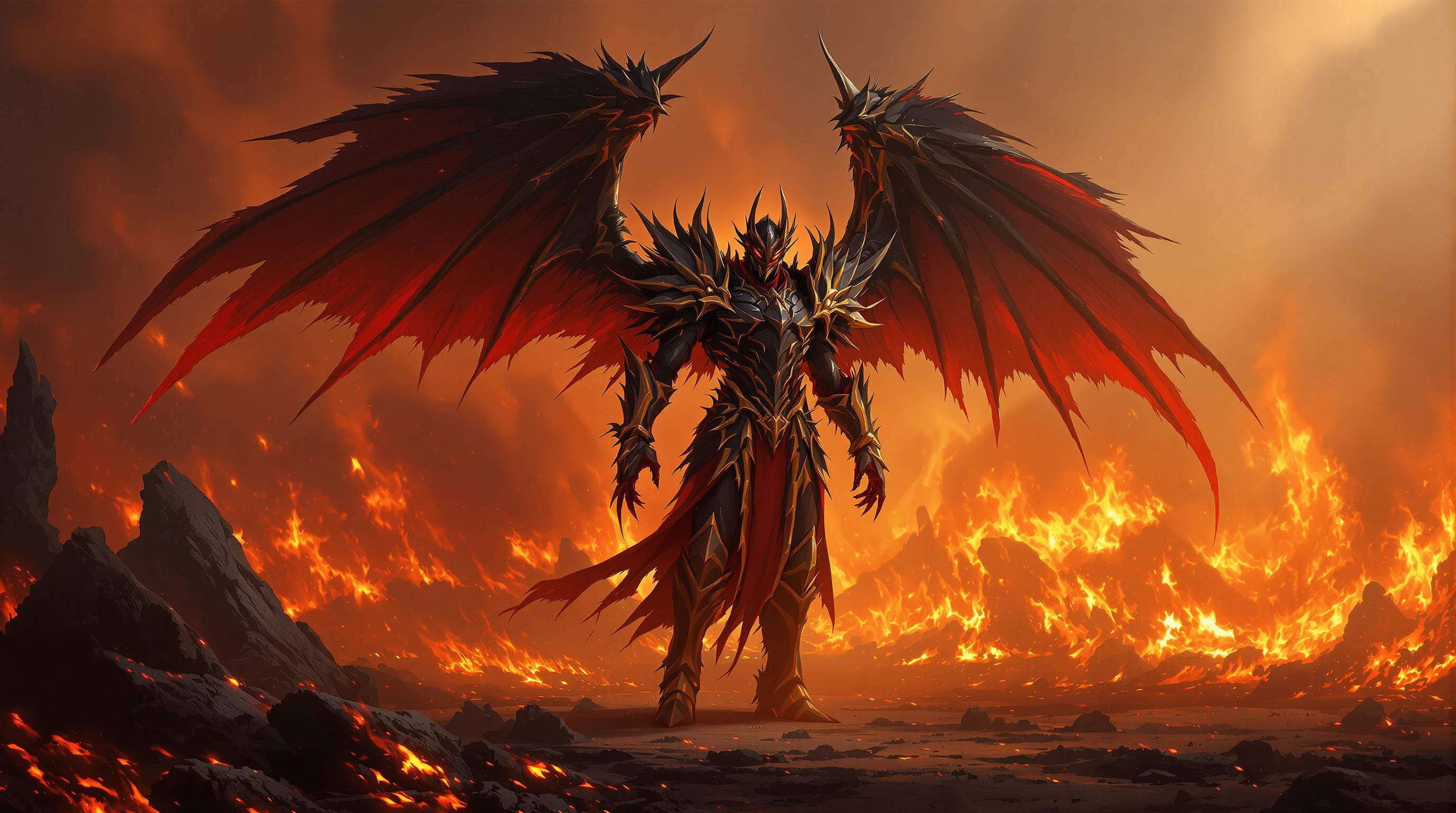


The Pixel Dojo Advantage
Why Qwen Image 2.0 Pro Outperforms Other Typography Tools
| Others | Pixel Dojo |
|---|---|
| Traditional Typography Design | Eliminates the need for extensive design skills and manual adjustments, streamlining the creation process. |
| Generic AI Image Generators | Offers specialized typography features with precise text rendering and high-resolution outputs tailored for professional use. |
| Manual Photo Editing | Reduces the time and effort required for editing by providing ready-to-use, high-quality images with accurate typography. |
Loved by Creators
See what our community says about qwen image 2.0 pro typography master
"Qwen Image 2.0 Pro has revolutionized the way I create marketing materials. The quality and ease of use are unparalleled."
Alex Johnson
Marketing Director
"As a freelance designer, this tool has saved me countless hours. The results are consistently impressive and professional."
Samantha Lee
Graphic Designer
Common Questions
Everything you need to know about qwen image 2.0 pro typography master AI generation
How does Qwen Image 2.0 Pro ensure accurate text rendering in images?
Qwen Image 2.0 Pro utilizes advanced AI algorithms specifically designed for text rendering, ensuring that the generated images feature clear and precise typography suitable for professional use.
Can I edit the images generated by Qwen Image 2.0 Pro?
Yes, Qwen Image 2.0 Pro offers integrated editing tools that allow you to refine and customize your images without the need for additional software.
Is Qwen Image 2.0 Pro suitable for creating infographics and presentations?
Absolutely. The tool is optimized for structured visuals, making it ideal for generating infographics, posters, and presentation slides with readable and precise text.
What file formats are available for download?
You can download your final images in high-resolution PNG format, suitable for both digital and print applications.
Do I need prior design experience to use Qwen Image 2.0 Pro?
No, Qwen Image 2.0 Pro is designed to be user-friendly and accessible to individuals without any prior design experience.
Is there a limit to the number of images I can generate?
PixelDojo offers flexible subscription plans to accommodate various usage needs. Please refer to our pricing page for detailed information on image generation limits.