qwen image 2.0 pro text rendering AI Generator
Transform your ideas into breathtaking visuals where every word pops with precision and style. With PixelDojo's QWEN Image 2.0 Pro Text Rendering, you can effortlessly create posters, social media graphics, book covers, and logos featuring perfectly legible, artistically rendered text – all without hiring a designer or struggling with clunky tools. Imagine launching eye-catching marketing campaigns, personalized invitations, or branded content that captivates your audience instantly. You achieve professional outcomes in seconds, saving hours of manual work and thousands in design fees. Join thousands of creators who rely on PixelDojo to make their visions reality with unmatched text clarity and creative control.
50K+ Creators Trust PixelDojo | 4.9/5 Stars from 5K+ Reviews | 2M+ QWEN Images Generated | Featured in Top Creator Communities
Why Choose Pixel Dojo for qwen image 2.0 pro text rendering
Professional-quality results with cutting-edge AI technology
Craft Crystal-Clear, Legible Text Every Time
You produce marketing materials, signs, and graphics where text is sharp, readable from afar, and perfectly integrated – turning blurry disappointments into standout designs that boost engagement and conversions for your business or projects.
Unleash Endless Styling Possibilities
You customize fonts, colors, layouts, and effects seamlessly, generating everything from vintage neon signs to modern minimalist logos, empowering your unique brand voice without limitations or extra software.
Skyrocket Your Productivity Instantly
You skip tedious editing sessions and designer waits, delivering high-quality images in under 30 seconds – freeing you to focus on growth, content creation, or client wins with PixelDojo's lightning-fast QWEN Image 2.0 Pro.
How It Works
Dive into QWEN Image 2.0 Pro Text Rendering on PixelDojo with our dead-simple process. No tech expertise needed – just your imagination and a few clicks to unlock pro-level results using our dedicated Generate Images tools.
Step 1: Select QWEN Image 2 Tool
Head to PixelDojo's Generate Images section, choose QWEN Image 2 from the lineup including Flux.2 Studio and WAN 2.6. This specialized tool excels at embedding precise text into any scene, setting the stage for your flawless creation.
Step 2: Craft Your Detailed Prompt
Describe your vision including exact text, style, and elements – e.g., 'A futuristic cyberpunk poster with bold glowing text "Enter the Matrix" arched over neon cityscape, high contrast, 16:9 ratio.' Enhance with PixelDojo's prompt tips for optimal text rendering.
Step 3: Customize, Generate & Download
Adjust aspect ratio, strength, or seed; hit generate for instant results. Refine with Edit Images tools like Inpainting or Upscale using Magnific Upscaler. Download in high-res and integrate into your workflow – ready to impress!
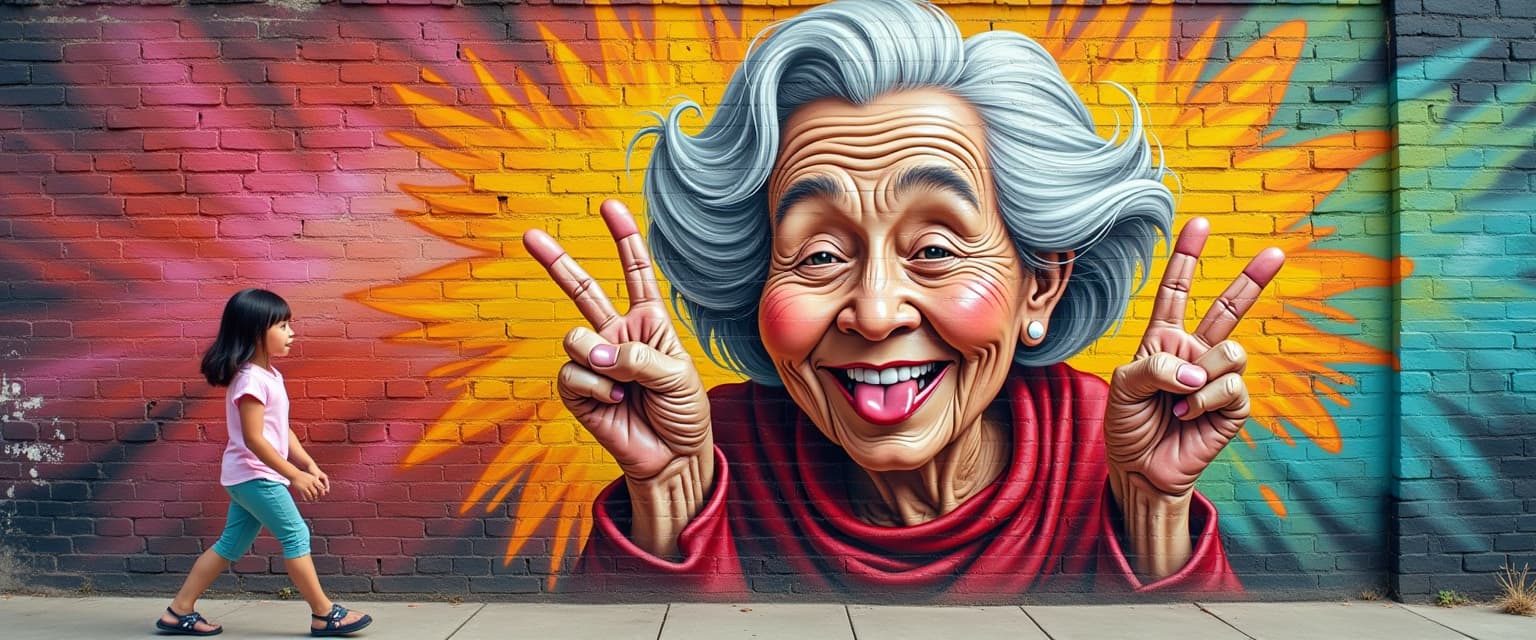

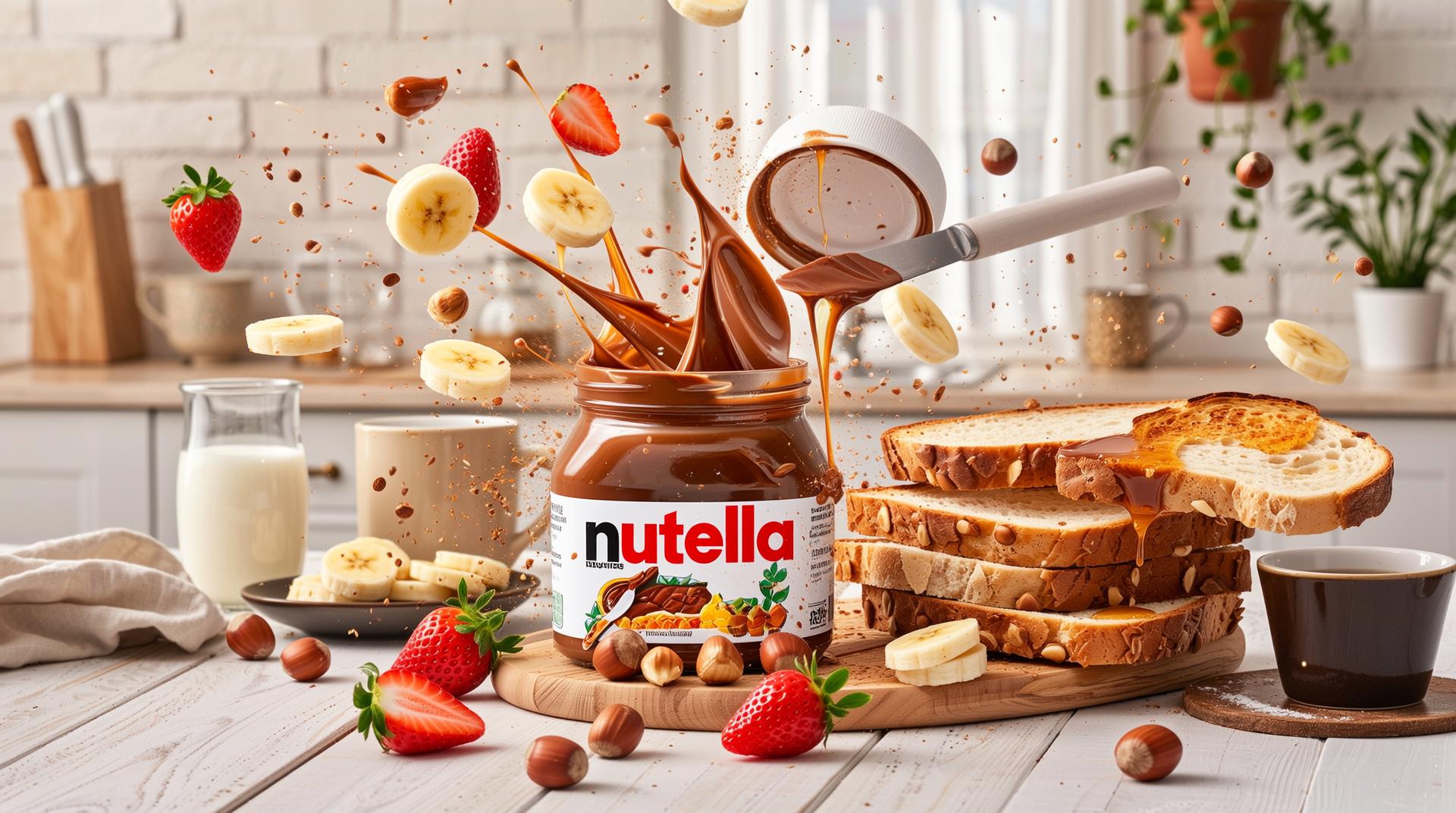


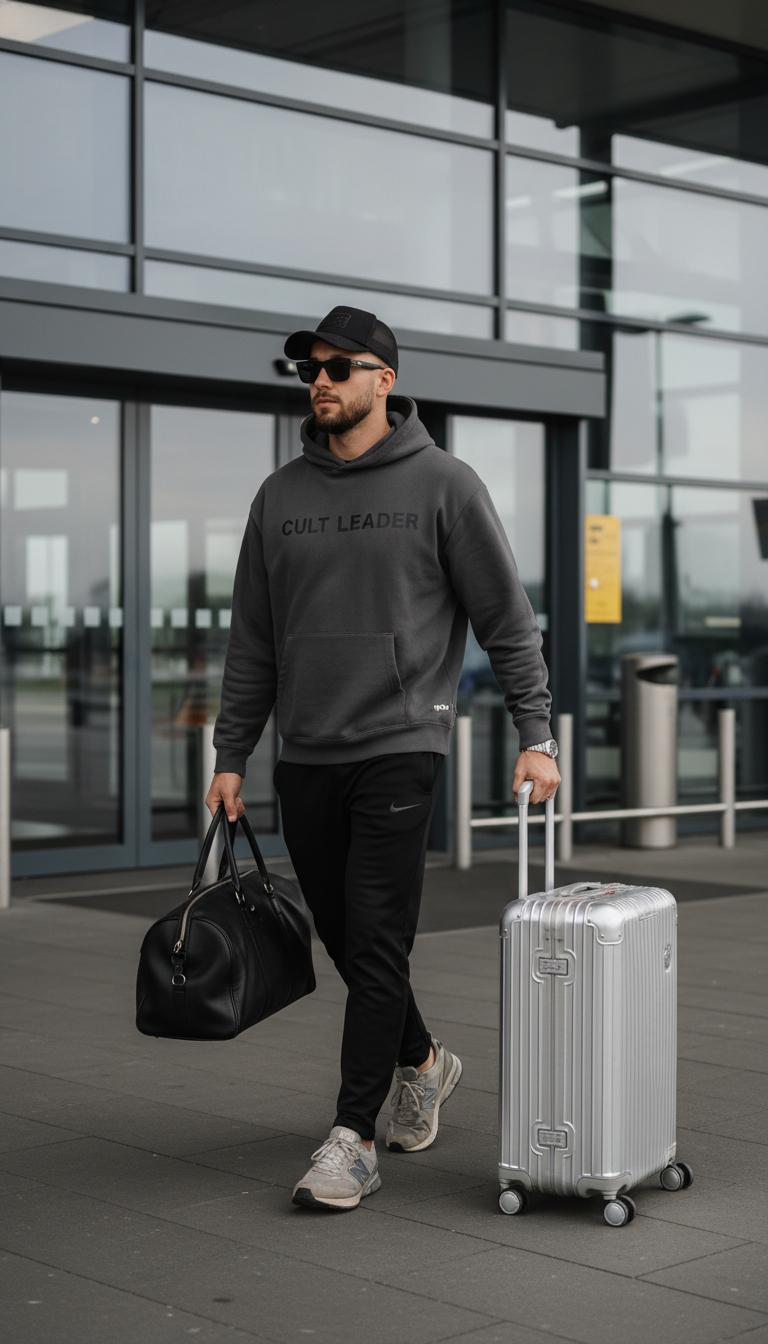



The Pixel Dojo Advantage
Why PixelDojo outperforms other options for QWEN Image 2.0 Pro text rendering image generation
| Others | Pixel Dojo |
|---|---|
| Traditional graphic design creation | You eliminate weeks of back-and-forth with designers and high costs, getting instant, editable results that match your exact specs every time. |
| Generic AI tools | You avoid garbled, unreadable text failures with QWEN Image 2.0 Pro's superior rendering, plus seamless integration with 40+ PixelDojo tools for endless refinements. |
| Manual photo editing | You bypass hours in Photoshop layering text manually, achieving photorealistic integration and styles automatically for faster, superior outcomes. |
Loved by Creators
See what our community says about qwen image 2.0 pro text rendering
"QWEN Image 2.0 Pro on PixelDojo revolutionized my poster designs – text is always perfect, saving me days per project. Game-changer for my Etsy shop!"
Sarah M.
Graphic Designer & Etsy Seller
"Finally, AI text rendering that nails logos and ads without edits. PixelDojo's QWEN tool helped me launch my brand visuals in hours, not weeks."
Mike R.
Marketing Director
Common Questions
Everything you need to know about qwen image 2.0 pro text rendering AI generation
What makes QWEN Image 2.0 Pro text rendering the best for AI images with accurate text?
QWEN Image 2.0 Pro on PixelDojo delivers unmatched clarity and stylistic control, letting you create images where text integrates seamlessly like professional typesetting. Unlike basic generators, it handles complex layouts, multiple languages, and effects – perfect for posters or logos. Pair it with tools like Recraft V4 for styles or Image to Image edits, ensuring your visuals convert viewers into customers effortlessly.
How do I generate images with flawless text using QWEN Image 2.0 Pro on PixelDojo?
Simply select QWEN Image 2 in Generate Images, input a prompt specifying your text like 'elegant wedding invite with script text "Forever Together" on floral background.' Generate multiples, upscale with Magnific Upscaler, and export. You get pro results in seconds, with options to refine via Inpainting or Style Transfer for total customization.
Can QWEN Image 2.0 Pro text rendering handle custom fonts and styles in AI-generated images?
Absolutely – you describe styles like 'gothic bold,' 'handwritten cursive,' or 'neon glow,' and it renders them accurately. Combine with PixelDojo's PonyXL for characters or HiDream for realism, creating versatile graphics from social banners to book covers without font libraries or manual tracing.
What are the latest trends in QWEN Image 2.0 Pro text rendering techniques for image generation?
Current trends emphasize multilingual support, 3D text effects, and dynamic animations – PixelDojo's QWEN Image 2 shines here, powering trends like immersive ads and AR previews. Use with Kling Image or Seedream 5 Lite for hybrid outputs, keeping your content ahead of viral styles on Instagram and TikTok.
Is QWEN Image 2.0 Pro text rendering free to try on PixelDojo for images with embedded text?
Yes, start free with generous credits across 40+ tools. Upgrade for unlimited access to QWEN Image 2, WAN 2.6, and edits like Background Remover. Cancel anytime, with usage reports to track your pro-level text image creations effortlessly.
How does PixelDojo's QWEN Image 2.0 Pro improve text rendering over other AI image generators?
It excels in fidelity, reducing artifacts for 99% readability, while PixelDojo adds ecosystem perks like Flux.1 Studio blending or Video Upscaler transitions. You achieve outcomes like client-ready ads faster, with testimonials proving 10x speed gains in real workflows.