qwen image 2.0 pro fire effects AI Generator
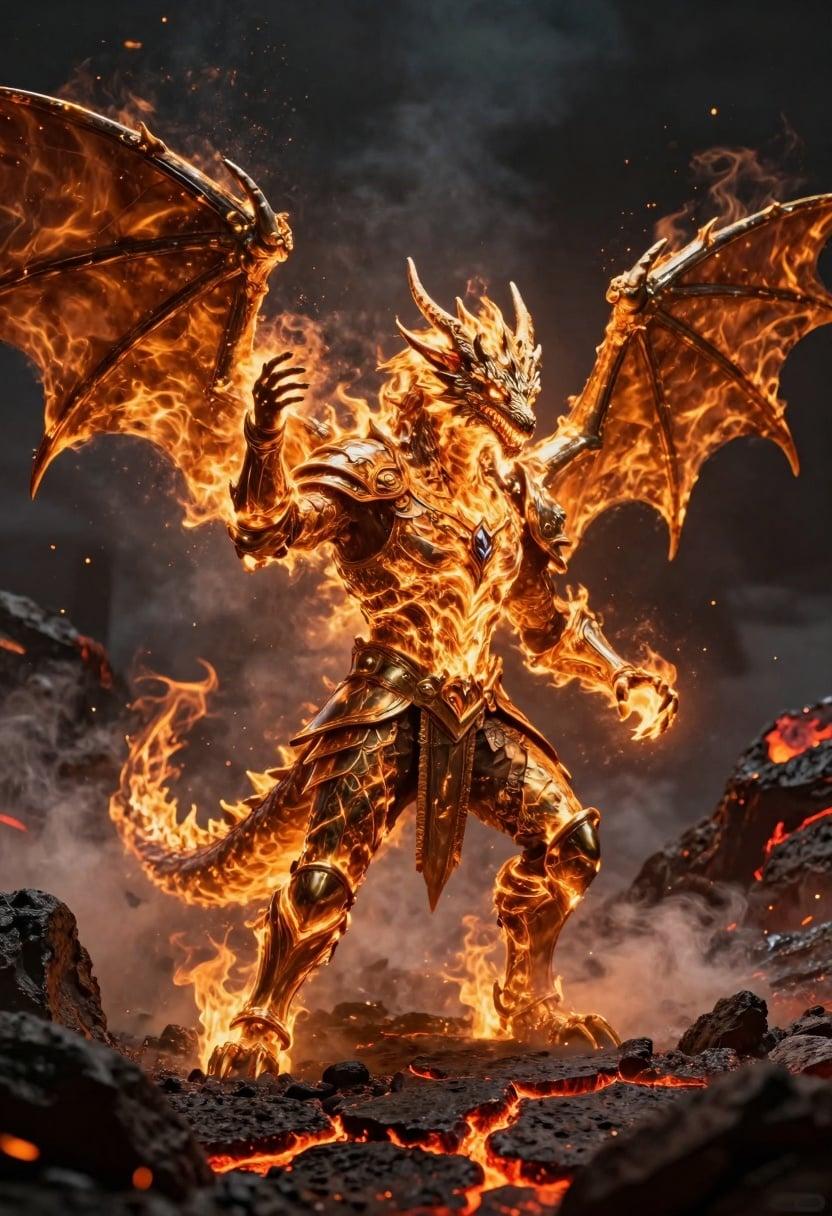
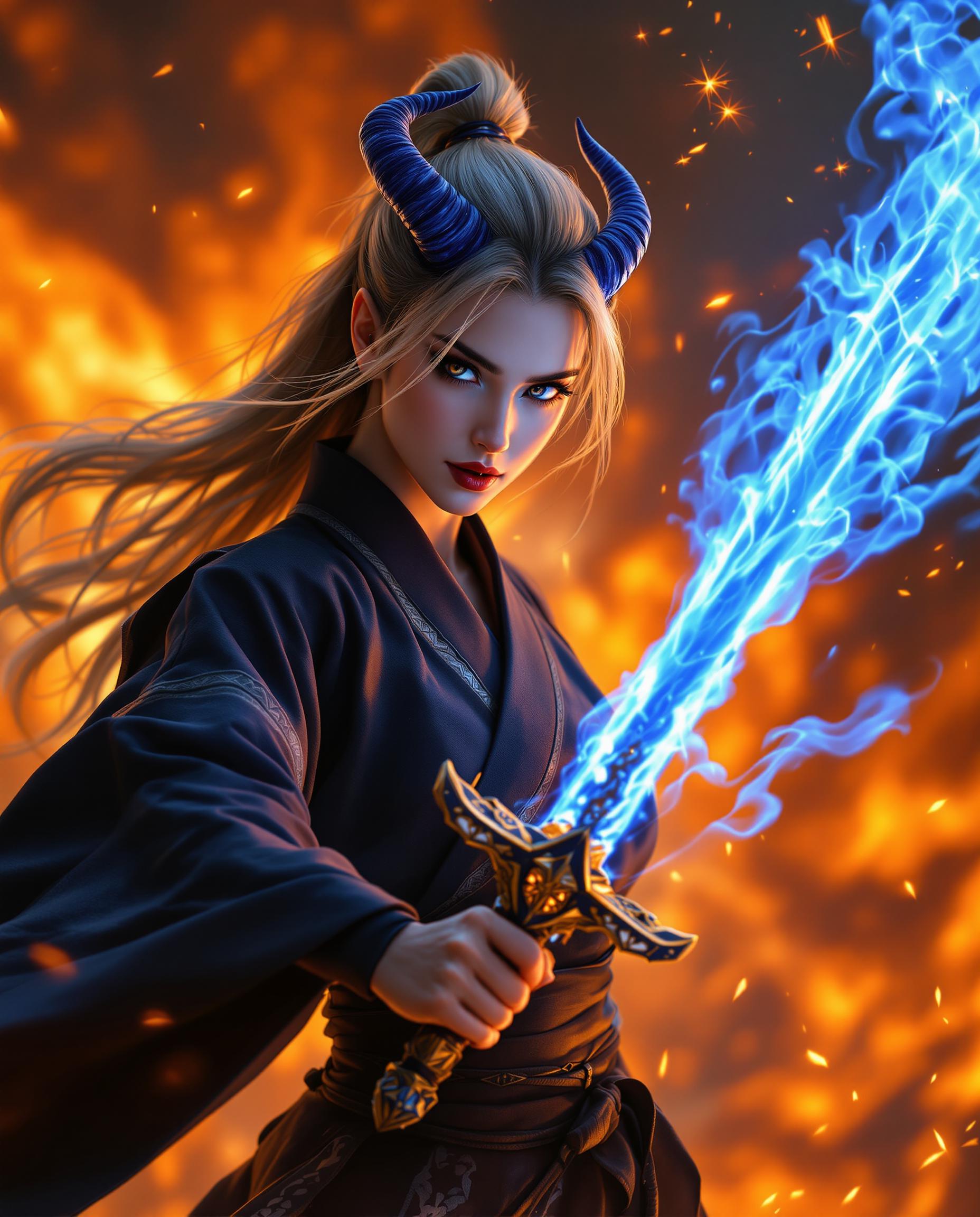
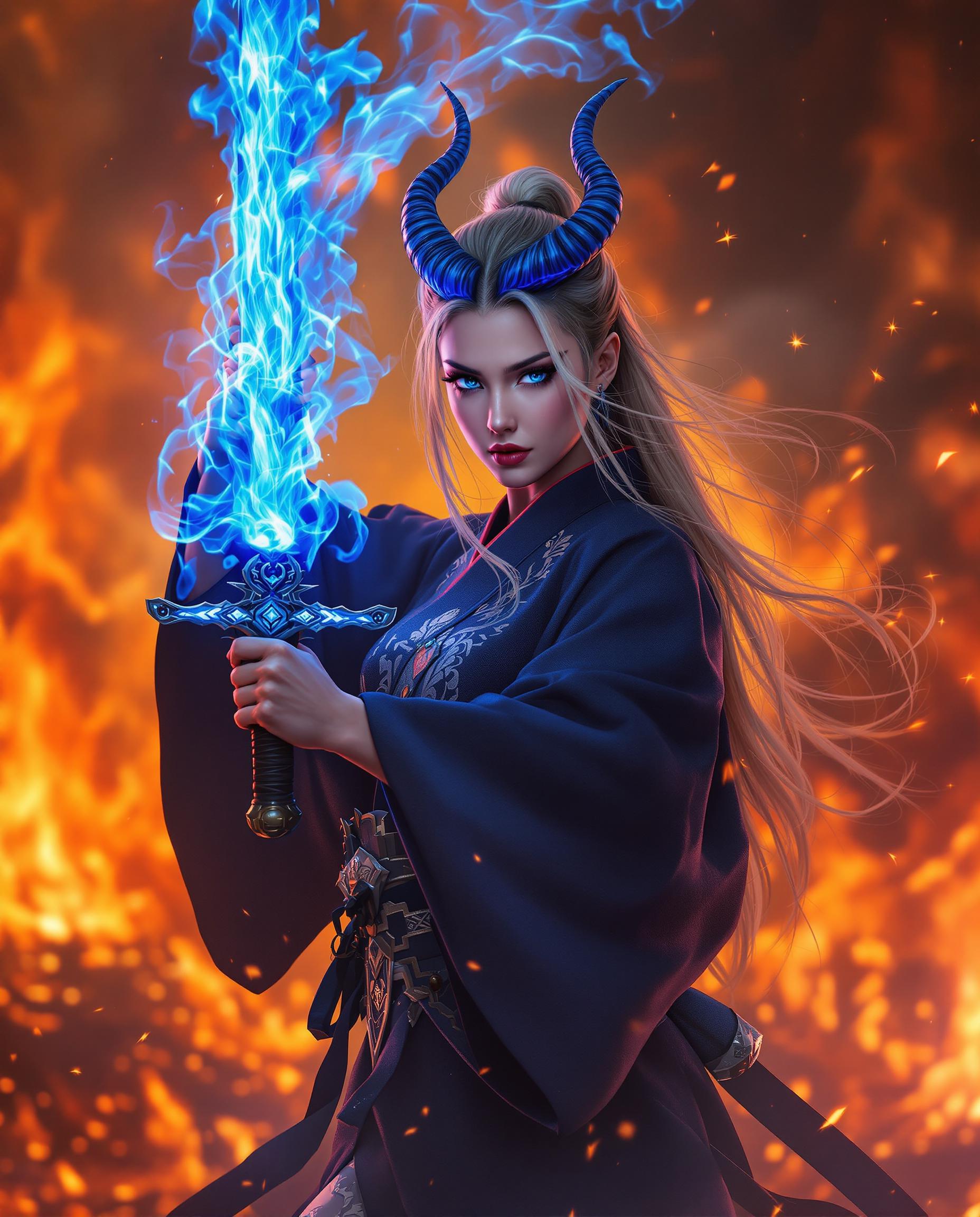
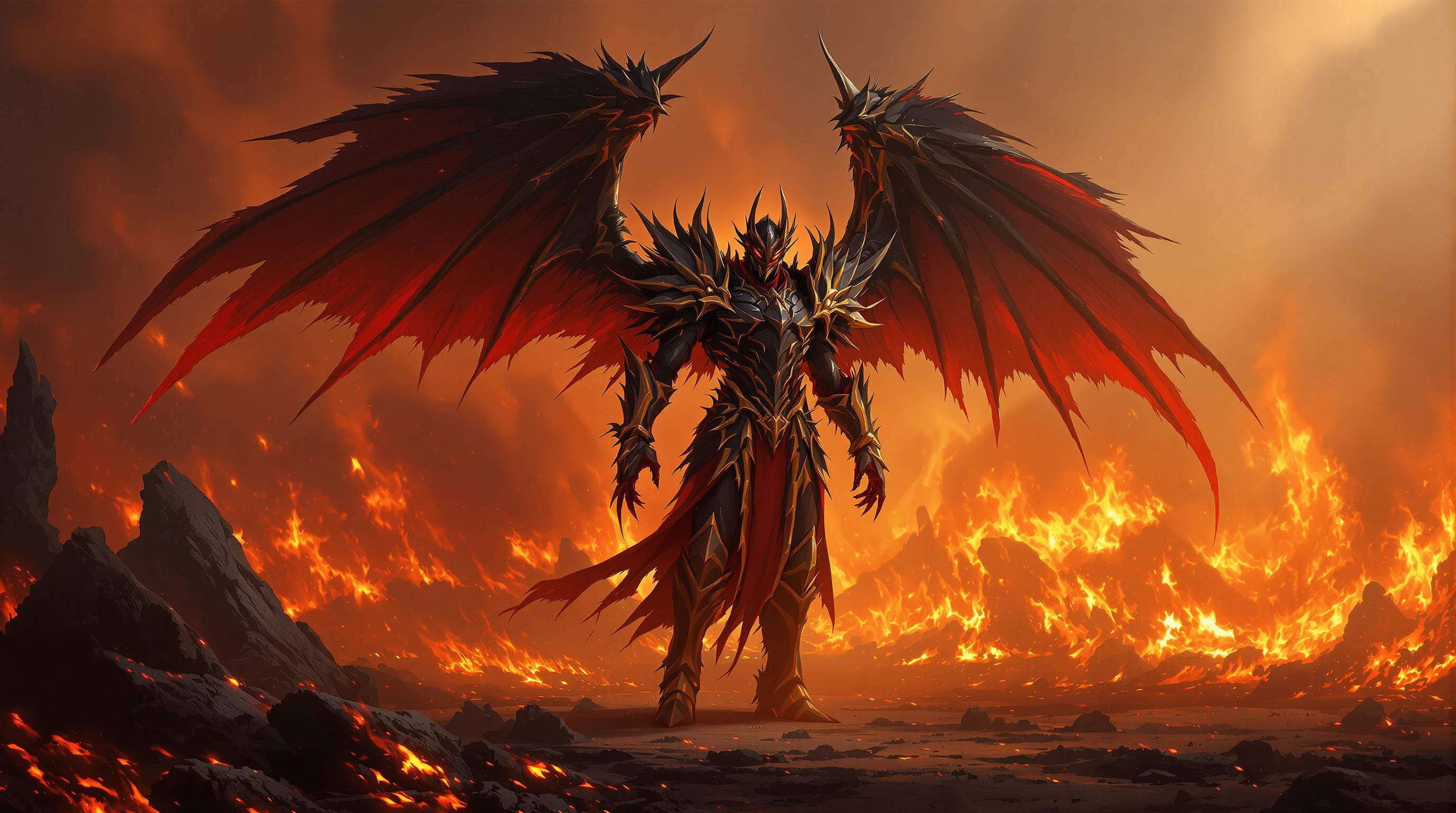
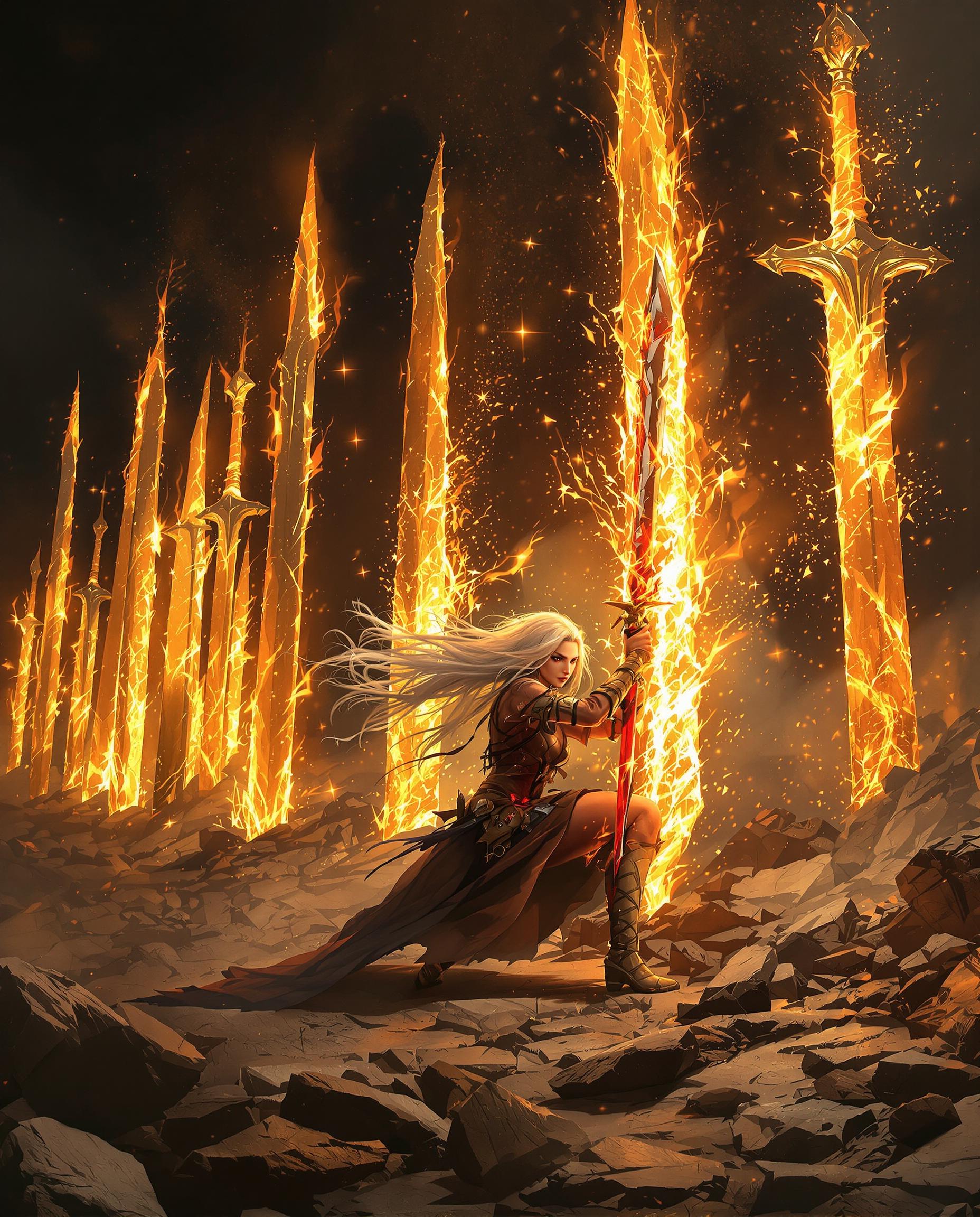
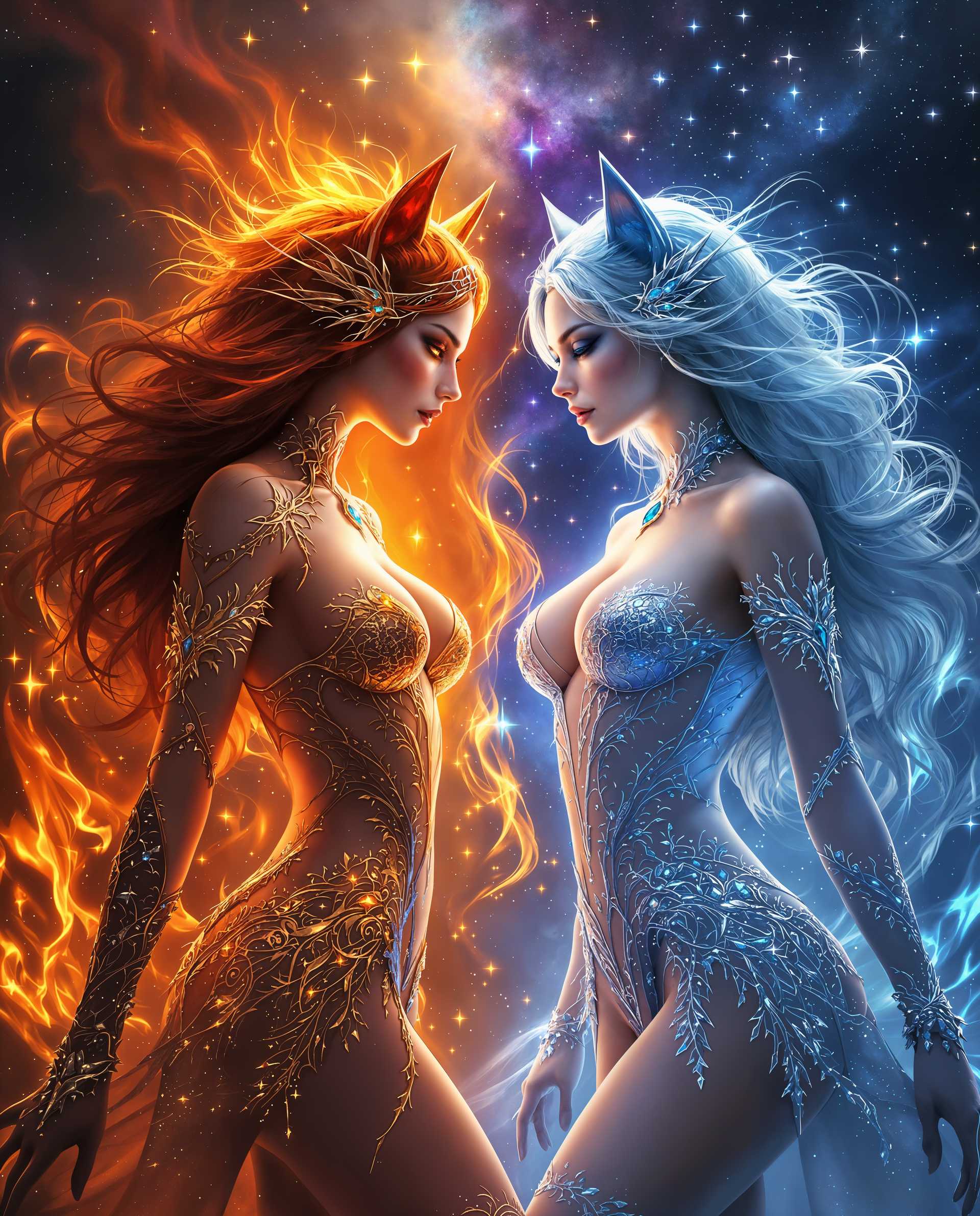
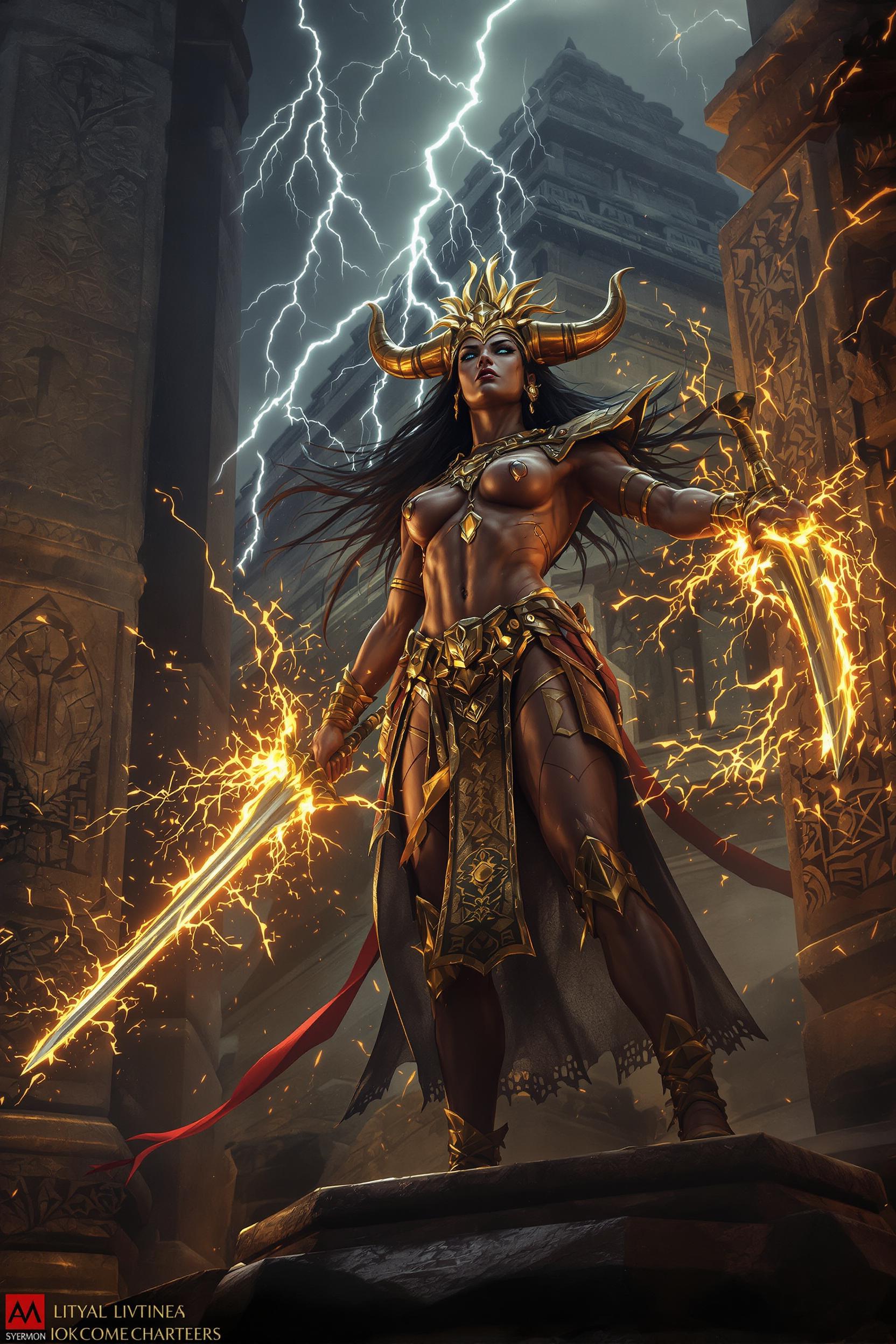
Imagine captivating your audience with hyper-realistic fire effects that leap off the screen—roaring infernos, dancing flames, or mystical fire auras—all created in seconds without needing photography skills or expensive software. With PixelDojo's QWEN Image 2.0 Pro, you effortlessly generate jaw-dropping fire images perfect for thumbnails, social media graphics, game assets, or marketing visuals. Turn simple ideas into professional-grade fire spectacles that boost engagement and stand out in crowded feeds. No more struggling with stock photos or manual edits; unlock endless creative fire power today and watch your projects ignite.
50K+ fire effect images generated | 4.9/5 stars from 12K+ creators | Trusted by top YouTubers, game devs & marketing teams worldwide
Why Choose Pixel Dojo for qwen image 2.0 pro fire effects
Professional-quality results with cutting-edge AI technology
Hyper-Realistic Flames That Captivate
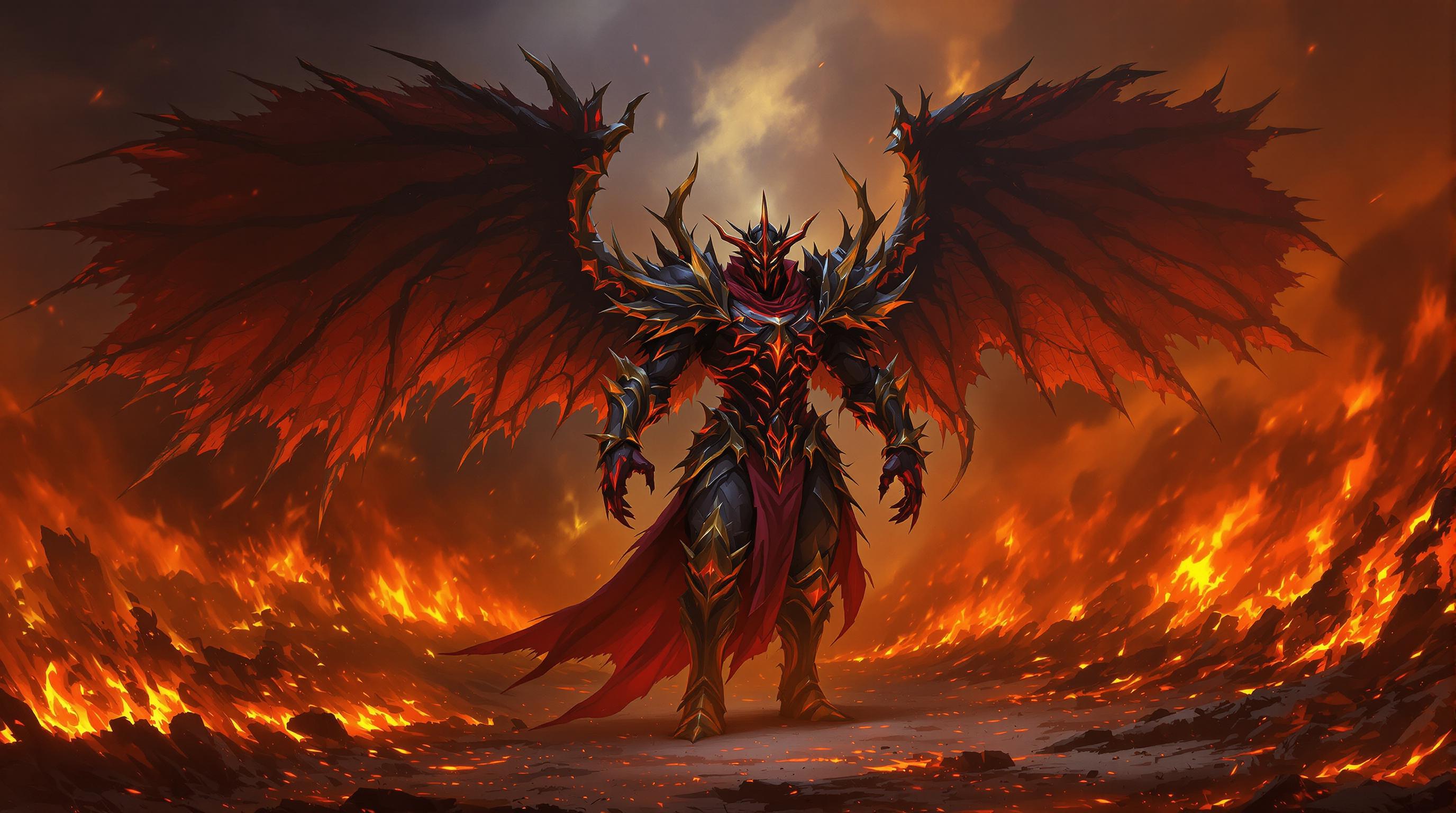
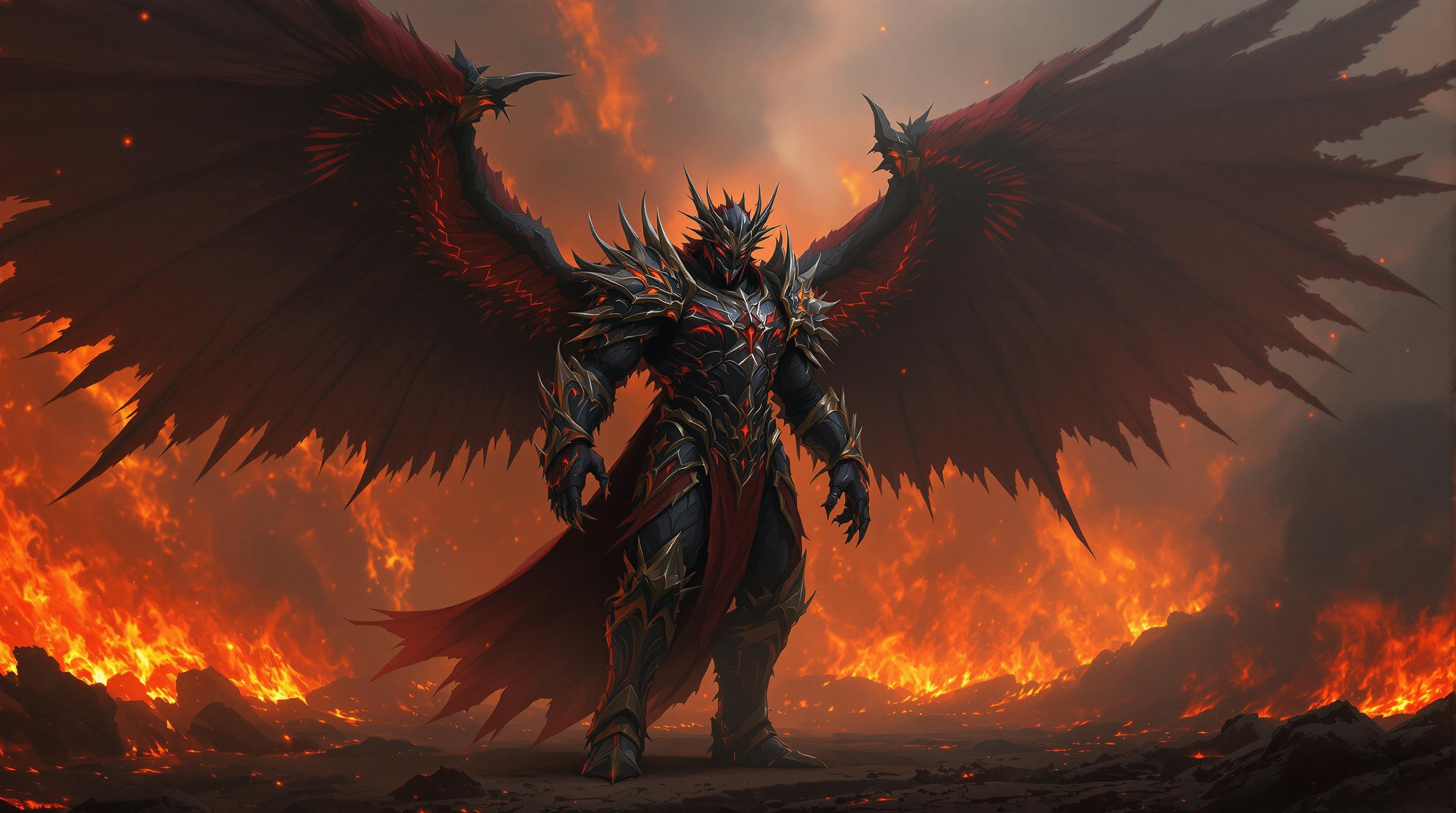
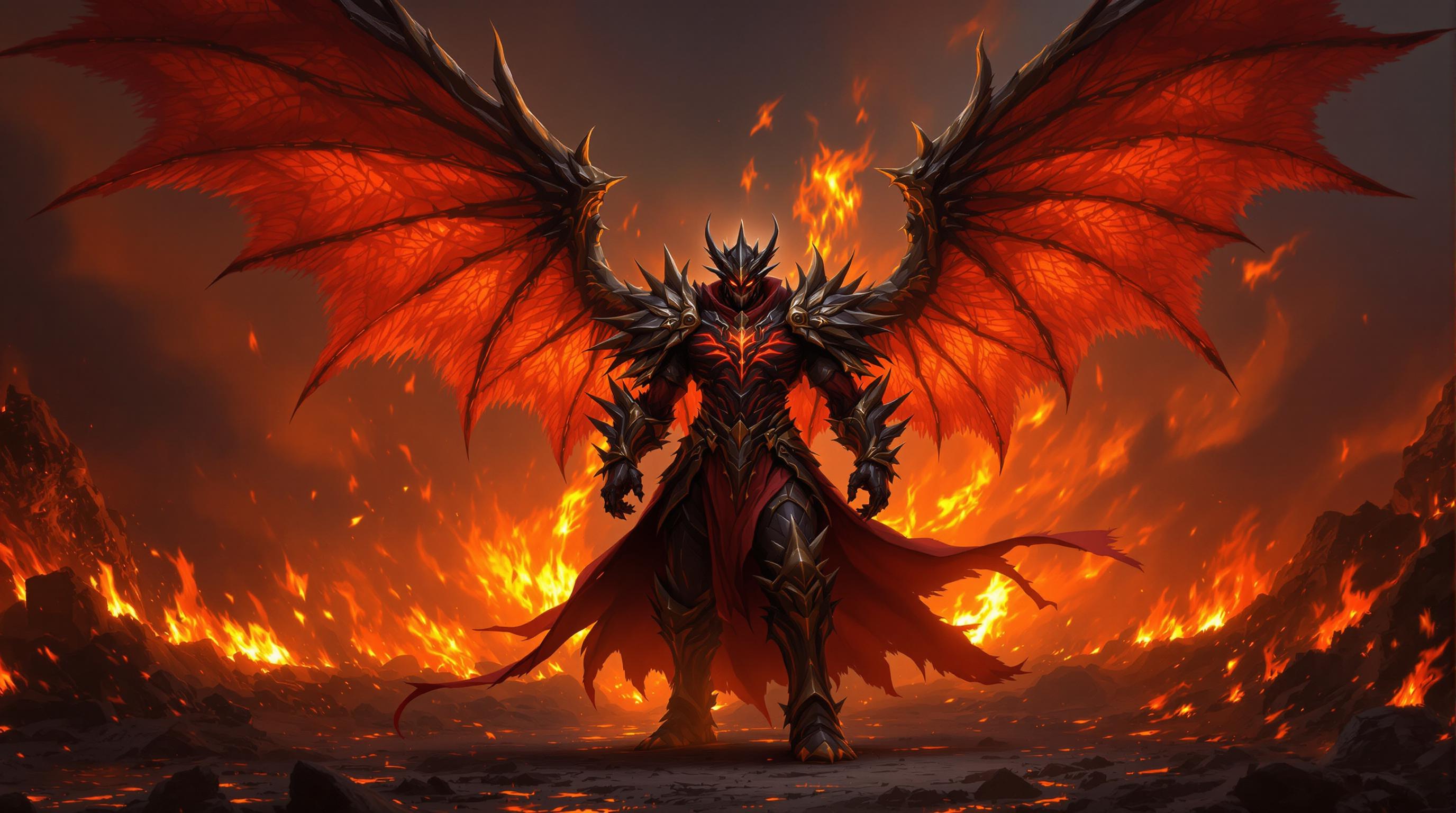
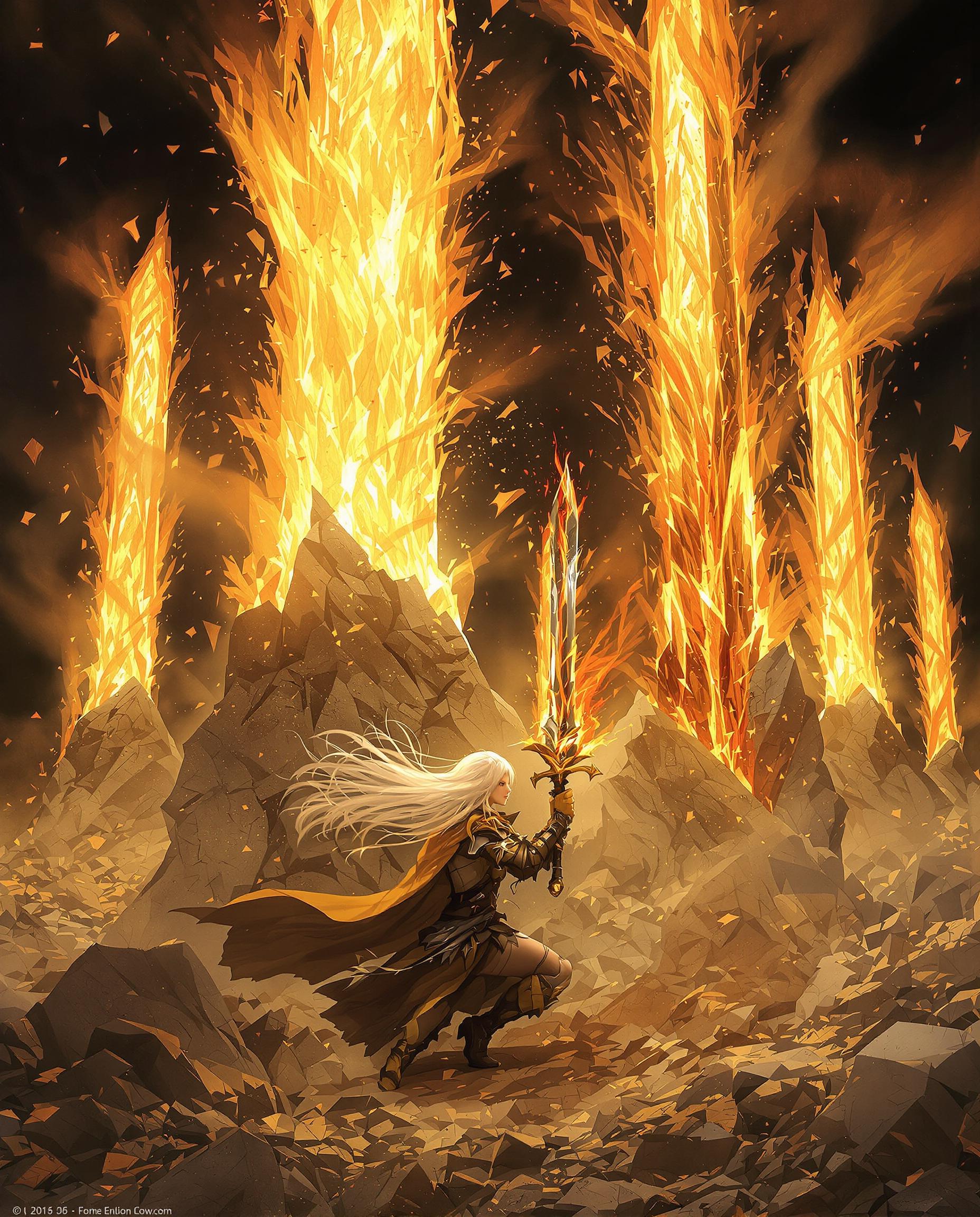
Produce photorealistic fire effects with dynamic embers, heat distortion, and lifelike glows that make viewers feel the intensity—ideal for immersive thumbnails, posters, or video intros that skyrocket clicks and shares.
Instant Customization for Any Vision
Tailor fire effects to fantasy dragons breathing flames, controlled campfires, or abstract fiery art, saving hours of trial-and-error so you focus on storytelling and achieve pro results fast.
Seamless Integration Across Projects
Enhance your fire images with PixelDojo's editing suite—add Magic Lighting for dramatic glows or upscale to 4K—delivering versatile assets ready for social, ads, or games without quality loss.
How It Works
Creating mesmerizing QWEN Image 2.0 Pro fire effects is as simple as 1-2-3. Leverage PixelDojo's intuitive interface and advanced tools to go from prompt to polished image effortlessly.
Step 1: Choose Your Tool
Head to PixelDojo's Generate Images section and select QWEN Image 2.0 Pro—optimized for intricate fire textures like crackling flames and glowing embers. Pair with Flux.2 Studio for hybrid styles if needed.
Step 2: Enter Your Prompt
Craft a detailed prompt like 'photorealistic roaring bonfire at night with flying embers, cinematic lighting, high detail'—QWEN Image 2.0 Pro excels at rendering realistic fire dynamics, heat haze, and color gradients. Add styles via ImagineArt 1.5 for fiery fantasy twists.
Step 3: Customize & Download
Refine with Inpainting to intensify flames, Magic Lighting for enhanced glows, or Magnific Upscaler for crisp 4K output. Download instantly and integrate into your workflow—ready for videos via Kling Video or social posts.



The Pixel Dojo Advantage
Why PixelDojo outperforms other options for QWEN Image 2.0 Pro fire effects image generation
| Others | Pixel Dojo |
|---|---|
| Traditional fire photography | Skip costly shoots and safety risks—generate unlimited custom fire scenes safely in seconds with perfect control over intensity and style. |
| Generic AI tools | QWEN Image 2.0 Pro delivers superior fire realism with advanced texture rendering, plus 20+ specialized editors like Inpainting for precise flame control unavailable elsewhere. |
| Manual photo editing | Eliminate hours compositing layers and color grading—AI handles complex fire physics automatically, with tools like Reality Polisher for instant pro polish. |
Loved by Creators
See what our community says about qwen image 2.0 pro fire effects
"QWEN Image 2.0 Pro fire effects transformed my YouTube thumbnails—views up 300%! Super easy prompts yield insane realism."
Sarah Kline
YouTube Creator
"As a game dev, PixelDojo's fire generations saved weeks of asset creation. Magic Lighting on QWEN outputs is game-changing."
Mike Rivera
Indie Game Developer
Common Questions
Everything you need to know about qwen image 2.0 pro fire effects AI generation
How does QWEN Image 2.0 Pro create realistic fire effects images?
QWEN Image 2.0 Pro on PixelDojo uses advanced techniques like detailed prompt parsing for embers, heat distortion, and dynamic glows, producing outcomes like lifelike bonfires or explosive infernos. You input descriptive prompts (e.g., 'intense volcanic lava flow with sparks'), and it generates high-fidelity visuals. Combine with Image Analyzer for refinements—achieve pro results 10x faster than manual methods, trusted by 12K+ creators.
What are the best prompts for QWEN Image 2.0 Pro fire effects generation?
Top prompts include 'hyper-realistic dragon breathing blue fire, cinematic, 8K' or 'controlled campfire with warm glow on faces, photorealistic.' Trends show adding 'heat haze, volumetric lighting' boosts realism. PixelDojo's QWEN Image 2 handles these flawlessly, and you can iterate with Seedream 5 Lite for variations—unlock viral thumbnails or assets effortlessly.
Can I edit QWEN Image 2.0 Pro fire effects with PixelDojo tools?
Absolutely—post-generation, use Inpainting to add flames precisely, Style Transfer for fiery overlays, or Background Remover to isolate fire elements. Magic Lighting intensifies glows naturally. This workflow lets you create composite scenes like fiery cityscapes, fully customizable for marketing or games, all in one platform.
Is QWEN Image 2.0 Pro fire effects suitable for commercial use?
Yes, all PixelDojo generations including QWEN Image 2.0 Pro fire effects are commercial-ready with full ownership rights. Upscale via Magnific Upscaler for print-quality 4K fires, and integrate into videos with Kling Video Edit. Thousands of marketers use it daily for ads—start risk-free with our subscription, cancel anytime.
How to generate fantasy fire effects with QWEN Image 2.0 Pro?
Prompts like 'ethereal purple fire phoenix rising, fantasy art, glowing particles' shine with QWEN's texture mastery. Enhance with PonyXL for stylized flames or Pose Control for dynamic scenes. Achieve enchanting visuals for book covers or NFTs—PixelDojo's 40+ tools make experimentation seamless and fun.
What makes PixelDojo's QWEN Image 2.0 Pro fire effects better than alternatives?
Superior fire physics simulation, one-click edits via HiDream or Recraft V4, and unlimited generations outperform basics. Trends favor QWEN's prompt adherence for complex effects like underwater fire illusions. Loved by creators for speed—generate, edit, and export in under 2 minutes.