qwen image 2.0 pro digital art AI Generator
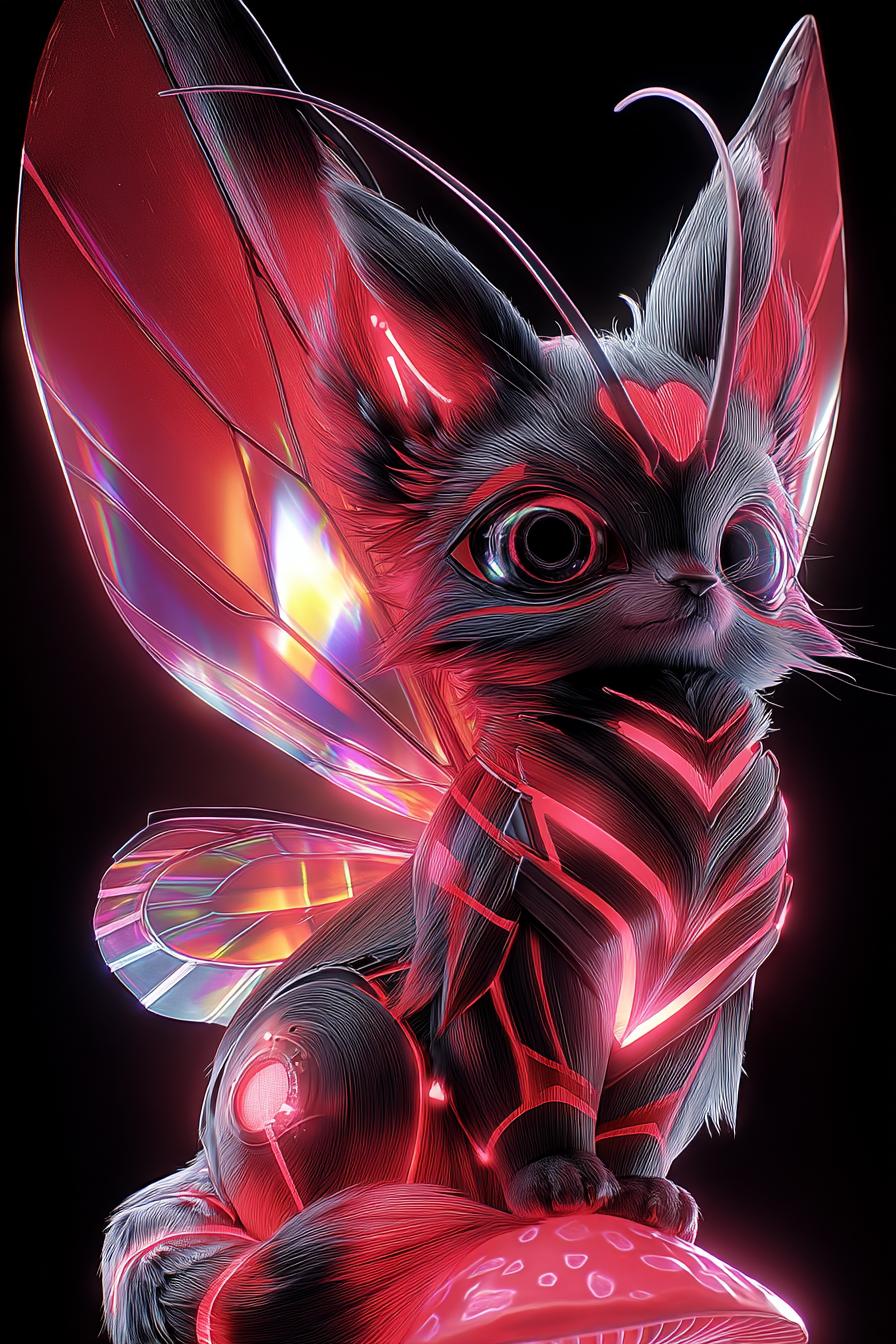
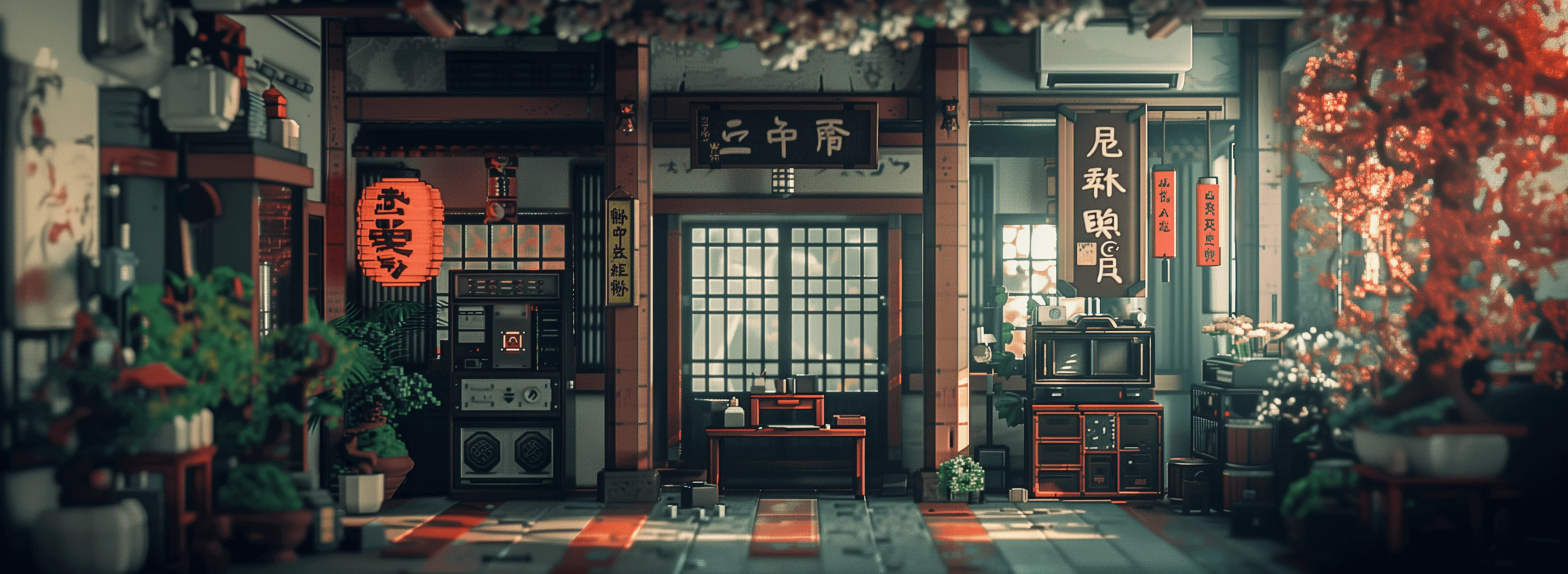
Unlock your creative potential with QWEN Image 2.0 Pro, the latest advancement in AI-driven digital art creation. Whether you're a designer, marketer, or content creator, QWEN Image 2.0 Pro empowers you to produce high-quality, photorealistic images with precise text integration, all at native 2K resolution. Say goodbye to complex design software and hello to effortless creativity.
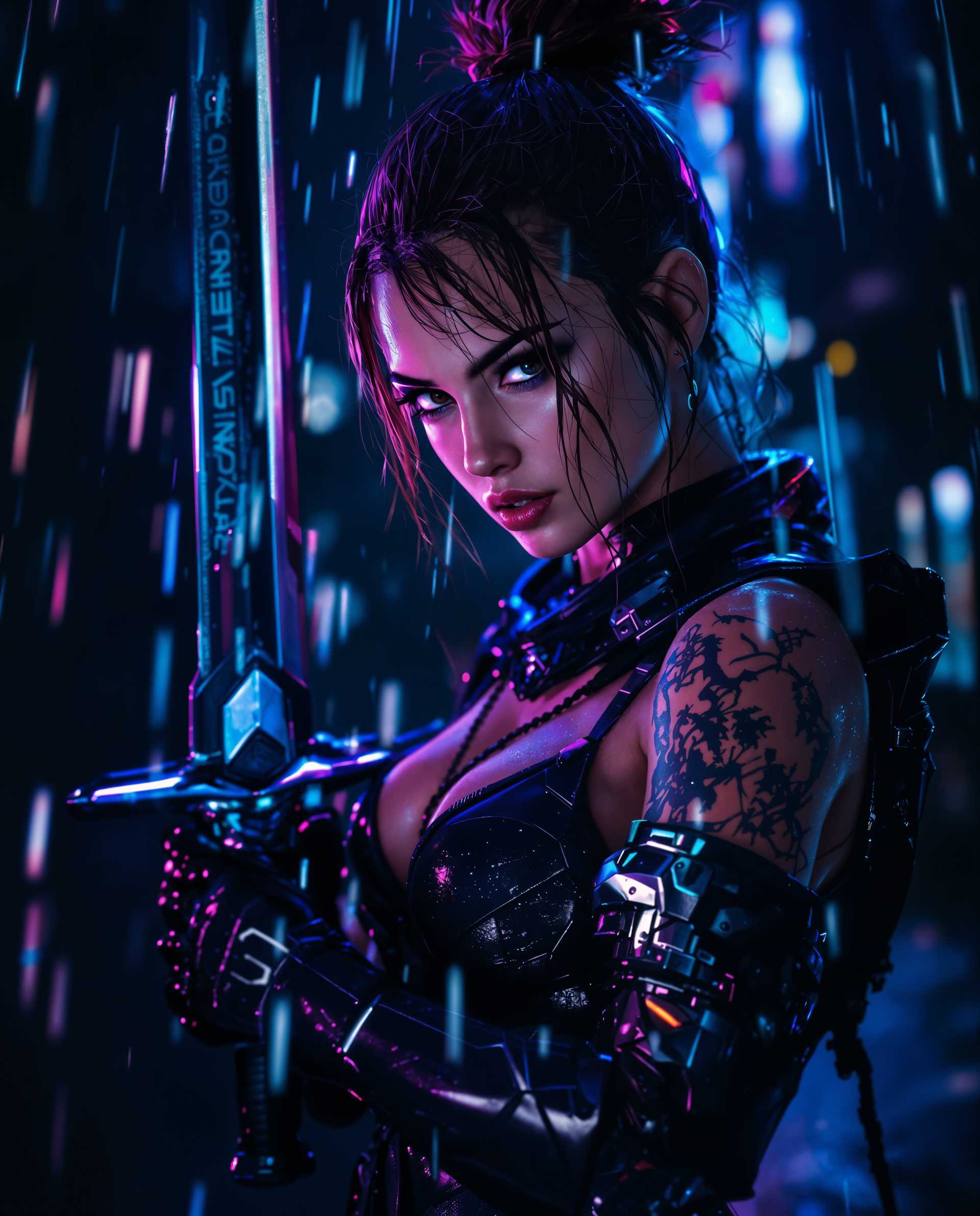
Join over 10,000 satisfied creators who have generated more than 500,000 stunning images using QWEN Image 2.0 Pro. Rated 4.8 out of 5 stars for its ease of use and exceptional output quality.
Why Choose Pixel Dojo for qwen image 2.0 pro digital art
Professional-quality results with cutting-edge AI technology
Effortless Professional Typography
Generate infographics, posters, and presentations with pixel-perfect text rendering and layout alignment, eliminating the need for manual adjustments.
High-Resolution Photorealism
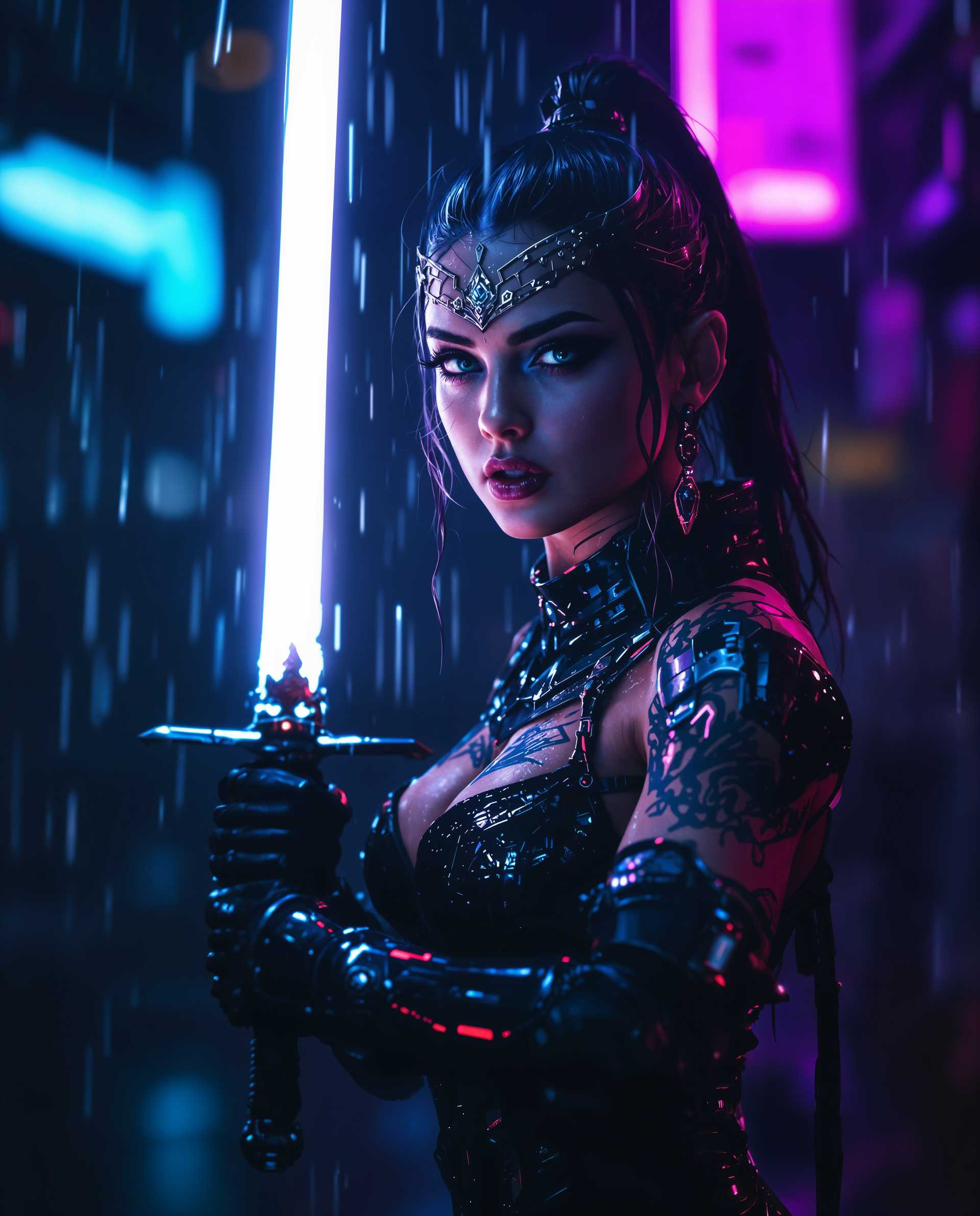
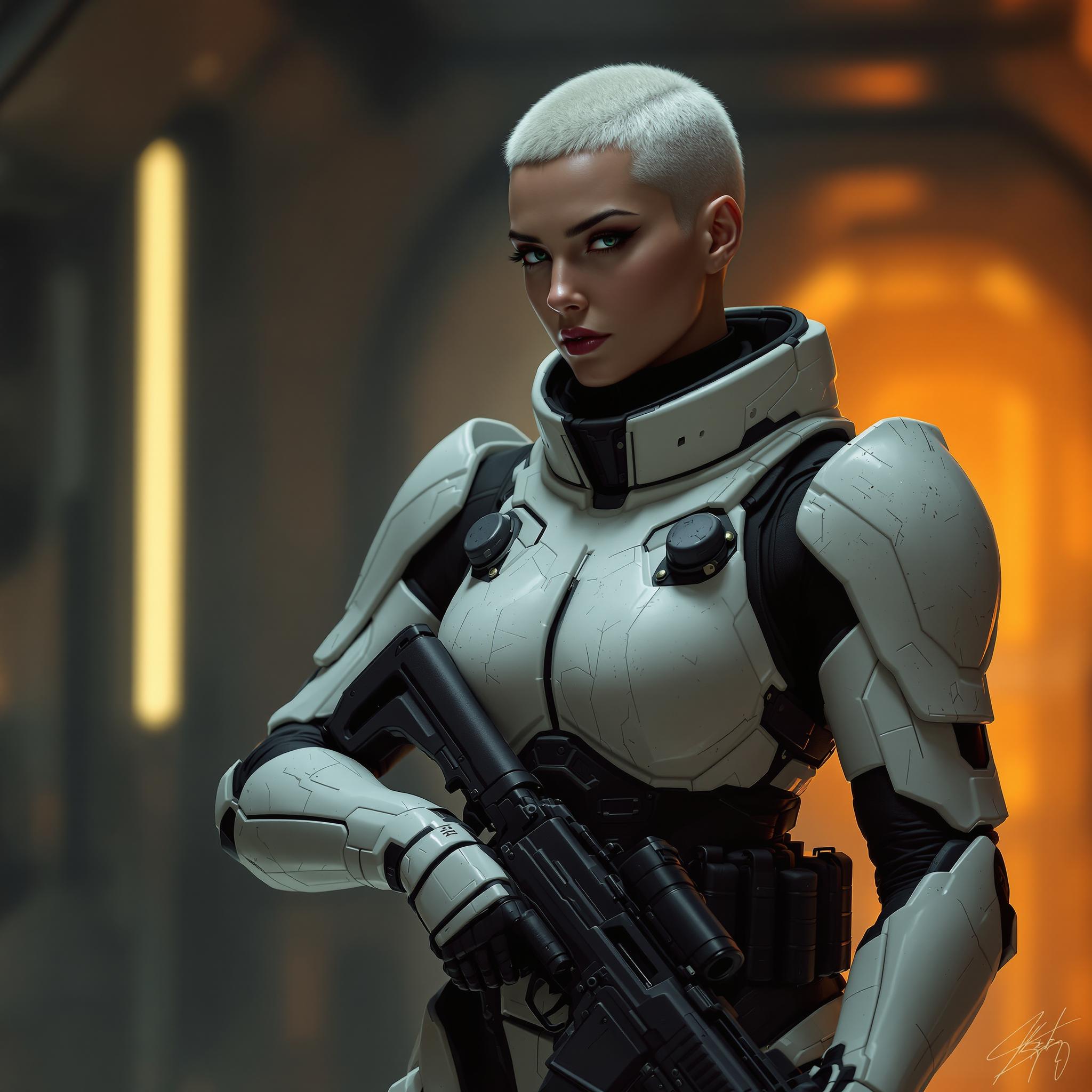
Create images with native 2K resolution, capturing intricate details like skin textures and fabric weaves for lifelike visuals.
Unified Generation and Editing
Seamlessly switch between image generation and editing within a single workflow, streamlining your creative process.
How It Works
Creating stunning digital art with QWEN Image 2.0 Pro is simple and intuitive. Follow these steps to bring your ideas to life:
Step 1: Choose Your Tool
Select the 'Text to Image' feature within QWEN Image 2.0 Pro to begin your creation.
Step 2: Enter Your Prompt
Describe your desired image in detail, specifying elements like style, composition, and color palette. For example, 'A serene mountain landscape at sunset in the style of a watercolor painting.'
Step 3: Customize & Download
Review the generated image, make any necessary edits using the integrated tools, and download the final high-resolution image.









The Pixel Dojo Advantage
Why QWEN Image 2.0 Pro Outperforms Other Digital Art Creation Methods
| Others | Pixel Dojo |
|---|---|
| Traditional Design Software | Eliminates the steep learning curve and time-consuming manual processes associated with traditional design tools. |
| Generic AI Image Generators | Offers superior text rendering capabilities and higher resolution outputs compared to generic AI tools. |
| Manual Photo Editing | Provides a faster and more efficient way to create and edit images without the need for extensive photo editing skills. |
Loved by Creators
See what our community says about qwen image 2.0 pro digital art
"QWEN Image 2.0 Pro has revolutionized my design workflow. I can now create high-quality visuals in minutes without any prior design experience."
Alex Johnson
Marketing Specialist
"The text rendering accuracy is phenomenal. My infographics look professional and polished, saving me hours of manual adjustments."
Emily Davis
Content Creator
Common Questions
Everything you need to know about qwen image 2.0 pro digital art AI generation
Can I use QWEN Image 2.0 Pro without any design experience?
Absolutely! QWEN Image 2.0 Pro is designed for users of all skill levels. Its intuitive interface and AI-driven features allow you to create professional-quality images without any prior design experience.
What types of images can I create with QWEN Image 2.0 Pro?
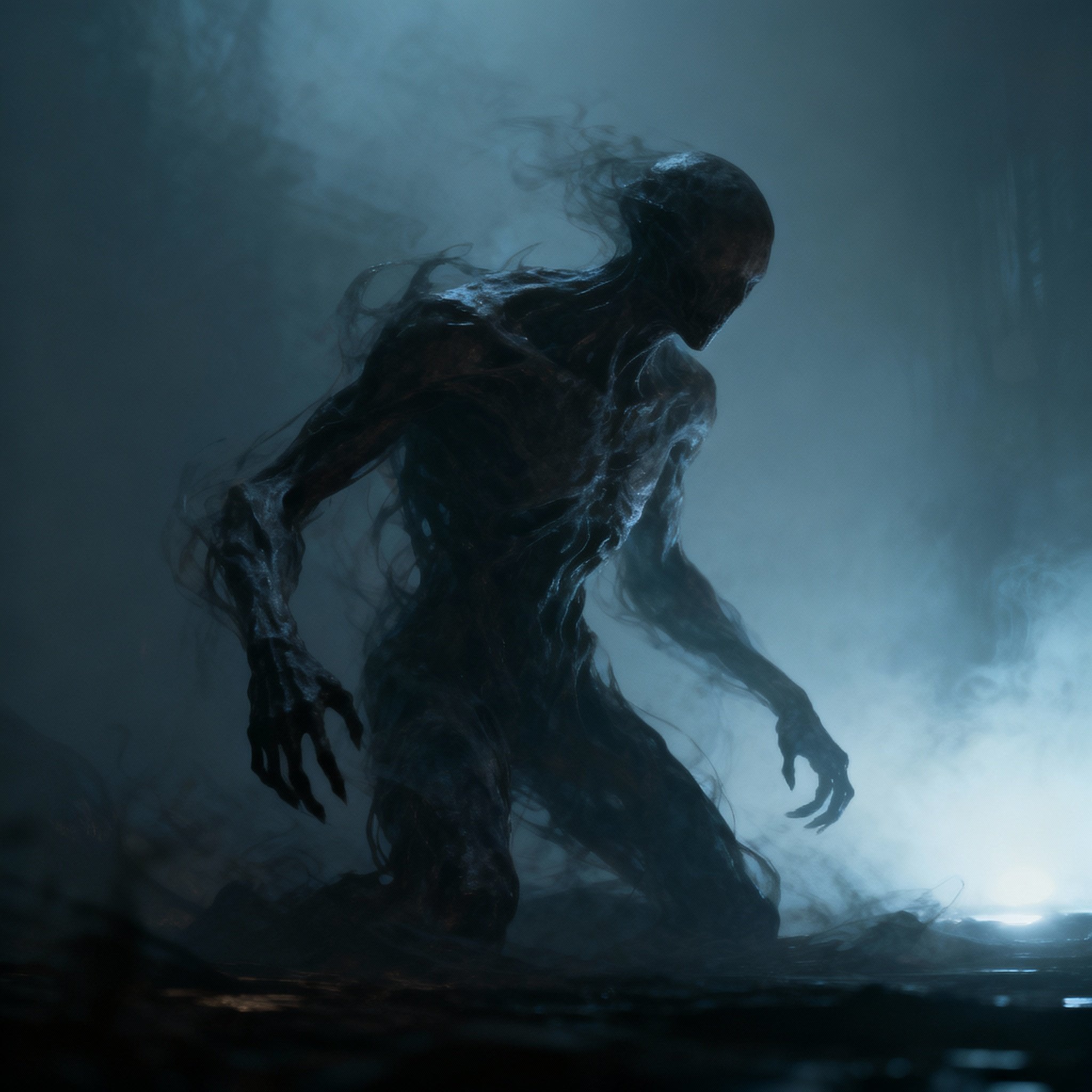
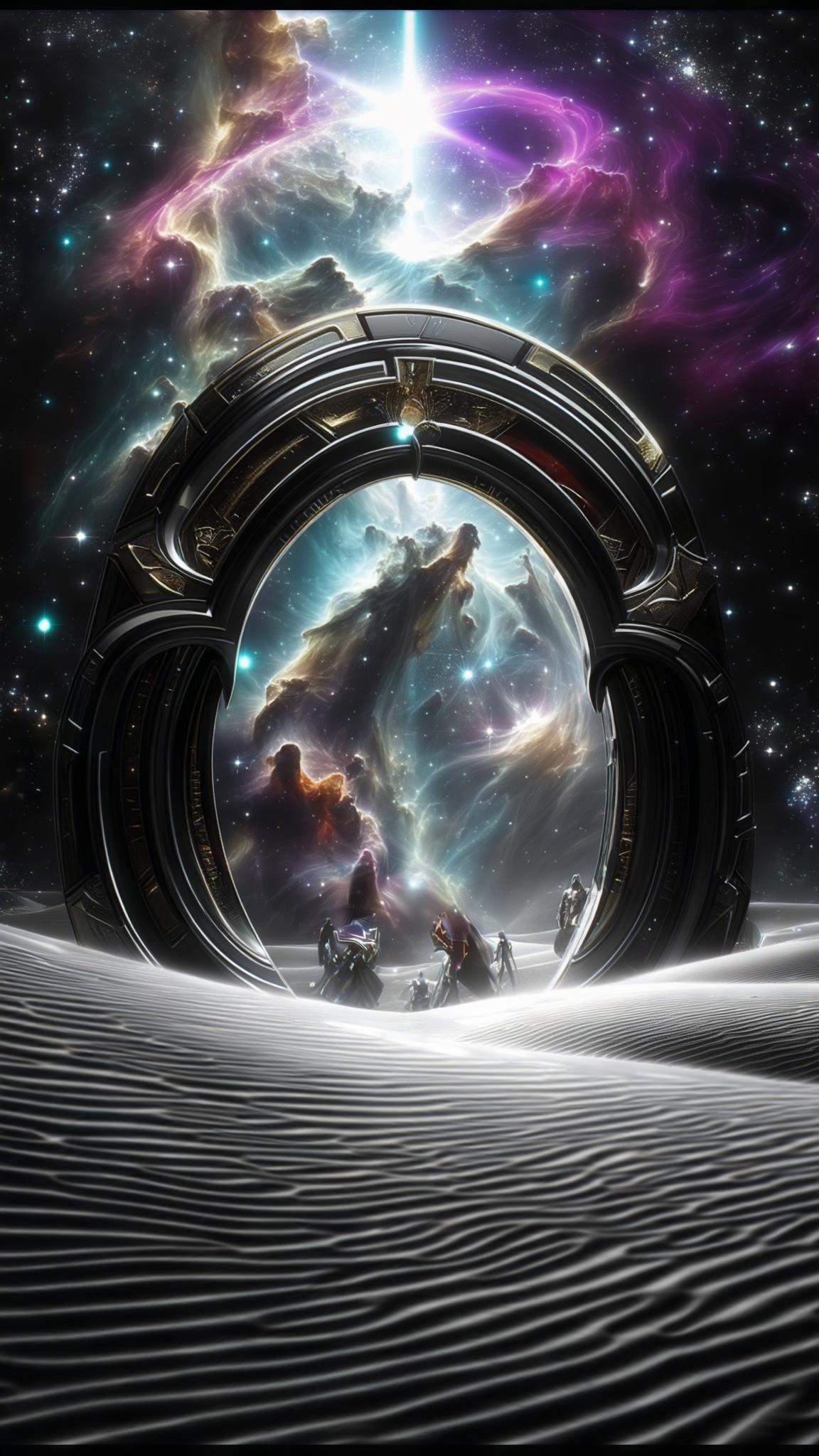
You can create a wide range of images, including infographics, posters, presentations, comics, and photorealistic scenes. The advanced AI capabilities allow for precise text rendering and high-resolution outputs.
Is there a limit to the length of prompts I can use?
QWEN Image 2.0 Pro supports prompts up to 1,000 tokens, enabling you to describe complex scenes and layouts with extreme detail.
Can I edit images after generating them?
Yes, QWEN Image 2.0 Pro unifies image generation and editing within a single workflow, allowing you to make precise edits without switching between separate tools.
What is the output resolution of the images?
QWEN Image 2.0 Pro generates images at a native 2K resolution (2048x2048), ensuring high-quality, detailed visuals suitable for professional use.
Is QWEN Image 2.0 Pro cloud-based?
Yes, QWEN Image 2.0 Pro is fully cloud-based, allowing you to access and use it from any device with a browser, without the need for downloads or installations.