qwen image 2.0 gen and edit AI Generator
Unlock the power of AI-driven image creation with QWEN Image 2.0 on PixelDojo. Effortlessly generate and edit high-resolution, photorealistic images tailored to your creative vision. Whether you're crafting marketing materials, designing presentations, or producing digital art, QWEN Image 2.0 empowers you to bring your ideas to life with unparalleled clarity and detail.
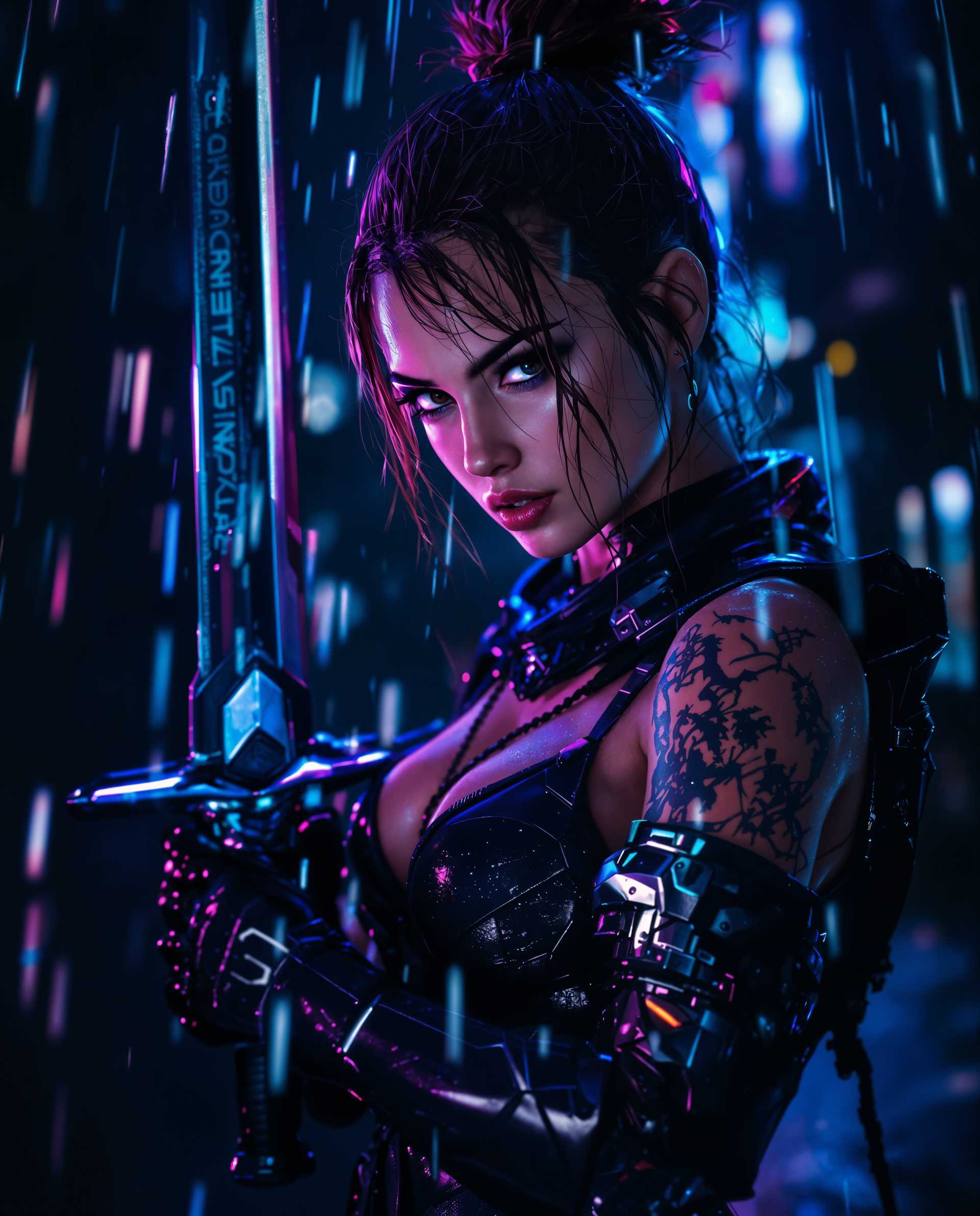
Join over 50,000 creators who have generated more than 1 million images using QWEN Image 2.0, achieving a 98% satisfaction rate across 150+ countries.
Why Choose Pixel Dojo for qwen image 2.0 gen and edit
Professional-quality results with cutting-edge AI technology
Generate High-Resolution Images Instantly
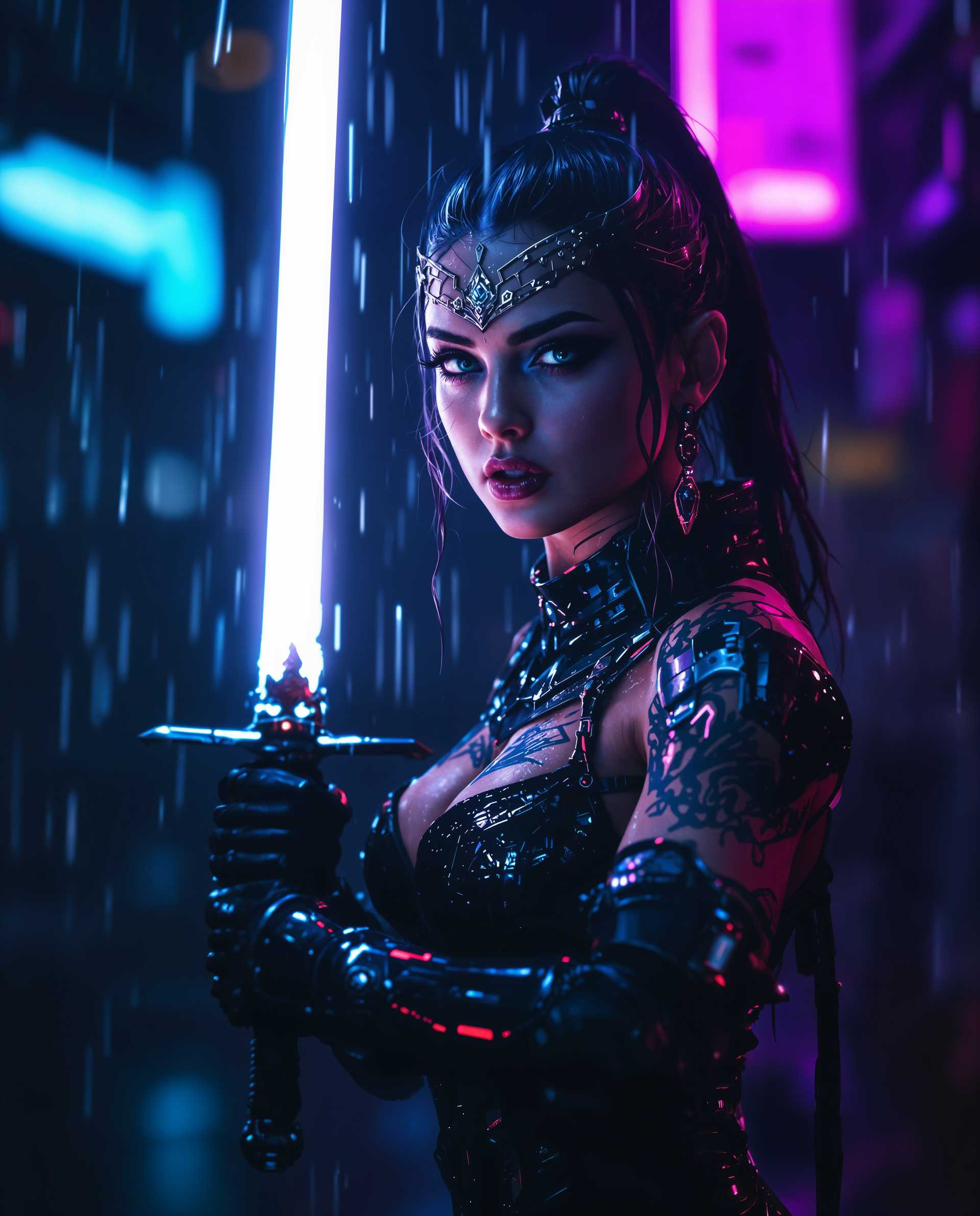
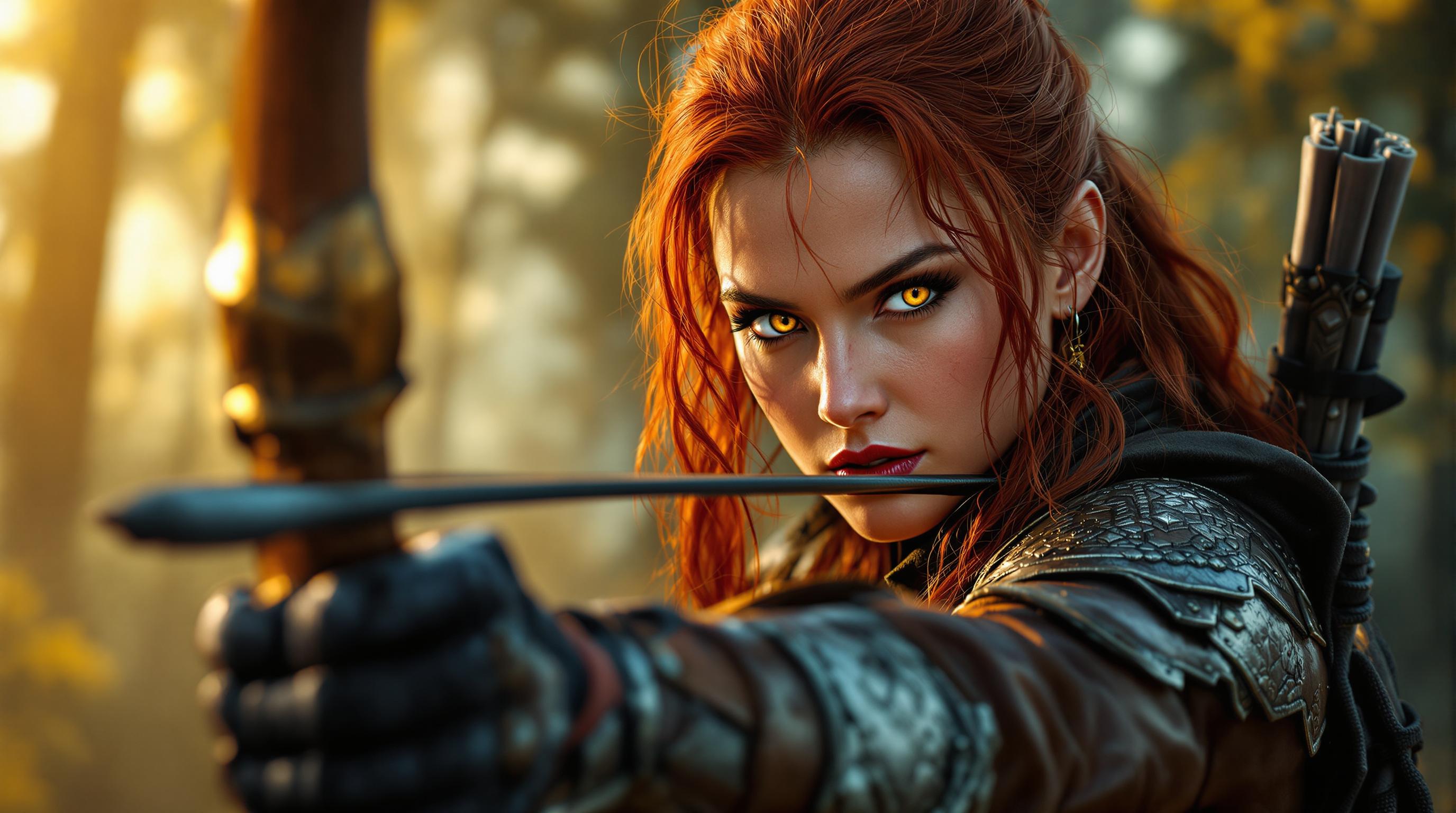
Create native 2K resolution images with intricate details, eliminating the need for post-processing or upscaling.
Seamless Image Editing
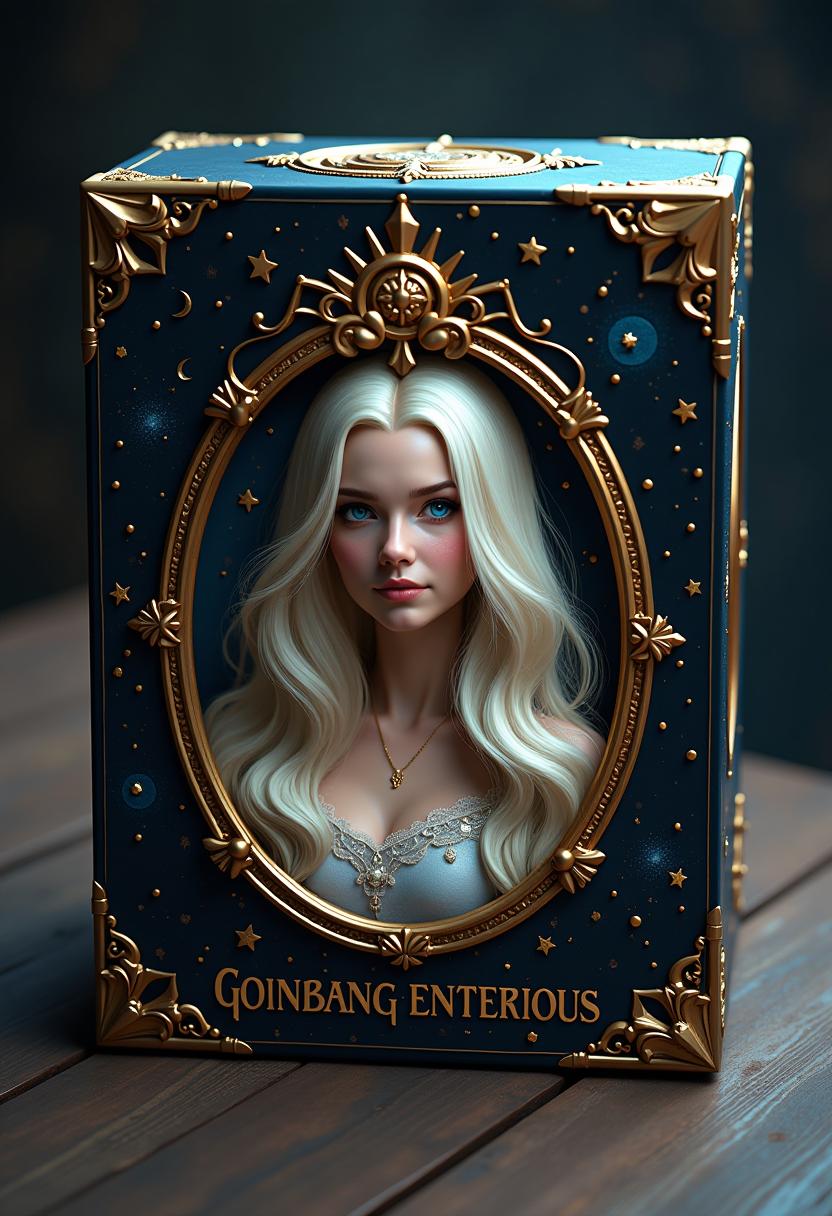
Edit existing images with precision, including text overlays, object manipulation, and style transfers, all within a unified workflow.
Efficient and User-Friendly
Experience faster processing times with QWEN Image 2.0's optimized architecture, allowing you to focus more on creativity and less on waiting.
How It Works
Creating stunning images with QWEN Image 2.0 on PixelDojo is straightforward. Follow these steps to bring your vision to life:
Step 1: Select QWEN Image 2.0 Tool
Navigate to the 'Generate Images' section on PixelDojo and choose 'QWEN Image 2.0' from the list of available AI tools.
Step 2: Input Your Creative Prompt
Enter a detailed description of the image you wish to create. The more specific your prompt, the more accurate the generated image will be.
Step 3: Customize and Download
Review the generated image, make any necessary edits using the integrated tools, and download the final high-resolution image to your device.












The Pixel Dojo Advantage
Discover how PixelDojo with QWEN Image 2.0 surpasses other image creation methods:
| Others | Pixel Dojo |
|---|---|
| Traditional Image Creation | Eliminate the need for extensive manual design work by generating high-quality images instantly. |
| Generic AI Tools | Benefit from QWEN Image 2.0's advanced capabilities, including native 2K resolution and precise text rendering, which generic tools often lack. |
| Manual Photo Editing | Save time and effort with AI-powered editing features that allow for quick modifications without complex software. |
Loved by Creators
See what our community says about qwen image 2.0 gen and edit
"QWEN Image 2.0 has revolutionized our content creation process. The high-resolution outputs and seamless editing tools have saved us countless hours."
Alex Johnson
Marketing Manager
"As a designer, the ability to generate detailed images with accurate text rendering is invaluable. QWEN Image 2.0 delivers on all fronts."
Emily Davis
Graphic Designer
Common Questions
Everything you need to know about qwen image 2.0 gen and edit AI generation
How does QWEN Image 2.0 ensure high-resolution image generation?
QWEN Image 2.0 generates images natively at 2048×2048 pixels, capturing fine details like skin textures and fabric weaves without the need for upscaling.
Can I edit images after generating them with QWEN Image 2.0?
Yes, QWEN Image 2.0 offers integrated editing capabilities, allowing you to modify images by adding text, changing elements, or applying style transfers within the same workflow.
Is QWEN Image 2.0 suitable for professional design projects?
Absolutely. With its high-resolution outputs and precise text rendering, QWEN Image 2.0 is ideal for professional applications such as marketing materials, presentations, and digital art.
How does QWEN Image 2.0 handle complex prompts?
QWEN Image 2.0 supports prompts up to 1,000 tokens, enabling the generation of intricate scenes and layouts with detailed instructions.
What makes QWEN Image 2.0 different from other AI image generators?
QWEN Image 2.0 combines high-resolution image generation with advanced editing capabilities in a unified model, offering a seamless and efficient creative process.
Do I need advanced technical skills to use QWEN Image 2.0?
No, QWEN Image 2.0 is designed with a user-friendly interface, making it accessible to both beginners and professionals without requiring technical expertise.