qwen image 2.0 AI Generator
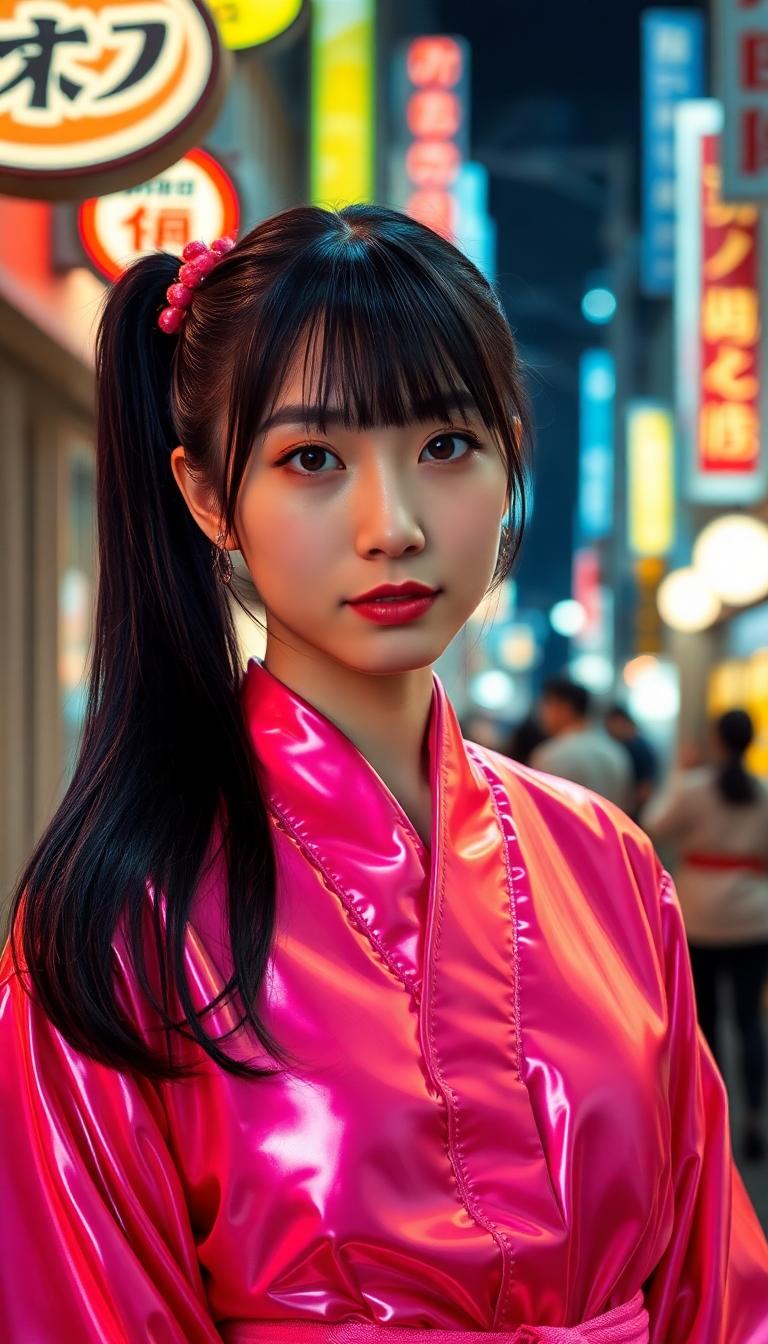
Imagine turning your wildest creative ideas into hyper-realistic, professional-grade images in mere seconds – without needing artistic skills or expensive software. With PixelDojo's QWEN Image 2.0, you achieve breathtaking photorealism, intricate details, and perfect prompt adherence every time. Whether you're crafting marketing visuals that captivate audiences, designing social media graphics that go viral, or prototyping product concepts that wow clients, QWEN Image 2.0 delivers outcomes that elevate your projects instantly. Access it alongside 40+ cutting-edge tools like Flux.2 Studio and Kling Image for endless creative possibilities. Start creating images that stand out and convert viewers into fans today.
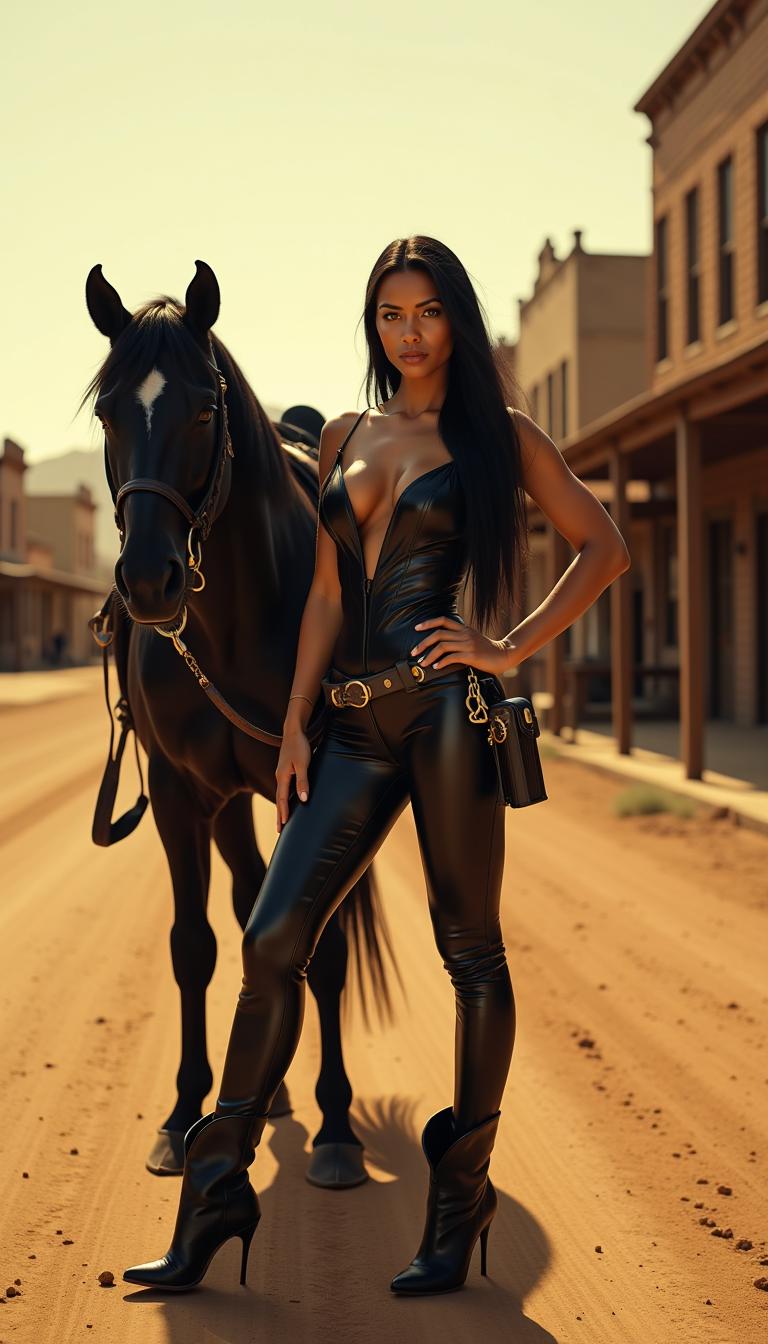
Trusted by 50,000+ creators worldwide | 4.9/5 stars from 12,000+ reviews | Over 2 million QWEN-powered images generated | Featured in top design communities
Why Choose Pixel Dojo for qwen image 2.0
Professional-quality results with cutting-edge AI technology
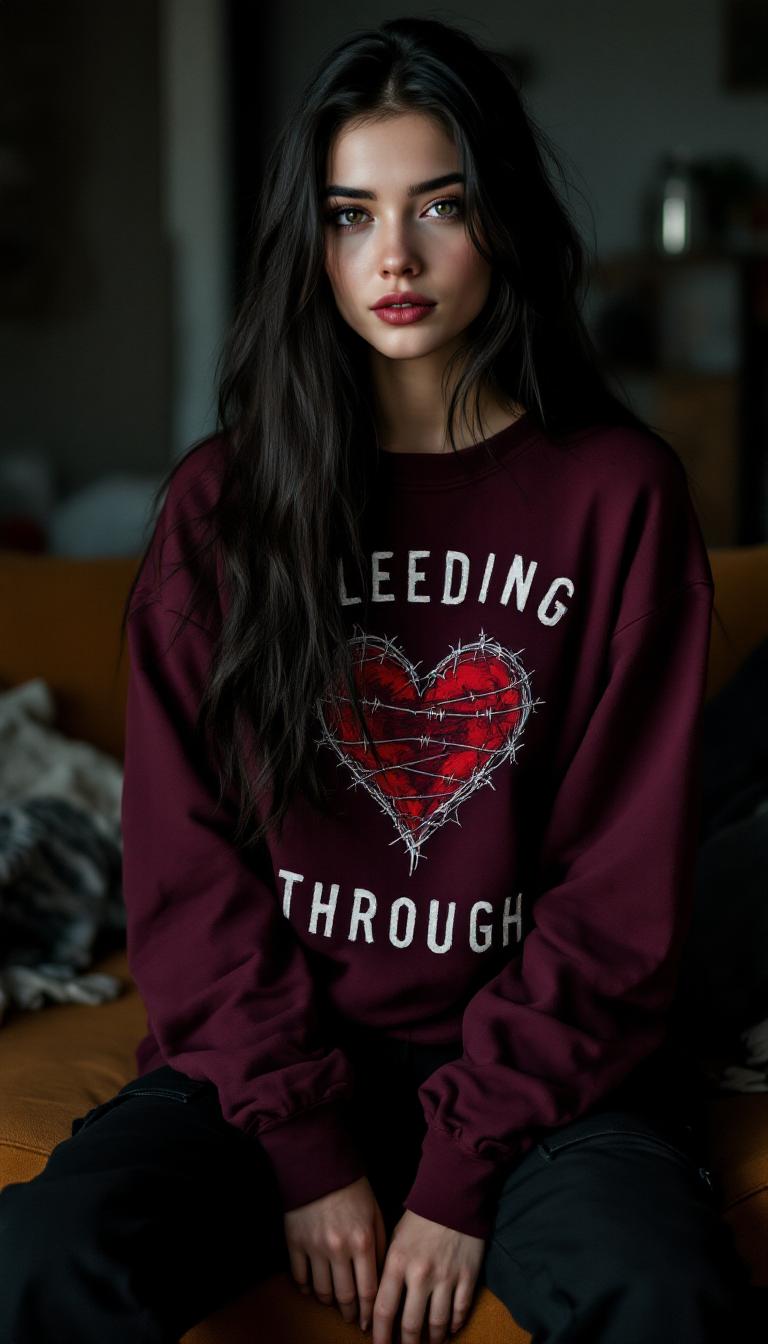
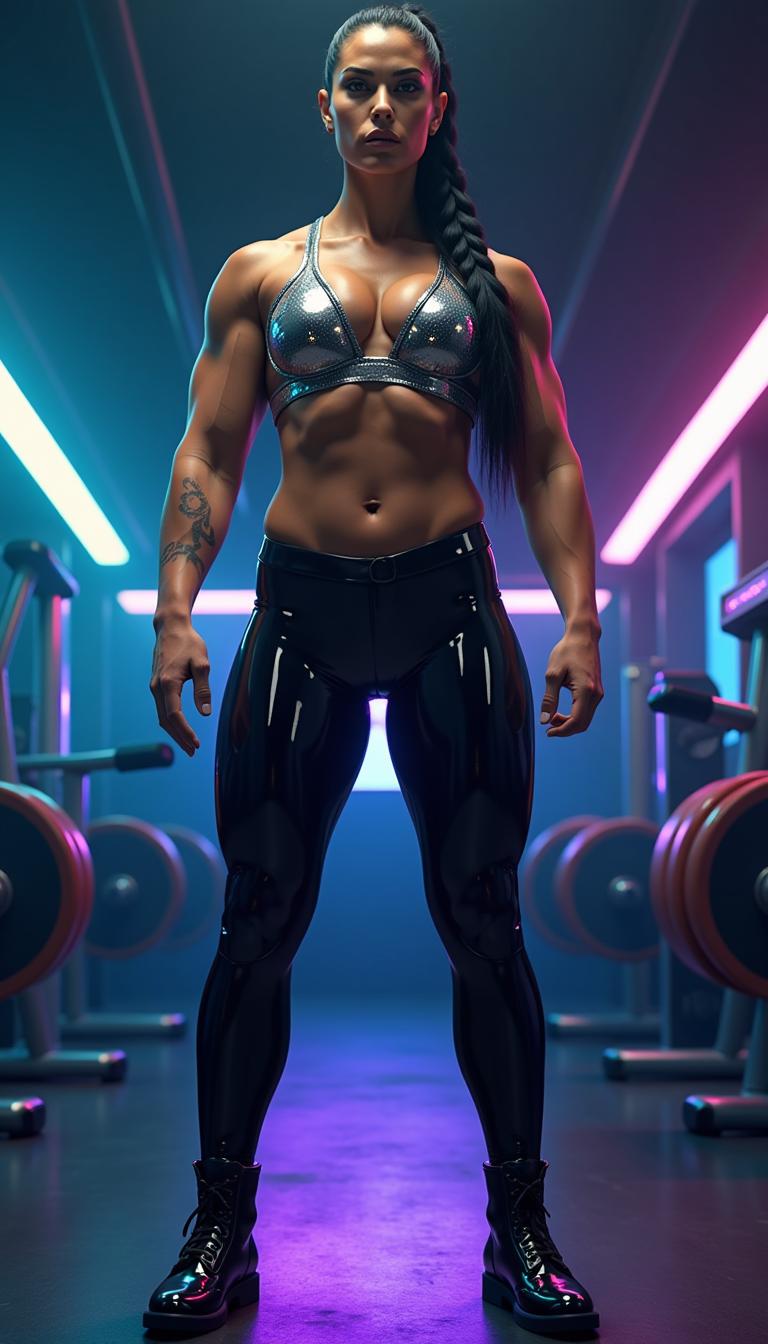
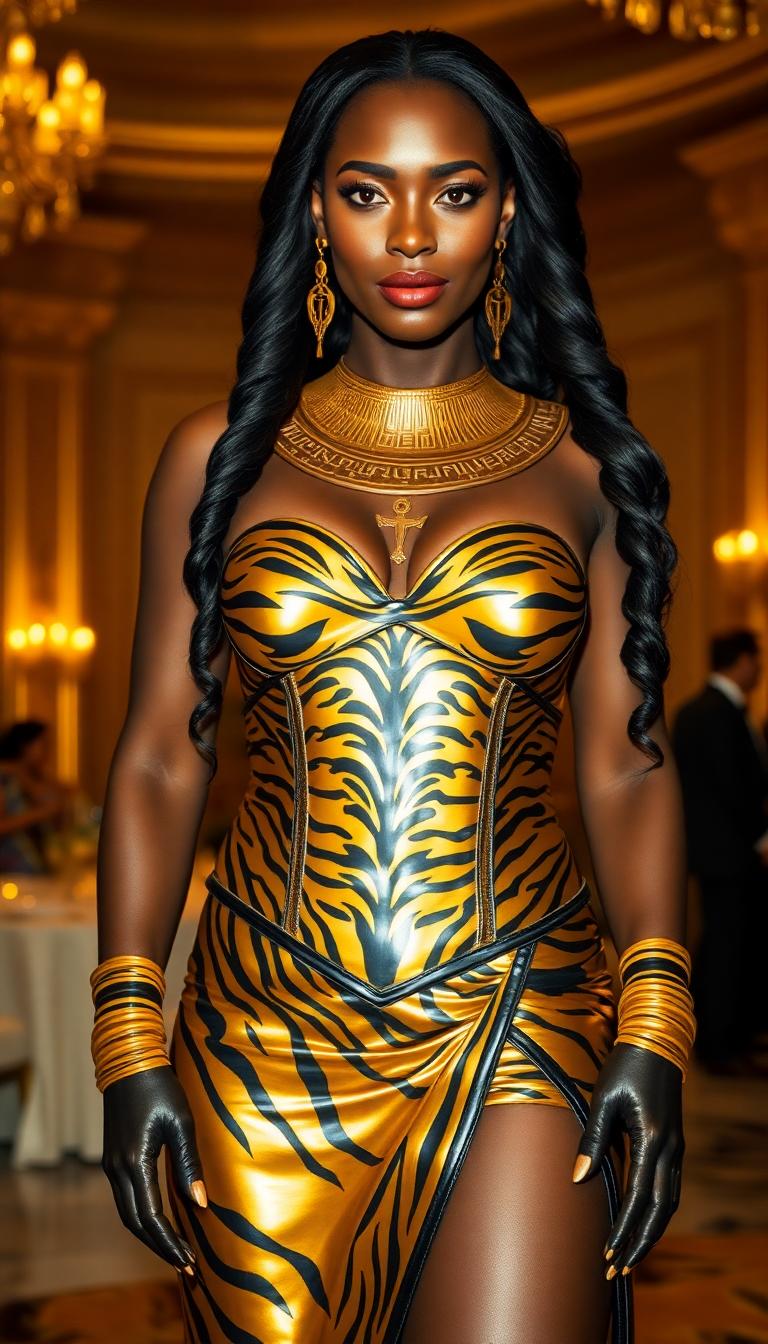
Craft Hyper-Realistic Masterpieces Effortlessly
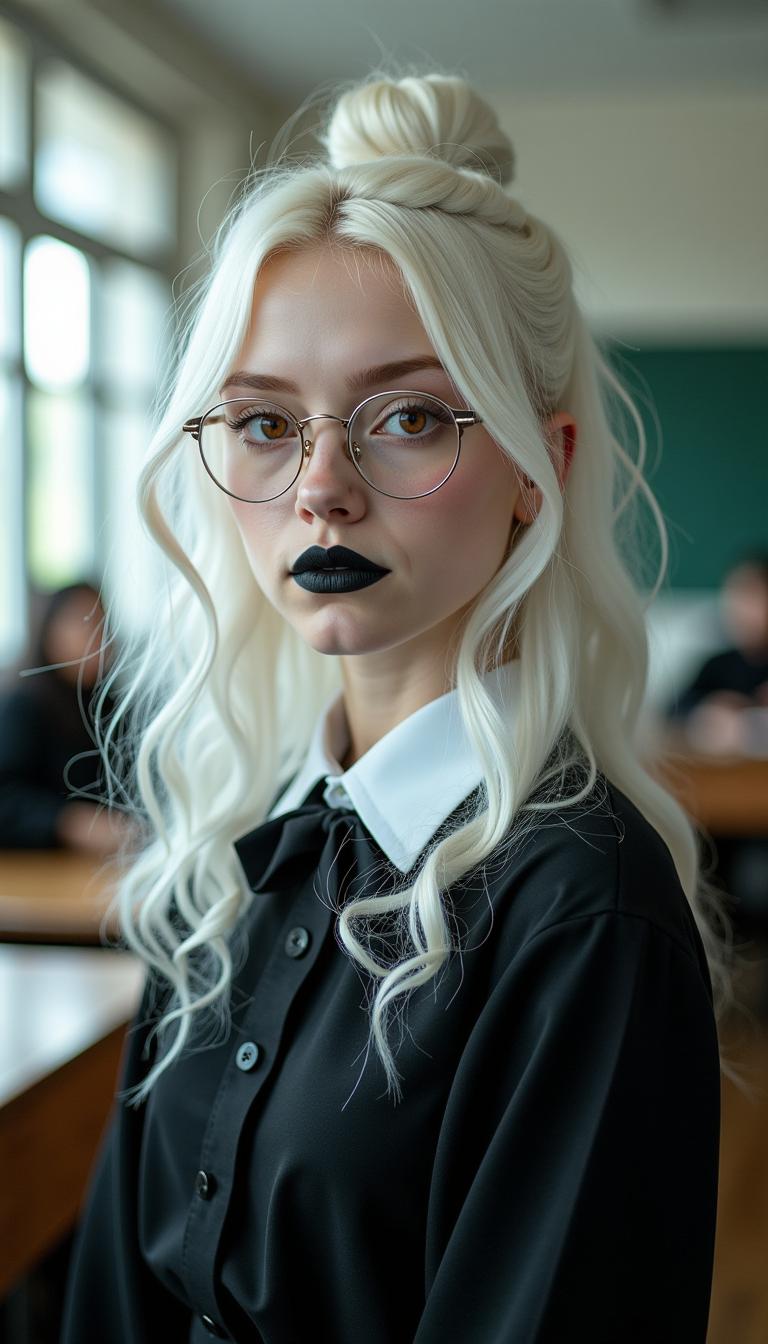
You produce lifelike portraits, landscapes, and scenes with flawless anatomy, lighting, and textures – ideal for e-commerce product shots or storytelling visuals that feel real and engage deeply.
Achieve Pixel-Perfect Prompt Control
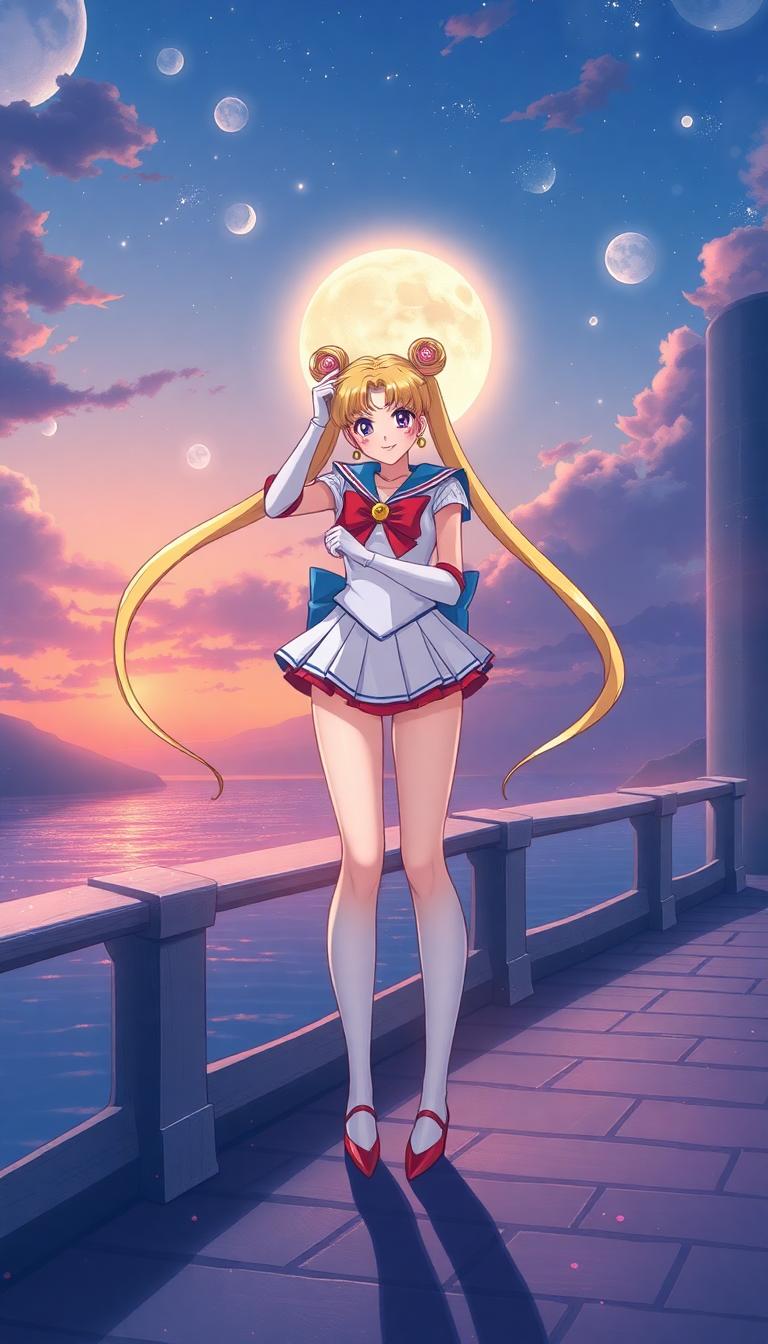
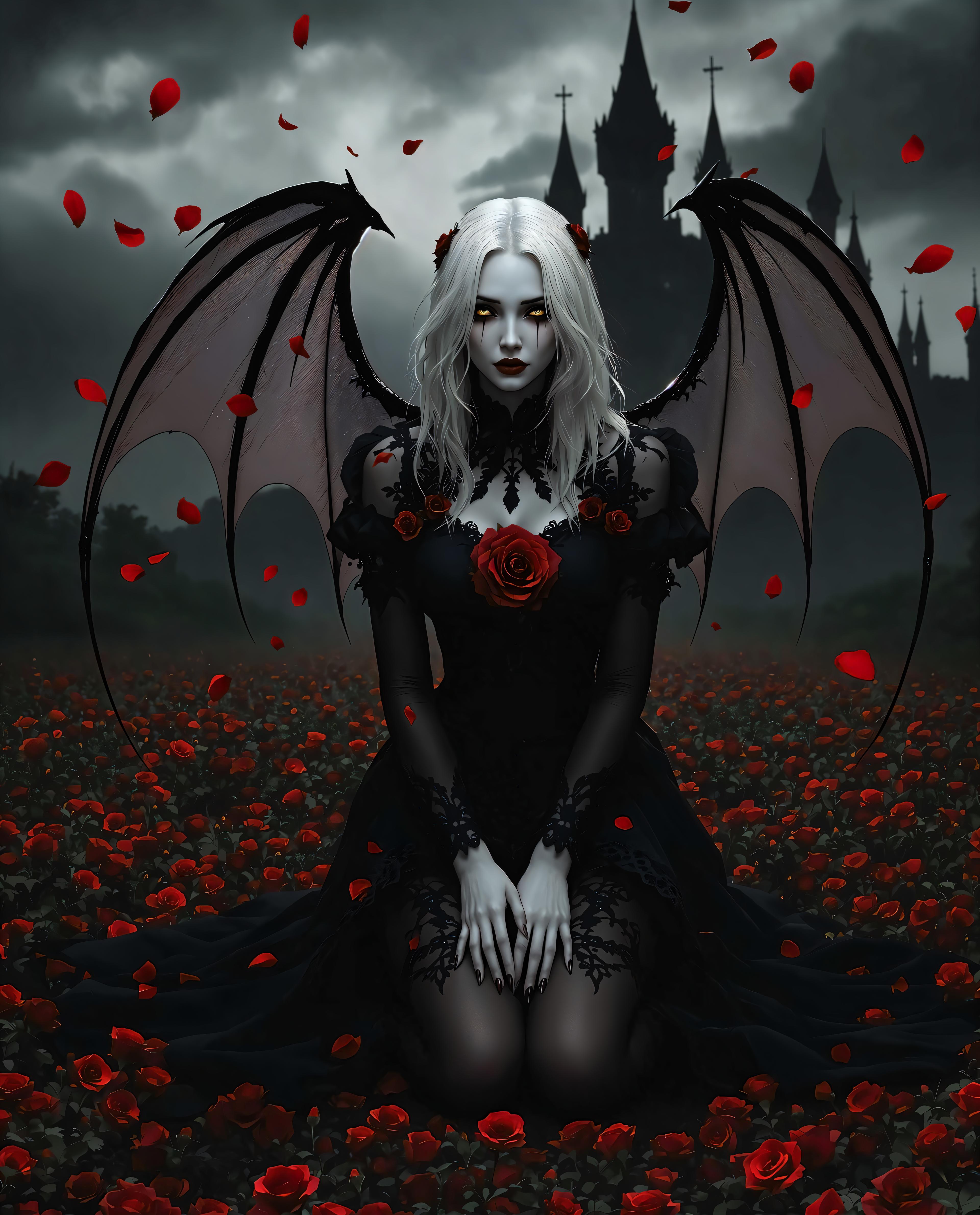
Your detailed descriptions come to life exactly as envisioned, from complex compositions to specific styles like cinematic or surreal, saving hours of revisions and ensuring your unique vision shines.
Boost Productivity with Instant Results
Generate high-res up to 2K images in seconds, then enhance with PixelDojo's Image to Image or Upscalers – perfect for rapid prototyping, content creation, and scaling your creative output without limits.
How It Works
Getting stunning results with QWEN Image 2.0 on PixelDojo is simple and intuitive. Follow these three steps to transform your prompts into professional images that drive results.
Step 1: Choose QWEN Image 2
Head to PixelDojo's Generate Images section, select QWEN Image 2 from the 40+ tools lineup including Flux.2 Studio and WAN 2.6. This powerhouse excels at photorealism and complex scenes – just click to start.
Step 2: Enter Your Detailed Prompt
Type a vivid description like 'hyper-realistic portrait of a confident entrepreneur in a modern office, golden hour lighting, sharp details, 2K resolution'. Add styles, ratios, or negatives for precision – QWEN Image 2.0 follows instructions flawlessly.
Step 3: Customize & Download
Hit generate for instant results, then refine with Inpainting, Background Remover, or Magnific Upscaler. Download in multiple formats – ready for web, print, or social. Iterate endlessly with no extra cost.
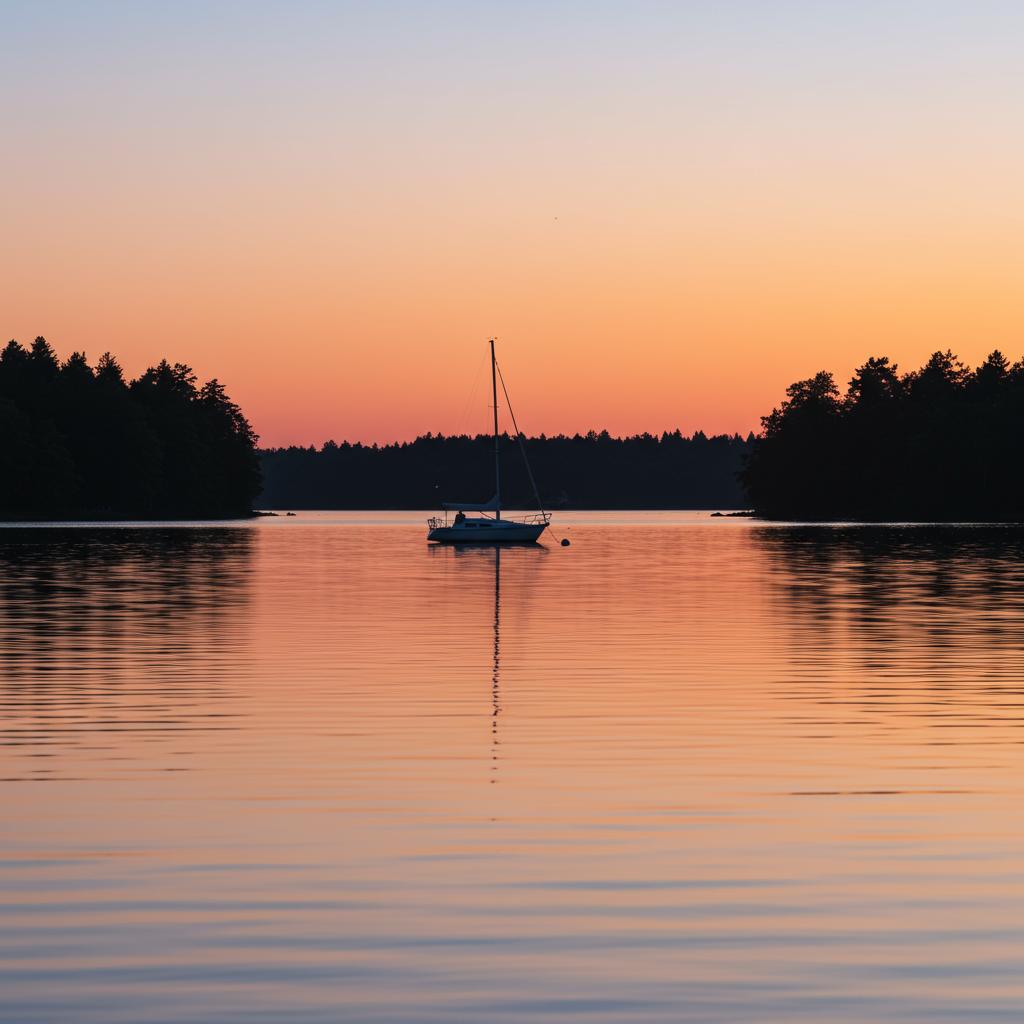
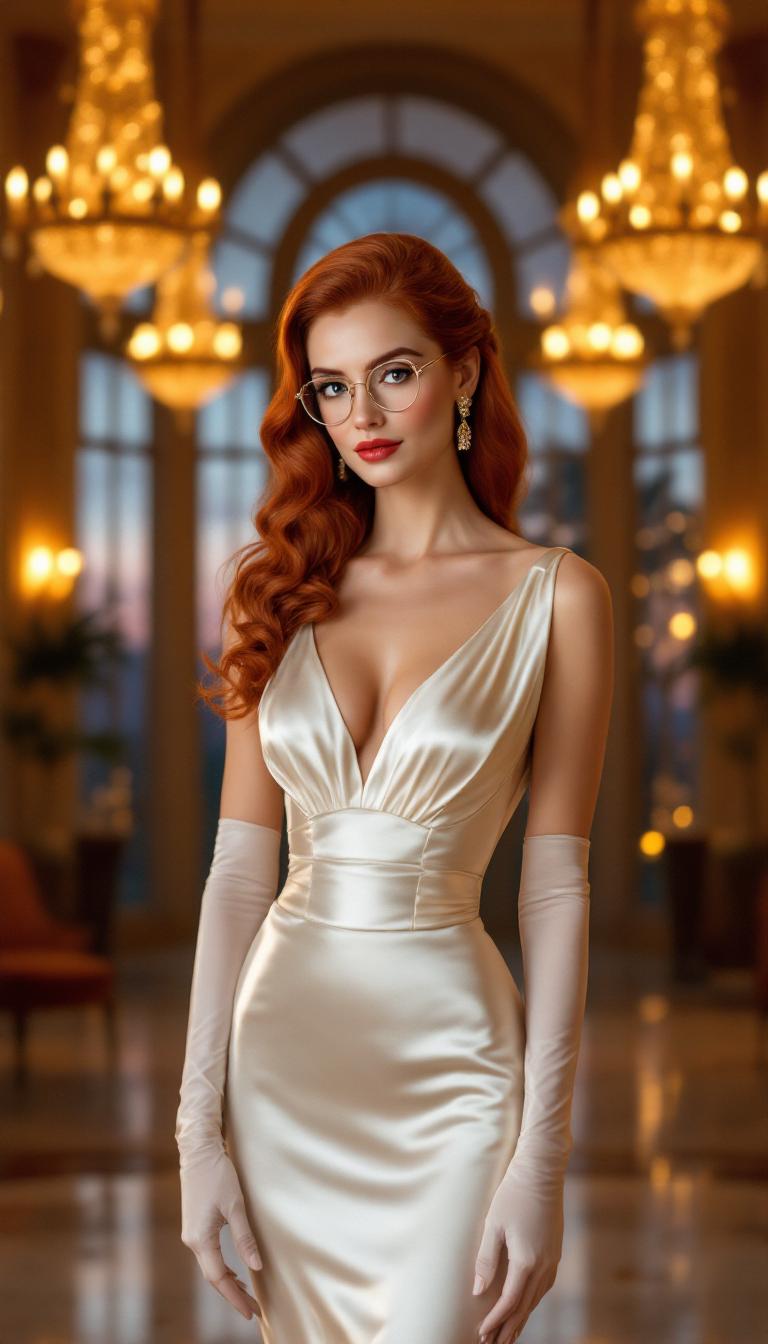
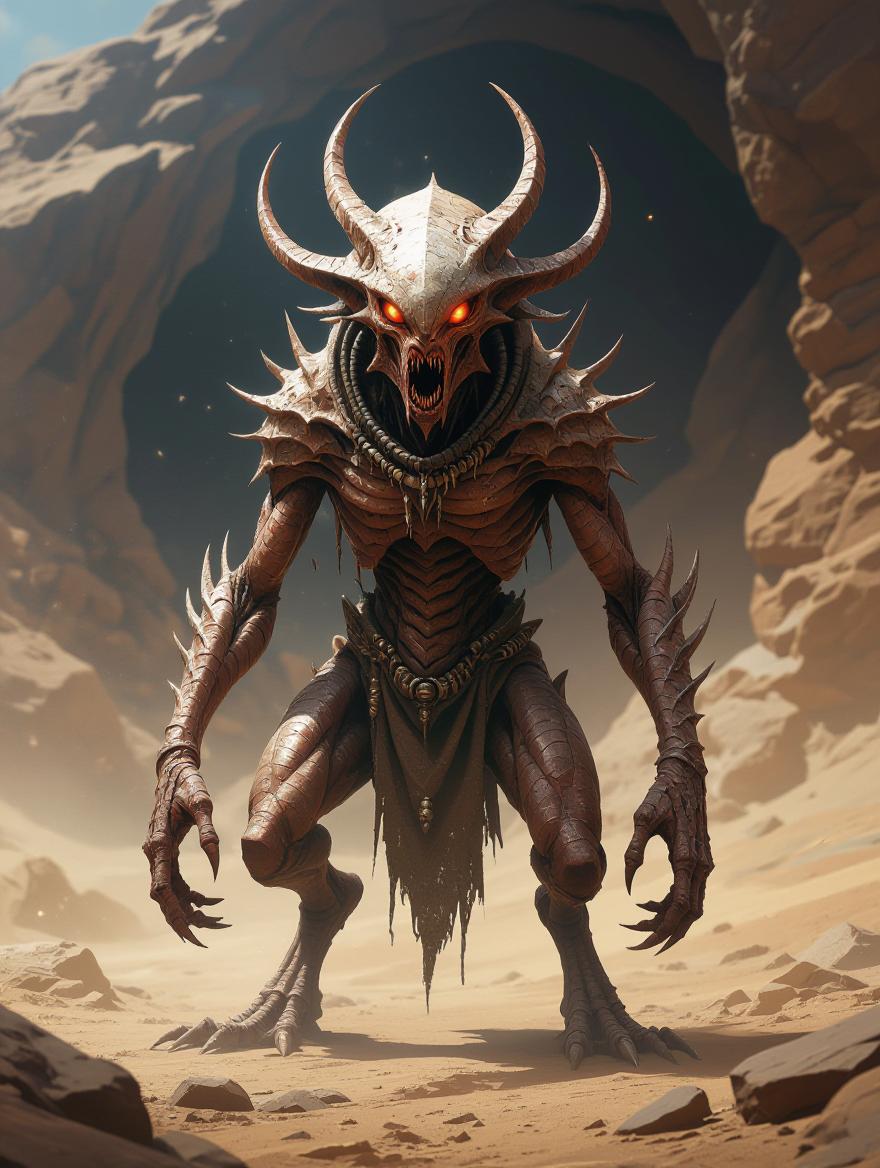
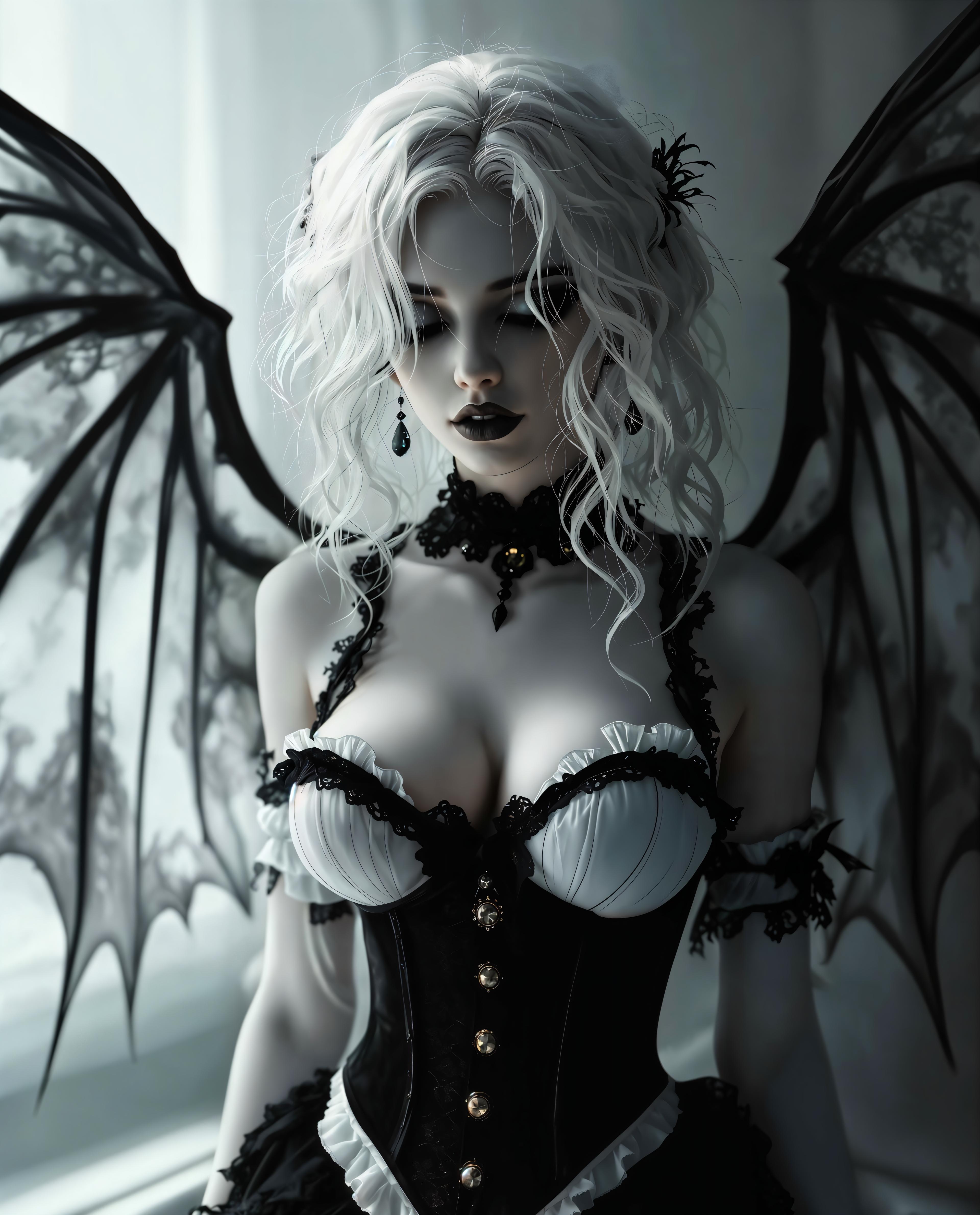
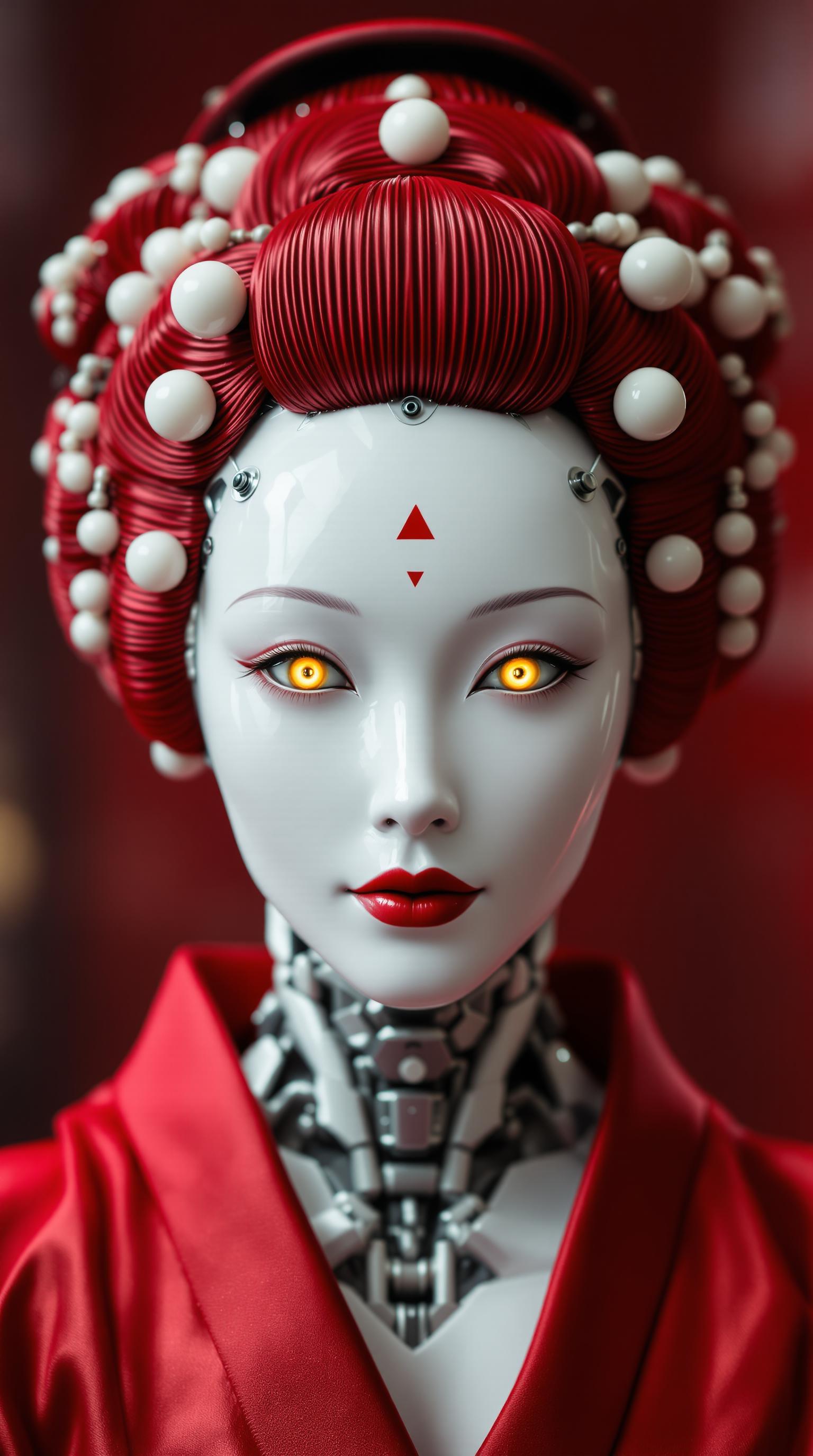
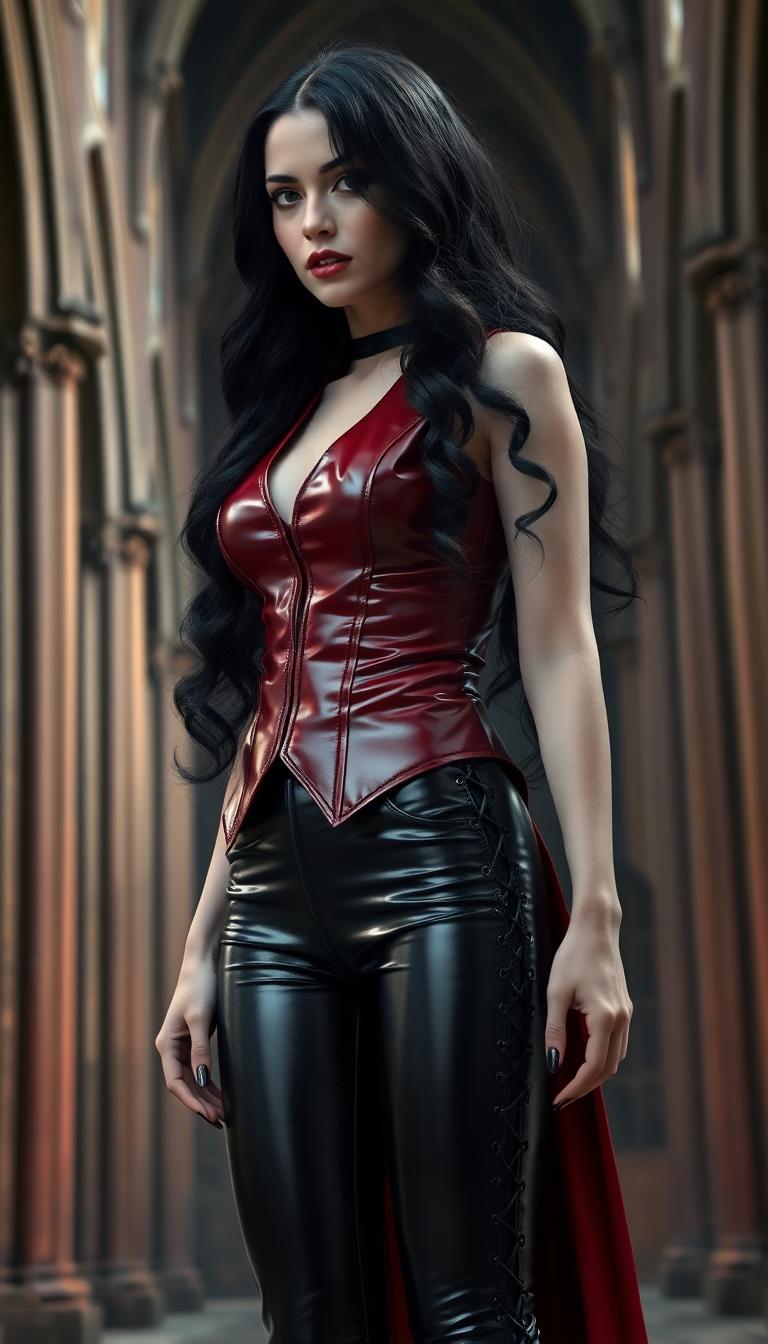
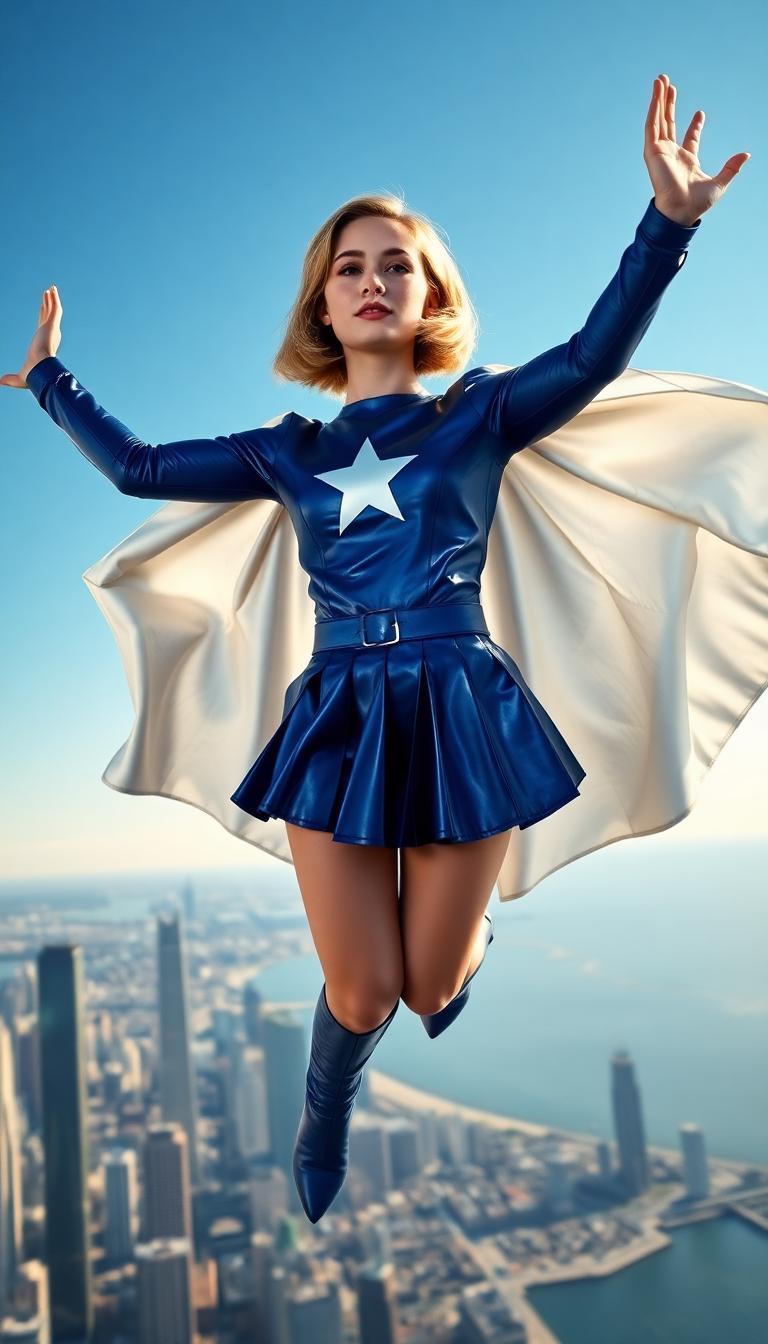

The Pixel Dojo Advantage
Why PixelDojo's QWEN Image 2.0 outperforms other options for hyper-realistic image generation
| Others | Pixel Dojo |
|---|---|
| Traditional photography or drawing | Skip costly shoots and weeks of sketching – get studio-quality results in seconds from any idea, anywhere. |
| Generic AI tools | Superior prompt fidelity and 2K photorealism without inconsistencies, plus seamless integration with edits like Style Transfer for pro workflows. |
| Manual photo editing | No Photoshop expertise needed – generate perfect bases then polish effortlessly with PixelDojo's Reality Polisher and Upscalers. |
Loved by Creators
See what our community says about qwen image 2.0
"QWEN Image 2.0 on PixelDojo revolutionized my marketing visuals. Hyper-realistic product images that boosted conversions by 40% – game-changer!"
Sarah Jenkins
Digital Marketer
"Finally, an AI that nails my intricate fantasy scenes perfectly. Paired with Inpainting, it's my go-to for client art commissions."
Mike Rivera
Freelance Illustrator
Common Questions
Everything you need to know about qwen image 2.0 AI generation
What makes QWEN Image 2.0 the best for hyper-realistic AI image generation?
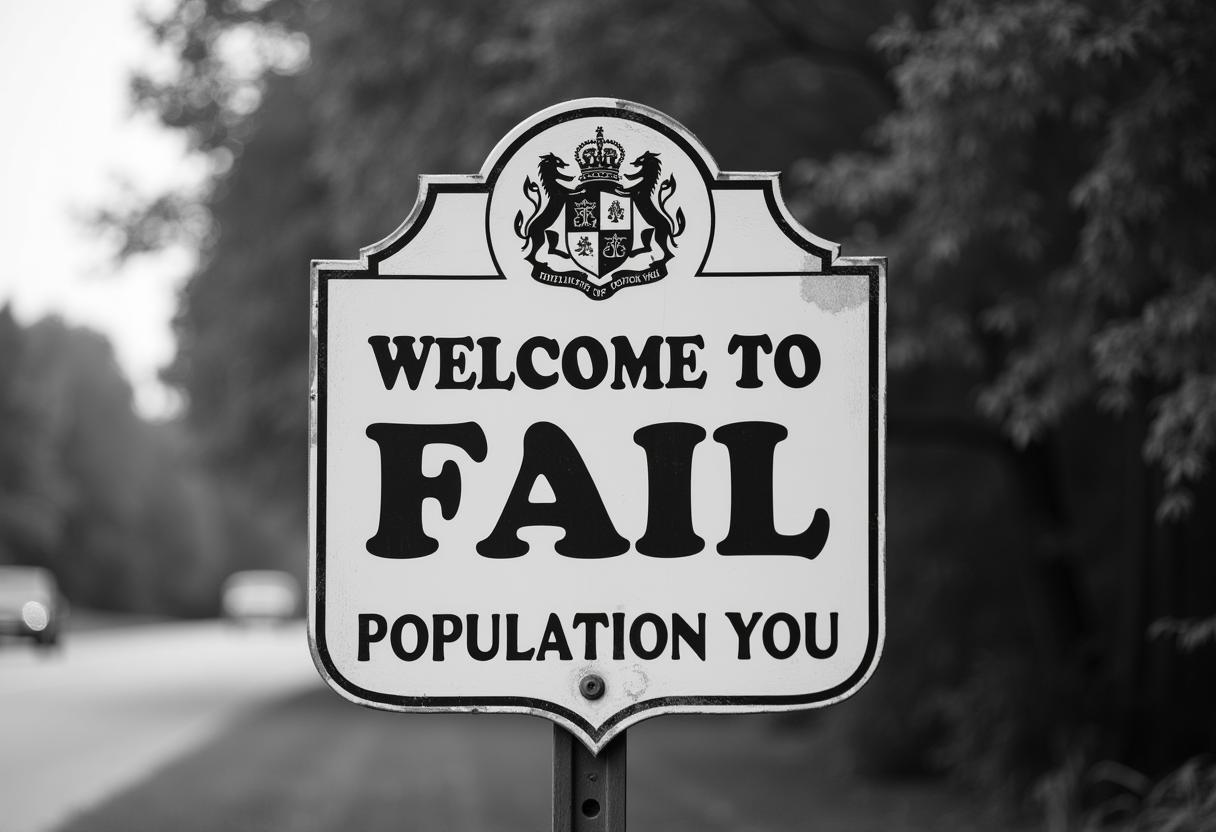
QWEN Image 2.0 on PixelDojo stands out by delivering unmatched photorealism, precise anatomy, and text rendering in complex scenes. You create professional images for ads, portfolios, or NFTs effortlessly. Combine with tools like Portrait Upscaler for 4K perfection, all in a user-friendly platform with unlimited generations on subscription.
How do I generate QWEN Image 2.0 images on PixelDojo?
Simply select QWEN Image 2 from Generate Images, input your prompt (e.g., 'photorealistic mountain vista at dawn, volumetric fog'), choose aspect ratio, and generate. Refine with Edit Images tools like Magic Lighting or Change Camera Angle. Download instantly – perfect for beginners and pros alike.
What are the best prompts for QWEN Image 2.0 AI images?
Use descriptive prompts like 'ultra-detailed cyberpunk street, rainy night, neon glow, 8K, cinematic lighting --ar 16:9 --v 2.0'. Include styles (photoreal, oil painting), negatives ('blurry, deformed'), and specifics for anatomy or composition. PixelDojo's Image Analyzer helps optimize prompts for superior results.
Can I upscale and edit QWEN Image 2.0 generated images?
Absolutely – after generating with QWEN Image 2, use Magnific Upscaler for 4x enlargement without artifacts, Creative Upscaler for artistic boosts, or edits like Inpainting for fixes and Background Remover for clean composites. Achieve print-ready quality seamlessly.
Is QWEN Image 2.0 free to try on PixelDojo?
Yes, start with free credits to test QWEN Image 2.0 alongside Kling Image and Seedream 5 Lite. Upgrade to subscription for unlimited access to 40+ tools, usage reports, and no watermarks. Cancel anytime – thousands of creators love the risk-free value.
How does QWEN Image 2.0 compare to other PixelDojo image generators?
QWEN Image 2.0 excels in photorealism and prompt accuracy over Flux.1 Studio's speed or PonyXL's stylized art. Use them together: QWEN for realism, then WAN Image for variations. PixelDojo's Developer API lets you integrate for custom apps.