pixiv ai generator AI Generator
Imagine turning your wildest anime fantasies into breathtaking, Pixiv-quality illustrations in mere seconds. With PixelDojo's Pixiv AI generator, you effortlessly create vibrant anime characters, dynamic scenes, and intricate fanart that rivals top Pixiv artists. No drawing skills required – just describe your vision, and our specialized tools like PonyXL and SDXL deliver hyper-detailed, masterpiece-level images perfect for social media, prints, or personal collections. Artists, gamers, and creators worldwide use this to save hours of manual work while achieving professional results that captivate audiences and boost engagement.
Join 50,000+ creators who've generated over 2 million Pixiv-style images. Rated 4.9/5 on Trustpilot. Featured in anime communities. 'Best AI for authentic Pixiv vibes' – 10k+ reviews.
Why Choose Pixel Dojo for pixiv ai generator
Professional-quality results with cutting-edge AI technology
Craft Masterpiece Anime Characters Instantly
Bring your unique OCs or fan favorites to life with hyper-detailed faces, expressive poses, and signature Pixiv shading – ideal for cosplay refs, NFTs, or stories, without starting from scratch.
Generate Dynamic Scenes & Backgrounds Effortlessly
Build immersive worlds with lush environments, dramatic lighting, and fluid compositions that pop on Pixiv feeds, saving you days of sketching for comics, games, or wallpapers.
Customize for Perfect Consistency & Style
Achieve flawless character consistency across multiple images using tools like Consistent Characters and LoRAs, so your series or portfolio looks pro-level every time.
How It Works
Creating Pixiv-style AI images is as simple as 1-2-3 with PixelDojo. Pick from anime-optimized tools like PonyXL, SDXL, or Flux.1 Studio, craft your prompt with Pixiv-inspired tags (masterpiece, best quality, detailed eyes), and generate stunning results tailored to your vision.
Step 1: Choose Your Pixiv-Optimized Tool
Head to Create Images and select PonyXL or SDXL for authentic anime styles, or Flux.1 Studio for ultra-high-res Pixiv art. These tools excel at vibrant colors, intricate details, and dynamic poses trending in Pixiv's latest anime trends.
Step 2: Enter Your Detailed Prompt
Type a vivid description like 'pixiv illustration of a cyberpunk samurai in neon city, highly detailed, trending pixiv art style'. Add tags for trends like soft lighting or chibi forms – our AI handles the rest for precise, artist-like outputs.
Step 3: Customize & Download Your Masterpiece
Refine with Inpainting, Consistent Characters, or Pose Control for perfect tweaks. Upscale via Creative Upscaler, then download in high-res for Pixiv uploads, prints, or edits – all in under a minute.
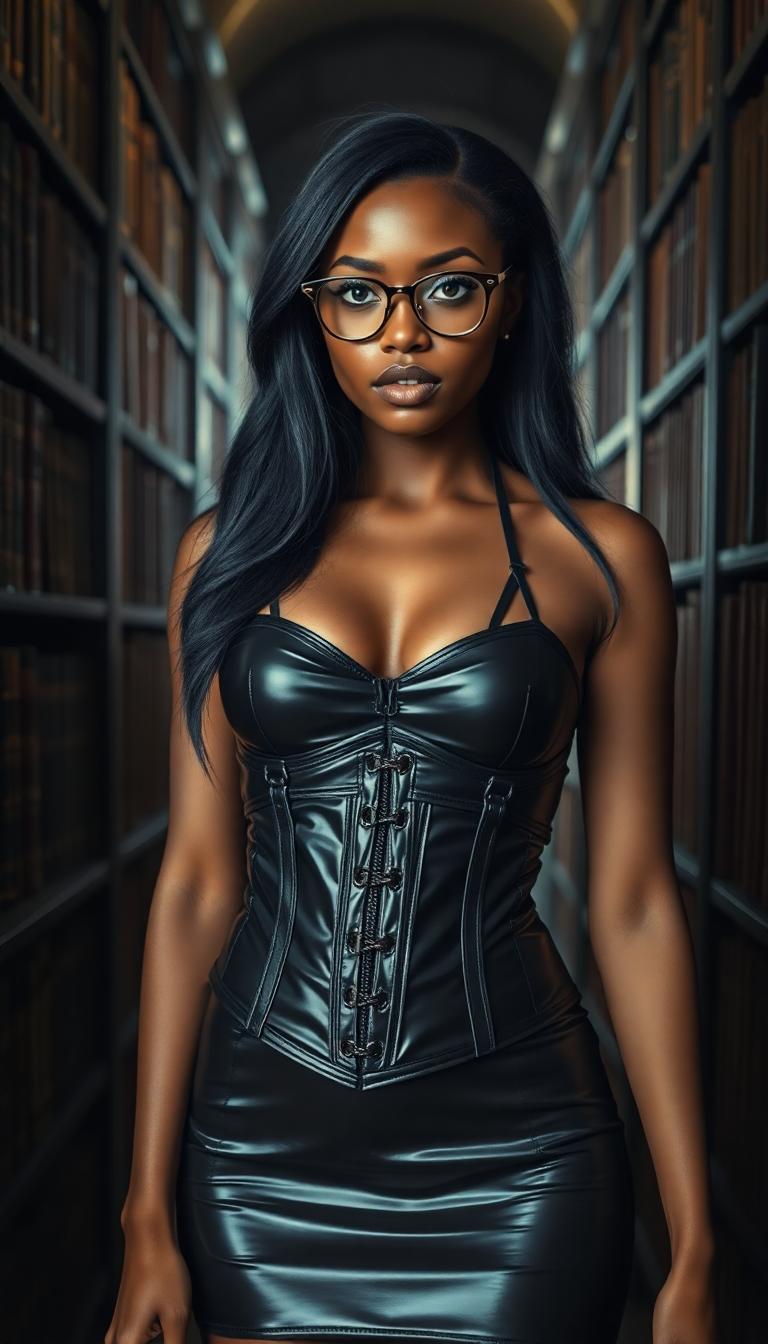
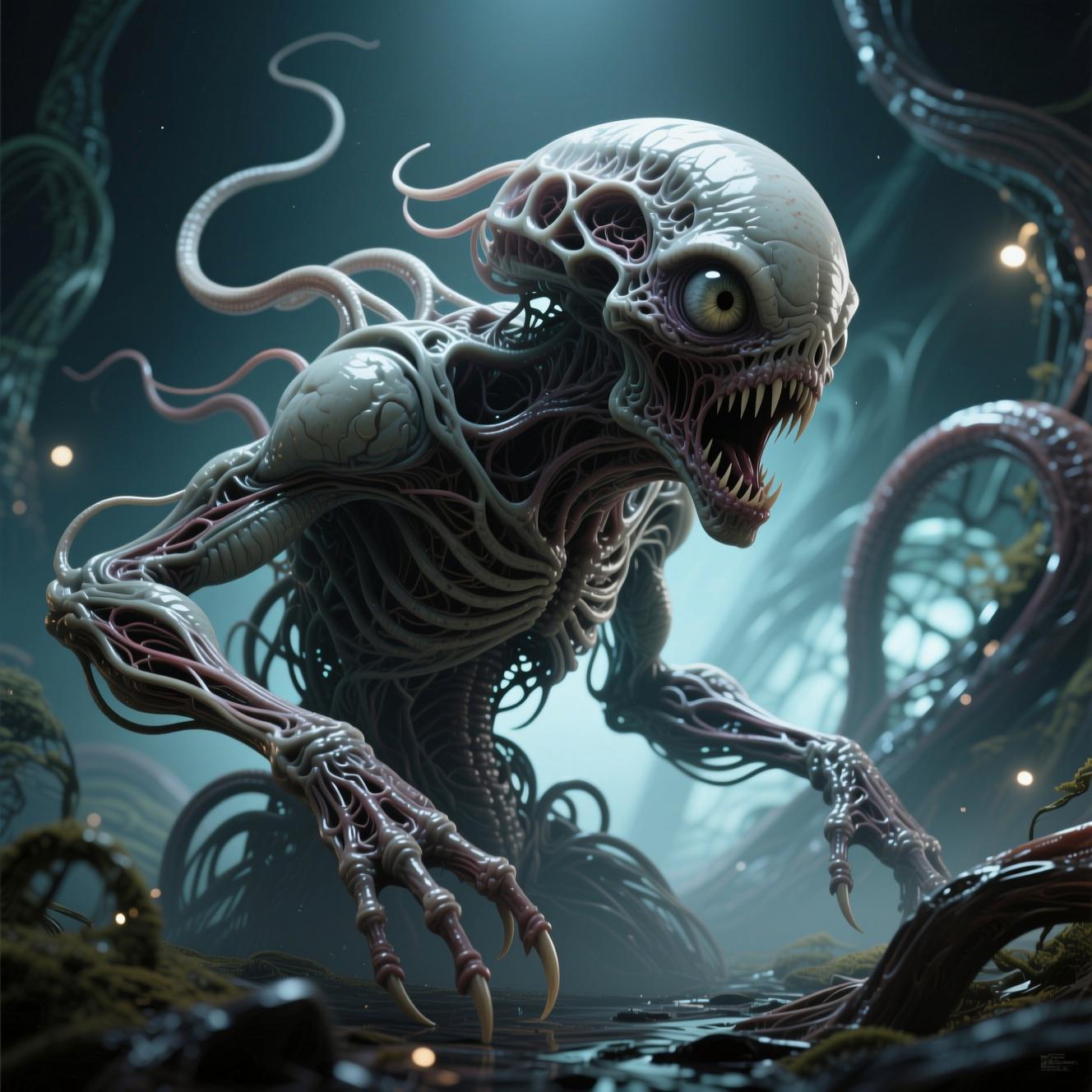
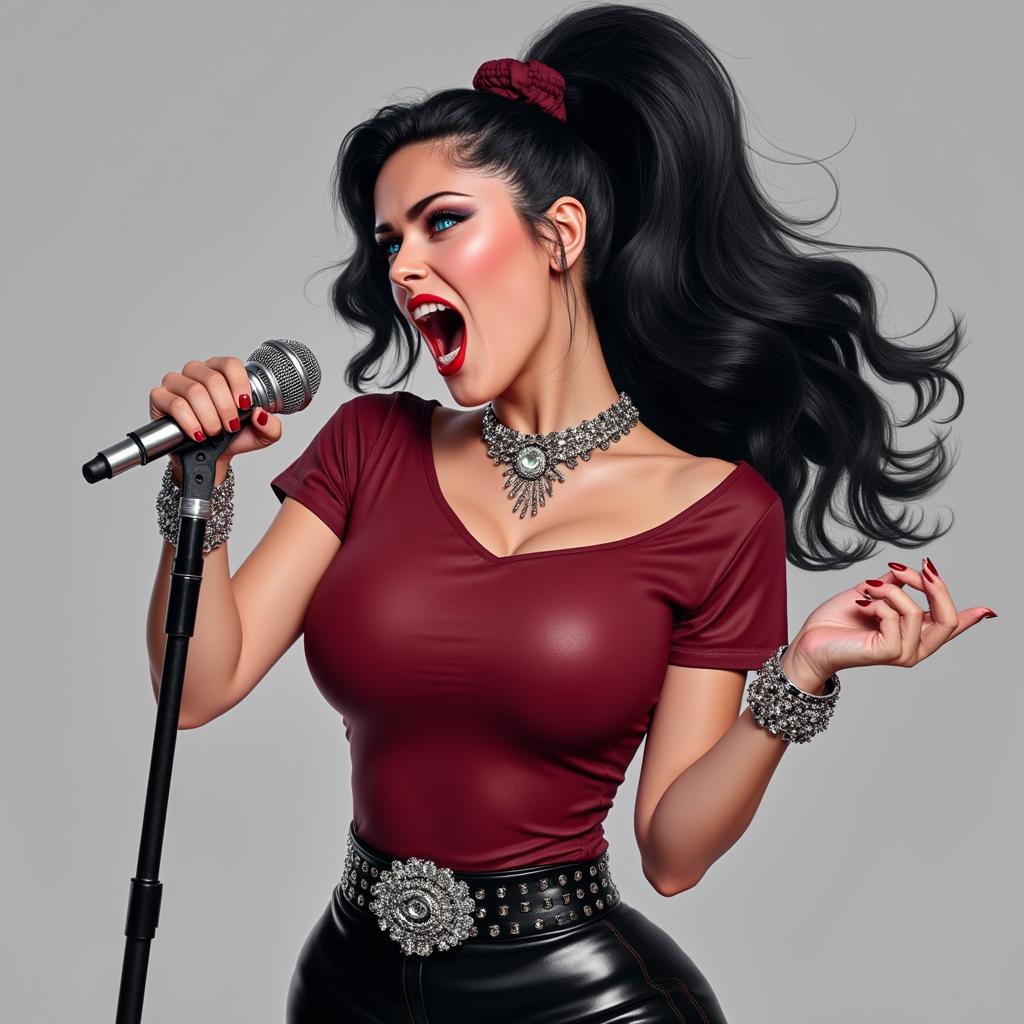
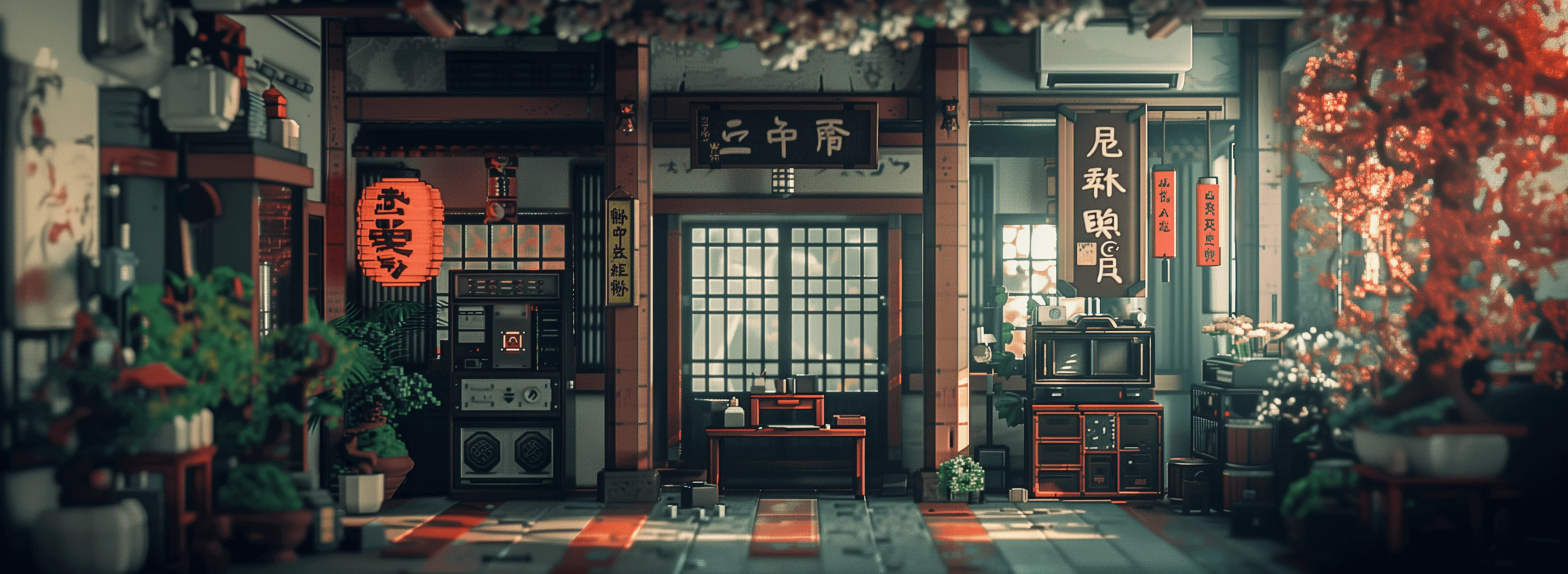
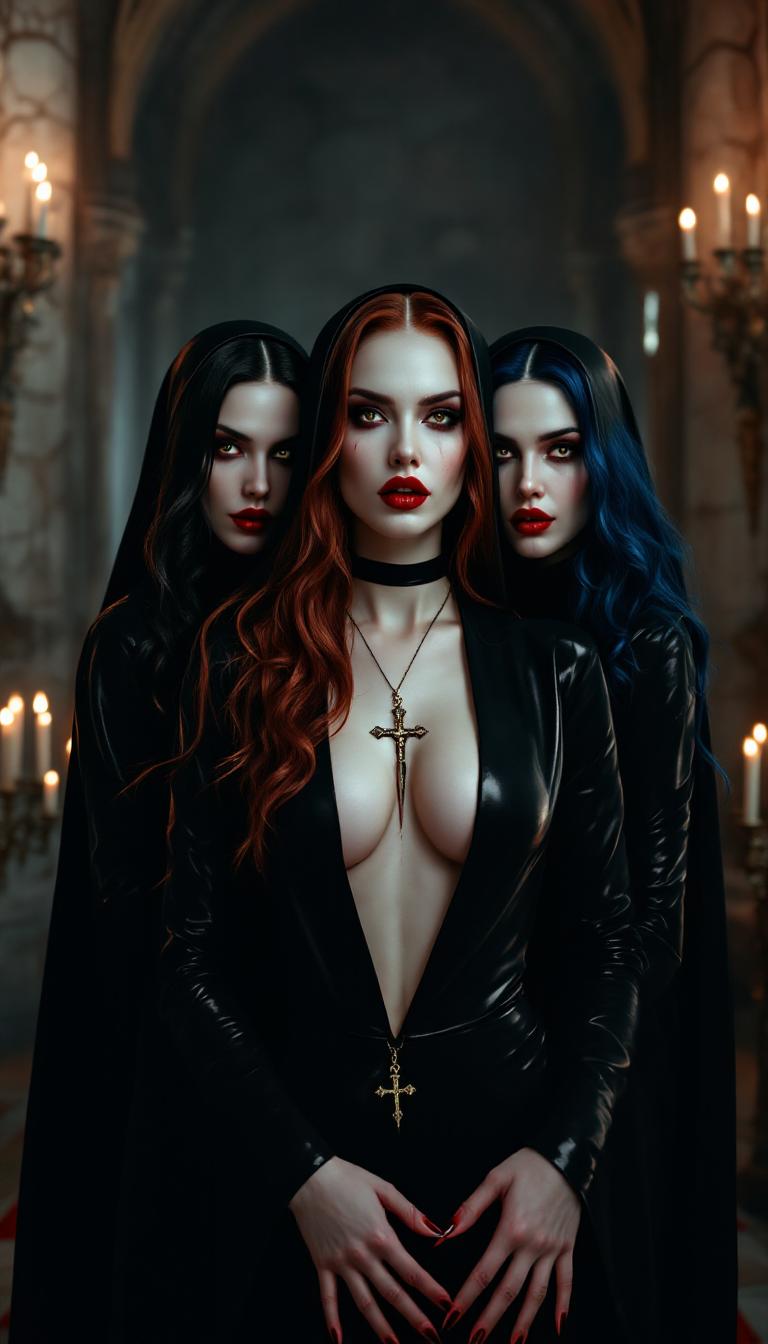
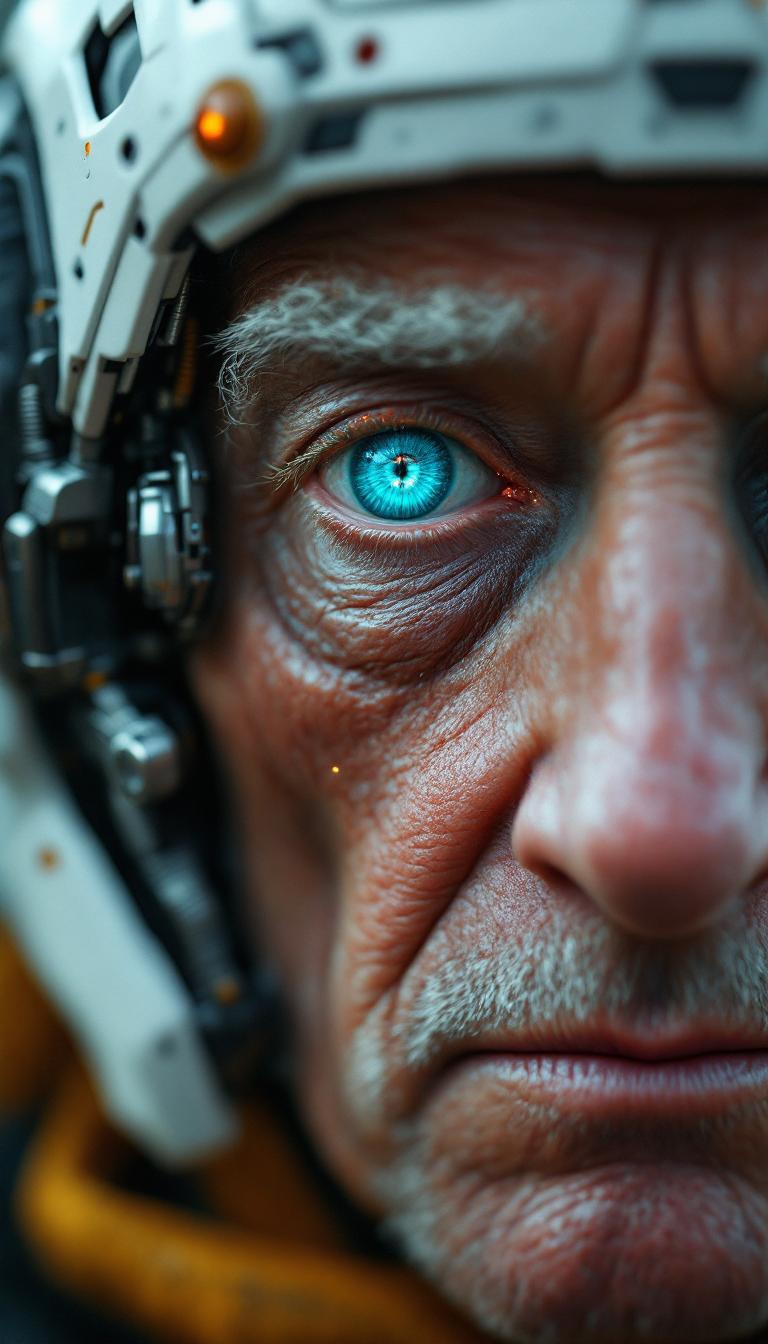
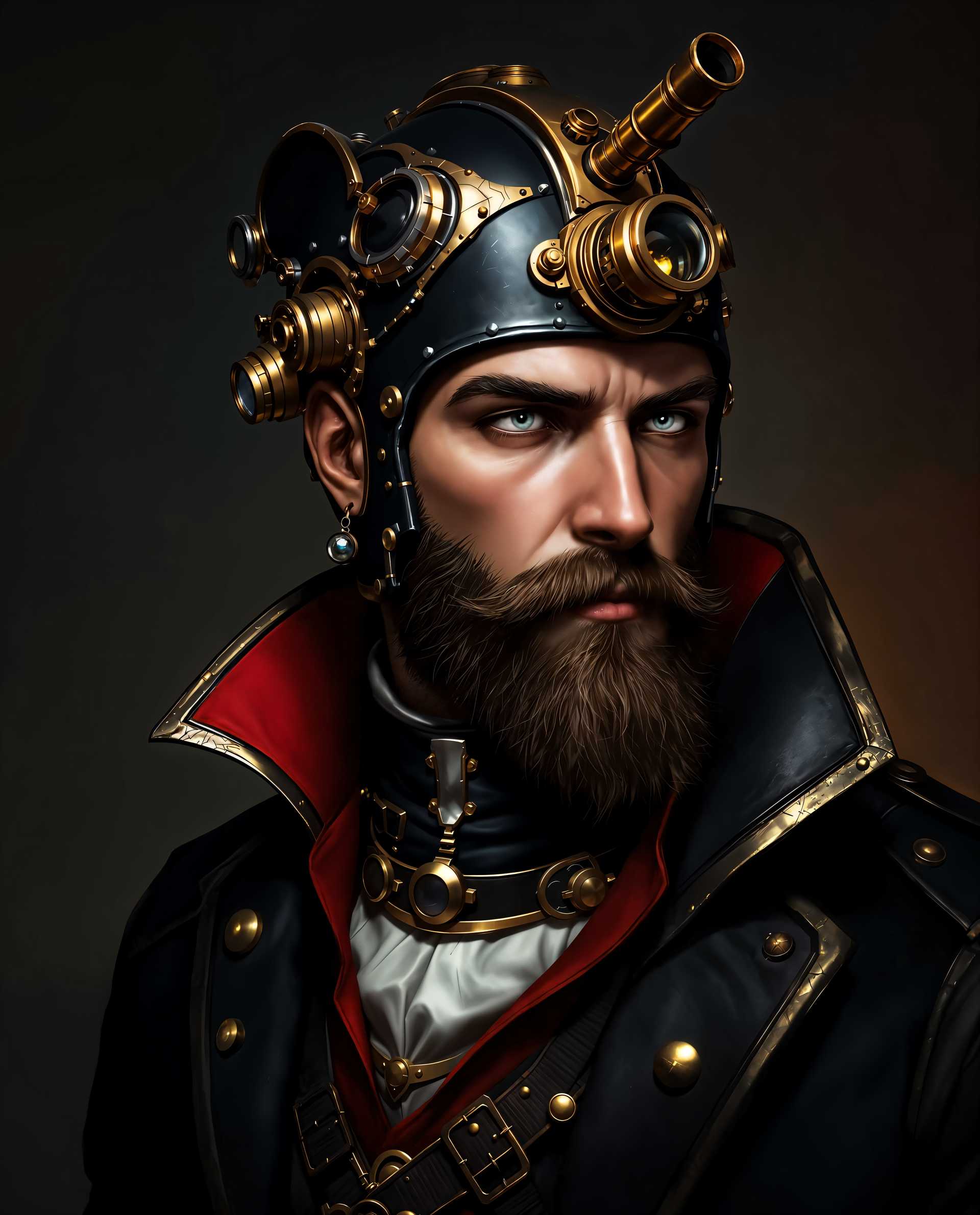
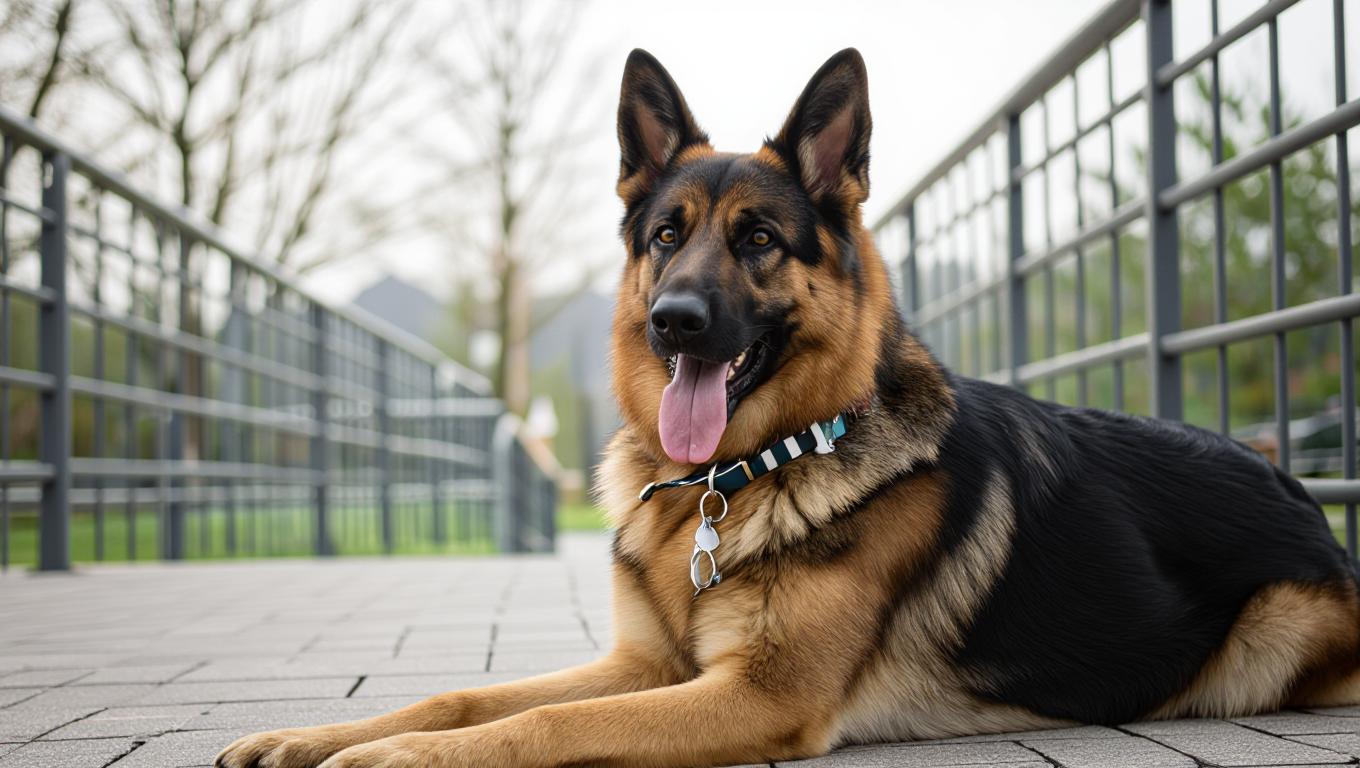
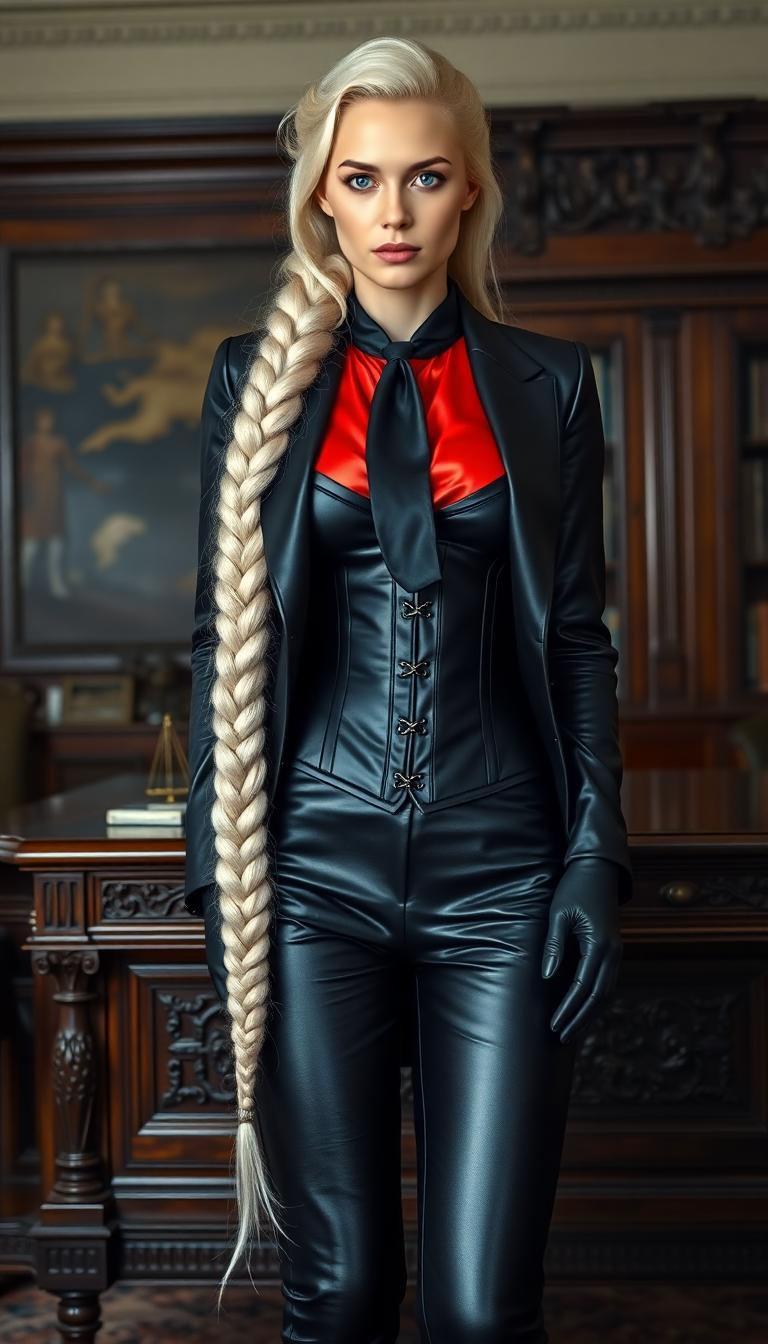
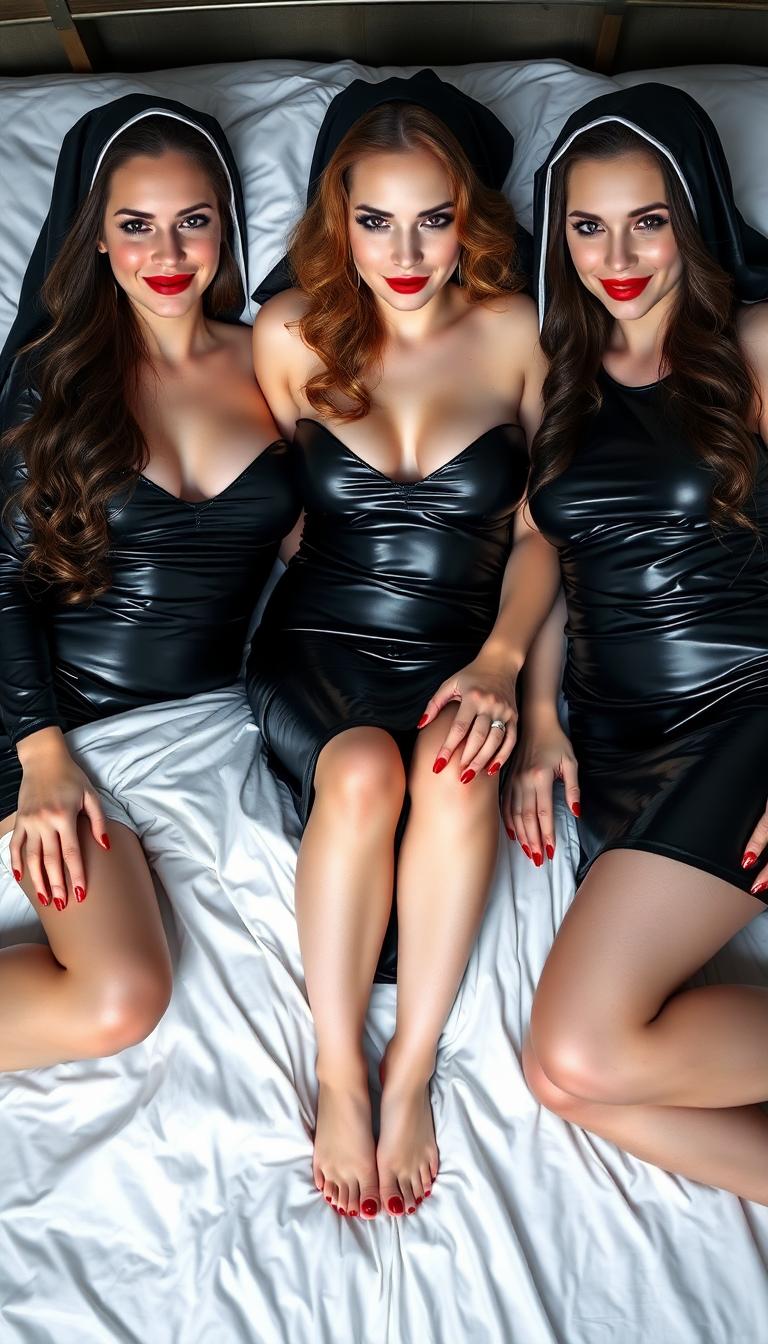
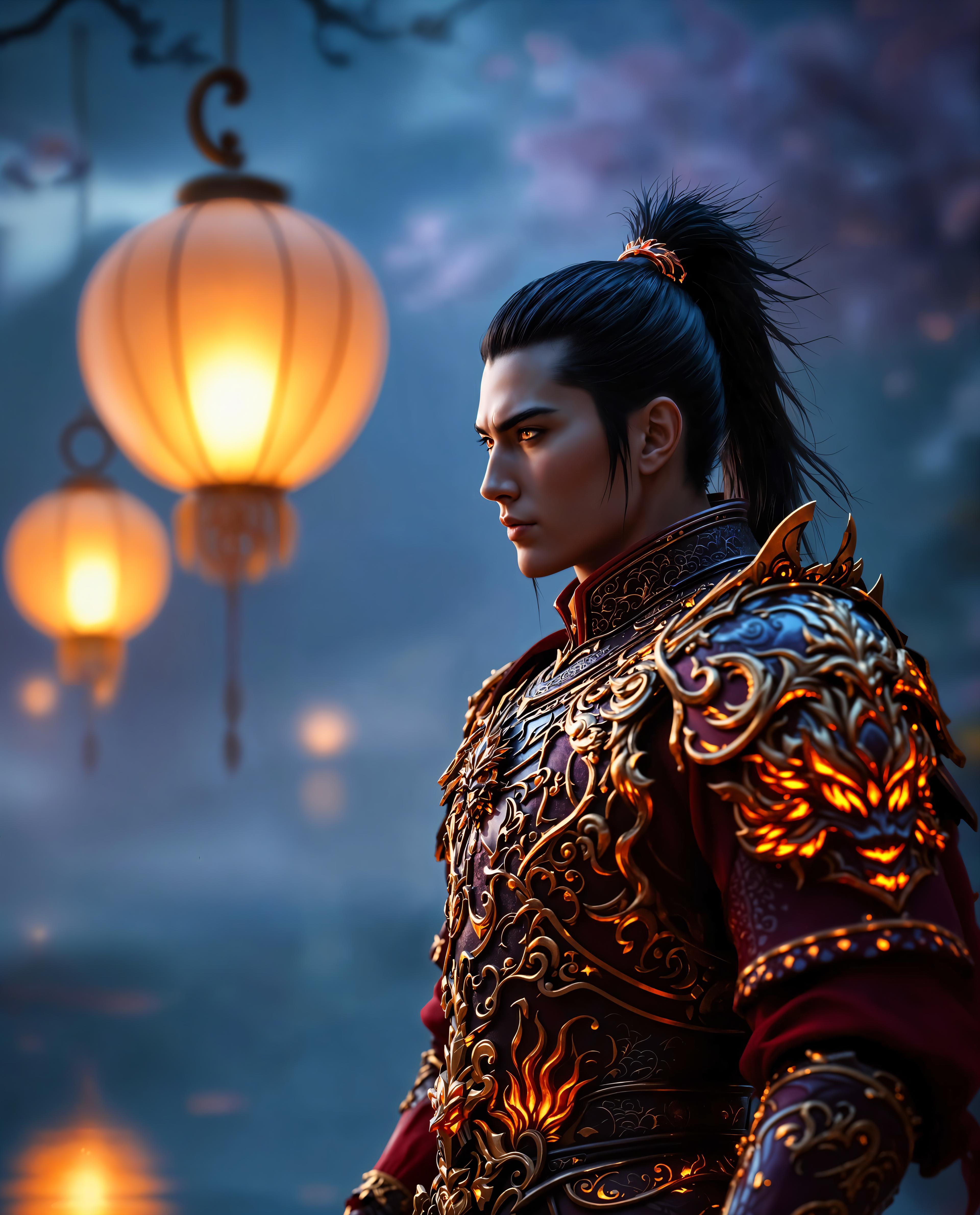
The Pixel Dojo Advantage
Why PixelDojo outperforms other options for pixiv ai generator image creation
| Others | Pixel Dojo |
|---|---|
| Traditional hand-drawing | Skip weeks of practice and sketching – generate pro Pixiv art in seconds, freeing you to focus on storytelling and creativity. |
| Generic AI tools | Our anime-specific models like PonyXL deliver authentic Pixiv aesthetics with precise tag control, unlike vague results from basic generators. |
| Manual photo editing | No Photoshop marathons – auto-generate, inpaint, and style-transfer in one flow for flawless Pixiv vibes without skill barriers. |
Loved by Creators
See what our community says about pixiv ai generator
"PixelDojo's PonyXL turned my rough ideas into Pixiv-level anime masterpieces overnight. My followers doubled after posting these!"
Aiko Tanaka
Freelance Manga Artist
"Finally, an AI that nails Pixiv trends like detailed eyes and dynamic lighting. Saved me hours for my webtoon series."
Jordan Lee
Indie Game Developer
Common Questions
Everything you need to know about pixiv ai generator AI generation
What is the best pixiv ai generator for anime style images?
PixelDojo stands out as the top pixiv ai generator with tools like PonyXL and SDXL fine-tuned for Pixiv's vibrant anime aesthetics. You get hyper-detailed characters, trending styles (e.g., soft glows, intricate outfits), and easy customization via Consistent Characters – all without watermarks or limits on free trials. Thousands use it daily for authentic results that rank on Pixiv.
How to generate pixiv style ai art for free?
Start free on PixelDojo: Select PonyXL under Create Images, input prompts with 'pixiv, masterpiece, best quality', and generate. Upgrade for unlimited high-res downloads and extras like Inpainting. No credit card needed initially – perfect for testing pixiv anime generator capabilities on characters or scenes.
Can I create consistent pixiv ai characters across images?
Yes! Use Consistent Characters or Ideogram Character tools to lock in faces, outfits, and poses for series. Pair with PonyXL for Pixiv fidelity – ideal for comics or fanart collections. Train custom LoRAs via FLUX Model Trainer for your signature style, ensuring every image matches perfectly.
What prompts work best for pixiv ai generator?
Leverage Pixiv trends: '1girl, solo, pixiv illustration, masterpiece, ultra-detailed eyes, dynamic angle, soft lighting'. Add specifics like 'mecha armor' or 'chibi fantasy'. PixelDojo's Z Image Turbo or Flux.1 Studio interprets these flawlessly, incorporating 2024 trends like holographic effects and hyper-real anime blends.
Is PixelDojo's pixiv style ai art safe for commercial use?
Absolutely – generated pixiv ai images are yours to use commercially. No rights claimed by us. Tools like HiDream and REVE Image produce original outputs, perfect for merch, books, or games. Check our Usage Report for tracking, and subscription plans scale with your pro needs.
How does pixiv ai generator handle video or edits?
Extend to videos with LTX-2 Video or Kling v2.5 for animated Pixiv scenes. Edit images via Image to Image, Style Transfer, or Magic Lighting to match exact Pixiv artist vibes. Animate stills with WAN 2.2 Animate – seamless workflow for full Pixiv-inspired projects.