Photorealistic AI landscapes ImagineArt AI Generator
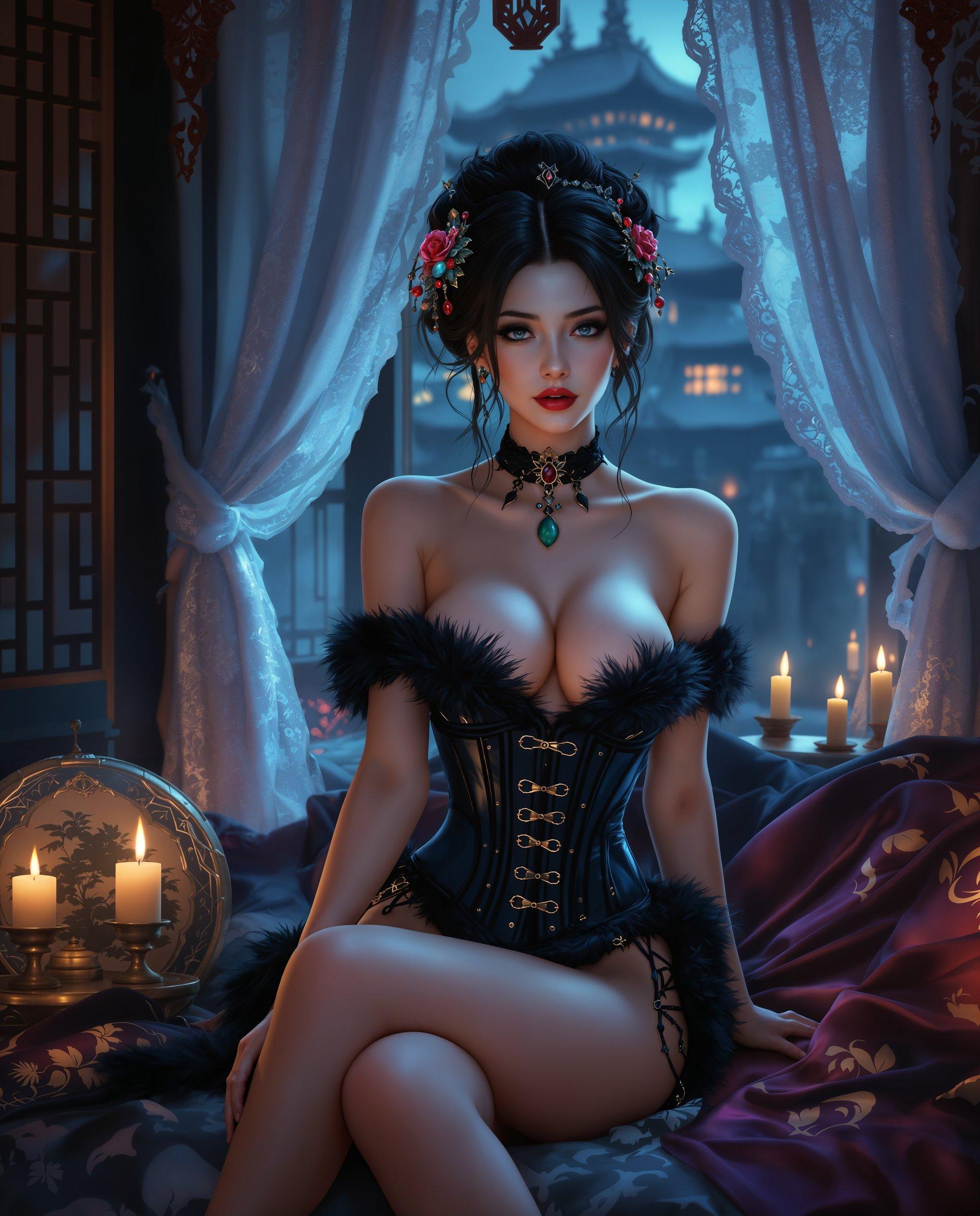
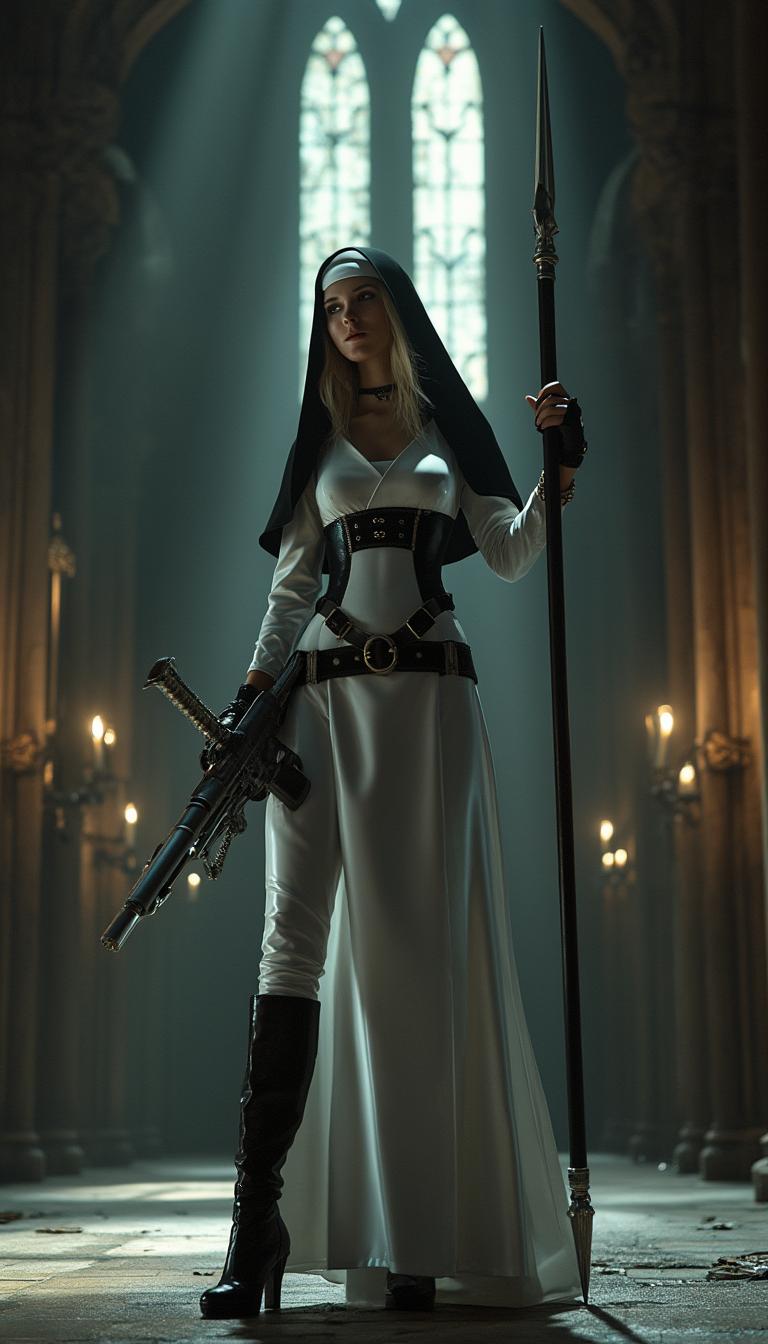
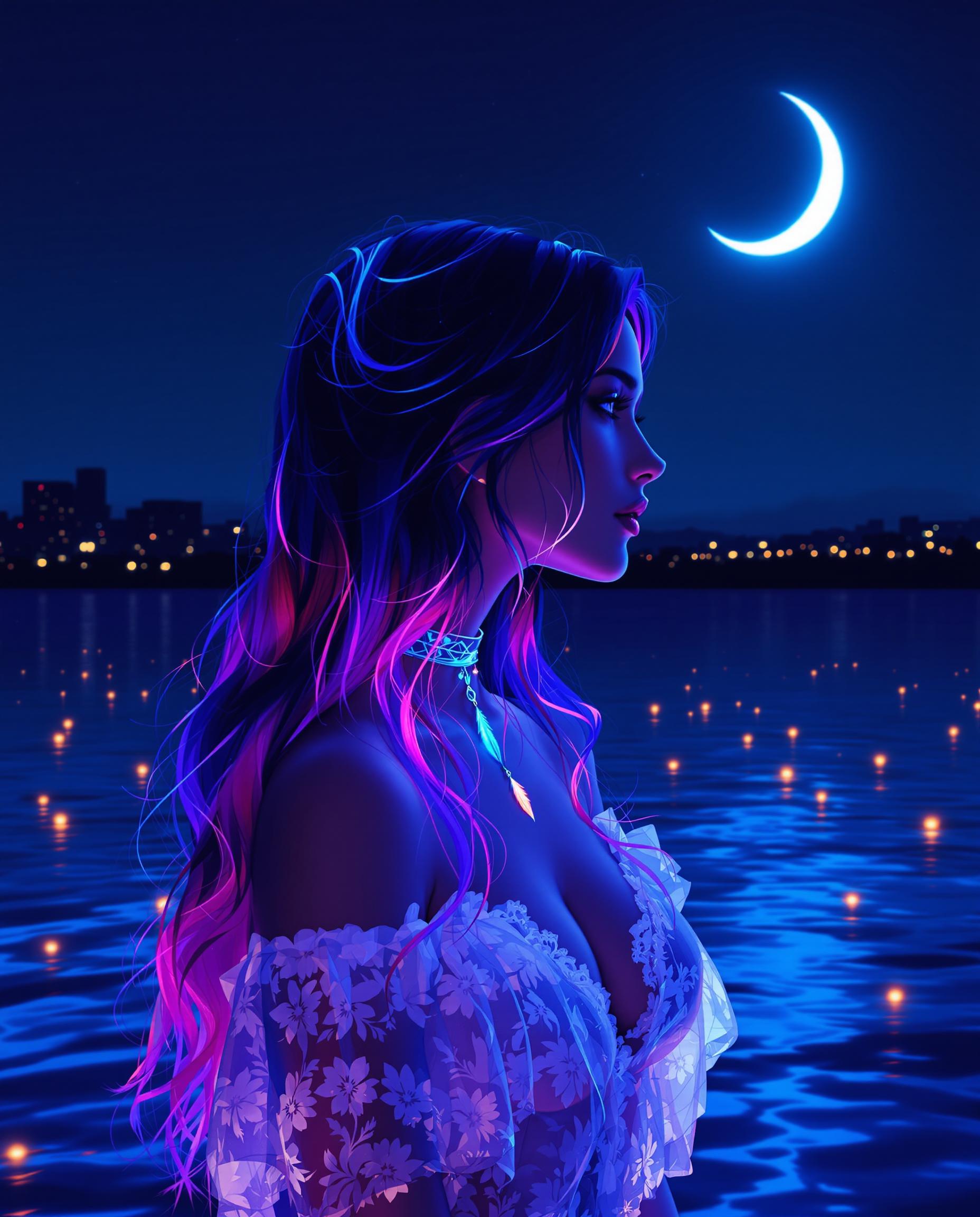
Imagine turning your wildest landscape visions into photorealistic masterpieces without needing expensive cameras or endless editing hours. With PixelDojo's ImagineArt 1.0, you can generate hyper-realistic AI landscapes that look like they've been captured by a professional photographer. Whether you're designing for marketing campaigns, virtual worlds, or personal art, achieve stunning results that elevate your projects, save time, and impress audiences. Start creating lifelike mountains, serene beaches, or misty forests today and watch your ideas come to life in vivid detail.

Join over 50,000 creators who've generated millions of images on PixelDojo. Rated 4.9/5 stars on Trustpilot from 2,500+ reviews. Featured in top design blogs for revolutionizing AI art creation.
Why Choose Pixel Dojo for Photorealistic AI landscapes ImagineArt
Professional-quality results with cutting-edge AI technology
Effortless Realism in Every Scene
Produce photorealistic AI landscapes that capture intricate details like sunlight filtering through leaves or waves crashing on shores, helping you create immersive visuals for games, ads, or prints without real-world photography hassles.
Rapid Creation for Busy Creators
Generate custom landscapes in seconds using ImagineArt, allowing you to iterate ideas quickly and meet tight deadlines while maintaining professional quality that stands out in your portfolio or client work.
Unlimited Creative Freedom
Explore endless variations of photorealistic scenes, from urban skylines to alien terrains, empowering you to innovate and bring unique concepts to life that captivate viewers and drive engagement.
How It Works
Creating photorealistic AI landscapes with PixelDojo is simple and intuitive. Using our ImagineArt 1.0 tool, you can go from concept to polished image in minutes, achieving outcomes like professional-grade artwork ready for your next project.
Step 1: Choose Your Tool
Log in to PixelDojo and select ImagineArt 1.0 from our image generation suite. This powerful tool is optimized for photorealistic outputs, ensuring your landscapes look incredibly lifelike from the start.
Step 2: Enter Your Prompt
Describe your desired landscape in detail, such as 'photorealistic serene forest with morning fog and dew-covered leaves.' ImagineArt processes this to generate a base image, letting you focus on creativity rather than technical setup.
Step 3: Customize & Download
Refine with tools like Enhance Realism or Creative Upscaler to perfect lighting and details. Once satisfied, download your high-resolution photorealistic landscape ready for use in your designs or shares.




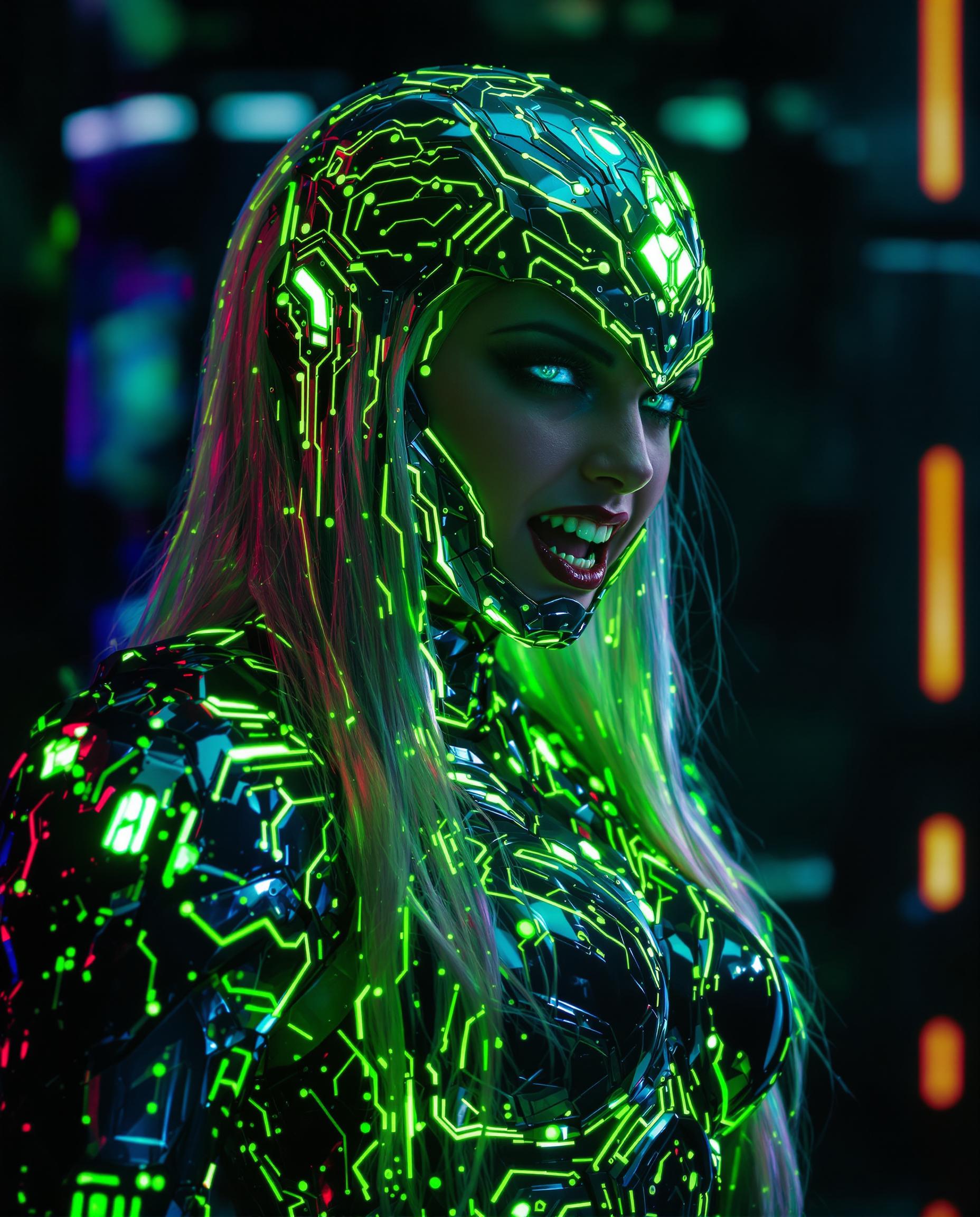

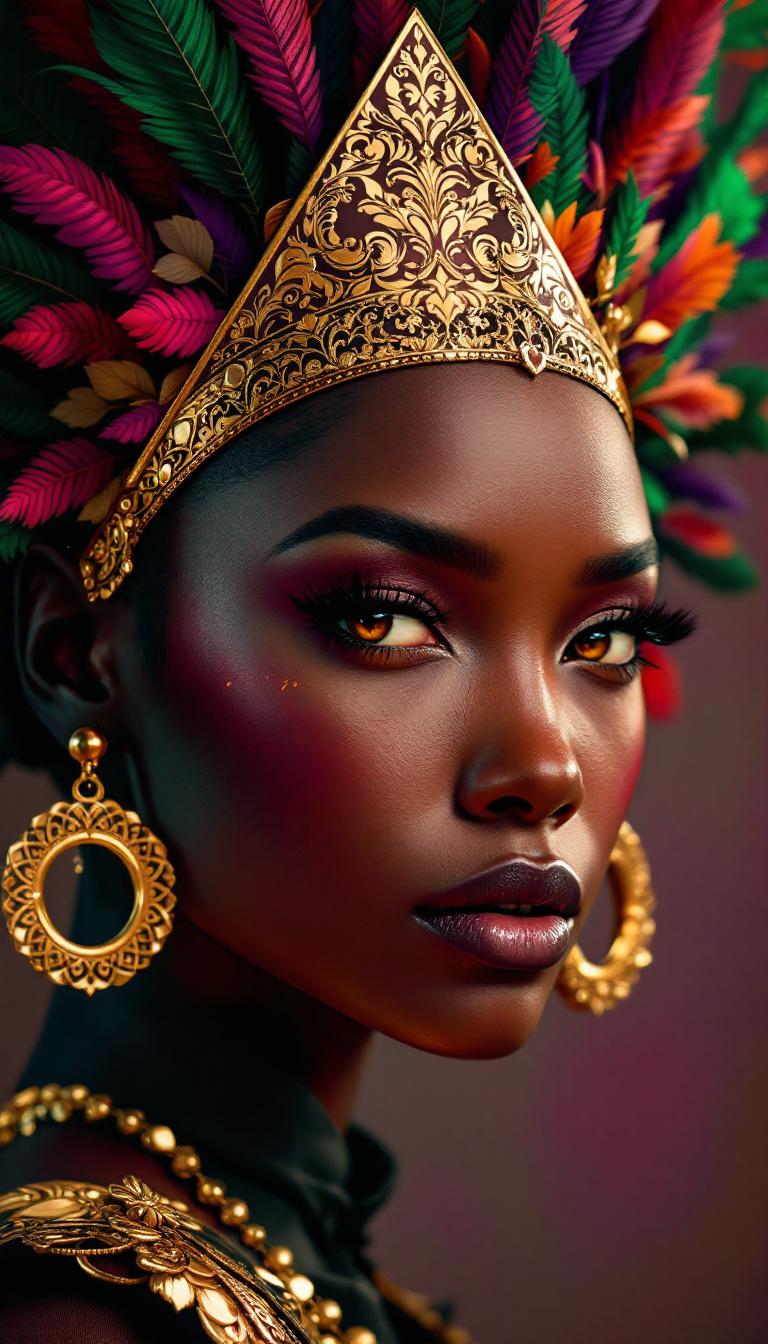

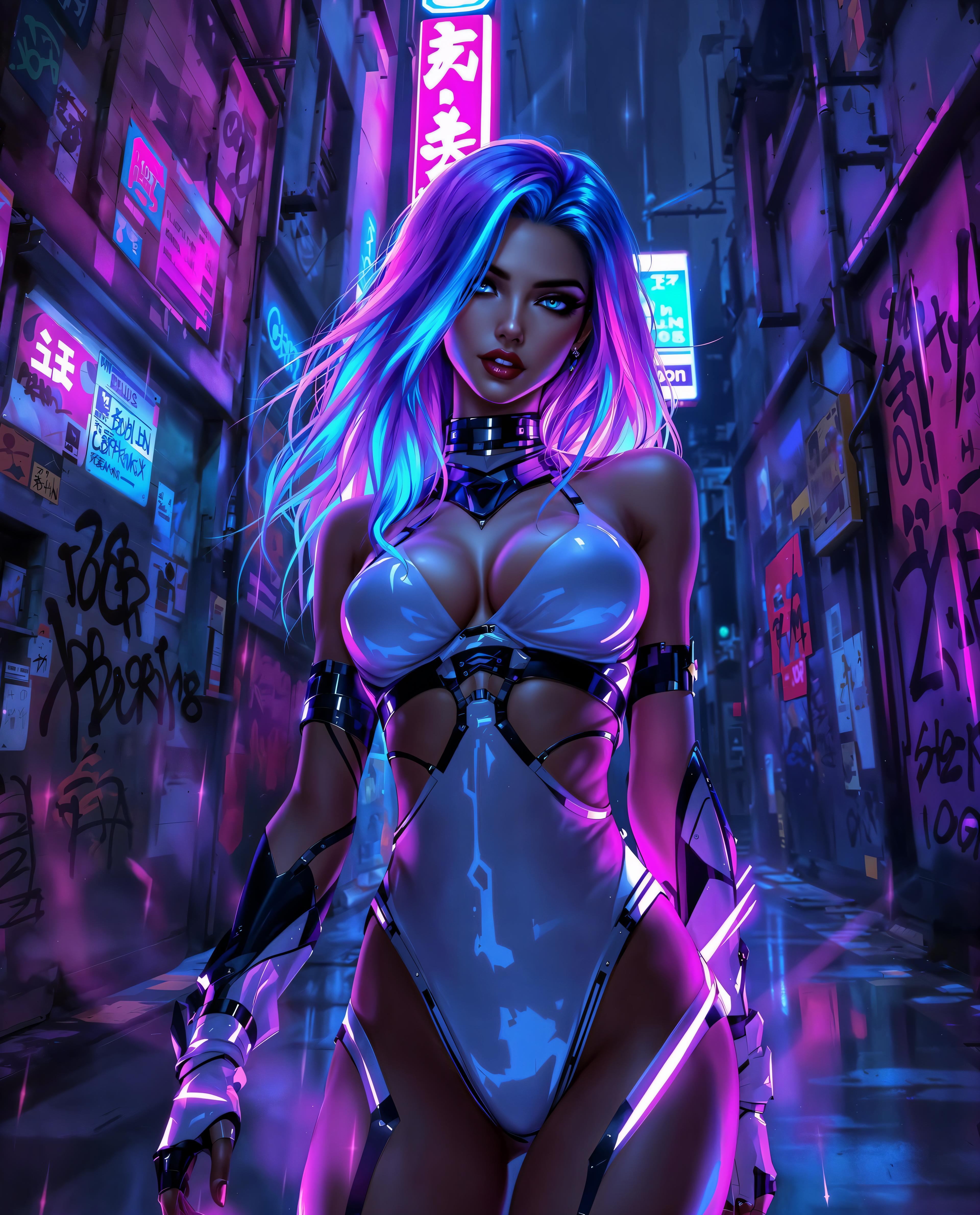
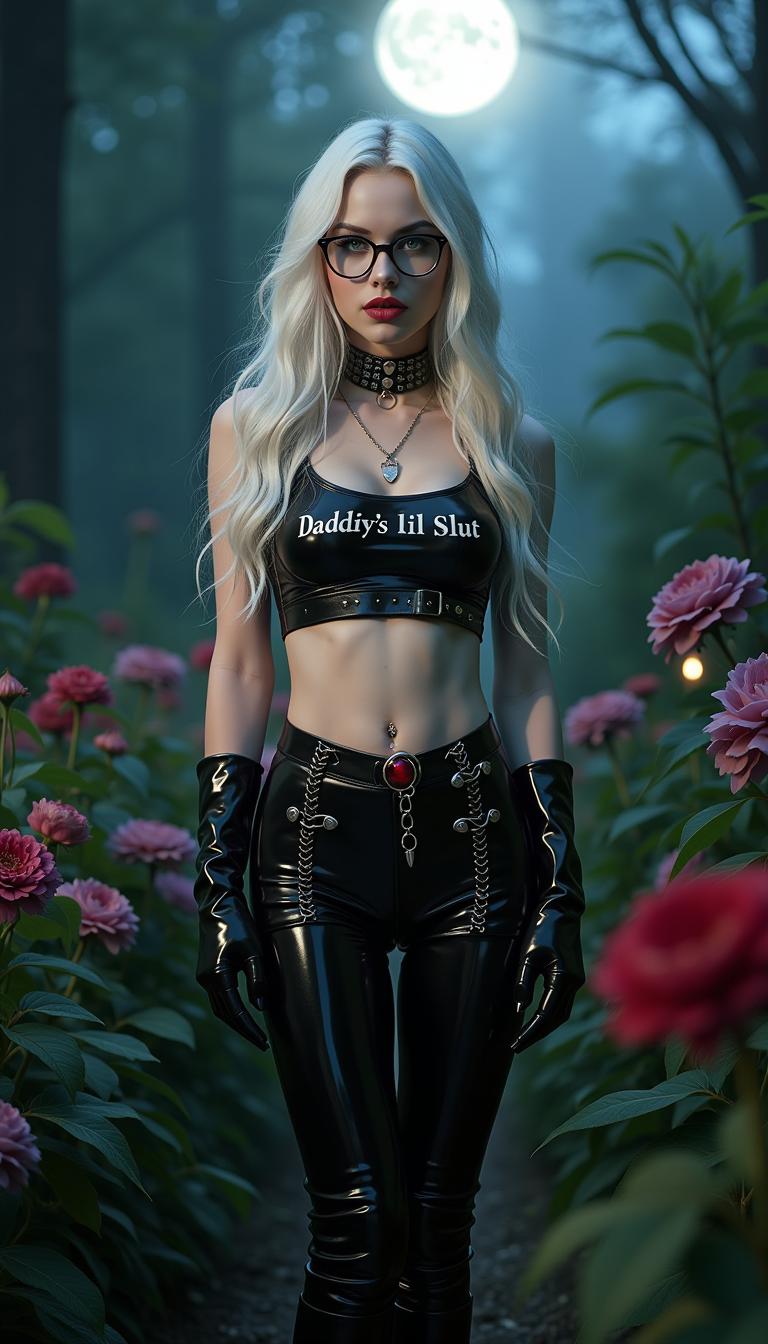


The Pixel Dojo Advantage
Why PixelDojo outperforms other options for photorealistic AI landscapes image generation
| Others | Pixel Dojo |
|---|---|
| Traditional landscape creation | Skip costly photoshoots and travel; generate infinite variations instantly with ImagineArt, achieving pro results without equipment or location scouting. |
| Generic AI tools | Our specialized ImagineArt 1.0 delivers superior photorealism tailored for landscapes, with integrated editing like Background Remover for seamless customization. |
| Manual photo editing | Avoid hours of Photoshop tweaks; PixelDojo automates realism enhancements, letting you focus on creativity and produce polished landscapes faster. |
Loved by Creators
See what our community says about Photorealistic AI landscapes ImagineArt
"PixelDojo's ImagineArt turned my vague ideas into stunning photorealistic landscapes that wowed my clients. It's a game-changer for quick, high-quality visuals!"
Sarah Chen
Graphic Designer
"I generated breathtaking AI landscapes for my game dev project in minutes. The realism is unmatched, and it's so easy to iterate – highly recommend!"
Mike Rodriguez
Game Developer
Common Questions
Everything you need to know about Photorealistic AI landscapes ImagineArt AI generation
How can I create photorealistic AI landscapes with ImagineArt on PixelDojo?
With PixelDojo's ImagineArt 1.0, simply input a detailed prompt describing your landscape, such as terrain, lighting, and mood. The tool generates hyper-realistic images, and you can refine them using Enhance Realism or Inpainting for perfect details. This allows you to achieve professional outcomes like immersive scenes for marketing or art, all without advanced skills.
What are the latest techniques for generating photorealistic AI landscapes using ImagineArt?
Latest trends include using descriptive prompts with specifics like 'photorealistic autumn forest with golden leaves and soft volumetric lighting.' PixelDojo's ImagineArt leverages advanced diffusion models for trends like hyper-detailed textures and dynamic weather effects. Combine with our Style Transfer to mimic real photography styles, helping you create trending visuals that engage audiences.
Can I customize photorealistic AI landscapes generated by ImagineArt?
Absolutely! After generating with ImagineArt 1.0, use PixelDojo's editing suite like Outpainting to expand scenes, Magic Lighting to adjust ambiance, or Creative Upscaler for higher resolution. This customization lets you tailor landscapes for specific needs, such as adding elements for storytelling or optimizing for print, ensuring your final output meets exact creative goals.
What makes ImagineArt ideal for photorealistic AI landscape generation?
ImagineArt 1.0 excels in rendering fine details like realistic foliage, water reflections, and atmospheric effects, based on cutting-edge AI trained on vast datasets. On PixelDojo, it integrates with tools like Face Enhancer for adding human elements or Image to 3D for immersive conversions, enabling you to produce versatile landscapes that enhance projects from digital art to virtual tours.
How do I get started with photorealistic AI landscapes on PixelDojo using ImagineArt?
Sign up for free on PixelDojo, select ImagineArt from the dashboard, and enter your prompt. Experiment with variations and use our Consistent Characters if needed for populated scenes. With 40+ tools at your disposal, you'll quickly create and download landscapes, backed by our community support and easy cancellation for risk-free exploration.
Are there examples of photorealistic AI landscapes created with ImagineArt?
Yes, users have created examples like photorealistic desert dunes under starry skies or lush rainforest canopies with mist. PixelDojo's gallery showcases these, generated via ImagineArt with prompts focusing on realism trends like high dynamic range and depth of field. Try it to see how you can replicate or innovate on these for your own stunning results.