photo ai tool AI Generator

Unlock the full potential of your photos with PixelDojo's AI-powered tools. Whether you're looking to enhance existing images or create entirely new visuals, our intuitive platform empowers you to achieve professional-quality results effortlessly. Say goodbye to complex software and hello to seamless creativity.

AI Generated
Get Started TodayResults in seconds50+ AI models

Join over 100,000 satisfied users who have transformed their images using PixelDojo's AI tools. Rated 4.8/5 based on 2,500+ reviews.

Why Choose Pixel Dojo for photo ai tool

Professional-quality results with cutting-edge AI technology

Effortless Enhancements

Automatically improve image quality, adjust lighting, and remove imperfections with a single click.

Creative Transformations

Apply artistic styles, change backgrounds, and add unique effects to make your photos stand out.

Time-Saving Automation

Batch process multiple images simultaneously, ensuring consistency and efficiency in your workflow.

How It Works

Transforming your photos with PixelDojo is simple and intuitive. Follow these steps to achieve professional-quality edits:

1

Step 1: Select Your Editing Tool

Choose from our suite of AI-powered tools tailored to your specific editing needs, such as the Creative Upscaler for enhancing image resolution or the Background Remover for isolating subjects.

2

Step 2: Upload Your Image

Easily upload your photo to the selected tool. Our platform supports various file formats for your convenience.

3

Step 3: Apply AI Enhancements

Utilize the AI features to make desired edits. For instance, use the Inpainting tool to remove unwanted objects seamlessly or the Style Transfer to apply artistic effects.


Community photo ai tool Gallery

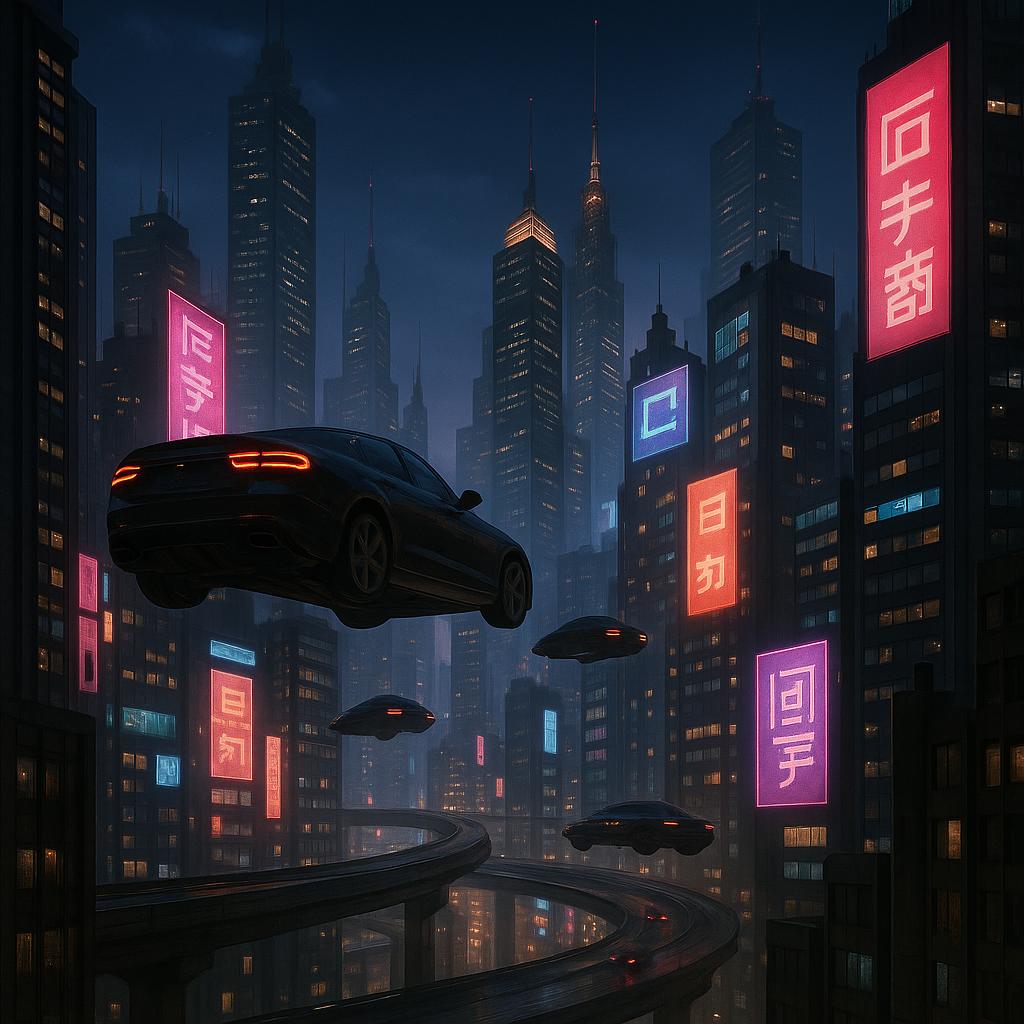
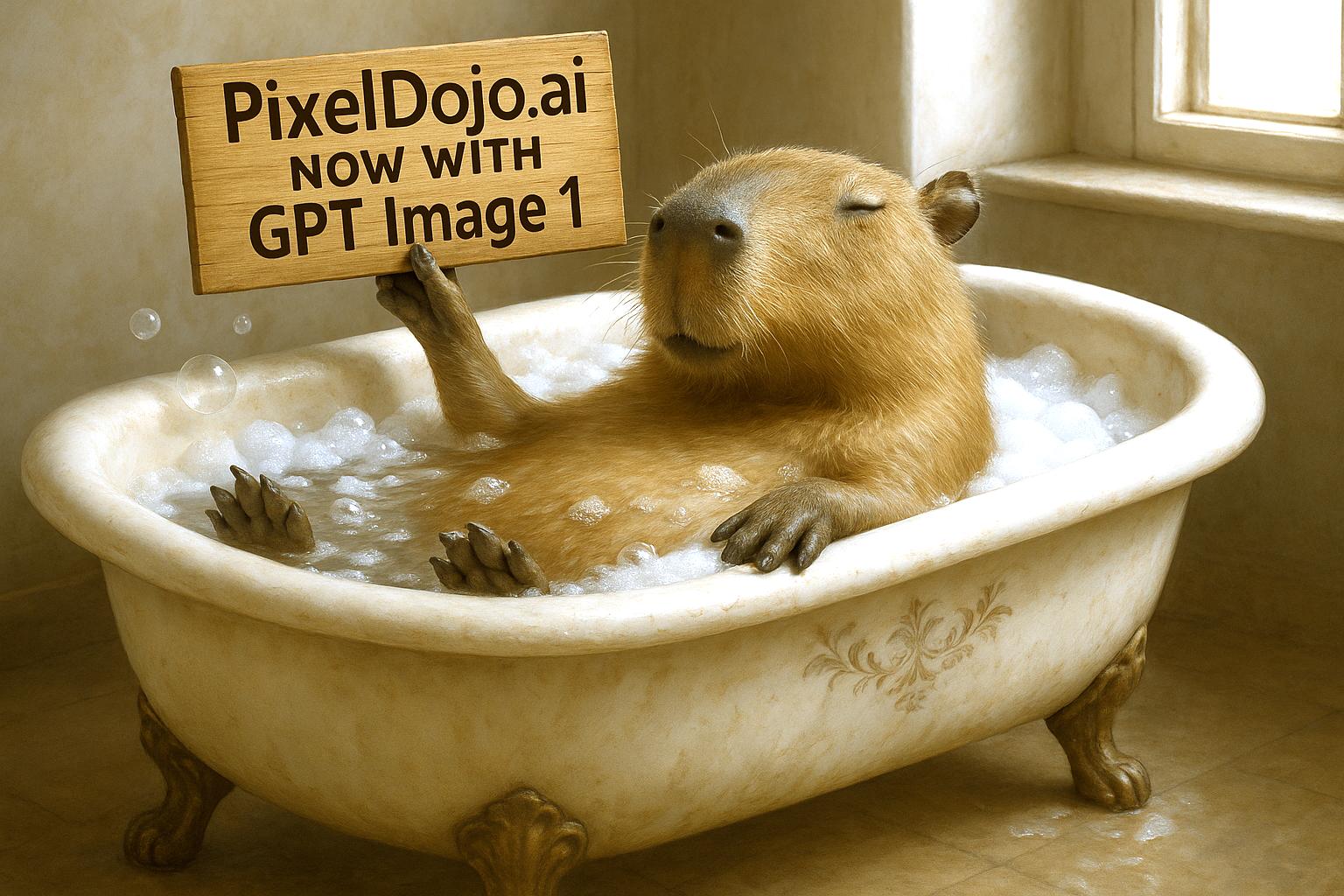
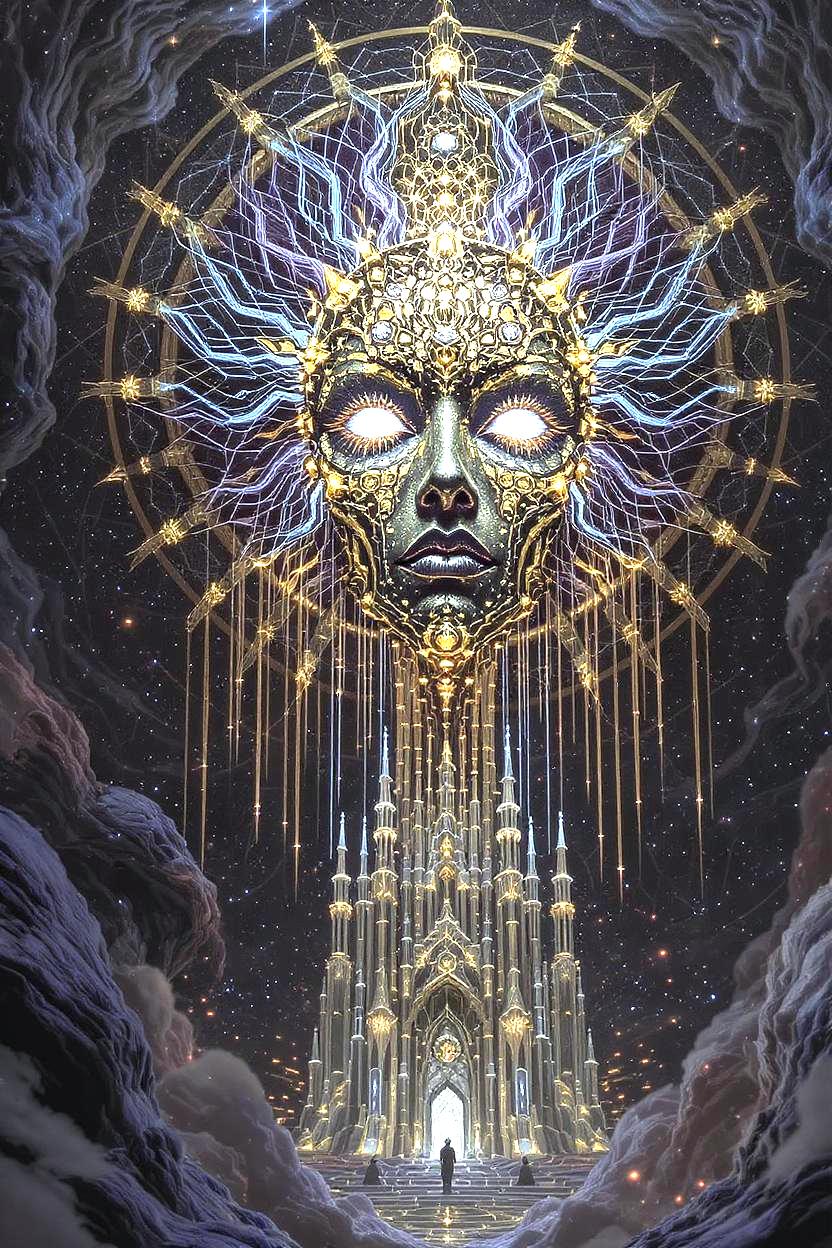
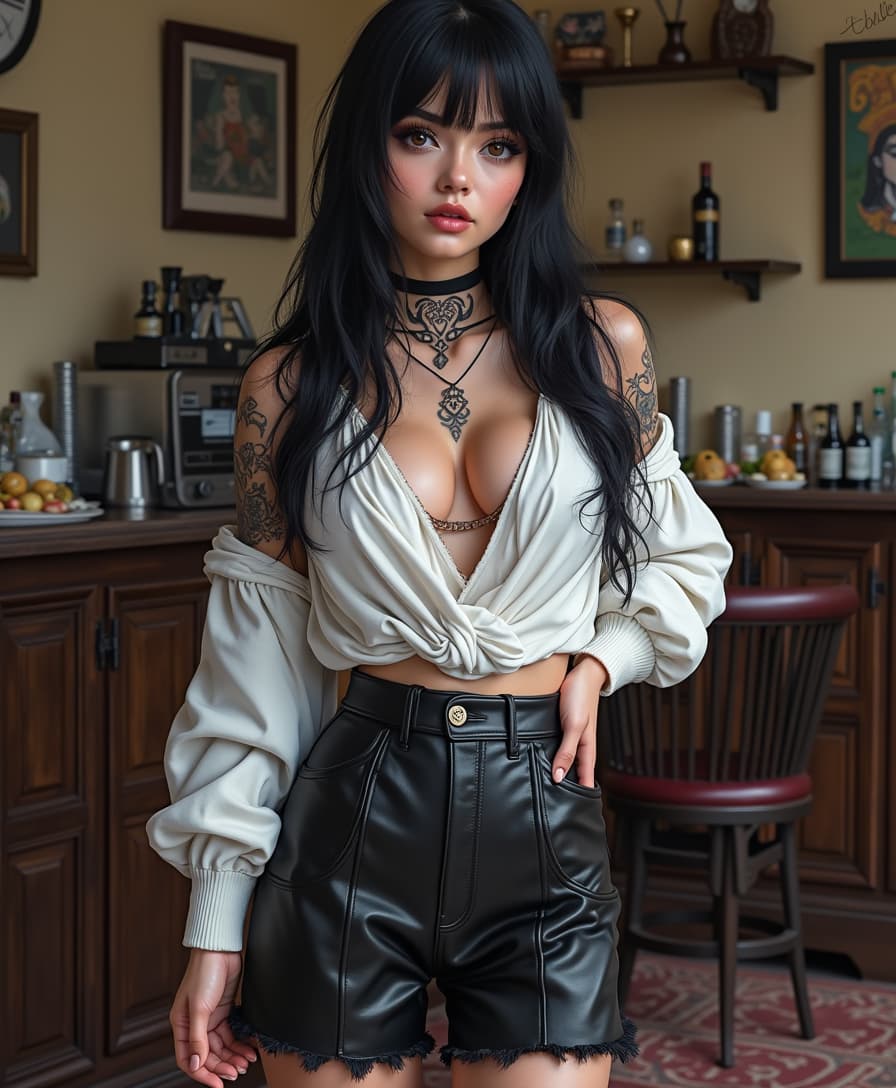
Real examples created by our community

a photo of a ninja in front of a japanese dojo. on the wall a sign reads PixelDojo.ai Now with Imagen 4
a photo of a man flying through the air on a drone. the clouds say "PixelDojo.ai Now With Imagen 4"
make it photo realistic (edit)
masterpiece, best quality, highres, sharp image, more detail <lora:more_details:0.5> <lora:SDXLrender_v2.0:1>
anime character, add tribal-style tattoos
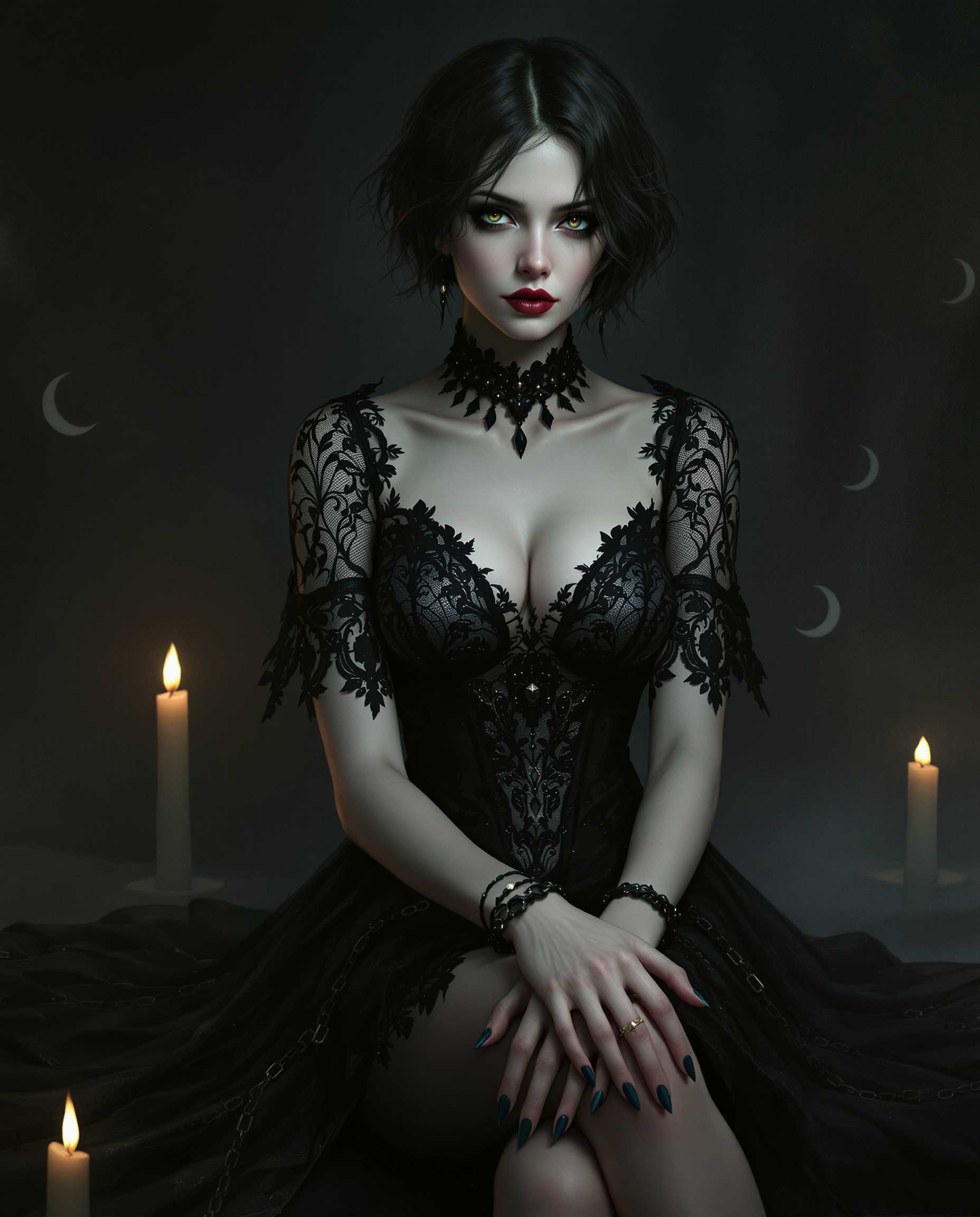
masterpiece, best quality, highres, sharp image, more detail, This image is a realistic photo (photograph) of a female real person digital illustration that captures a figure in a gothic style, characterized by its dark and moody atmosphere. The art style is reminiscent of fantasy or science fiction genres, with a focus on detailed textures and a cinematic quality.The medium appears to be a digital painting, given the smooth blending of colors and the lack of brush strokes. The lighting and shadows are expertly rendered, creating a threedimensional effect on the figures clothing and the surrounding environment.The colors in the image are predominantly dark and muted, with a few highlights that add contrast and depth. The figure is dressed in a black, laceadorned dress with a fitted bodice and a flared skirt. The dress features intricate patterns and embellishments that catch the light, giving it a subtle shimmer. The figures skin is a pale, almost translucent white, which stands out against the dark clothing.The figures hair is short and dark, with a few strands falling over the shoulders. It has a natural, wavy texture that adds realism to the image.The objects in the image include the figures dress, which is detailed with lace and beadwork. The figures wrists are adorned with bracelets and rings, adding to the gothic aesthetic. The figure is seated, with one leg crossed over the other, and there are chains visible around the ankles, which contribute to the overall gothic feel of the image.In the background, there are faint crescent moons and a smattering of candlelight, which further enhance the mystical and moody atmosphere of the scene. The overall composition of the image is balanced, with the figure taking center stage against a dark, atmospheric backdrop.
{
  "SHOT COMPOSITION": "Full body shot captured with a Canon 5D camera using a 50mm lens for balanced perspective, deep depth of field to showcase the entire figure and surroundings sharply, framing the subject centrally in a wide composition to emphasize her stature and outfit from head to toe.",
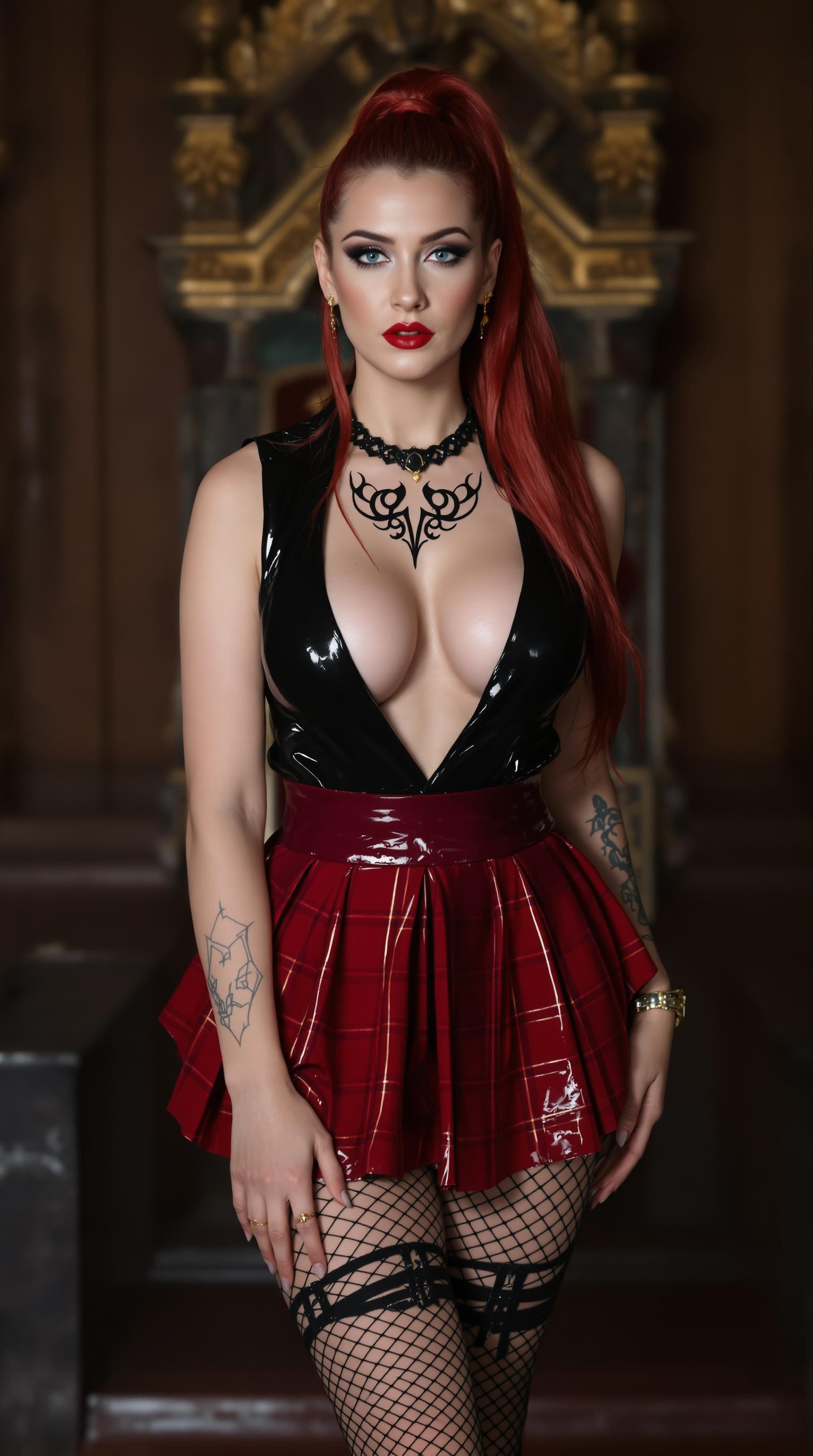
  "SUBJECT & WARDROBE": "A striking mid-20s woman with big blue eyes, shiny crimson hair that's ample and silky, haning from a high ponytail. 54EE breasts; she wears a sleek and shiny black latex blouse with a plunging neckline revealing her ample cleavage, paired with a shiny crimson latex pleated plaid miniskirt. She stands in a medieval style throne room. Legs clad in fishnet and garters. Tribal style tattoos on her neck and arms
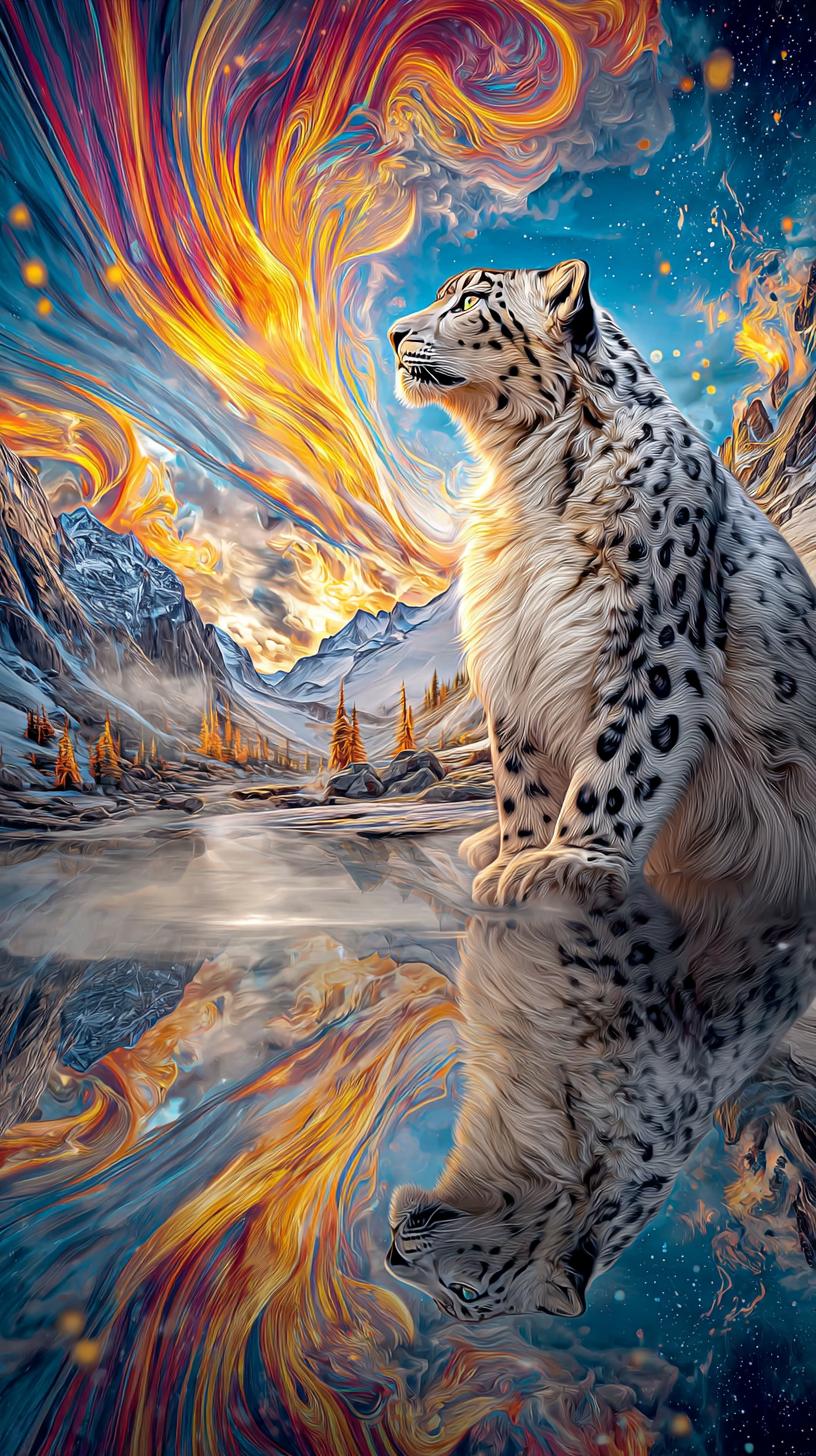
crisp fur texture, luminous aurora bands, icy mist clarity, high micro‑detail, vibrant cold palette”
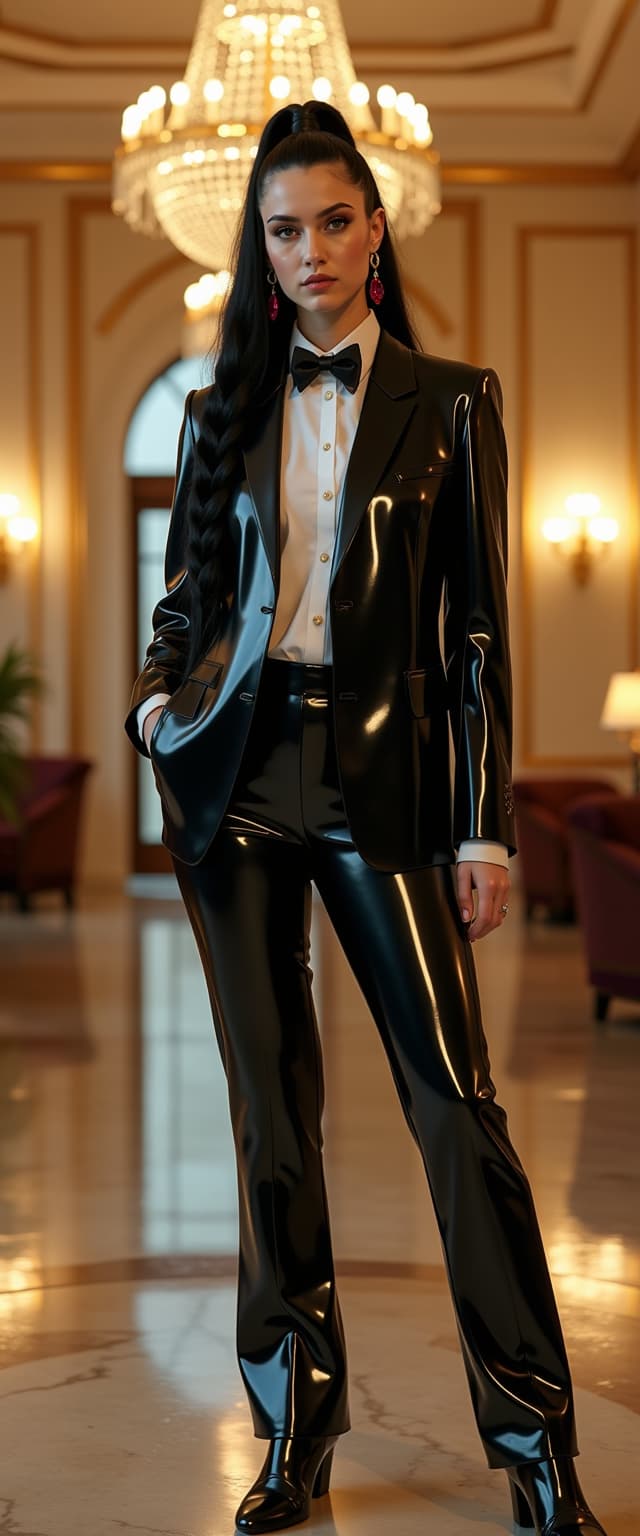
A striking 21-year-old pale goth woman, standing at an impressive 6'3" with a full-figured, athletic build, commands attention in an elegant hotel ballroom. Her knee-length, thick, heavy shiny black hair is styled in a tightly braided ponytail, cascading down her back with a mesmerizing shimmer that catches the light to her knees. She is dressed in a impeccably tailored tuxedo, featuring a glossy black latex jacket and pants that reflect the ambient glow with a sleek, futuristic sheen, paired with a crisp, shiny white silk shirt that contrasts beautifully. A black latex bow tie adds a bold, avant-garde touch to her ensemble, while ruby drop earrings provide a vibrant pop of deep red, accentuating her pale complexion. The ballroom is opulent, with grand crystal chandeliers casting warm golden light, intricate gilded detailing on the walls, and polished marble floors reflecting the scene. She stands confidently in the center of the frame, captured from a slightly low angle to emphasize her towering presence and commanding aura, with the luxurious surroundings subtly blurred in the background to keep the focus on her. The mood is sophisticated and enigmatic, with a late evening ambiance, soft shadows, and a cool, mysterious atmosphere that blends gothic elegance with modern edge. Rendered in a high-fashion editorial photography style, with hyper-realistic textures, dramatic lighting contrast, and a cinematic depth of field, ensuring every detail of her outfit and the ballroom's grandeur is vividly captured.
A whimsical and detailed scene featuring a Minion dressed as an auto worker mechanic, wearing a realistic navy-blue jumpsuit with oil stains and rolled-up sleeves, a tool belt filled with wrenches and screwdrivers, and a safety helmet slightly askew on its round head. The Minion stands confidently in the foreground, holding a large white sign with bold black text that reads "LEARN TO CODE." The background showcases a bustling automotive assembly line, with rows of sleek, partially assembled cars in metallic silver and red, robotic arms in motion, and sparks flying from welding stations. The composition is framed from a low angle to emphasize the Minion's quirky dominance in the scene, with the assembly line stretching into the distance for depth. The lighting is industrial, with harsh fluorescent overhead lights casting sharp shadows and highlighting the gritty textures of metal and machinery. The mood is humorous yet grounded, blending the playful nature of the Minion with the serious, hardworking atmosphere of a factory. Rendered in a vibrant, cartoonish style with hyper-detailed textures and a cinematic depth of field, capturing the contrast between the comical character and the realistic industrial setting.
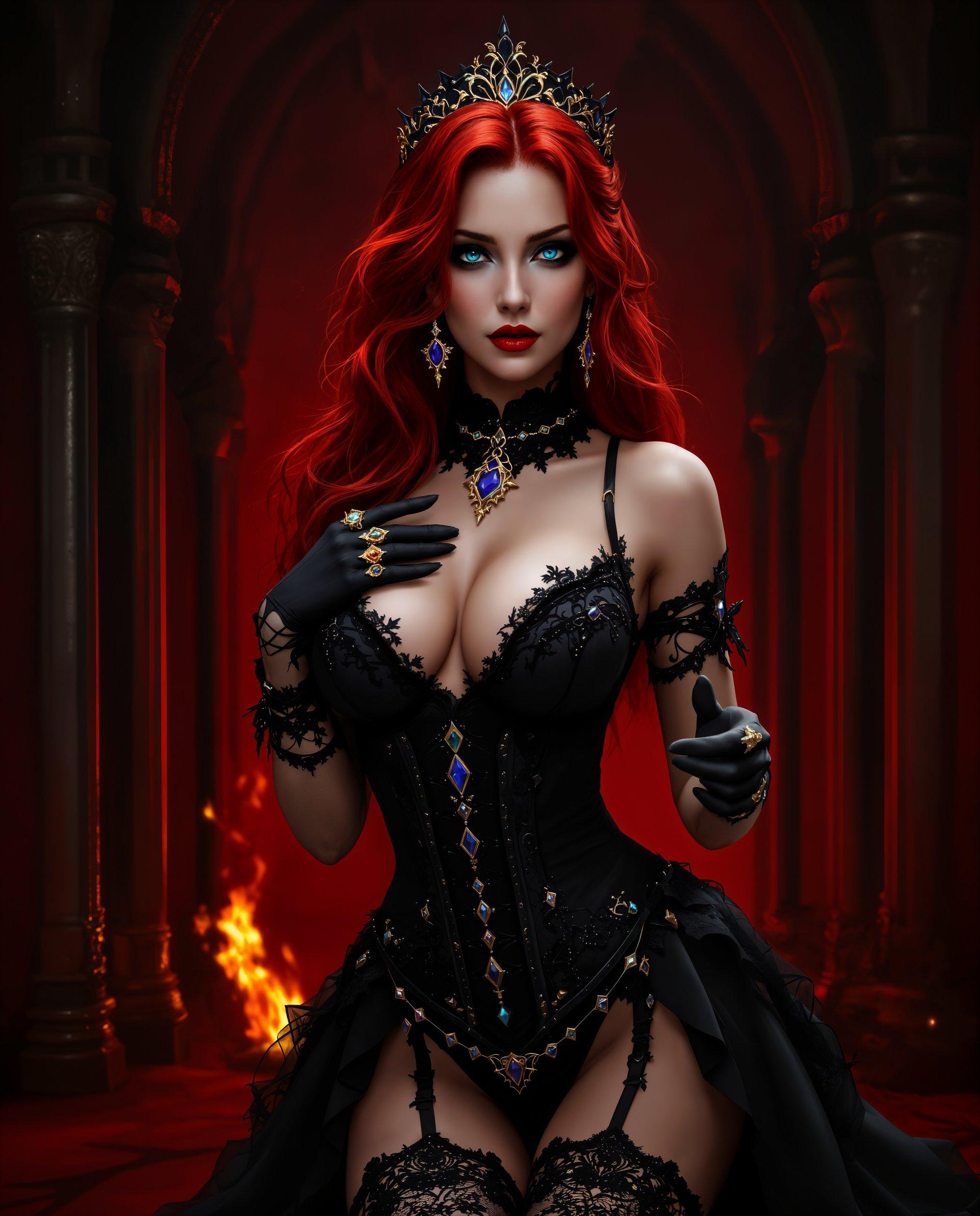
masterpiece, best quality, highres, sharp image, more detail <lora:more_details:0.5> <lora:SDXLrender_v2.0:1>, masterpiece, best quality, highres, sharp image, more detail, This is a realistic photo (photograph) of a female real person image that features a character with a striking red hair and blue eyes, dressed in a black, gothicinspired outfit with lace and gem embellishments. The character is posed in a way that accentuates the outfit, with one hand delicately touching the chest and the other extended outward.The medium appears to be digital painting, given the smooth color gradients and lack of texture that might be present in traditional painting mediums.The colors in the image are rich and vibrant, with the red hair and the black of the outfit standing out against the darker, more subdued background. The reds range from deep crimson to bright scarlet, while the black is a deep, almost midnight shade. There are also touches of blue and gold, primarily in the form of gemstones and jewelry on the outfit.The objects in the image are primarily the characters outfit and accessories. The outfit consists of a bodice with lace detailing and straps, a corsetstyle waist cincher, thighhigh stockings with lace detailing, and gloves. The accessories include a tiara on the head, earrings, and rings on the fingers.The background is richly detailed, with a gothic architectural style that includes pointed arches, intricate carvings, and a sense of depth created by the play of light and shadow. The walls are a deep red, and there is a sense of fire or flames in the background, adding to the gothic and dramatic atmosphere of the scene.

Start Editing Your Photos with AI Today

Access over 40 cutting-edge AI tools, trusted by thousands of creators worldwide. Cancel anytime. Try it now.

The Pixel Dojo Advantage

Why PixelDojo outperforms other options for AI photo editing:

OthersPixel Dojo
Traditional Photo Editing SoftwareEliminate the steep learning curve and time-consuming processes with our user-friendly AI tools that deliver professional results swiftly.
Generic AI Editing ToolsBenefit from a comprehensive suite of specialized tools designed to cater to a wide range of editing needs, ensuring versatility and precision.
Manual Editing TechniquesSave countless hours with automated features that maintain high-quality standards, allowing you to focus on creativity rather than tedious tasks.

Loved by Creators

See what our community says about photo ai tool

"PixelDojo's AI tools have revolutionized my editing process. The ease of use and quality of results are unparalleled."

Alex Johnson

Professional Photographer

"As a graphic designer, PixelDojo has become an indispensable part of my workflow. The AI enhancements save me hours of manual work."

Maria Lopez

Graphic Designer

Common Questions

Everything you need to know about photo ai tool AI generation

How does PixelDojo's AI image editing improve photo quality?

PixelDojo utilizes advanced AI algorithms to automatically enhance image resolution, adjust lighting, and remove imperfections, resulting in professional-quality photos with minimal effort.

Can I use PixelDojo's AI tools for batch processing multiple images?

Yes, PixelDojo offers batch processing capabilities, allowing you to apply consistent edits across multiple images simultaneously, significantly improving workflow efficiency.

Is it possible to remove unwanted objects from photos using PixelDojo?

Absolutely. Our Inpainting tool enables you to seamlessly remove unwanted objects or blemishes from your images, with the AI intelligently filling in the gaps to maintain a natural appearance.

Can I apply artistic styles to my photos with PixelDojo?

Yes, our Style Transfer feature allows you to apply various artistic effects to your photos, transforming them into unique pieces of art inspired by different styles.

Does PixelDojo support background removal?

Certainly. Our Background Remover tool uses AI to detect and separate the subject from the background, enabling you to replace or eliminate backgrounds effortlessly.

Is PixelDojo suitable for professional photographers and designers?

Yes, PixelDojo's suite of AI tools is designed to meet the needs of both professionals and enthusiasts, offering high-quality results and streamlining the editing process.

Ready to Transform Your Photos with AI?

Ready to Create Amazing photo ai tool Images?

Join thousands of creators using AI to bring their ideas to life