live portrait AI Generator
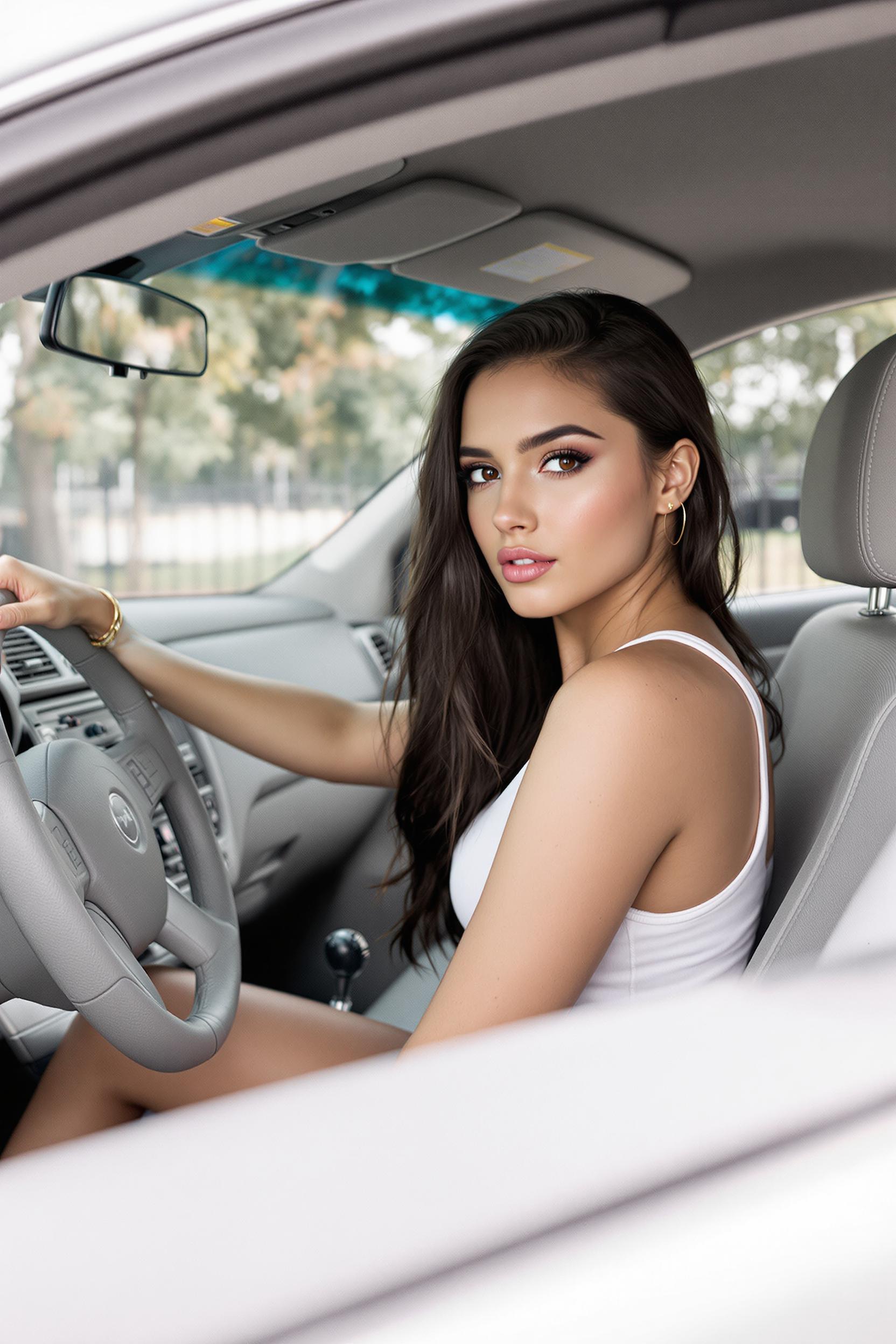
Imagine turning your static photos into dynamic, animated portraits that capture lifelike expressions and movements. With PixelDojo's advanced AI tools, you can effortlessly breathe life into your images, creating engaging content for social media, marketing campaigns, or personal projects. Our intuitive platform empowers you to produce stunning live portraits without any technical expertise.

Join over 10,000 satisfied creators who have transformed their images using PixelDojo's AI tools, rated 4.8/5 by our users.
Why Choose Pixel Dojo for live portrait
Professional-quality results with cutting-edge AI technology
Effortless Animation
Transform static images into dynamic, animated portraits with just a few clicks, no technical skills required.
High-Quality Outputs
Generate lifelike animations with realistic facial expressions and movements, enhancing the visual appeal of your content.
Versatile Applications
Use animated portraits for social media, marketing, education, or personal projects, adding a unique touch to your visuals.
How It Works
Creating live portraits with PixelDojo is a simple and intuitive process. Follow these steps to bring your images to life:
Step 1: Choose Your Tool
Select the 'Image to Video' tool from PixelDojo's 'Animate' category to begin animating your portrait.
Step 2: Upload Your Image
Upload a high-quality portrait photo that you wish to animate. Ensure the image is clear and well-lit for optimal results.
Step 3: Select Animation Style
Choose from a variety of animation styles and movements to apply to your portrait, such as smiling, blinking, or head tilts.
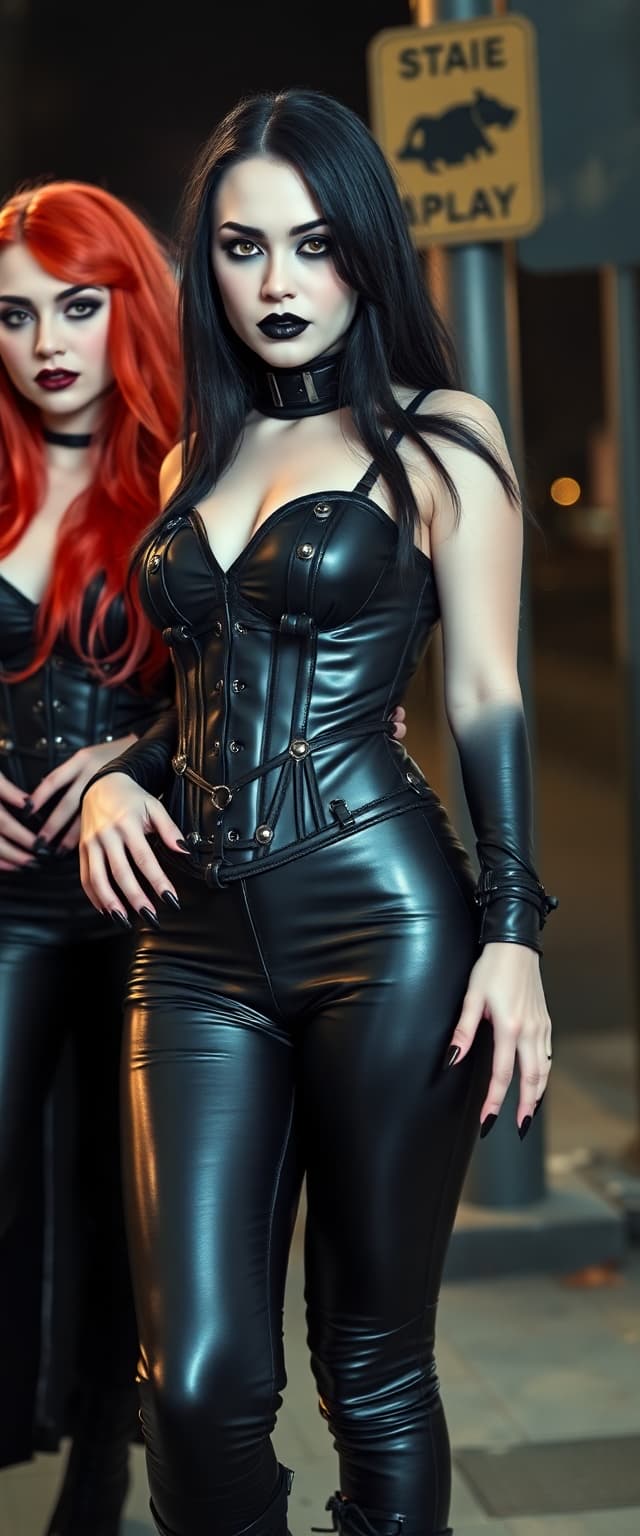
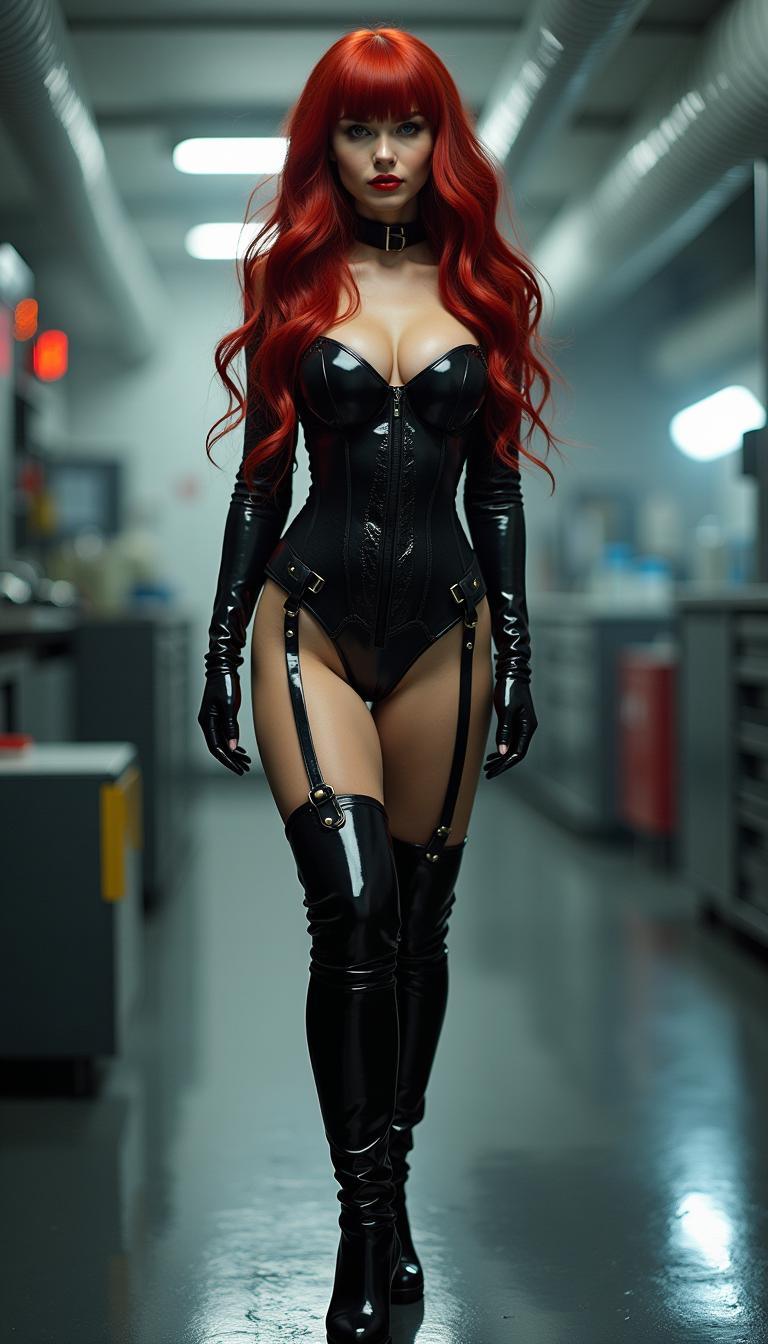
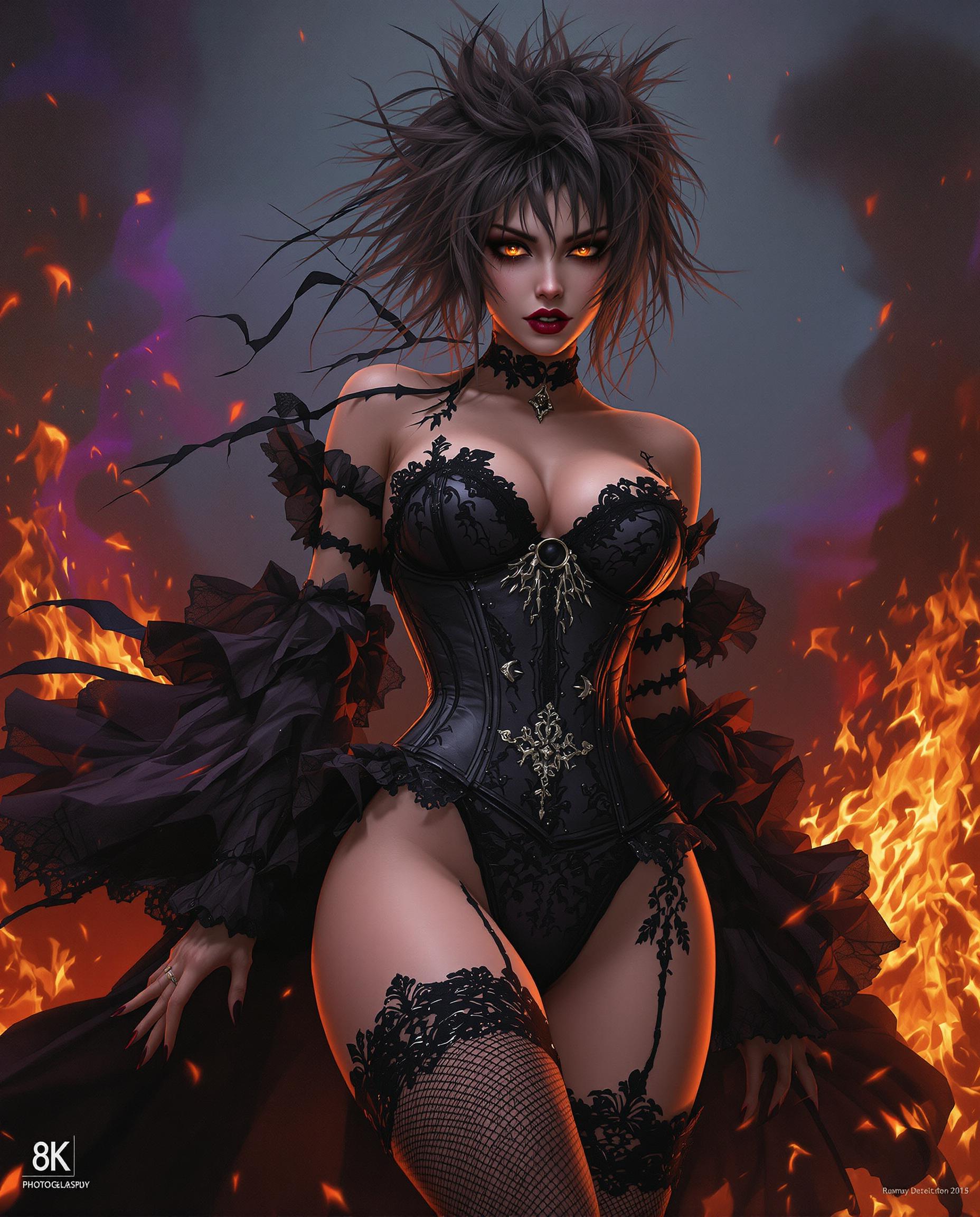
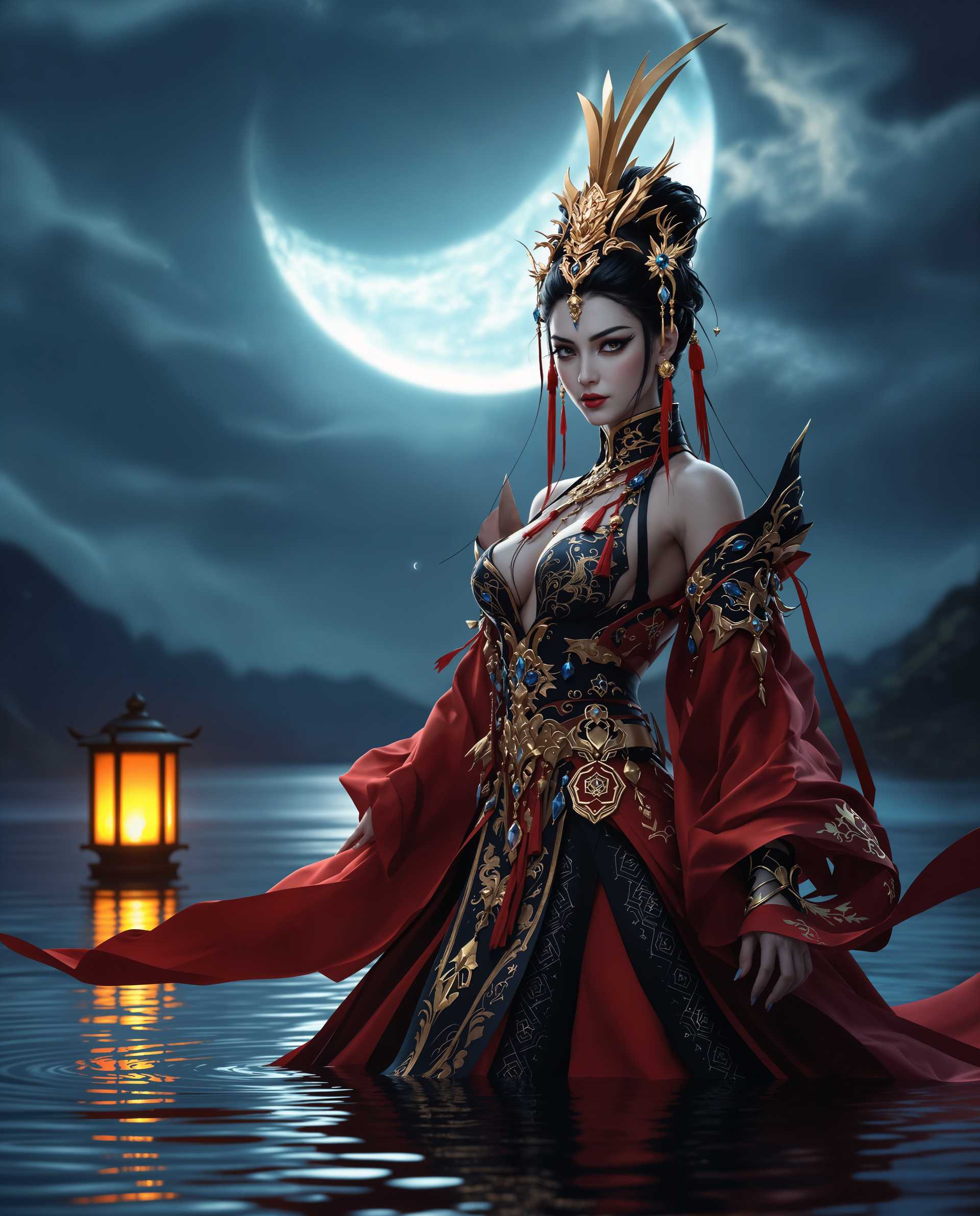

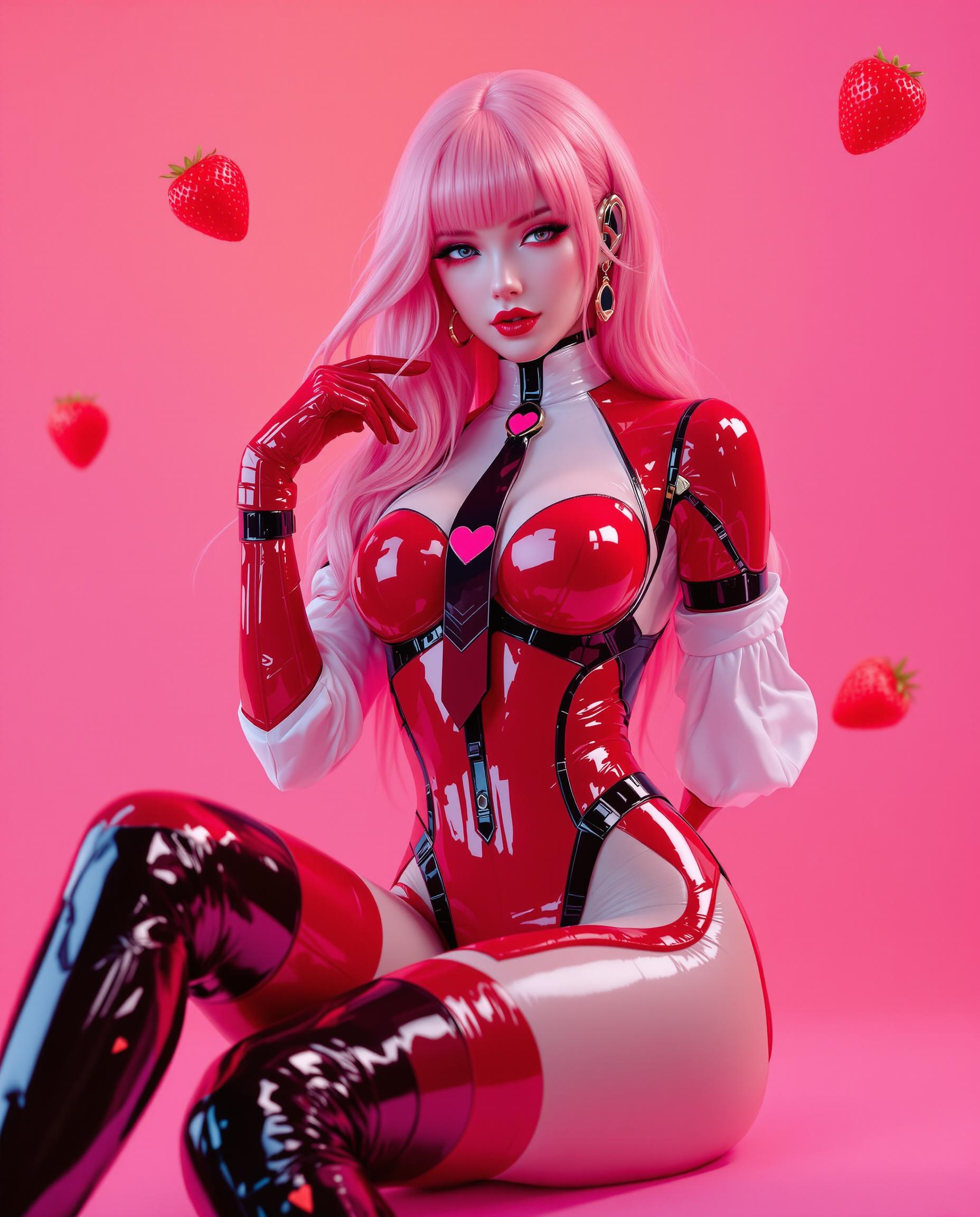
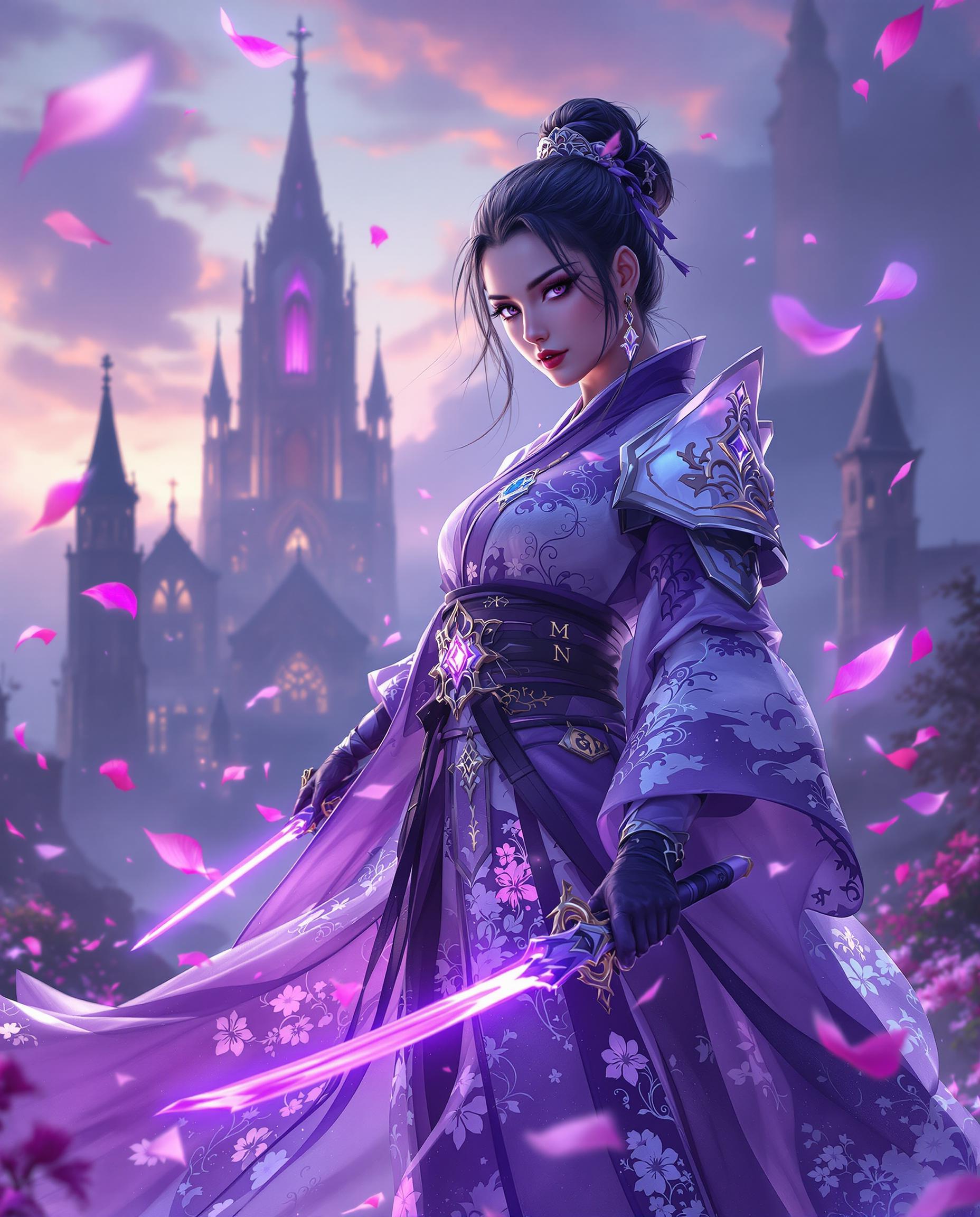
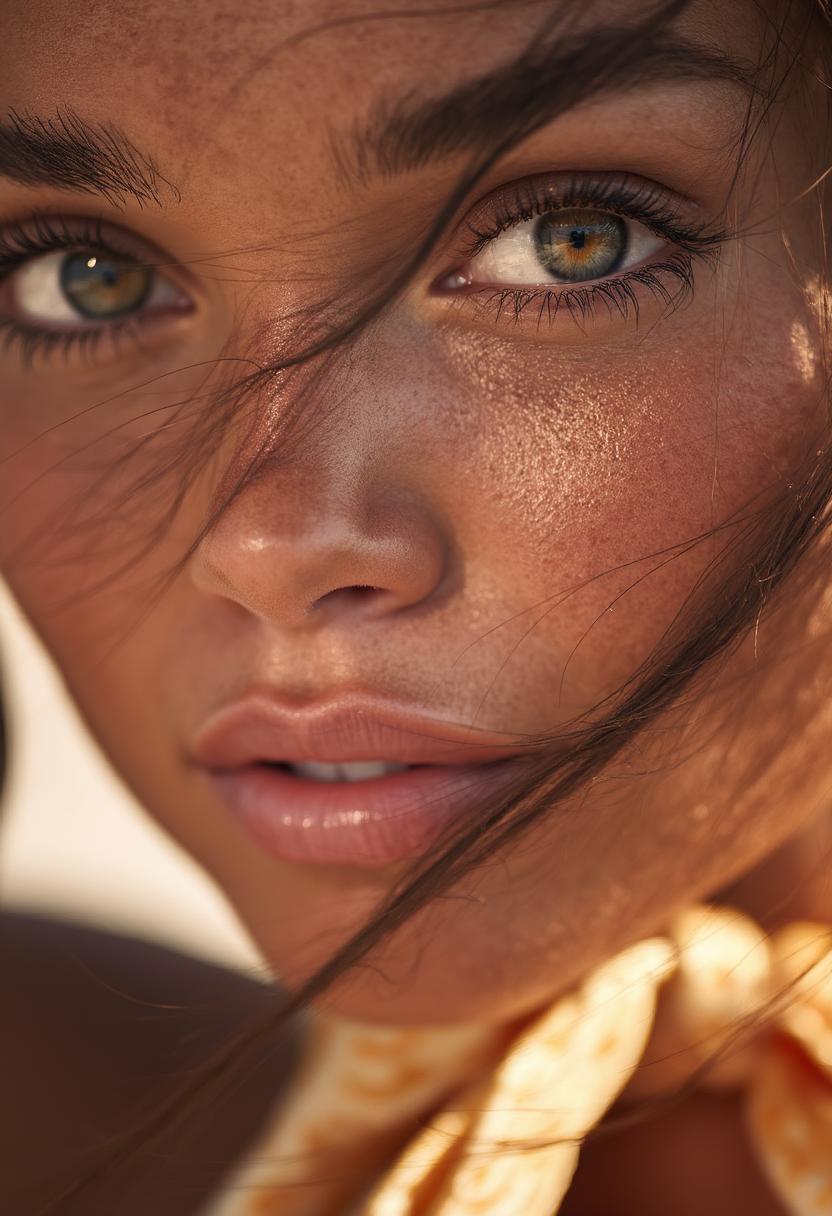

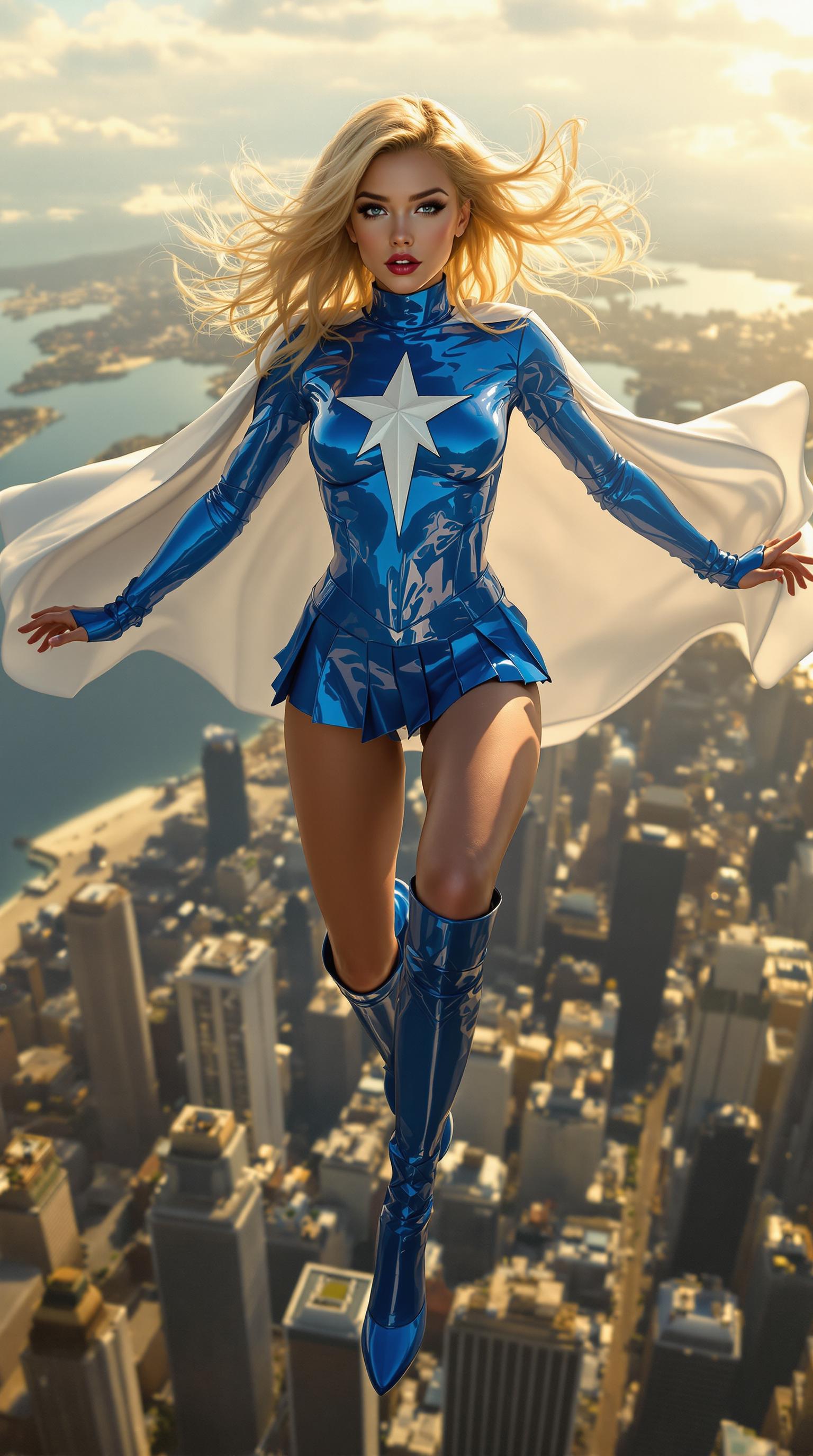

The Pixel Dojo Advantage
Why PixelDojo outperforms other options for live portrait creation:
| Others | Pixel Dojo |
|---|---|
| Traditional Animation Software | No need for complex software or animation skills; create animations effortlessly. |
| Generic AI Tools | Specialized tools designed specifically for high-quality live portrait generation. |
| Manual Photo Editing | Save time and effort with automated processes that deliver consistent, professional results. |
Loved by Creators
See what our community says about live portrait
"PixelDojo's live portrait tool transformed my static photos into engaging animations effortlessly. Highly recommend!"
Jane Doe
Digital Artist
"Creating animated portraits for my marketing campaigns has never been easier. PixelDojo's AI tools are a game-changer."
John Smith
Marketing Manager
Common Questions
Everything you need to know about live portrait AI generation
How can I create a live portrait using PixelDojo?
Simply select the 'Image to Video' tool, upload your portrait, choose an animation style, and generate your animated portrait in minutes.
Do I need any animation experience to use PixelDojo's tools?
No, PixelDojo's platform is designed for users of all skill levels, allowing you to create animations without any prior experience.
Can I customize the animations applied to my portraits?
Yes, you can choose from various animation styles and movements to tailor the animation to your preferences.
What file formats are supported for uploading images?
PixelDojo supports common image formats such as JPEG and PNG for uploading your portraits.
Is there a limit to the number of live portraits I can create?
With a PixelDojo subscription, you can create an unlimited number of live portraits to suit your needs.
Can I use the animated portraits for commercial purposes?
Yes, the animated portraits you create with PixelDojo can be used for both personal and commercial projects.