kling 3.0 customizable shots AI Generator
Imagine bringing your creative visions to life with cinematic precision, all without the need for expensive equipment or a large production team. With Kling 3.0's customizable shots, you can craft professional-quality videos that captivate your audience and elevate your storytelling.
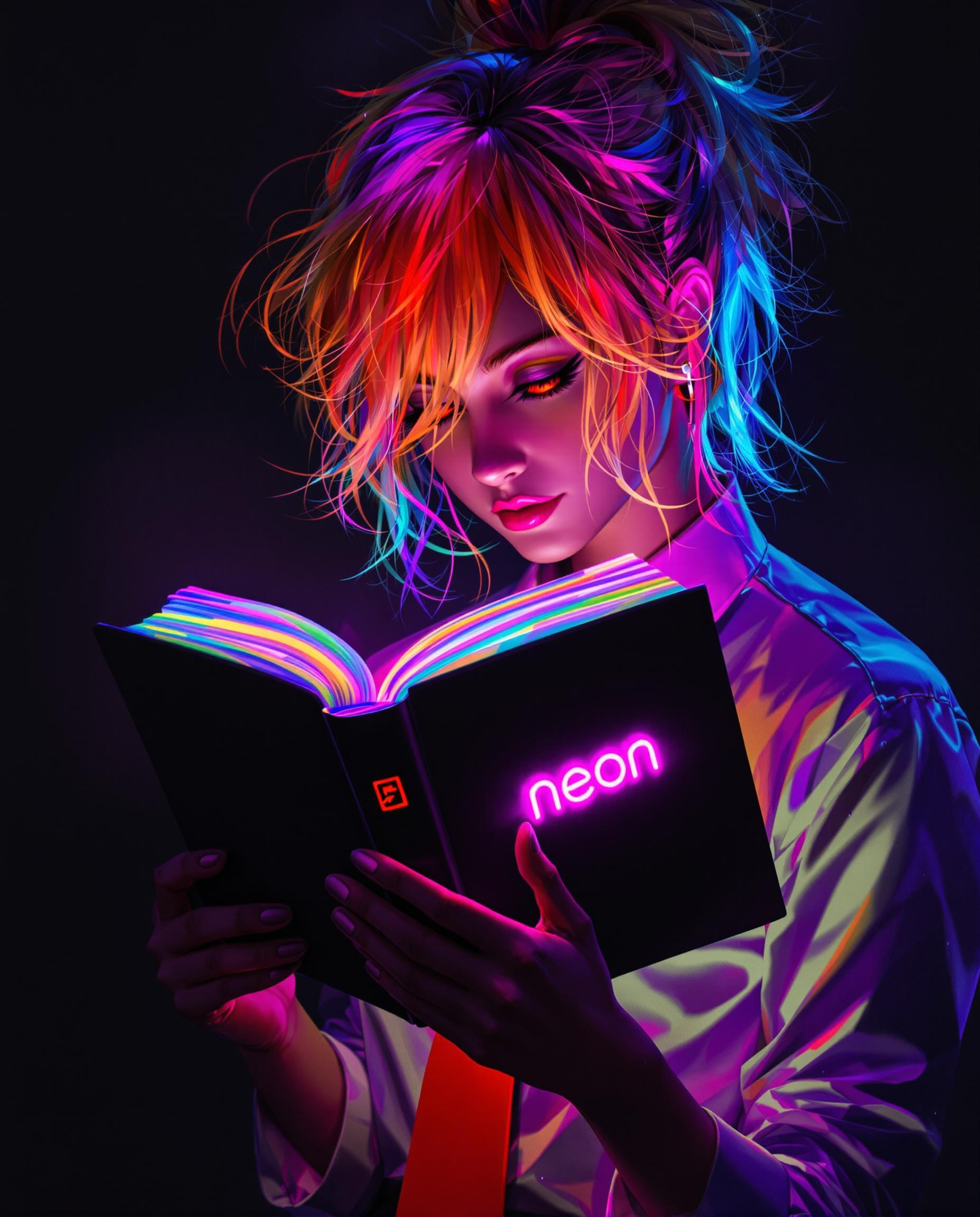
Join over 15 million creators worldwide who trust Kling 3.0 for their video production needs. With a 4.9/5 rating and over 500 million videos generated across 180+ countries, Kling 3.0 is the go-to tool for cinematic AI video creation.
Why Choose Pixel Dojo for kling 3.0 customizable shots
Professional-quality results with cutting-edge AI technology
Achieve Cinematic Quality Effortlessly
Generate high-definition videos with precise camera movements and realistic physics, ensuring your content stands out.
Maintain Consistency Across Shots
Ensure character and object consistency throughout your video, providing a seamless viewing experience.
Save Time and Resources
Reduce production time and costs by leveraging AI-driven video generation, allowing you to focus on creativity.
How It Works
Creating cinematic videos with Kling 3.0 is a straightforward process that empowers you to bring your ideas to life.
Step 1: Define Your Scene
Describe your vision using natural language prompts or upload reference images to set the scene.
Step 2: Customize Camera Movements
Utilize motion controls to direct camera movements such as pan, tilt, and zoom, adding dynamic elements to your video.
Step 3: Generate and Refine
Generate your video and make adjustments as needed to achieve the desired outcome.

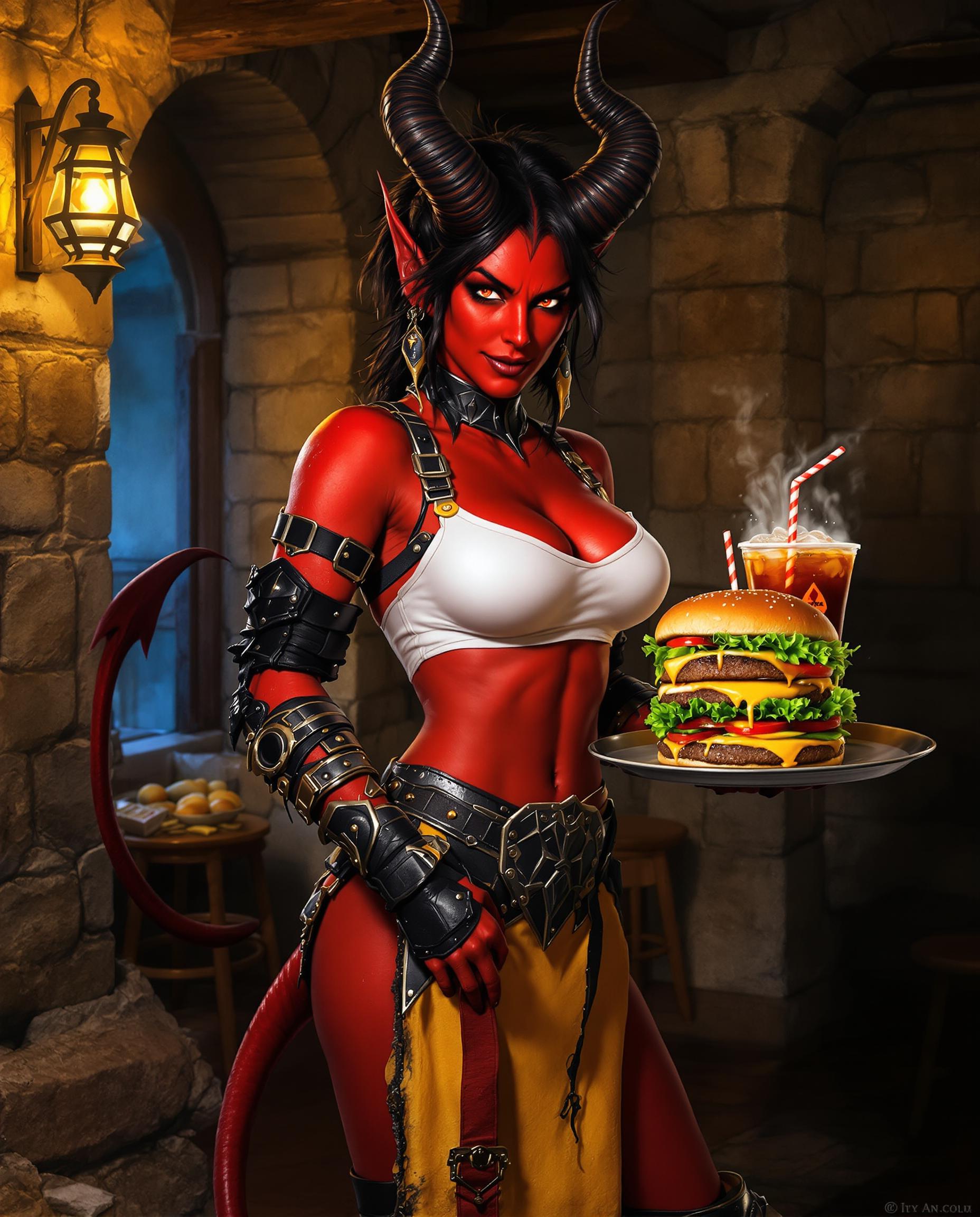

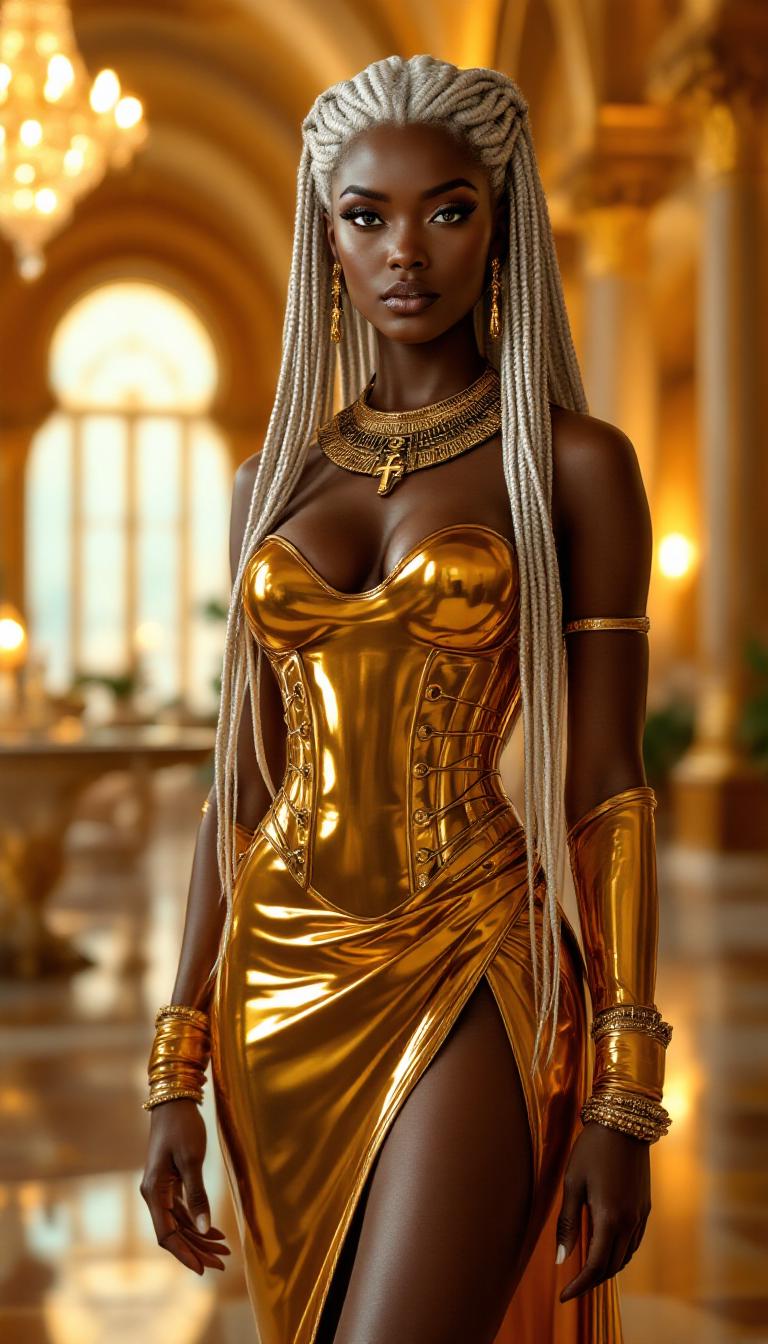






The Pixel Dojo Advantage
Why Kling 3.0 Outperforms Other Video Creation Methods
| Others | Pixel Dojo |
|---|---|
| Traditional Video Production | Eliminates the need for expensive equipment and large crews, making high-quality video production accessible to all. |
| Generic AI Tools | Offers advanced motion control and scene customization, providing a level of detail and precision unmatched by other AI tools. |
| Manual Editing | Reduces the time spent on post-production by generating polished videos directly from your inputs. |
Loved by Creators
See what our community says about kling 3.0 customizable shots
"Kling 3.0 has completely revolutionized our pre-visualization process. The motion control is simply unmatched."
Sarah Chen
Creative Director
"Finally, an AI video tool that understands cinematic language. The multi-shot workflow is a game changer."
Marcus Rivera
Indie Filmmaker
Common Questions
Everything you need to know about kling 3.0 customizable shots AI generation
Can I use Kling 3.0 for commercial projects?
Yes, Kling 3.0 offers plans that include full commercial rights, allowing you to use generated videos for commercial purposes.
Does Kling 3.0 support audio synchronization?
Yes, Kling 3.0 features native audio-visual synchronization, ensuring perfect alignment between audio and visuals.
What video resolutions does Kling 3.0 support?
Kling 3.0 supports native generation up to 4K resolution, providing broadcast-quality output suitable for professional use.
Is Kling 3.0 suitable for beginners?
Absolutely. Kling 3.0's user-friendly interface and guided workflows make it accessible for creators of all experience levels.
How long does it take to generate a video with Kling 3.0?
Generation time varies based on server load and video complexity but typically ranges from 2 to 5 minutes for a standard clip.
Does Kling 3.0 offer a free trial?
Yes, Kling 3.0 offers a free tier for new users to try out its capabilities before committing to a paid plan.