Kling 2.6 multi-shot mastery AI Generator
Transform your storytelling with Kling 2.6's multi-shot capabilities. Seamlessly create high-quality AI-generated videos that bring your narratives to life, all without the need for complex editing or technical expertise.
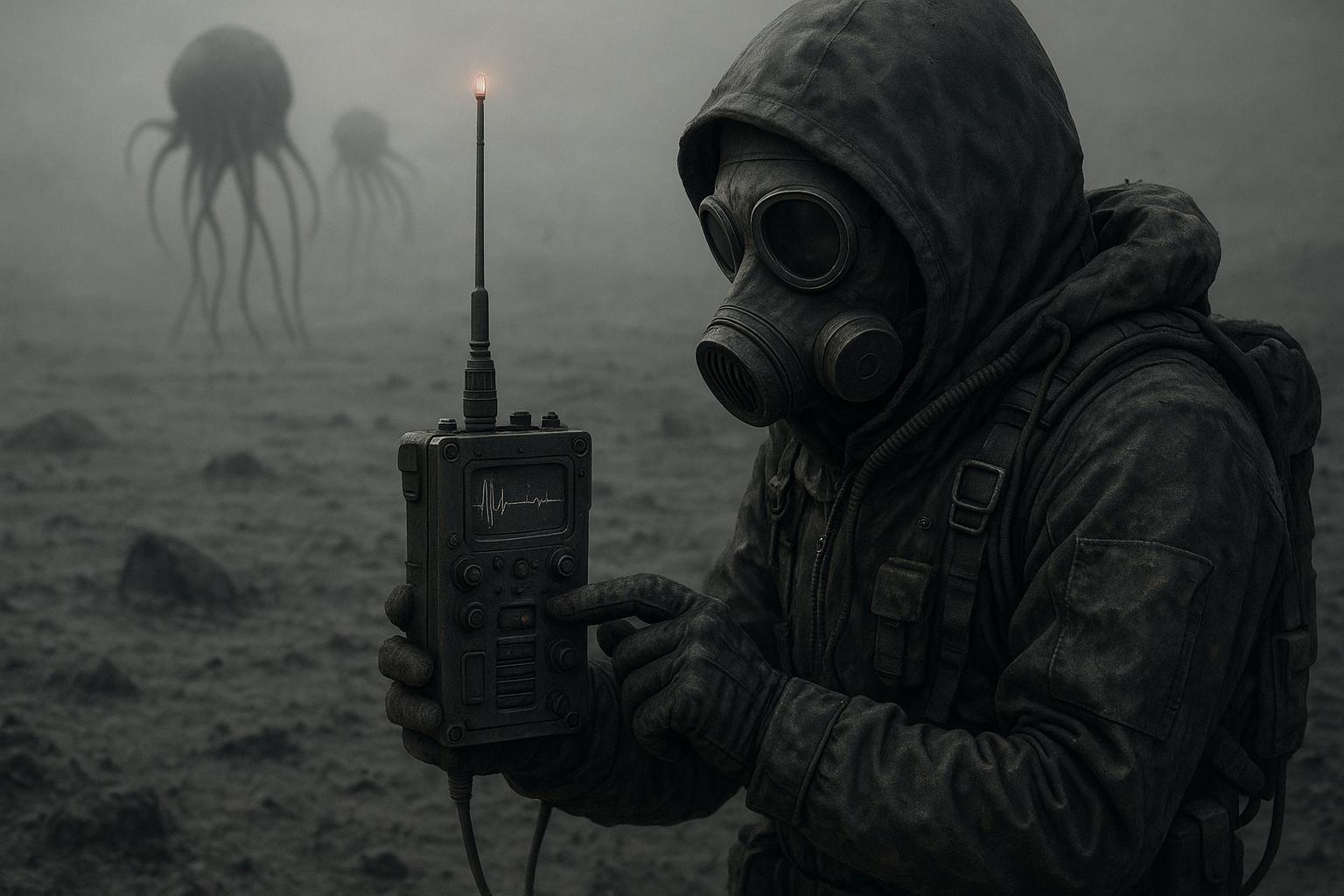
Join over 10,000 creators who have enhanced their video production with Kling 2.6, achieving a 95% satisfaction rate.
Why Choose Pixel Dojo for Kling 2.6 multi-shot mastery
Professional-quality results with cutting-edge AI technology
Effortless Multi-Shot Sequences
Craft complex narratives with multiple shots seamlessly integrated, reducing production time and effort.
Consistent Character and Scene Continuity
Maintain visual and thematic consistency across shots, ensuring a professional and cohesive final product.
Integrated Audio-Visual Synchronization
Generate synchronized audio and visuals simultaneously, eliminating the need for post-production audio editing.
How It Works
Creating multi-shot AI videos with Kling 2.6 is straightforward. Follow these steps to bring your vision to life:
Step 1: Define Your Narrative
Outline the sequence of shots and the overall story you want to convey. Planning ensures coherence and flow in your final video.
Step 2: Input Prompts for Each Shot
For each shot, provide detailed prompts describing the scene, characters, and desired camera movements. This guides Kling 2.6 in generating accurate visuals.
Step 3: Generate and Review Shots
Use Kling 2.6 to generate each shot based on your prompts. Review the outputs to ensure they align with your vision, making adjustments as needed.



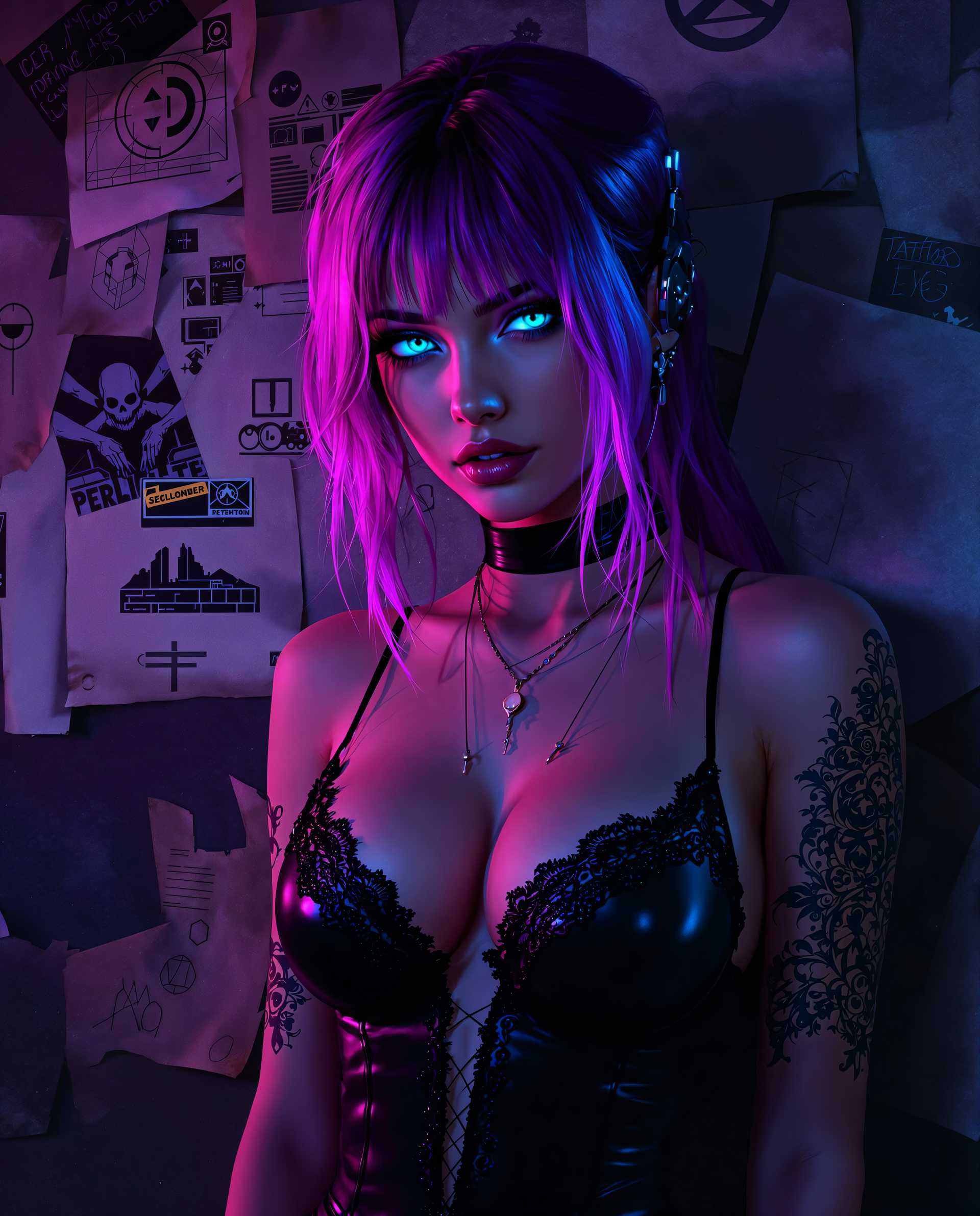
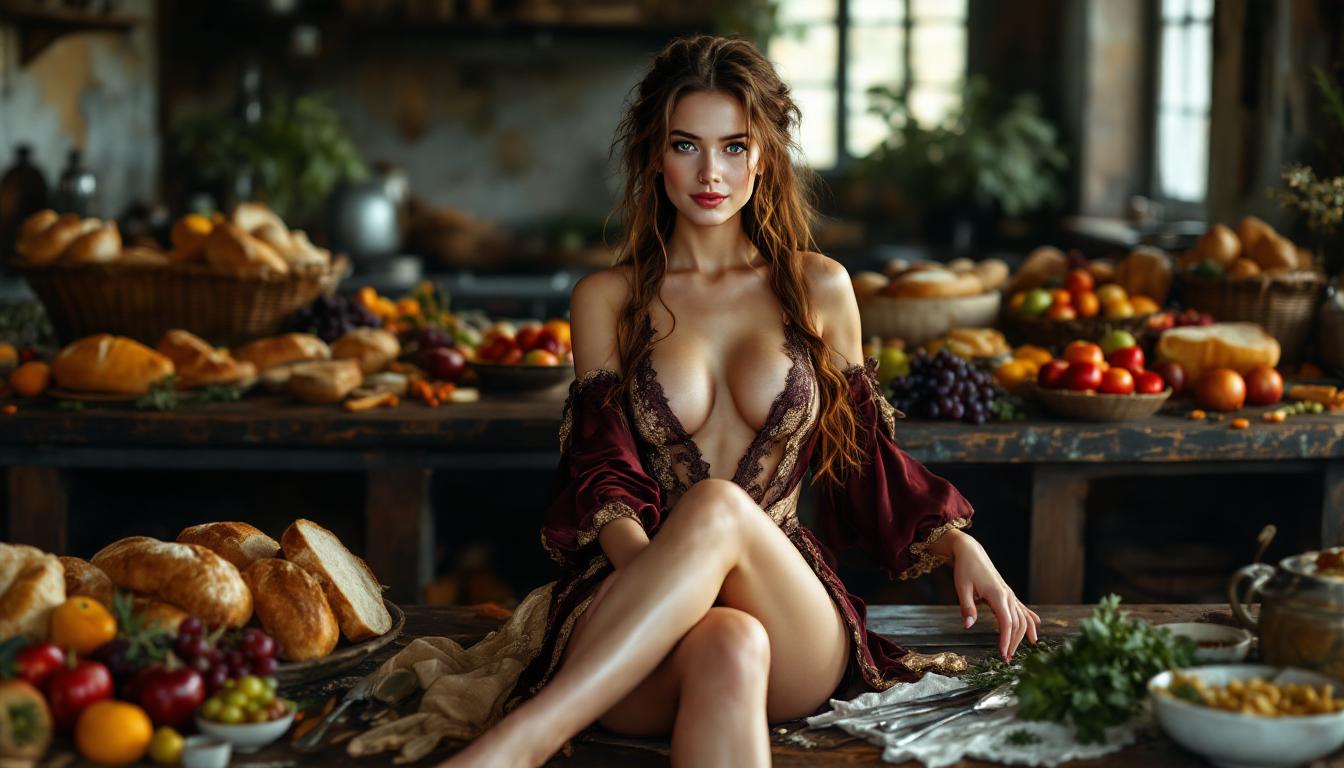
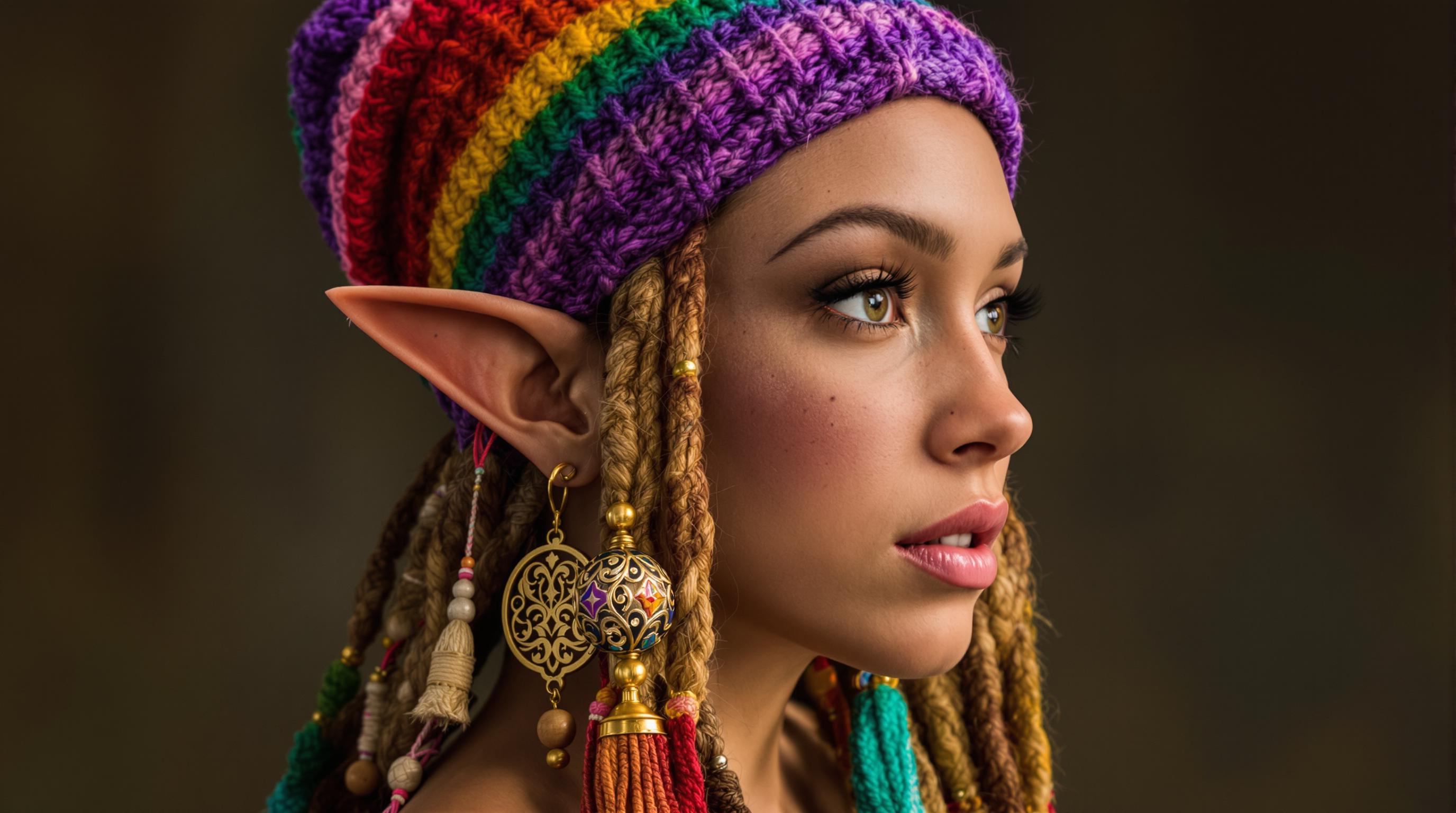



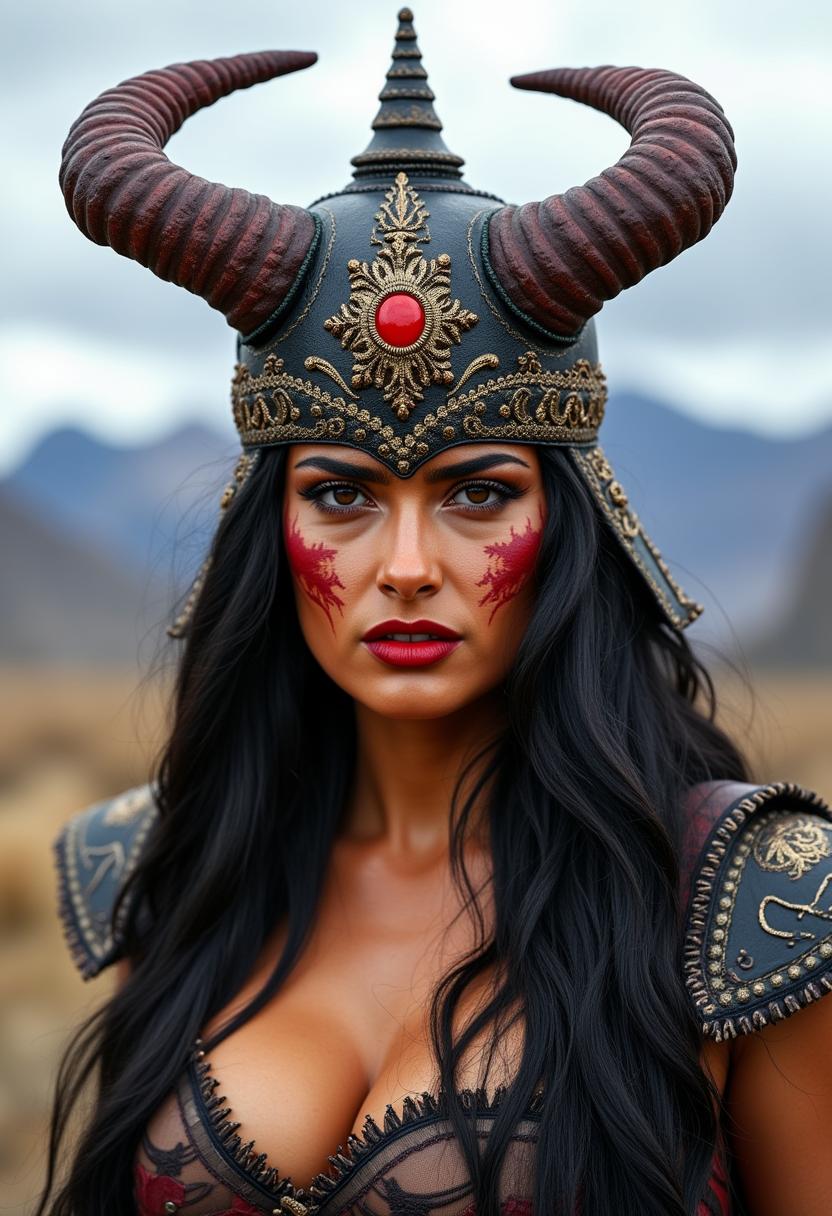

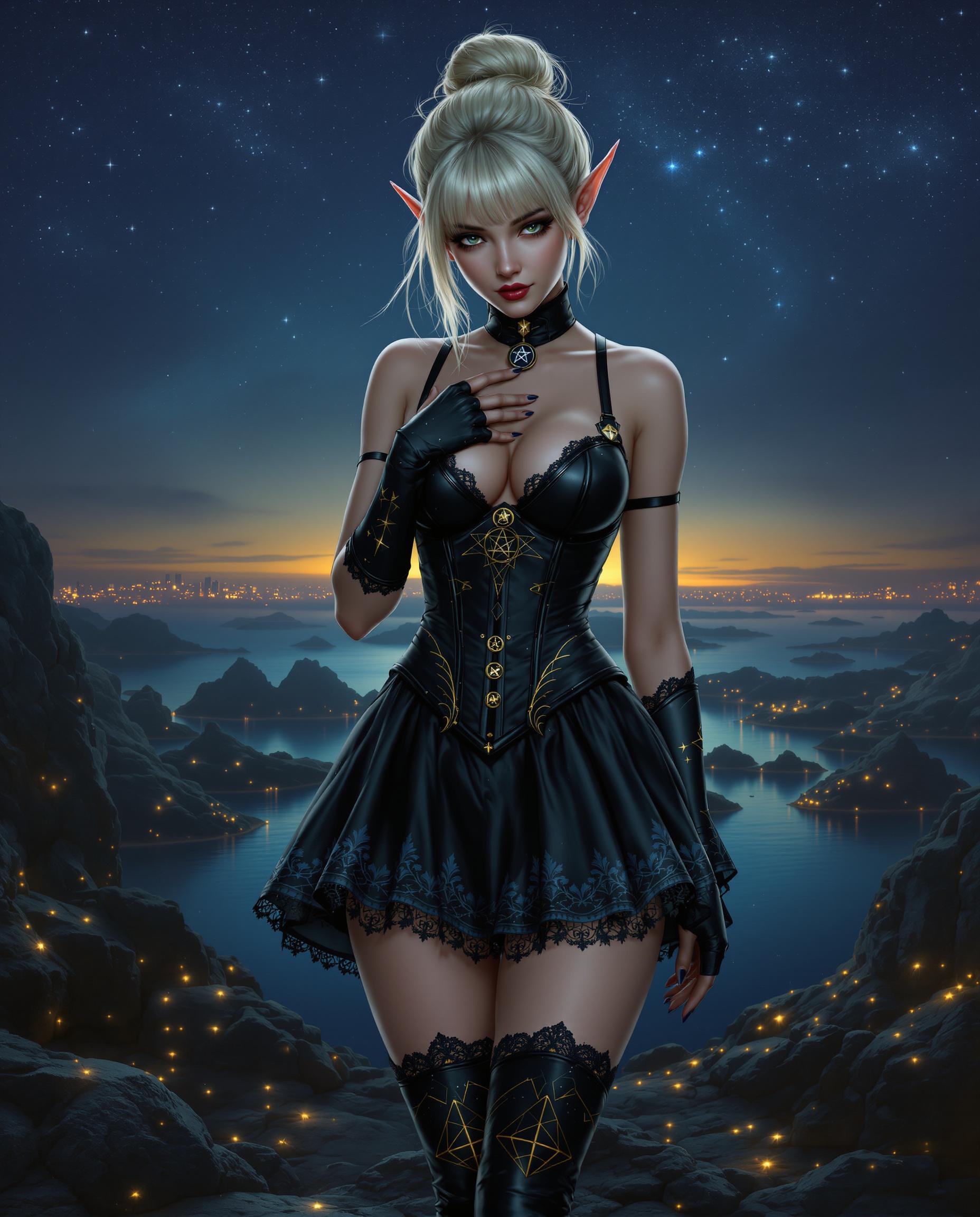

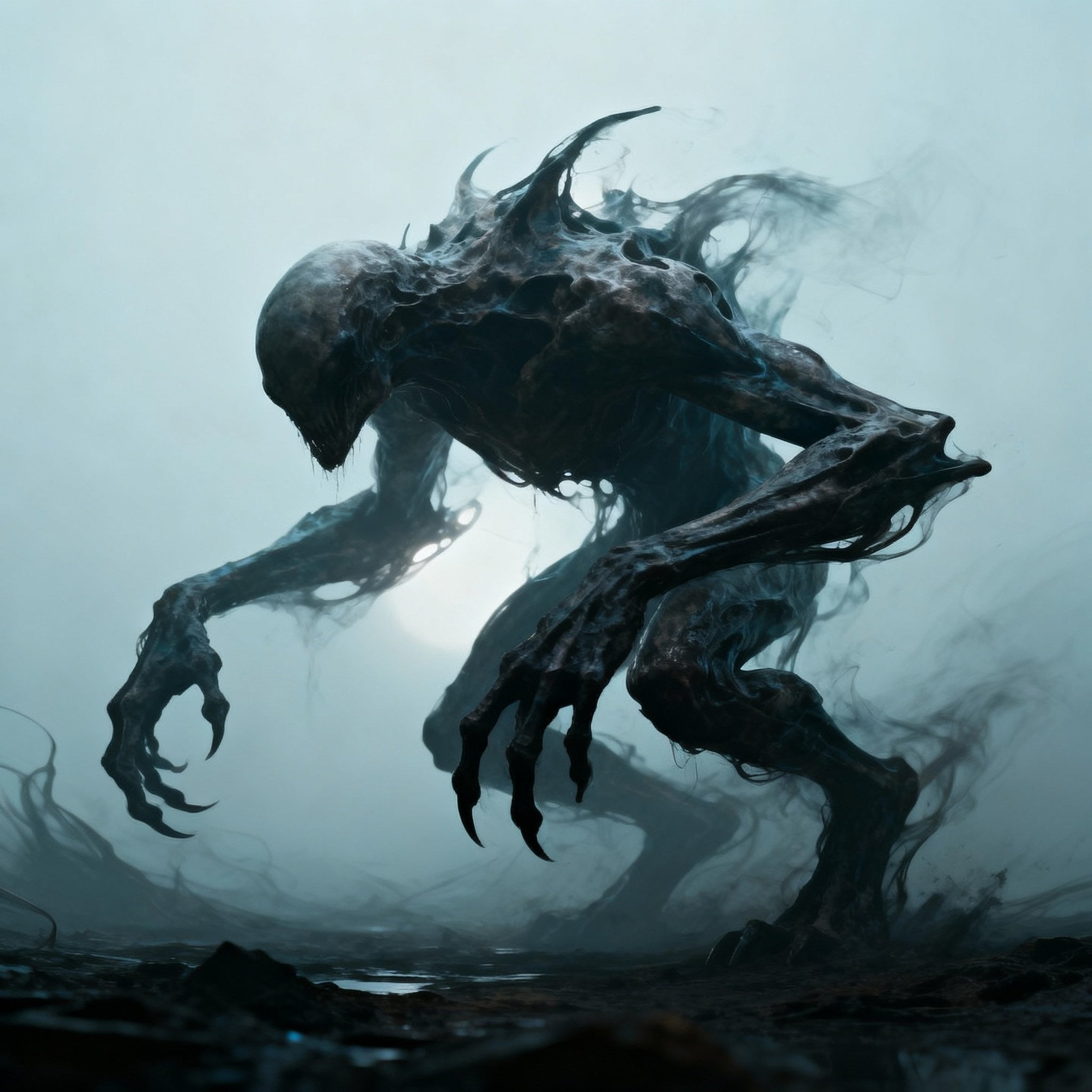

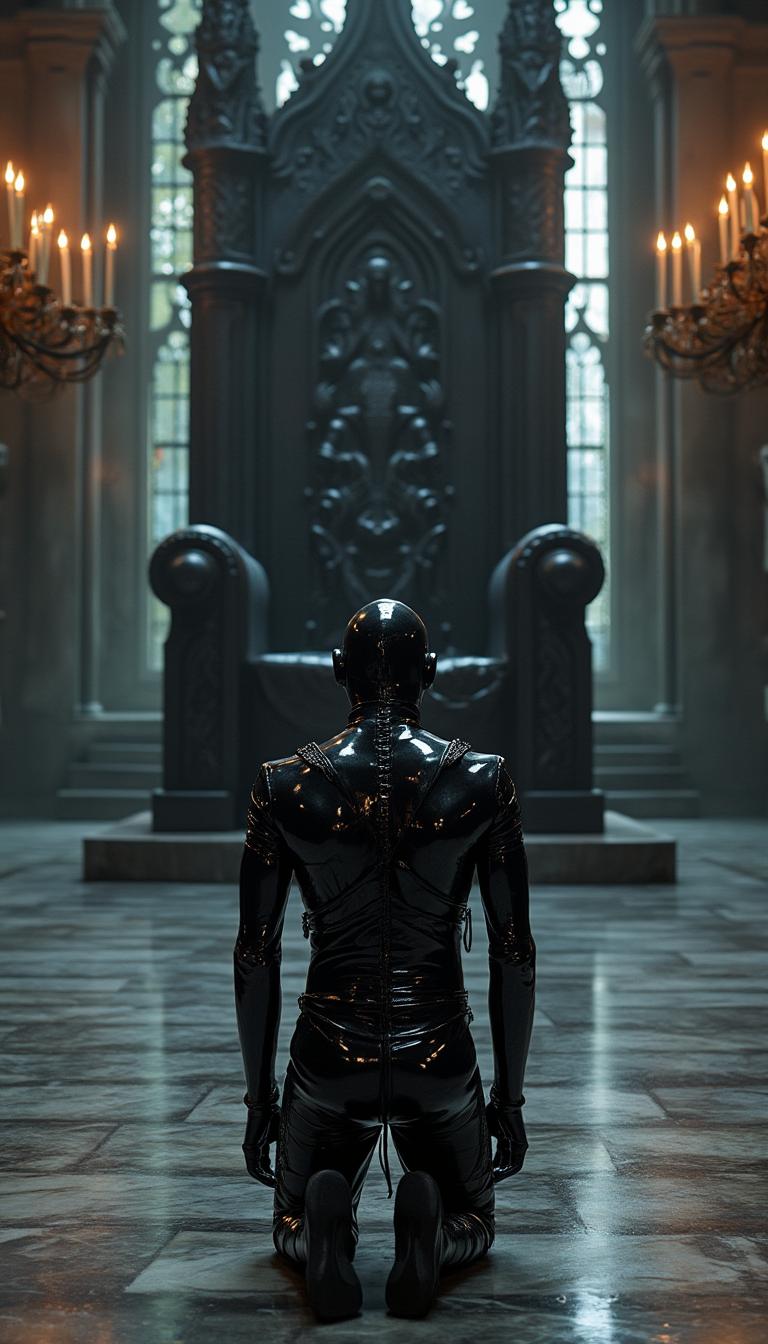
The Pixel Dojo Advantage
Why Kling 2.6 stands out in multi-shot AI video creation:
| Others | Pixel Dojo |
|---|---|
| Traditional Video Production | Eliminates the need for extensive filming and editing, reducing time and costs. |
| Other AI Video Tools | Offers superior multi-shot integration and character consistency across scenes. |
| Manual Editing Software | Automates complex processes, allowing creators to focus on storytelling rather than technical details. |
Loved by Creators
See what our community says about Kling 2.6 multi-shot mastery
"Kling 2.6 revolutionized our content creation process. The multi-shot feature allowed us to produce engaging videos in a fraction of the time."
Alex Johnson
Content Creator
"The seamless integration of audio and visuals in Kling 2.6 has elevated our marketing campaigns, making them more dynamic and impactful."
Samantha Lee
Marketing Director
Common Questions
Everything you need to know about Kling 2.6 multi-shot mastery AI generation
How does Kling 2.6 ensure character consistency across multiple shots?
Kling 2.6 utilizes advanced algorithms to maintain character features and attributes consistently across different shots, ensuring a cohesive narrative flow.
Can I edit individual shots after generation?
Yes, Kling 2.6 allows for individual shot adjustments post-generation, enabling fine-tuning to match your exact vision.
Is prior video editing experience required to use Kling 2.6?
No, Kling 2.6 is designed with an intuitive interface that caters to both beginners and experienced creators, simplifying the video creation process.
What formats are the final videos exported in?
Kling 2.6 exports videos in standard formats compatible with various platforms, ensuring easy sharing and distribution.
Can I integrate Kling 2.6 with other editing software?
Yes, Kling 2.6's outputs are compatible with most editing software, allowing for further customization if desired.
Does Kling 2.6 support different aspect ratios for social media platforms?
Absolutely, Kling 2.6 offers various aspect ratio options to cater to different platform requirements, including square, vertical, and widescreen formats.