Kling 2.6 camera movements AI Generator
Bring your videos to life with Kling 2.6's advanced camera movement capabilities. Whether you're aiming to create dynamic product showcases, immersive storytelling, or engaging social media content, Kling 2.6 empowers you to achieve professional-grade results effortlessly.
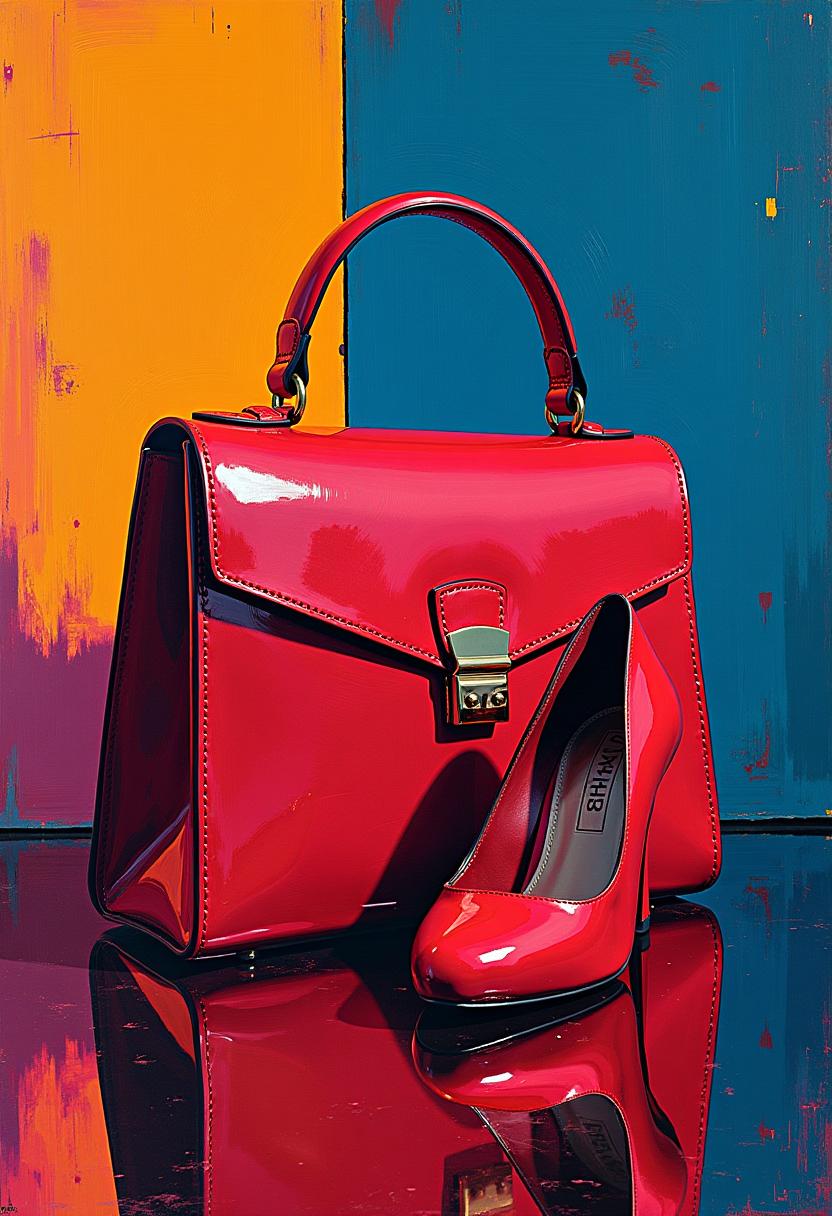
Join over 10,000 creators who have enhanced their video content using Kling 2.6's dynamic camera movements.
Why Choose Pixel Dojo for Kling 2.6 camera movements
Professional-quality results with cutting-edge AI technology
Create Cinematic Videos Effortlessly
Utilize Kling 2.6's intuitive controls to add professional camera movements, transforming your videos into cinematic masterpieces.
Enhance Viewer Engagement
Dynamic camera movements captivate your audience, keeping them engaged and increasing watch time.
Save Time and Resources
Achieve complex camera effects without the need for expensive equipment or extensive editing, streamlining your production process.
How It Works
Creating dynamic videos with Kling 2.6 is simple. Follow these steps to incorporate advanced camera movements into your content:
Step 1: Select Your Scene
Choose the scene or subject you want to feature in your video. Ensure it aligns with your content goals.
Step 2: Define Camera Movements
Use Kling 2.6's interface to select desired camera movements such as dolly, pan, tilt, or zoom. Combine movements for more dynamic effects.
Step 3: Generate and Review
Click 'Generate' to create your video. Review the output and make adjustments as needed to perfect your content.

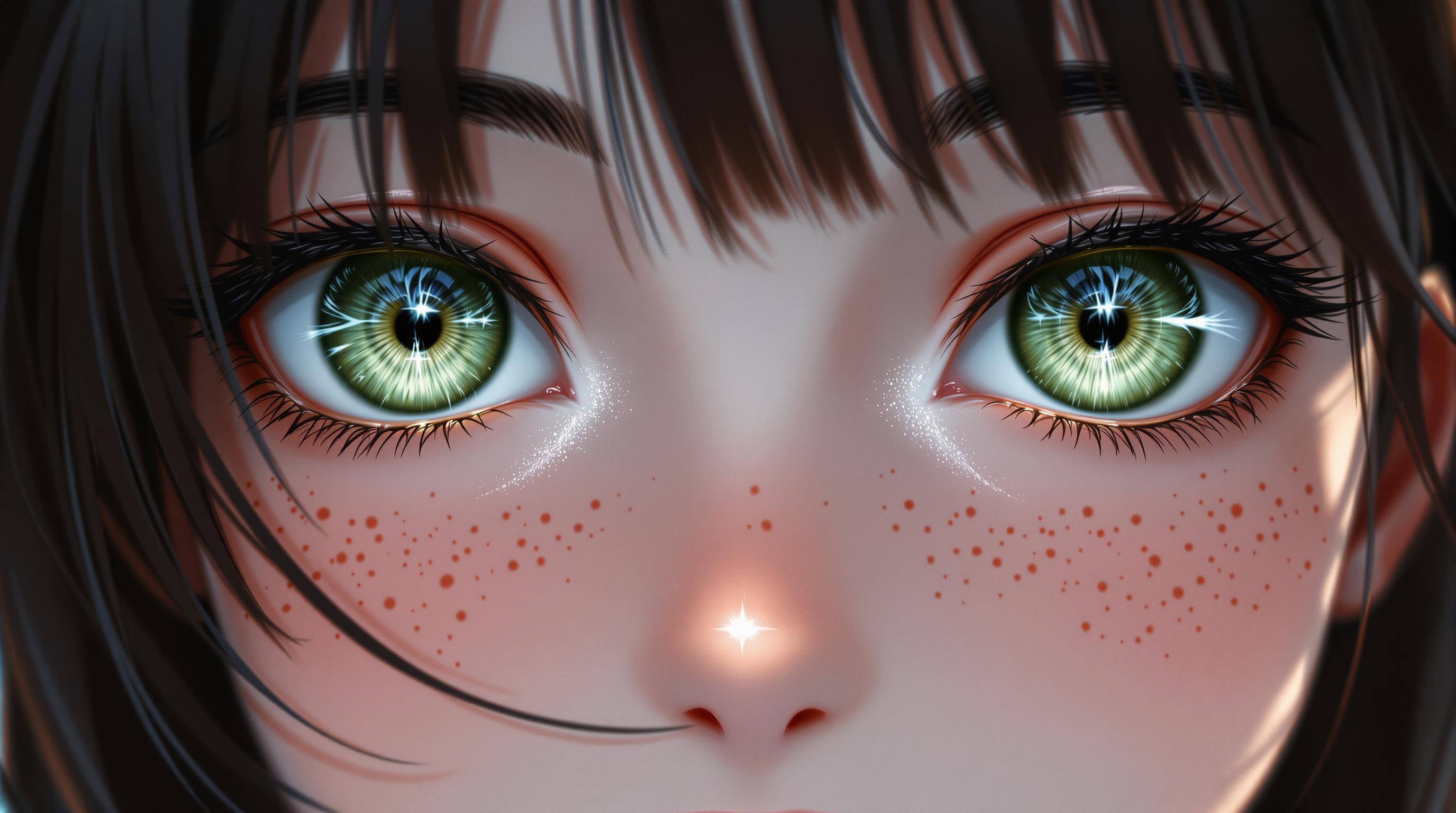




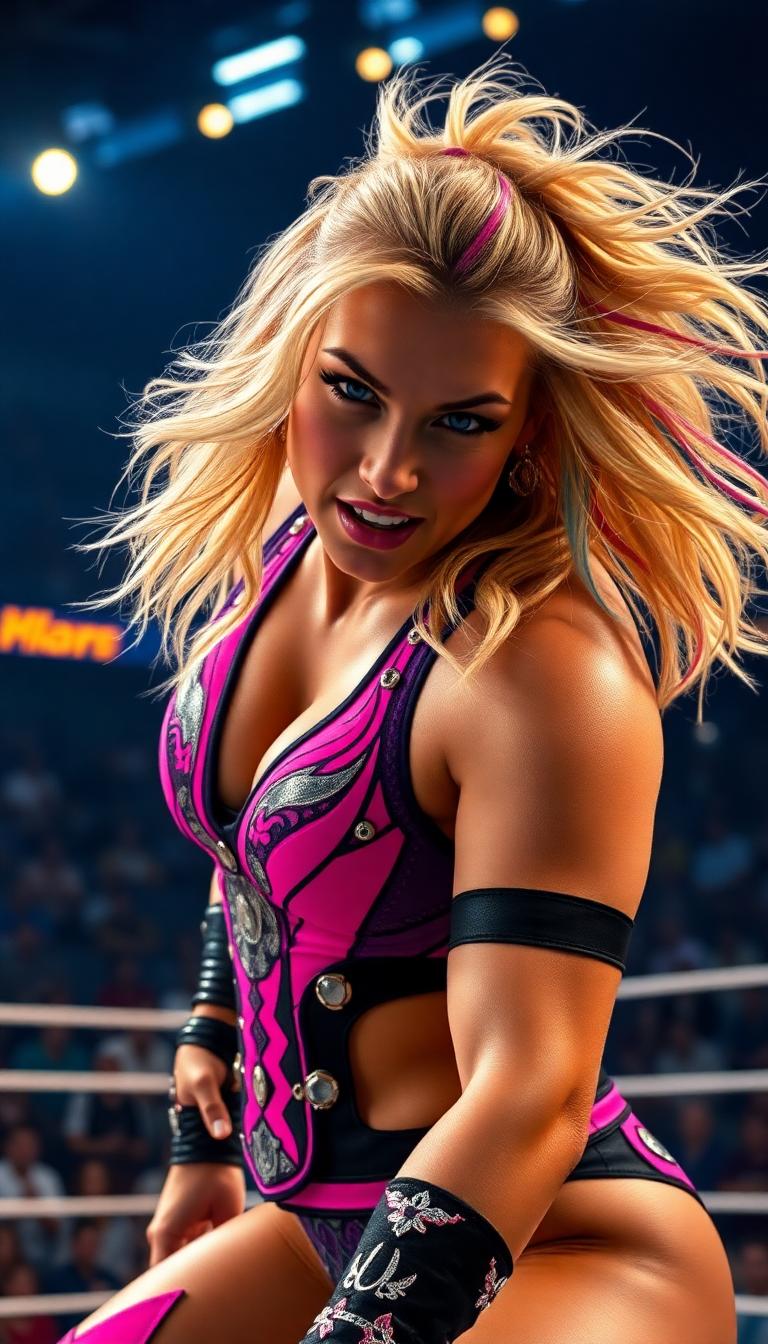
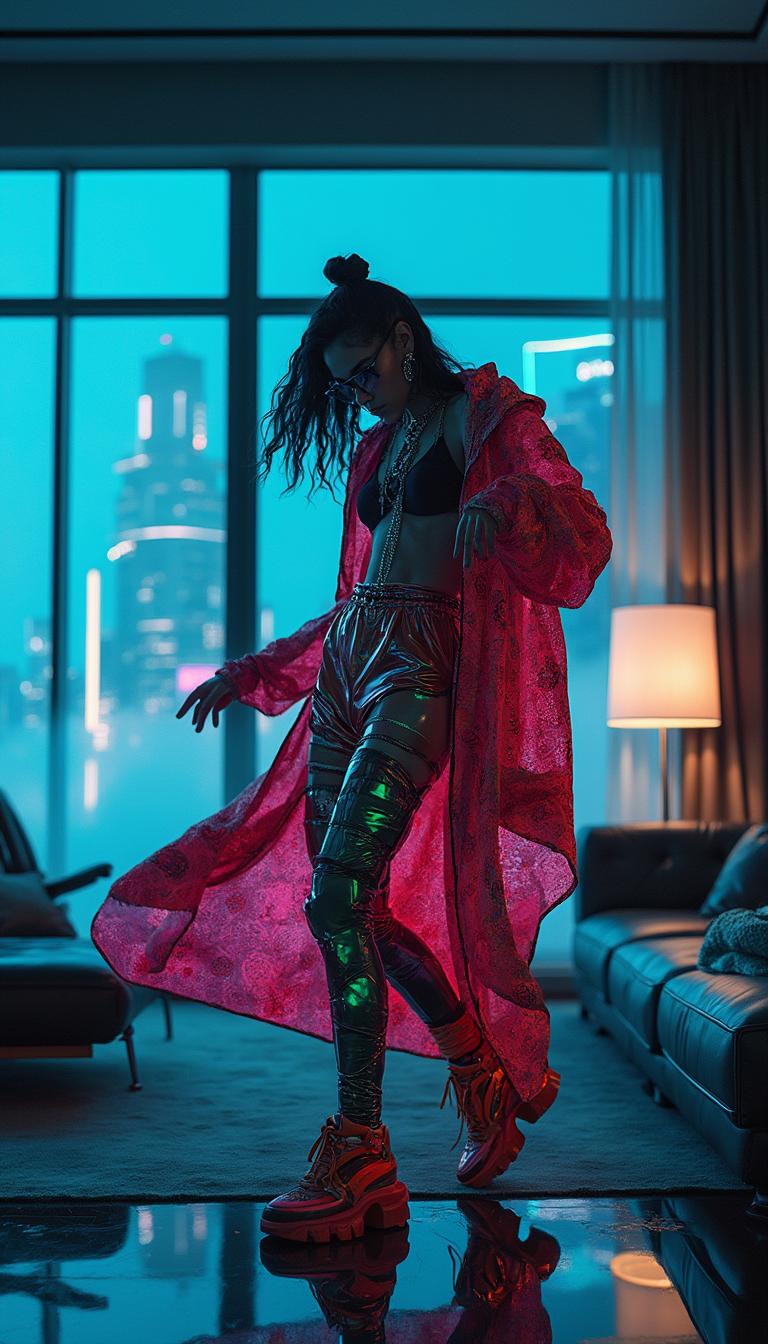








The Pixel Dojo Advantage
Why Kling 2.6 is the superior choice for dynamic video creation:
| Others | Pixel Dojo |
|---|---|
| Traditional Video Production | Achieve complex camera movements without expensive equipment or large crews. |
| Generic AI Video Tools | Kling 2.6 offers precise control over camera dynamics, surpassing the capabilities of standard AI tools. |
| Manual Editing | Save hours of editing time with Kling 2.6's automated, high-quality outputs. |
Loved by Creators
See what our community says about Kling 2.6 camera movements
"Kling 2.6 revolutionized our content creation process. The dynamic camera movements added a professional touch we couldn't achieve before."
Alex Johnson
Content Creator
"Incorporating Kling 2.6 into our workflow has significantly increased viewer engagement. The videos are more dynamic and captivating."
Samantha Lee
Marketing Specialist
Common Questions
Everything you need to know about Kling 2.6 camera movements AI generation
How can I add dynamic camera movements to my videos using Kling 2.6?
Kling 2.6 allows you to select and combine various camera movements like dolly, pan, tilt, and zoom through its intuitive interface, enabling you to create dynamic videos effortlessly.
Is Kling 2.6 suitable for beginners in video creation?
Absolutely! Kling 2.6 is designed with a user-friendly interface, making it accessible for both beginners and experienced creators to produce professional-quality videos.
Can I customize the speed and direction of camera movements in Kling 2.6?
Yes, Kling 2.6 provides options to adjust the speed and direction of each camera movement, giving you full control over the dynamics of your video.
Does Kling 2.6 support audio synchronization with camera movements?
Kling 2.6 introduces native audio generation, allowing you to produce synchronized soundscapes and character voices that align perfectly with your camera movements.
What types of projects can benefit from Kling 2.6's camera movement features?
Kling 2.6 is ideal for a wide range of projects, including cinematic story clips, social media shorts, product showcases, and more, enhancing the visual appeal of any video content.
Is there a trial period available for Kling 2.6?
Yes, you can try Kling 2.6 today with no commitment. Experience the advanced camera movement features and see how they can elevate your video content.