inpainting ai tool AI Generator

Imagine effortlessly restoring cherished old photographs, removing distracting elements from your images, or enhancing specific details—all without the need for complex editing software or technical expertise. With PixelDojo's AI-powered inpainting tools, you can achieve professional-quality image restoration and enhancement in just a few clicks. Whether you're a photographer, designer, or hobbyist, our intuitive platform empowers you to bring your creative visions to life.

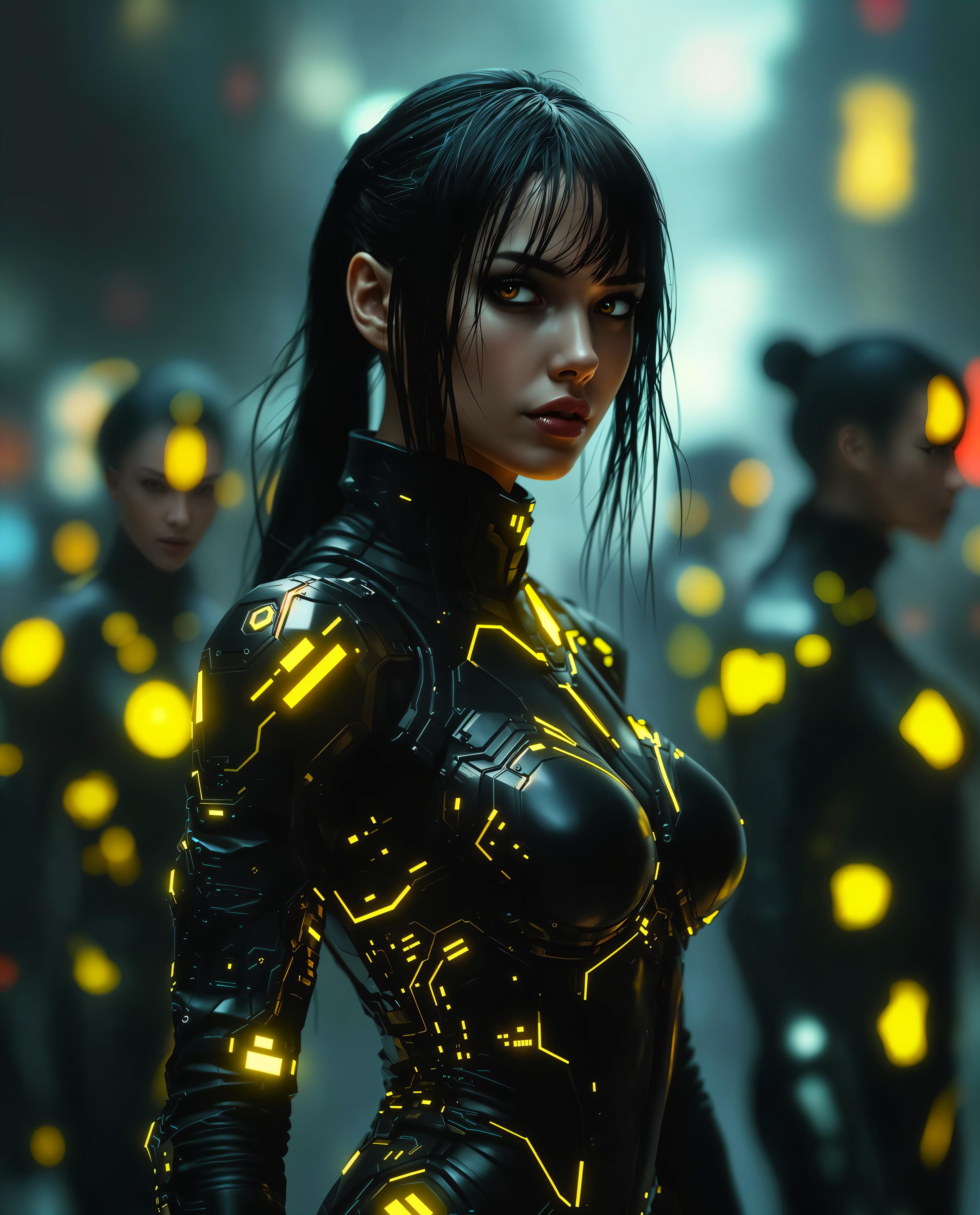
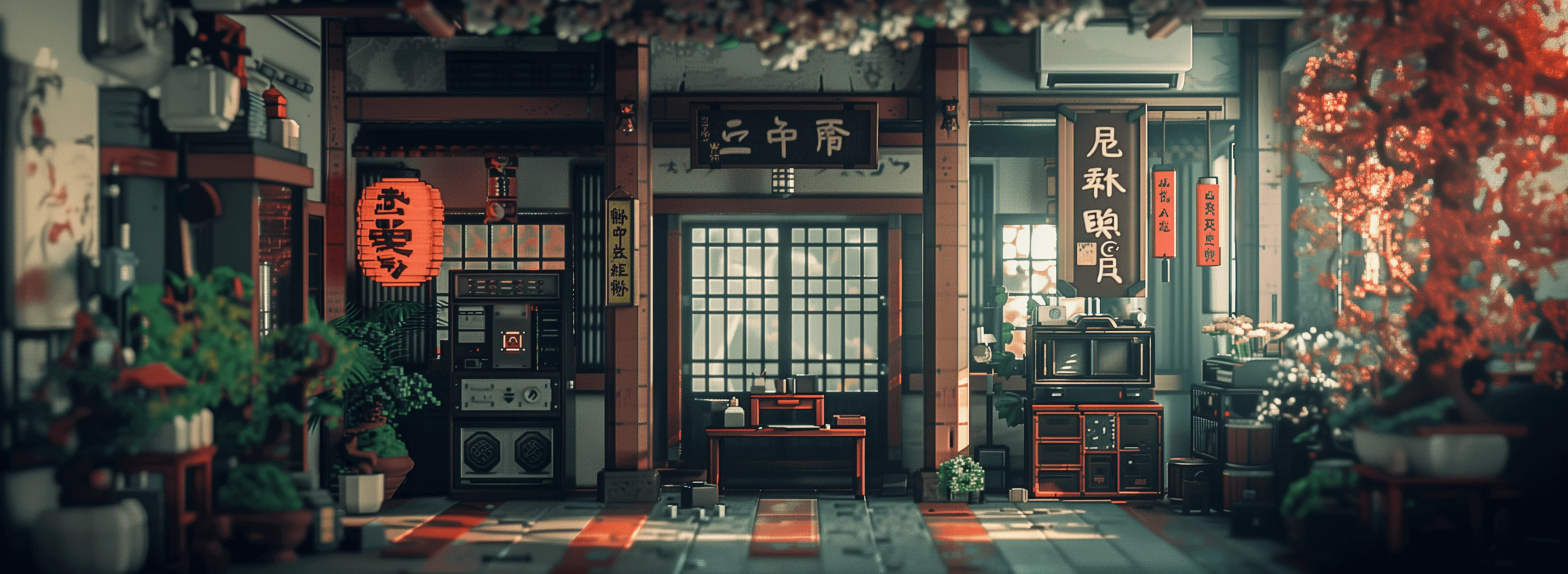
AI Generated
Get Started TodayResults in seconds50+ AI models

Join over 10,000 satisfied creators who have transformed their images using PixelDojo's cutting-edge AI tools. Rated 4.8/5 based on 2,500+ reviews.

Why Choose Pixel Dojo for inpainting ai tool

Professional-quality results with cutting-edge AI technology

Effortless Image Restoration

Revive old or damaged photos by seamlessly filling in missing or deteriorated areas, preserving cherished memories.

Seamless Object Removal

Eliminate unwanted elements from your images without leaving any traces, achieving a clean and professional look.

Enhanced Creative Control

Modify and enhance specific parts of your images to match your creative vision, all without complex editing software.

How It Works

Transforming your images with PixelDojo's inpainting tools is a straightforward process. Follow these simple steps to achieve stunning results:

1

Step 1: Select Your Image

Upload the photo you wish to edit to PixelDojo's platform.

2

Step 2: Mask the Area

Use the intuitive brush tool to highlight the area you want to modify or remove.

3

Step 3: Apply AI Inpainting

Let PixelDojo's AI seamlessly fill in the masked area based on the surrounding content, delivering a natural and cohesive result.


Community inpainting ai tool Gallery

Real examples created by our community

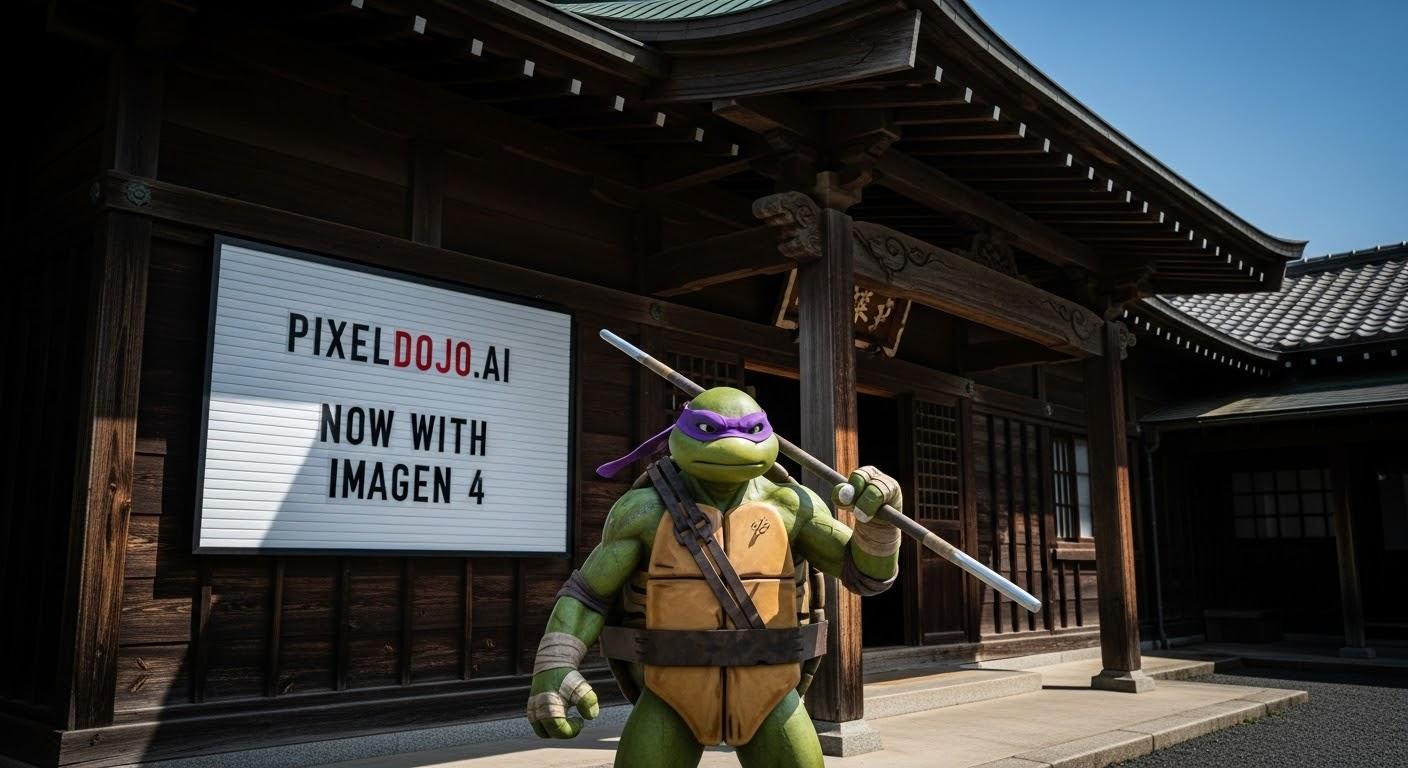
a photo of a ninja in front of a japanese dojo. on the wall a sign reads PixelDojo.ai Now with Imagen 4
a photo of a man flying through the air on a drone. the clouds say "PixelDojo.ai Now With Imagen 4"
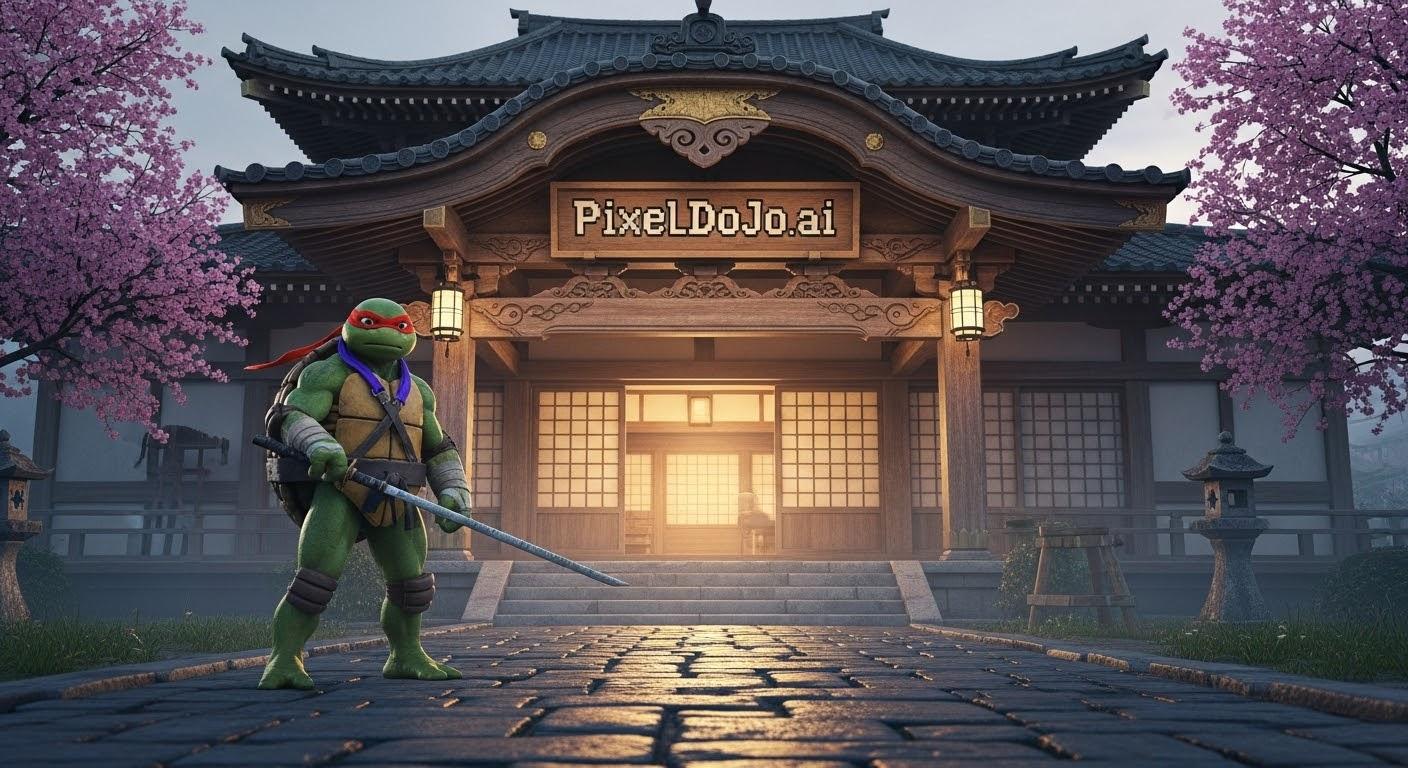
a photo of a ninja turtle in front of a japanese dojo. on the wall a sign reads PixelDojo.ai Now with Imagen 4
A highly detailed, photo-realistic image of a Teenage Mutant Ninja Turtle standing confidently in front of a traditional Japanese dojo. The ninja turtle, adorned in a vibrant green skin with a textured, slightly weathered shell, wears a colored bandana (choose from red, blue, purple, or orange) and wields a signature weapon, with intricate details on the grip and blade reflecting subtle wear from battle. The dojo, named "PixelDojo.ai," features a beautifully crafted wooden sign above the entrance with bold, pixelated typography reminiscent of retro video games, contrasting with the authentic, weathered wooden architecture of the building. The dojo's exterior showcases traditional sliding shoji doors, a tiled roof with curved edges, and intricate carvings along the beams, illuminated by soft, warm lantern light. The scene is set during early evening, with a serene, misty atmosphere and a faint golden glow from the setting sun casting long shadows across a cobblestone path leading to the dojo. The composition focuses on the ninja turtle in the foreground, slightly off-center, with a low camera angle looking up to emphasize their heroic stature, while the dojo looms majestically in the background, framed by blooming cherry blossom trees on either side. The mood is a blend of nostalgic martial arts mystique and modern digital flair, captured with hyper-realistic textures, sharp focus, and cinematic depth of field, reminiscent of a high-budget film still.
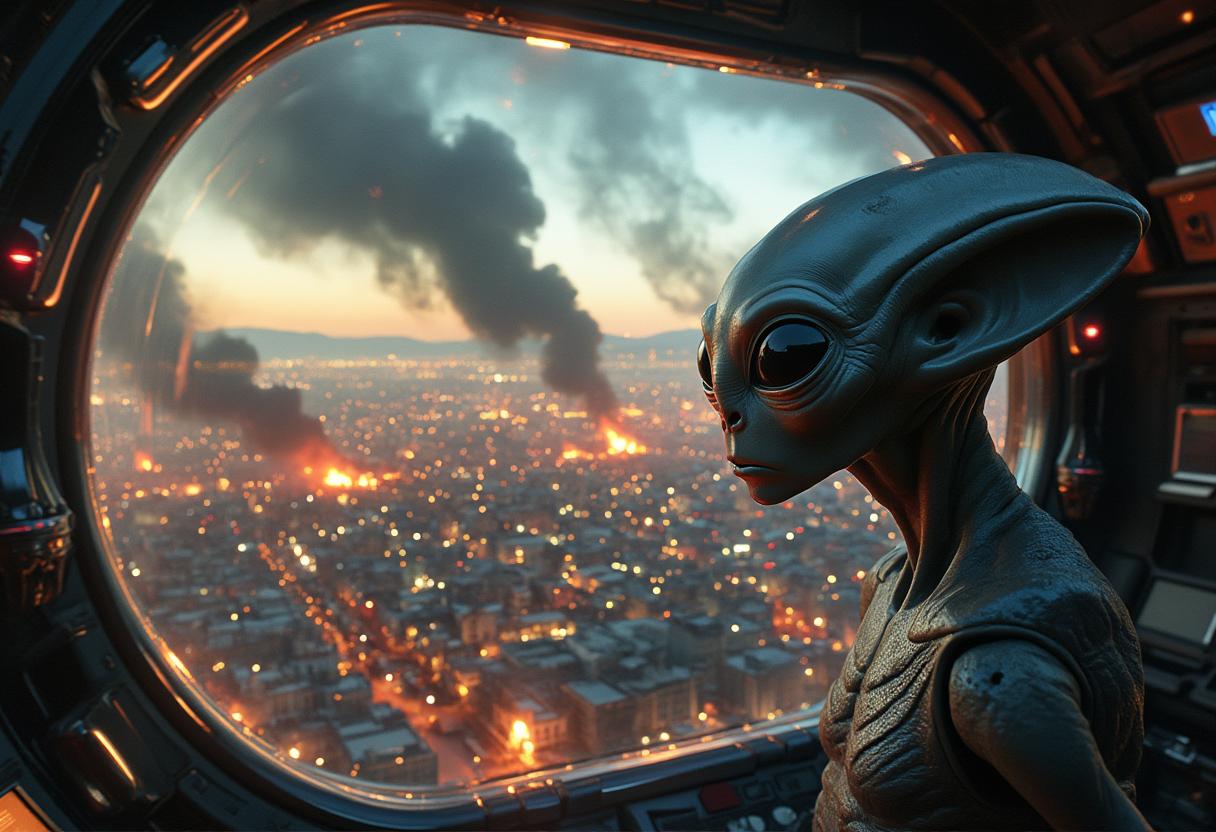
Create an image of an alien inside a futuristic spaceship, hovering just outside Earth's atmosphere. The alien, with large, curious eyes and a sleek, silver-grey complexion, gazes out through a transparent viewport at a chaotic scene below. Below the spaceship, the sprawling metropolis of Los Angeles is engulfed in flames, with billows of smoke rising and scattered fires illuminating the night sky. The city streets are filled with rioting and chaos, with buildings ablaze and people scrambling in desperation.

The alien, with a mix of curiosity and disdain on its face.  Text on the bottom of image reads: "Bypass, Earthlings are animals." sans serif font

The spaceship should be depicted with advanced, glowing technology and a sleek, otherworldly design. The Earth should appear both vibrant and ominous, contrasting the advanced alien technology with the primitive chaos unfolding on the planet's surface. The scene should evoke a sense of alien observation and detachment, emphasizing the stark contrast between Earth's turmoil and the alien's advanced civilization
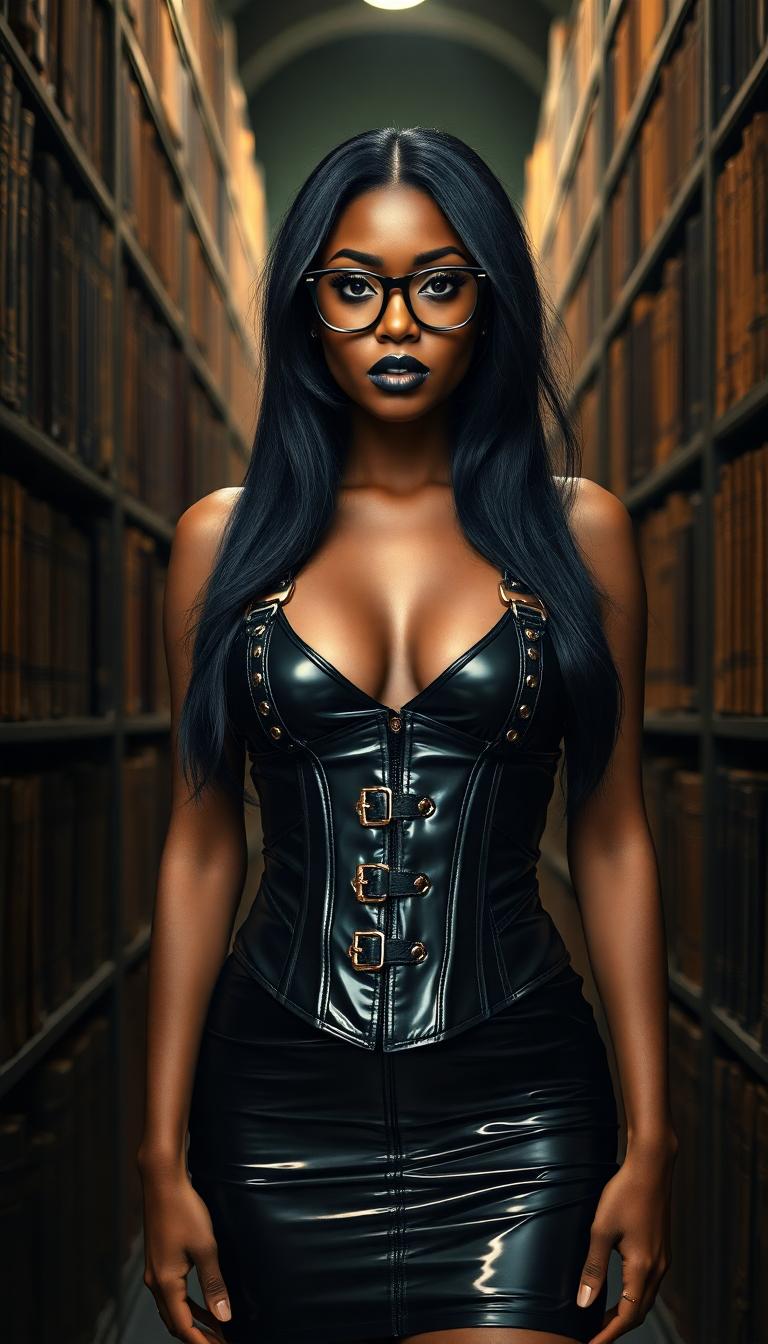
A striking young Black woman in her early 20s stands confidently in a dimly lit library, enveloped by towering, ancient bookshelves laden with dusty tomes, wearing a tight, shiny black latex halter corset top decorated with straps and buckles and a matching shiny black latex mini skirt that reflect the faint, ambient light. Her long, silky black hair cascades around her face, highlighting her piercing sky-blue eyes behind slim round framed glasses, while heavy goth makeup with bold black lipstick intensifies her dramatic presence. Captured with a cinematic DSLR style using a 50mm lens, this 8K image exudes a moody, atmospheric vibe with soft shadows and a shallow depth of field.
AI-generated image
Portrait series with neutral background

Start Creating Inpainted Images Today

40+ cutting-edge AI tools, loved by thousands of creators worldwide, cancel anytime, try it today

The Pixel Dojo Advantage

Why PixelDojo outperforms other options for inpainting image generation

OthersPixel Dojo
Traditional inpainting methodsAchieve faster and more accurate results without the need for manual editing skills.
Generic AI toolsSpecialized inpainting algorithms ensure higher quality and more realistic image restorations.
Manual photo editingSave time and effort by automating complex editing tasks with AI precision.

Loved by Creators

See what our community says about inpainting ai tool

"PixelDojo's inpainting tools have revolutionized my photo editing process. I can now remove unwanted objects and restore old photos with ease."

Jane Doe

Professional Photographer

"As a graphic designer, PixelDojo has become an indispensable part of my workflow. The AI inpainting feature saves me hours of manual editing."

John Smith

Graphic Designer

Common Questions

Everything you need to know about inpainting ai tool AI generation

How does PixelDojo's AI inpainting work?

Our AI analyzes the surrounding areas of the masked region and intelligently fills it in to create a seamless and natural-looking result.

Can I use PixelDojo to restore old or damaged photos?

Absolutely! Our inpainting tools are perfect for repairing scratches, tears, and other imperfections in old photographs.

Is PixelDojo suitable for beginners?

Yes, our platform is designed with user-friendliness in mind, making it accessible for users of all skill levels.

What file formats does PixelDojo support?

We support a wide range of image formats, including JPEG, PNG, and TIFF.

Is there a limit to the number of images I can edit?

With our subscription plans, you can edit an unlimited number of images. Cancel anytime if you're not satisfied.

How long does it take to process an image?

Processing times are typically under a minute, depending on the complexity of the edit.

Ready to create amazing inpainted images?

Ready to Create Amazing inpainting ai tool Images?

Join thousands of creators using AI to bring their ideas to life