ImagineArt depth of field AI Generator
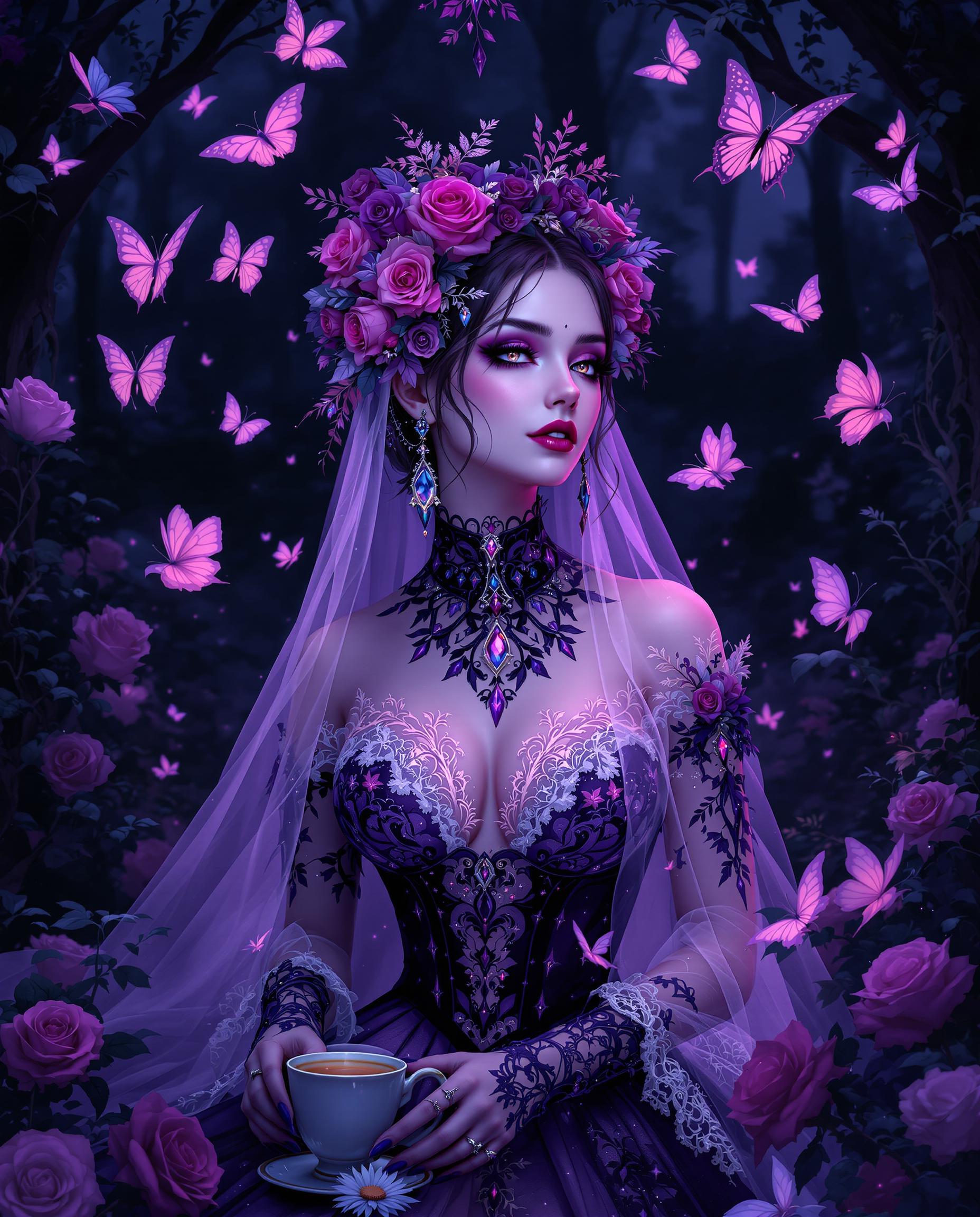
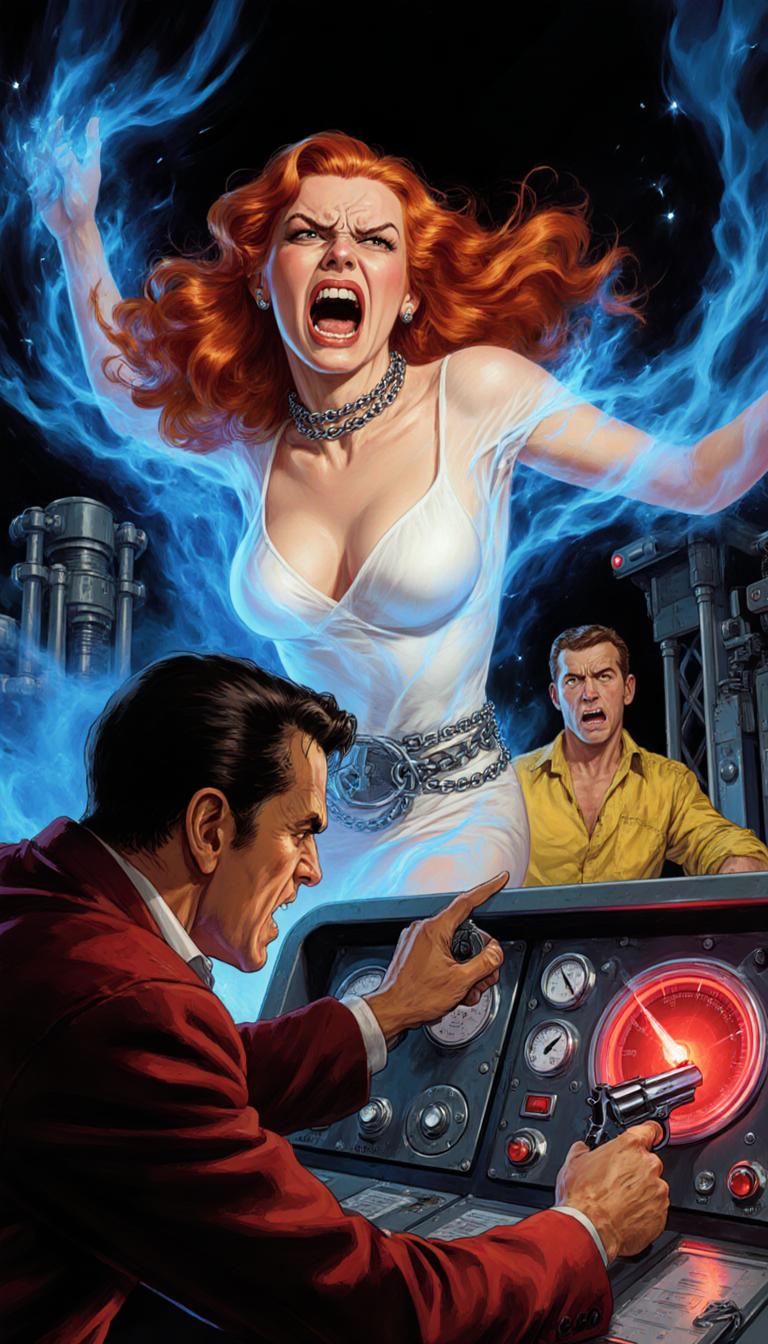
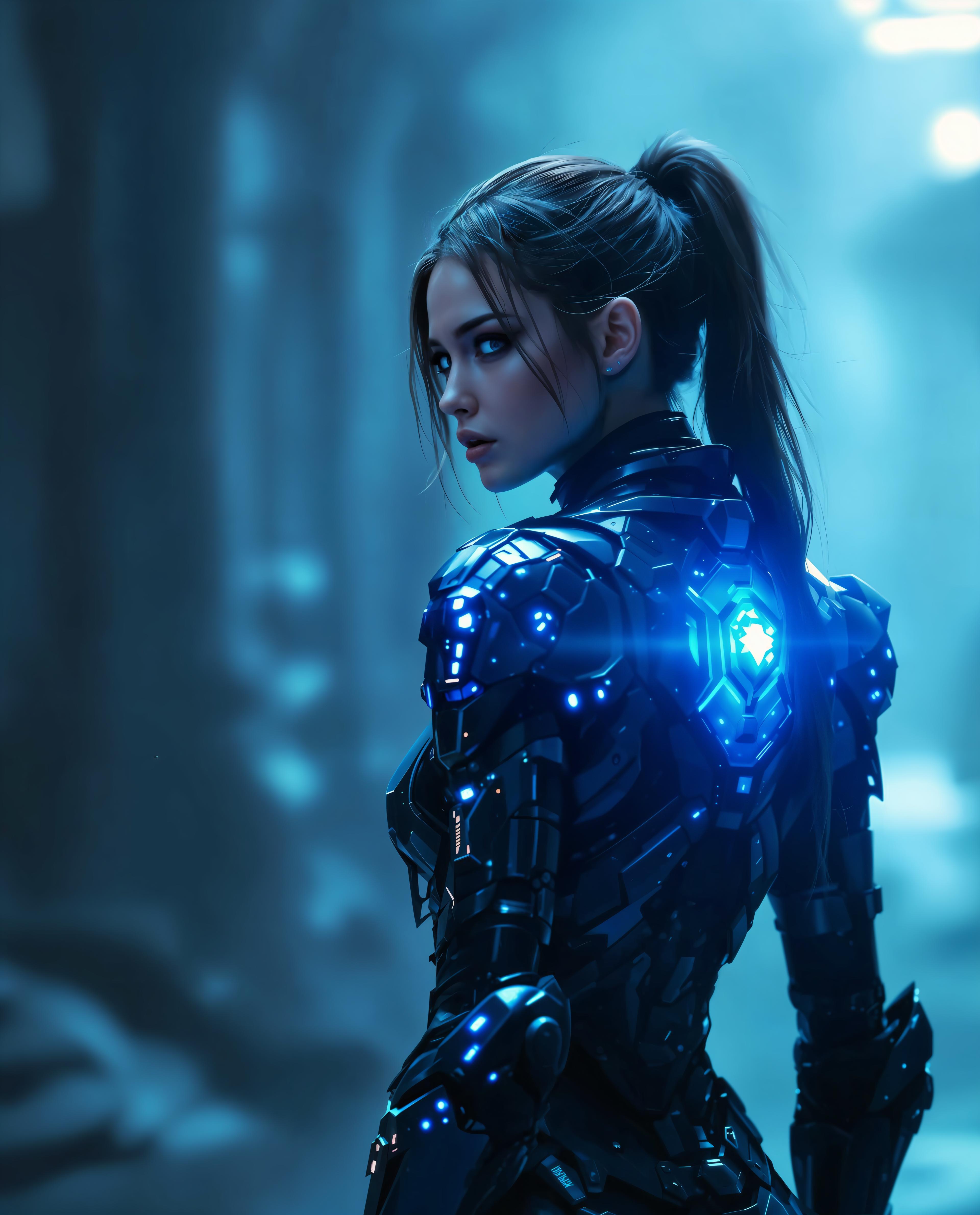
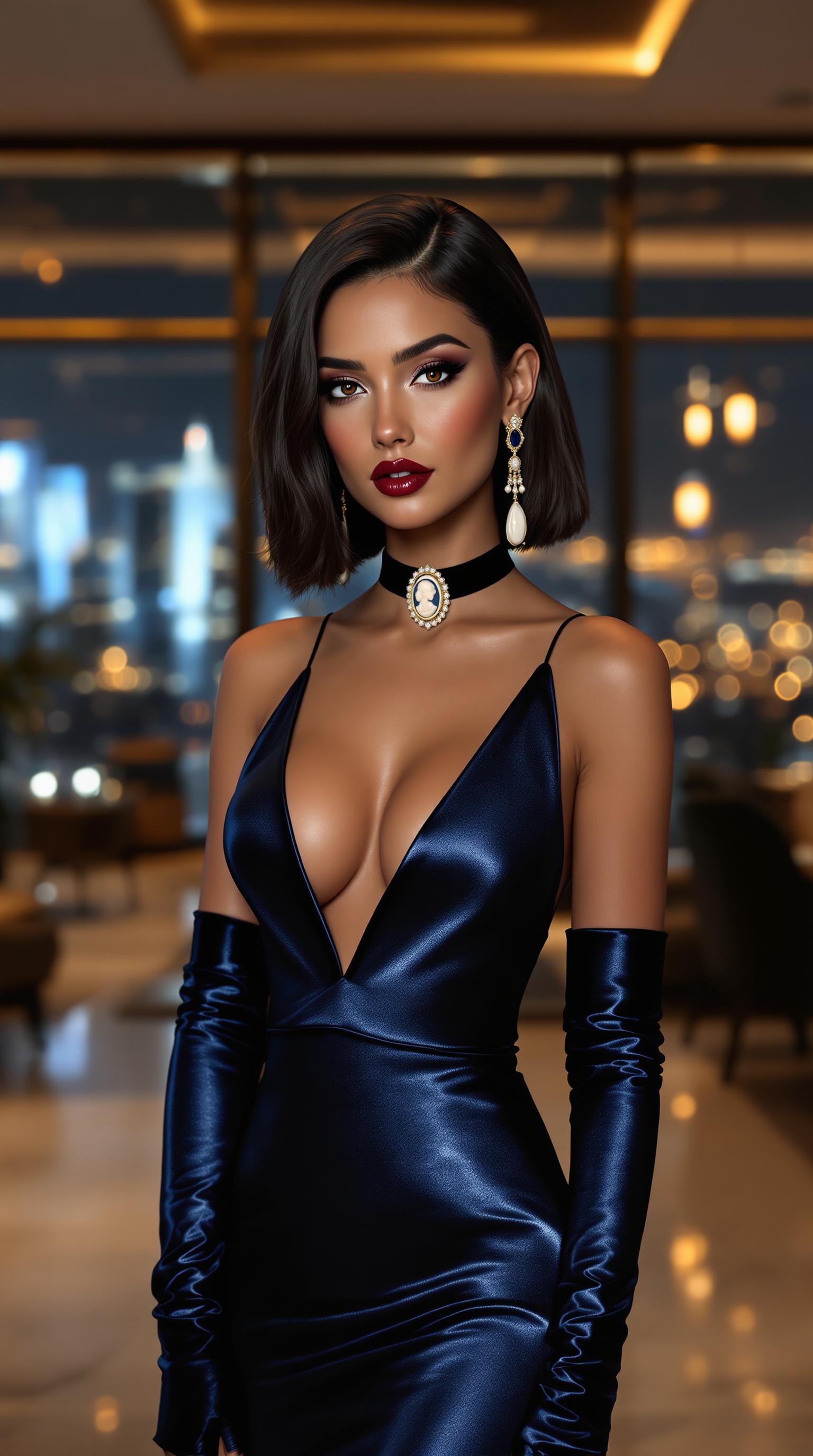
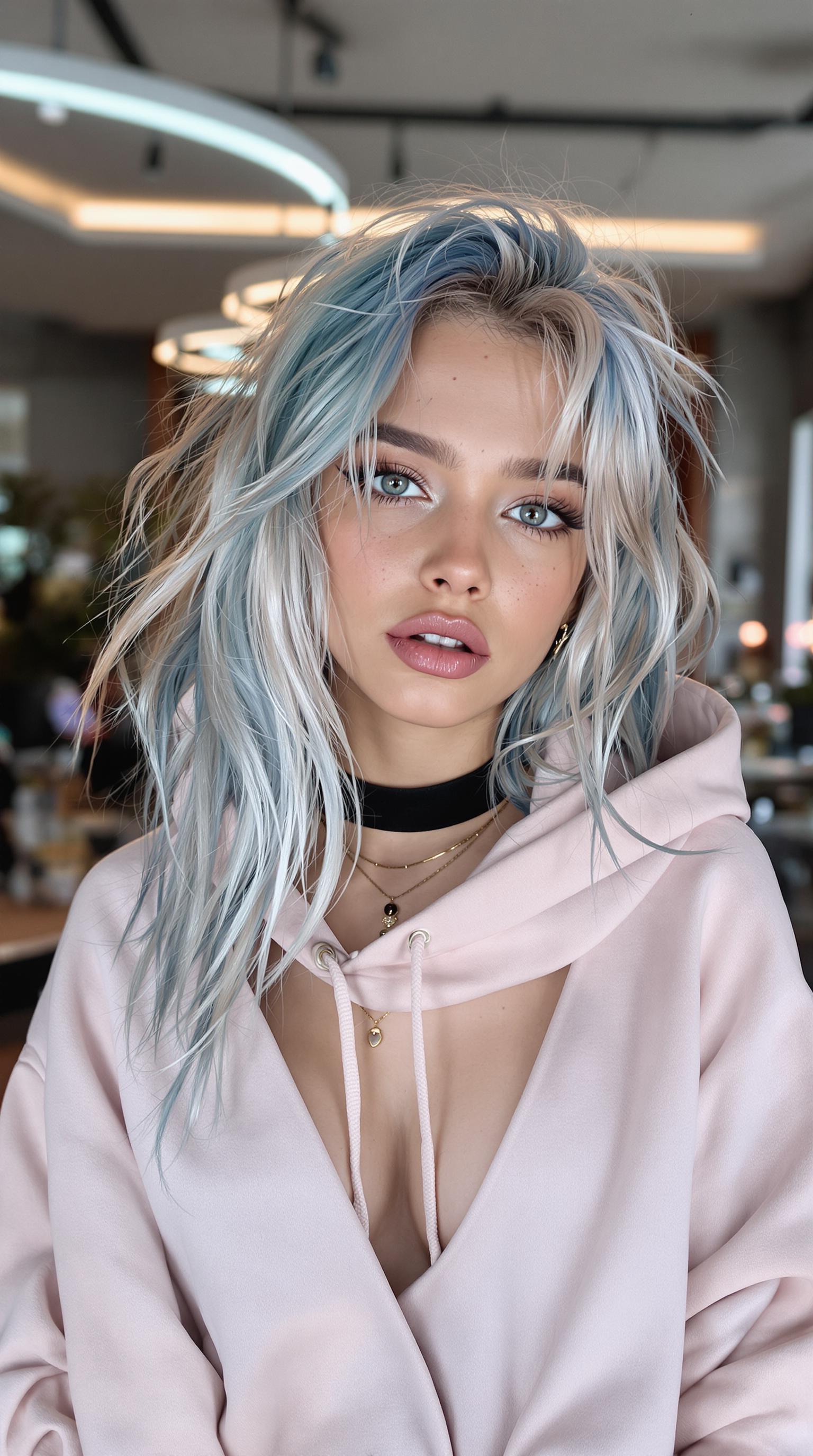
Imagine turning your creative visions into captivating images with professional depth of field effects, where subjects pop with crystal-clear sharpness against beautifully blurred backgrounds. With PixelDojo's ImagineArt 1.0, you can effortlessly produce stunning bokeh-style visuals that rival high-end photography. Whether you're crafting eye-catching marketing materials, artistic portraits, or immersive storytelling scenes, our AI empowers you to achieve cinematic results without expensive equipment or hours of editing. Say goodbye to flat images and hello to depth-rich masterpieces that draw viewers in and elevate your projects to new heights.
Join over 50,000 creators who have generated millions of AI images with PixelDojo. Rated 4.9/5 on Trustpilot from 2,500+ reviews. Featured in top design blogs for revolutionary AI tools.
Why Choose Pixel Dojo for ImagineArt depth of field
Professional-quality results with cutting-edge AI technology
Professional Bokeh Effects Instantly
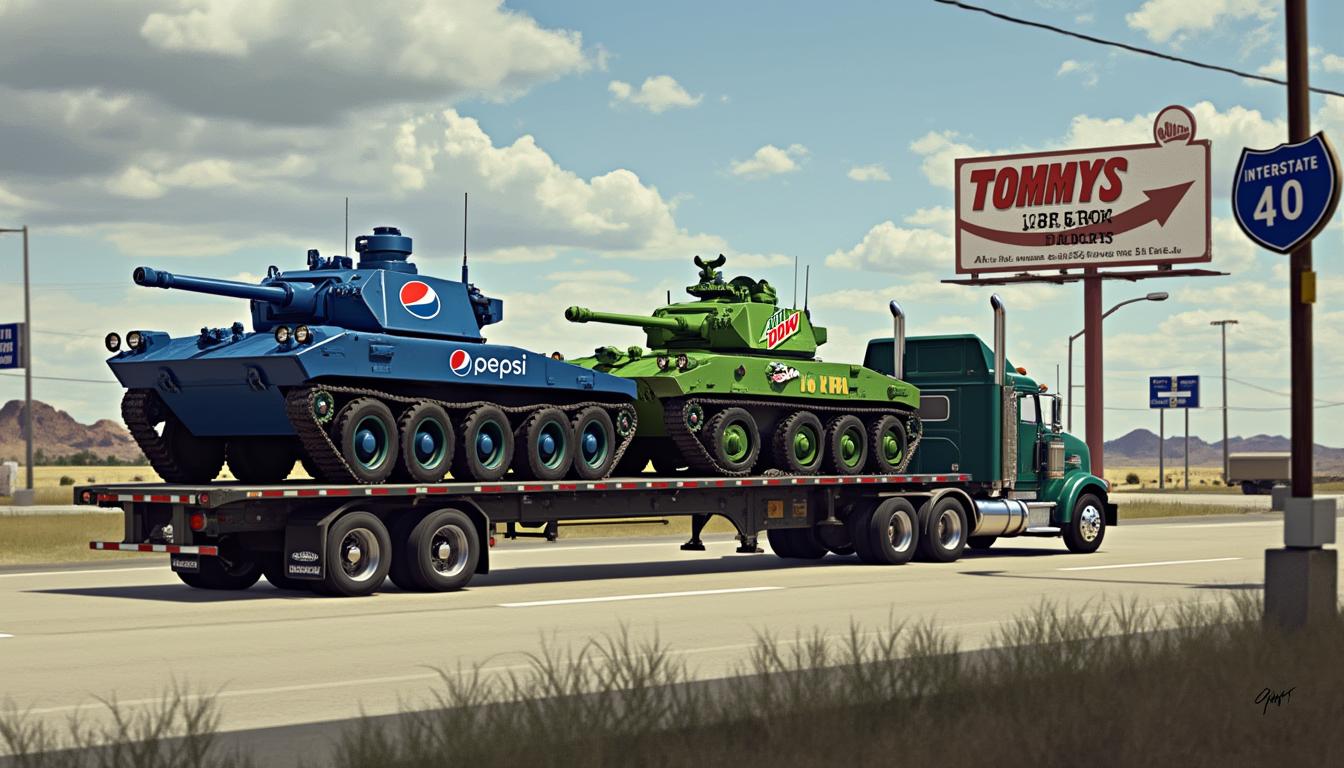
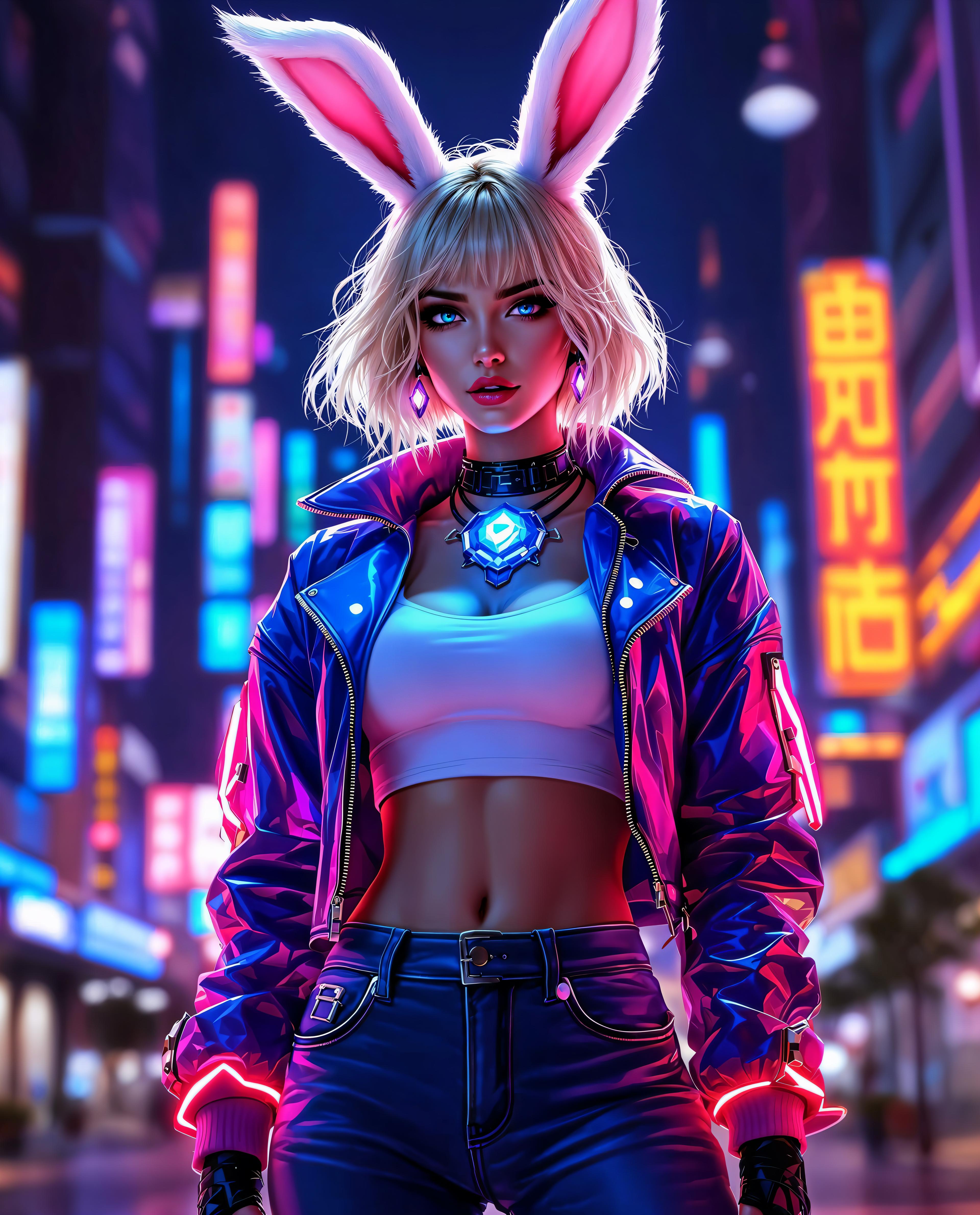
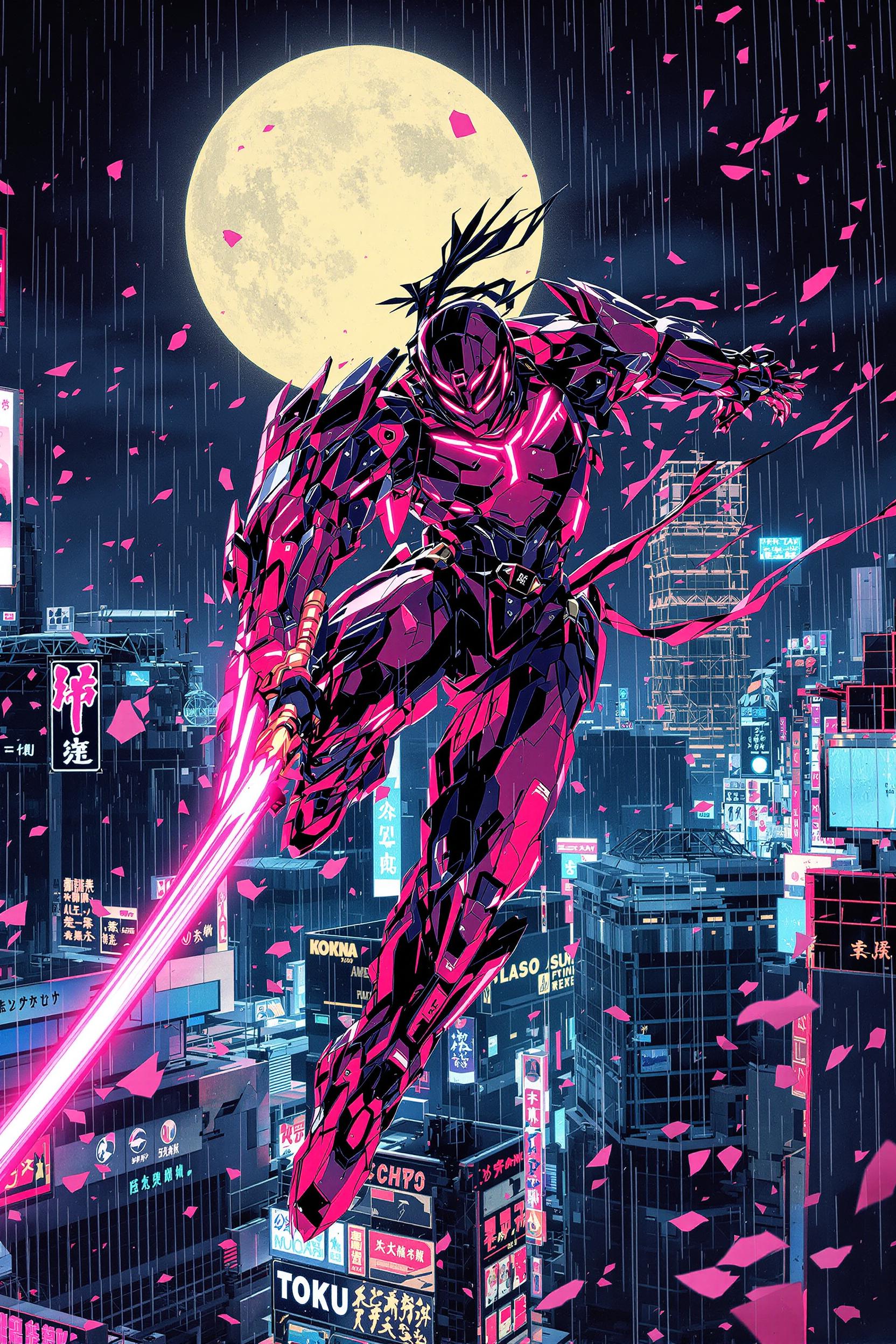
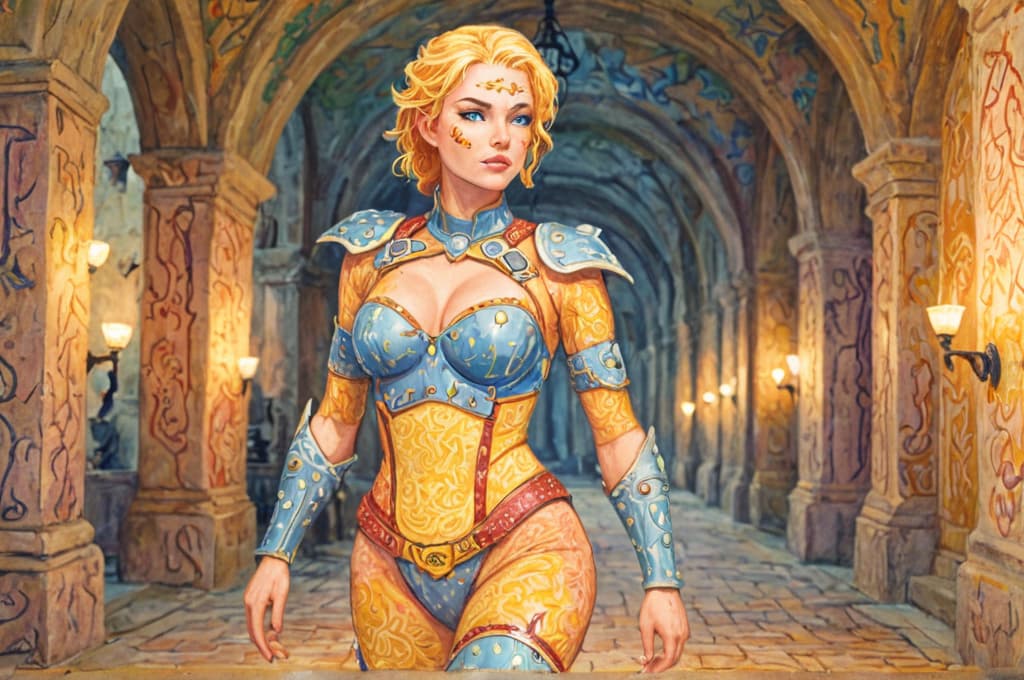
Capture the magic of shallow depth of field to make your subjects stand out dramatically, perfect for portraits, product shots, and storytelling that mesmerizes your audience.
Time-Saving Creative Freedom
Skip complex camera setups and post-production; generate customized depth of field images in seconds, freeing you to focus on your ideas and boost productivity.
Versatile High-Quality Outputs
Produce versatile images for social media, websites, or prints with adjustable focus depths, ensuring your visuals always look polished and professional.
How It Works
Creating depth of field images with ImagineArt on PixelDojo is simple and intuitive. Our platform guides you through each step, leveraging advanced AI to deliver stunning results tailored to your vision.
Step 1: Choose Your Tool
Log in to PixelDojo and select ImagineArt 1.0 from our suite of image generators. This tool excels at simulating realistic depth of field effects, drawing from the latest trends like neural rendering for lifelike bokeh and focus gradients.
Step 2: Enter Your Prompt
Describe your scene in detail, incorporating depth of field keywords like 'shallow DoF' or 'bokeh background'. Experiment with trends such as macro photography simulations or cinematic portrait styles to refine your output.
Step 3: Customize & Download
Use our editing tools like Inpainting or Creative Upscaler to fine-tune focus areas and enhance resolution. Once satisfied, download your high-res image ready for immediate use in your projects.

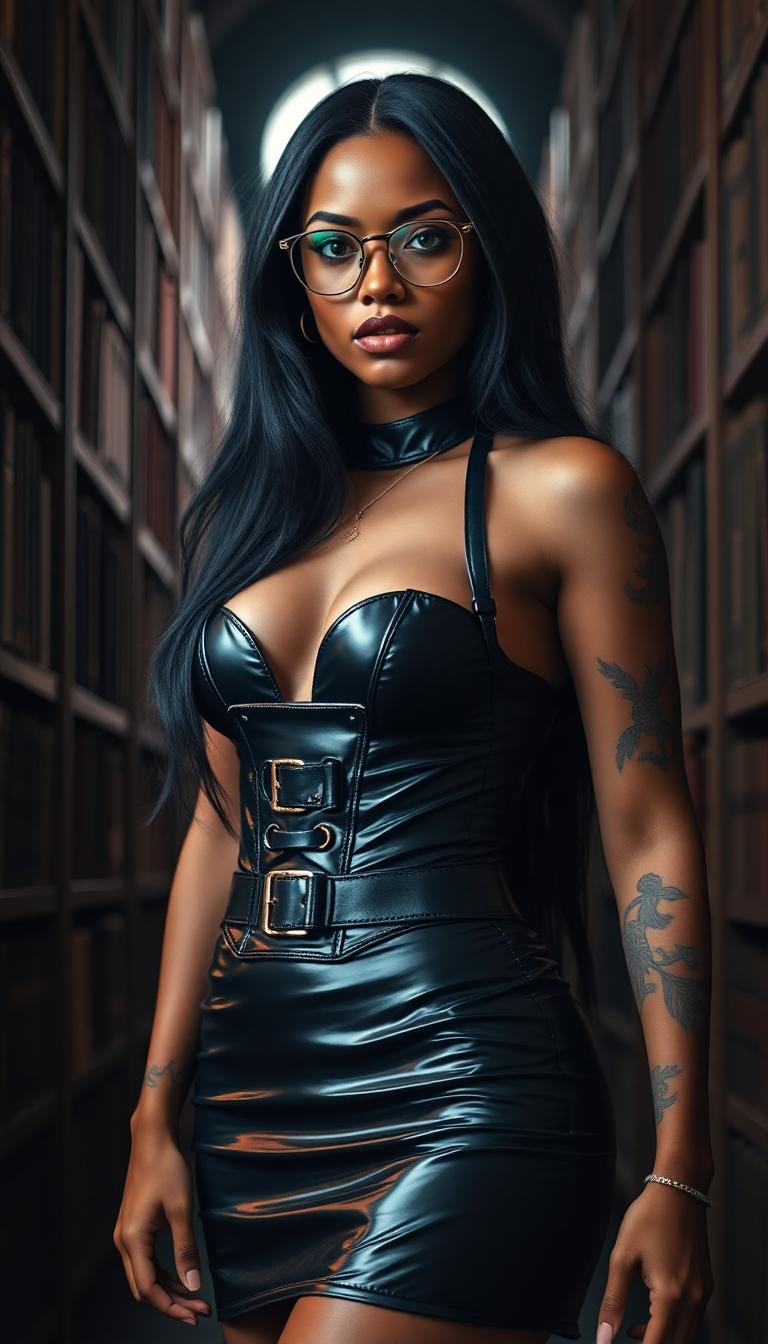
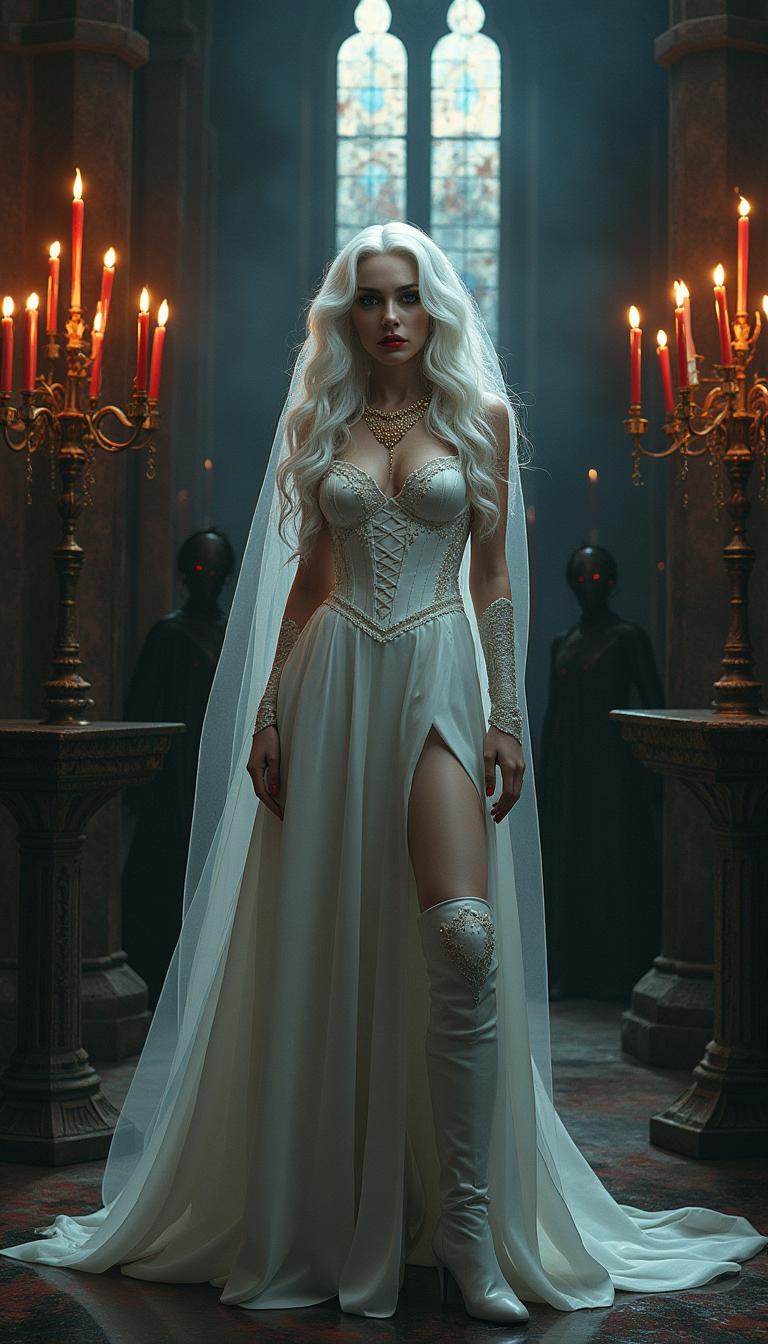
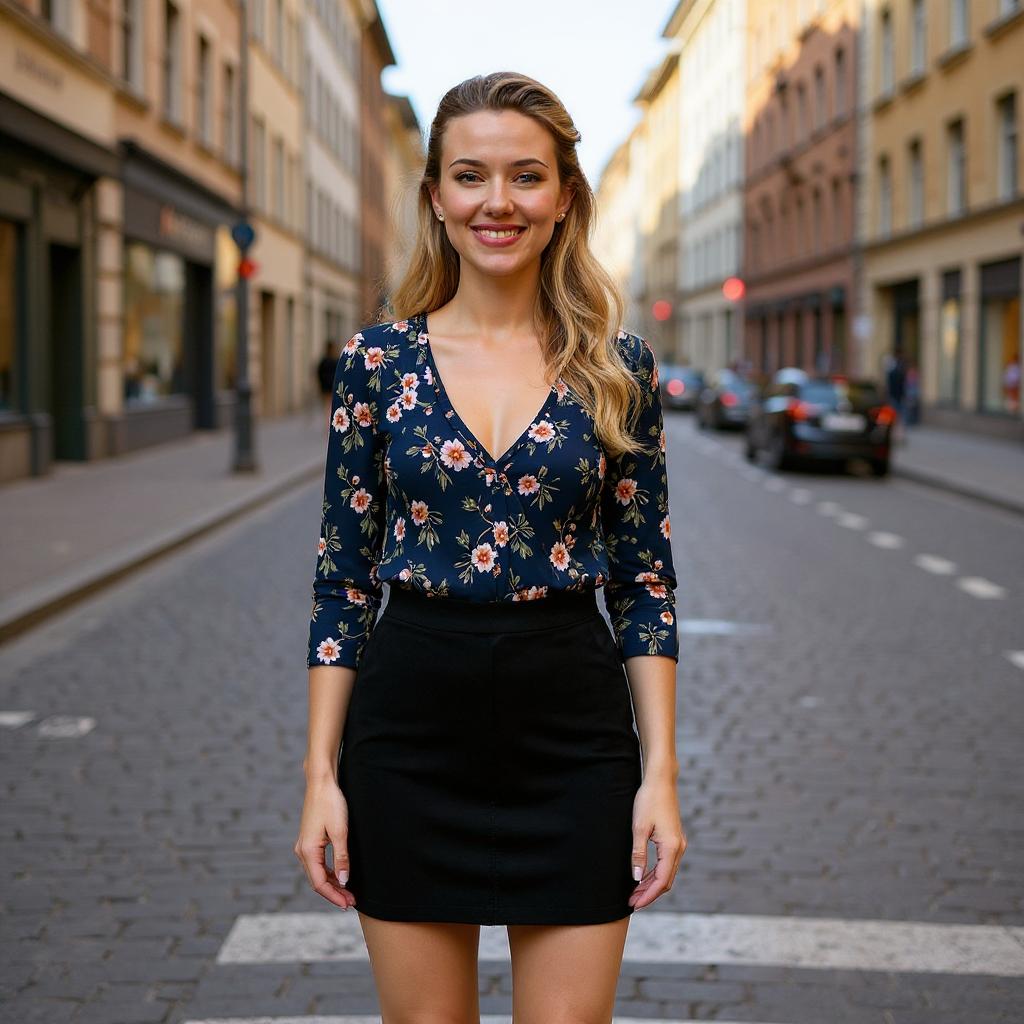
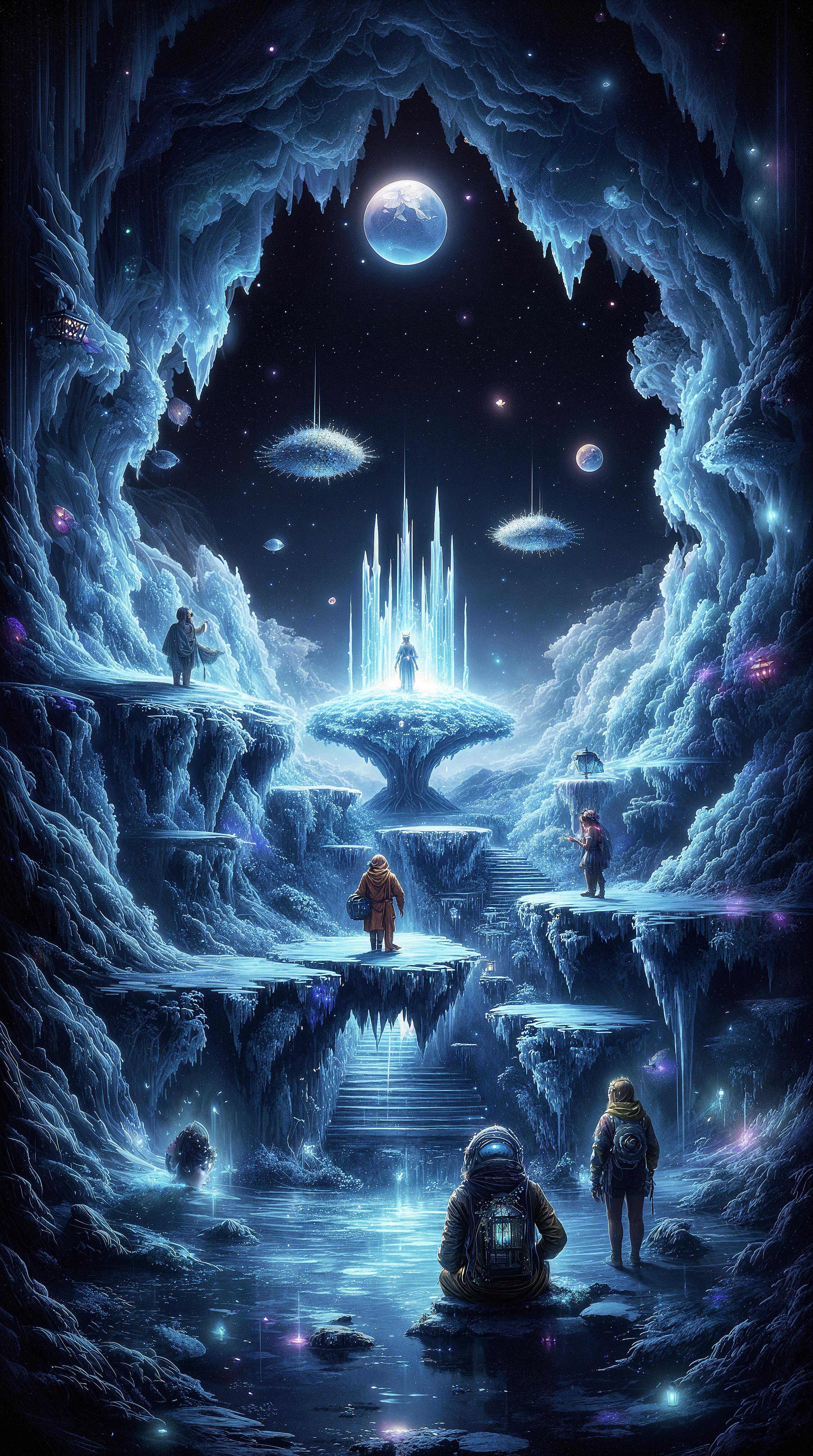

The Pixel Dojo Advantage
Why PixelDojo outperforms other options for ImagineArt depth of field image generation
| Others | Pixel Dojo |
|---|---|
| Traditional depth of field creation | No need for expensive cameras or lenses; generate pro-level bokeh effects instantly without physical setups or lighting hassles. |
| Generic AI tools | Specialized ImagineArt 1.0 integration with advanced editing suite for precise control over focus and blur, delivering superior customization. |
| Manual photo editing | Automate complex masking and blurring; achieve consistent, high-quality results in minutes instead of hours of tedious software work. |
Loved by Creators
See what our community says about ImagineArt depth of field
"PixelDojo's ImagineArt transformed my product photography with effortless depth of field effects. My sales visuals now look professionally shot!"
Sarah Thompson
E-commerce Entrepreneur
"As an artist, I love how ImagineArt lets me experiment with bokeh styles quickly. It's boosted my portfolio and client satisfaction immensely."
Mike Rivera
Digital Artist
Common Questions
Everything you need to know about ImagineArt depth of field AI generation
How to generate depth of field effects using ImagineArt AI?
With PixelDojo's ImagineArt 1.0, simply input prompts specifying 'shallow depth of field' or 'bokeh'. Combine with tools like Inpainting for precise adjustments, achieving outcomes like professional portraits where subjects are sharply focused against soft backgrounds, all in high resolution.
What are the best prompts for bokeh depth of field in ImagineArt?
Optimal prompts include details like 'macro shot with shallow DoF, blurred lights in background'. PixelDojo's platform supports trending techniques such as neural depth estimation, helping you create immersive scenes for marketing or art that captivate viewers instantly.
Can ImagineArt create realistic shallow depth of field images?
Yes, ImagineArt excels at realistic simulations using latest AI trends like diffusion models for natural blur gradients. You'll produce images with lifelike focus falloff, ideal for enhancing your photography-style projects without any real-world shooting.
How does PixelDojo's ImagineArt handle deep depth of field generation?
Specify 'deep depth of field' in your prompts for sharp, expansive scenes. Integrate with our Creative Upscaler for ultra-detailed results, enabling you to craft landscape visuals that maintain clarity throughout, perfect for professional presentations.
What editing tools complement ImagineArt for depth of field images?
Pair ImagineArt with PixelDojo's Outpainting and Face Enhancer to extend scenes or refine focal points. This combo lets you achieve polished, customizable outputs that elevate your creative work efficiently.
Are there examples of trending depth of field techniques in ImagineArt?
Recent trends include AI-driven portrait bokeh and cinematic effects. PixelDojo's ImagineArt incorporates these, allowing you to generate trending styles like urban night scenes with light orbs, boosting your content's appeal and engagement.