imagetovideo AI Generator

Unlock the potential of your static images by transforming them into dynamic, engaging videos with PixelDojo's AI-powered tools. Whether you're a marketer aiming to boost engagement, an educator seeking to create compelling content, or a creator looking to bring your art to life, our image-to-video generator empowers you to achieve your goals effortlessly.

AI Generated
Get Started TodayResults in seconds50+ AI models

Join over 10,000 creators who have transformed their content with PixelDojo's AI tools, achieving a 30% increase in audience engagement on average.

Why Choose Pixel Dojo for imagetovideo

Professional-quality results with cutting-edge AI technology

Elevate Audience Engagement

Convert static images into dynamic videos that capture attention and keep viewers engaged longer.

Streamline Content Creation

Generate high-quality videos quickly, reducing production time and costs.

Enhance Storytelling

Bring your narratives to life by adding motion to your visuals, making your stories more compelling.

How It Works

Creating captivating videos from your images is simple with PixelDojo. Follow these steps to get started:

1

Step 1: Choose Your Tool

Select the 'Image to Video' tool from PixelDojo's suite to begin your transformation.

2

Step 2: Upload Your Image

Upload a high-quality image that you wish to animate. Ensure the image is clear and well-lit for optimal results.

3

Step 3: Customize & Generate

Adjust settings such as video length and motion effects to suit your needs. Once satisfied, click 'Generate' to create your video.

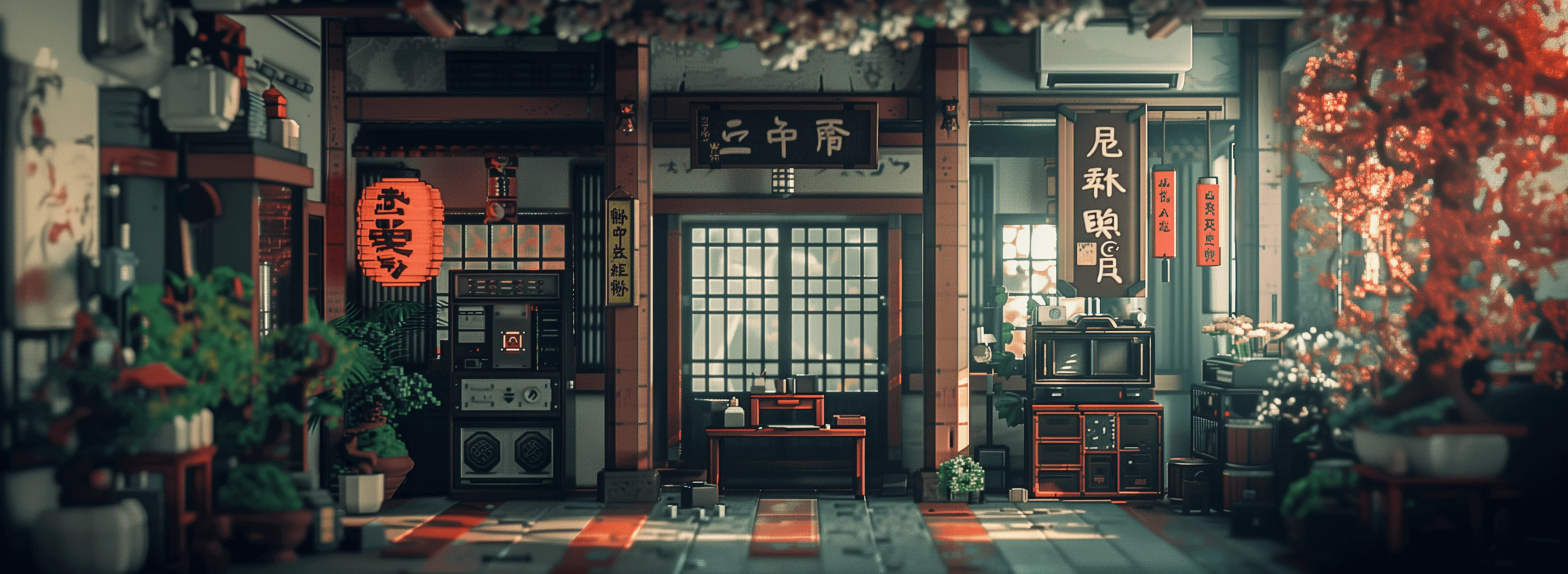
Community imagetovideo Gallery

Real examples created by our community

a photo of a man flying through the air on a drone. the clouds say "PixelDojo.ai Now With Imagen 4"
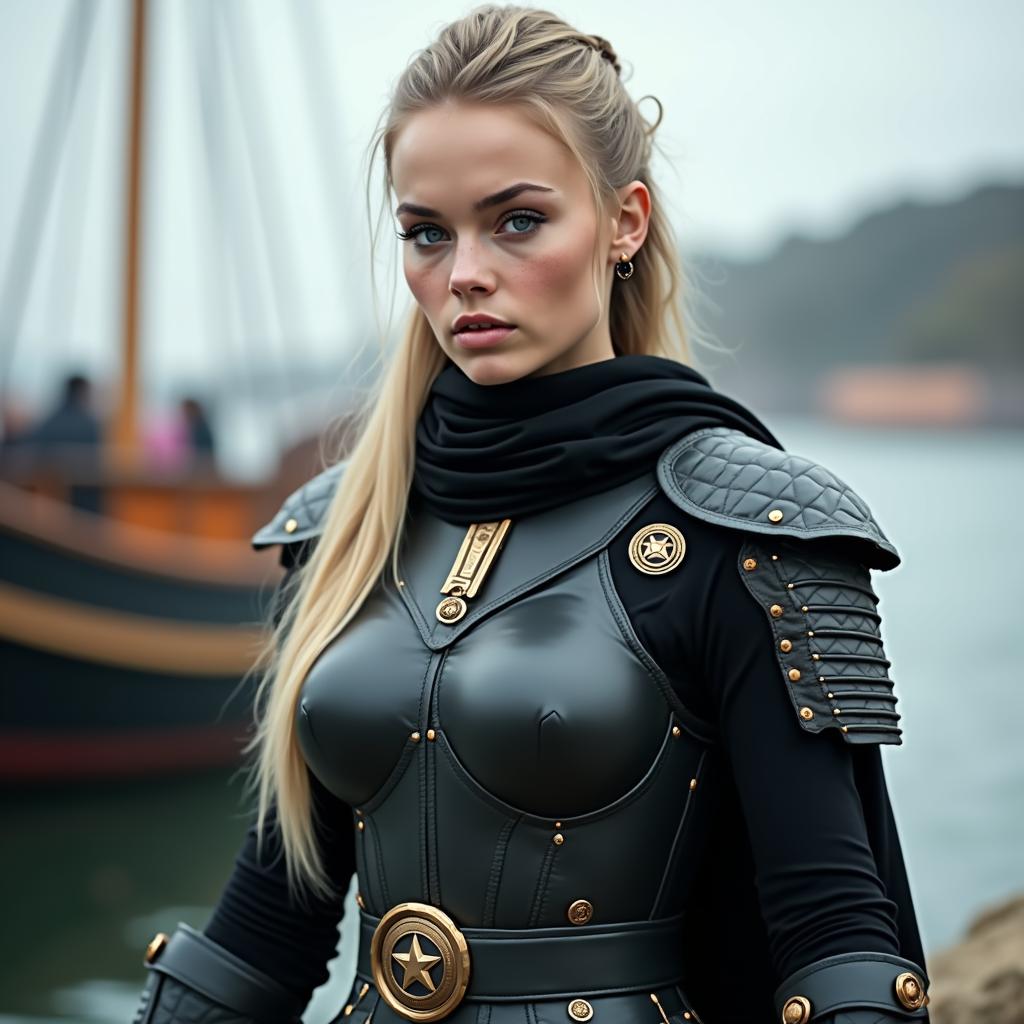
show me character from a random angle with a random background and random lighting. ultra sharp, high resolution, 4k photos
AI-generated image
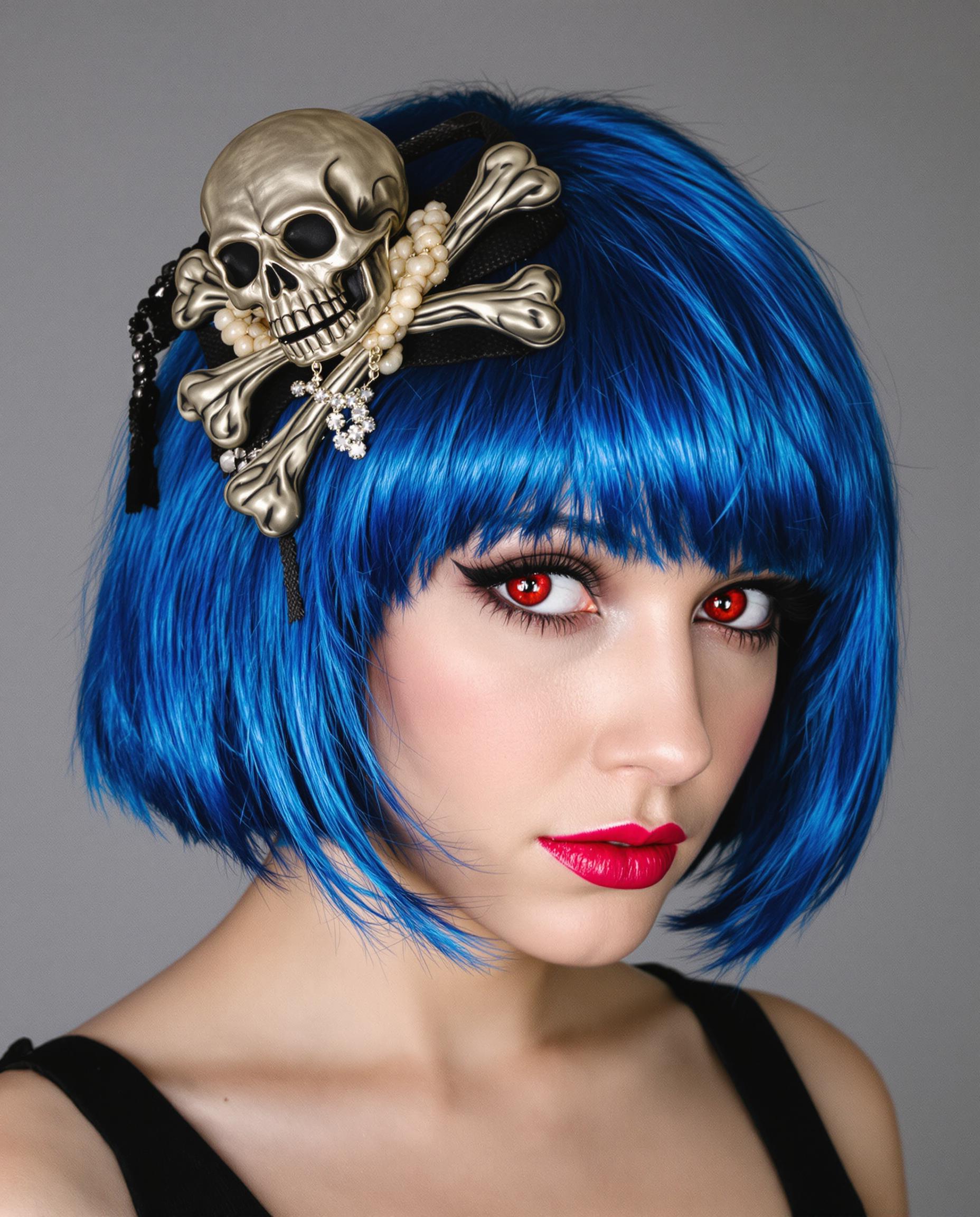
A realistic photograph of a young woman with striking blue bob-cut hair adorned with a skull and crossbones accessory, vivid red eyes
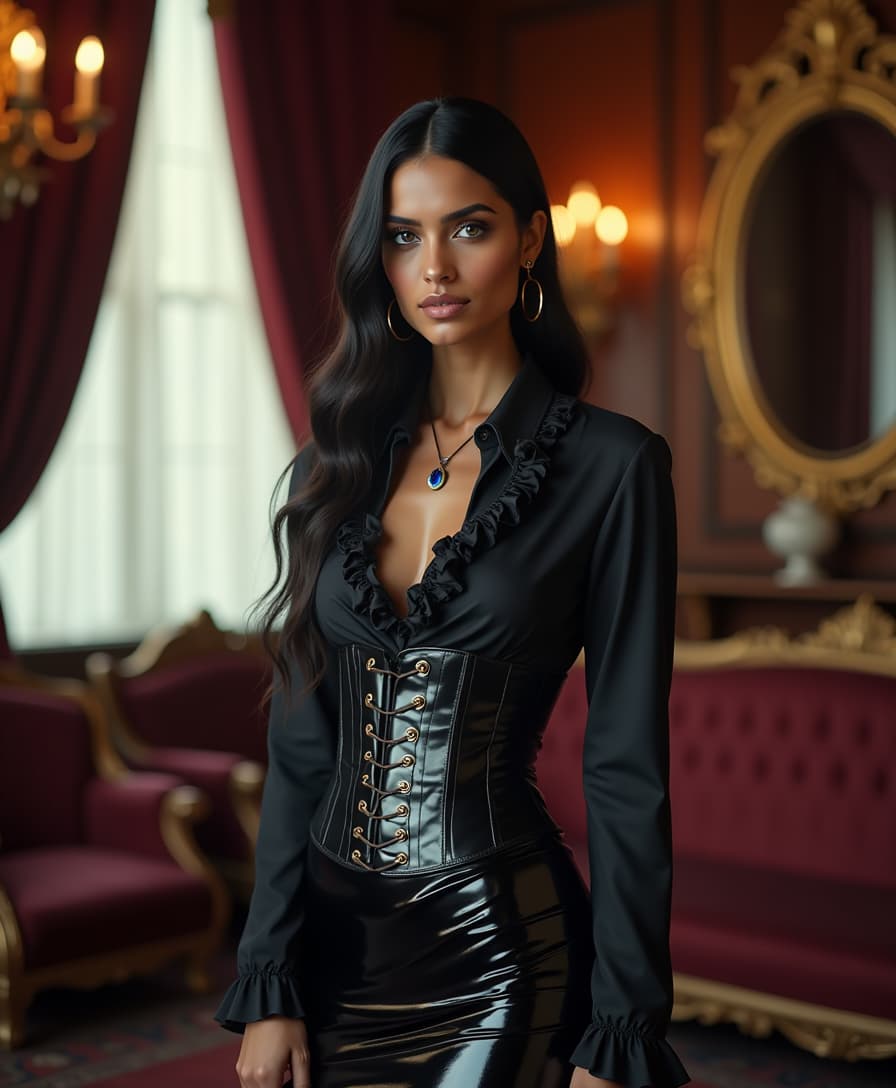
A striking tall Hindu woman with mesmerizing, shiny blue eyes, standing confidently in an elegant Victorian-era parlour. She is dressed in a steampunk-inspired outfit, featuring a skin-tight, shiny black latex hobble skirt that gleams under the warm, ambient light, paired with a matching shiny black latex corset cinched tightly over a luxurious, shiny silk blouse with intricate ruffles. A tiny, radiant sapphire adorns her forehead in place of a traditional bindi, catching the light with a subtle sparkle. The parlour is opulent, with rich mahogany furniture, ornate gold-framed mirrors, and deep burgundy velvet drapes, illuminated by the soft golden glow of gaslamp chandeliers. The composition focuses on the woman as the central figure, captured from a slightly low angle to emphasize her commanding presence, framed by the lavish surroundings. The mood is sophisticated and mysterious, with a hint of industrial edge from the steampunk elements, set during the late afternoon as faint sunlight filters through heavy curtains, casting delicate shadows. The image is rendered in a hyper-realistic style with a focus on detailed textures—the reflective sheen of latex, the smooth lustre of silk, and the polished wood of the parlour—evoking a cinematic, high-fashion editorial aesthetic with dramatic chiaroscuro lighting.
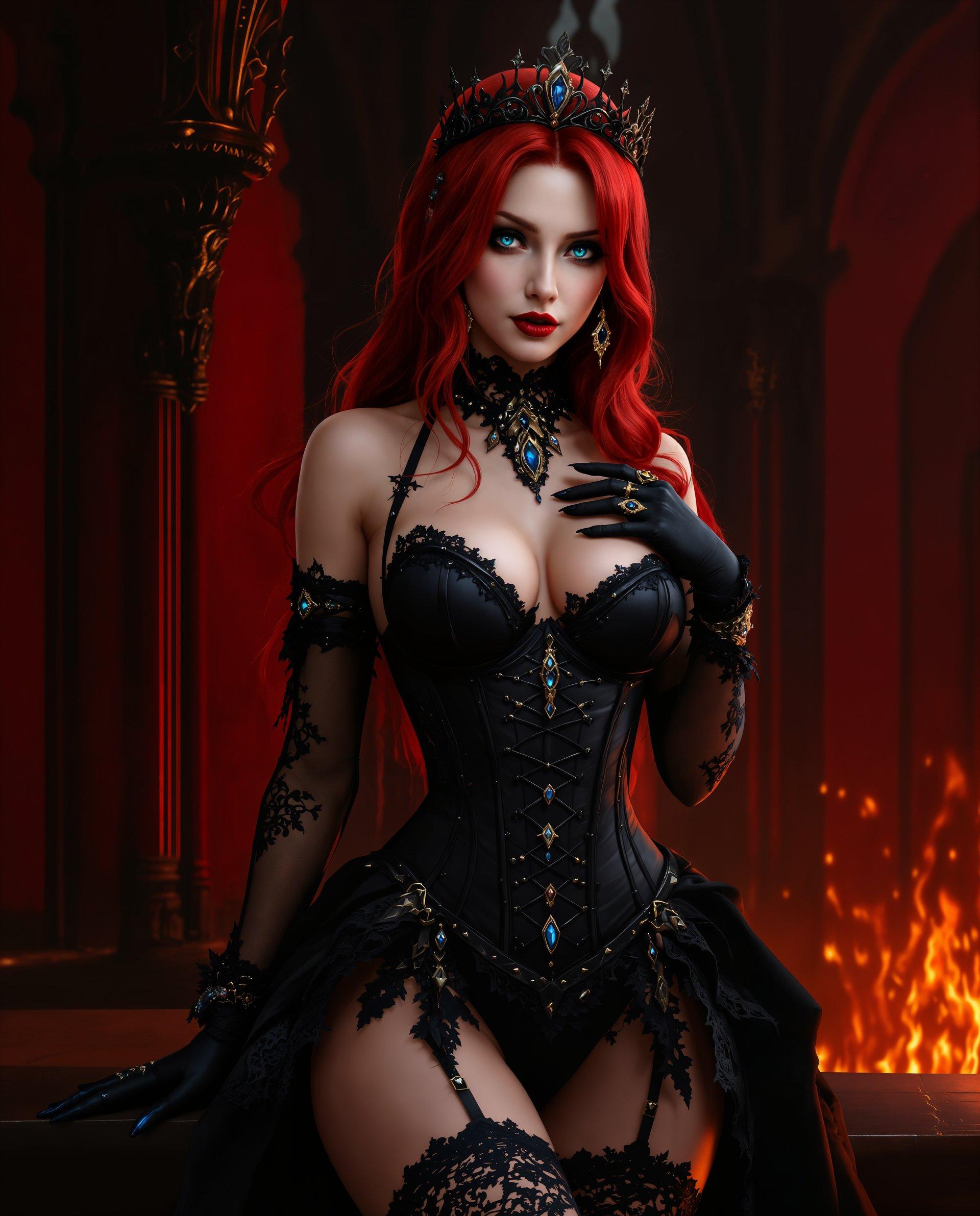
masterpiece, best quality, highres, sharp image, more detail <lora:more_details:0.5> <lora:SDXLrender_v2.0:1>, masterpiece, best quality, highres, sharp image, more detail, This is a realistic photo (photograph) of a female real person image that features a character with a striking red hair and blue eyes, dressed in a black, gothicinspired outfit with lace and gem embellishments. The character is posed in a way that accentuates the outfit, with one hand delicately touching the chest and the other extended outward.The medium appears to be digital painting, given the smooth color gradients and lack of texture that might be present in traditional painting mediums.The colors in the image are rich and vibrant, with the red hair and the black of the outfit standing out against the darker, more subdued background. The reds range from deep crimson to bright scarlet, while the black is a deep, almost midnight shade. There are also touches of blue and gold, primarily in the form of gemstones and jewelry on the outfit.The objects in the image are primarily the characters outfit and accessories. The outfit consists of a bodice with lace detailing and straps, a corsetstyle waist cincher, thighhigh stockings with lace detailing, and gloves. The accessories include a tiara on the head, earrings, and rings on the fingers.The background is richly detailed, with a gothic architectural style that includes pointed arches, intricate carvings, and a sense of depth created by the play of light and shadow. The walls are a deep red, and there is a sense of fire or flames in the background, adding to the gothic and dramatic atmosphere of the scene.
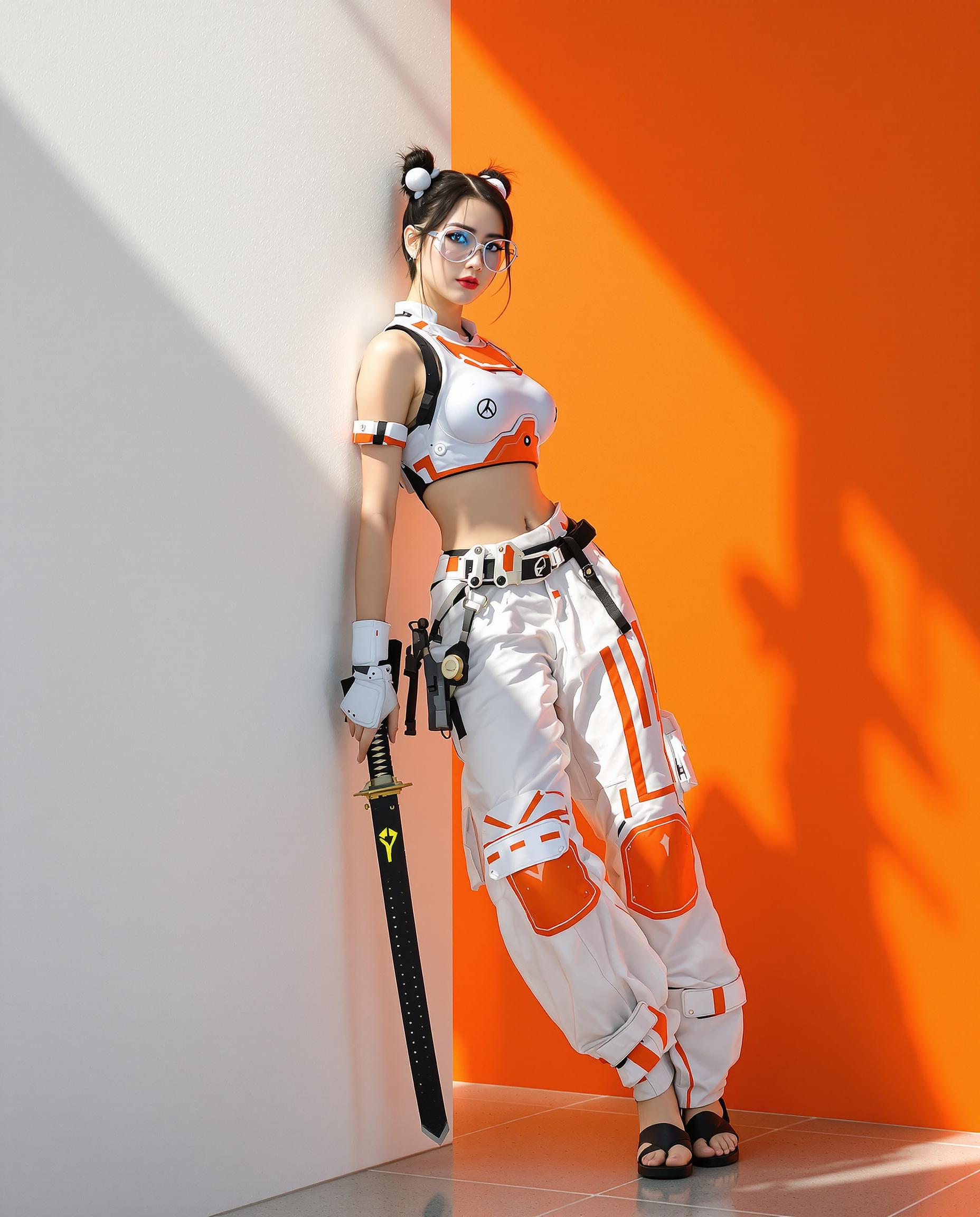
A highly detailed realistic photo (photograph) of a female real person, blending cyberpunk and traditional Japanese elements, rendered with realistic lighting and sharp, photorealistic textures . The central subject is a confident young woman with fair skin, sharp facial features, black hair styled in twin buns adorned with white spherical hair ties, wearing slim black-rimmed glasses that reflect subtle light. She poses dynamically, leaning casually against a stark white wall with her right arm bent and left hand gripping a sleek katana sheathed in a black scabbard, the blade partially drawn to reveal a gleaming edge. Her outfit is a form-fitting white armored crop top with orange accents and glowing panel details, exposing her midriff, paired with loose, flowing white hakama-style pants featuring orange stripes, utility pockets, and reinforced knee pads, cinched at the ankles over simple black sandals. The background is a minimalist split-color environment: a bright white wall on the left casting soft shadows, abruptly meeting a vibrant orange wall on the right, with dramatic sunlight streaming from the top-left, creating high-contrast highlights and long shadows on the floor. Emphasize intricate details like metallic sheen on armor, fabric folds in the pants, subtle cybernetic implants on her skin, and a sense of poised readiness, in a vibrant color palette dominated by whites, oranges, blacks, and metallic silvers, with ultra-high resolution, 8K quality, and cinematic composition.

Start Creating Dynamic Videos Today

Access over 40 cutting-edge AI tools, loved by thousands of creators worldwide. Cancel anytime. Try it today.

The Pixel Dojo Advantage

Why PixelDojo is the superior choice for image-to-video generation:

OthersPixel Dojo
Traditional Video ProductionEliminates the need for expensive equipment and extensive editing, saving time and resources.
Generic AI ToolsOffers specialized tools tailored for image-to-video conversion, ensuring higher quality and more control.
Manual AnimationAutomates the animation process, allowing for quick and consistent results without manual effort.

Loved by Creators

See what our community says about imagetovideo

"PixelDojo's image-to-video tool has revolutionized my content creation process. The results are stunning and the process is incredibly user-friendly."

Sarah K.

Digital Artist

"As a marketer, creating engaging content is crucial. PixelDojo's tools have enabled me to produce high-quality videos from images effortlessly."

Michael R.

Content Creator

Common Questions

Everything you need to know about imagetovideo AI generation

How does PixelDojo's image-to-video generator work?

PixelDojo utilizes advanced AI algorithms to analyze your static images and apply motion effects, transforming them into dynamic videos. The process is automated and requires minimal input from the user.

Can I customize the motion effects in the generated videos?

Yes, PixelDojo allows you to customize various aspects of the video, including motion effects, duration, and transitions, to align with your creative vision.

What types of images work best for the image-to-video tool?

High-resolution images with clear subjects and good lighting yield the best results. Avoid images that are blurry or have low contrast.

Is there a limit to the number of videos I can create?

PixelDojo offers various subscription plans to suit different needs. Depending on your plan, you can create a specific number of videos per month. Check our pricing page for more details.

Can I use the generated videos for commercial purposes?

Yes, videos created with PixelDojo can be used for both personal and commercial projects. Ensure you have the rights to any images you upload.

Do I need any prior experience to use PixelDojo's tools?

No prior experience is necessary. PixelDojo is designed to be intuitive and user-friendly, making it accessible to beginners and professionals alike.

Ready to Create Amazing Videos?

Ready to Create Amazing imagetovideo Images?

Join thousands of creators using AI to bring their ideas to life