image merger ai AI Generator

Transform your creative projects by effortlessly merging images using PixelDojo's advanced AI tools. Whether you're blending photos for artistic expression, creating unique marketing materials, or enhancing product visuals, our platform empowers you to achieve professional results without the need for complex software or technical skills.

AI Generated
Get Started TodayResults in seconds50+ AI models

Join over 10,000 satisfied creators who have transformed their images using PixelDojo's AI tools. Rated 4.8/5 based on 2,500+ reviews.

Why Choose Pixel Dojo for image merger ai

Professional-quality results with cutting-edge AI technology

Effortless Image Blending

Combine multiple images seamlessly to create cohesive and visually appealing compositions.

Time-Saving Automation

Achieve professional results in minutes, eliminating the need for manual editing and complex software.

Versatile Applications

Ideal for artists, marketers, and designers looking to enhance their visual content with unique image combinations.

How It Works

Creating merged images with PixelDojo is simple and intuitive. Follow these steps to bring your creative visions to life:

1

Step 1: Choose Your Tool

Select the 'Image to Image' tool from PixelDojo's suite to begin the merging process.

2

Step 2: Upload Your Images

Upload the images you wish to merge. You can select multiple images to combine into a single composition.

3

Step 3: Customize & Download

Adjust blending parameters to achieve the desired effect, then download your merged image in high resolution.


Community image merger ai Gallery

Real examples created by our community

a photo of a man flying through the air on a drone. the clouds say "PixelDojo.ai Now With Imagen 4"
a photo of a ninja in front of a japanese dojo. on the wall a sign reads PixelDojo.ai Now with Imagen 4
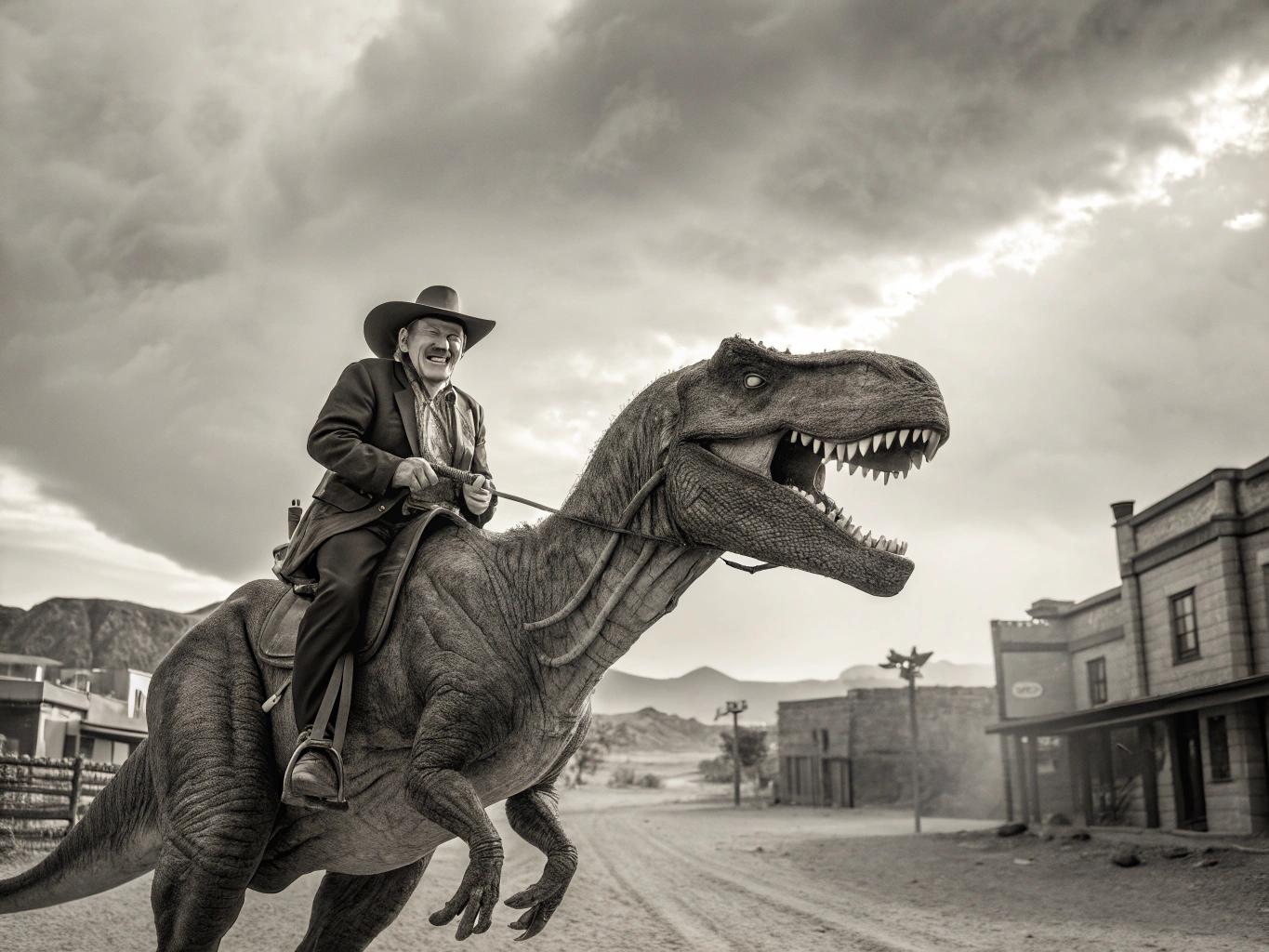
Create a photorealistic monochrome photo of an 1863 Tucson, Arizona, a cowboy riding a t-rex, cowboy is smiling looking at viewer
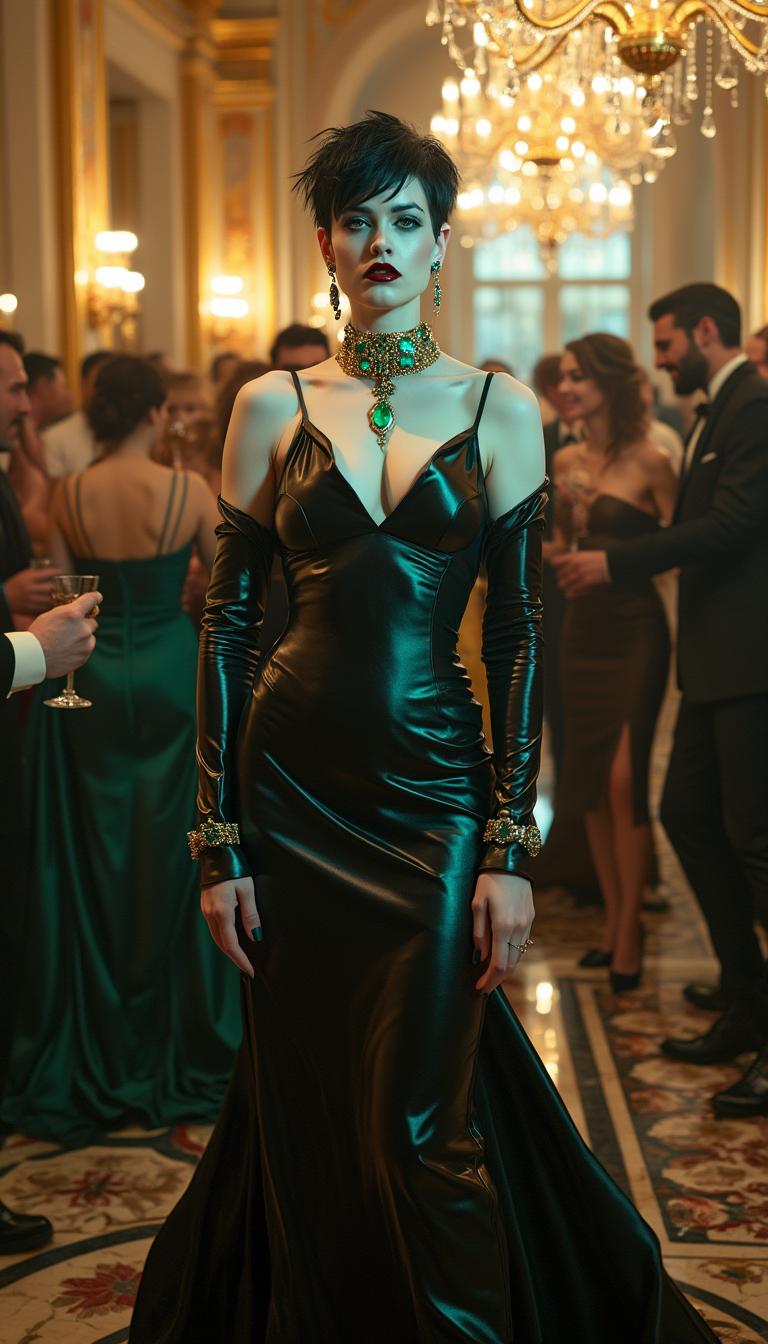
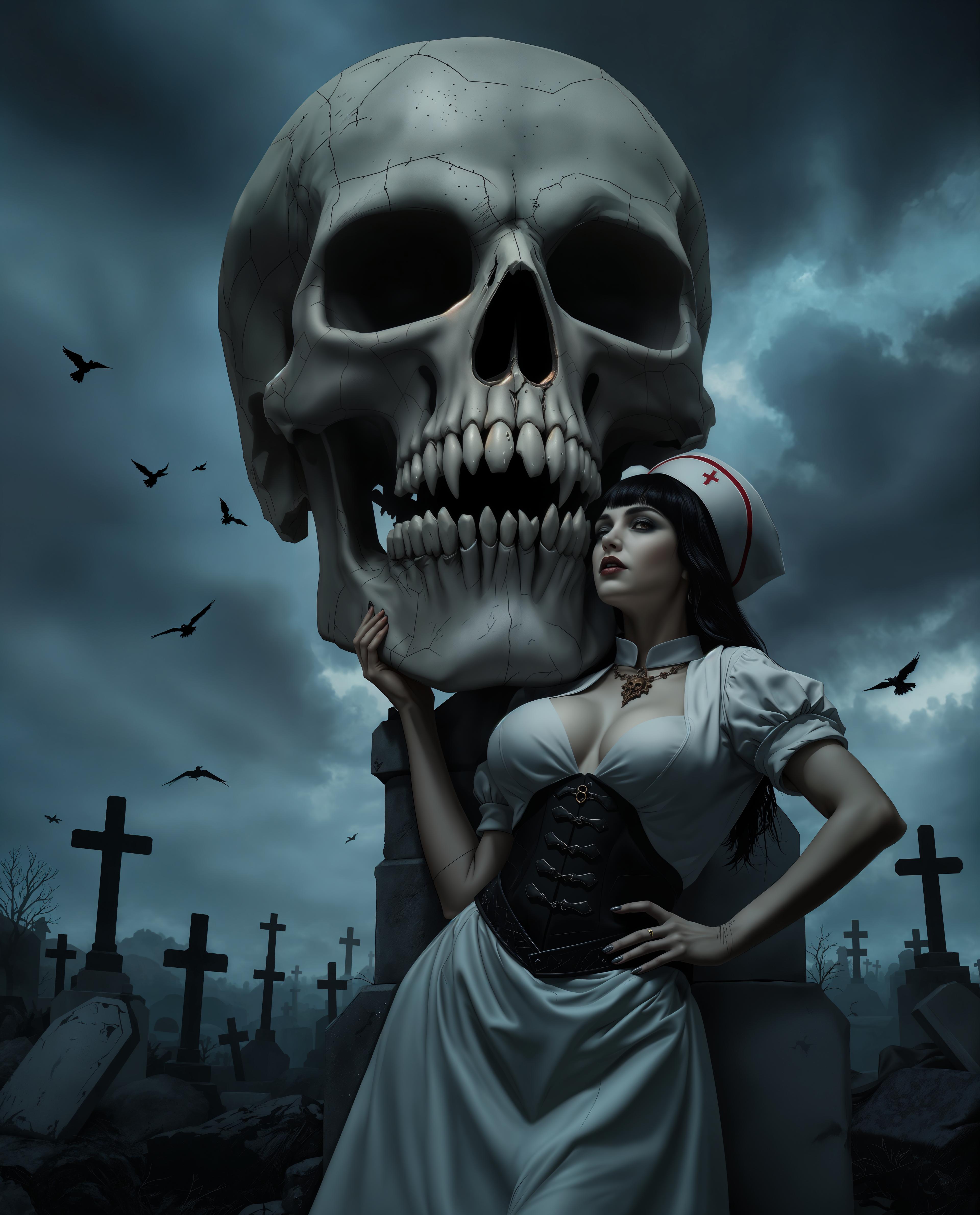
A striking Amazon pale and vampiric woman in her mid-30s, with an ethereal, otherworldly presence. She has short, spiky black hair and piercing bright blue eyes that contrast sharply with her ghostly complexion. Her powerful, muscular frame is accentuated by a floor-length, skin-tight, shiny metallic black  satin gown that gleams under the light, hugging every curve with a mirror-like finish. Her neck, ears, and wrists are adorned with opulent emerald and gold jewelry, the deep green stones sparkling with an almost supernatural glow. Her makeup is heavy and gothic, with dark, smoky eyeshadow, sharp black eyeliner, and deep crimson lips, enhancing her haunting beauty. She stands confidently in the center of a lavish, grand ballroom with gilded walls, crystal chandeliers casting warm golden light, and intricate marble floors reflecting the opulence. Surrounding her are other beautiful, elegantly dressed people, dancing gracefully and sipping champagne from delicate flutes, their laughter and murmurs filling the air. The composition focuses on her as the commanding focal point, captured from a low angle to emphasize her towering, imposing stature, while the crowd blurs slightly in the background to create depth. The mood is mysterious and decadent, with a late-evening ambiance, soft ambient lighting, and a subtle haze of luxury. The style is a blend of gothic romanticism and high-fashion photography, with hyper-detailed textures in her gown and jewelry, dramatic contrast between light and shadow, and a cinematic quality reminiscent of a Tim Burton film.
AI-generated image
AI-generated image
AI-generated image
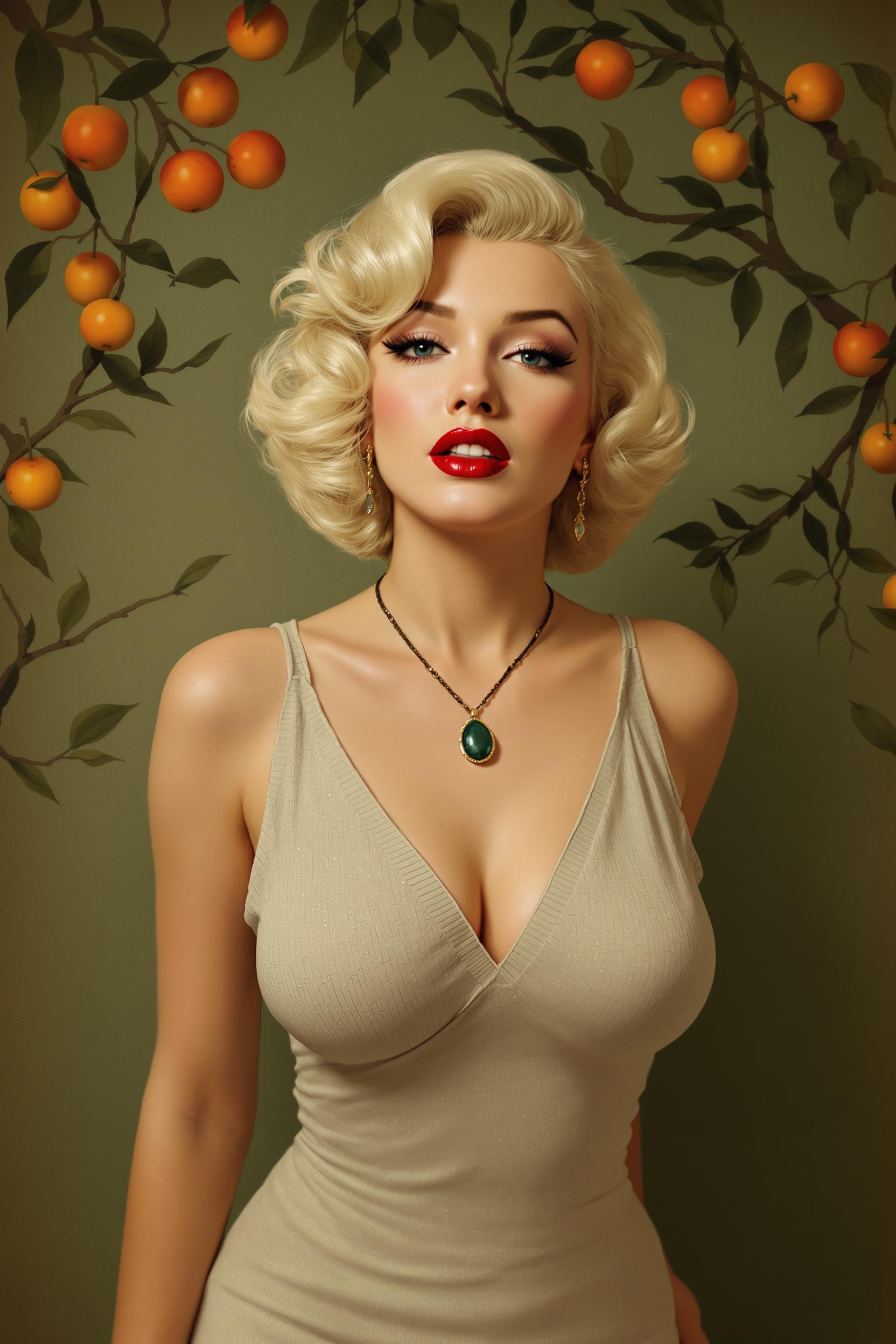
This is a digitally created image of "Marilyn Monroe" that exudes a vintage or retro art style, reminiscent of pinup art from the 1940s and 1950s. The medium appears to be a digital painting, given the smooth blending of colors and the lack of texture that might be present in a traditional painting.The colors in the image are rich and warm, with a predominance of earthy tones. The subjects skin is depicted in a soft, peachy hue, which contrasts with the deep, rich red of her lips. The background is a muted green, which suggests a forest or garden setting. The lighting in the image is soft and diffused, casting gentle shadows and highlights that give the subject a threedimensional form.The subject of the image is a woman with blonde hair styled in waves, reminiscent of the hairstyles popular in the mid20th century. She is wearing a sleeveless, vneck dress that has a subtle, textured pattern, giving the impression of a fabric with a slight sheen. Around her neck is a pendant necklace with a dark green stone, which stands out against her light skin tone.In the background, there are branches and leaves that suggest a natural setting, possibly a forest or a garden. Scattered throughout the branches are small, round, orange fruits, which could be berries or small apples. The fruits add a pop of color to the otherwise subdued palette of the image.Overall, the image has a dreamy, nostalgic quality, inviting the viewer to imagine a story set in a bygone era. The subjects confident pose and the romantic, bucolic setting evoke a sense of timeless beauty and allure.
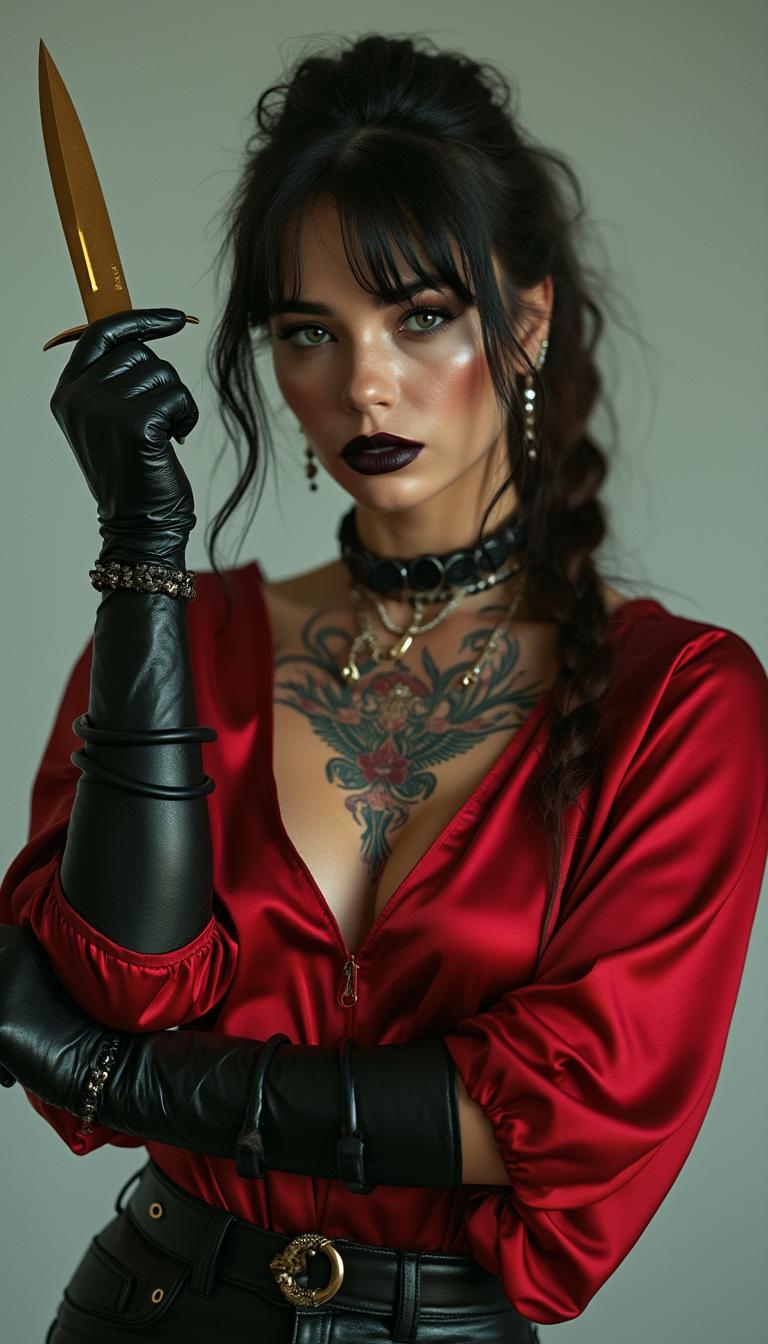
Stylized portrait of a Ukrainian mob assassin in a blood-red silk blouse, leather gloves, high cheekbones and dark lipstick, holding a gold-plated knife, Slavic tattoos on her collarbone, minimal cold-toned background — fashion-crime fusion, sharp focus, ultra-detailed
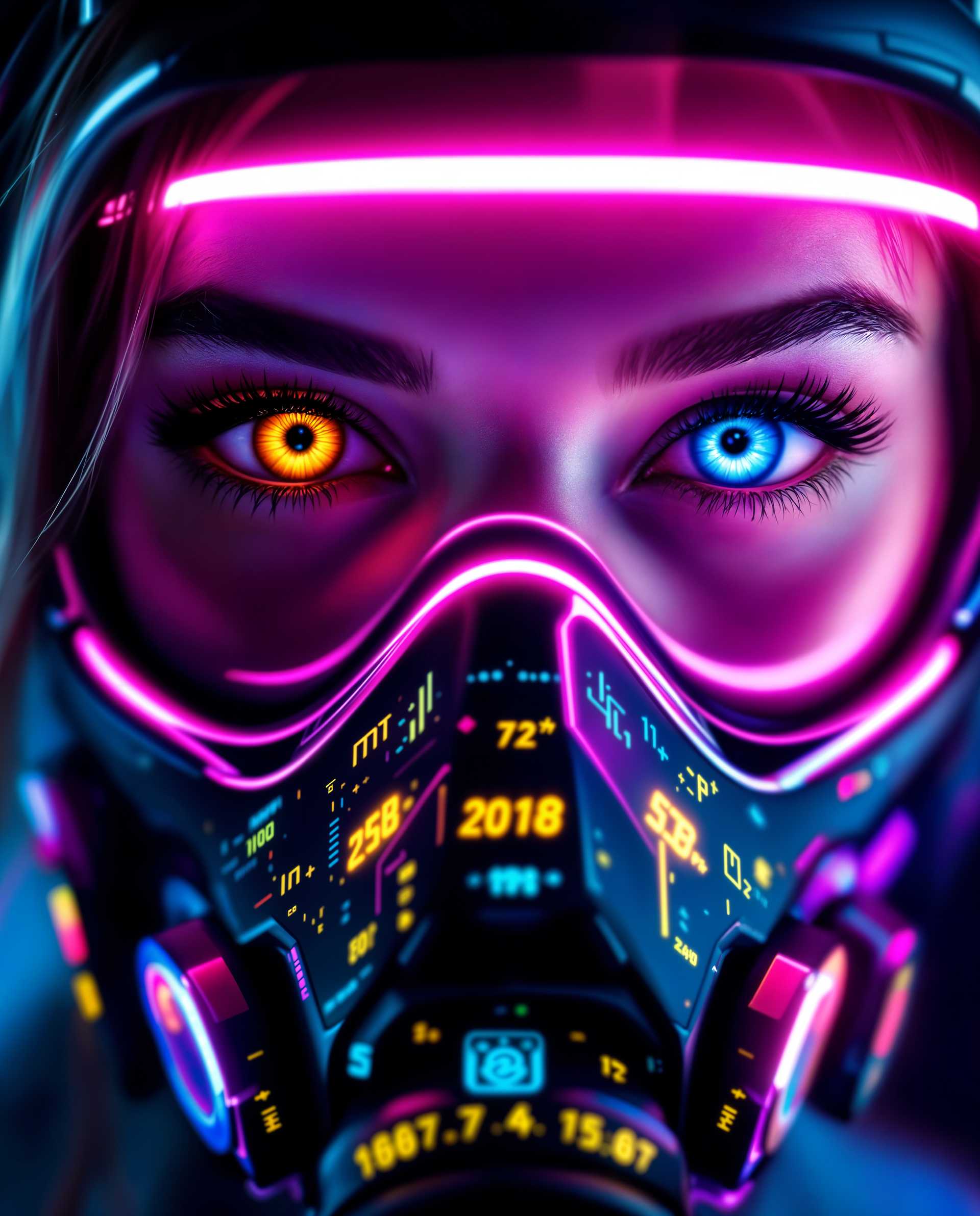
masterpiece, best quality, highres, sharp image, more detail <lora:more_details:0.5> <lora:SDXLrender_v2.0:1>, masterpiece, best quality, highres, sharp image, more detail, A striking close-up photograph of a female face, captured with a futuristic cyberpunk aesthetic, focusing on her expressive eyes and an intricate cyberpunk gas mask. Her eyes, one with a golden iris and the other blue, are framed by a neon pink halo, while the black mask features neon accents of pink, blue, yellow, and green, adorned with circuit-like patterns and mathematical symbols, set against a gradient background of blues and purples. Shot with a DSLR, 50mm lens, cinematic lighting, and 8K detail, the image blends photorealistic clarity with vibrant digital painting techniques, exuding energy and depth.

Start Merging Images with AI Today

Access 40+ cutting-edge AI tools, loved by thousands of creators worldwide. Cancel anytime, try it today.

The Pixel Dojo Advantage

Why PixelDojo outperforms other options for AI image merging:

OthersPixel Dojo
Traditional Image Editing SoftwareNo need for extensive training or expensive software; achieve professional results effortlessly.
Generic AI ToolsTailored specifically for image merging with intuitive controls and high-quality outputs.
Manual Photo EditingSave hours of manual work with automated, precise image blending capabilities.

Loved by Creators

See what our community says about image merger ai

"PixelDojo's AI tools have revolutionized my design process. Merging images has never been this easy and effective."

Alex Johnson

Graphic Designer

"As a marketer, creating unique visuals is crucial. PixelDojo allows me to combine images seamlessly, enhancing our campaigns significantly."

Samantha Lee

Marketing Manager

Common Questions

Everything you need to know about image merger ai AI generation

How does PixelDojo's AI image merger work?

PixelDojo utilizes advanced AI algorithms to analyze and blend multiple images, creating a cohesive and seamless final composition. Simply upload your images, adjust the blending parameters, and let the AI handle the rest.

Can I merge more than two images at once?

Yes, PixelDojo's 'Image to Image' tool allows you to combine multiple images into a single composition, providing flexibility for complex projects.

Do I need prior experience in image editing to use PixelDojo?

No, PixelDojo is designed for users of all skill levels. Our intuitive interface and automated processes make image merging accessible to everyone.

Is there a limit to the file size or format of images I can upload?

PixelDojo supports various image formats and sizes. For optimal performance, we recommend using high-resolution images in common formats such as JPEG or PNG.

Can I adjust the blending intensity between images?

Absolutely. PixelDojo provides customizable blending parameters, allowing you to control the intensity and style of the merged images to suit your creative vision.

Is PixelDojo's AI image merging tool free to use?

PixelDojo offers a range of subscription plans, including a free tier with access to basic features. For advanced tools and capabilities, consider our premium plans.

Ready to Create Stunning Merged Images?

Ready to Create Amazing image merger ai Images?

Join thousands of creators using AI to bring their ideas to life