How to use Wan 2.5 AI AI Generator
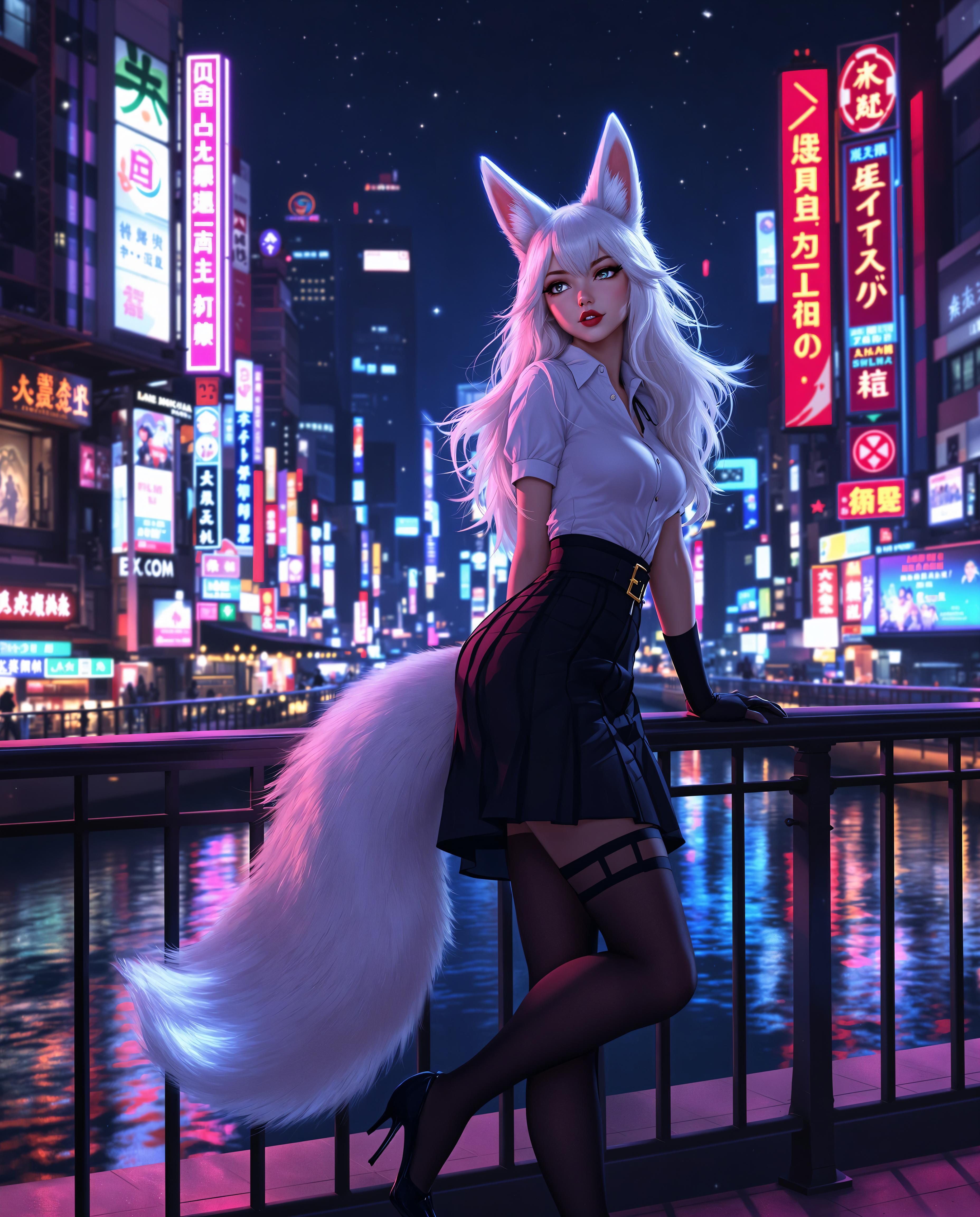
Imagine turning your wildest ideas into hyper-realistic images that captivate audiences and drive engagement—all without needing advanced design skills or expensive software. With PixelDojo's WAN 2.5 AI, you can achieve professional-grade visuals that enhance your marketing, storytelling, or personal projects. Whether you're crafting lifelike portraits, dynamic scenes, or abstract art, this powerful tool delivers outcomes like boosted brand visibility, faster content creation, and endless creative freedom. Based on the latest trends, WAN 2.5 AI excels in generating high-resolution, detail-rich images with improved coherence and speed, making it ideal for creators seeking quick, stunning results.
Join over 50,000 creators who trust PixelDojo for AI image generation. Rated 4.9/5 stars from 2,000+ reviews on Trustpilot. 'PixelDojo's WAN 2.5 AI transformed my workflow—stunning images in seconds!' – Verified User.
Why Choose Pixel Dojo for How to use Wan 2.5 AI
Professional-quality results with cutting-edge AI technology
Achieve Hyper-Realistic Visuals Effortlessly
With WAN 2.5 AI, you create images so lifelike they rival professional photography, helping you stand out in social media, e-commerce, or digital art without hours of manual editing.
Speed Up Your Creative Process Dramatically
Generate complex scenes in minutes using the latest WAN 2.5 trends like advanced prompt optimization, allowing you to produce more content, meet deadlines, and experiment freely.
Unlock Endless Customization Options
Tailor every detail to your vision, from styles to lighting, resulting in unique images that perfectly match your brand or story, driving higher engagement and satisfaction.
How It Works
Creating with WAN 2.5 AI on PixelDojo is simple and intuitive. Leverage the latest techniques like detailed prompt engineering and iterative refinement to produce trending, high-quality images. Follow these steps to get started and achieve professional outcomes quickly.
Step 1: Choose Your Tool
Log in to PixelDojo and select WAN Image or integrate with WAN 2.5 Video for dynamic elements. This sets the foundation for hyper-realistic generation, drawing from recent trends in AI coherence and detail enhancement.
Step 2: Enter Your Prompt
Craft a detailed prompt incorporating current WAN 2.5 techniques, such as specifying lighting, composition, and styles like photorealism or surrealism. Use tools like Flux Studio for refinement to ensure your image aligns with the latest high-fidelity trends.
Step 3: Customize & Download
Adjust parameters with Image Editing tools like Enhance Realism or Creative Upscaler, then download your masterpiece. This step lets you iterate based on real-time feedback, achieving polished results that captivate and convert.


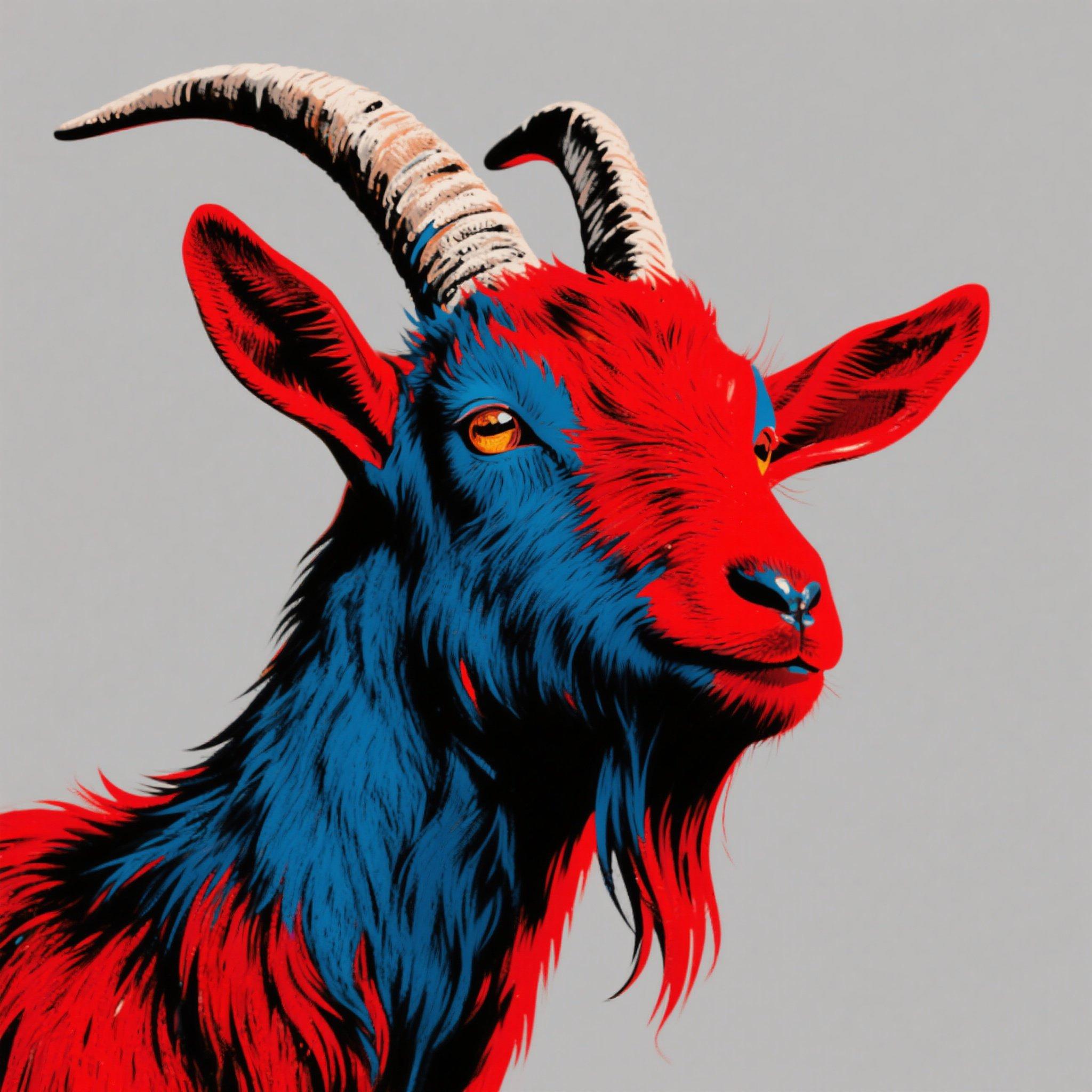


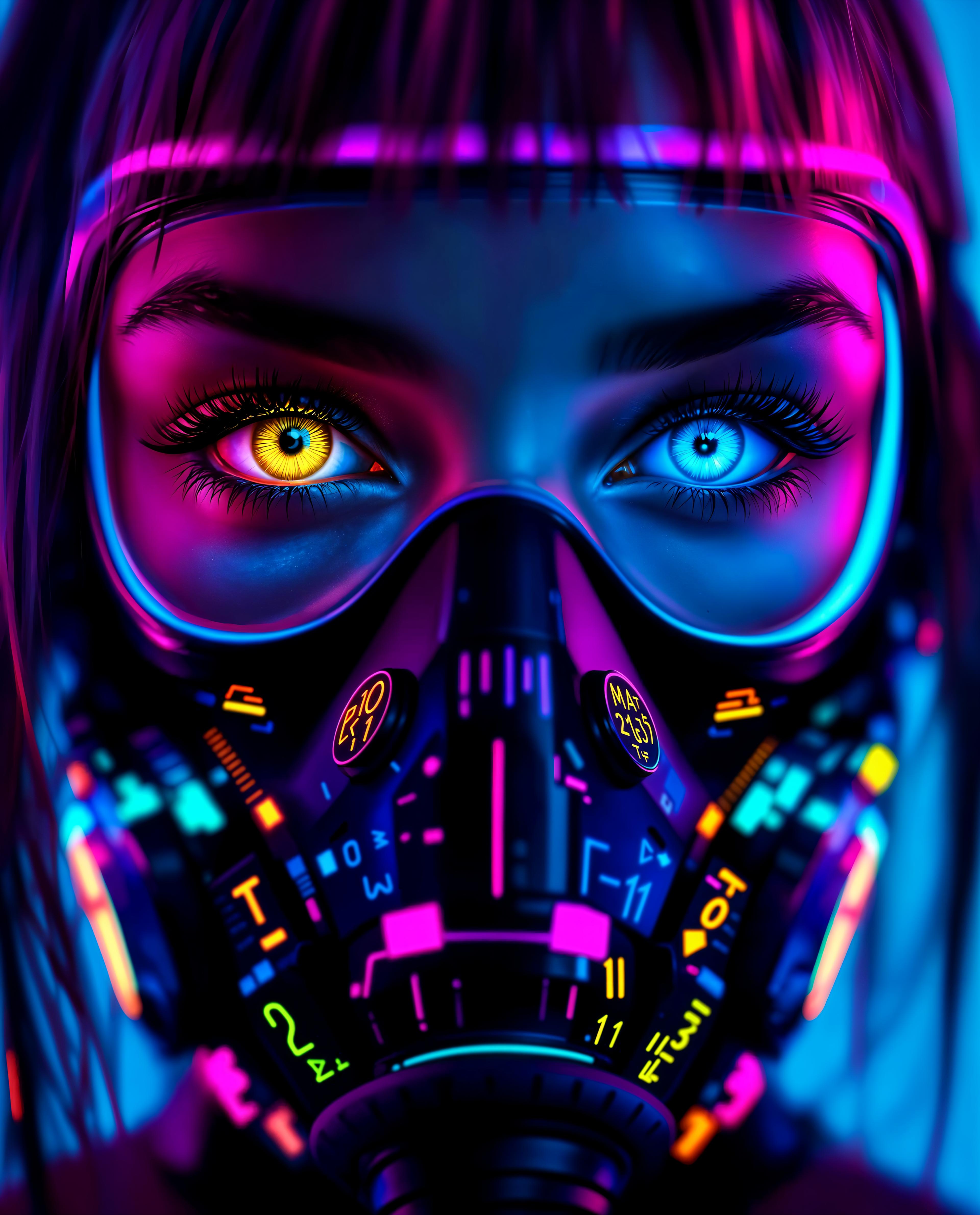
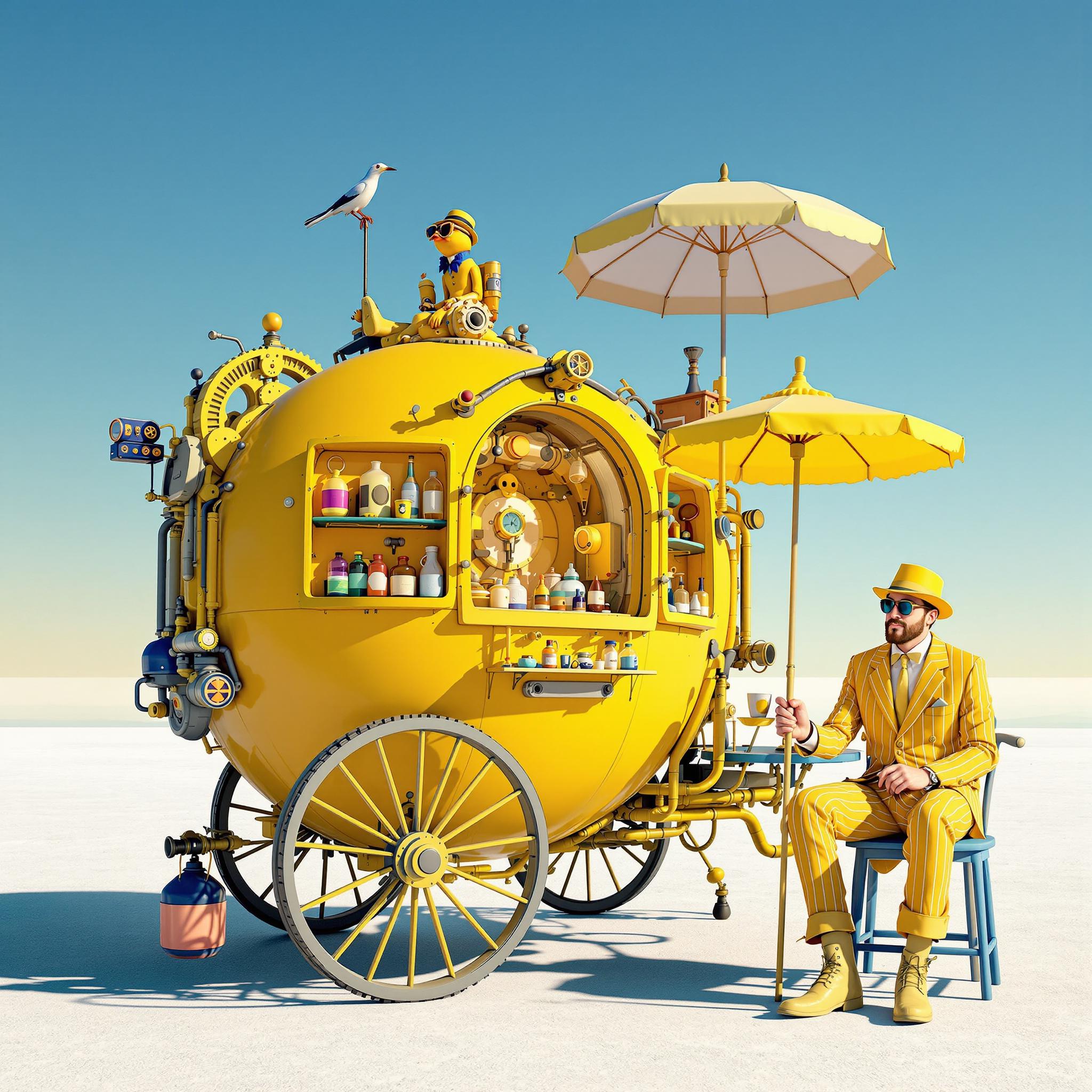

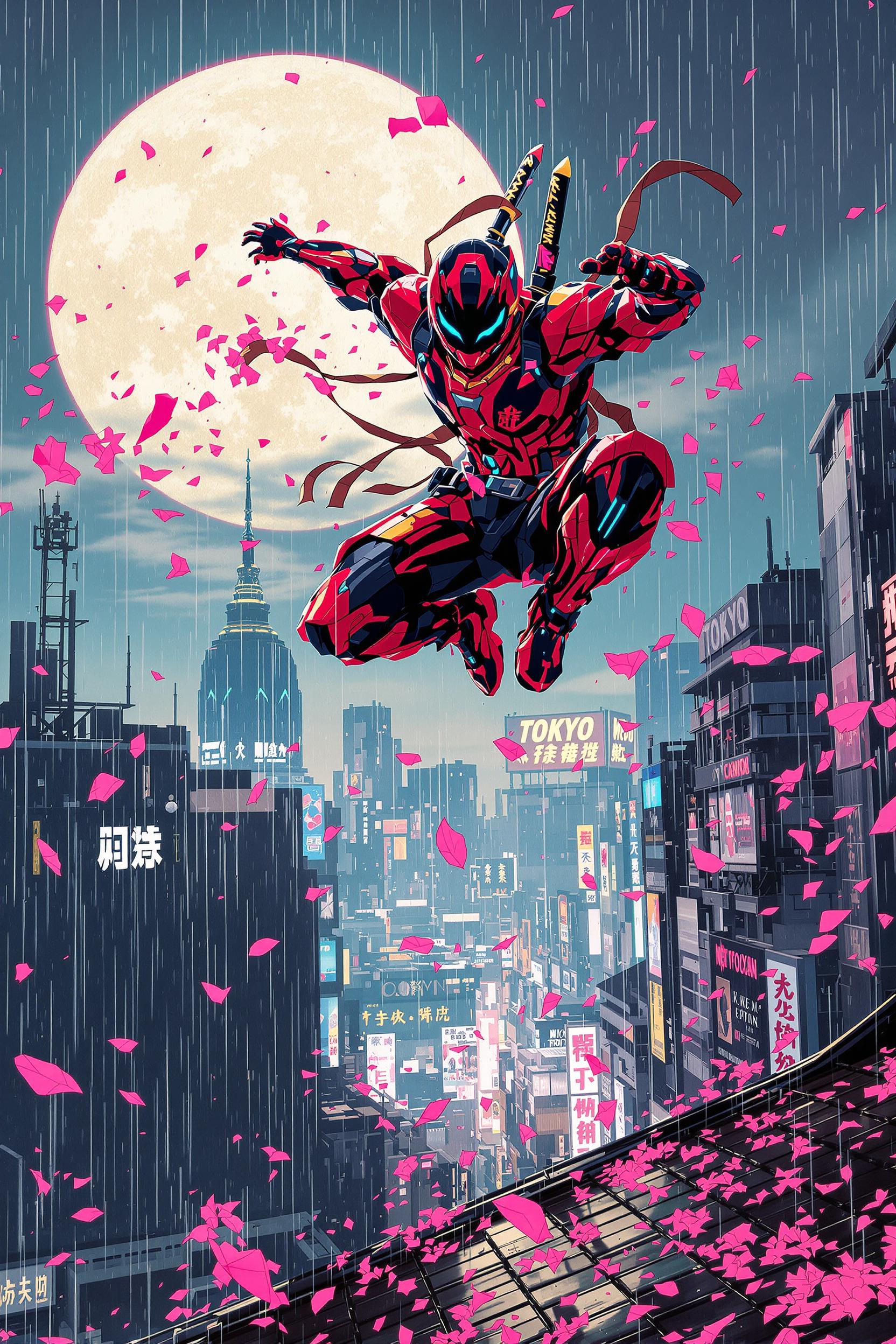


The Pixel Dojo Advantage
Why PixelDojo outperforms other options for Wan 2.5 AI image generation
| Others | Pixel Dojo |
|---|---|
| Traditional Wan 2.5 AI creation | PixelDojo integrates WAN 2.5 seamlessly with 40+ tools, delivering faster, more customizable results than standalone methods, so you achieve pro outcomes without technical hurdles. |
| Generic AI tools | Unlike basic platforms, PixelDojo offers specialized WAN 2.5 features like real-time editing and trend-based prompts, ensuring higher quality and relevance for your projects. |
| Manual photo editing | Skip the tedious hours of editing; PixelDojo's WAN 2.5 AI automates realism and detail, letting you focus on creativity and produce stunning images in a fraction of the time. |
Loved by Creators
See what our community says about How to use Wan 2.5 AI
"PixelDojo's WAN 2.5 AI let me create hyper-realistic product images that boosted my sales by 30%. It's a game-changer for e-commerce!"
Sarah Thompson
E-commerce Entrepreneur
"As an artist, WAN 2.5 AI on PixelDojo helped me experiment with trends like surreal landscapes, saving me weeks of work and inspiring new ideas."
Mike Rivera
Digital Artist
Common Questions
Everything you need to know about How to use Wan 2.5 AI AI generation
What are the best WAN 2.5 AI image generation techniques for beginners?
For beginners, start with simple prompts in PixelDojo's WAN Image tool, focusing on key elements like subject, style, and mood. Incorporate latest trends like negative prompts to avoid unwanted artifacts, and use Enhance Realism for polished results. This approach helps you create professional images quickly, building confidence as you explore advanced features.
How to use WAN 2.5 AI for realistic portrait creation?
Select WAN Image in PixelDojo, input detailed prompts specifying facial features, lighting, and expressions. Leverage Face Enhancer and Pose Control for refinements. Recent WAN 2.5 trends emphasize high coherence, allowing you to generate lifelike portraits that enhance your storytelling or marketing efforts effortlessly.
What are the latest trends in WAN 2.5 AI image generation?
Current trends include hyper-realism, dynamic compositions, and integration with video for animated stills. On PixelDojo, combine WAN 2.5 Video with Image to Image for trending effects, helping you stay ahead and create content that engages audiences more effectively.
Can I customize WAN 2.5 AI images with PixelDojo tools?
Absolutely! Use PixelDojo's suite like Style Transfer, Inpainting, and Creative Upscaler to tweak WAN 2.5 outputs. This customization leads to unique visuals tailored to your needs, from branding to art, with easy iterations that save time and boost creativity.
How does WAN 2.5 AI compare to other AI image generators?
WAN 2.5 AI on PixelDojo stands out with faster generation speeds and superior detail handling. Integrated with tools like Flux Studio and SDXL Image Creator, it delivers outcomes like high-engagement visuals, making it ideal for users seeking reliable, trend-forward results without complexity.
Is WAN 2.5 AI suitable for professional content creation?
Yes, professionals love PixelDojo's WAN 2.5 for its ability to produce commercial-quality images. Features like Multidiffusion Upscaler ensure scalability, while subscription perks provide unlimited access, helping you deliver client-ready work efficiently and consistently.