GPT Image 1.5 faster image rendering AI Generator
In today's fast-paced creative environment, efficiency and quality are paramount. PixelDojo's GPT Image 1.5 empowers you to generate stunning images up to four times faster than previous models, allowing you to bring your visions to life with unprecedented speed and precision.

Join thousands of satisfied creators who have enhanced their workflows with PixelDojo's cutting-edge AI tools, achieving faster turnaround times and superior image quality.
Why Choose Pixel Dojo for GPT Image 1.5 faster image rendering
Professional-quality results with cutting-edge AI technology
Accelerated Image Generation
Produce high-quality images up to 4x faster, significantly reducing project timelines and increasing productivity.
Enhanced Image Quality
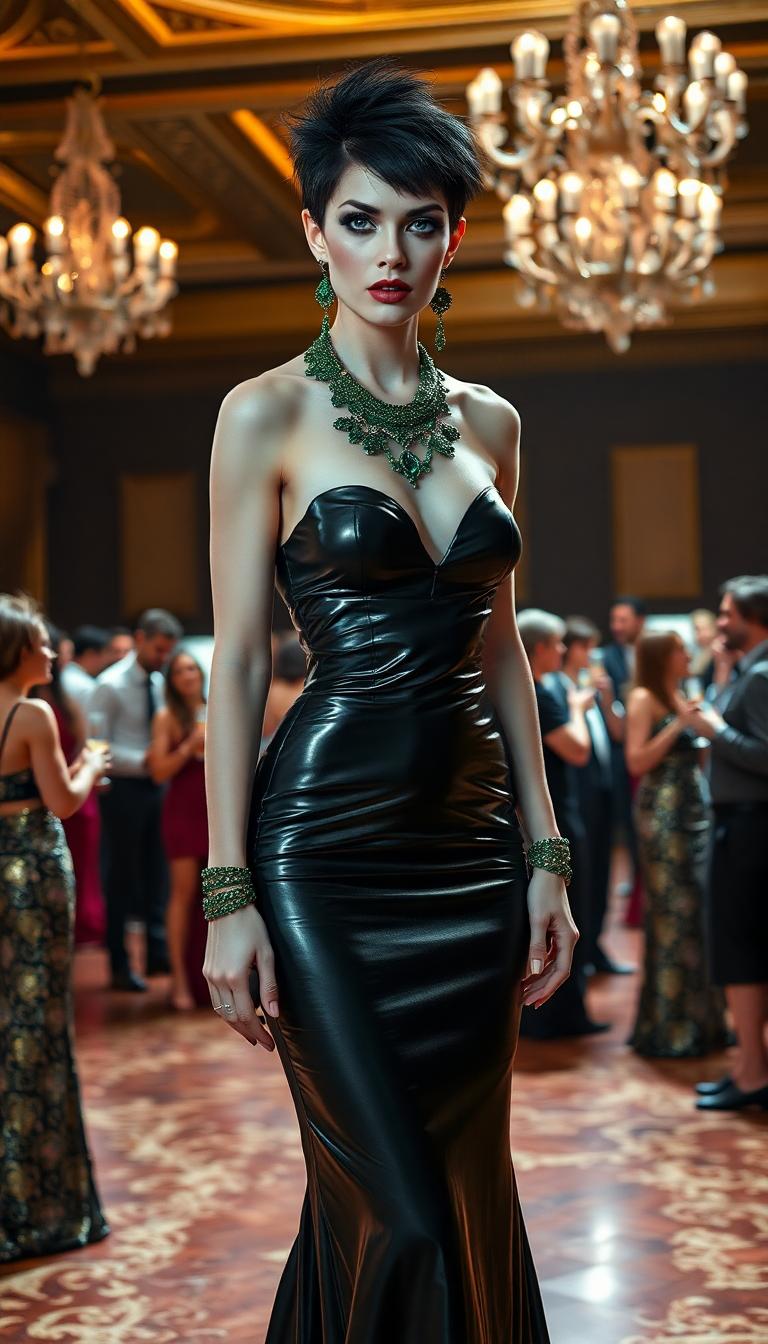
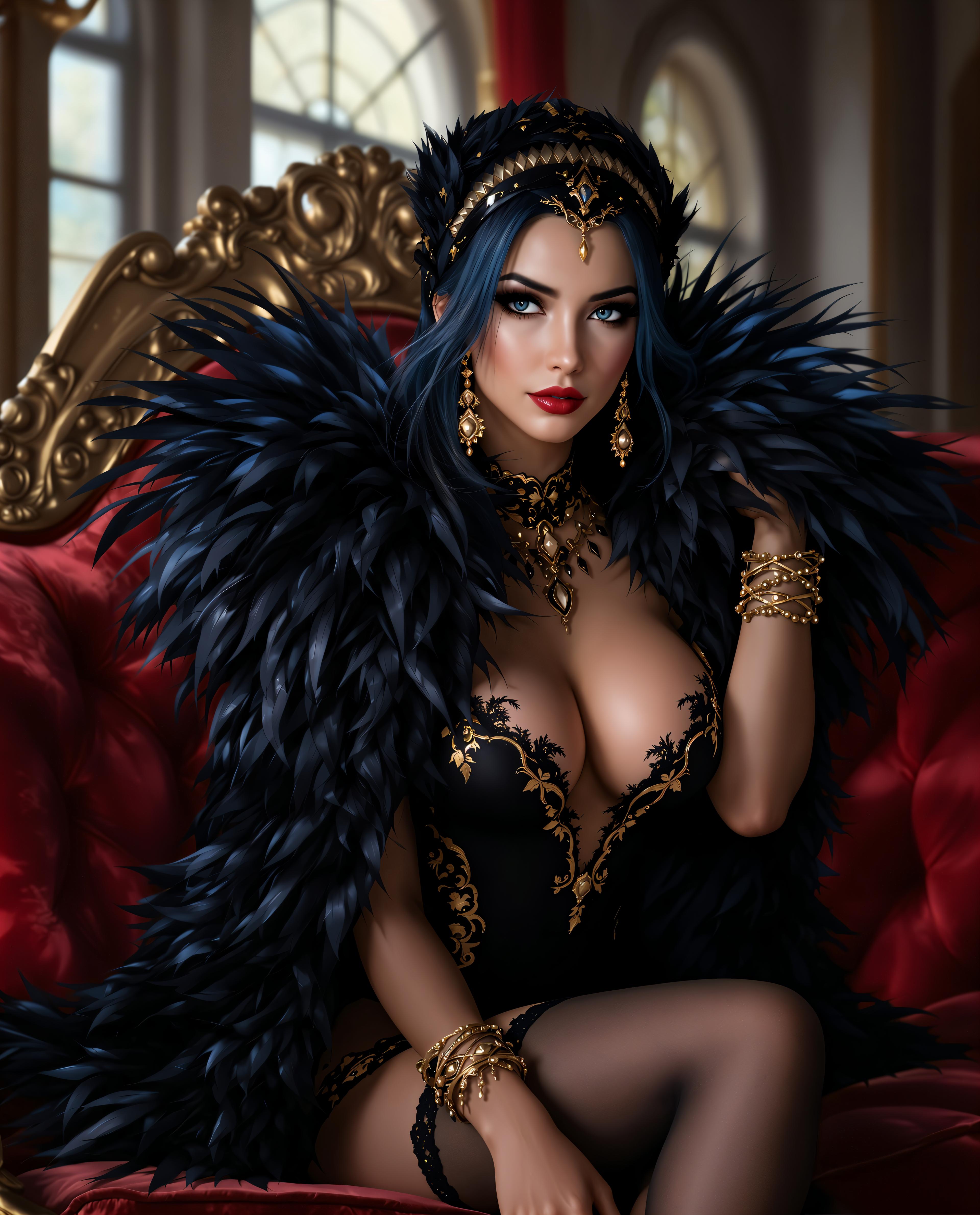
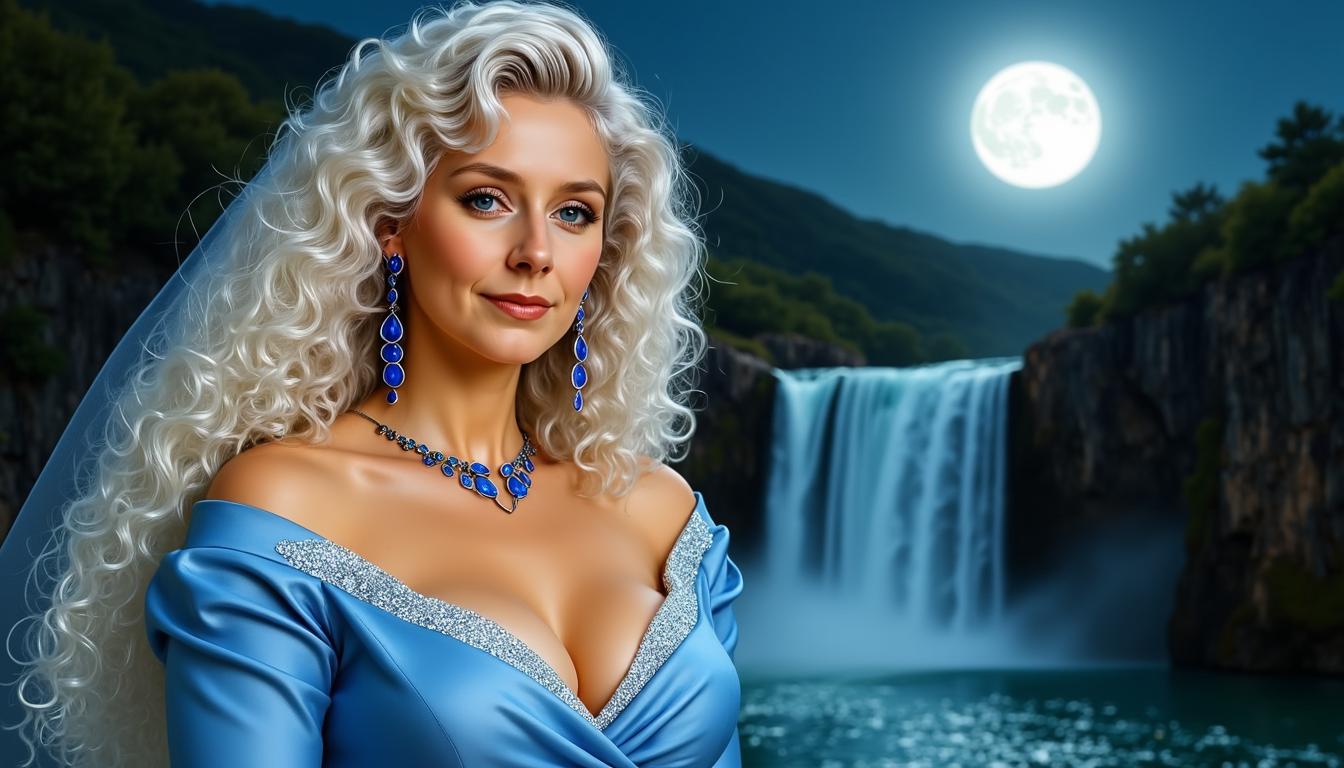
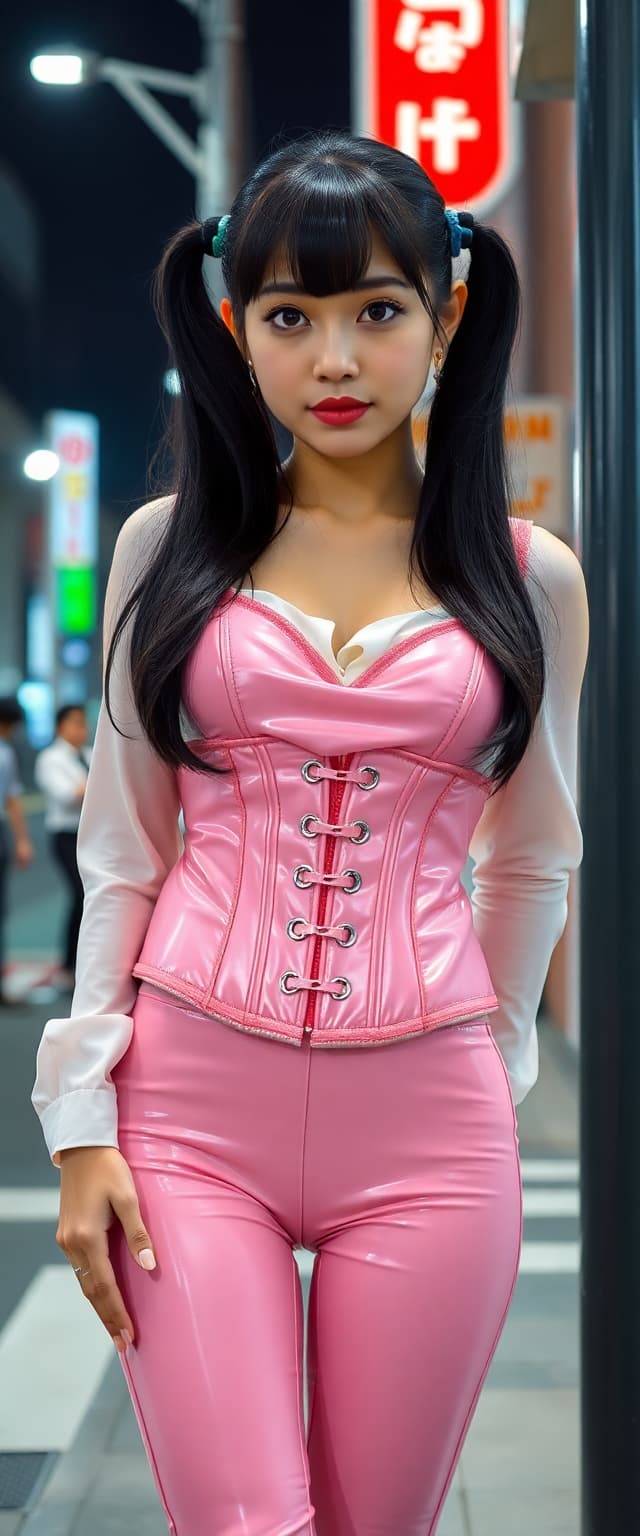
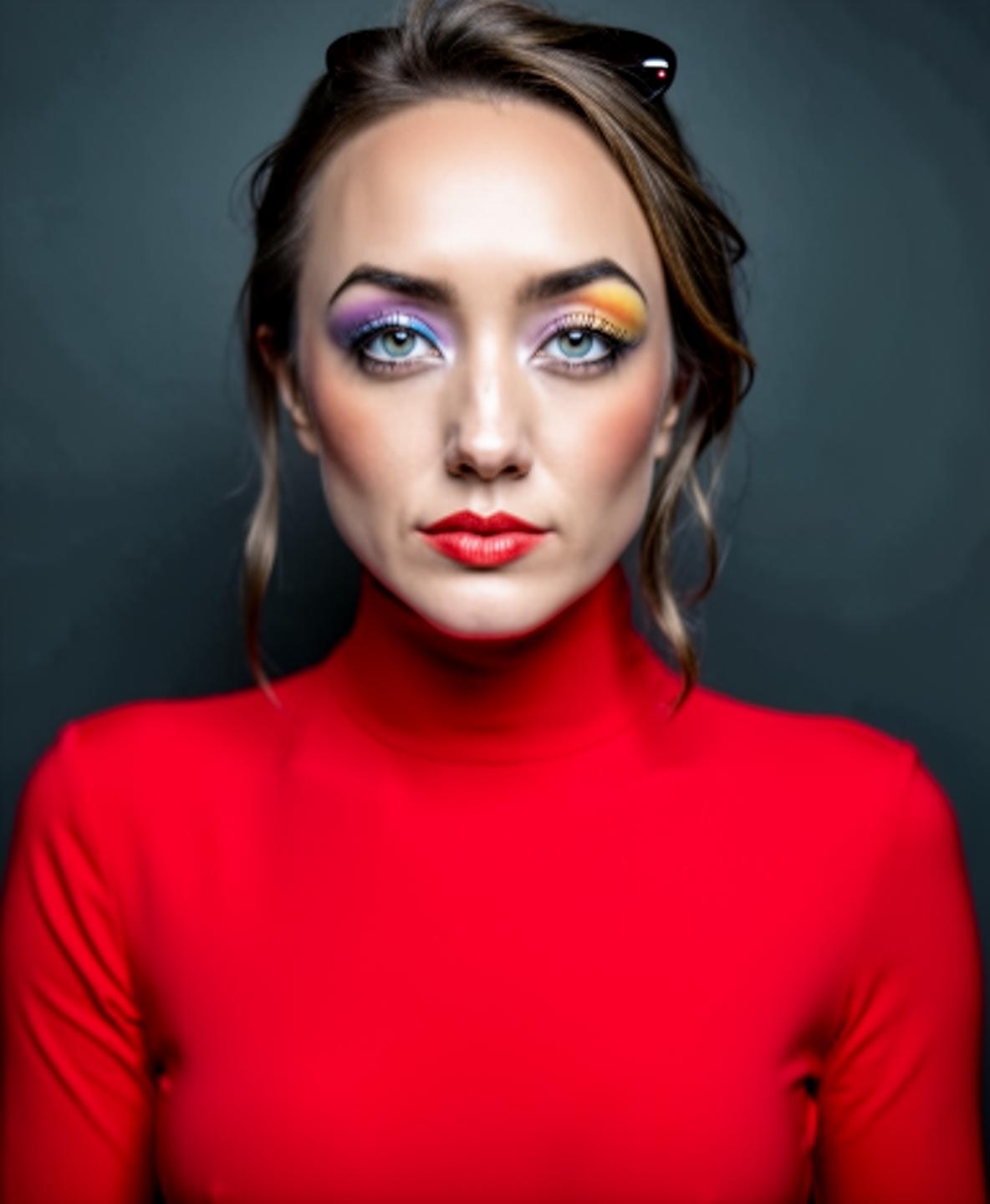
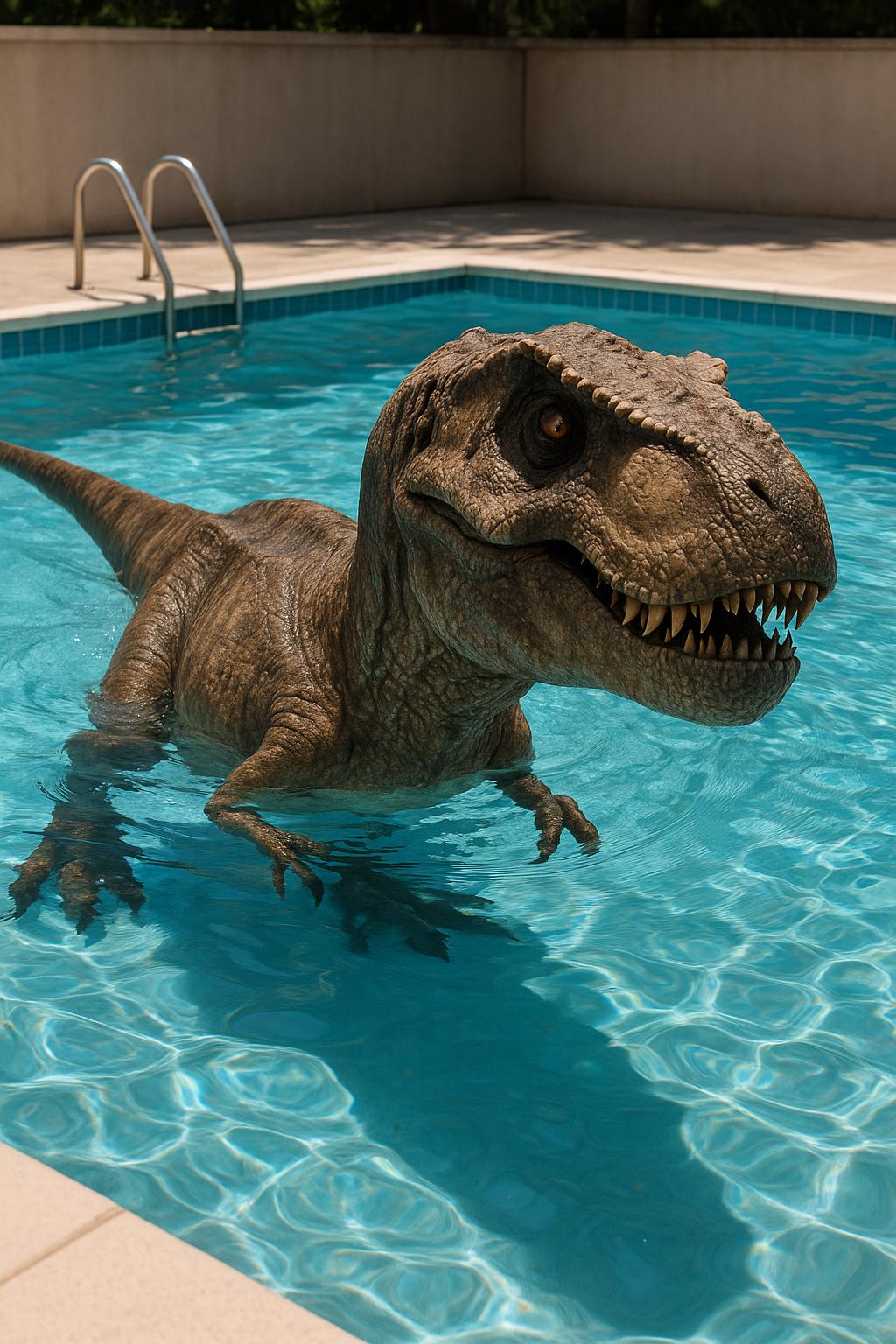
Achieve photorealistic images with accurate lighting, textures, and details, elevating the visual appeal of your projects.
Precise Editing Capabilities
Make targeted edits without compromising the integrity of your images, ensuring consistency and accuracy across all modifications.
How It Works
Creating stunning images with GPT Image 1.5 is a straightforward process designed to maximize efficiency and quality.
Step 1: Select GPT Image 1.5 Tool
Navigate to PixelDojo's 'Create Images' section and choose the GPT Image 1.5 tool to begin your image generation journey.
Step 2: Input Your Creative Prompt
Enter a detailed description of the image you envision. The more specific your prompt, the more accurate and tailored the generated image will be.
Step 3: Customize and Download
Review the generated image, make any necessary adjustments using the editing tools, and download the final high-resolution image for your use.
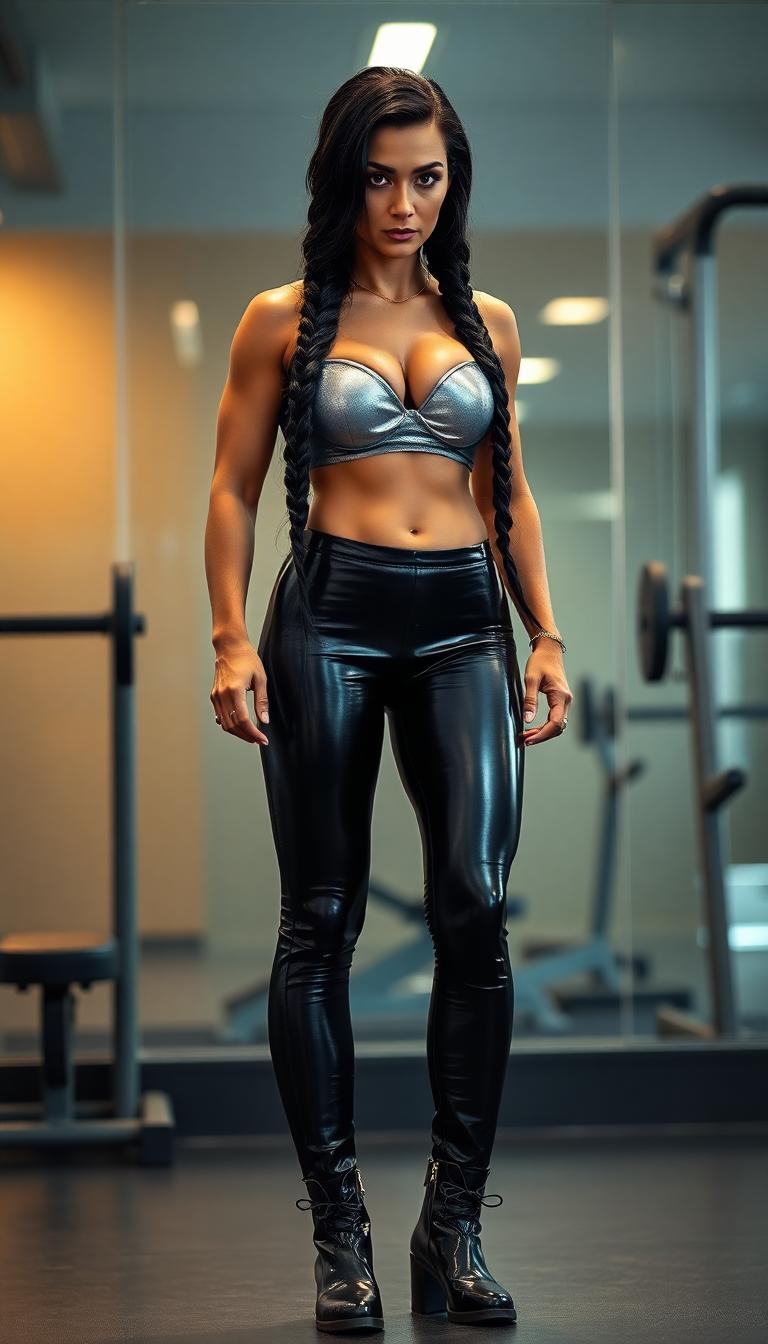
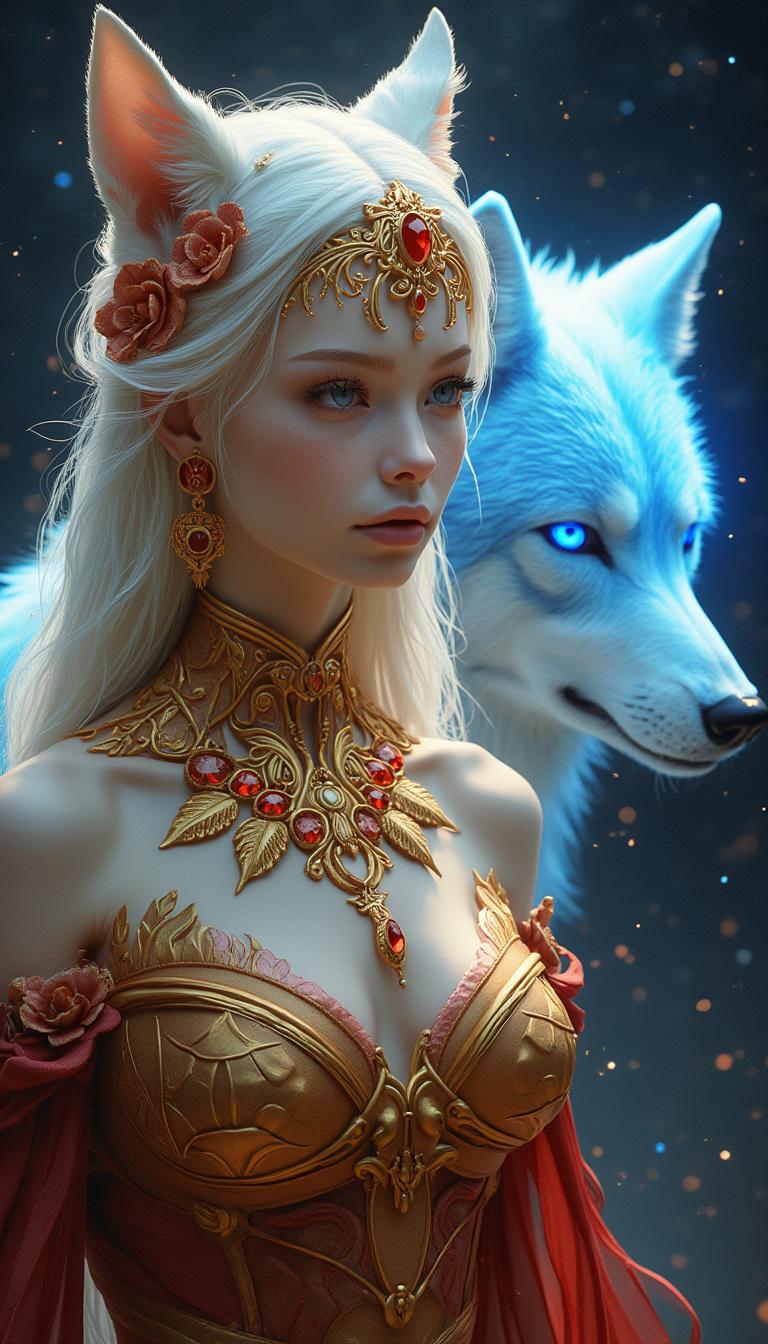
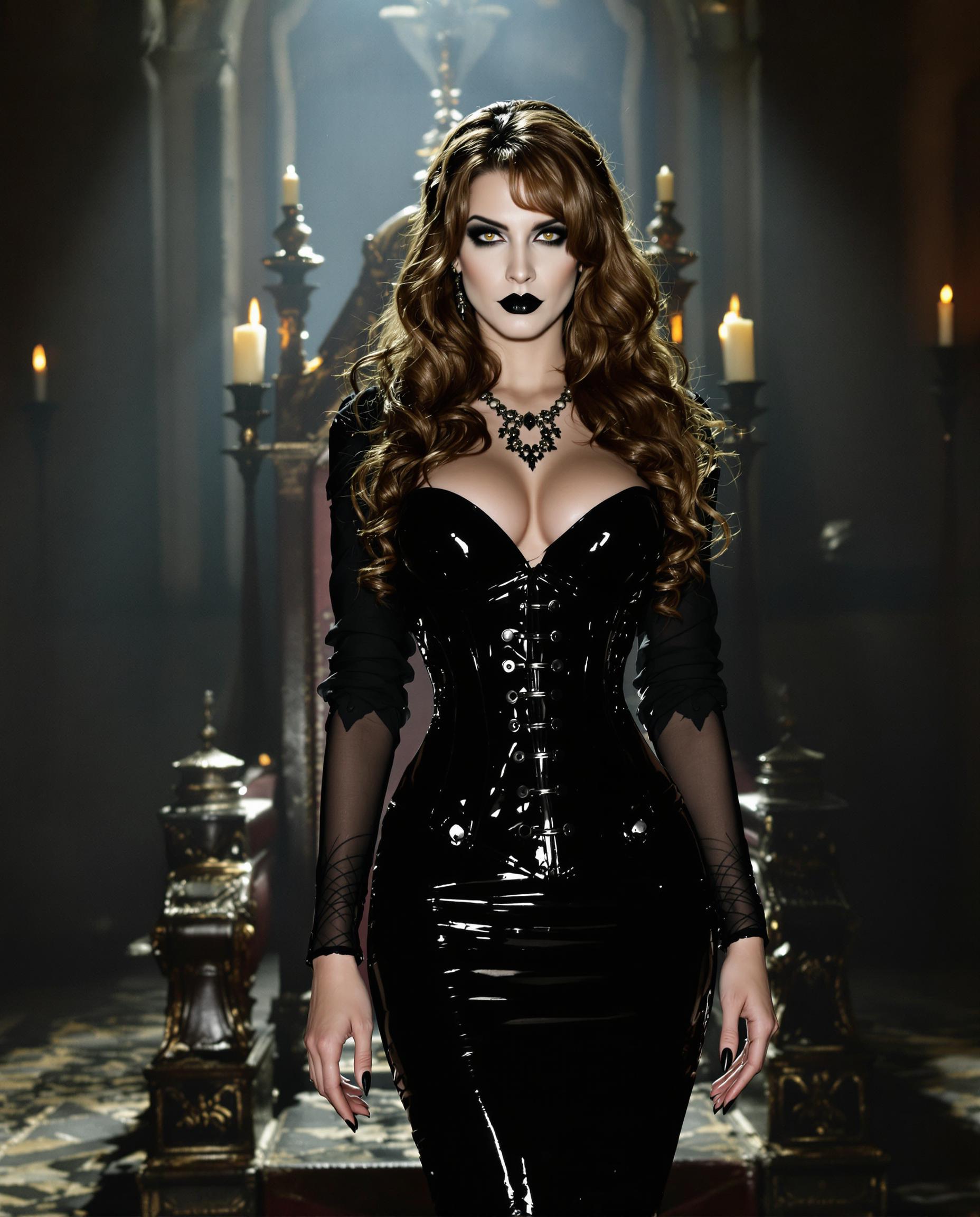
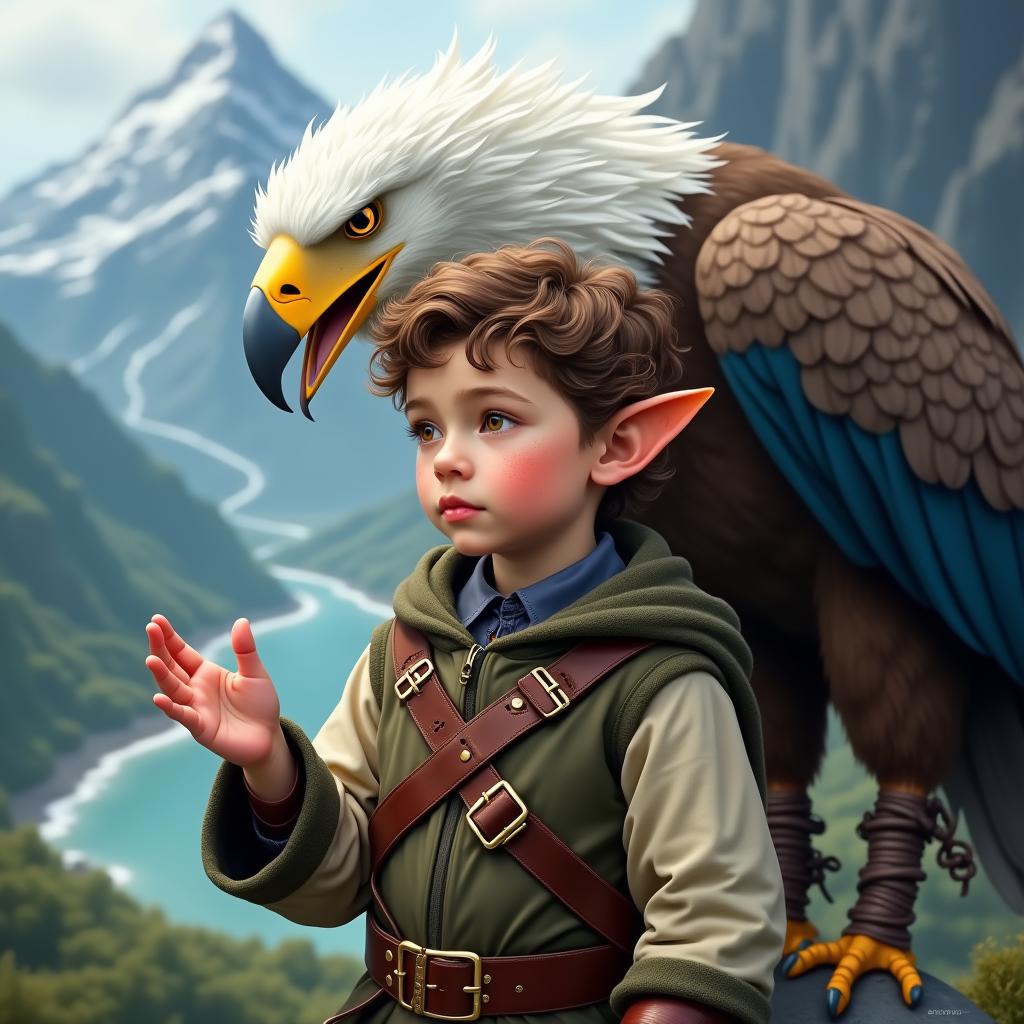
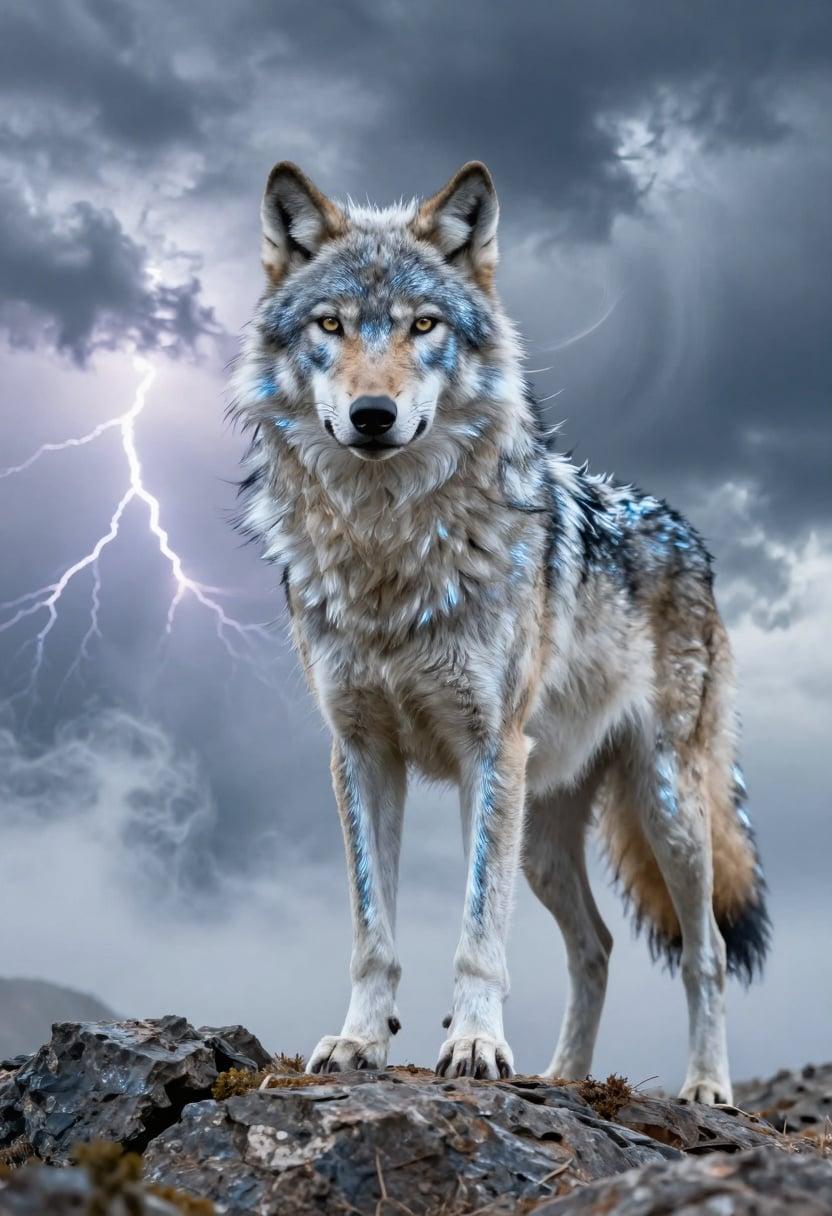
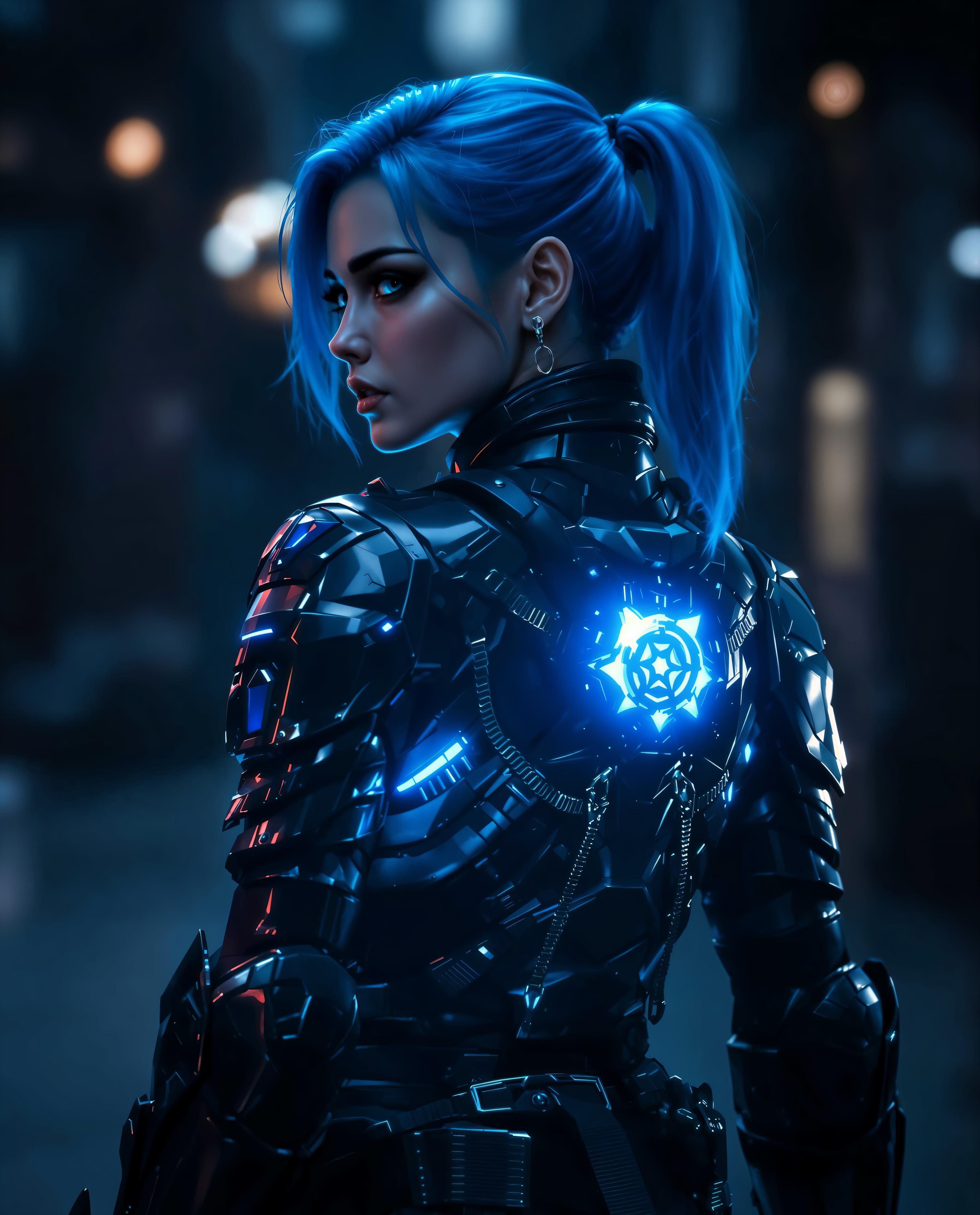
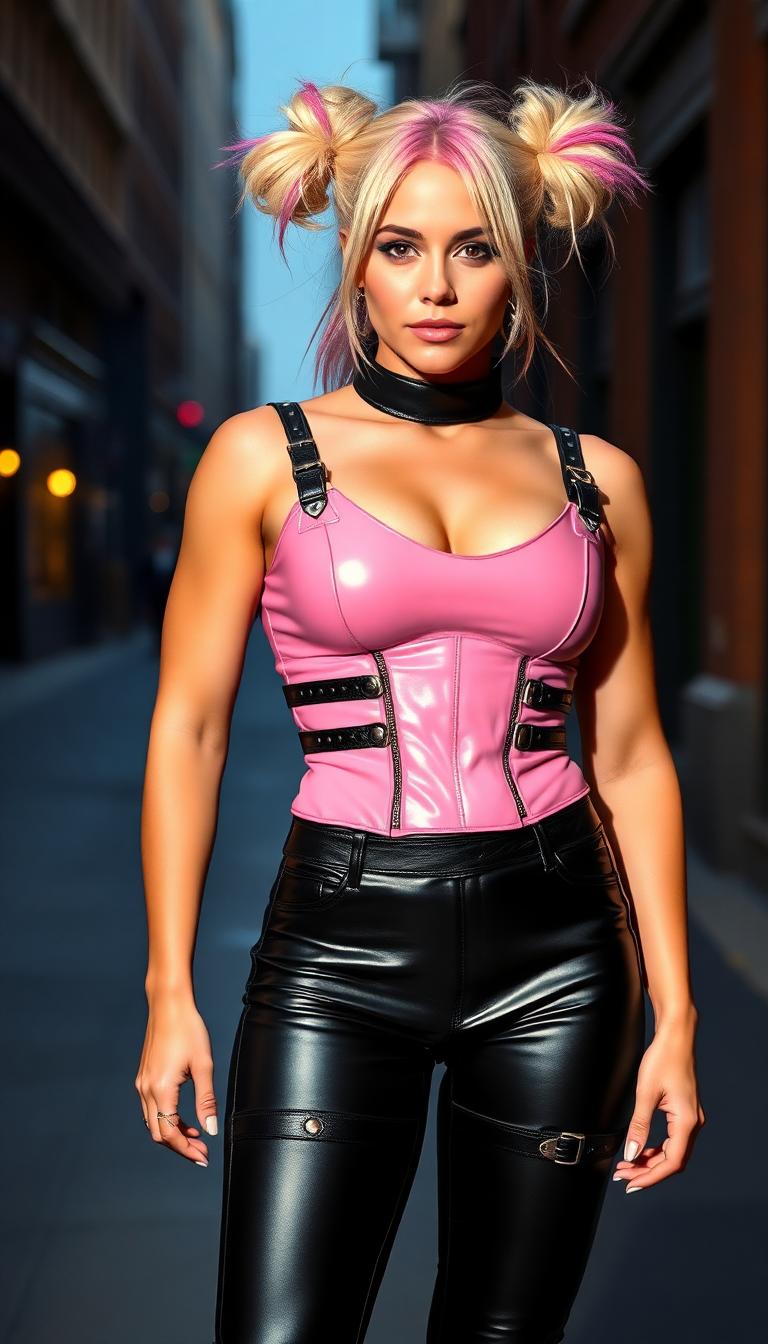
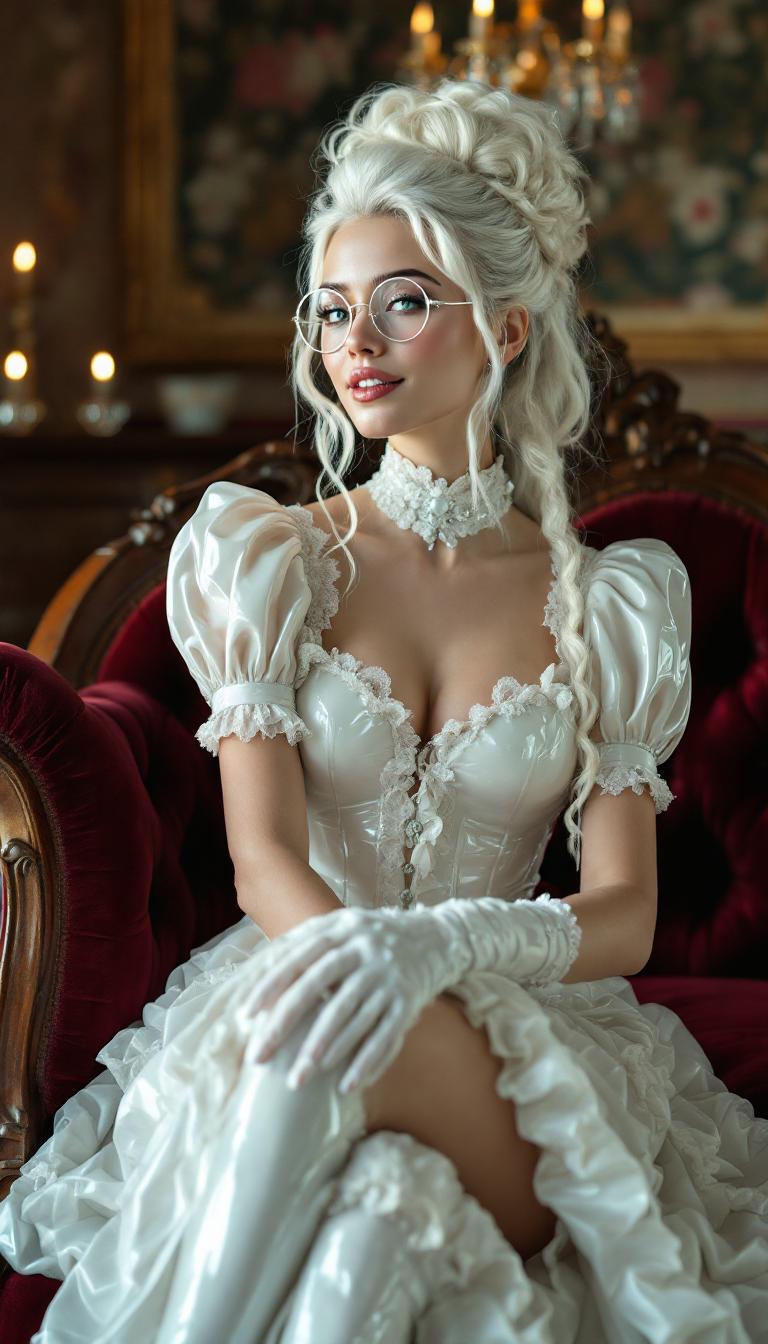
The Pixel Dojo Advantage
Discover how PixelDojo's GPT Image 1.5 outperforms other image generation methods, offering unparalleled speed and quality.
| Others | Pixel Dojo |
|---|---|
| Traditional Image Creation | Eliminate the need for manual design and lengthy editing processes, achieving faster results with AI-powered automation. |
| Generic AI Tools | Experience superior image quality and faster rendering times, with tools specifically optimized for high-performance image generation. |
| Manual Photo Editing | Reduce the time spent on intricate edits by leveraging AI-driven precision, ensuring consistent and accurate modifications. |
Loved by Creators
See what our community says about GPT Image 1.5 faster image rendering
"PixelDojo's GPT Image 1.5 has revolutionized my design process, allowing me to create high-quality visuals in a fraction of the time."
Alex Johnson
Graphic Designer
"The speed and accuracy of GPT Image 1.5 have significantly enhanced my content creation workflow, making it an indispensable tool."
Maria Lopez
Content Creator
Common Questions
Everything you need to know about GPT Image 1.5 faster image rendering AI generation
How does GPT Image 1.5 achieve faster image rendering?
GPT Image 1.5 utilizes advanced AI algorithms optimized for speed, enabling it to generate images up to four times faster than previous models, streamlining your creative process.
Can I edit images generated by GPT Image 1.5?
Yes, PixelDojo offers a suite of editing tools that allow you to make precise adjustments to your generated images, ensuring they meet your exact specifications.
Is GPT Image 1.5 suitable for professional use?
Absolutely. GPT Image 1.5 produces high-resolution, photorealistic images suitable for professional projects, including marketing materials, product designs, and more.
Do I need prior experience to use GPT Image 1.5?
No prior experience is necessary. PixelDojo's user-friendly interface makes it easy for anyone to create stunning images using GPT Image 1.5.
What types of images can I create with GPT Image 1.5?
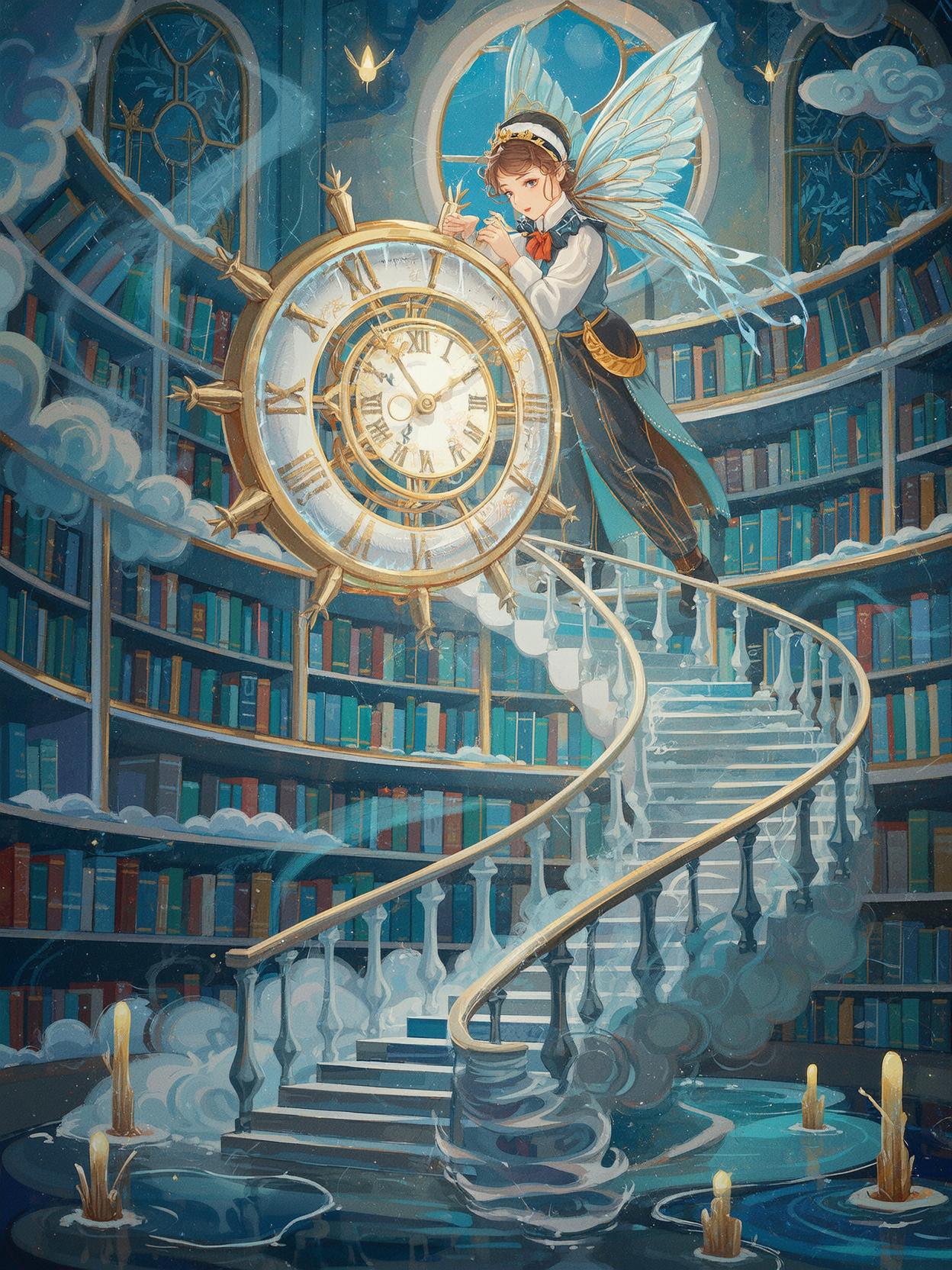
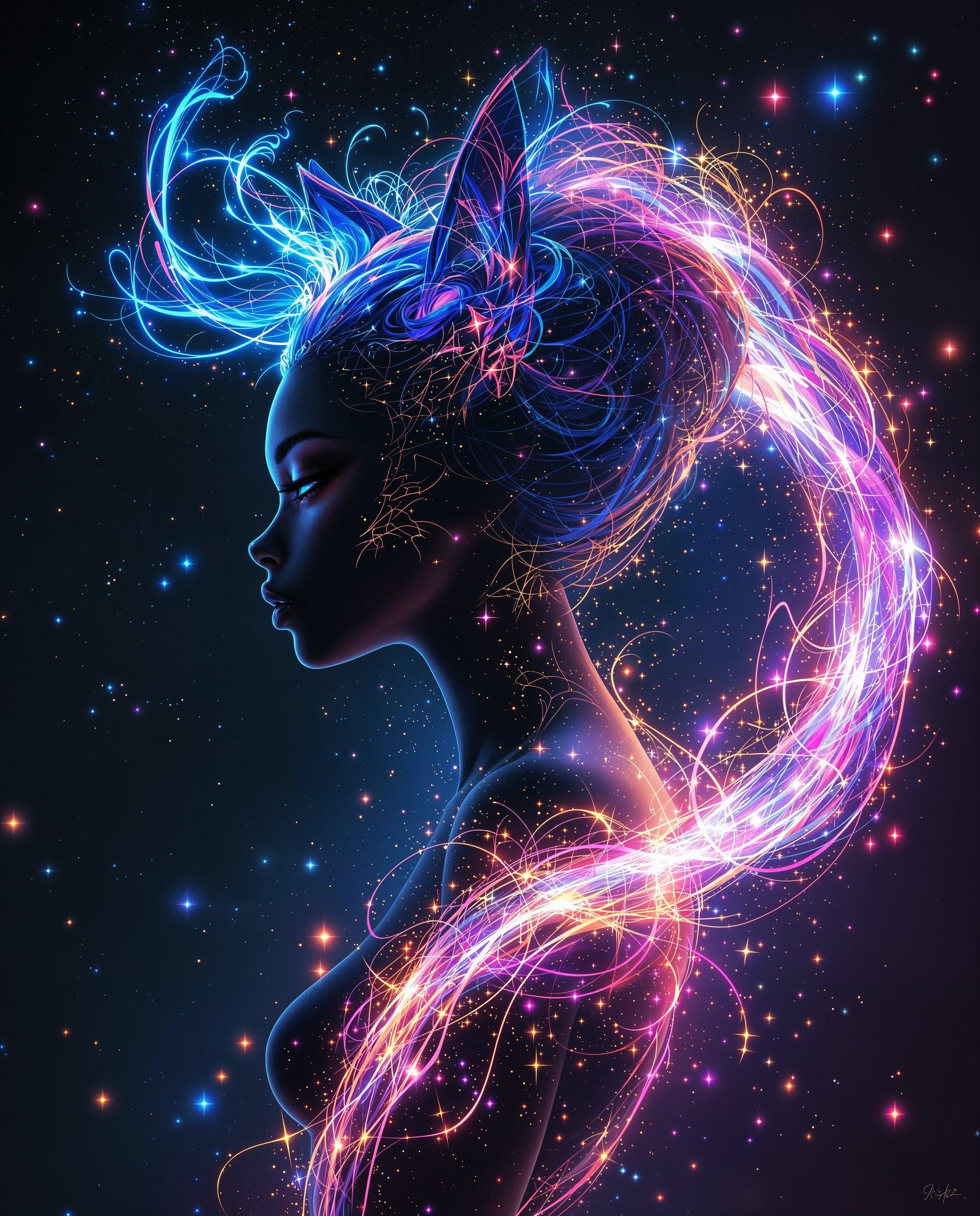
GPT Image 1.5 is versatile and can generate a wide range of images, from realistic photographs to artistic illustrations, based on your descriptive prompts.
How do I access GPT Image 1.5 on PixelDojo?
Simply sign up or log in to your PixelDojo account, navigate to the 'Create Images' section, and select the GPT Image 1.5 tool to start generating images.