gemini 2.5 flash image pose editing AI Generator
Unlock the power of precise pose editing and character consistency with PixelDojo's integration of Gemini 2.5 Flash Image tools. Whether you're a designer, marketer, or content creator, our platform empowers you to transform images effortlessly, ensuring your visuals align perfectly with your creative vision.
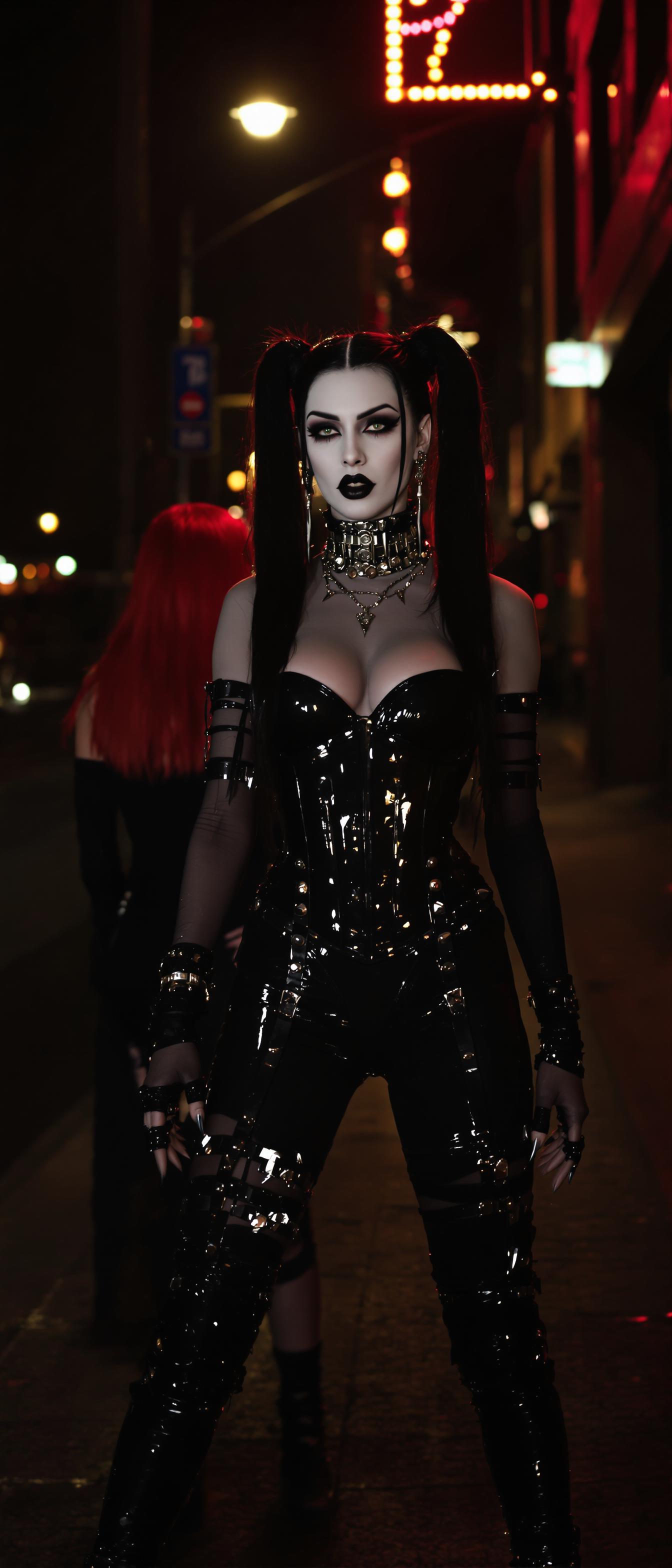
Join thousands of satisfied creators who have enhanced their projects using PixelDojo's cutting-edge AI tools, achieving unparalleled image quality and consistency.
Why Choose Pixel Dojo for gemini 2.5 flash image pose editing
Professional-quality results with cutting-edge AI technology
Achieve Precise Pose Adjustments
Modify subject poses with pinpoint accuracy, ensuring your images convey the exact message you intend.
Maintain Character Consistency
Keep characters and objects consistent across multiple images, enhancing brand identity and storytelling.
Streamline Your Workflow
Reduce editing time with intuitive tools that simplify complex image transformations.
How It Works
Editing poses with PixelDojo's Gemini 2.5 Flash tools is straightforward. Follow these steps to transform your images:
Step 1: Select Your Image
Upload the image you wish to edit to PixelDojo's platform.
Step 2: Enter Your Pose Adjustment Prompt
Describe the desired pose change using natural language prompts, such as 'Adjust the subject's arm to be raised.'
Step 3: Review and Download
Preview the edited image, make any necessary refinements, and download the final version.

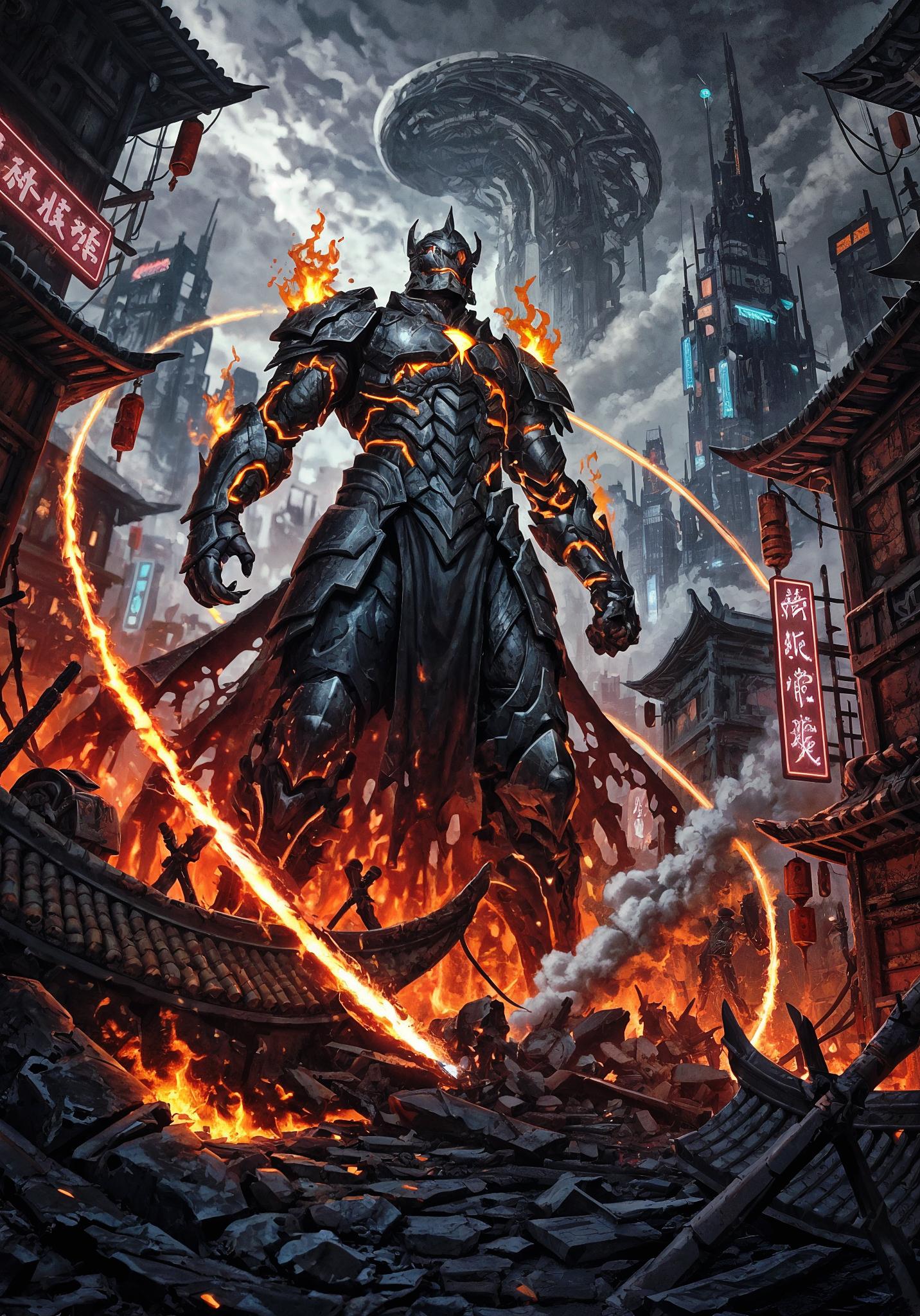
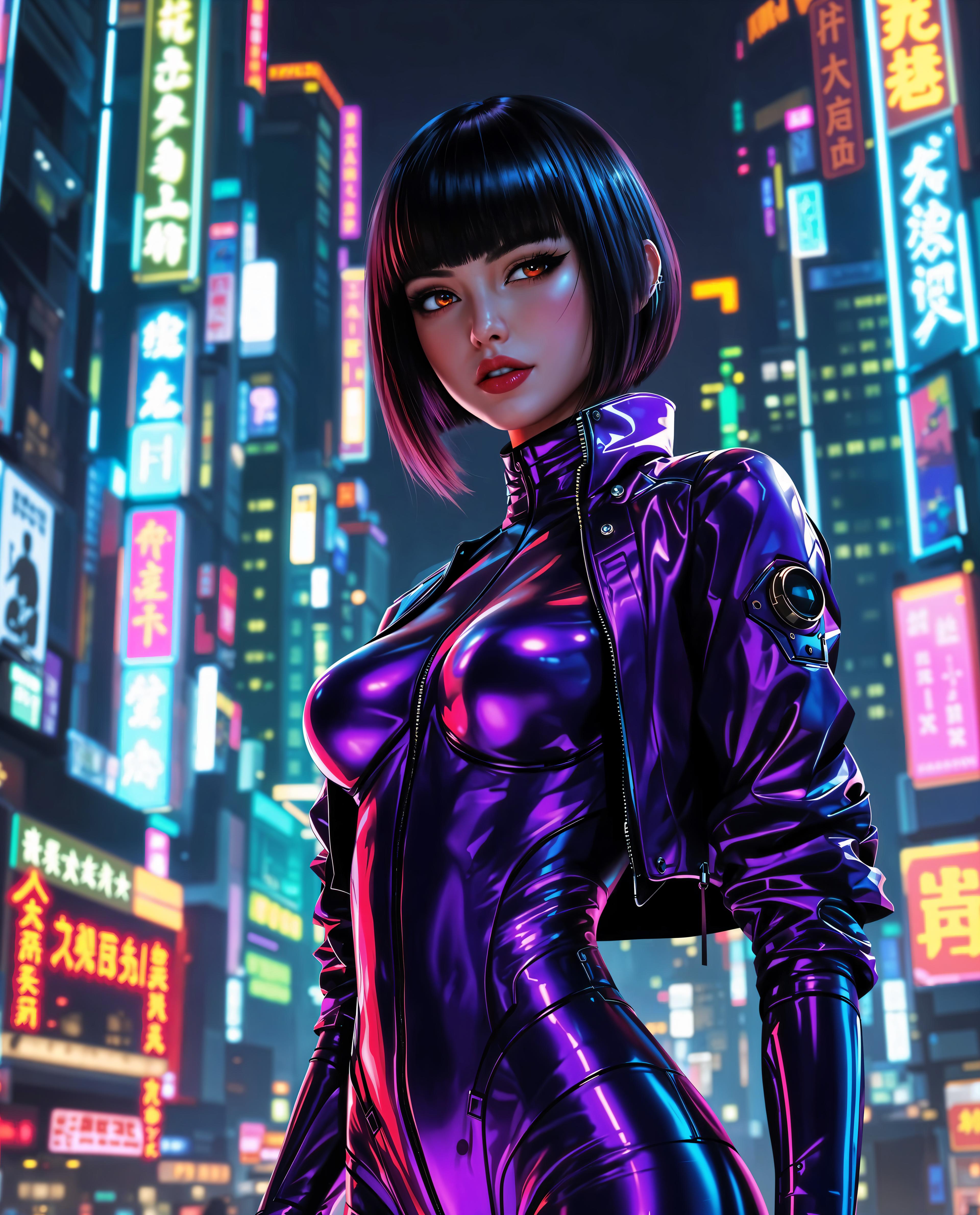



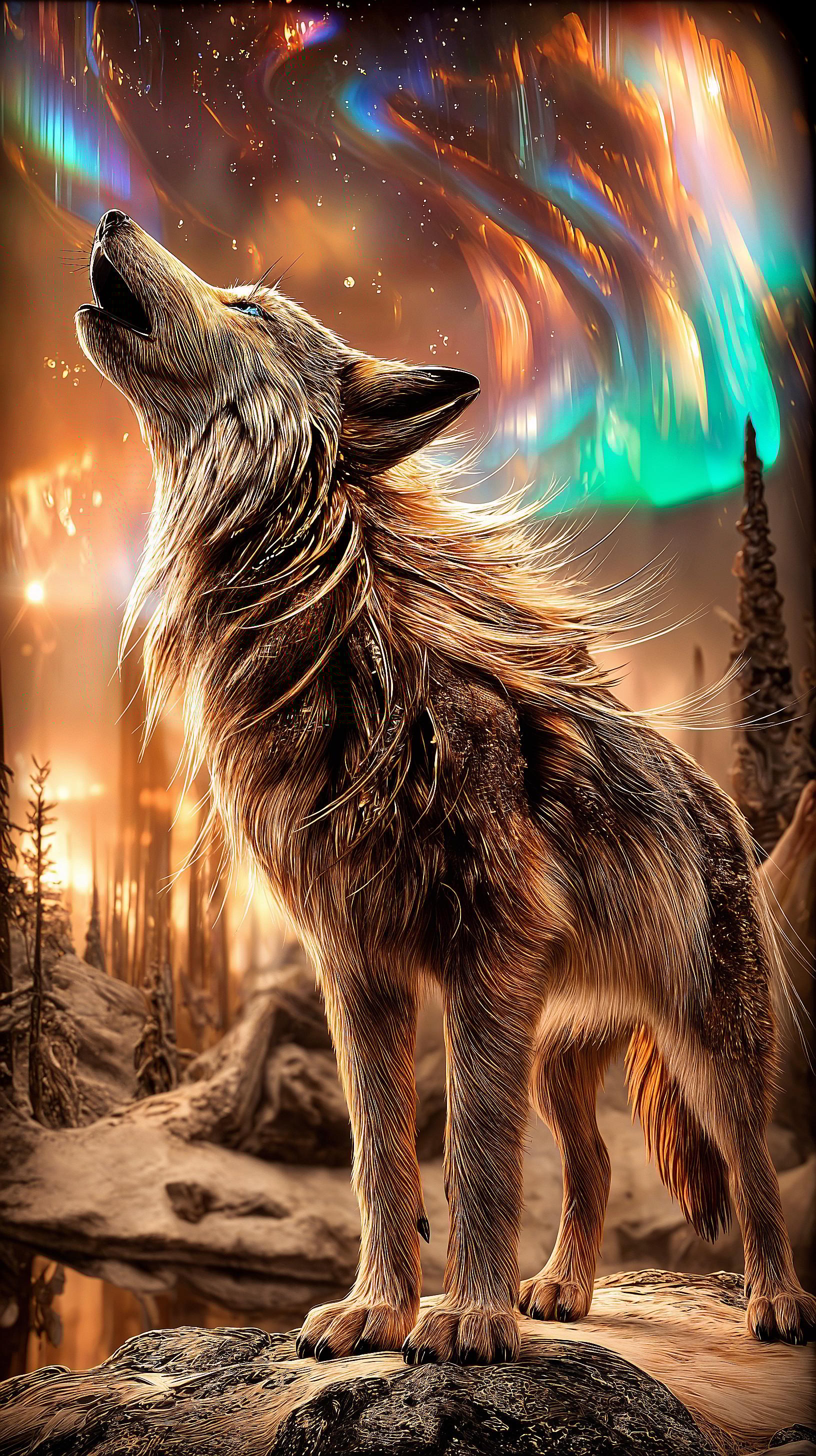








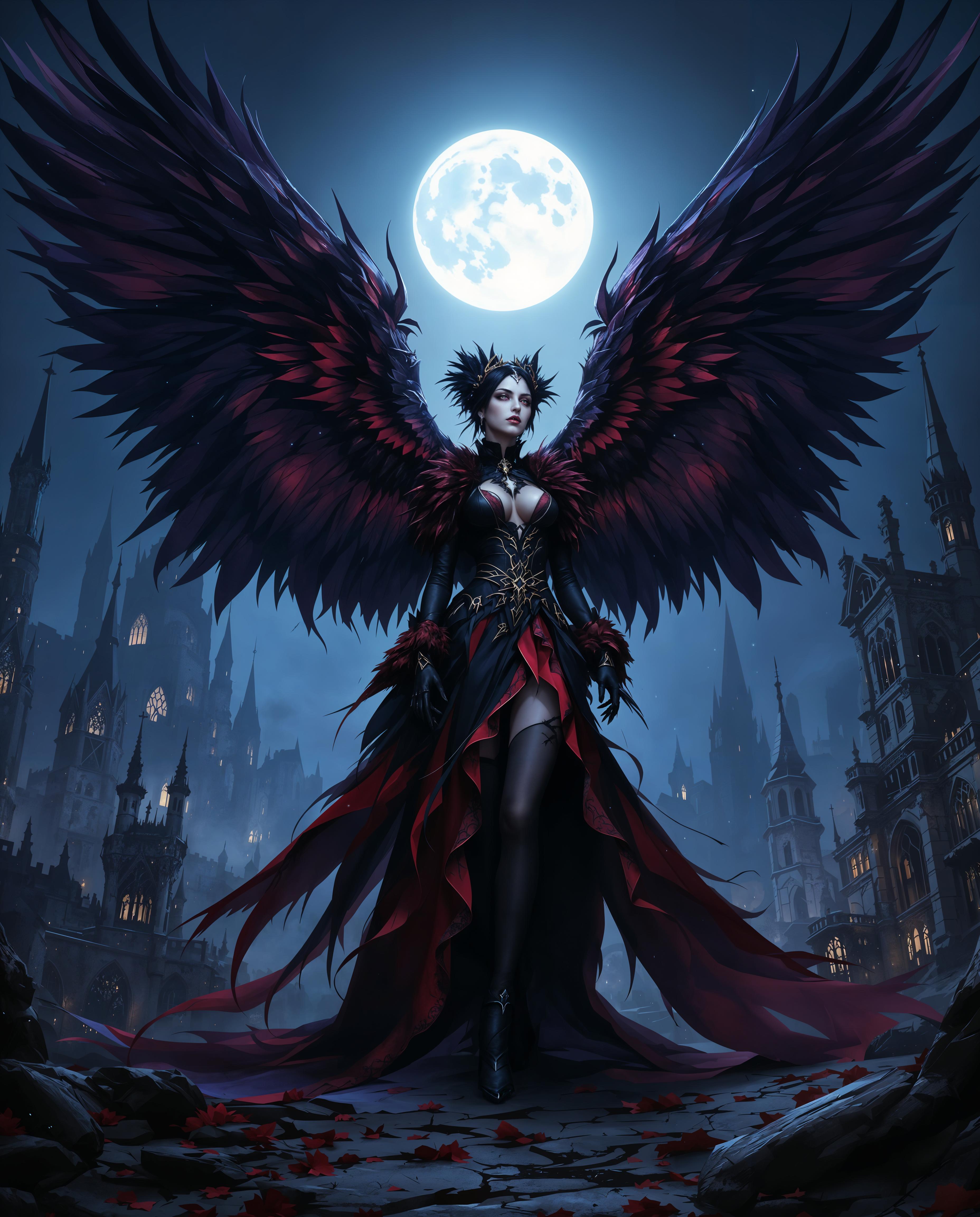

The Pixel Dojo Advantage
Why PixelDojo's Gemini 2.5 Flash tools stand out for pose editing:
| Others | Pixel Dojo |
|---|---|
| Traditional Photo Editing Software | Achieve complex pose adjustments without manual manipulation, saving time and effort. |
| Generic AI Image Tools | Benefit from advanced character consistency and precise control over pose edits. |
| Manual Photo Shoots | Eliminate the need for reshoots by adjusting poses digitally, reducing costs and scheduling conflicts. |
Loved by Creators
See what our community says about gemini 2.5 flash image pose editing
"PixelDojo's Gemini 2.5 Flash tools have revolutionized our design process, allowing us to make precise pose adjustments effortlessly."
Alex Johnson
Creative Director
"The character consistency feature ensures our marketing materials maintain a cohesive look across all platforms."
Maria Lopez
Marketing Manager
Common Questions
Everything you need to know about gemini 2.5 flash image pose editing AI generation
How does PixelDojo ensure character consistency in pose editing?
Our integration of Gemini 2.5 Flash Image tools allows for advanced AI algorithms that maintain character features and styles across multiple edits, ensuring consistency.
Can I edit multiple images simultaneously?
Yes, PixelDojo supports batch processing, enabling you to apply pose edits to multiple images at once, streamlining your workflow.
Is there a learning curve to using these tools?
Our platform is designed with user-friendliness in mind. With intuitive interfaces and guided prompts, you'll be editing images like a pro in no time.
What file formats are supported for upload and download?
PixelDojo supports a wide range of file formats, including JPEG, PNG, and TIFF, ensuring compatibility with your existing assets.
Are there any limitations to the pose adjustments I can make?
While our tools are highly advanced, extremely complex pose changes may require additional refinements. However, most standard adjustments can be achieved seamlessly.
How does PixelDojo handle data privacy?
We prioritize your privacy and security. All uploaded images are processed securely, and we do not store your data without consent.