gemini 2.5 flash image outpainting AI Generator
Unlock the full potential of your images with PixelDojo's advanced outpainting capabilities powered by Gemini 2.5 Flash Image. Seamlessly extend your visuals beyond their original frames, creating immersive and expansive compositions that captivate your audience.
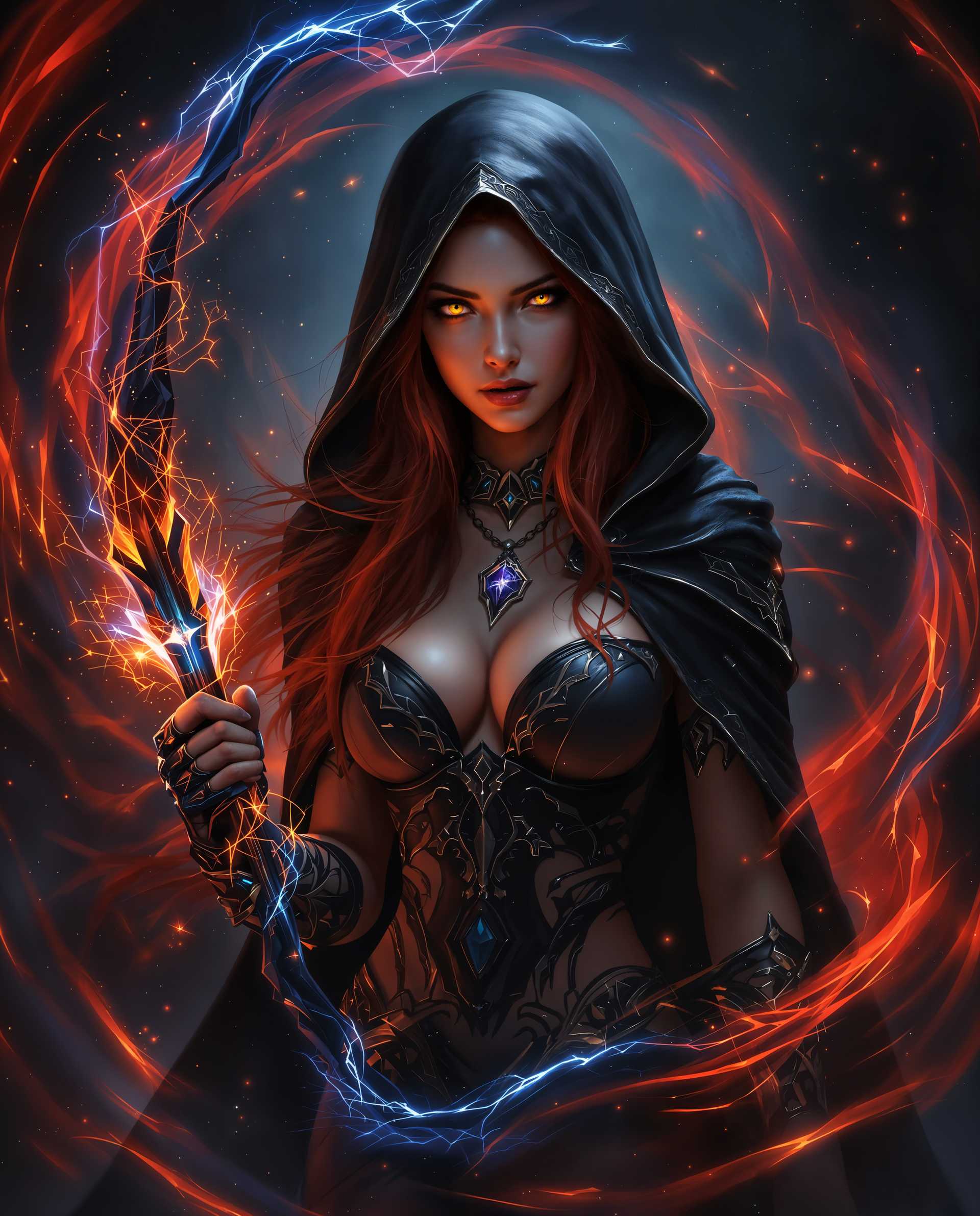
Join over 10,000 creators who have enhanced their visuals using PixelDojo's AI-powered tools, achieving a 95% satisfaction rate.
Why Choose Pixel Dojo for gemini 2.5 flash image outpainting
Professional-quality results with cutting-edge AI technology
Seamless Image Expansion
Effortlessly extend your images beyond their original borders, creating expansive visuals that tell a more complete story.
Consistent Character Representation
Maintain character consistency across extended images, ensuring cohesive and professional results.
Time-Efficient Creativity
Save hours of manual editing by leveraging AI to generate high-quality outpainted images in minutes.
How It Works
Creating expansive images with PixelDojo's outpainting tools is straightforward. Follow these steps to transform your visuals:
Step 1: Select Your Image
Choose the image you wish to expand. Ensure it's high-quality for the best results.
Step 2: Define Expansion Parameters
Specify how you want to extend the image—whether it's adding background, foreground, or specific elements.
Step 3: Generate and Refine
Use PixelDojo's AI to generate the extended image. Review the output and make any necessary refinements.
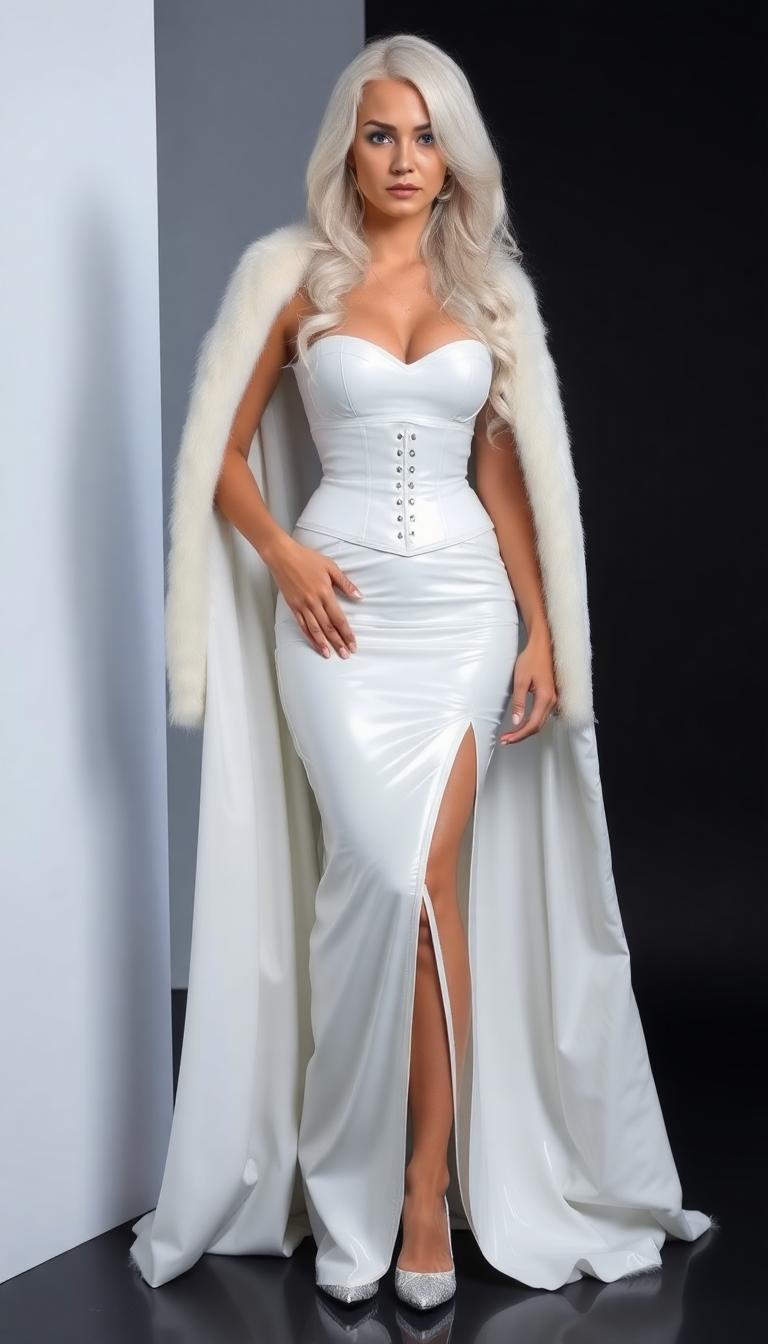
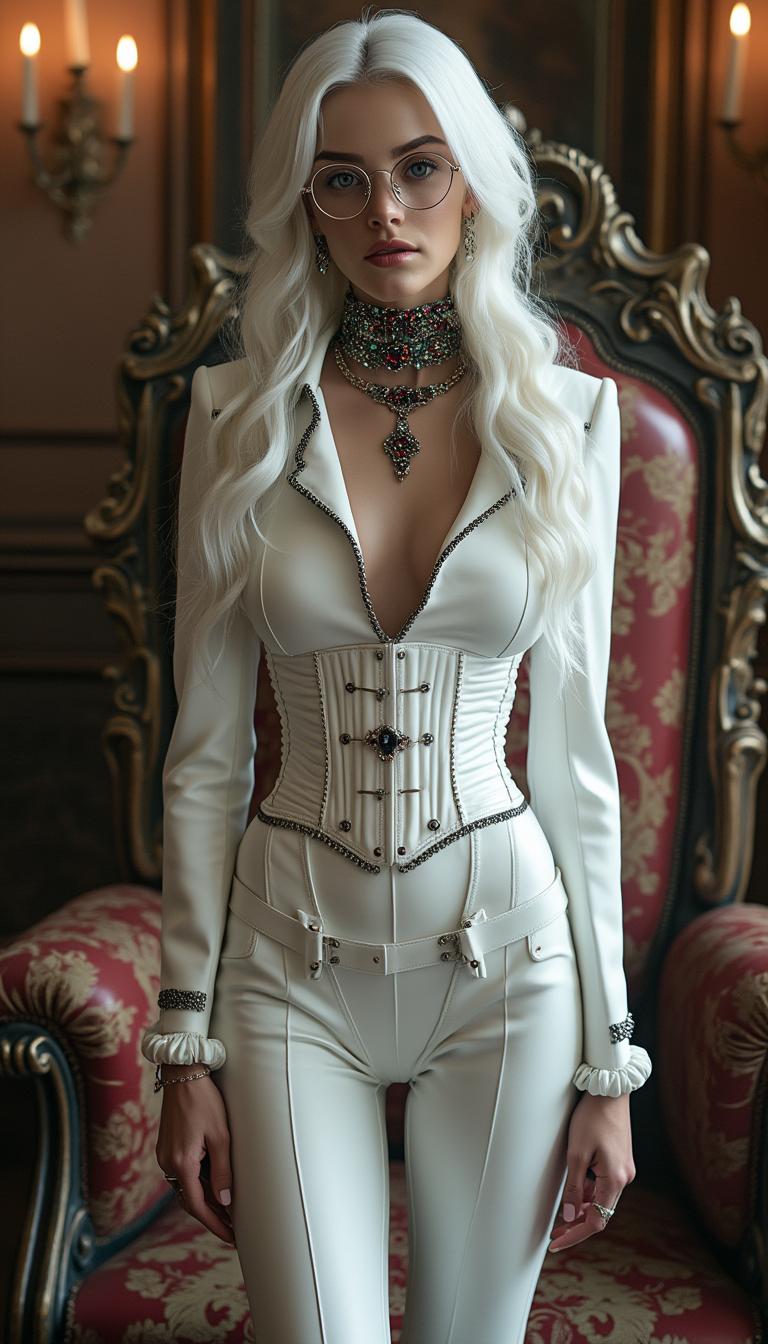
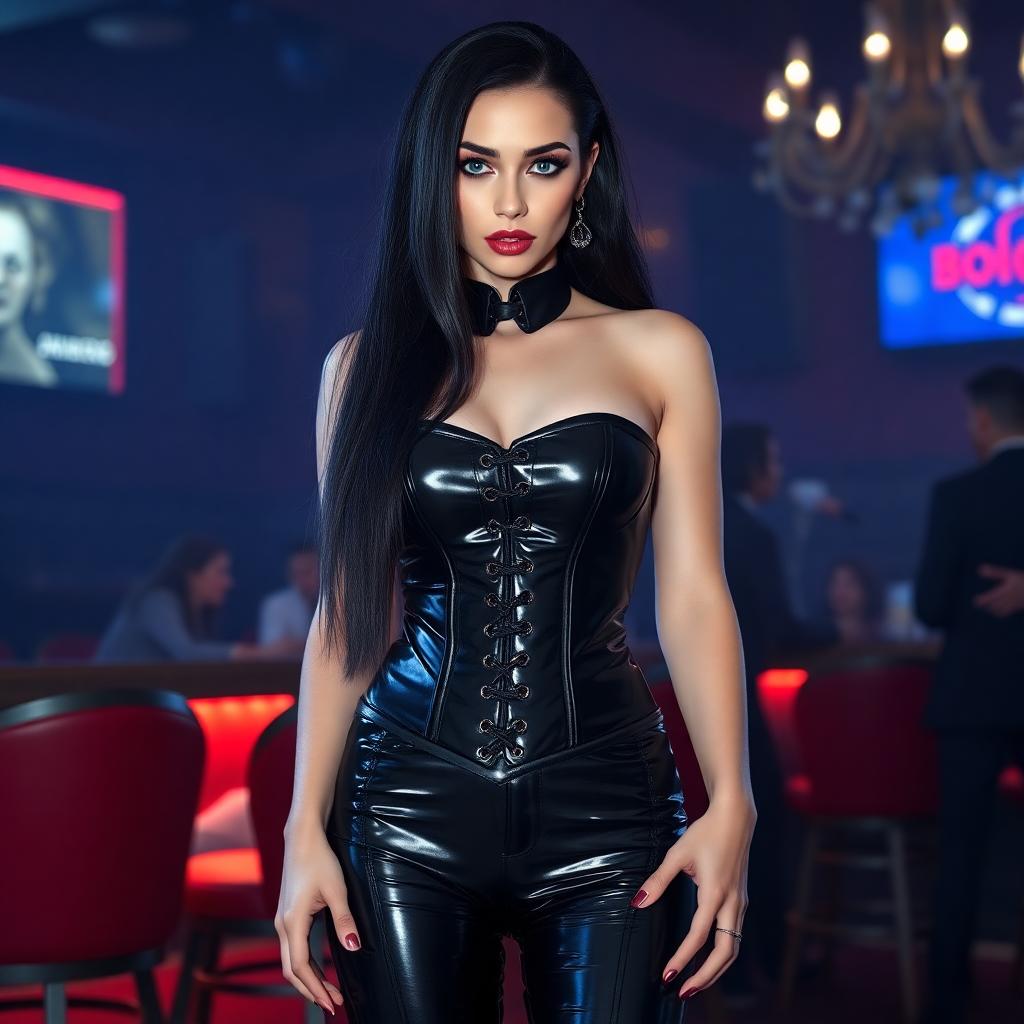
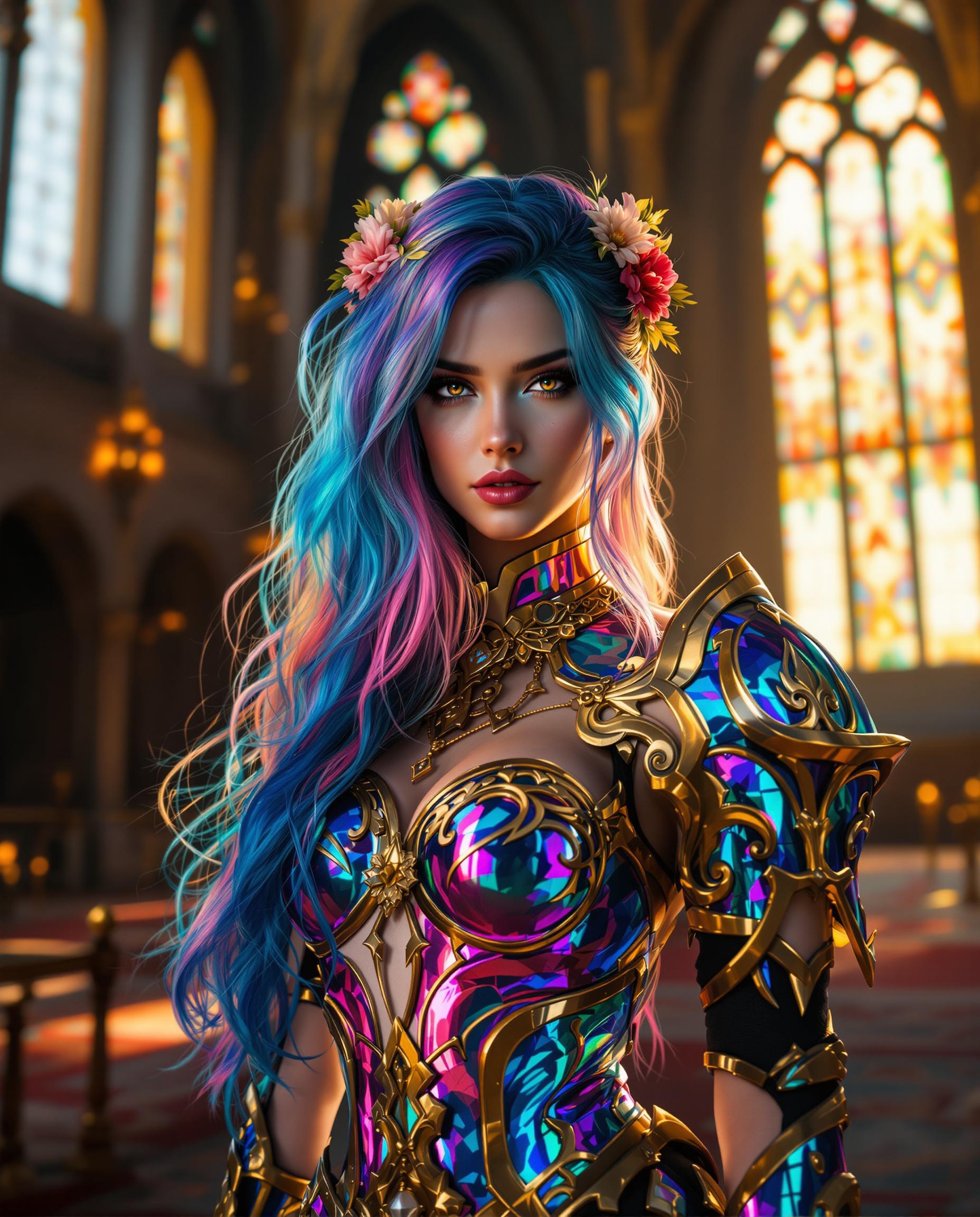
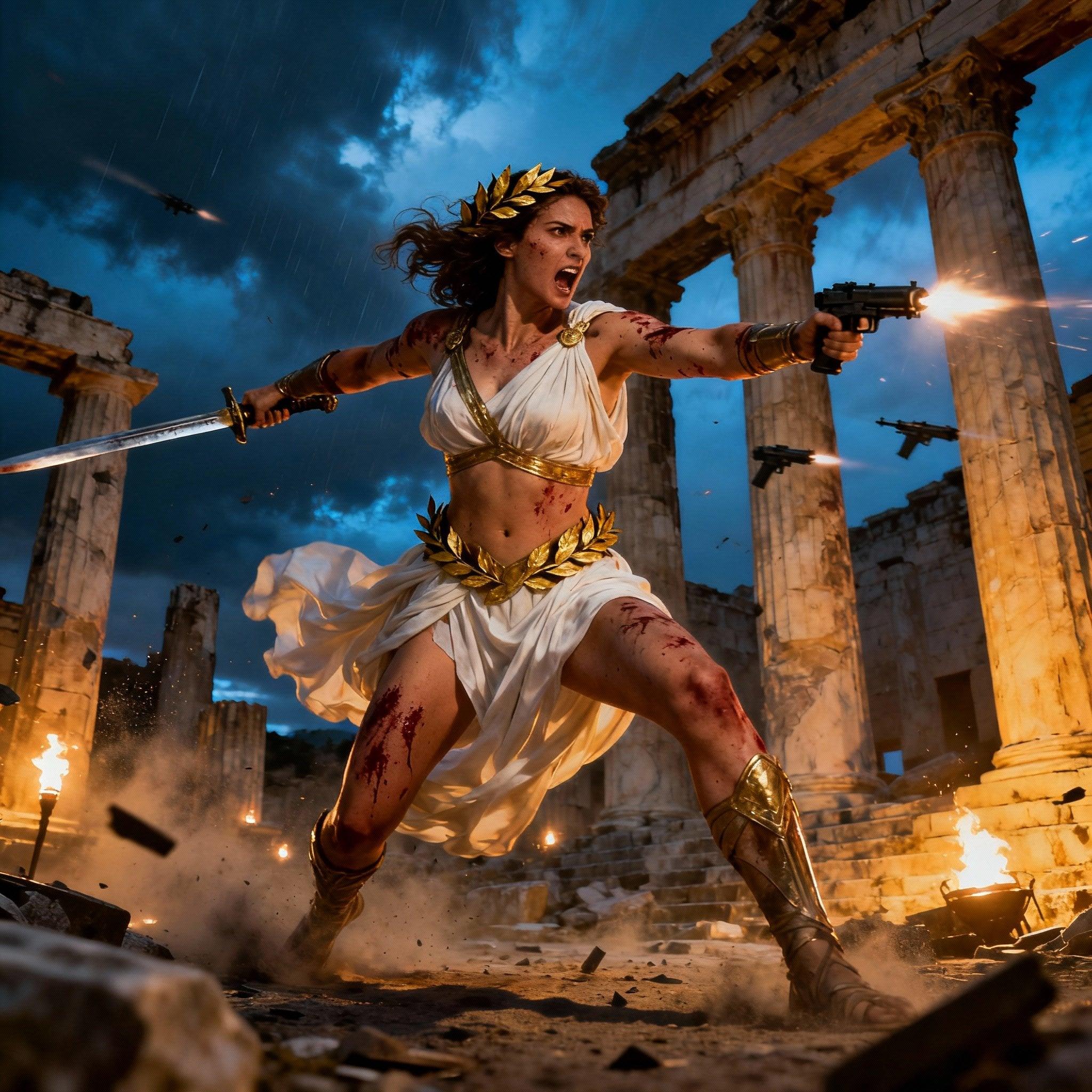
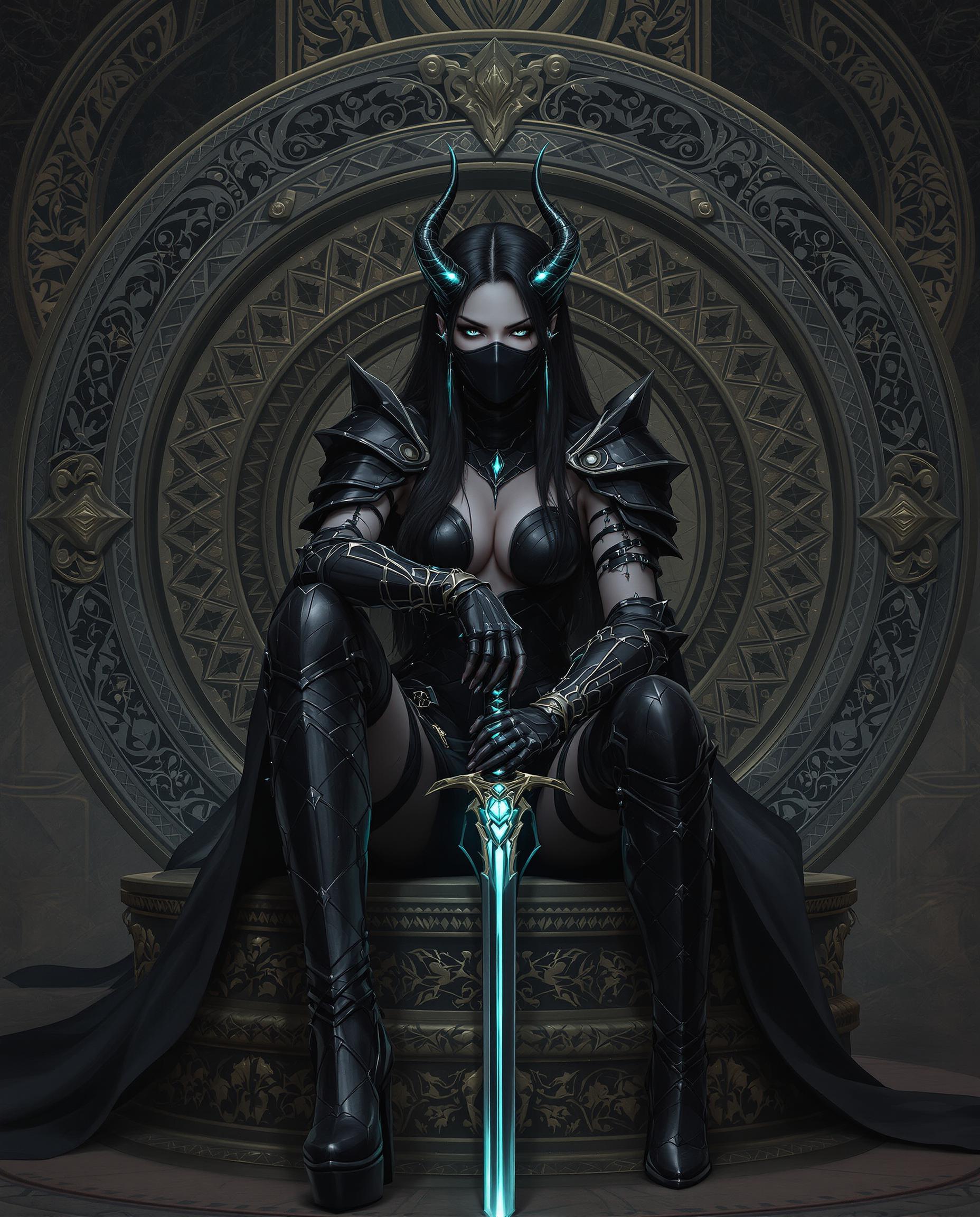
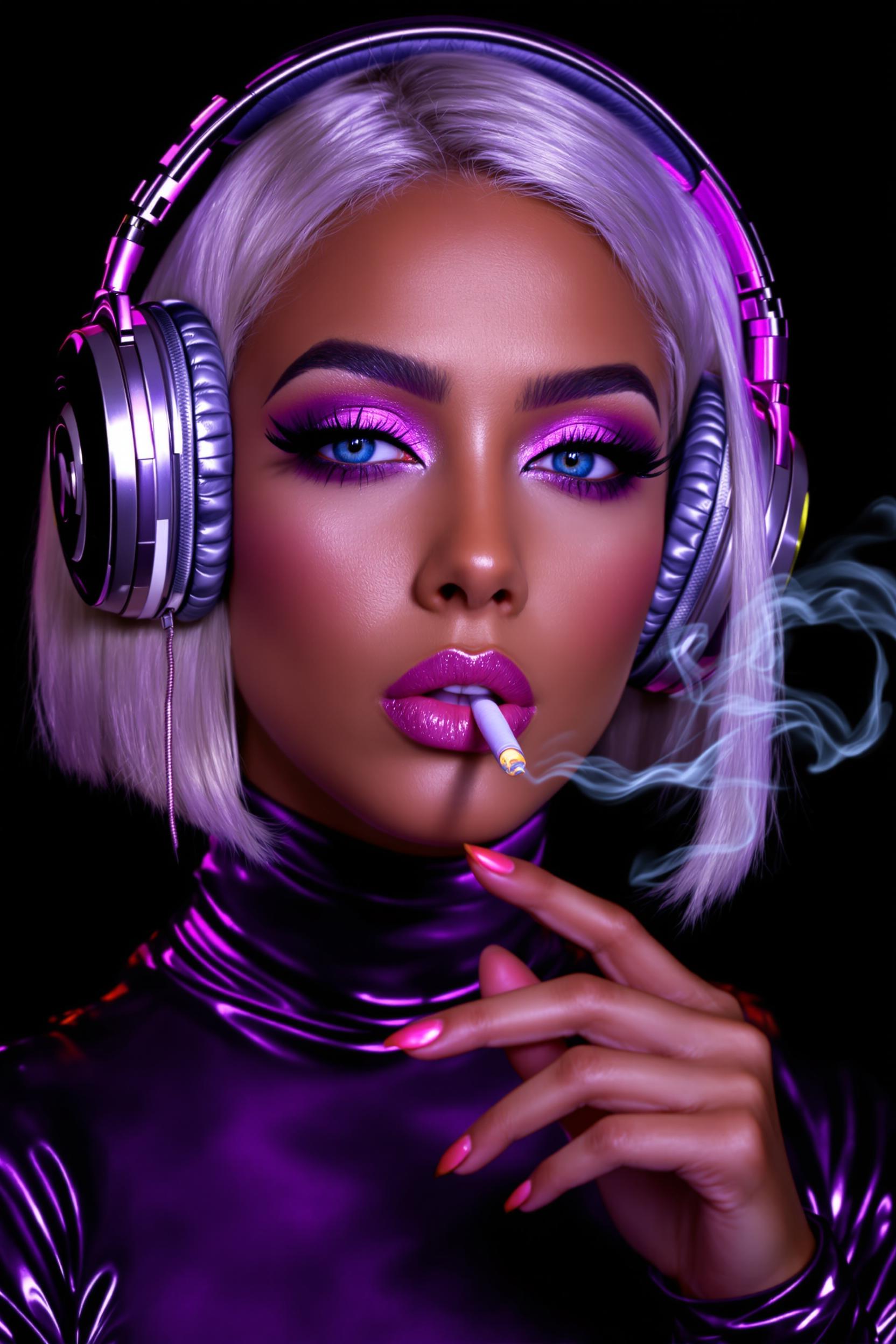
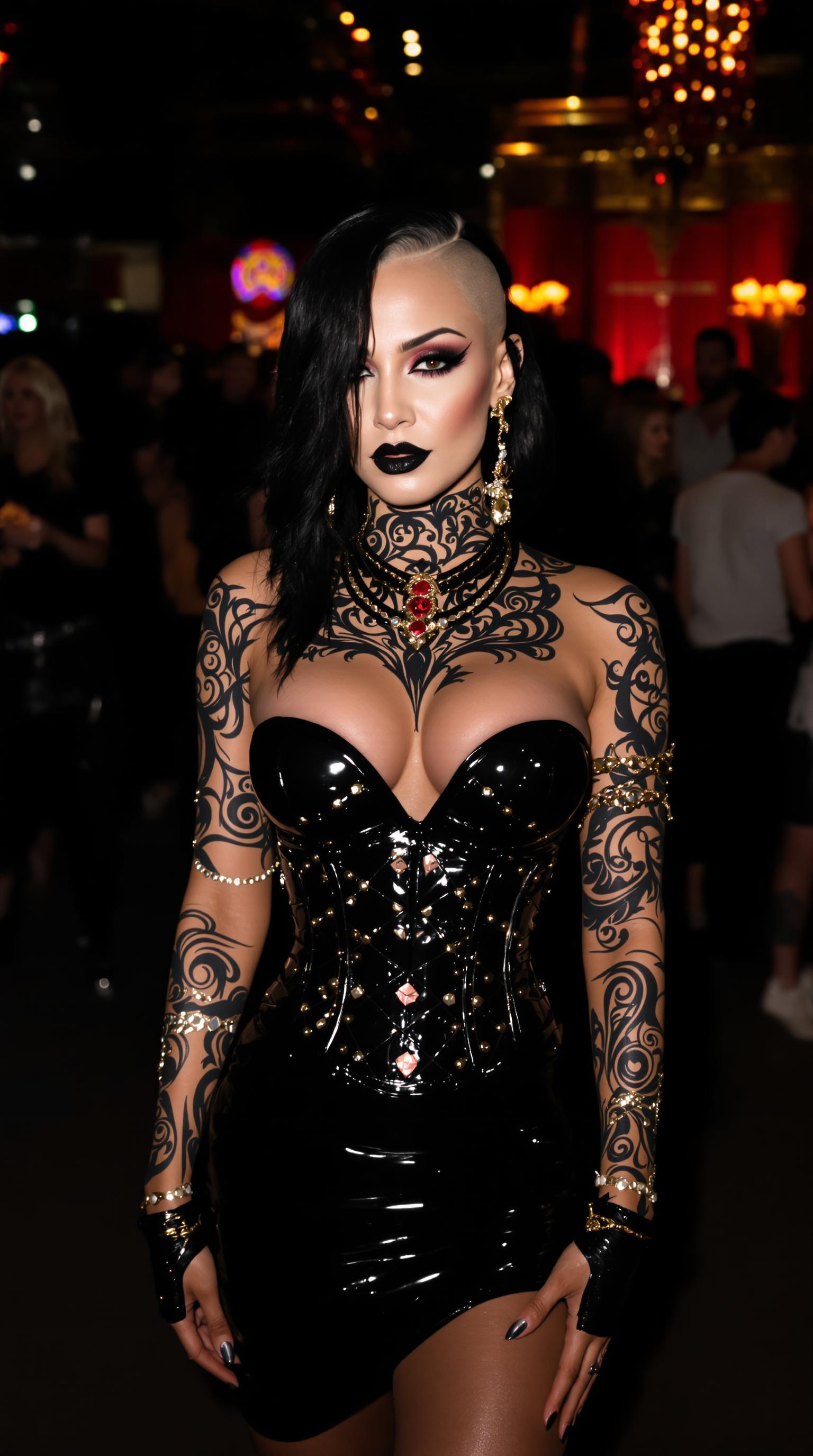
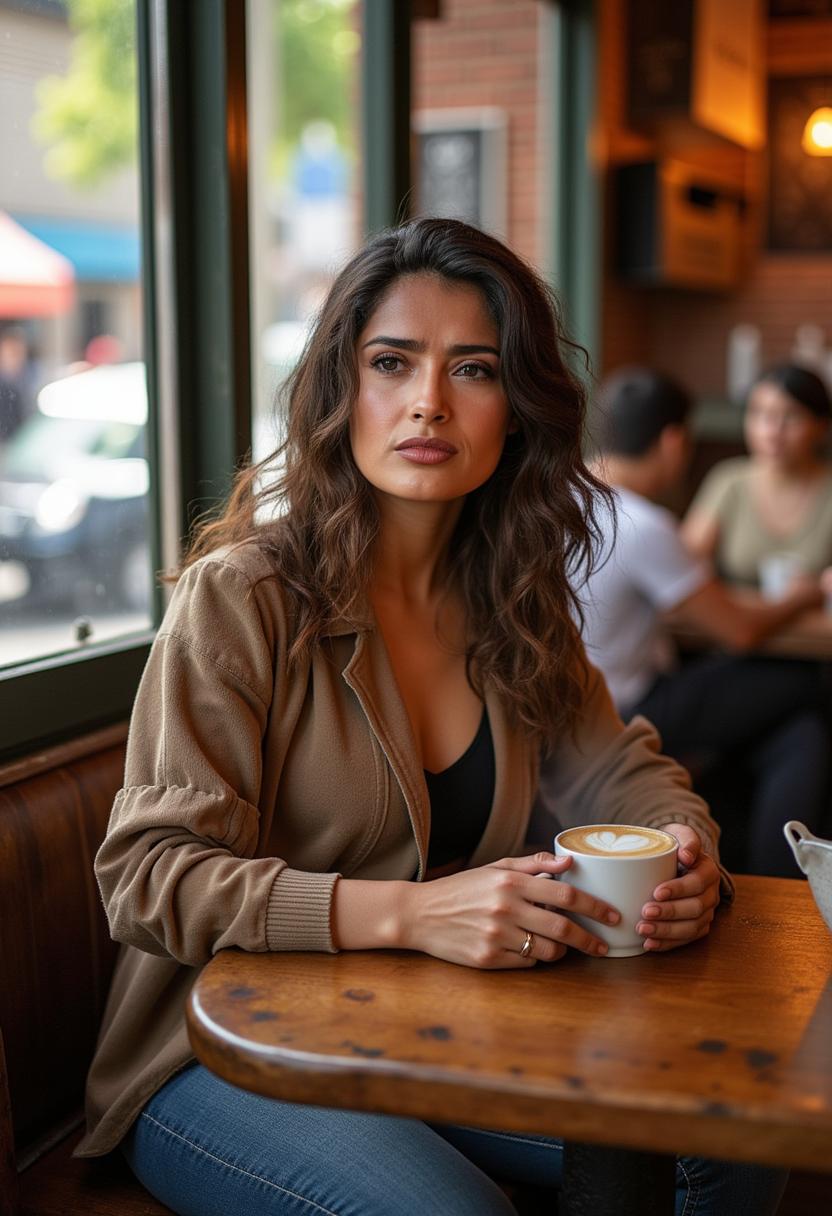
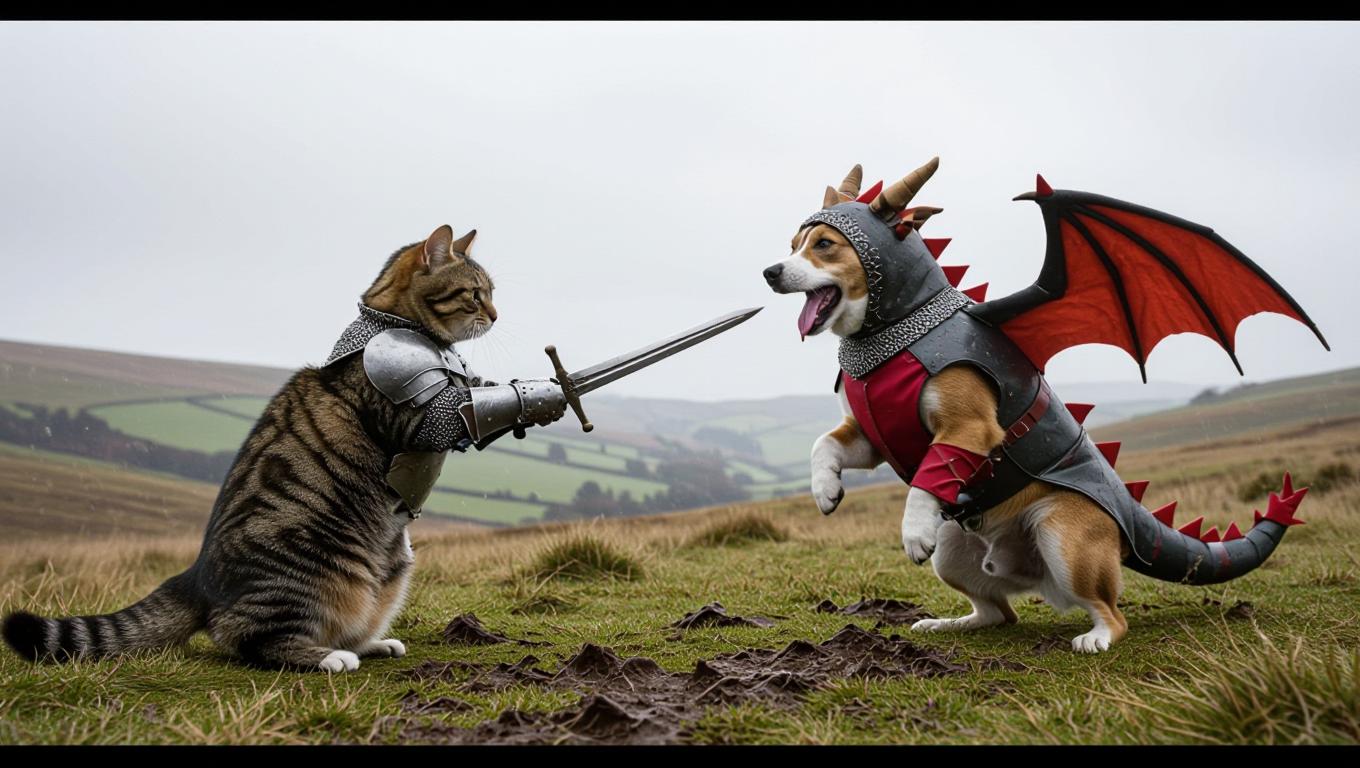
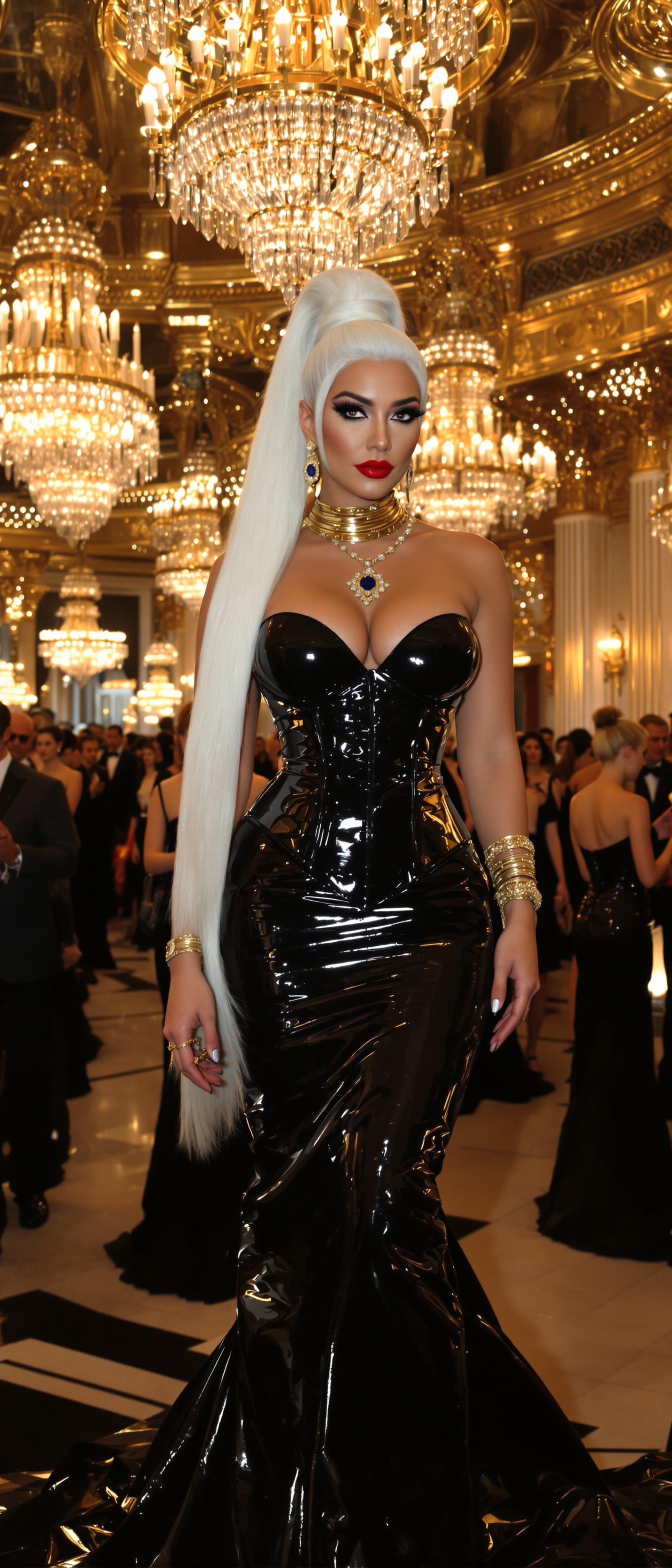
The Pixel Dojo Advantage
Why PixelDojo's outpainting tools stand out:
| Others | Pixel Dojo |
|---|---|
| Traditional Manual Editing | Automates the expansion process, reducing time and effort significantly. |
| Generic AI Tools | Offers advanced features like character consistency and multi-image fusion for more cohesive results. |
| Stock Image Libraries | Allows for unique, customized image expansion without relying on pre-existing stock images. |
Loved by Creators
See what our community says about gemini 2.5 flash image outpainting
"PixelDojo's outpainting tools have revolutionized my design process, allowing me to create expansive visuals effortlessly."
Alex Johnson
Graphic Designer
"The character consistency feature ensures my extended images maintain a professional and cohesive look."
Maria Lopez
Marketing Specialist
Common Questions
Everything you need to know about gemini 2.5 flash image outpainting AI generation
How does PixelDojo ensure character consistency in outpainted images?
PixelDojo's AI analyzes the original image to maintain character features and styles, ensuring consistency across the expanded areas.
Can I specify the content to be added during outpainting?
Yes, you can provide prompts or parameters to guide the AI in generating specific content for the expanded sections.
Is there a limit to how much I can expand an image?
While there's no strict limit, for optimal quality, it's recommended to expand images up to twice their original size.
Do I need advanced technical skills to use PixelDojo's outpainting tools?
No, PixelDojo's interface is user-friendly, allowing both beginners and professionals to achieve excellent results.
Can I use outpainting for commercial projects?
Absolutely, images created with PixelDojo can be used for both personal and commercial purposes.
How long does it take to generate an outpainted image?
The generation time varies but typically takes a few minutes, depending on the complexity of the expansion.