depth2image AI Generator
Unlock the potential of your images with PixelDojo's Depth2Image AI technology. Transform your visuals while preserving their depth and structure, allowing you to create stunning, realistic images effortlessly. Whether you're an artist, designer, or content creator, our tools empower you to reimagine your visuals with ease.

Join over 10,000 creators who have enhanced their visuals using PixelDojo's AI tools. Rated 4.8/5 by our satisfied users.
Why Choose Pixel Dojo for depth2image
Professional-quality results with cutting-edge AI technology
Preserve Depth and Structure
Maintain the original depth and composition of your images while applying new styles and transformations.
Effortless Image Transformation
Easily reimagine your visuals with different scenes, colors, and textures without losing their original essence.
Versatile Applications
Ideal for artists, designers, and content creators looking to enhance their visuals with realistic transformations.
How It Works
Transforming your images with PixelDojo's Depth2Image tools is simple and intuitive. Follow these steps to get started:
Step 1: Choose Your Tool
Select the appropriate Depth2Image tool from PixelDojo's suite, such as Flux Studio or SDXL Image Creator.
Step 2: Upload Your Image
Upload the image you wish to transform. Ensure it's clear and well-lit for optimal results.
Step 3: Enter Your Prompt
Provide a descriptive prompt detailing the desired transformation, such as 'Convert this landscape into a futuristic cityscape.'


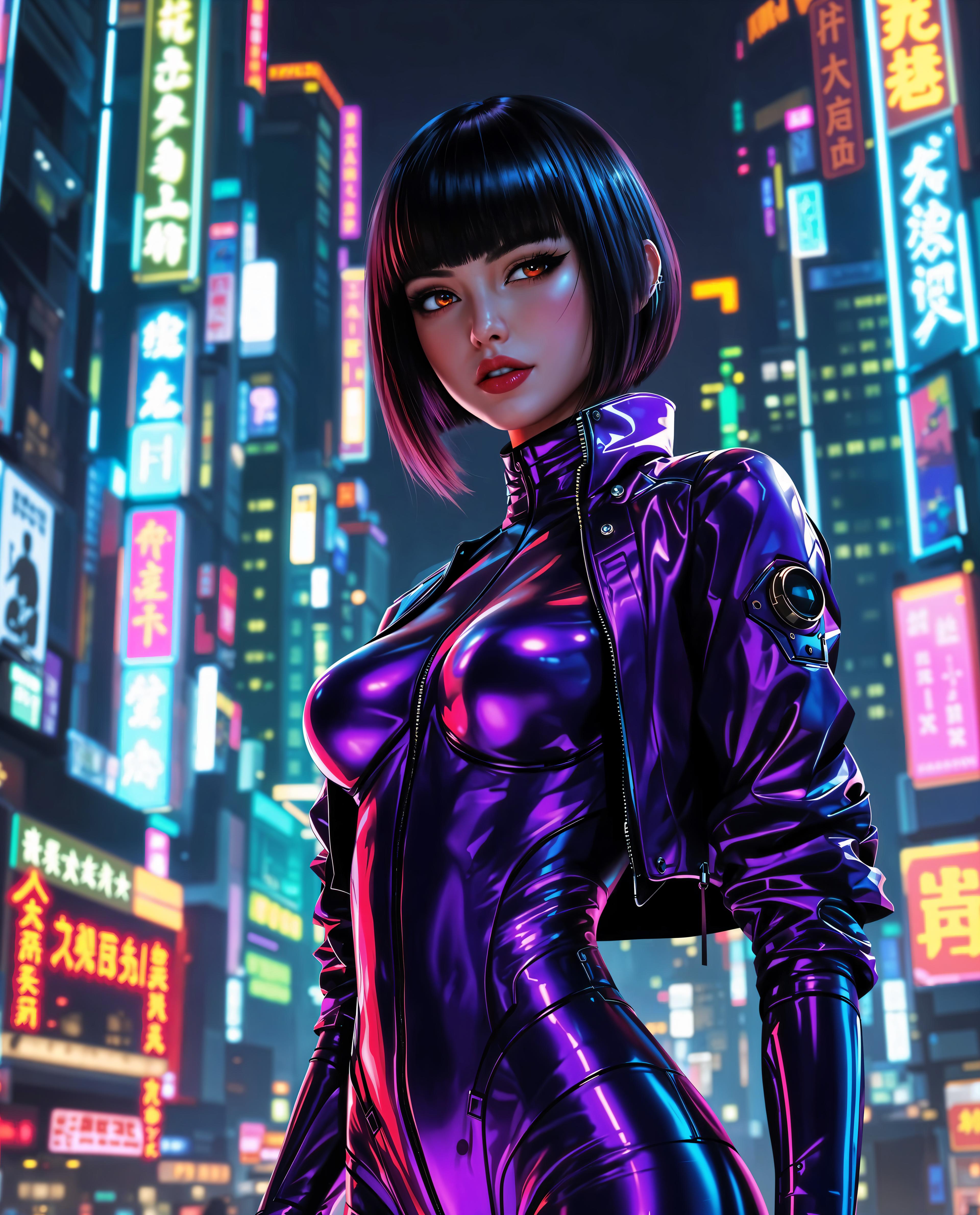

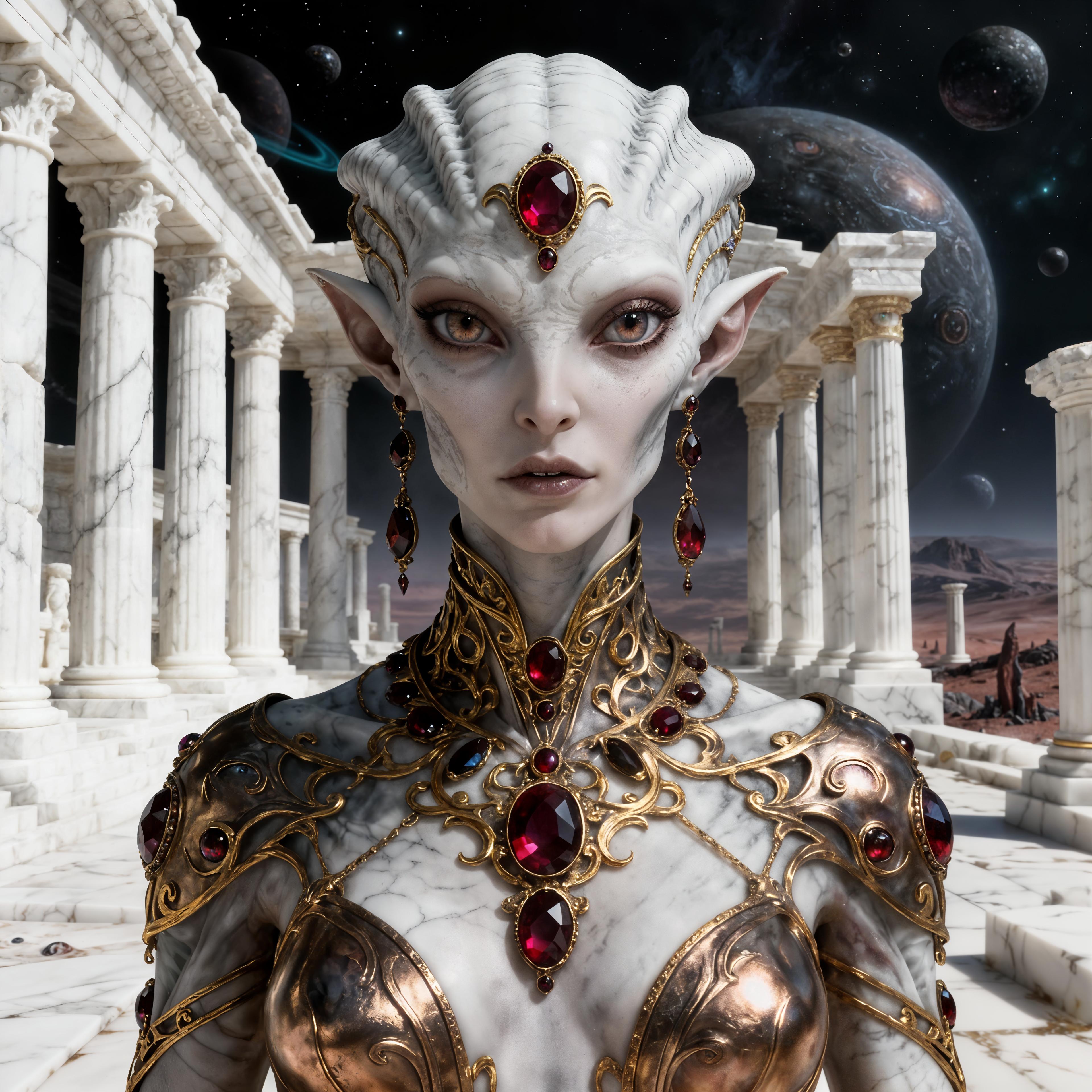







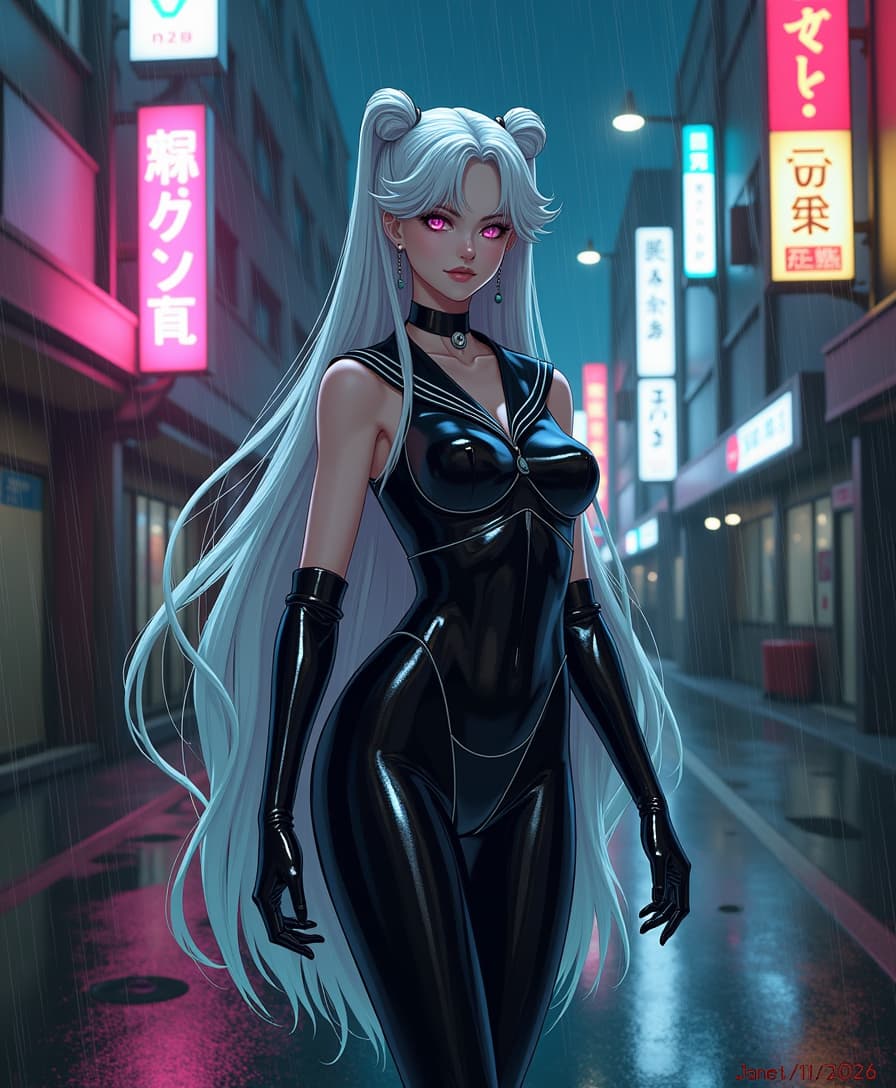


The Pixel Dojo Advantage
Why PixelDojo's Depth2Image tools stand out in image transformation:
| Others | Pixel Dojo |
|---|---|
| Traditional Image Editing | Automates complex transformations, saving time and effort. |
| Generic AI Tools | Specifically designed to preserve depth and structure, ensuring realistic results. |
| Manual Photo Manipulation | Eliminates the need for advanced editing skills, making transformations accessible to all. |
Loved by Creators
See what our community says about depth2image
"PixelDojo's Depth2Image tools have revolutionized my design process. The ability to maintain depth while transforming images is unparalleled."
Alex Johnson
Graphic Designer
"As a content creator, PixelDojo has allowed me to create unique visuals effortlessly. The results are always stunning and realistic."
Maria Lopez
Content Creator
Common Questions
Everything you need to know about depth2image AI generation
How does Depth2Image technology preserve the depth and structure of my images?
Depth2Image utilizes advanced AI algorithms to analyze and retain the depth information of your original image, ensuring that transformations maintain realistic spatial relationships and structures.
Can I use PixelDojo's Depth2Image tools without prior design experience?
Absolutely! Our tools are designed with user-friendliness in mind, allowing individuals without design backgrounds to achieve professional-quality transformations effortlessly.
What types of transformations can I achieve with Depth2Image?
You can apply a wide range of transformations, including style changes, scene alterations, and texture modifications, all while preserving the original depth and structure of your images.
Are there any limitations on the types of images I can transform?
While Depth2Image works best with clear and well-lit images, it is versatile and can handle various image types. However, extremely low-quality images may yield less optimal results.
How long does it take to process an image using Depth2Image?
Processing times are typically quick, often taking just a few minutes, depending on the complexity of the transformation and the size of the image.
Is there a trial period available for PixelDojo's Depth2Image tools?
Yes, we offer a trial period for new users to explore and experience the full capabilities of our Depth2Image tools before committing to a subscription.