colorizer AI Generator
Rediscover the past by transforming your black and white photos into vibrant, full-color images with PixelDojo's AI-powered colorizer. Whether you're looking to restore old family photos or add a new dimension to historical images, our advanced tools make the process seamless and stunning.
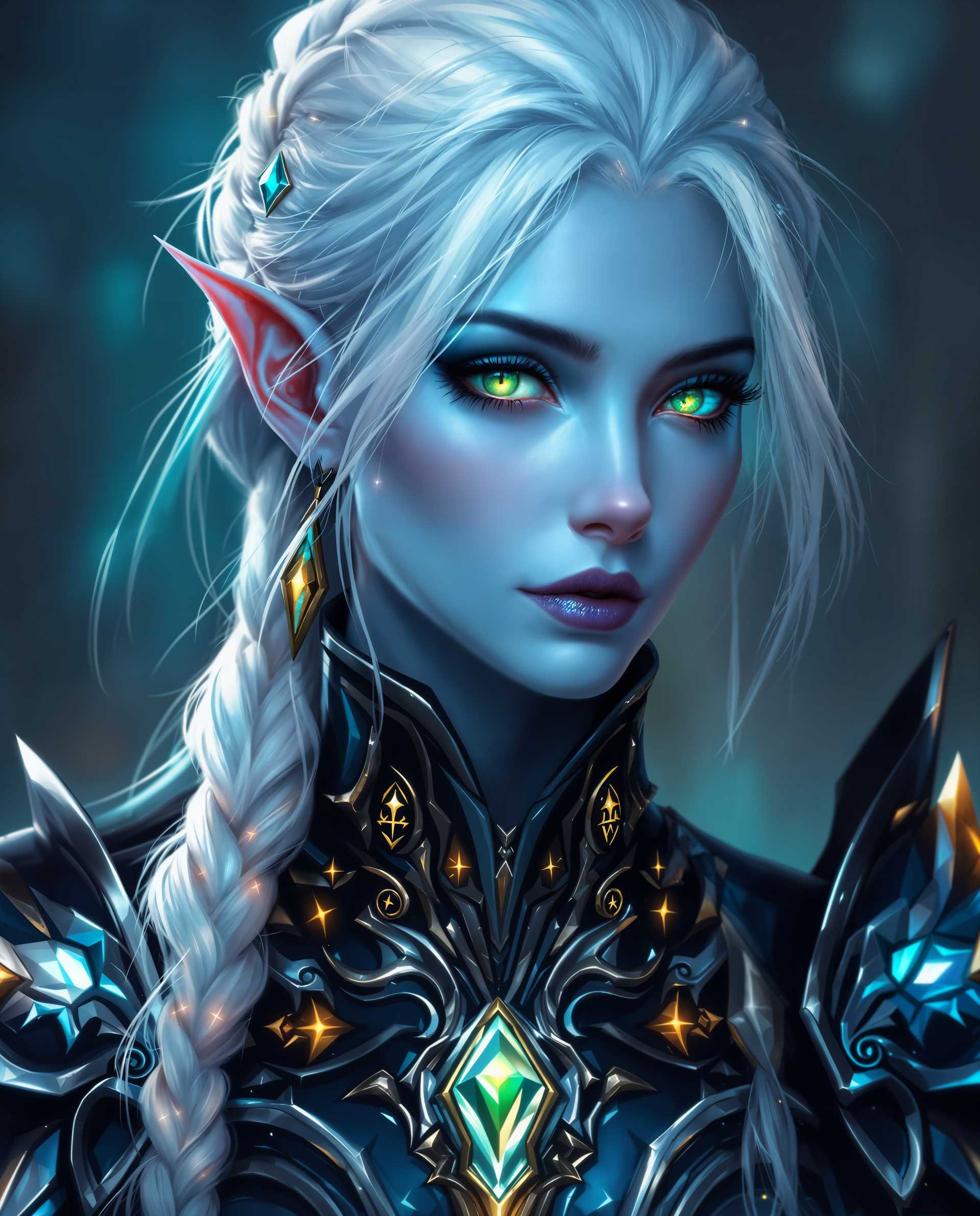
Join thousands of satisfied users who have revitalized their cherished memories with PixelDojo's AI colorization tools. Rated 4.8/5 by our community.
Why Choose Pixel Dojo for colorizer
Professional-quality results with cutting-edge AI technology
Effortless Photo Restoration
Easily bring old photos to life without any technical expertise.
High-Quality Colorization
Achieve realistic and vibrant colors that honor the original image.
Time-Saving Automation
Transform multiple photos quickly with our efficient AI tools.
How It Works
Colorizing your black and white photos is simple with PixelDojo. Follow these steps to breathe new life into your images:
Step 1: Upload Your Photo
Select the black and white photo you wish to colorize and upload it to PixelDojo's platform.
Step 2: Apply AI Colorization
Use our AI colorization tool to automatically add color to your photo with just one click.
Step 3: Review and Download
Preview the colorized image, make any desired adjustments, and download the final result.




The Pixel Dojo Advantage
Why PixelDojo is the superior choice for AI photo colorization:
| Others | Pixel Dojo |
|---|---|
| Traditional Manual Colorization | Automated process saves time and ensures consistent, high-quality results. |
| Generic AI Tools | Specialized algorithms tailored for photo colorization deliver more accurate and vibrant colors. |
| Manual Photo Editing Software | No need for advanced editing skills; our intuitive platform makes colorization accessible to everyone. |
Loved by Creators
See what our community says about colorizer
"PixelDojo transformed my family's old photos into beautiful color images. It's like reliving those moments all over again."
Sarah K.
Digital Artist
"The AI colorization tool is incredibly easy to use and delivers stunning results. Highly recommend!"
Michael R.
Content Creator
Common Questions
Everything you need to know about colorizer AI generation
How does PixelDojo's AI colorizer work?
Our AI colorizer uses advanced machine learning algorithms to analyze black and white photos and predict the most likely colors, resulting in realistic and vibrant images.
Can I colorize multiple photos at once?
Yes, PixelDojo allows batch processing, enabling you to colorize multiple photos efficiently.
Is there a free trial available?
Absolutely! You can try our AI colorization tools for free and experience the transformation firsthand.
Do I need any technical skills to use the colorizer?
No technical skills are required. Our platform is designed to be user-friendly and intuitive for everyone.
Can I adjust the colors after the AI colorization?
Yes, after the initial colorization, you can make adjustments to fine-tune the colors to your preference.
Is my original photo altered during the process?
No, your original photo remains unchanged. The colorized version is saved as a new file.