best ai enhancer AI Generator
Imagine turning your grainy smartphone snapshots or faded old photos into breathtaking, print-ready masterpieces in seconds. With PixelDojo's best AI image enhancer tools like Magnific Upscaler and Creative Upscaler, you achieve crystal-clear details, vibrant colors, and professional sharpness without any editing skills. Whether you're restoring family heirlooms, prepping social media visuals, or creating high-res assets for prints, these AI enhancers deliver jaw-dropping results that save you hours of manual work. Join thousands of creators who elevate their images effortlessly and focus on what matters—your creative vision.
⭐ 4.9/5 from 12K+ reviews | 2M+ images enhanced | Loved by photographers, marketers & designers worldwide | 'Game-changer for photo restoration!' – Top creator feedback
Why Choose Pixel Dojo for best ai enhancer
Professional-quality results with cutting-edge AI technology
Revive Blurry Photos with Stunning Clarity
You can take low-quality, pixelated images and transform them into razor-sharp visuals perfect for large prints or professional portfolios. Tools like Magnific Upscaler add intricate details you never knew were there, making your photos look like they were shot with top-tier cameras.
Upscale to 4K & Beyond Effortlessly
Expand small images to massive sizes without losing quality, ideal for billboards, websites, or wallpapers. Creative Upscaler intelligently fills in details, ensuring every enlargement looks natural and impressive, so you impress clients or followers every time.
Add Creative Magic & Remove Imperfections
Enhance lighting, remove backgrounds, or transfer styles to make your images pop with artistic flair. Using Magic Lighting or Background Remover alongside enhancers, you create polished, magazine-worthy results that stand out on any platform.
How It Works
You can supercharge any image using PixelDojo's AI enhancers in just three simple steps—no software downloads or expertise required. Start with Magnific Upscaler for realistic detail boosts or Creative Upscaler for imaginative enlargements.
Step 1: Choose Your Enhancer Tool
Head to the Edit Images section on PixelDojo.ai and select Magnific Upscaler, Creative Upscaler, or Image Analyzer. Upload your photo directly—works with JPG, PNG, or any format up to 10MB for instant processing.
Step 2: Customize Your Enhancement
Enter a simple prompt like 'enhance sharpness, add natural lighting, upscale 4x' or use auto-mode for AI-driven improvements. Adjust sliders for noise reduction, color vibrancy, or detail level—preview changes live to get exactly the outcome you envision.
Step 3: Generate & Download Perfection
Hit generate to process in seconds, review the enhanced result, and download in your preferred resolution. Save iterations or share directly—your upgraded images are ready for prints, social posts, or professional use right away.
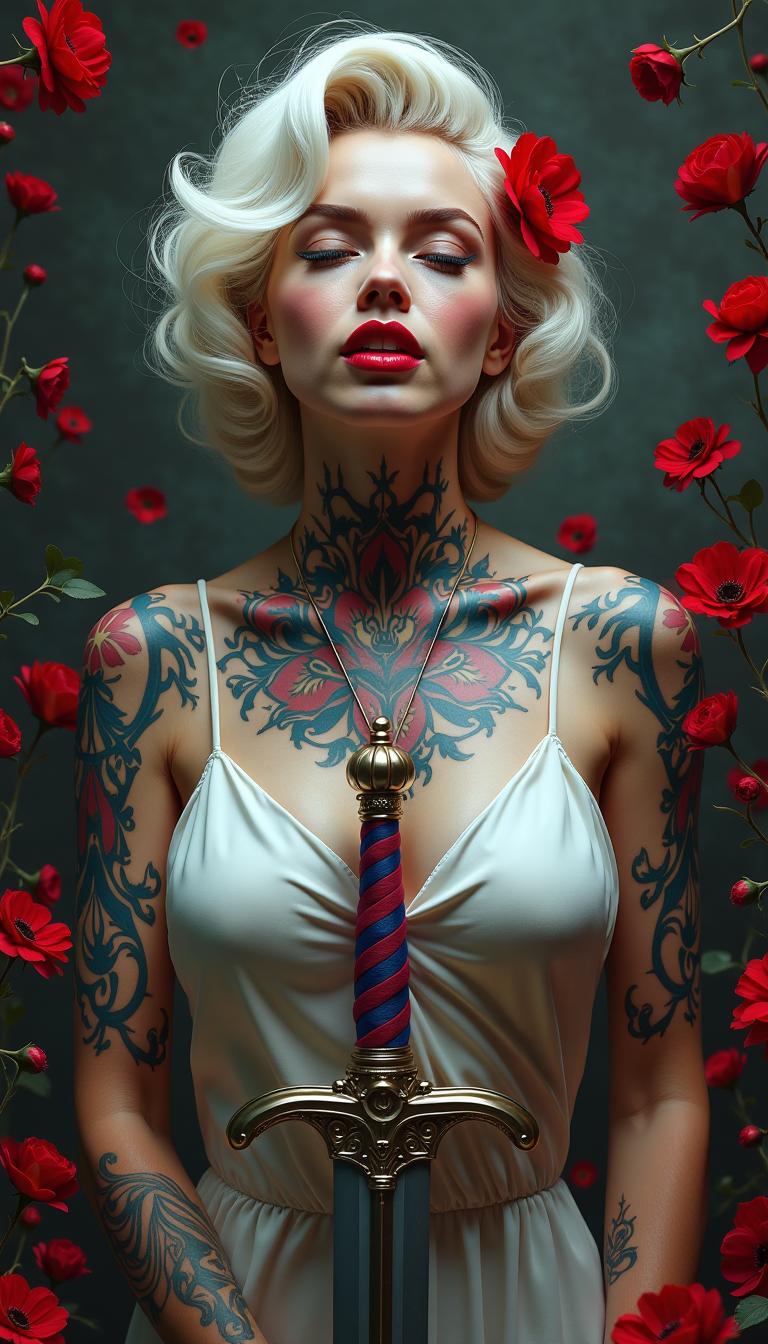
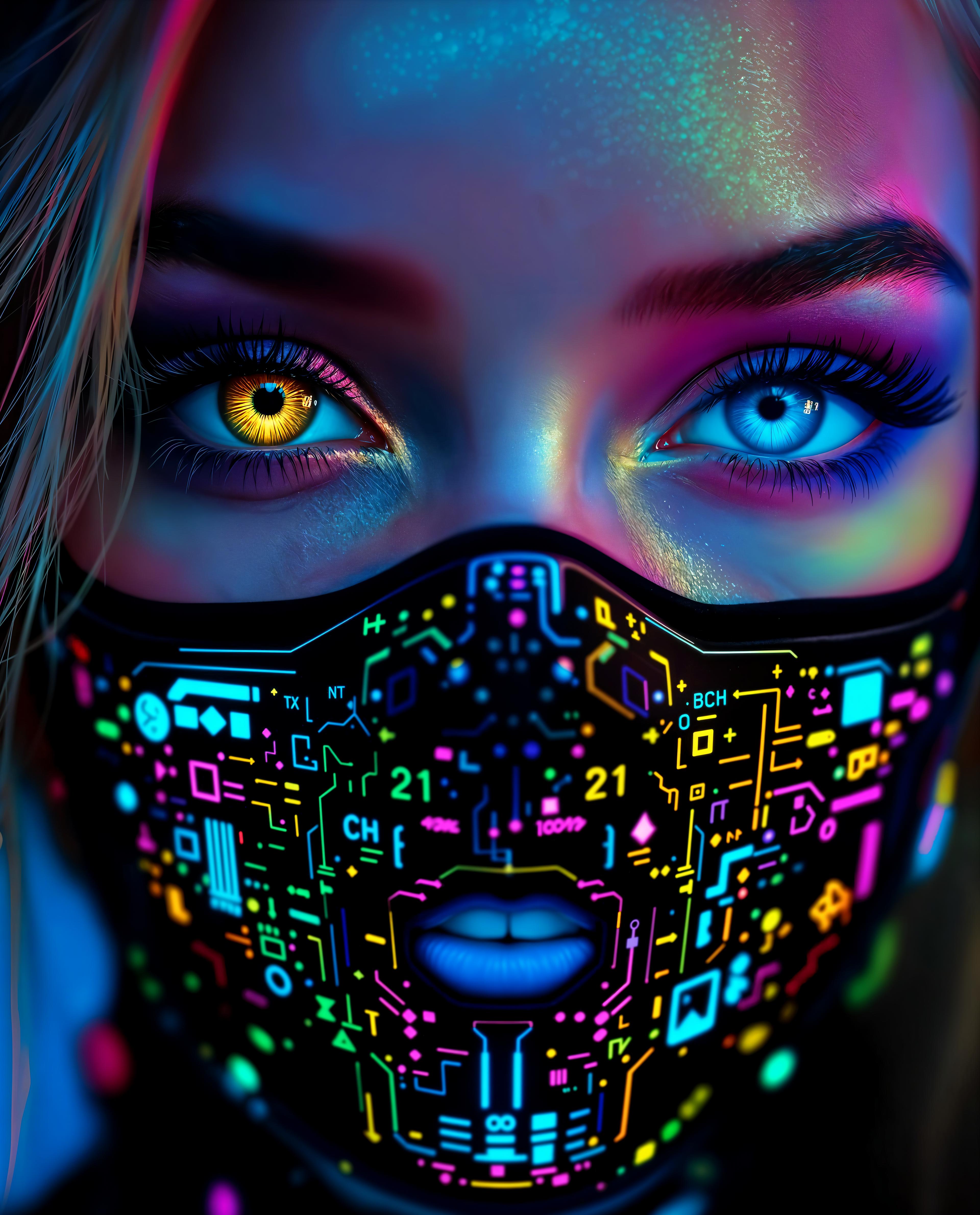

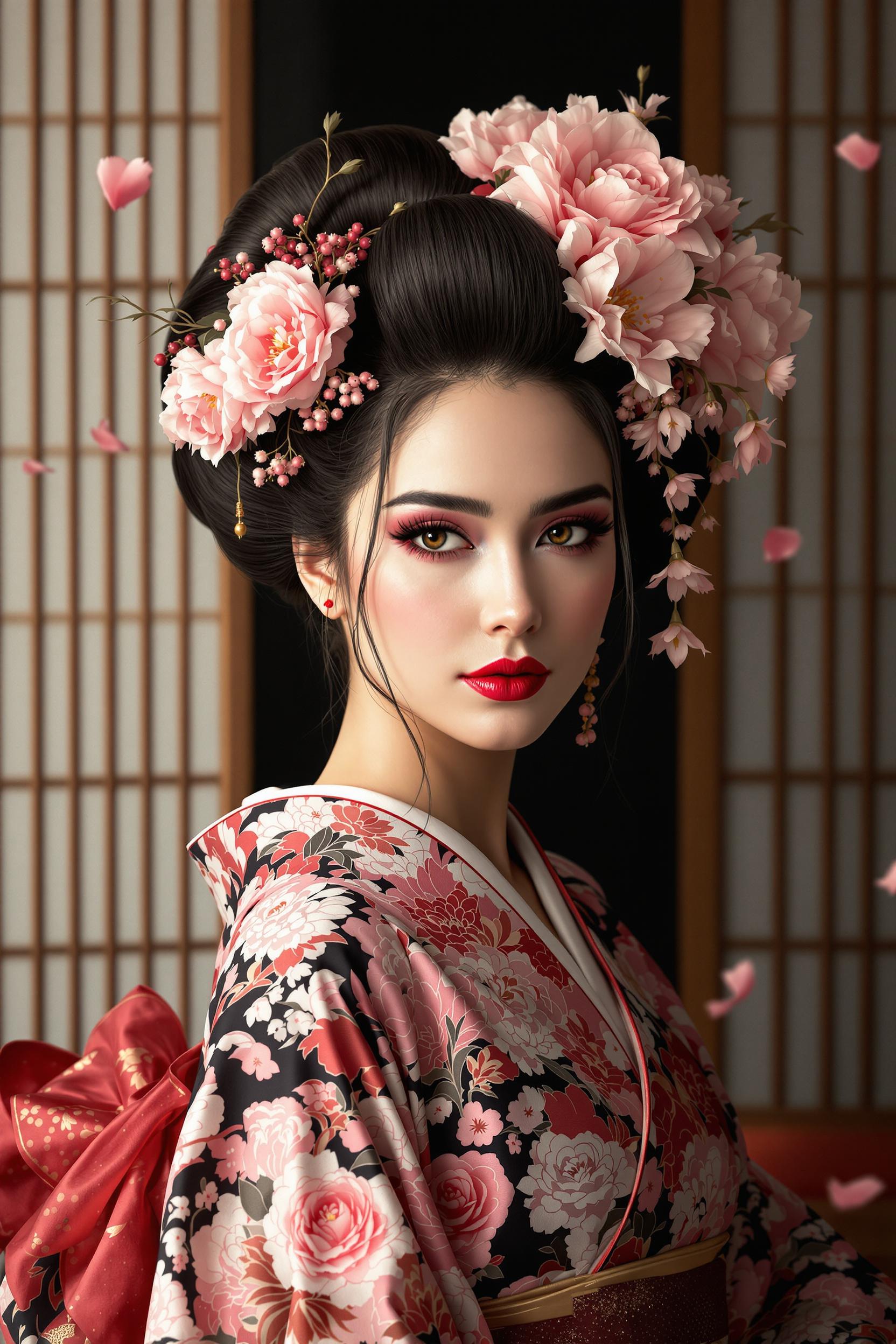
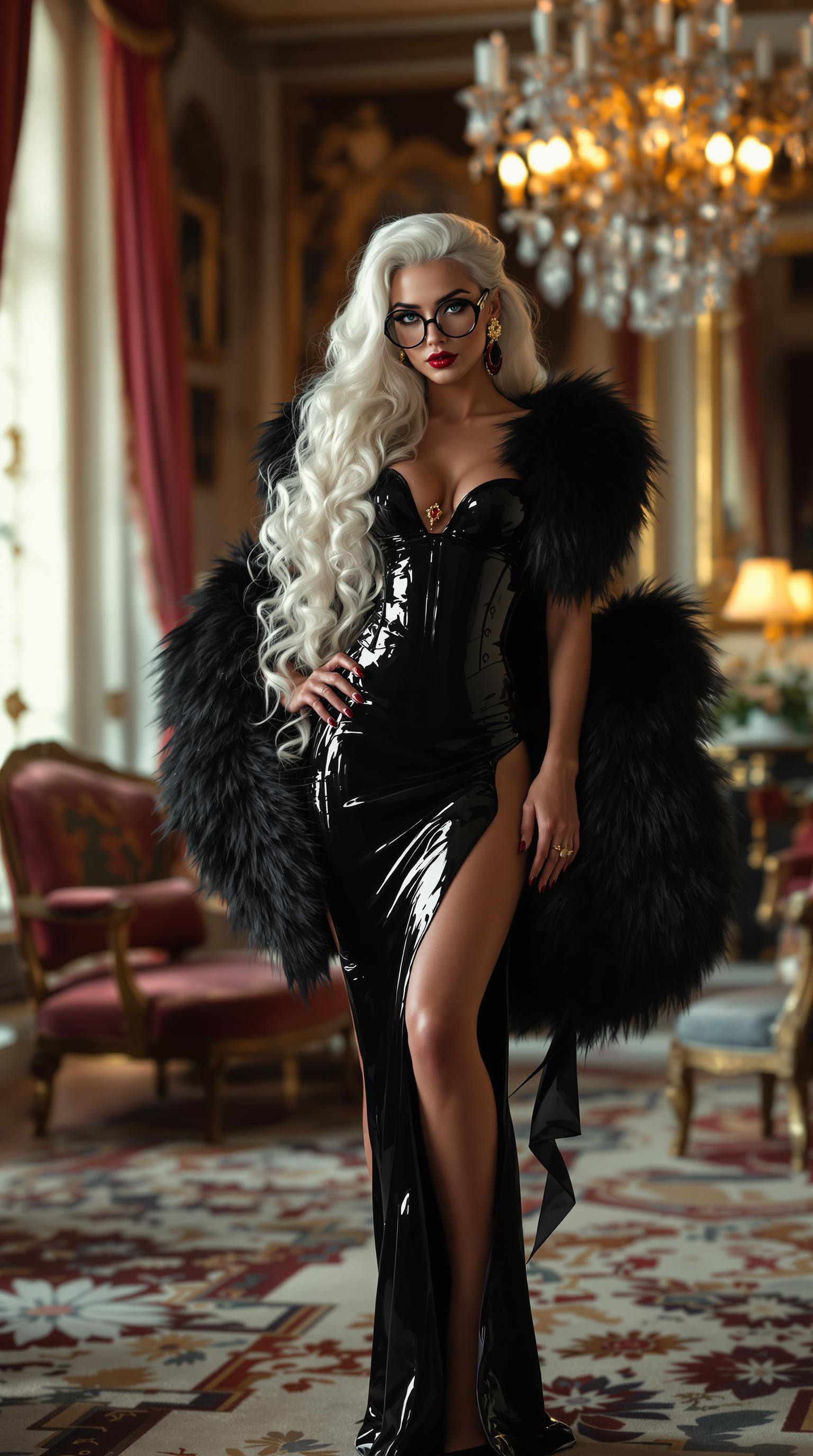
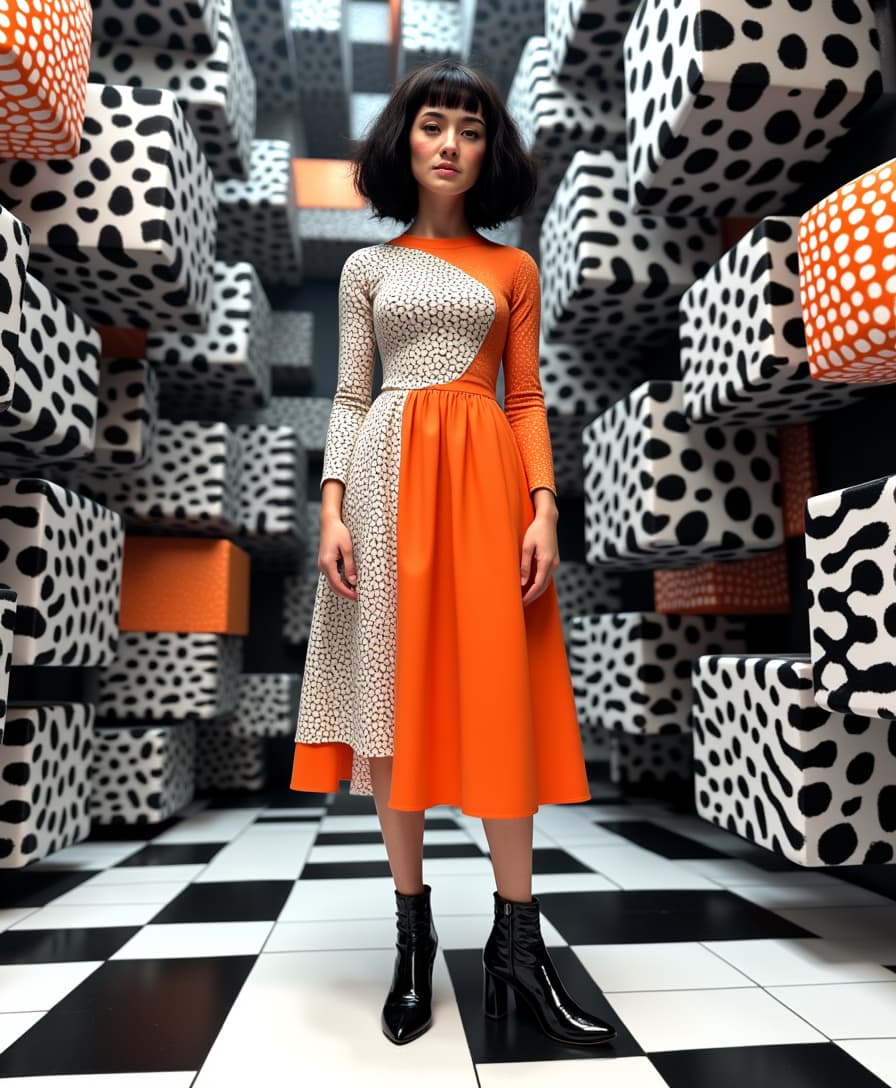
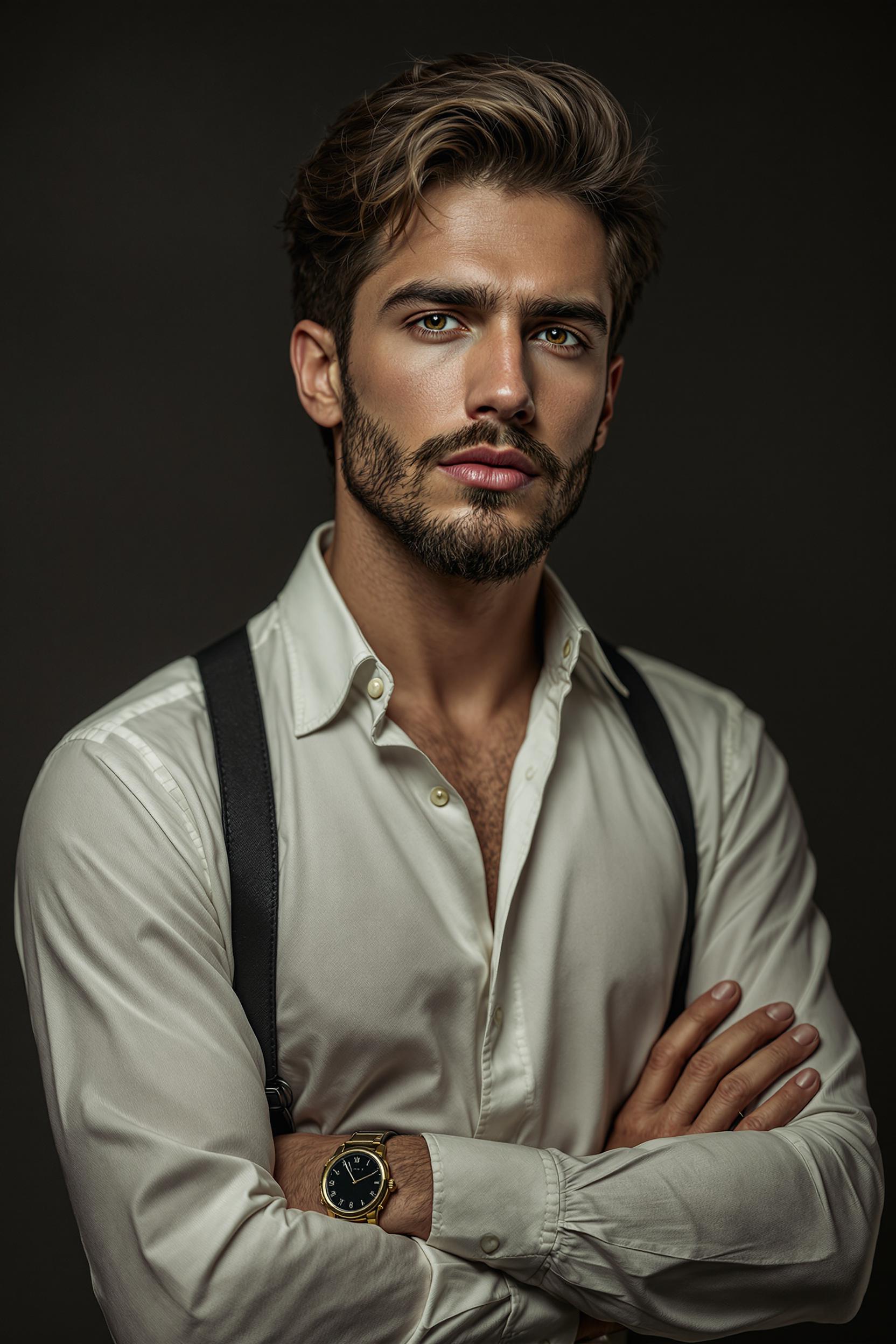
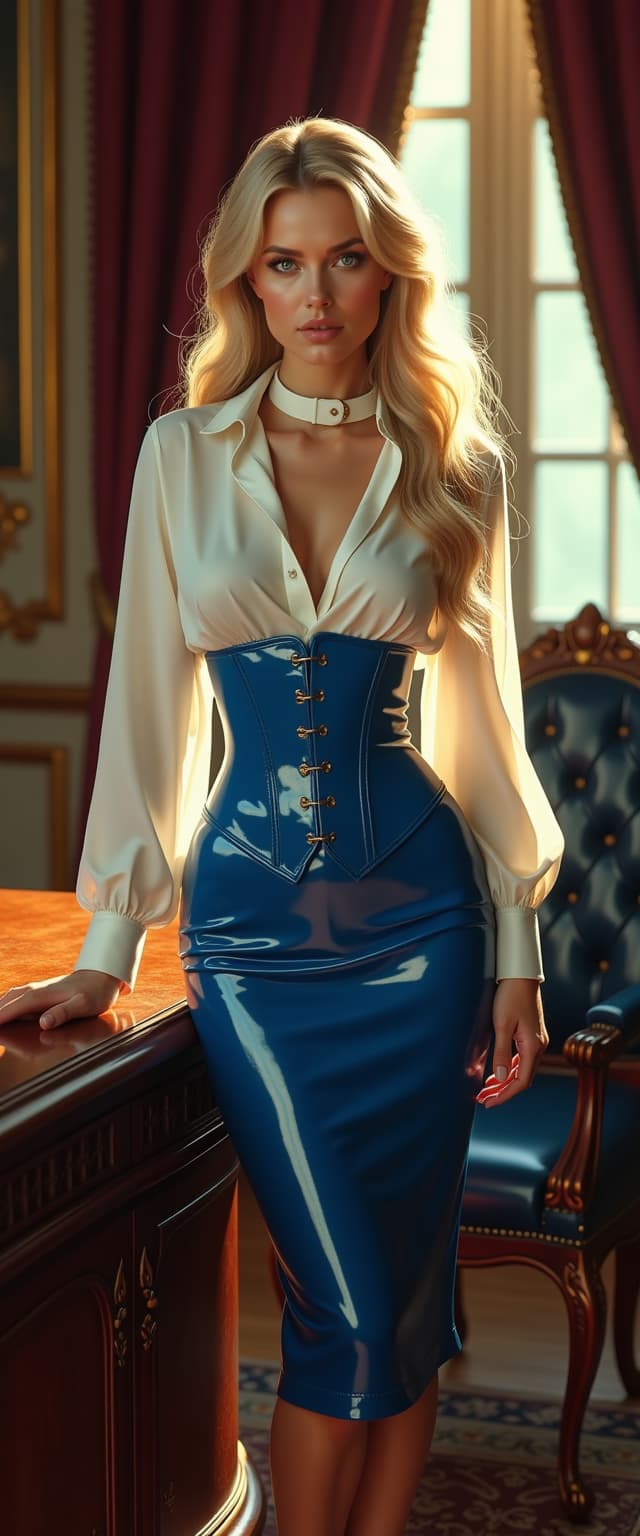
The Pixel Dojo Advantage
Why PixelDojo outperforms other options for best AI image enhancer tasks
| Others | Pixel Dojo |
|---|---|
| Traditional photo editing software | You skip hours of layer tweaking and manual sharpening—AI handles complex enhancements automatically for flawless results in seconds |
| Generic AI tools | Access specialized enhancers like Magnific Upscaler that deliver superior detail and creativity, not just basic filters, with seamless integration across 40+ tools |
| Manual photo editing | No need for pro skills or expensive hires—PixelDojo's AI empowers you to achieve studio-quality enhancements affordably and instantly |
Loved by Creators
See what our community says about best ai enhancer
"PixelDojo's Magnific Upscaler turned my old vacation photos from blurry messes into wall-worthy art. Saved me weeks of editing—highly recommend for anyone needing the best AI image enhancer!"
Sarah Jenkins
Freelance Photographer
"As a marketer, Creative Upscaler has been a lifesaver for upscaling product shots to 4K. Professional results every time, faster than anything else I've tried."
Mike Rivera
Digital Marketer
Common Questions
Everything you need to know about best ai enhancer AI generation
What is the best free AI image enhancer online in 2024?
PixelDojo.ai stands out as the best free AI image enhancer with tools like Magnific Upscaler and Creative Upscaler, offering unlimited trials. You get pro-level sharpening, upscaling to 8K, noise removal, and detail restoration without watermarks or sign-ups. Unlike basic apps, it integrates Image to Image for custom styles, delivering outcomes like turning phone pics into print-ready masterpieces—perfect for photographers and creators.
How does AI photo enhancer improve image quality?
PixelDojo's AI photo enhancers analyze your image pixel-by-pixel to add realistic details, reduce blur, boost colors, and upscale resolutions. Using Magnific Upscaler, you achieve natural sharpness on faces and textures; Creative Upscaler adds creative flair. Results? You transform low-res scans into vibrant HD visuals, ideal for e-commerce or social media, with zero quality loss even at 4x enlargements.
Can I use AI image upscaler for free on PixelDojo?
Yes, PixelDojo offers free access to top AI image upscalers like Magnific and Portrait Upscaler. Upload, enhance, and download without costs—upgrade for unlimited generations. You handle everything from old photo restoration to product image sharpening, with live previews ensuring perfect outcomes every time.
What's the difference between Magnific Upscaler and Creative Upscaler?
Magnific Upscaler excels at realistic, detail-preserving enhancements for photos needing sharp clarity, like portraits or landscapes. Creative Upscaler adds imaginative elements, perfect for artistic upscaling with style transfers. Both let you upscale to 4K+, remove noise, and combine with Inpainting for flawless edits—choose based on whether you want photorealistic or stylized results.
How to restore old photos with best AI image enhancer?
Upload to PixelDojo's Edit Images, select Magnific Upscaler or Image Analyzer, and prompt 'restore colors, sharpen details, remove scratches.' AI revives faded images with accurate skin tones, clear backgrounds, and vibrant hues. You get heirloom-quality restorations ready for framing, far surpassing manual tools in speed and precision.
Is PixelDojo's AI image sharpener safe for commercial use?
Absolutely—enhanced images from PixelDojo's sharpeners like Magic Lighting and upscalers are yours to use commercially. No attribution needed, high-res downloads included. Thousands of businesses rely on it for ads, websites, and prints, with consistent quality that boosts engagement and sales.