Best ai background generator for images AI Generator
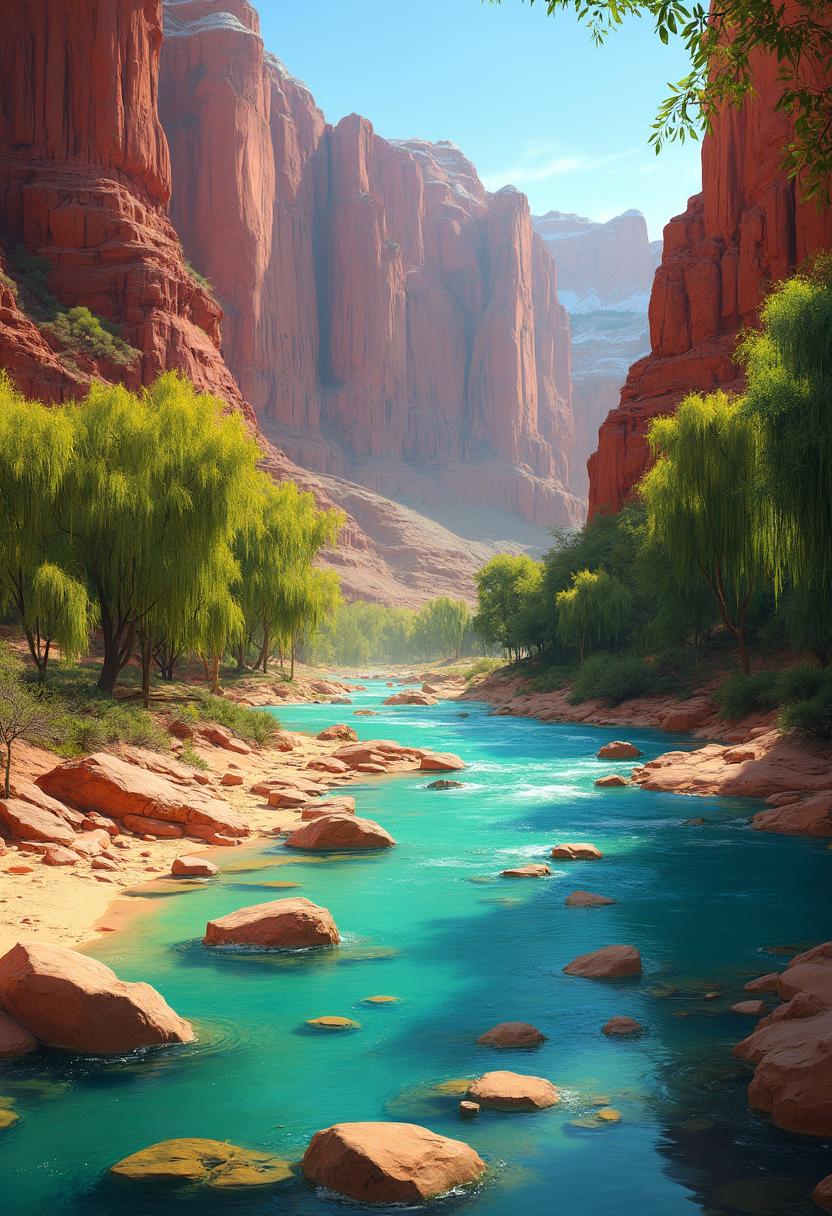
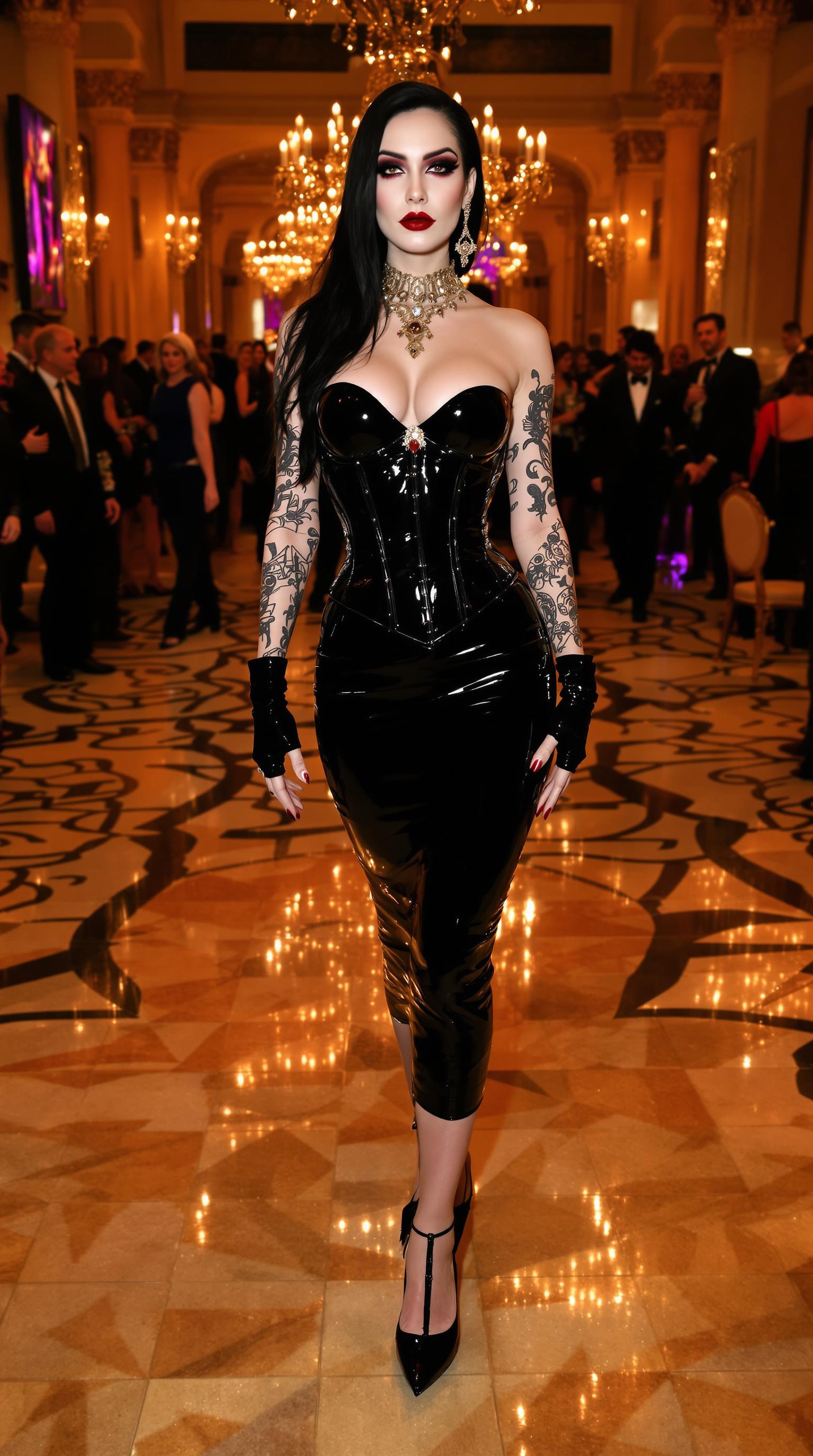
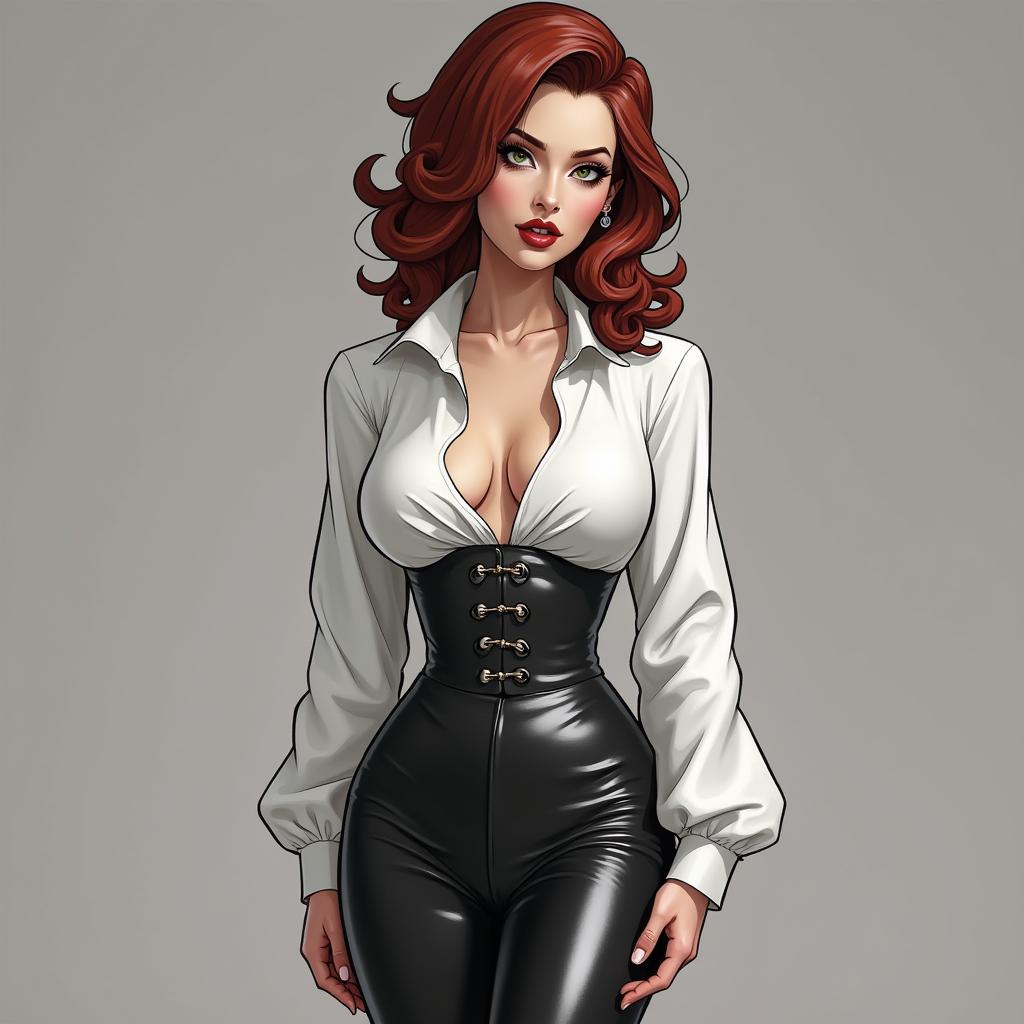
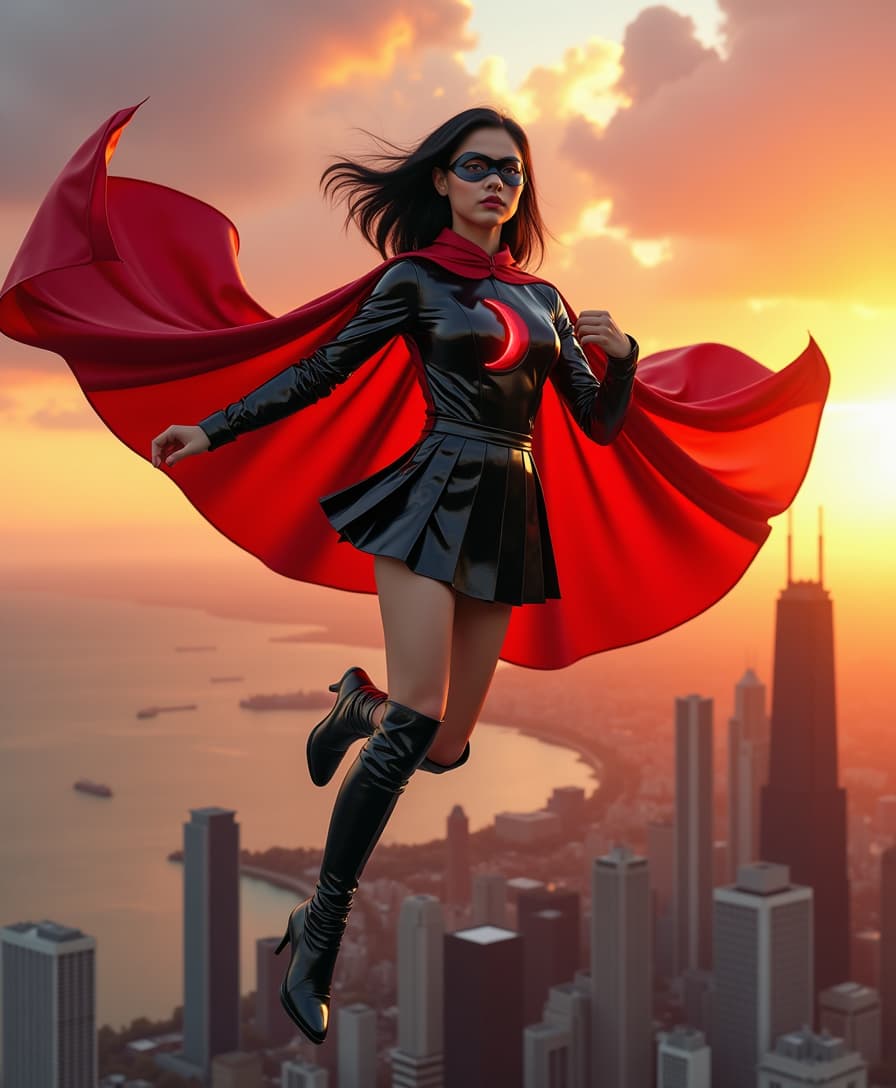
Elevate your images with PixelDojo's AI Background Generator. Whether you're a content creator, marketer, or hobbyist, our advanced AI tools empower you to craft custom backgrounds that make your visuals stand out. Say goodbye to tedious editing and hello to stunning, professional-quality images in just a few clicks.
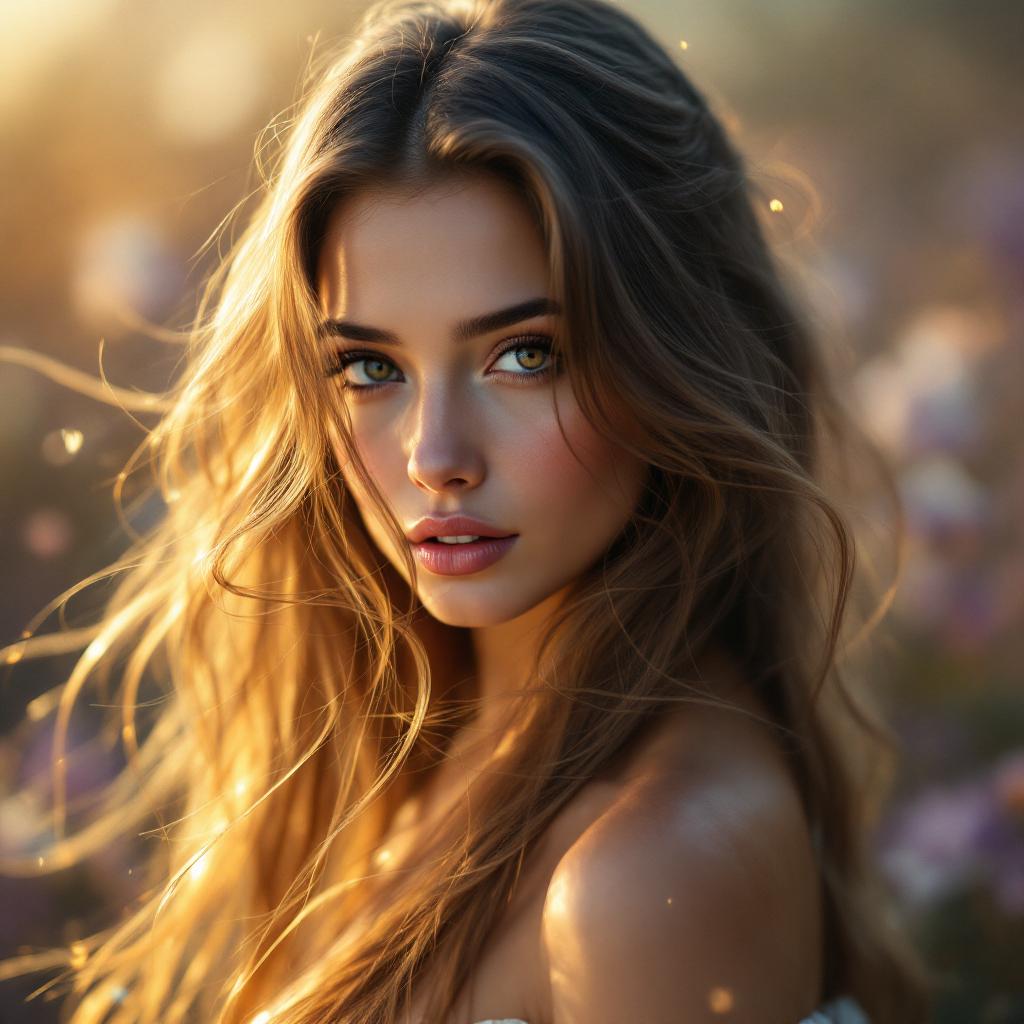
Join over 10,000 satisfied users who have transformed their images using PixelDojo's AI tools. Rated 4.8/5 based on 2,000+ reviews.
Why Choose Pixel Dojo for Best ai background generator for images
Professional-quality results with cutting-edge AI technology
Effortless Background Creation
Generate unique, high-quality backgrounds without any design experience.
Time-Saving Automation
Replace hours of manual editing with quick, AI-powered background generation.
Versatile Applications
Perfect for social media, marketing materials, product photography, and more.
How It Works
Creating custom AI-generated backgrounds with PixelDojo is simple and intuitive. Follow these steps to transform your images:
Step 1: Choose Your Tool
Select the 'Background Remover' tool from PixelDojo's suite to begin the process.
Step 2: Upload Your Image
Upload the image you want to modify. The AI will automatically detect and remove the existing background.
Step 3: Select or Generate a New Background
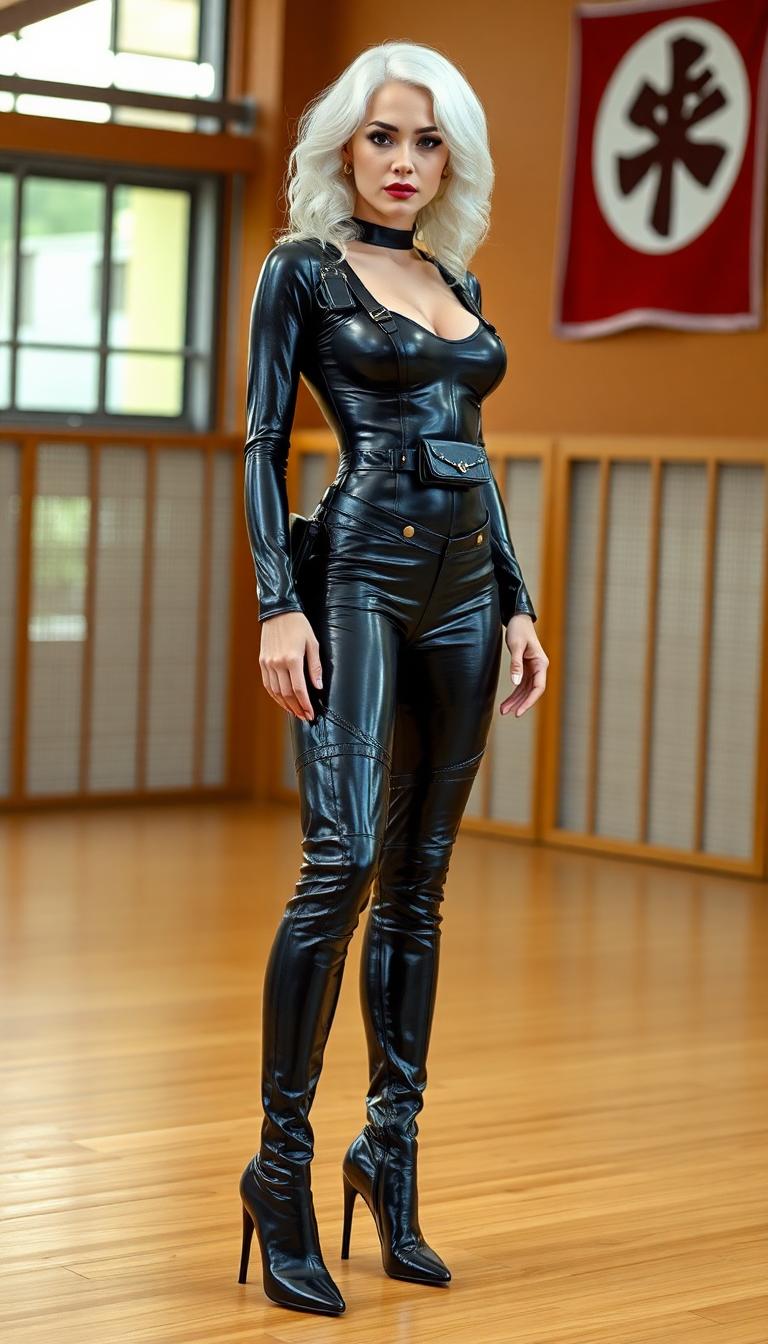
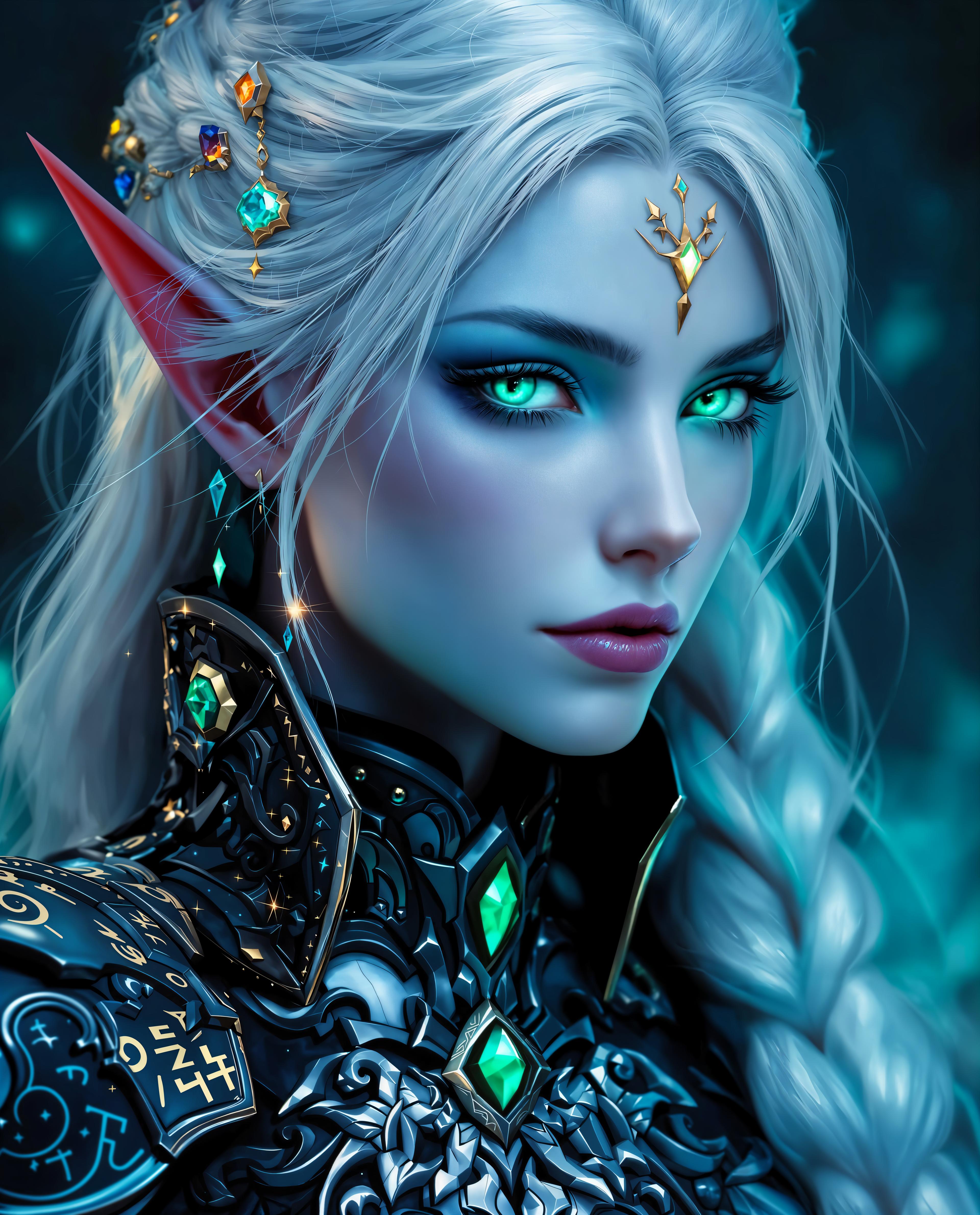
Choose from a library of preset backgrounds or use the AI to generate a custom background based on your description.


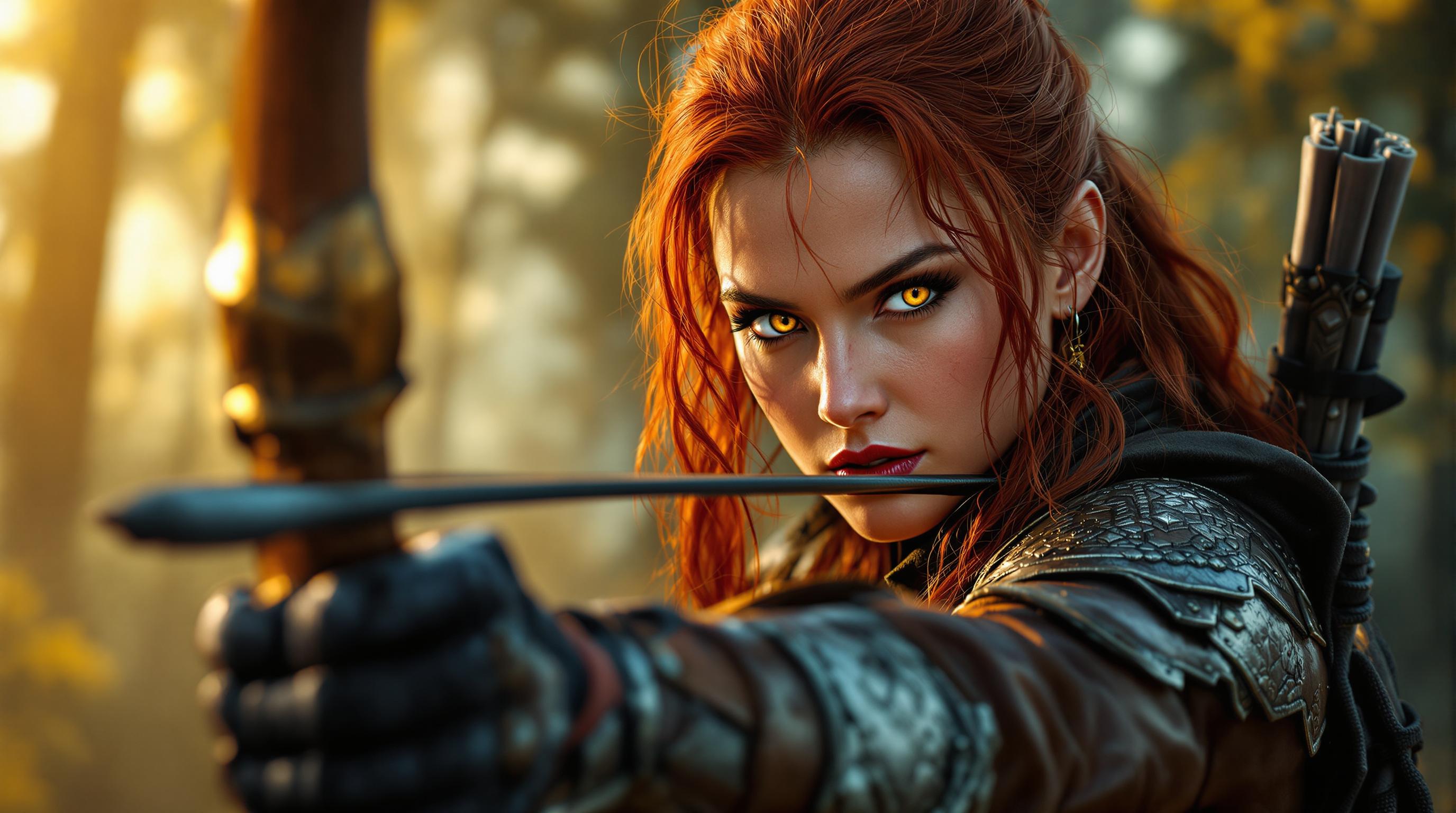

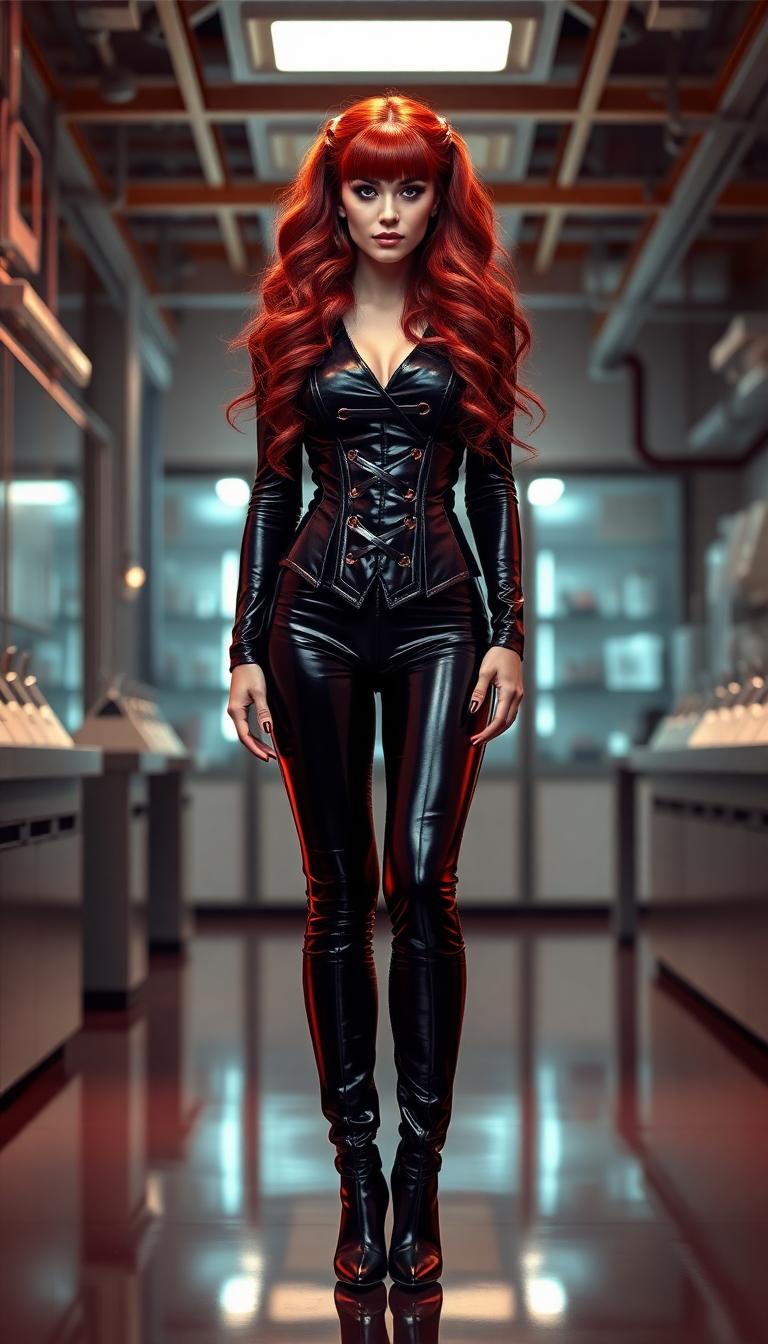
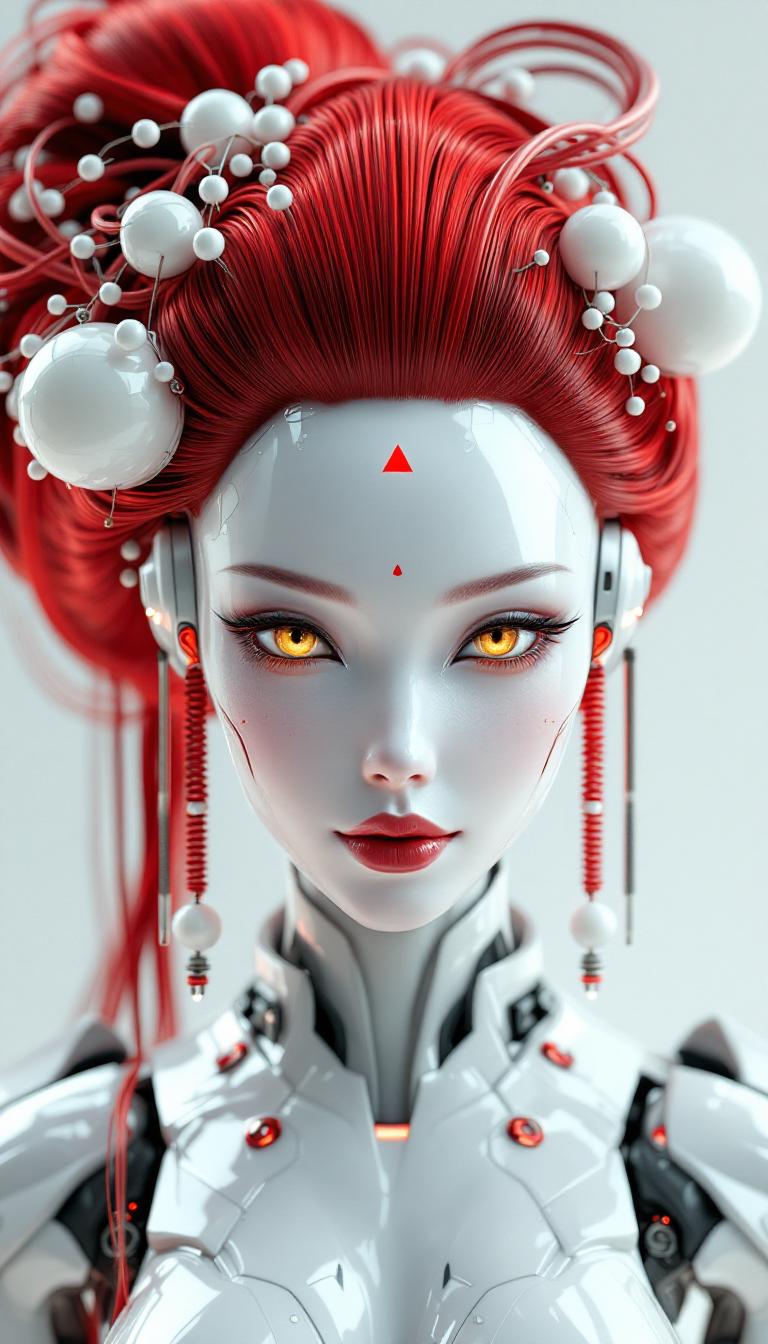
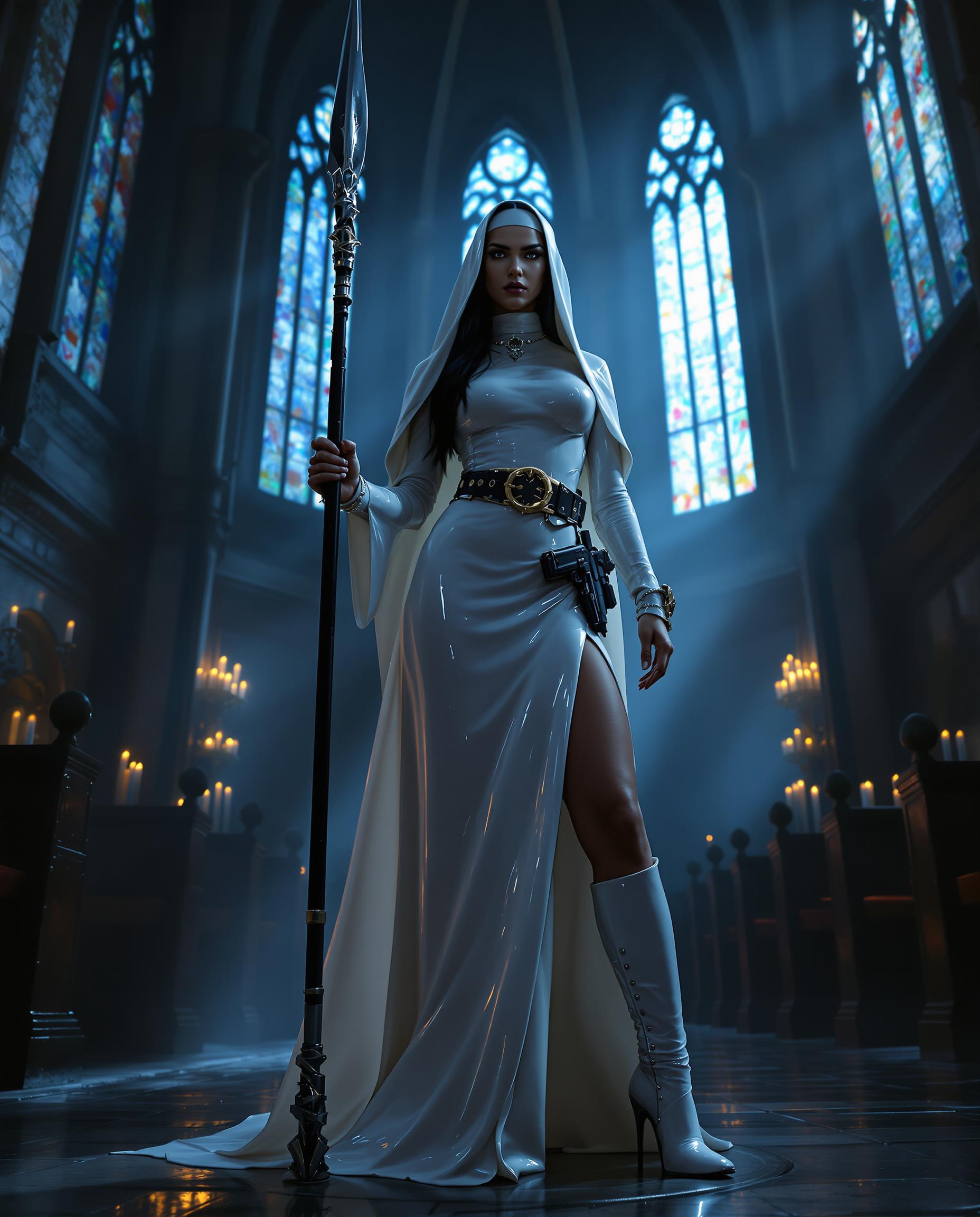

![=== Scene ===
Tone: generate an 8-second, hyper-realistic, seamlessly looping video capturing the raw power and physics of a single moment in a street basketball game, rendered in extreme slow motion., {"type":"High-speed sports cinematography, played back in extreme slow motion","duration_seconds":8,"looping":"true, seamless loop","pacing":"Intense, powerful, and dramatic. The slow motion turns a split-second action into a detailed ballet of force.","animated_elements":[{"element":"Ball Impact and Deformation","description":"The primary animation. A defender's hand forcefully impacts the top of a basketball. In slow motion, we see the defender's fingers digging into the pebbled leather, the ball visibly compressing and deforming under the force. The ball's backspin momentarily stops and reverses as it's knocked away. This entire impact and recoil sequence forms the loop."},{"element":"Sweat and Particle Dynamics","description":"The explosive impact sends a fine spray of sweat droplets flying from both the hand and the ball's surface. The droplets hang in the air like tiny jewels in the bright sun. Dust and microscopic rubber particles from the court are kicked up by the motion."},{"element":"Anatomical Realism","description":"The muscles and tendons in the defender's forearm and hand are seen contracting with extreme force. Veins bulge on the skin's surface. The skin on the fingertips whitens from the pressure against the ball."},{"element":"Background Motion","description":"Through the chain-link fence in the deep background, the blurred figures of spectators are seen reacting to the play, their movements also in slow motion, adding to the atmosphere."}]}, {"style":"Hyperrealistic, gritty sports documentary style, emulating the aesthetic of a high-end Nike commercial or a feature film.","camera_setup":{"camera":"Phantom VEO 4K High-Speed Camera","lens":"100mm Telephoto Prime Lens","perspective":"Static, locked-down shot from a very low angle, looking up at the point of impact. This heroic angle makes the action feel monumental and powerful.","description":"The sun is high in the sky, creating high-contrast, sharp-edged shadows. This intense light creates brilliant specular highlights on the sweat-glistened skin and the curved surface of the basketball, emphasizing every texture."},"composition":{"framing":"A tight, dynamic composition focused entirely on the collision between the hand and the ball. The chain-link fence in the background creates a gritty, geometric pattern that cages the action."}}
=== Subject ===
Description: {"base_subject":"An extreme close-up, slow-motion shot of a hand blocking a basketball at the apex of a shot on an iconic urban court.","key_details":[{"element":"The Hand and Arm","description":"The hand of a highly athletic basketball player. The skin glistens with a realistic sheen of sweat, and we can clearly see skin pores, calluses, and the fine lines of the knuckles. The hand is powerful and expressive."},{"element":"The Basketball","description":"A well-worn, official Spalding basketball. The pebbled texture is rendered in extreme detail, with dirt and scuff marks lodged in the grooves. The printed logos are slightly faded from use."},{"element":"The Environment","description":"The background is the iconic, green, tight-mesh chain-link fence of 'The Cage'. The fence is slightly rusted in places. Through the links, the blurred shapes of spectators and the red brick of surrounding Village buildings are visible."}]}](https://cdn.pixeldojo.ai/cdn-cgi/image/f=auto,q=75,w=3840/pixeldojo/generated-images/1755021420429-xglnnjmx9.png)
The Pixel Dojo Advantage
Why PixelDojo outperforms other options for AI background generation:
| Others | Pixel Dojo |
|---|---|
| Traditional Background Editing | Eliminates the need for manual selection and editing, saving time and effort. |
| Generic AI Tools | Offers specialized tools tailored for background generation, ensuring higher quality results. |
| Stock Backgrounds | Provides unique, custom backgrounds instead of generic stock images, enhancing originality. |
Loved by Creators
See what our community says about Best ai background generator for images
"PixelDojo's AI Background Generator has revolutionized my workflow. I can now create professional images in minutes!"
Jane Doe
Digital Marketer
"The ease of use and quality of backgrounds generated by PixelDojo are unmatched. Highly recommend!"
John Smith
Content Creator
Common Questions
Everything you need to know about Best ai background generator for images AI generation
How does PixelDojo's AI Background Generator work?
Our AI analyzes your uploaded image, removes the existing background, and allows you to select or generate a new background seamlessly.
Can I use PixelDojo's tools without design experience?
Absolutely! Our tools are designed for users of all skill levels, making it easy to create stunning images without prior design knowledge.
Is there a limit to the number of images I can process?
PixelDojo offers various subscription plans to suit your needs, including options with unlimited image processing.
Can I customize the generated backgrounds?
Yes, you can adjust elements like positioning, lighting, and more to ensure the background fits your vision perfectly.
What file formats are supported for upload and download?
PixelDojo supports popular formats like JPG, PNG, and more for both uploading and downloading images.
Is there a free trial available?
Yes, PixelDojo offers a free trial so you can experience our tools before committing to a subscription.