AI voice generator text to speech AI Generator
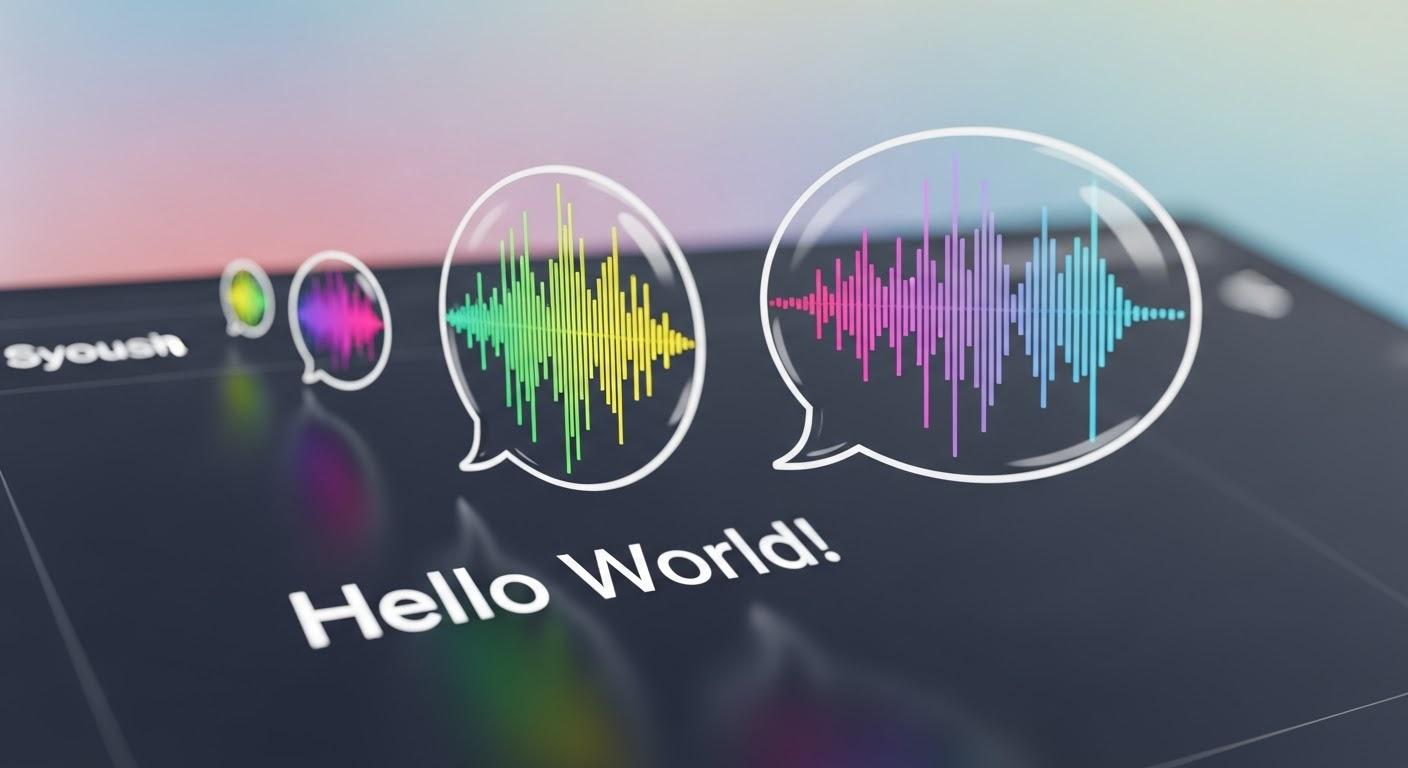
Bring your content to life with PixelDojo's AI voice generator. Effortlessly convert text into natural-sounding speech, enhancing engagement and accessibility across various platforms. Whether you're creating videos, podcasts, or e-learning materials, our AI-driven tools provide high-quality voiceovers tailored to your needs.
Join thousands of creators who trust PixelDojo for their AI voice generation needs. With over 40 cutting-edge AI tools and a vibrant community, we're committed to helping you achieve your creative goals.
Why Choose Pixel Dojo for AI voice generator text to speech
Professional-quality results with cutting-edge AI technology
Effortless Content Creation
Generate professional voiceovers without the need for expensive recording equipment or voice actors.
Multilingual Support
Reach a global audience with support for multiple languages and accents.
Customizable Voices
Tailor voice characteristics such as pitch, speed, and tone to match your brand's identity.
How It Works
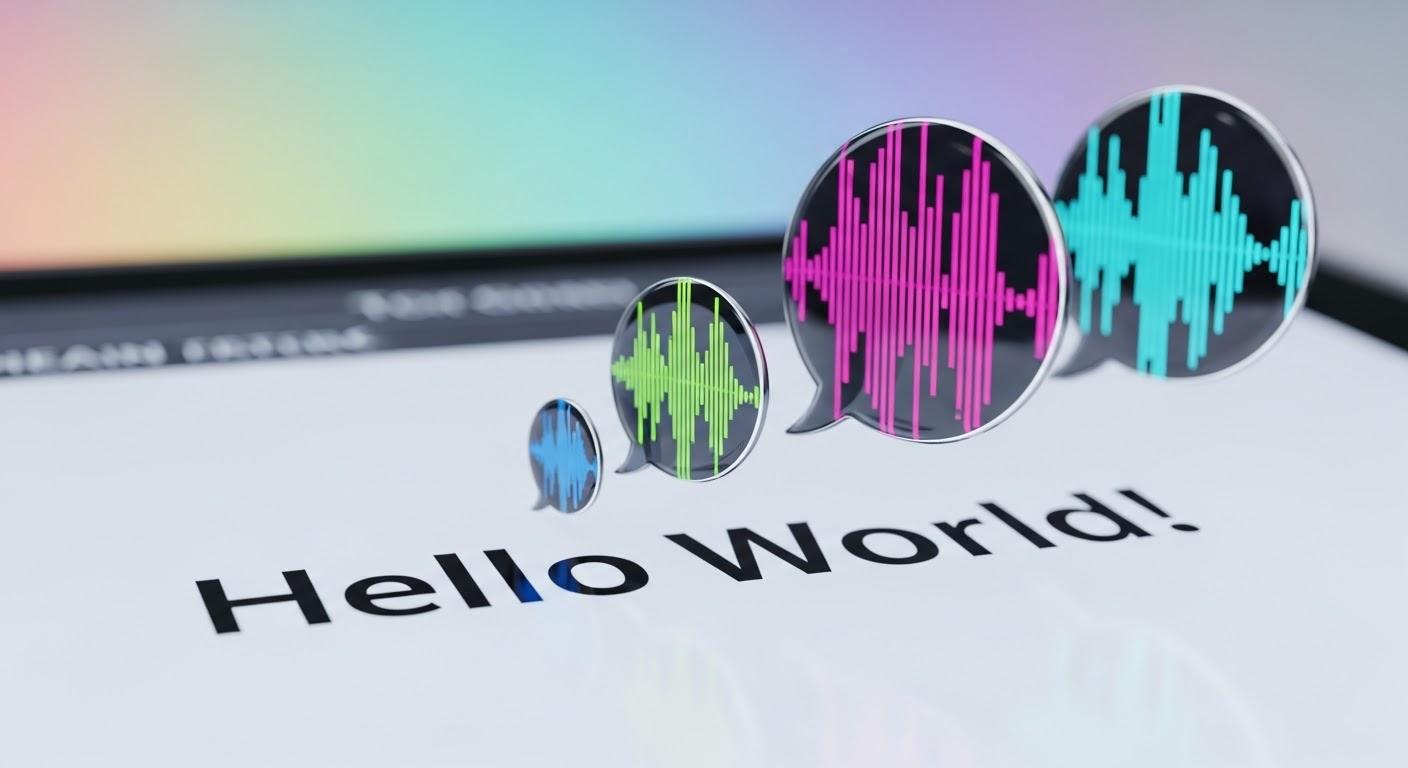
Creating natural-sounding voiceovers with PixelDojo is simple and intuitive. Follow these steps to transform your text into speech:
Step 1: Select Your Text
Choose the text you want to convert into speech. This could be a script for a video, an article, or any written content.
Step 2: Choose Voice Settings
Customize the voice by selecting the language, accent, and adjusting parameters like pitch and speed to suit your preferences.
Step 3: Generate and Download
Click 'Generate' to create the voiceover. Once processed, download the audio file for use in your projects.














The Pixel Dojo Advantage
Why PixelDojo outperforms other options for AI voice generation:
| Others | Pixel Dojo |
|---|---|
| Traditional Voice Recording | Eliminate the need for costly studio sessions and voice actors, saving time and money. |
| Generic AI Tools | Enjoy advanced customization options and superior voice quality tailored to your specific needs. |
| Manual Editing | Automate the voiceover process with precise control over voice attributes, reducing manual effort. |
Loved by Creators
See what our community says about AI voice generator text to speech
"PixelDojo's AI voice generator has revolutionized our content creation process. The natural-sounding voices and ease of use are unparalleled."
Alex Johnson
Content Creator
"As an educator, the multilingual support has allowed me to reach a broader audience. PixelDojo's tools are a game-changer."
Maria Lopez
E-Learning Developer
Common Questions
Everything you need to know about AI voice generator text to speech AI generation
How does PixelDojo's AI voice generator create natural-sounding speech?
Our AI voice generator utilizes advanced algorithms to analyze text context, adjusting intonation and pacing to produce lifelike speech. This ensures the generated voiceovers sound natural and engaging.
Can I customize the voice to match my brand's identity?
Absolutely. You can adjust various parameters such as pitch, speed, and tone to create a voice that aligns perfectly with your brand's identity and project requirements.
Does PixelDojo support multiple languages and accents?
Yes, our AI voice generator offers support for multiple languages and accents, enabling you to create content that resonates with a global audience.
Is there a limit to the length of text I can convert to speech?
PixelDojo accommodates various project sizes. While there may be practical limits based on processing capabilities, our platform is designed to handle both short and lengthy texts efficiently.
Can I use the generated voiceovers for commercial purposes?
Yes, the voiceovers generated with PixelDojo can be used for commercial purposes. We provide the necessary rights for you to incorporate them into your projects.
How quickly can I generate a voiceover with PixelDojo?
The process is swift. Once you've input your text and selected your settings, the AI generates the voiceover in a matter of minutes, allowing you to download and use it promptly.