AI video motion brush tutorial AI Generator

Imagine turning your static images into captivating, animated videos with just a few clicks. With PixelDojo's AI video motion brush tutorial, you can effortlessly animate specific parts of your images, bringing stories to life and engaging your audience like never before. Whether you're a content creator, marketer, or hobbyist, achieve professional-quality animations that save you hours of manual editing and elevate your projects to viral status. Discover how PixelDojo empowers you to create dynamic videos that stand out, all without needing advanced skills or expensive software.

AI Generated
Get Started TodayResults in seconds50+ AI models

Join over 50,000 creators who've generated millions of AI videos with PixelDojo. Rated 4.9/5 on Trustpilot from 2,500+ reviews. Featured in top tech blogs for revolutionary AI animation tools.

Why Choose Pixel Dojo for AI video motion brush tutorial

Professional-quality results with cutting-edge AI technology

Bring Ideas to Life Instantly

Animate any part of your image with precision, creating mesmerizing videos that captivate viewers and boost engagement on social media or websites.

Save Time on Complex Edits

Skip tedious manual animation processes and produce high-quality motion effects in seconds, freeing you to focus on creativity and storytelling.

Achieve Professional Results Effortlessly

Generate polished, customizable animations that rival studio productions, helping you stand out in competitive markets without hiring experts.

How It Works

Creating AI video motion brush effects is simple with PixelDojo. Start with a static image and use our intuitive tools to add targeted motion, transforming it into a dynamic video.

1

Step 1: Choose Your Tool

Log into PixelDojo and select from our advanced video generation tools like Runway Gen-4 Video or WAN 2.2 Animate. Upload your base image and activate the motion brush feature to begin defining areas for animation.

2

Step 2: Enter Your Prompt

Describe the motion you want, such as 'make the leaves rustle in the wind' or 'animate the character's walk.' Use our prompt enhancer for optimal results, and brush over specific image sections to apply the effects precisely.

3

Step 3: Customize & Download

Preview the animation, adjust speed, direction, or intensity using tools like Video Upscaler or Lip Sync for refinements. Once perfect, download your high-res video ready for sharing or further editing.
Community AI video motion brush tutorial Gallery

Real examples created by our community

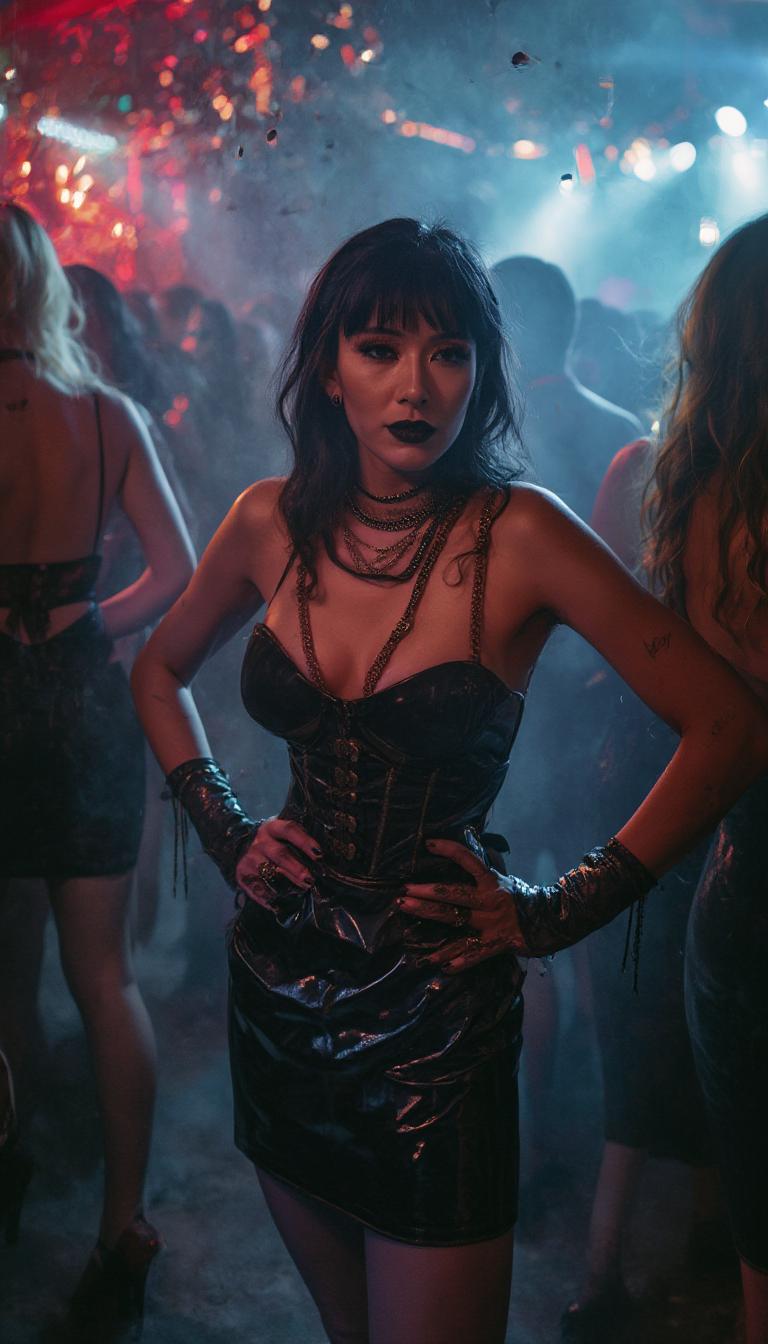
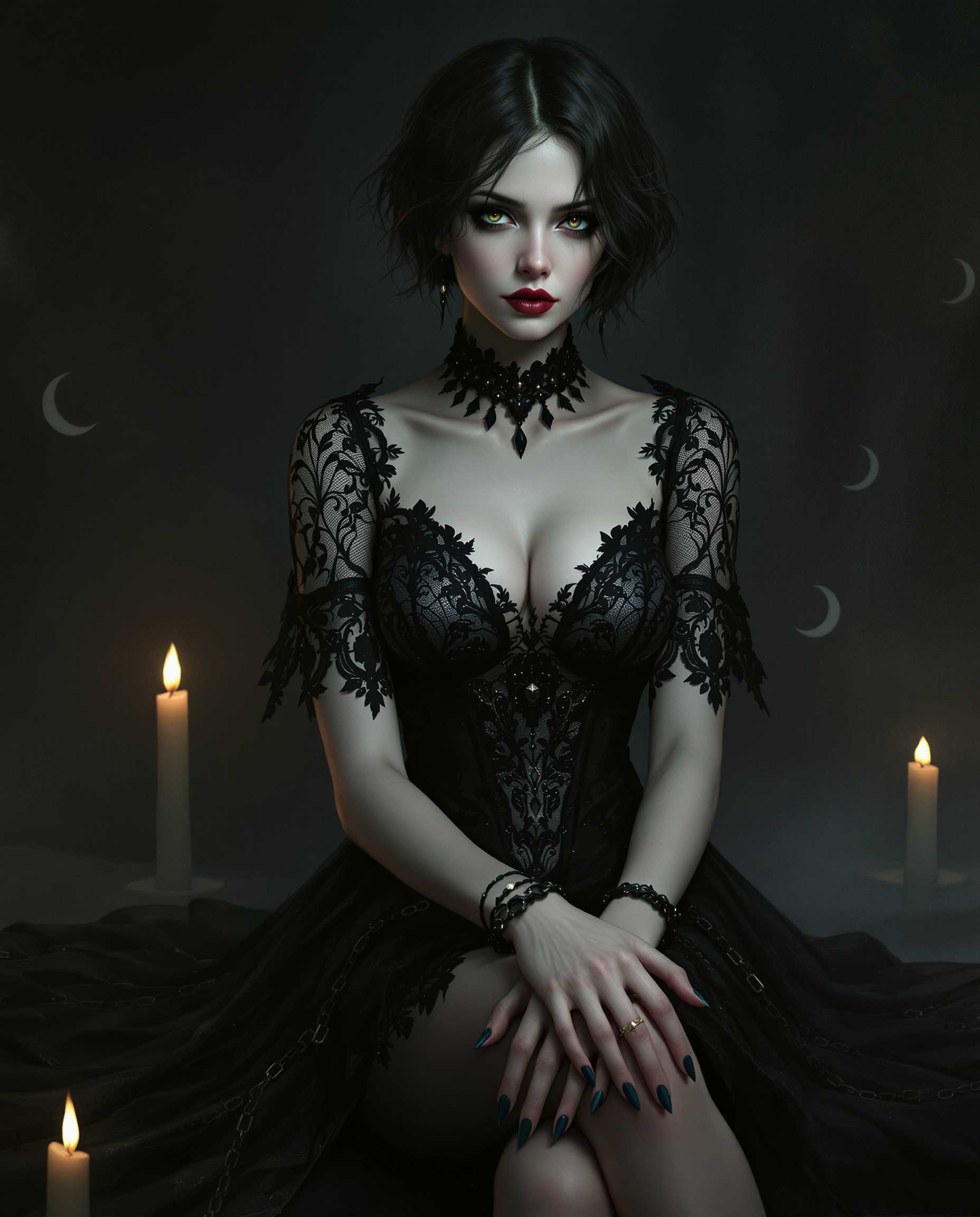
masterpiece, best quality, highres, sharp image, more detail, This image is a realistic photo (photograph) of a female real person digital illustration that captures a figure in a gothic style, characterized by its dark and moody atmosphere. The art style is reminiscent of fantasy or science fiction genres, with a focus on detailed textures and a cinematic quality.The medium appears to be a digital painting, given the smooth blending of colors and the lack of brush strokes. The lighting and shadows are expertly rendered, creating a threedimensional effect on the figures clothing and the surrounding environment.The colors in the image are predominantly dark and muted, with a few highlights that add contrast and depth. The figure is dressed in a black, laceadorned dress with a fitted bodice and a flared skirt. The dress features intricate patterns and embellishments that catch the light, giving it a subtle shimmer. The figures skin is a pale, almost translucent white, which stands out against the dark clothing.The figures hair is short and dark, with a few strands falling over the shoulders. It has a natural, wavy texture that adds realism to the image.The objects in the image include the figures dress, which is detailed with lace and beadwork. The figures wrists are adorned with bracelets and rings, adding to the gothic aesthetic. The figure is seated, with one leg crossed over the other, and there are chains visible around the ankles, which contribute to the overall gothic feel of the image.In the background, there are faint crescent moons and a smattering of candlelight, which further enhance the mystical and moody atmosphere of the scene. The overall composition of the image is balanced, with the figure taking center stage against a dark, atmospheric backdrop.
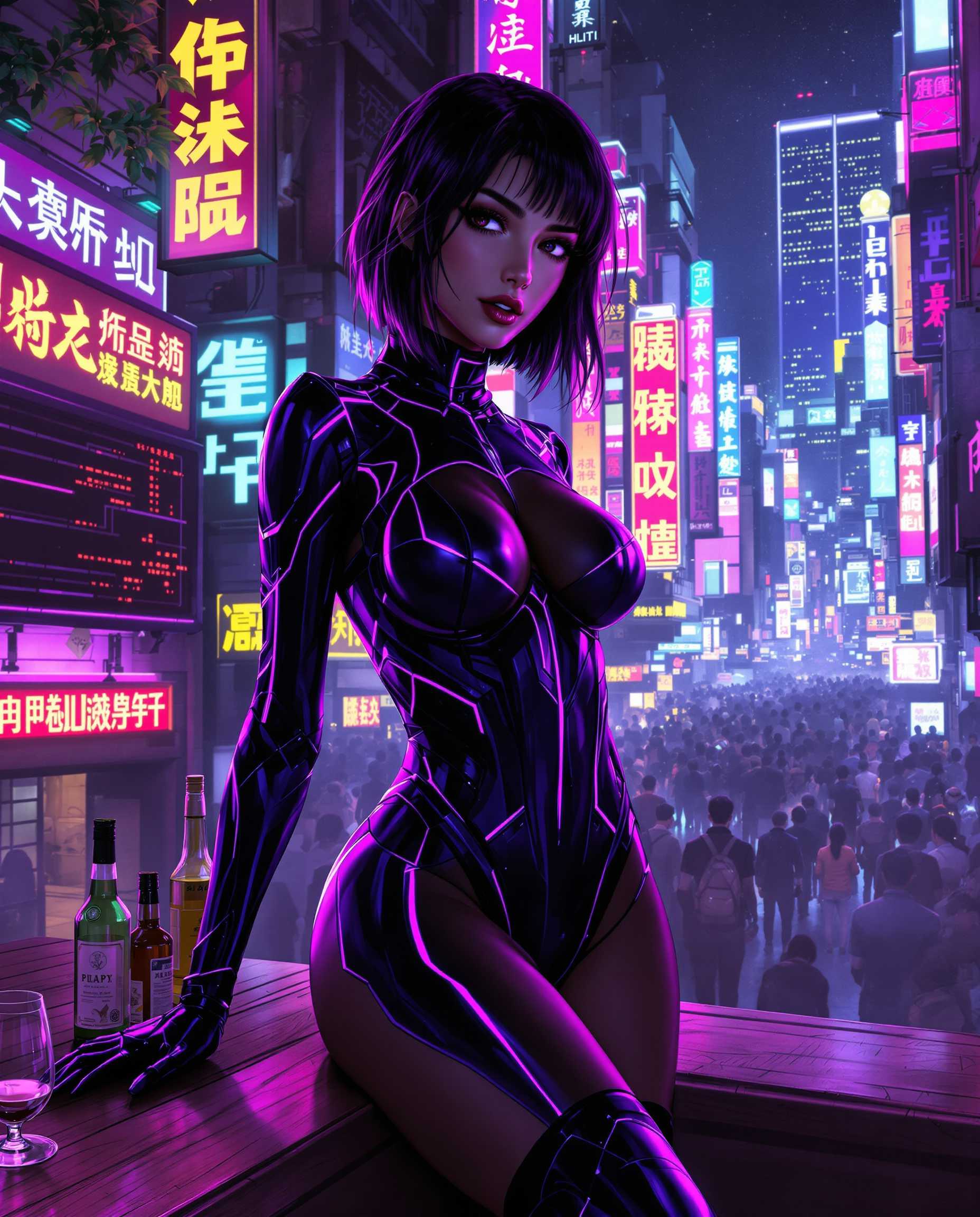
masterpiece, best quality, highres, sharp image, more detail, This image is a realistic photo (photograph) of a female real person digital artwork that captures a cyberpunk aesthetic, characterized by its futuristic, neonlit urban backdrop and the sleek, hightech attire of the central figure. The art style is realistic, with a focus on detailed line work and shading that gives the characters and objects a threedimensional appearance. The medium appears to be digital painting, as evidenced by the smooth gradients and seamless blending of colors. The image is rich in color, with a predominance of purples, blues, and neon pinks, which create a moody and atmospheric effect. The lighting in the scene is dynamic, with highlights and shadows that give depth to the characters and the cityscape.The central figure is a woman dressed in a tight, formfitting bodysuit with a high neckline and thighhigh boots. The bodysuit is primarily black with purple and blue accents, and it has a glossy finish that reflects the neon lights in the background. The suit has a futuristic design with angular lines and what appears to be holographic elements. The womans hair is dark and styled in a way that frames her face and falls over her shoulders.In the foreground, there is a bar counter with bottles of alcohol, a halffilled glass, and a cigarette, suggesting a setting that is perhaps a bar or a club. The counter is made of wood, and the grain pattern is visible, providing a contrast to the sleek, hightech elements of the womans outfit.The background is a bustling cityscape filled with neon signs, towering skyscrapers, and a crowd of people. The signs are in a mix of Chinese and English characters, indicating a multicultural or international setting. The city is alive with energy, and the neon lights cast a glow on the buildings and the figures in the crowd, creating a sense of vibrancy and motion.Overall, the image is a compelling blend of futuristic technology and urban nightlife, with a strong emphasis on the interplay between light, color, and form.
{
  "SHOT COMPOSITION": "Capture a medium shot of the woman standing confidently in the center of the frame, using a 50mm lens on a Sony A7S III camera with a shallow depth of field to blur the surrounding crowd slightly while keeping her sharply in focus, emphasizing her striking presence amid the bustling nightclub energy.",
  "SUBJECT & WARDROBE": "A beautiful mid-40s woman with goth pale skin, dark bold makeup, and shiny black lipstick poses with shiny black hair cascading over one shoulder while the opposite side is shaved down to fuzz; she wears a knee-length shiny black latex pencil skirt, a tight shiny black latex corset that accentuates her 50EE breasts, shiny black stiletto heels with crimson soles, elegant gold and ruby jewelry, shiny black latex fingerless gloves, and fingernails painted shiny black, her expression exuding mysterious allure as she stands poised with hands on hips.",
  "SCENE SETTING": "The scene unfolds in the heart of a dimly lit nightclub during late-night hours, with vibrant neon lights casting colorful glows and shadows across the space, surrounded by a crowd of similarly dressed partygoers in shiny black latex attire dancing and mingling, creating a dramatic and energetic atmosphere filled with pulsing music and hazy smoke.",
  "VISUAL STYLE": "Render in a cinematic film style with a dark, moody aesthetic, incorporating subtle film grain for texture and cool-toned color grading to enhance the goth vibe, evoking a high-fashion editorial look with glossy highlights on the latex surfaces and jewel sparkles."
}
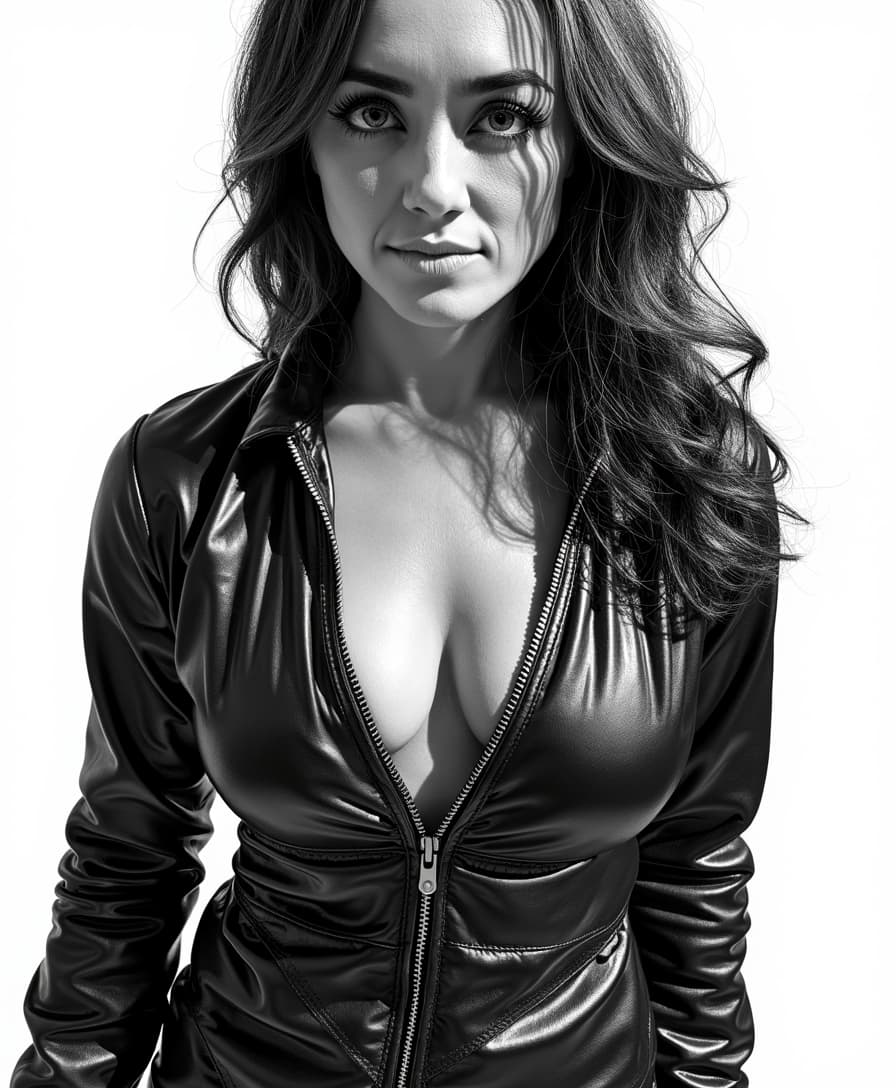
An illustration in the style of BWcomix featuring TOKALEMAP wearing a shiny black leather jumpsuit, unzipped to reveal cleavage. She has a sultry, alluring look. The scene is rendered in high contrast dramatic lighting, with sharp shadows and bright highlights to enhance the texture and sheen of the leather. The artwork is characterized by comic inked lines and strokes, emphasizing contours and details. An intimate, close-up composition with a slightly low camera angle captures her confident and seductive pose. The background is minimalistic to keep the focus on Salma, creating a striking and enticing atmosphere. No signature. Empty white background
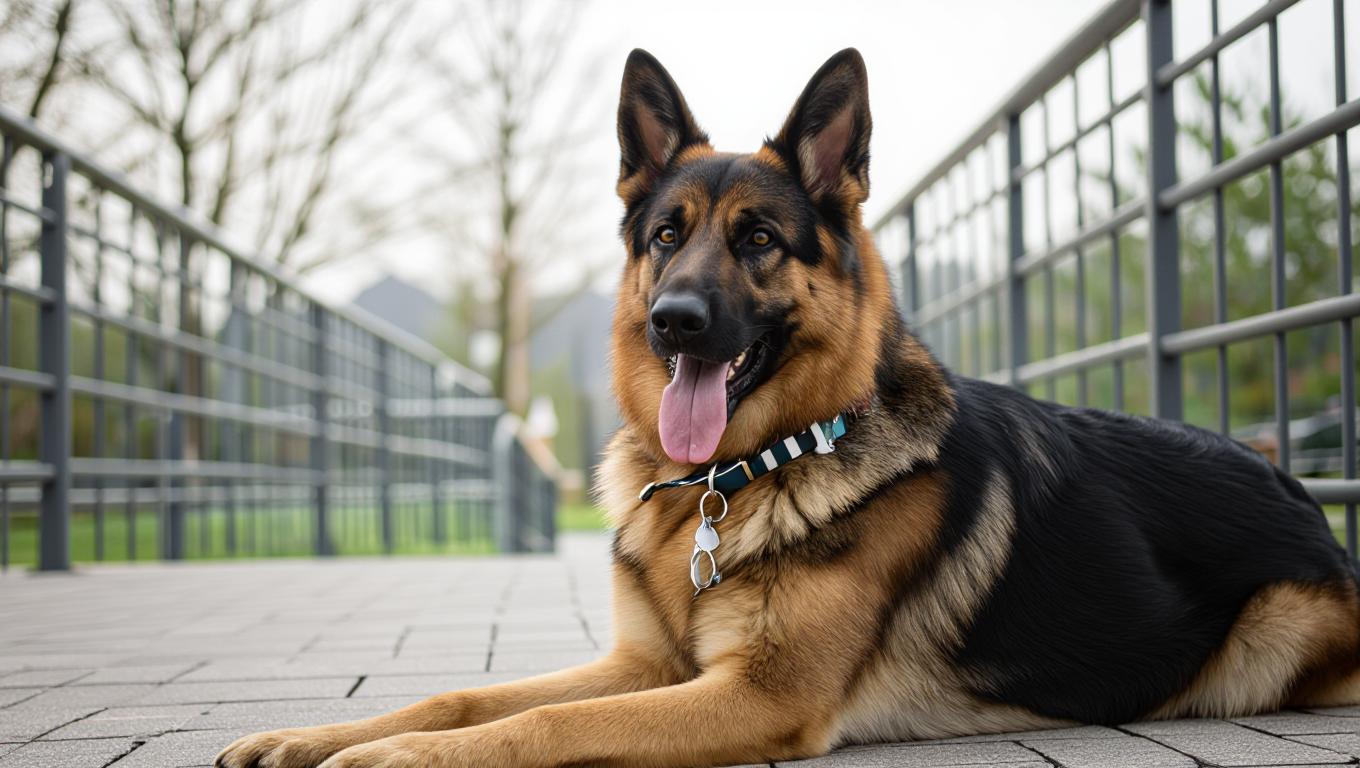
a german shepherd
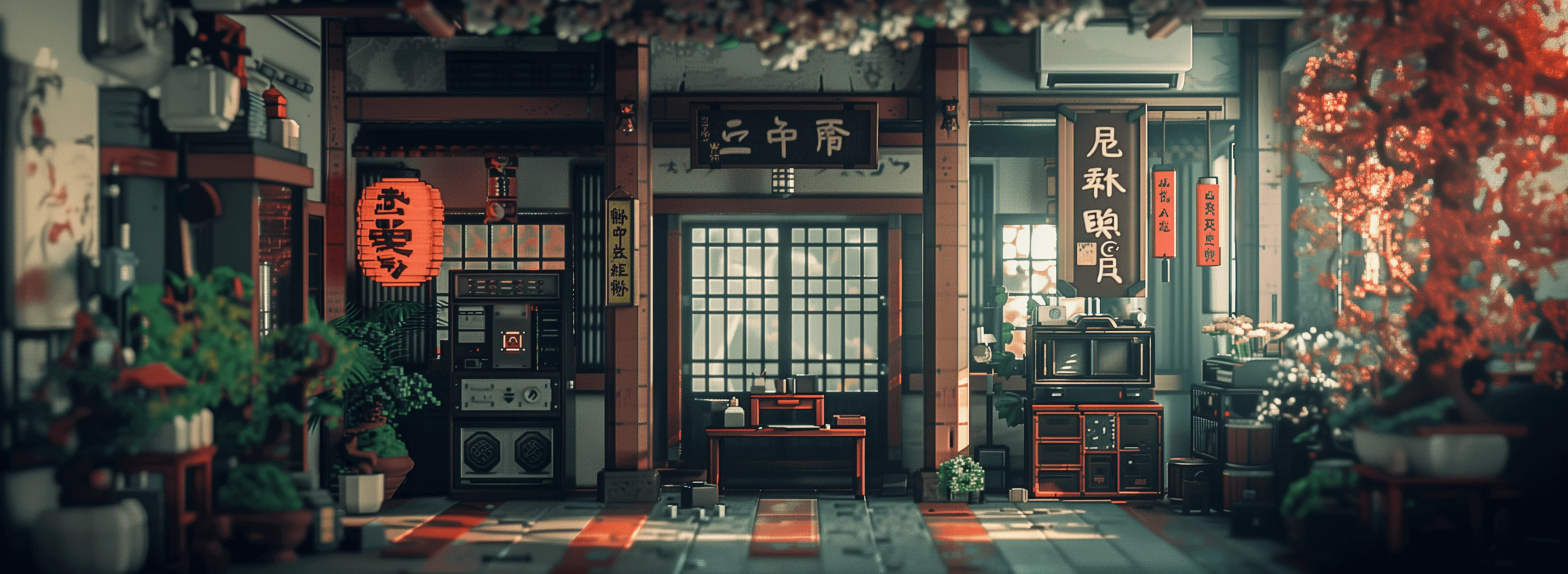
show me character from a random angle with a random background and random lighting. ultra sharp, high resolution, 4k photos

Start Creating AI Video Motion Brush Animations Today

40+ cutting edge AI tools, loved by thousands of creators worldwide, cancel anytime, try it today

The Pixel Dojo Advantage

Why PixelDojo outperforms other options for AI video motion brush tutorials and creation

OthersPixel Dojo
Traditional animation softwareEliminate the need for frame-by-frame drawing; generate complex motions automatically in minutes instead of hours.
Generic AI toolsOffer precise brush control and integration with 40+ specialized models for superior customization and quality.
Manual photo editingAutomate motion addition without Photoshop skills, producing seamless videos that look professionally edited.

Loved by Creators

See what our community says about AI video motion brush tutorial

"PixelDojo's AI video motion brush turned my static designs into engaging ads overnight. It's a game-changer for my marketing!"

Sarah Chen

Digital Marketer

"As a beginner, this tutorial made animating videos so easy. I created my first motion brush video in under 10 minutes – incredible results!"

Mike Rodriguez

Content Creator

Common Questions

Everything you need to know about AI video motion brush tutorial AI generation

What is an AI video motion brush tutorial and how does it work?

An AI video motion brush tutorial guides you on using tools to selectively animate parts of an image. With PixelDojo, leverage Runway Gen-4 Video and WAN 2.2 Animate to brush motion onto elements like waving flags or dancing figures, creating videos that enhance storytelling and viewer retention effortlessly.

How to use AI motion brush for video animation beginners?

For beginners, PixelDojo simplifies the process: Start with Image to Video, input a prompt describing motion, and use the brush in tools like Pixverse or Kling v2.1. You'll achieve smooth animations without prior experience, perfect for quick social media content.

Best AI tools for motion brush video generation?

PixelDojo's suite includes top tools like VEO 3 and Hailuo 02 for motion brush effects. These allow precise control over movement, helping you create high-fidelity videos that boost engagement and professional appeal in your projects.

Can I create custom AI video motion brush effects for free?

Yes, PixelDojo offers a free tier to try AI video motion brush with tools like WAN 2.2 Video. Upgrade for unlimited access to advanced features, ensuring you can experiment and refine without upfront costs.

AI video motion brush tutorial for social media content?

PixelDojo's tutorial focuses on creating shareable content: Use Video Reframe and Lip Sync to optimize motion-brushed videos for platforms like Instagram or TikTok, driving higher views and interactions with minimal effort.

How to animate specific parts of an image with AI motion brush?

In PixelDojo, select areas with the motion brush in Runway Gen-4 Video, add prompts for effects like flowing water or moving clouds, and generate videos using OmniHuman for human-like motions, resulting in realistic, targeted animations.

Ready to create amazing AI video motion brush animations?

Ready to Create Amazing AI video motion brush tutorial Images?

Join thousands of creators using AI to bring their ideas to life