ai realism AI Generator
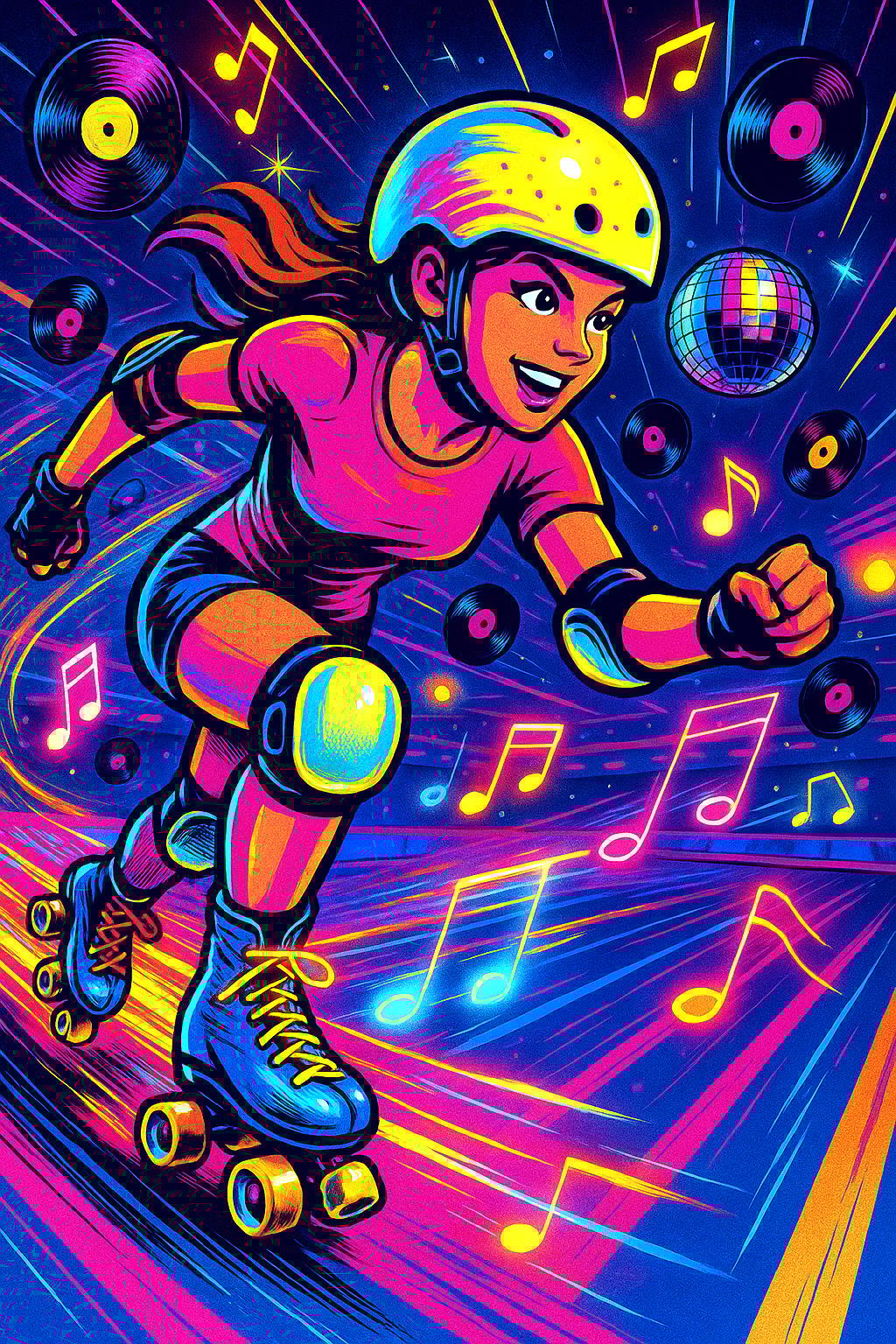
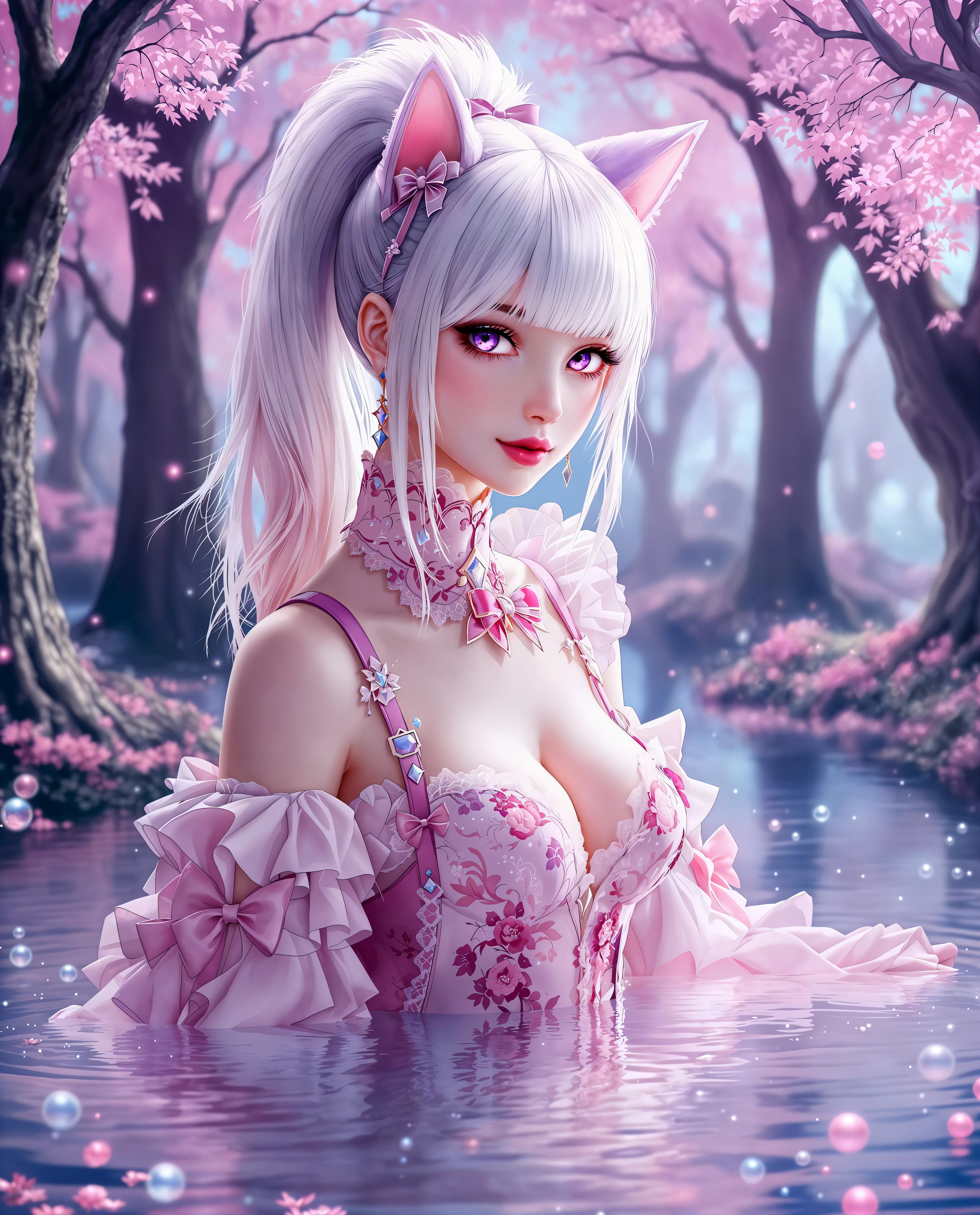
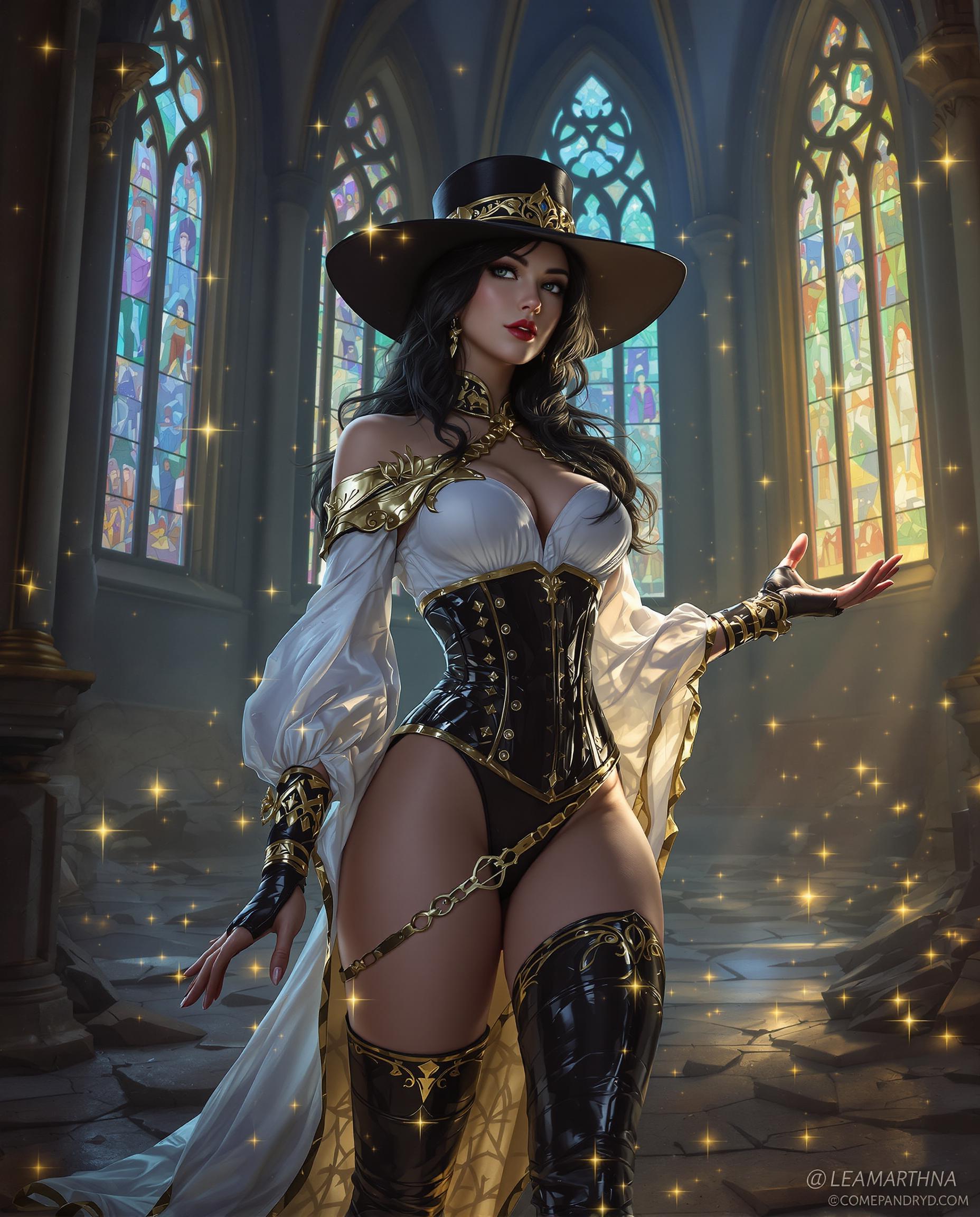
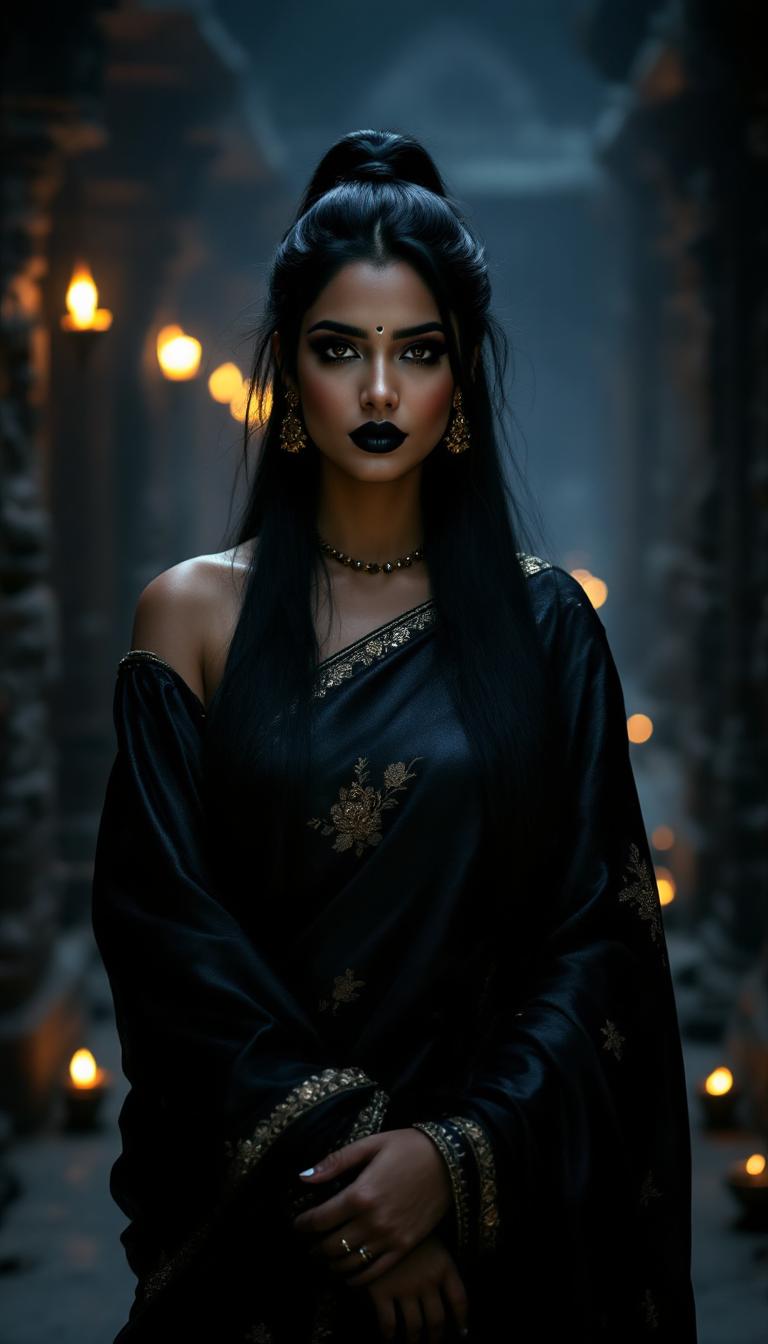
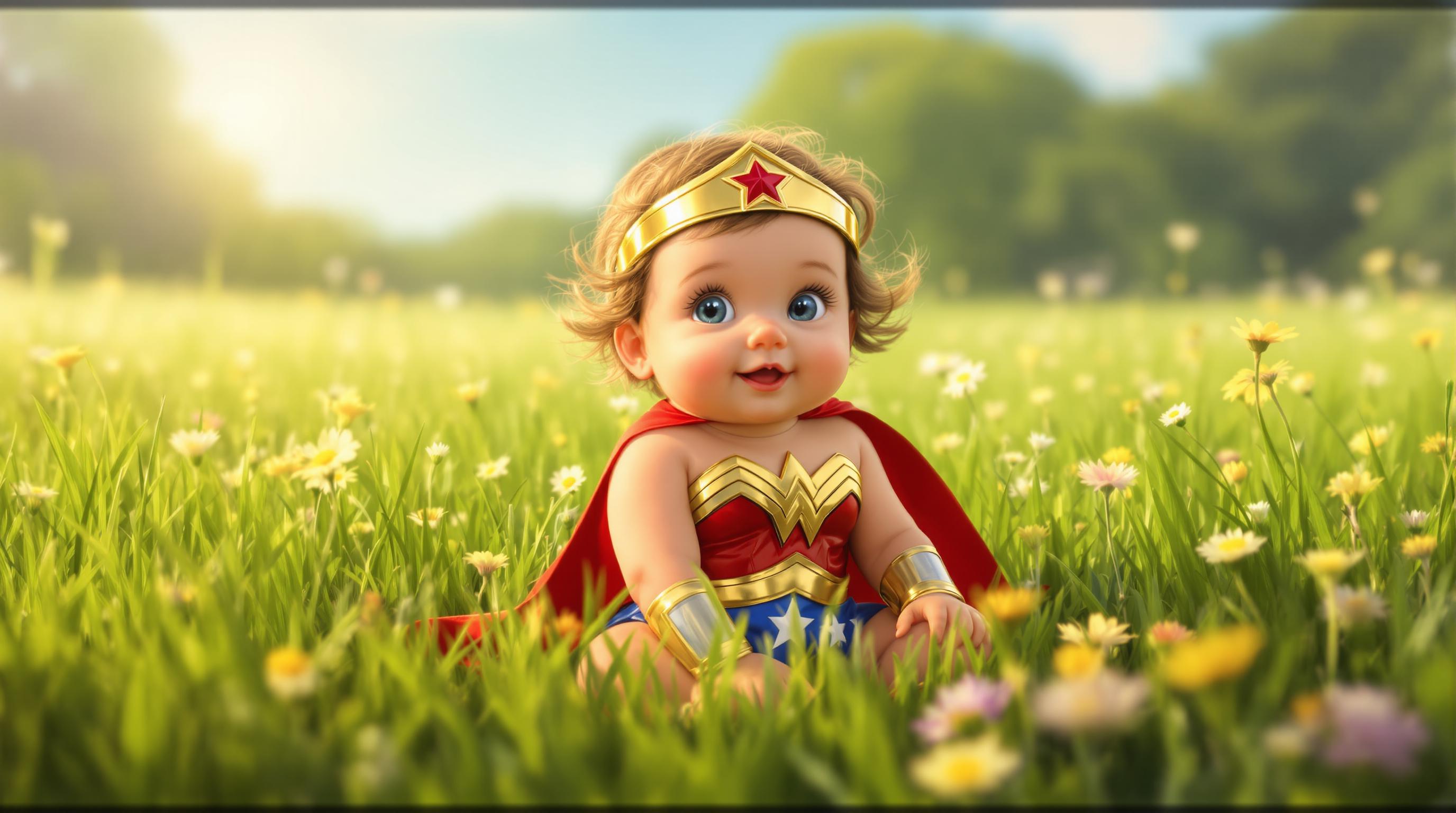
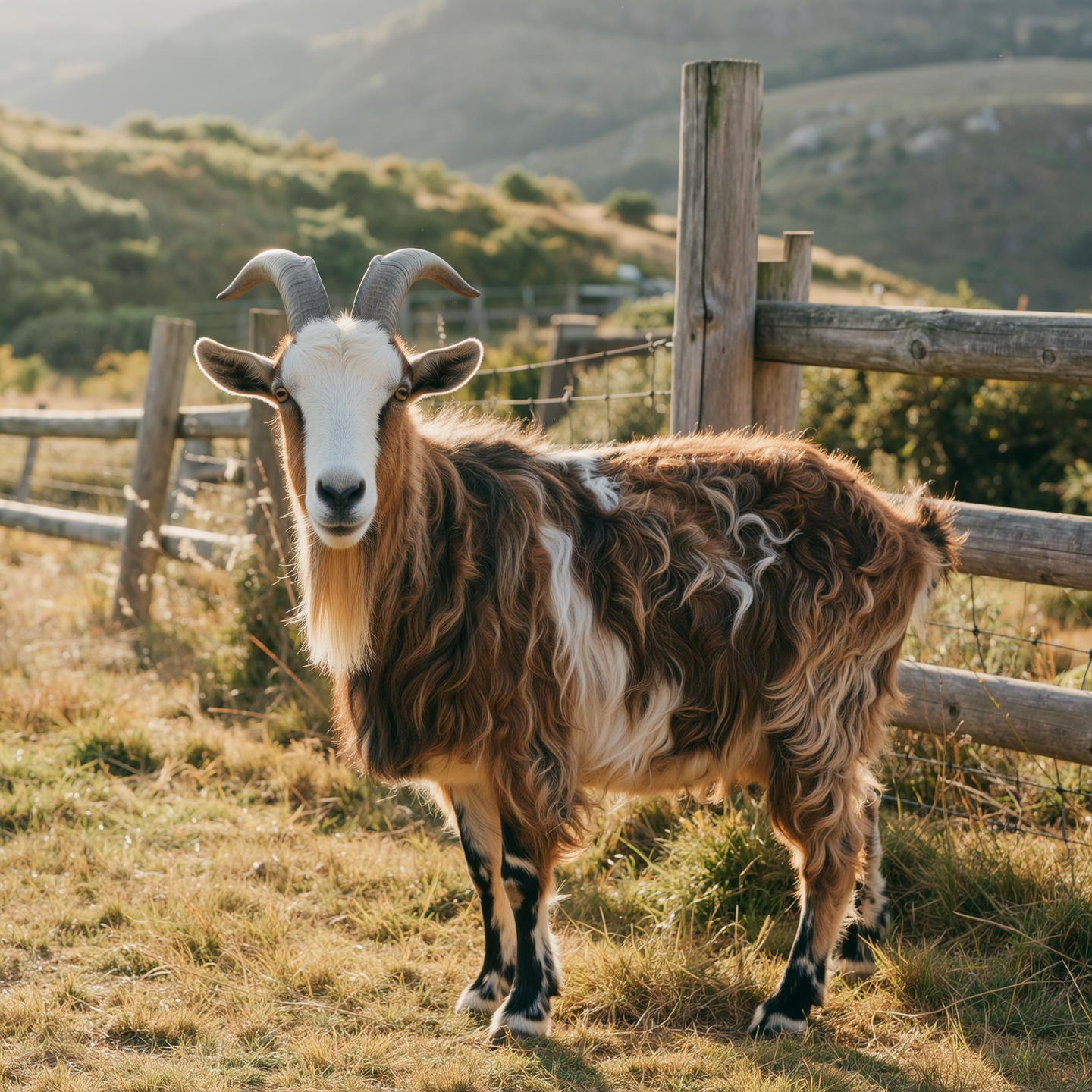
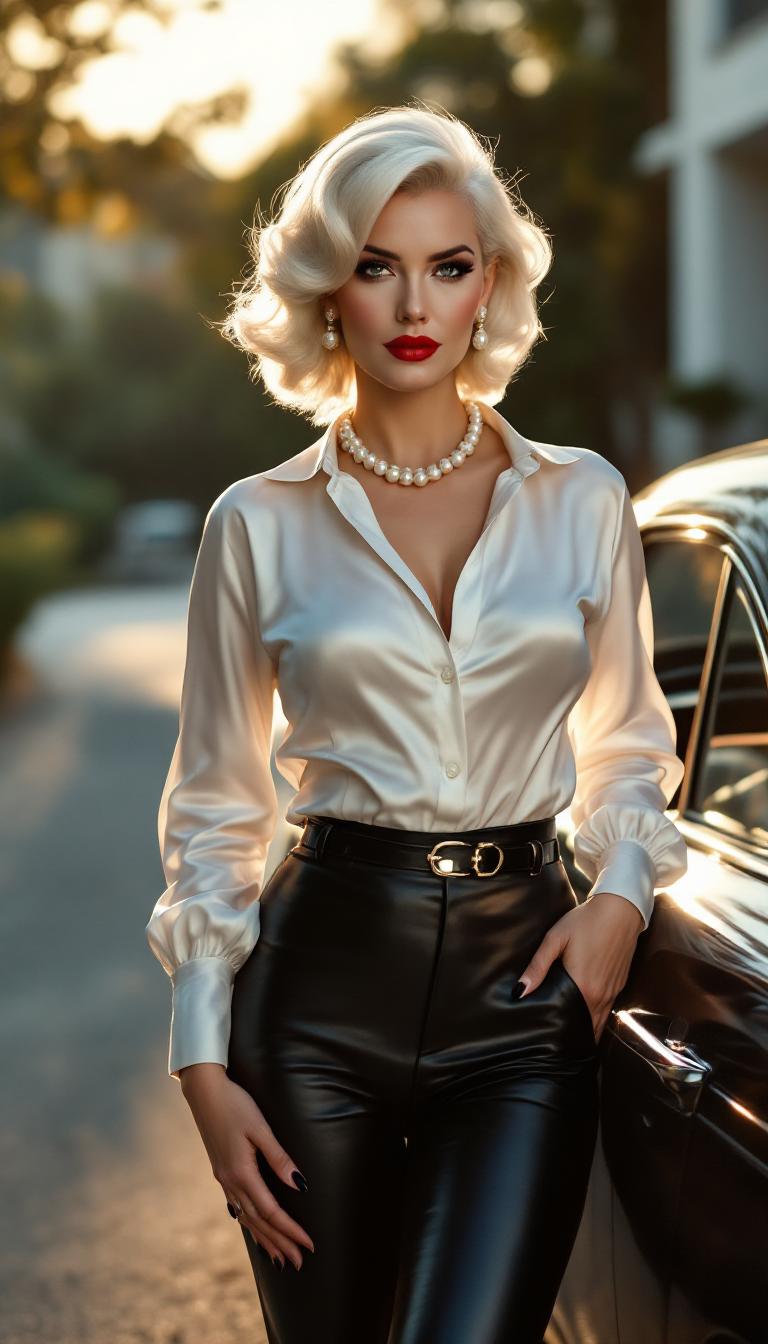
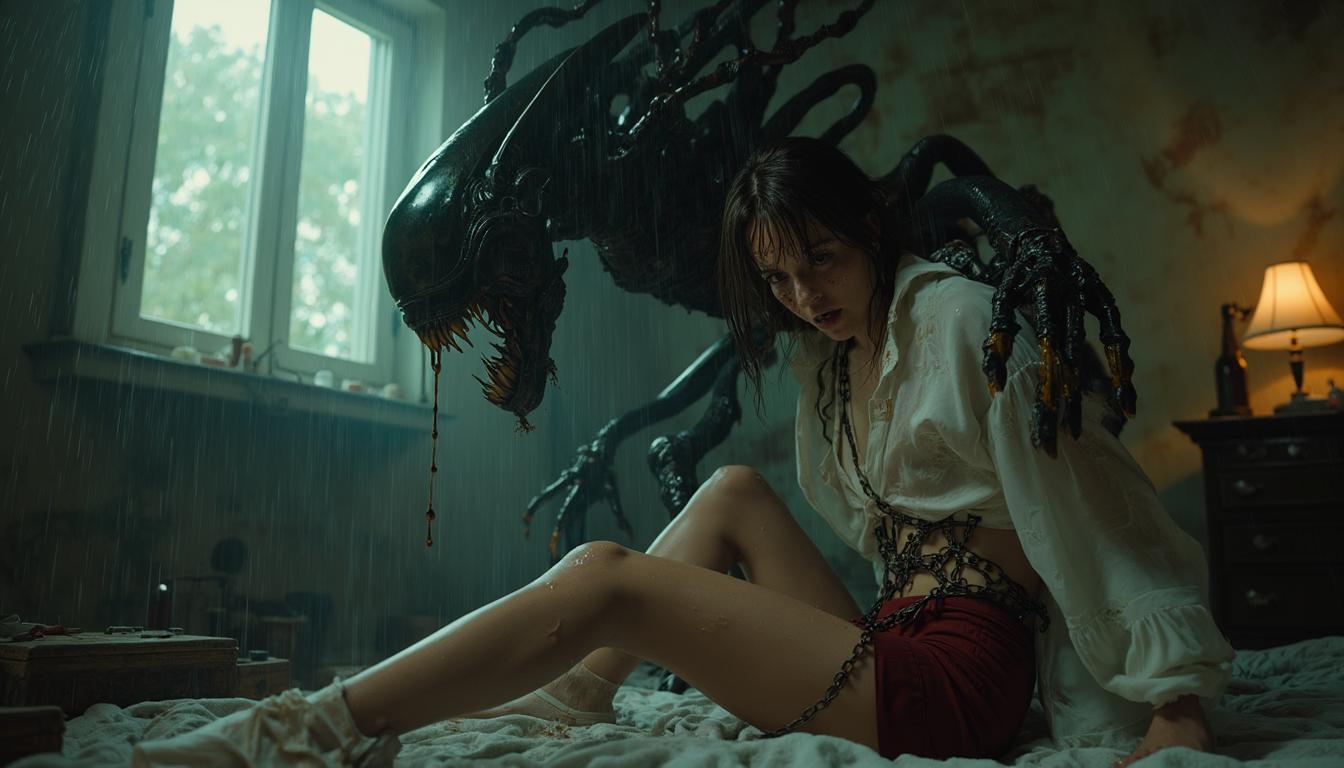
Imagine bringing your most vivid ideas to life with images so realistic they could be mistaken for actual photographs. With PixelDojo's cutting-edge AI tools, you can effortlessly generate photorealistic images that captivate and inspire. Whether you're a marketer aiming to create compelling visuals, a designer seeking realistic mockups, or an artist exploring new creative horizons, PixelDojo empowers you to achieve stunning results without the need for expensive equipment or extensive training.
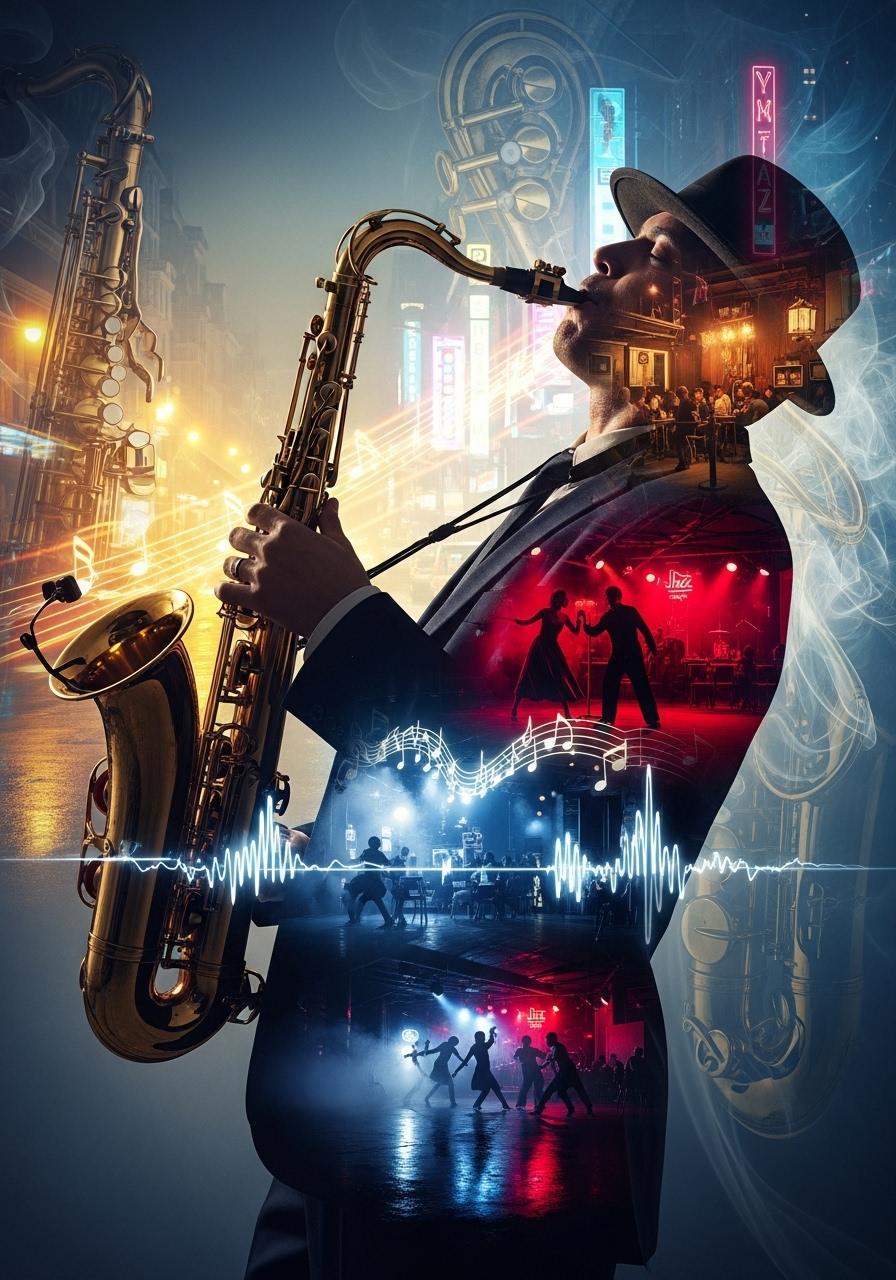
Join over 10,000 creators who have generated more than 1 million images using PixelDojo's AI tools, achieving a 98% satisfaction rate.
Why Choose Pixel Dojo for ai realism
Professional-quality results with cutting-edge AI technology
Effortless High-Quality Image Creation
Generate stunning, high-resolution images in seconds, eliminating the need for costly photoshoots or complex software.
Unleash Your Creativity
Bring your unique visions to life with AI-generated images tailored to your specific prompts and ideas.
Save Time and Resources
Streamline your workflow by producing photorealistic images quickly, allowing you to focus on other aspects of your projects.
How It Works
Creating photorealistic images with PixelDojo is a simple and intuitive process. Follow these steps to transform your ideas into stunning visuals:
Step 1: Choose Your Tool
Select from PixelDojo's suite of AI tools designed for photorealistic image generation, such as Imagen 4 or SDXL Image Creator.
Step 2: Enter Your Prompt
Input a detailed description of the image you want to create. For example, 'A serene beach at sunset with golden light reflecting off calm waves, detailed sand textures, and lush palm trees swaying gently in the breeze.'
Step 3: Customize & Download
Review the generated image, make any necessary adjustments using PixelDojo's editing features, and download the final high-resolution image.

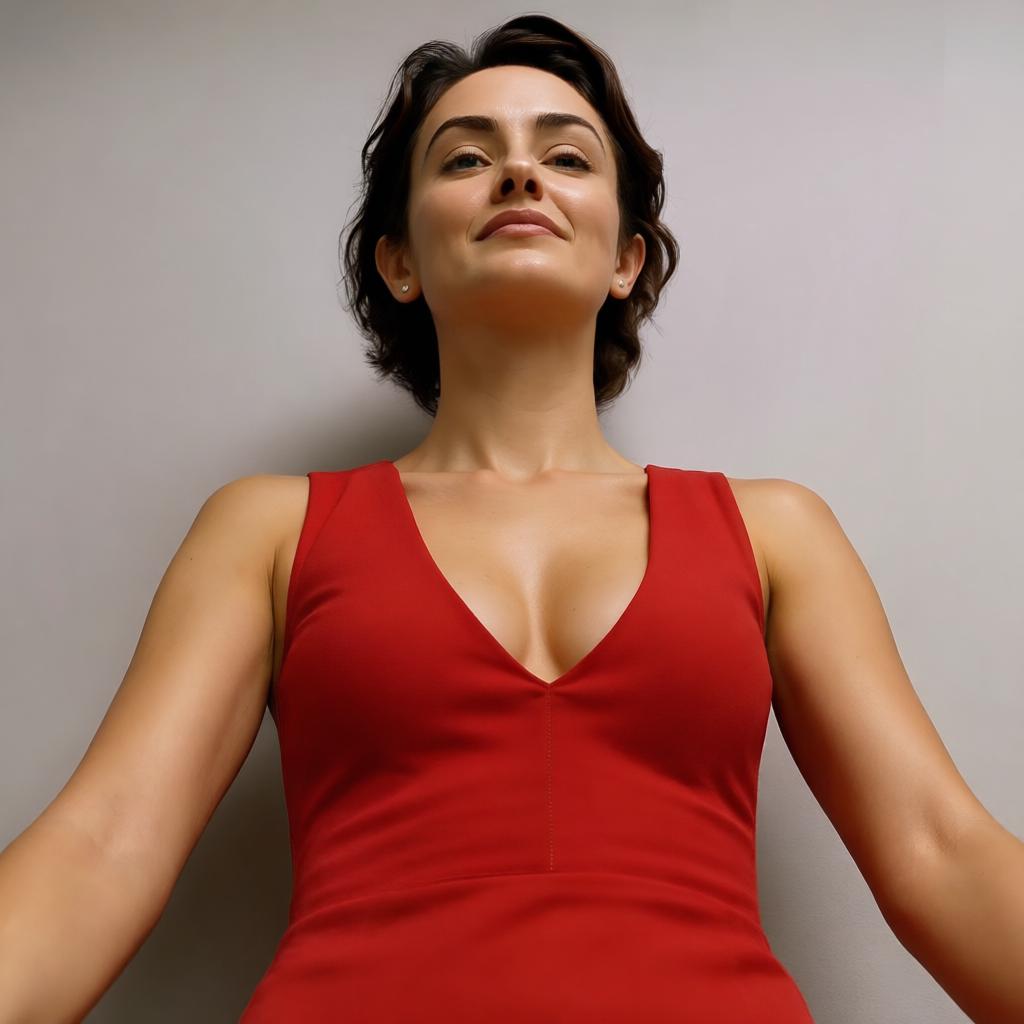
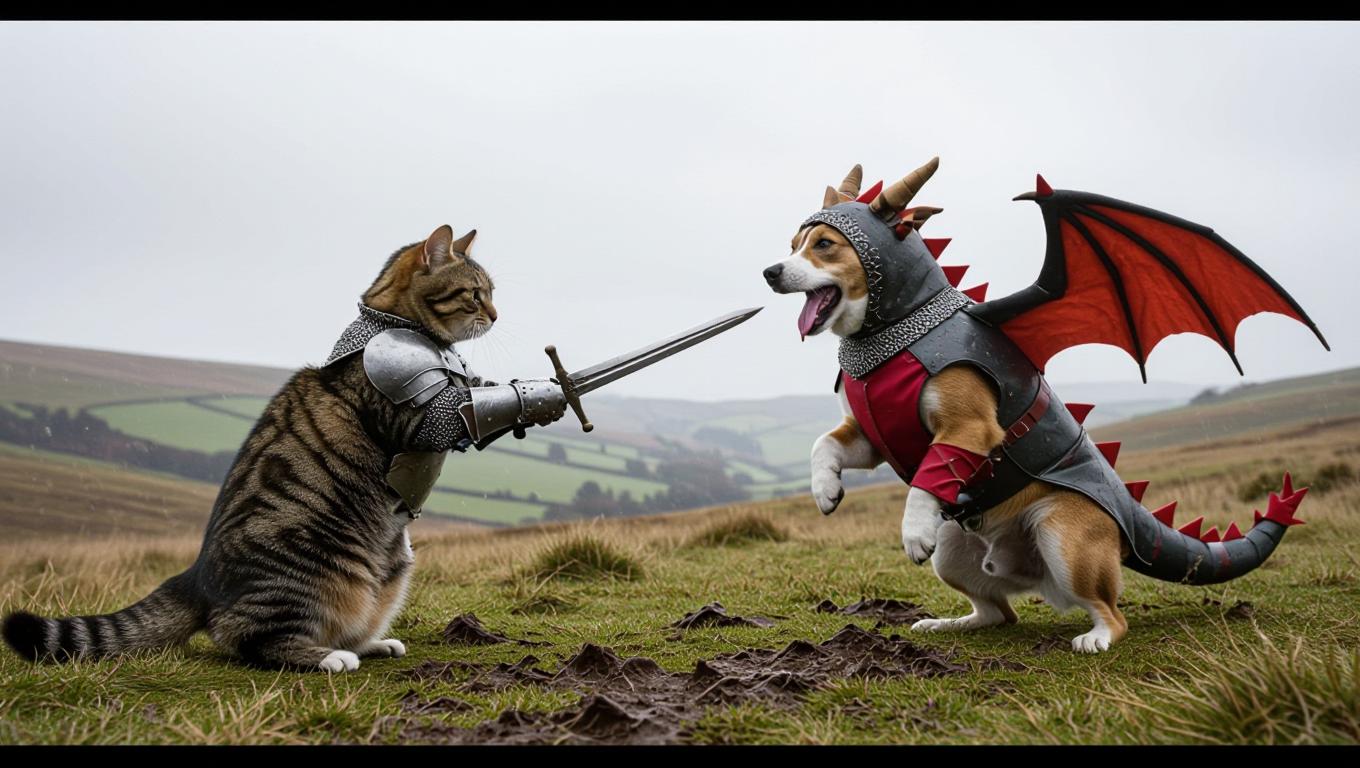
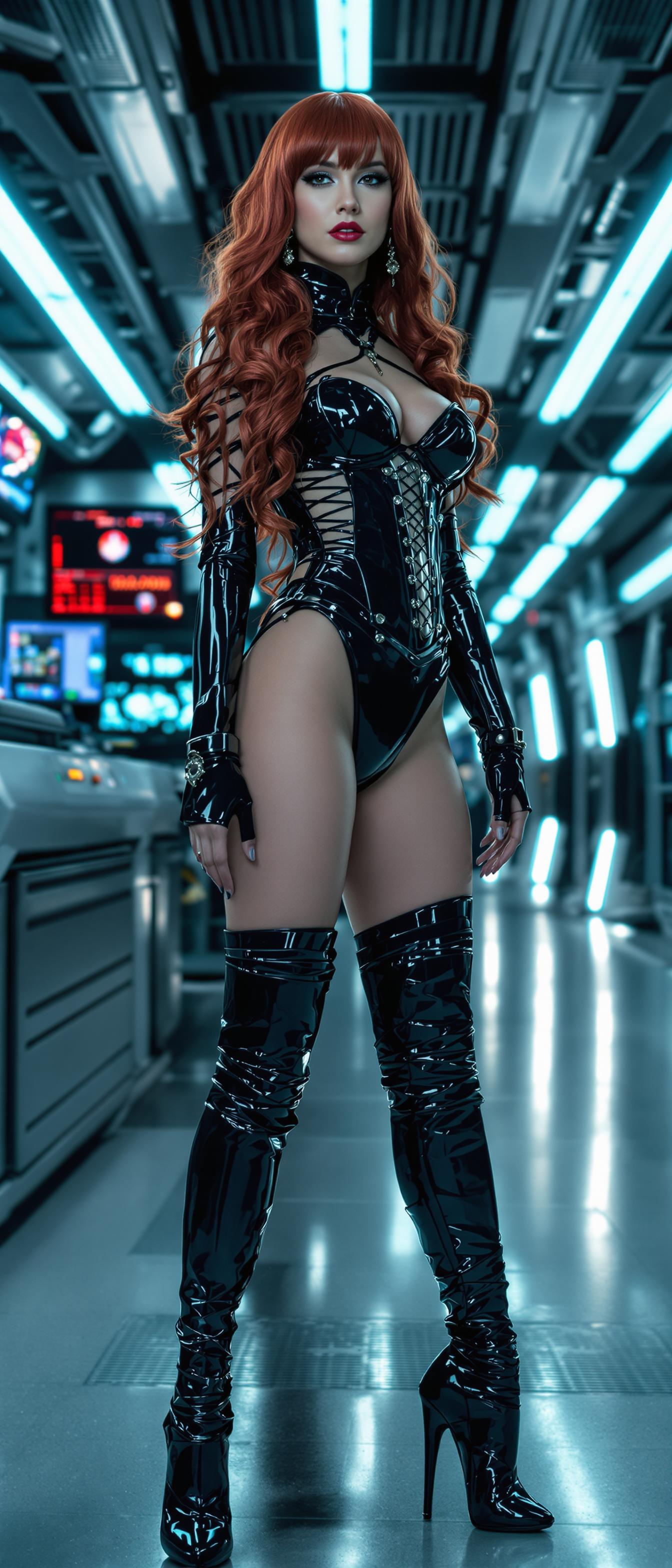


The Pixel Dojo Advantage
Why PixelDojo outperforms other options for AI realism image generation
| Others | Pixel Dojo |
|---|---|
| Traditional Photography | Eliminate the need for expensive equipment and time-consuming photoshoots by generating high-quality images instantly. |
| Generic AI Tools | Access specialized tools designed specifically for photorealistic image generation, ensuring superior results tailored to your needs. |
| Manual Photo Editing | Save hours of editing time by generating images that require minimal post-processing, thanks to advanced AI capabilities. |
Loved by Creators
See what our community says about ai realism
"PixelDojo has revolutionized the way I create visuals for my marketing campaigns. The photorealistic images are stunning and have significantly boosted engagement."
Alex Johnson
Marketing Director
"As a designer, PixelDojo's AI tools have been invaluable in creating realistic mockups for clients. The ease of use and quality of output are unparalleled."
Samantha Lee
Graphic Designer
Common Questions
Everything you need to know about ai realism AI generation
How can I create photorealistic images using PixelDojo?
Simply select a tool like Imagen 4, input a detailed description of your desired image, and let the AI generate a high-quality, photorealistic image for you.
What types of images can I generate with PixelDojo?
You can create a wide range of images, including landscapes, portraits, product mockups, and more, all with photorealistic quality.
Do I need any prior experience to use PixelDojo's AI tools?
No prior experience is necessary. PixelDojo's intuitive interface makes it easy for anyone to generate stunning images.
Can I edit the images after they are generated?
Yes, PixelDojo offers editing features that allow you to adjust and refine your images to meet your specific needs.
Is there a limit to the number of images I can create?
PixelDojo offers various subscription plans to suit different needs, including options with unlimited image generation.
How does PixelDojo ensure the quality of the generated images?
PixelDojo utilizes advanced AI models and continuously updates its tools to provide the highest quality photorealistic images.