ai photo AI Generator

Imagine bringing your creative visions to life without the need for complex design software or technical expertise. With PixelDojo's suite of AI photo generation tools, you can effortlessly transform your ideas into stunning visuals. Whether you're a marketer seeking compelling graphics, an artist exploring new mediums, or a business owner in need of eye-catching content, PixelDojo empowers you to create professional-quality photos with ease.

AI Generated
Get Started TodayResults in seconds50+ AI models

Join over 10,000 satisfied creators who have generated more than 1 million images using PixelDojo's AI tools. Rated 4.8/5 based on 2,000+ reviews.

Why Choose Pixel Dojo for ai photo

Professional-quality results with cutting-edge AI technology

Effortless Creativity

Generate high-quality photos from simple text descriptions, eliminating the need for complex design skills.

Time-Saving Solutions

Quickly produce visuals for marketing, social media, or personal projects, reducing turnaround times.

Cost-Effective Design

Access professional-grade photo creation without the expense of hiring designers or purchasing expensive software.

How It Works

Creating stunning AI-generated photos with PixelDojo is simple and intuitive. Follow these steps to bring your ideas to life:

1

Step 1: Choose Your Tool

Select from PixelDojo's suite of AI photo generation tools, such as Flux Creator or Imagen 4, to begin your creation process.

2

Step 2: Enter Your Prompt

Input a descriptive text prompt detailing the photo you envision. For example, 'a serene sunset over a mountain range.'

3

Step 3: Customize & Download

Adjust the generated photo using available customization options to fit your preferences, then download the final product.


Community ai photo Gallery

Real examples created by our community

a photo of a man flying through the air on a drone. the clouds say "PixelDojo.ai Now With Imagen 4"
a photo of a ninja in front of a japanese dojo. on the wall a sign reads PixelDojo.ai Now with Imagen 4
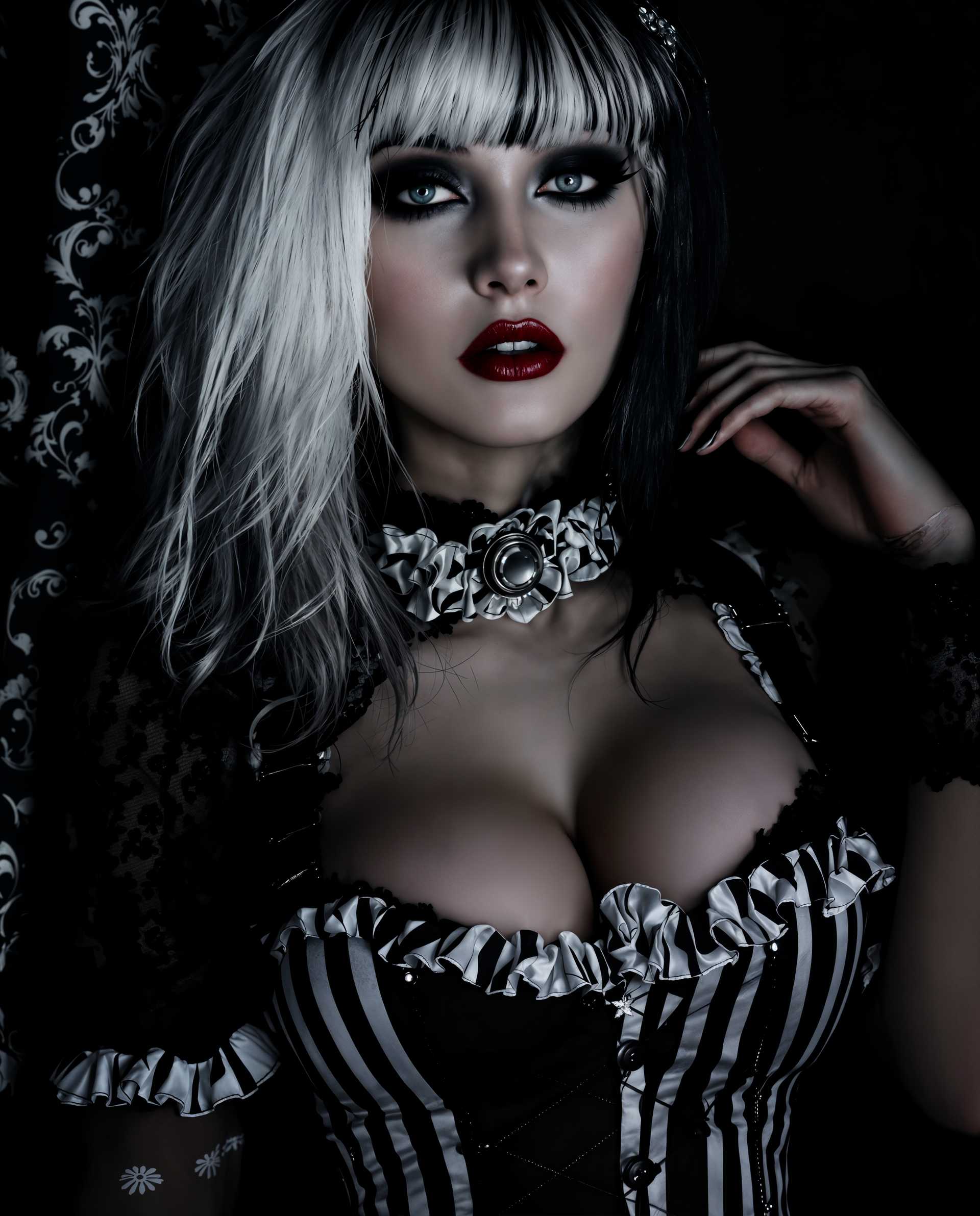
masterpiece, best quality, highres, sharp image, more detail <lora:more_details:0.5> <lora:SDXLrender_v2.0:1>, masterpiece, best quality, highres, sharp image, more detail, This image is a realistic photo (photograph) of a female real person closeup portrait of a person dressed in a gothic inspired outfit. The art style is highly stylized with a focus on dramatic lighting and shadow, creating a moody and atmospheric effect. The medium appears to be a digital rendering, given the smooth gradients and lack of texture that are characteristic of modern digital art.The colors in the image are predominantly dark and moody, with a focus on black, white, and shades of grey. The subjects hair is a blend of white and dark tones, which adds to the gothic aesthetic. The outfit is a black and white striped corset with lace detailing, ruffles, and straps, which is a common element in gothic fashion. The corset is fastened with metal eyelets and buttons, and the straps are adorned with lace cuffs.The subjects makeup is also gothic, with dark, dramatic eye makeup, red lipstick, and pale skin contrasted by dark eye shadow. The overall effect is one of a mysterious and enigmatic figure, which is fitting for the gothic theme.The background is dark and nondescript, with a hint of a pattern that could be a curtain or a piece of fabric, which helps to focus the viewers attention on the subjects outfit and makeup. The lighting is dramatic, with a strong contrast between the dark background and the subjects lighter hair and skin, which adds to the moody and atmospheric feel of the image.
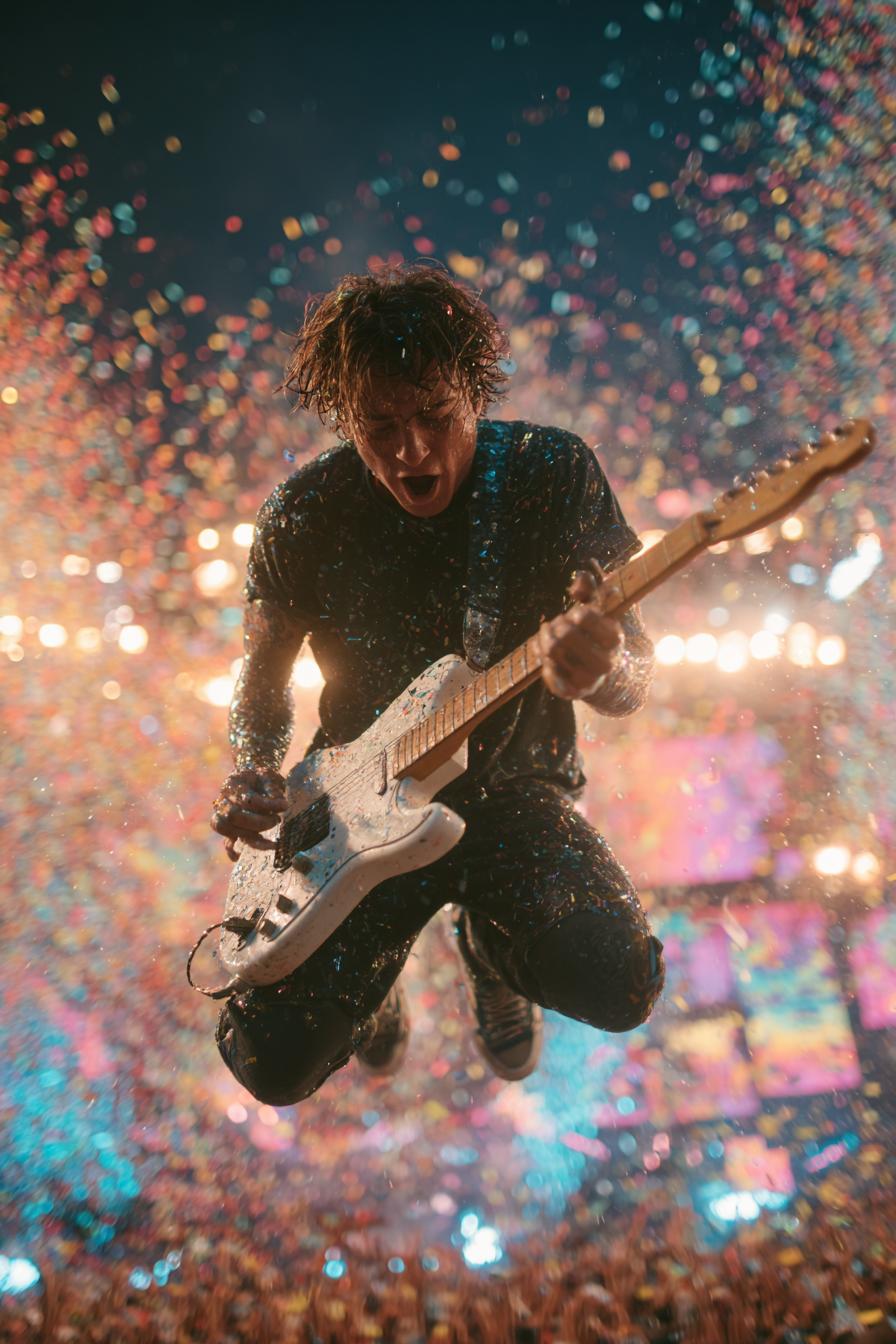
crisp stage LEDs and light beams through haze, glossy guitar lacquer with clean edges, natural hair strands, fine confetti shapes, dense crowd bokeh, smooth color gradients, preserve motion blur in background
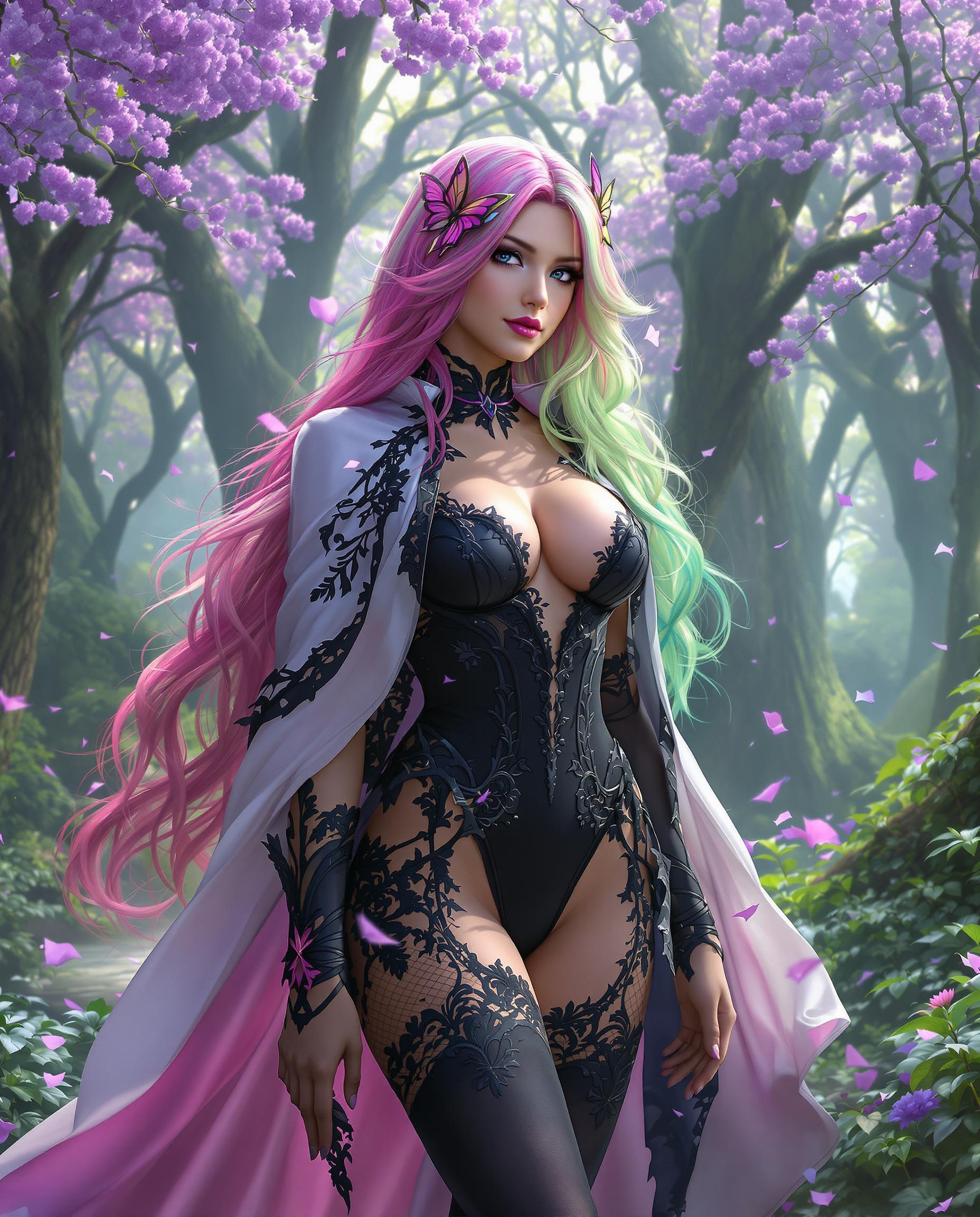
A breathtaking close-up photorealistic digital painting of a female character with a fantastical appearance, standing confidently in a lush, enchanted forest bathed in soft, ethereal morning light. Her long, flowing hair shifts from deep pink at the roots to vibrant green at the tips, accented by a delicate butterfly accessory, while her intricate costume includes a black bodice with a plunging V-neckline, a gradient white-to-pink cape with black lace trim, matching thigh-high stockings, and high-heeled boots. The magical background features towering trees with purple blooms, petals falling gently, illuminated by a diffused, mystical glow, rendered in a rich palette of purples, pinks, and greens with cinematic detail and 8K resolution.
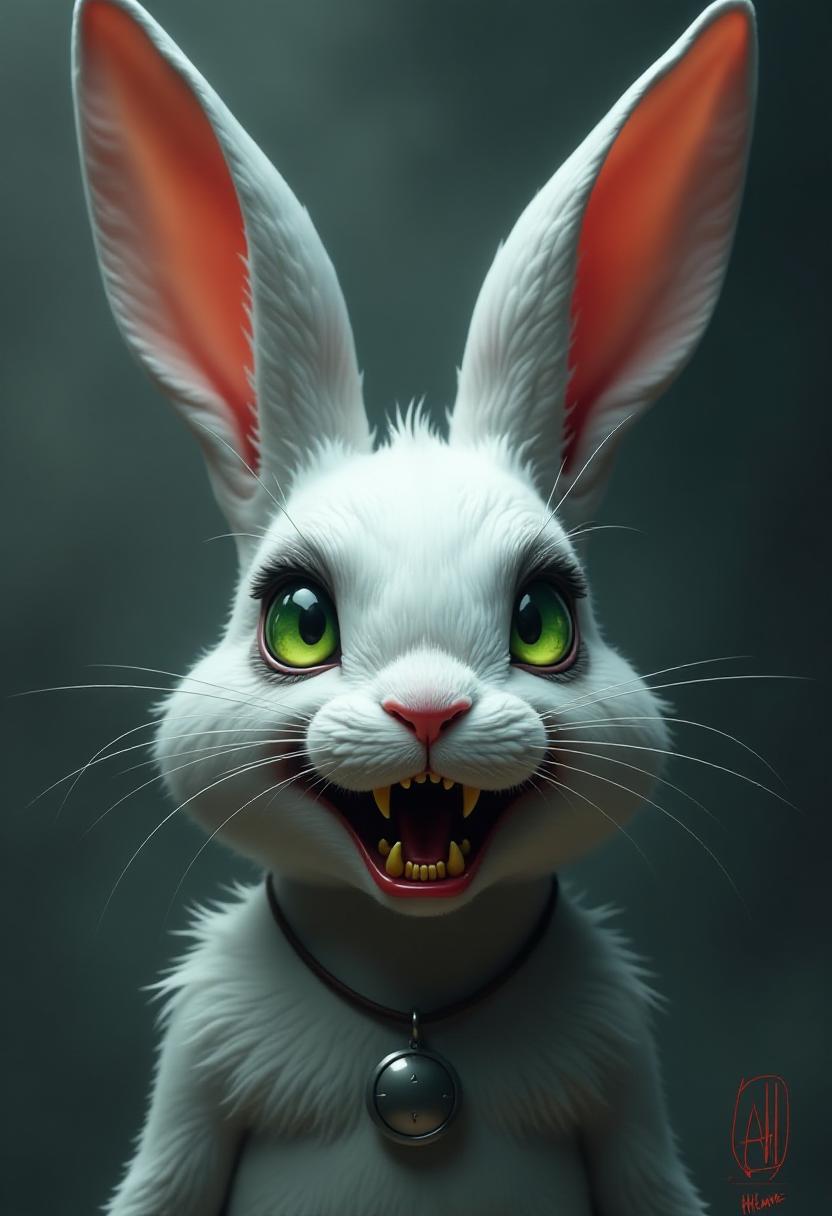
This image features a highly stylized and fantastical depiction of a rabbit. The art style is reminiscent of digital painting with a cinematic quality, utilizing a combination of smooth gradients and sharp contrasts to create a threedimensional effect. The medium appears to be a digital canvas, given the seamless blending of colors and the absence of brush strokes.The rabbit is the central figure, and it is presented in a closeup view that emphasizes its facial features. The creature has long, floppy ears that are a mix of white and a reddishorange hue, with the inner ear appearing to be a fiery orange. The fur is predominantly white with gray shading, giving it a realistic texture and volume. The fur is particularly detailed on the creatures snout, where the shading transitions from a dark gray at the tip to a lighter gray towards the cheeks.The rabbits eyes are the most striking feature, with a vivid green color that stands out against the darker tones of the face. The eyes are wide open, and the pupils are small, giving them a somewhat menacing appearance. The irises are detailed with a gradient of green shades, and the sclera is a pale white, which adds to the eerie effect.The creatures mouth is wide open, revealing a set of sharp, yellow teeth with jagged edges. The teeth are slightly misaligned, adding to the unsettling nature of the expression. The teeth are highlighted with a touch of red, giving them a more realistic and gory appearance.Around the neck, there is a small, reflective object that resembles a pendant or charm. It is a simple, silvercolored disc with a slight sheen, which contrasts with the darker tones of the creatures fur.The background of the image is intentionally blurred, with a smoky, grayishblue color palette that gives the impression of a dark, ominous environment. This choice of background focuses the viewers attention on the rabbits face, which is the primary subject of the image.Overall, the image conveys a sense of mystery and foreboding, achieved through the use of dramatic lighting, contrasting colors, and the rabbits menacing facial expression. The art style and the choice of subject matter suggest that this image could be part of a larger narrative or a conceptual piece rather than a representation of a reallife creature.

Start Creating AI Photos Today

40+ cutting-edge AI tools, loved by thousands of creators worldwide, cancel anytime, try it today

The Pixel Dojo Advantage

Why PixelDojo outperforms other options for AI photo generation

OthersPixel Dojo
Traditional Photo CreationEliminates the need for manual photography skills, allowing anyone to create professional photos effortlessly.
Generic AI ToolsOffers a comprehensive suite of over 40 specialized tools tailored for diverse creative needs.
Manual Photo EditingReduces the time and effort required to produce high-quality visuals, streamlining your creative workflow.

Loved by Creators

See what our community says about ai photo

"PixelDojo has transformed my creative workflow. The AI tools are incredible, and the results are stunning!"

Sarah K.

Digital Artist

"The ease of use and quality of results are unmatched. Finally, professional AI tools that just work!"

Michael R.

Content Creator

Common Questions

Everything you need to know about ai photo AI generation

How does PixelDojo's AI photo generation work?

PixelDojo utilizes advanced AI models to interpret your text prompts and generate corresponding photos. Simply input a description, and the AI creates a visual representation for you.

Is PixelDojo suitable for beginners?

Absolutely! PixelDojo is designed with user-friendliness in mind, allowing individuals with no prior design experience to create professional-quality photos effortlessly.

Can I customize the generated photos?

Yes, after the initial photo is generated, you can make adjustments to fine-tune the result to your liking before downloading the final version.

What types of photos can I create with PixelDojo?

You can create a wide range of photos, including artwork, marketing materials, social media graphics, and more, tailored to your specific needs.

Are there any limitations on the number of photos I can generate?

PixelDojo offers various subscription plans to suit different needs, with options that allow for unlimited photo generation.

How does PixelDojo ensure the quality of generated photos?

PixelDojo employs state-of-the-art AI models and continuously updates its tools to ensure high-quality, realistic photo outputs that meet professional standards.

Ready to create amazing AI photos?

Ready to Create Amazing ai photo Images?

Join thousands of creators using AI to bring their ideas to life