AI object insertion AI Generator

Imagine effortlessly adding new elements to your photos—be it a missing product in a catalog, a decorative item in an interior design shot, or a character in a scene. With PixelDojo's AI object insertion tools, you can seamlessly integrate objects into your images, enhancing visual storytelling and creative expression without the need for complex editing skills.

AI Generated
Get Started TodayResults in seconds50+ AI models

Join over 10,000 creators who have enhanced their visuals using PixelDojo's AI tools, achieving a 95% satisfaction rate in seamless object integration.

Why Choose Pixel Dojo for AI object insertion

Professional-quality results with cutting-edge AI technology

Enhance Visual Storytelling

Add depth and context to your images by incorporating relevant objects, making your visuals more compelling and engaging.

Save Time and Effort

Eliminate the need for complex photo shoots or manual editing by effortlessly inserting objects with AI precision.

Achieve Professional Results

Ensure natural integration of objects, maintaining lighting, perspective, and shadows for a realistic outcome.

How It Works

Creating stunning images with AI object insertion is simple and intuitive with PixelDojo. Follow these steps to transform your visuals:

1

Step 1: Select the 'Inpainting' Tool

Navigate to PixelDojo's 'Inpainting' feature, designed for seamless object insertion and removal.

2

Step 2: Upload Your Image

Choose the image you wish to edit by uploading it to the platform.

3

Step 3: Define the Insertion Area

Highlight the area where you want to insert the new object using the selection tool.

Community AI object insertion Gallery

Real examples created by our community

a photo of a ninja in front of a japanese dojo. on the wall a sign reads PixelDojo.ai Now with Imagen 4
a photo of a man flying through the air on a drone. the clouds say "PixelDojo.ai Now With Imagen 4"
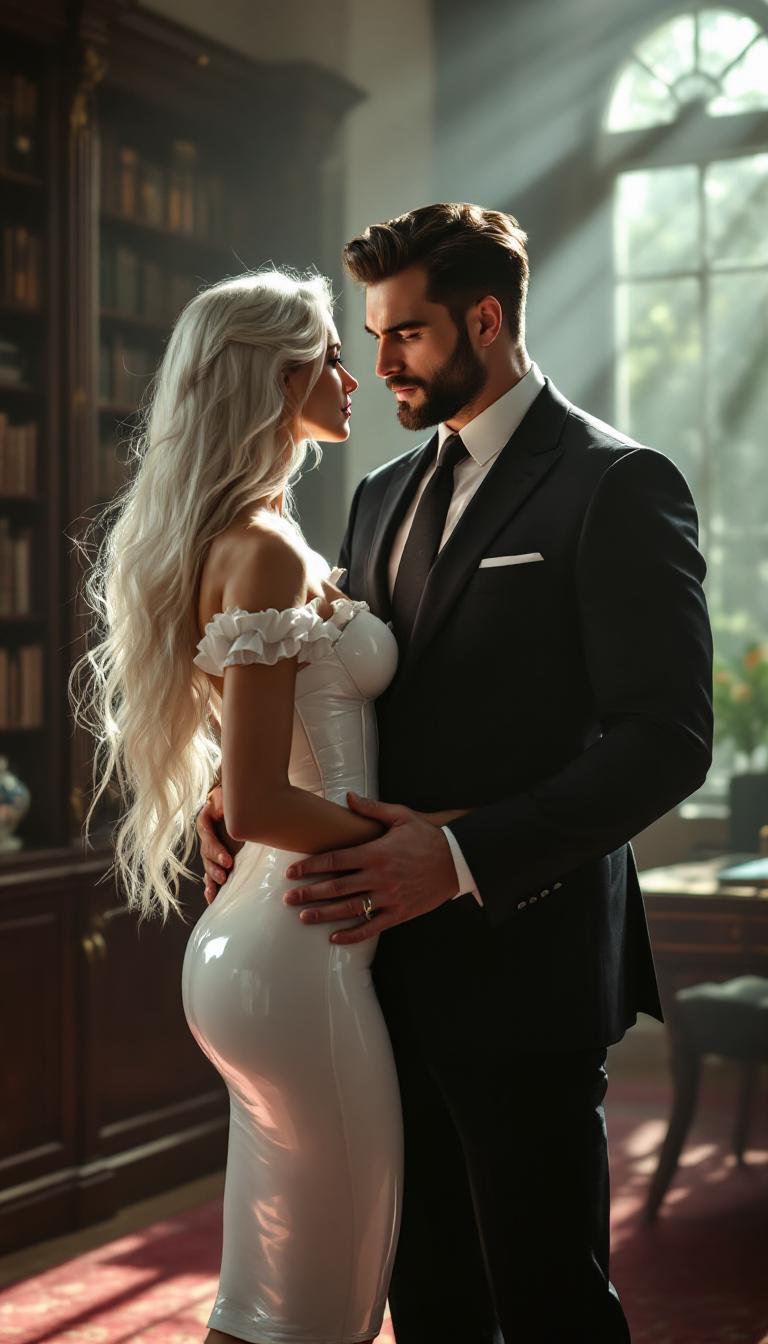
A striking scene in an elegant, victorian office with walls of bookcases and soft dark colored carpets bathed in soft, natural light streaming through large windows during late afternoon. A tall, strong man with a commanding presence stands confidently, dressed in a finely tailored dark charcoal suit with subtle pinstripes, a crisp white shirt, and a silk black tie. His dark brown hair is neatly trimmed, and his well-groomed beard frames a chiseled jawline, exuding sophistication and power. Across from him stands a slim, ethereal woman with long, flowing white hair cascading over her shoulders. She is dressed in a skintight, shiny white latex knee-length pencil skirt that gleams under the light, paired with a matching shiny white latex corset cinched tightly over a delicate white silk blouse with subtle ruffles at the collar. Her posture is poised yet submissive, her pale skin glowing against the glossy textures of her outfit. The two face each other intimately, his large hand resting possessively on her hip, creating a dynamic of tension and allure. The composition is framed from a slight low angle, emphasizing their height and dominance in the space, with the luxurious office decor—dark wood furniture, a minimalist desk, and abstract art on the walls—fading into a soft blur in the background. The mood is intense and charged, with an atmosphere of unspoken desire and control, captured in a hyper-realistic, cinematic style reminiscent of high-end fashion photography, with sharp focus, rich contrasts, and a cool, professional color palette of whites, grays, and deep blacks.
AI-generated image
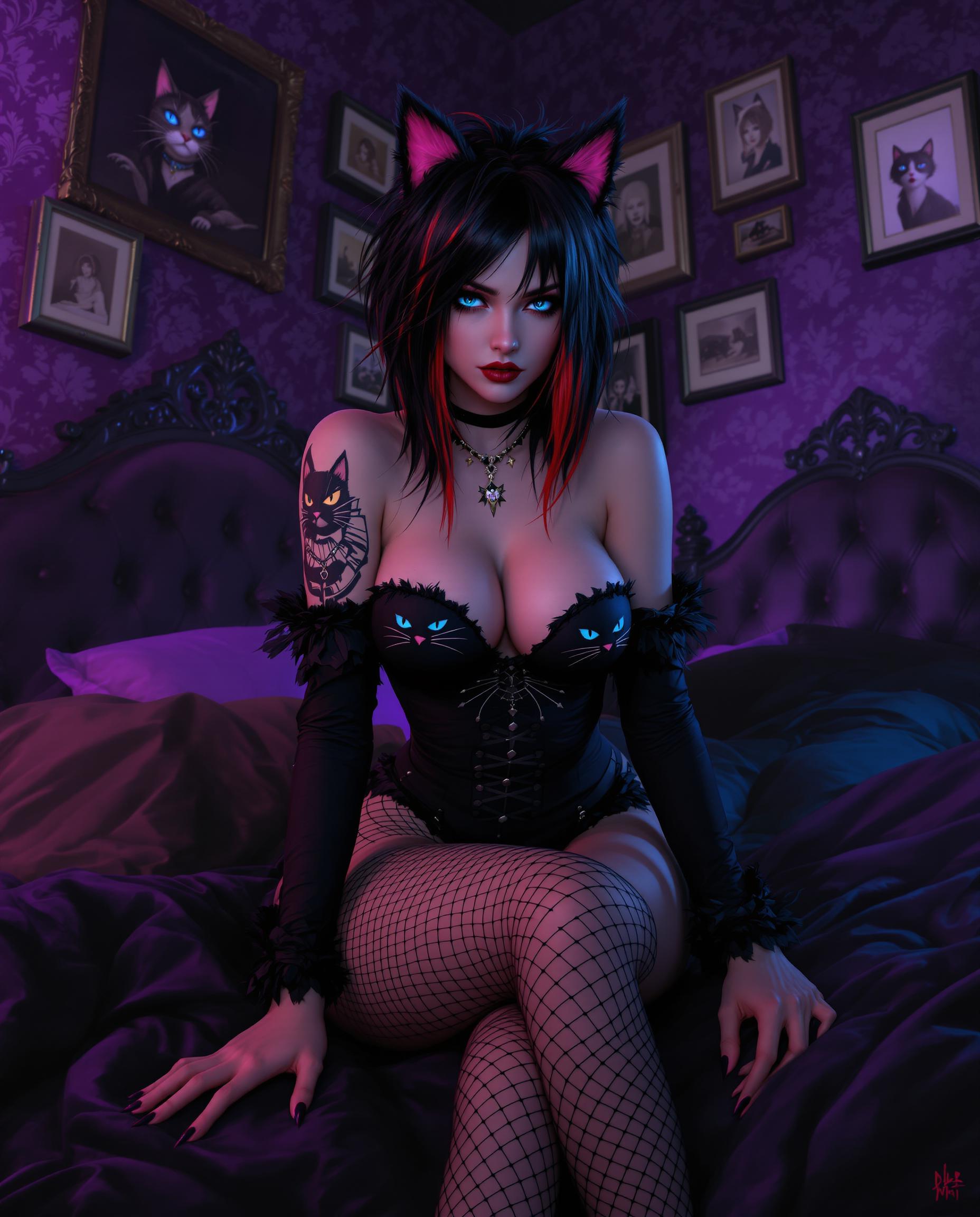
This is a realistic photo (photograph) of a female real person image that features a character with a strong realistic influence, including exaggerated facial features and a stylized body. The character has black hair with red tips, styled in a messy, voluminous fashion that falls around her shoulders and back. Her eyes are a striking shade of blue, and she has a somewhat stern expression on her face. The character is wearing a black outfit with a cat themed design, including a cat face on the chest and a cat ear on the shoulder. The outfit is paired with fishnet stockings and high heeled sandals with a furry trim. She also has a tattoo of a cat with blue eyes on her left arm, and there is a similar tattoo on her thigh. The setting of the image is a room with a gothic or Victorian aesthetic. The walls are covered in purple wallpaper with a floral pattern, and the furniture is dark and ornate, with a tufted headboard and a matching footboard. There are several framed pictures on the wall, and the room is lit with a purple glow, which casts a mysterious ambiance. The medium of the image appears to be digital painting, given the smooth color gradients and the lack of texture that might be present in traditional painting mediums. The colors in the image are quite rich and vibrant, with a predominance of purples, blacks, and reds, which contribute to the gothic and mysterious atmosphere of the scene.
AI-generated image

Start Enhancing Your Images Today

Access 40+ cutting-edge AI tools, loved by thousands of creators worldwide. Cancel anytime. Try it today.

The Pixel Dojo Advantage

Why PixelDojo is the superior choice for AI object insertion:

OthersPixel Dojo
Traditional Photo EditingNo need for manual selection and blending; AI handles seamless integration automatically.
Generic AI ToolsSpecialized object insertion features ensure context-aware placement and realism.
Stock Photo LibrariesCustomize your images with unique objects instead of relying on generic stock photos.

Loved by Creators

See what our community says about AI object insertion

"PixelDojo's AI object insertion transformed our product images, making them more dynamic and engaging without the hassle of reshoots."

Alex Johnson

E-commerce Manager

"As a content creator, the ability to seamlessly add elements to my photos has opened up new creative possibilities. PixelDojo makes it effortless."

Samantha Lee

Digital Artist

Common Questions

Everything you need to know about AI object insertion AI generation

How does AI object insertion work in PixelDojo?

PixelDojo utilizes advanced AI algorithms to analyze your image and seamlessly integrate new objects based on your text prompts, ensuring natural placement and blending.

Can I insert multiple objects into a single image?

Yes, you can add multiple objects by repeating the insertion process for each item, allowing for complex scene creation.

Is there a limit to the types of objects I can insert?

No, you can insert a wide range of objects as long as you provide clear descriptions in your prompts.

Will the inserted objects match the lighting and perspective of my image?

Absolutely. PixelDojo's AI considers the existing lighting and perspective to ensure the inserted objects blend naturally with your image.

Do I need any prior editing experience to use this feature?

Not at all. PixelDojo's intuitive interface is designed for users of all skill levels, making AI object insertion accessible to everyone.

Can I edit the inserted objects after generation?

Yes, you can make adjustments to the inserted objects to fine-tune their appearance and positioning as needed.

Ready to Transform Your Images?

Ready to Create Amazing AI object insertion Images?

Join thousands of creators using AI to bring their ideas to life